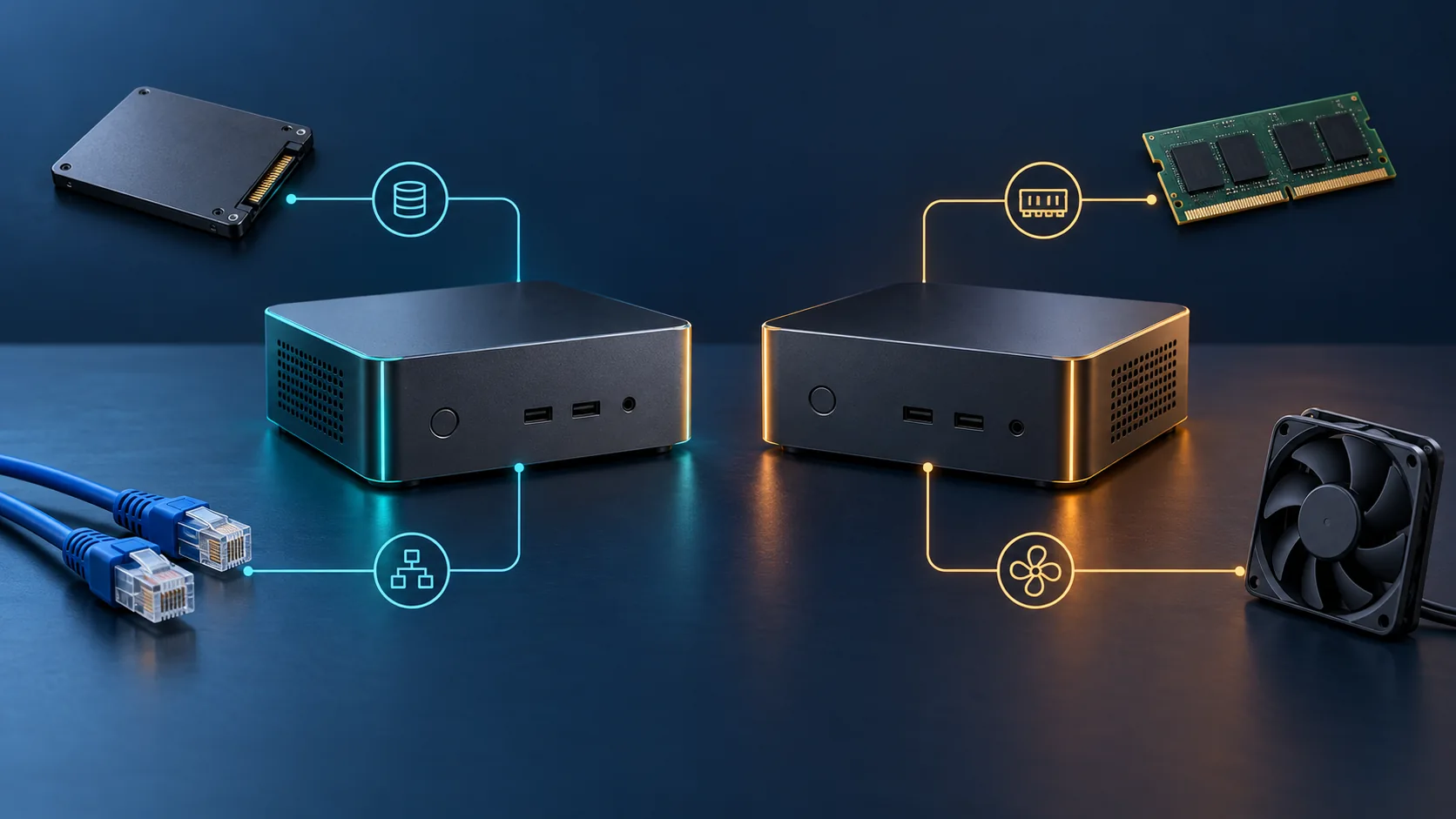
HardwareHomelab
Intel N150 vs Intel N100: Choosing a Mini-PC or Homelab Server
Compare Intel N150 and N100 specifications, memory and expansion limits, power, video acceleration and complete mini-PC choices for a home server.
Network Attached Storage Operating Systems (Unraid, OpenMediaVault, TrueNAS, HexOS, Rockstor) and storage pools.
Compare Intel N150 and N100 specifications, memory and expansion limits, power, video acceleration and complete mini-PC choices for a home server.
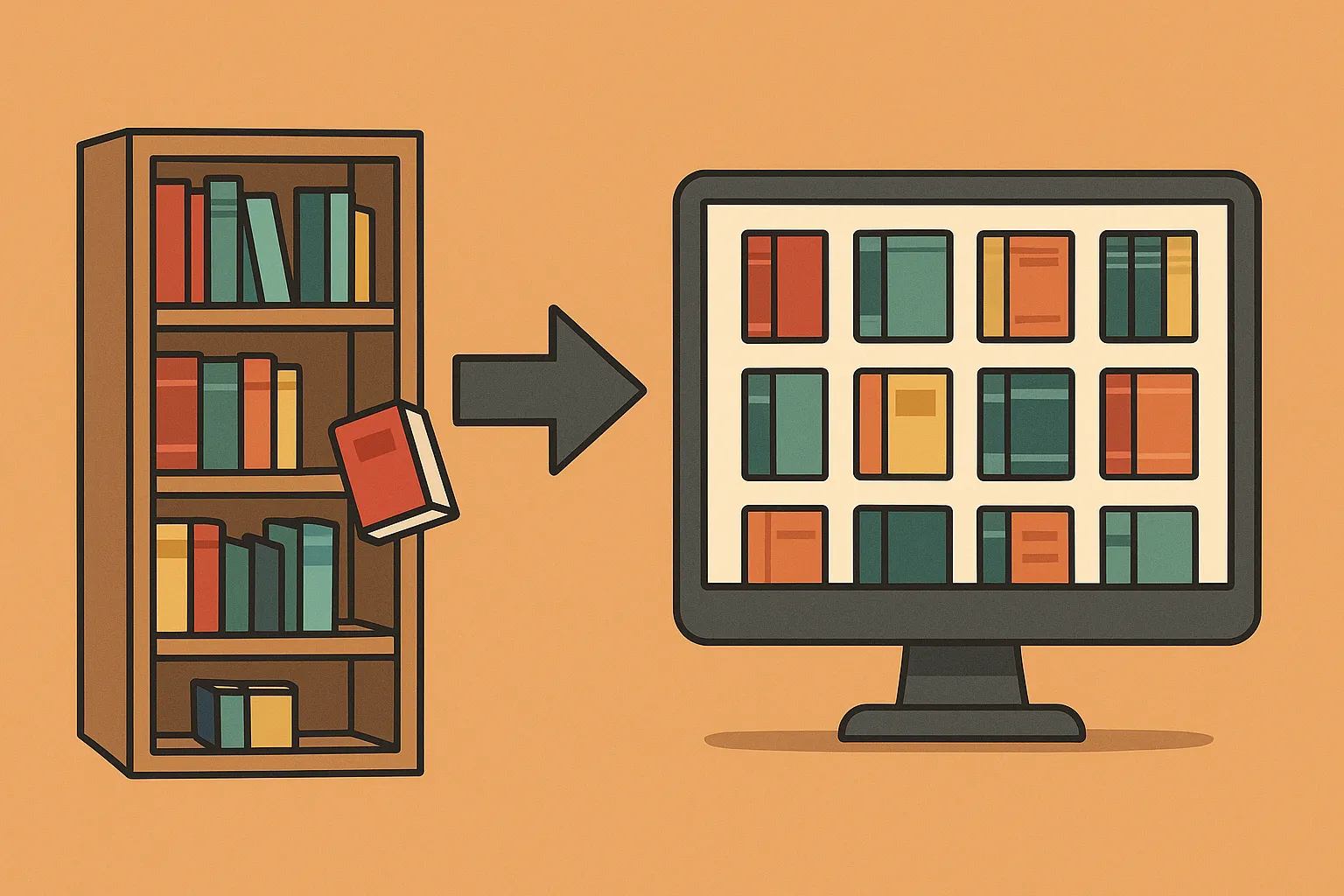
Build a self-hosted Kavita library with accurate metadata, sensible Docker storage, reader-specific progress sync and a recoverable backup plan.
Explore OpenCloud file sharing and sync: Go-based storage, native clients, identity and proxy choices, production deployment and a recoverable migration plan.
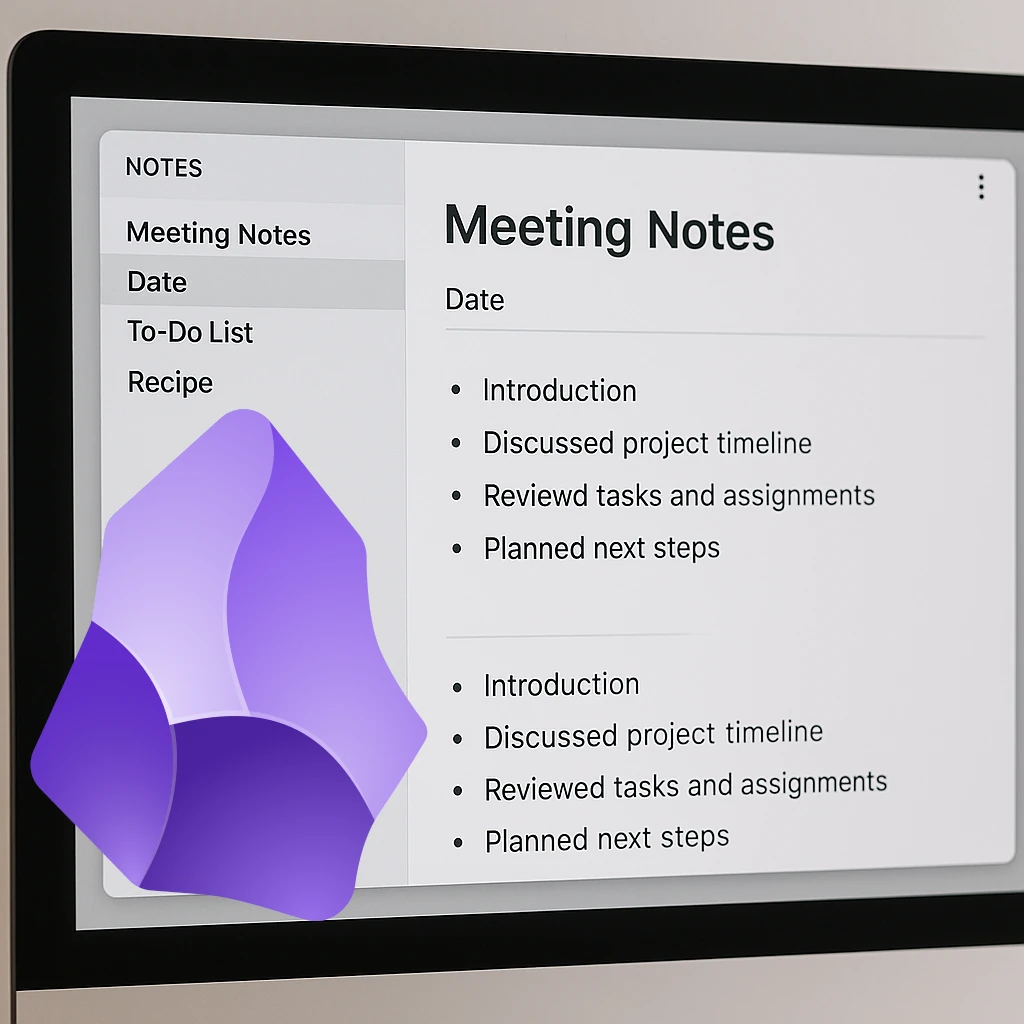
Use Obsidian local vaults with a carefully chosen self-hosted sync method, understand mobile and encryption limits, and keep recoverable backups.
Build a Kodi home theatre with suitable playback hardware, organised media, supported server add-ons, shared-library choices and reliable maintenance.
To install Immich in our Proxmox Homelab previously, we had to first install a Docker LXC and then Immich. This changed with the introduction of a new LXC Helper Script that was released. Let's look at installing Immich a bit easier.

We all need some music in our life - be it from purchased music albums or internet radio. Lyrion will fulfill this requirement in your homelab setup with ease.

Browse a Calibre-format eBook library with Calibre-Web, configure Docker and OPDS, and check Kobo sync, conversion and recoverable storage.
Organize documents with Paperless-ngx, understand OCR and matching, choose a current deployment recipe, and test permissions and recovery.

As we continue to try to move all our services to self-hosting, one of the most popular paid services is music streaming. Let's take a look at a self-hosted music streaming solution.
Now that we have successfully installed a VM with Turnkey Linux's Nextcloud , we can get it set up. While the helper scripts simplified the process, the installation itself presented...
Installing Nextcloud in our Proxmox environment is a bit more hands-on than our normal installs, so we are going to be using multiple sources to make our lives easier.
Now that Immich is running in a separate LXC with a load of space, let's start using it by setting up a reverse proxy and access rules.
Let's start saving some money with a service that the majority of smartphone users have: a service that backs up their photos and videos to the cloud. This is something that is very easy to self-host with the help of Immich.
Compare Nextcloud and Immich for phone photo uploads, storage and recovery, with the deployment and maintenance tradeoffs of hosting your own photo library.
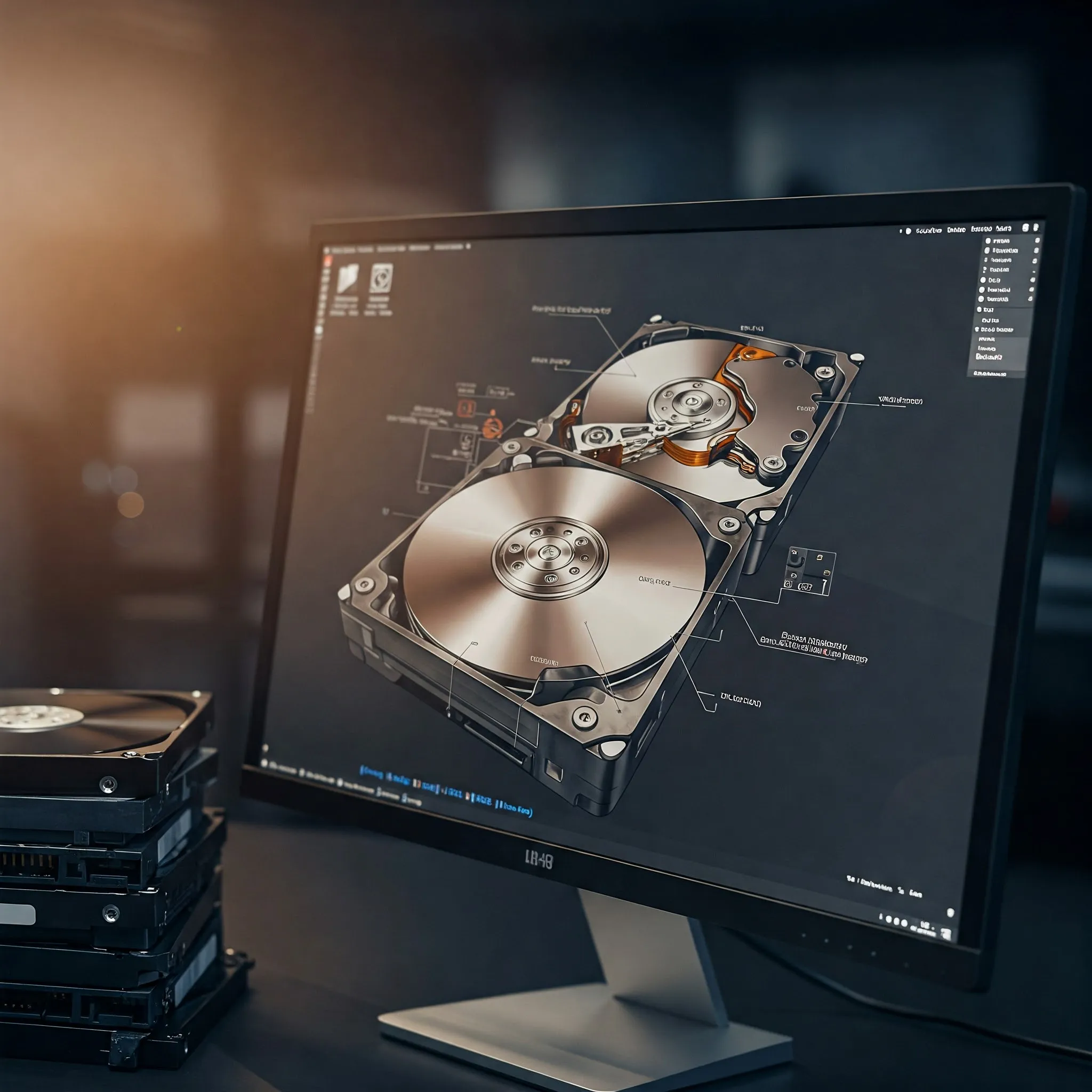
Compare hardware RAID, Linux MD and OpenZFS: capacity, cache safety, integrity checks, controller recovery and why redundancy still needs separate backups.
How HexOS simplifies TrueNAS storage, what Local management and licensing include, and what to check before trusting a NAS with your data.
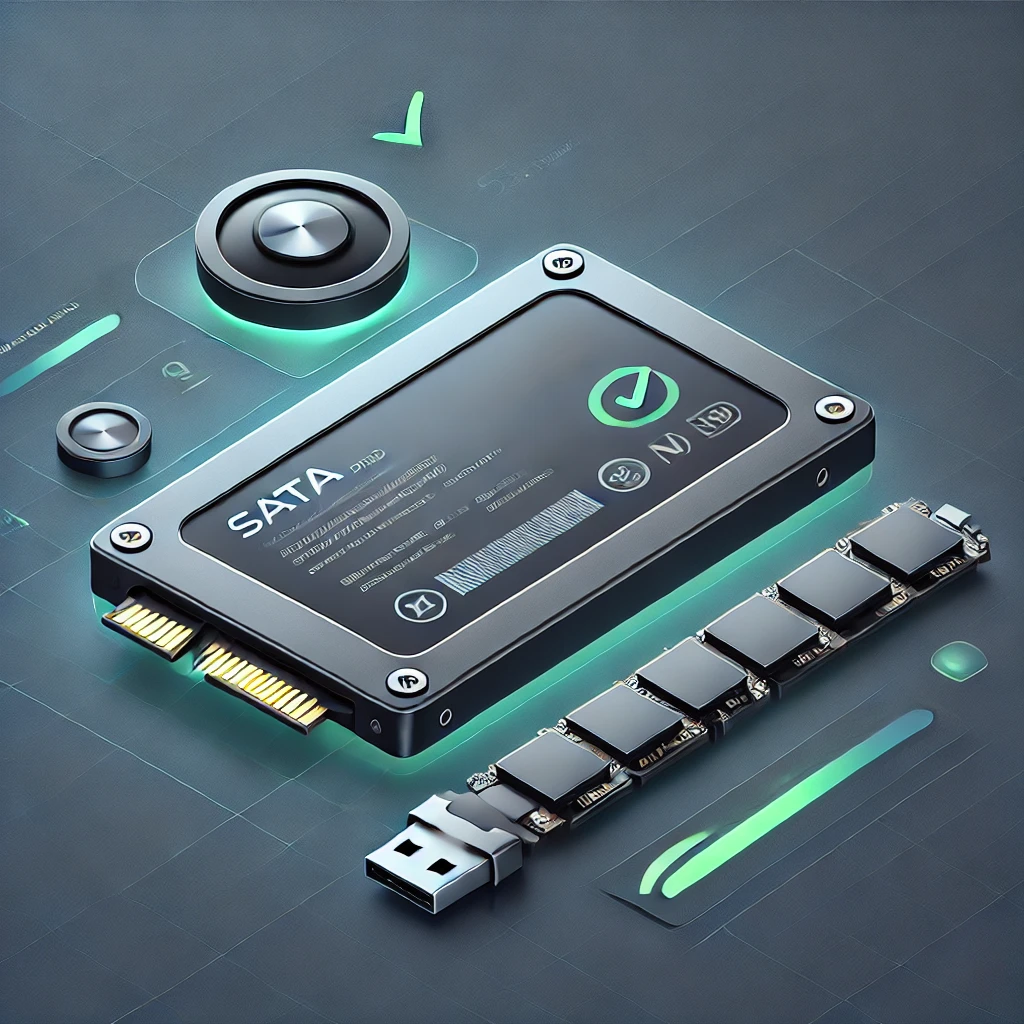
Interpret SSD health and endurance readings, check TRIM and maintenance correctly, and plan monitoring, backups and replacement without treating a health score as a guarantee.
Set up PsiTransfer with protected upload and admin access, clear retention and encryption limits, and tested recipient downloads and recovery.
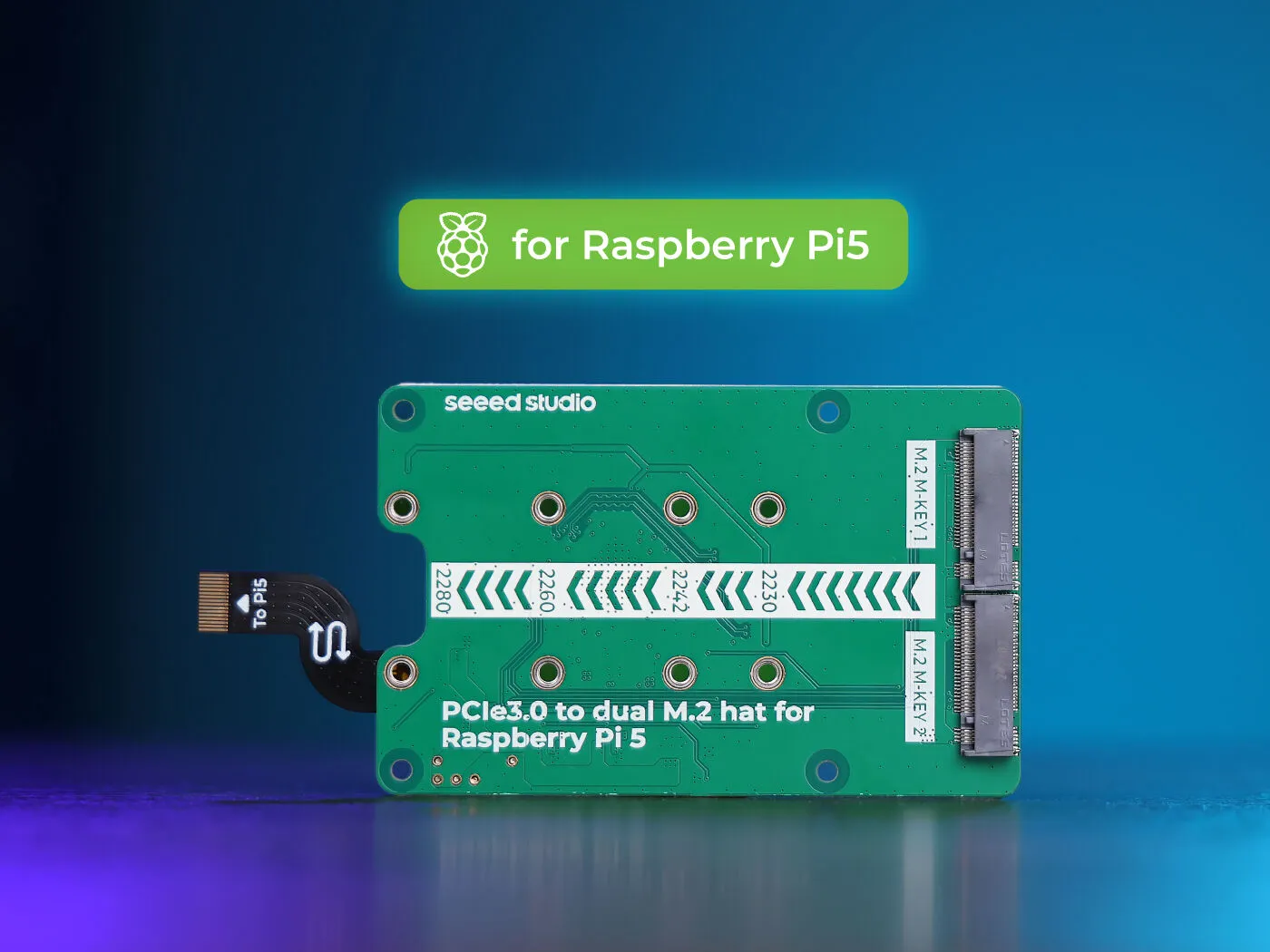
Explore Seeed’s ASM2806 dual-M.2 Pi 5 board for NVMe storage and supported AI modules, with shared bandwidth, compatibility, power and recovery considerations.
Use Duplicati for scheduled backups with sensible encryption, persistent Docker settings, application-consistent data and a restore process you can verify.

Plan an Immich deployment with matching release files, suitable storage and verified mobile uploads. Protect the library with database-and-media backups and restoration checks.
Connect Streamyfin to Jellyfin, verify local and offline playback, understand release/platform limits and configure optional Seerr integration with clear access and privacy boundaries.

Compare NFS and SMB for home clients, verify identity and permissions, test Linux mounts and handle NAS outages before making shares persistent.

Archive Twitch VODs and live streams with Ganymede, using supported container deployment, persistent storage, secure access and verified backups.

Ever wondered why devices like NAS systems, mini PCs, or even some motherboards come with multiple Ethernet ports? Link Aggregation, often called port bonding or teaming, is a powerful network feature designed to improve speed, redundancy, and overall reliability in certain devices and setups.

Understand SAN versus NAS and local storage, when network block storage is useful, and why multi-host access needs careful coordination and recovery planning.

SmartOS is an open-source, illumos-based hypervisor operating system built with OpenZFS, DTrace, Crossbow virtual networking, OS/LX Zones, and KVM/Bhyve hardware virtualization. Learn how SmartOS works and how it compares to Proxmox VE.

A favourable overview of Plex as a home media hub, with current playback/subscription checks, optional Linux deployment and practical access and recovery guidance.
Understand Rockstor NAS storage, Btrfs pools and snapshots, hardware requirements, update channels and backup planning before building your own file server.
Understand openmediavault’s current release, storage and optional plugins. Test one private share, distinguish pooling from parity and verify data recovery.

Understand DAS versus NAS, choose a compatible storage connection, plan RAID and usable capacity, and protect files with practical recovery and backup checks.
Learn Unraid array and pool storage, current licence tiers, safe installation checks, Mover behavior and backup planning for a first home server.
How Jellyfin organizes a personal media library, with current Docker, client playback, hardware acceleration and privacy considerations.
Use FreedomBox’s integrated Nextcloud app for a personal cloud, with supported setup, account checks, storage planning and a verified backup and recovery process.
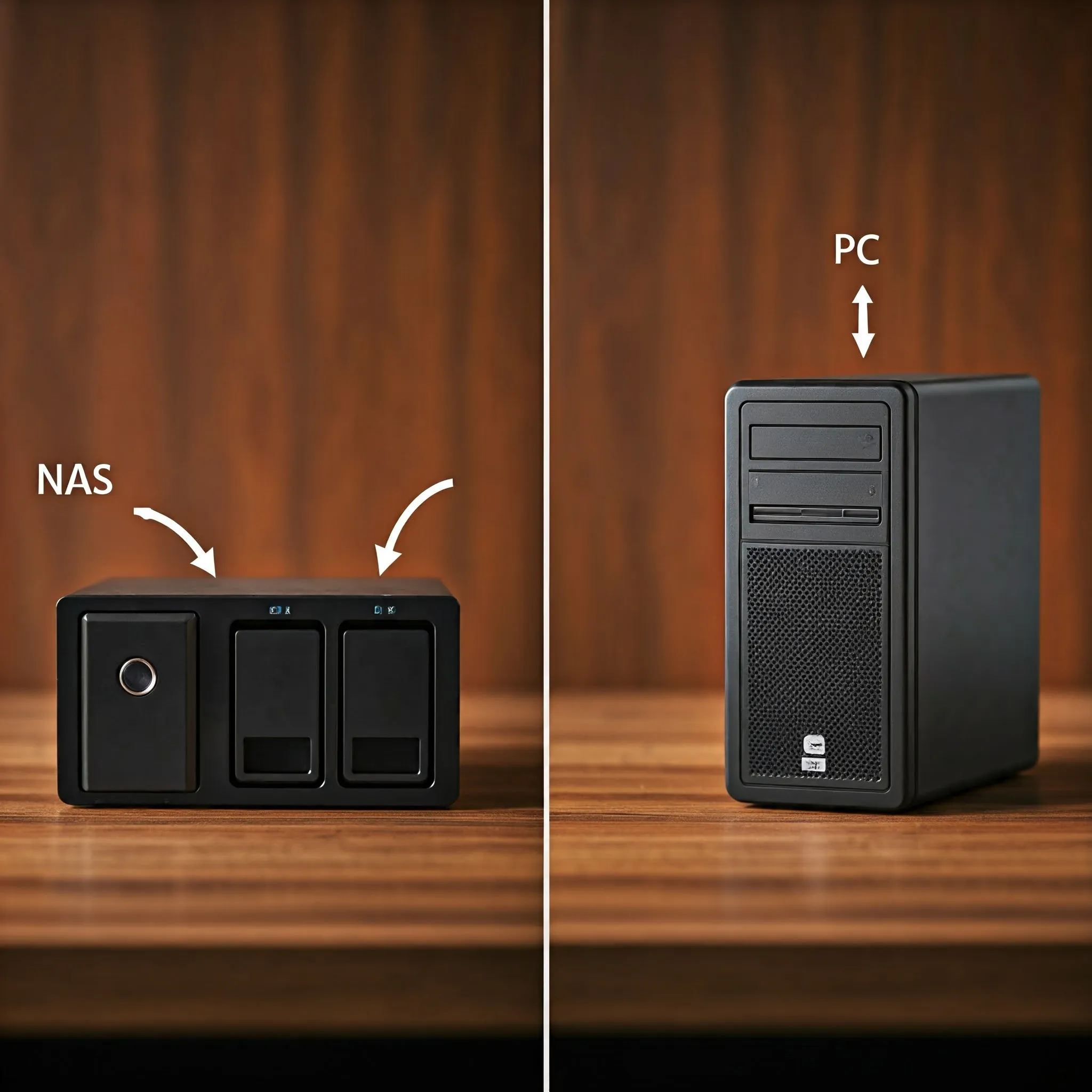
Compare a NAS appliance with a DIY storage PC by workload, hardware, measured costs, backups and the ability to recover your data.

Ever wanted to share folders seamlessly between Linux servers, Windows 11 PCs, and macOS machines across your home network? Learn how Samba (SMB3) works, how to configure /etc/samba/smb.conf securely, and how to avoid common permission pitfalls.
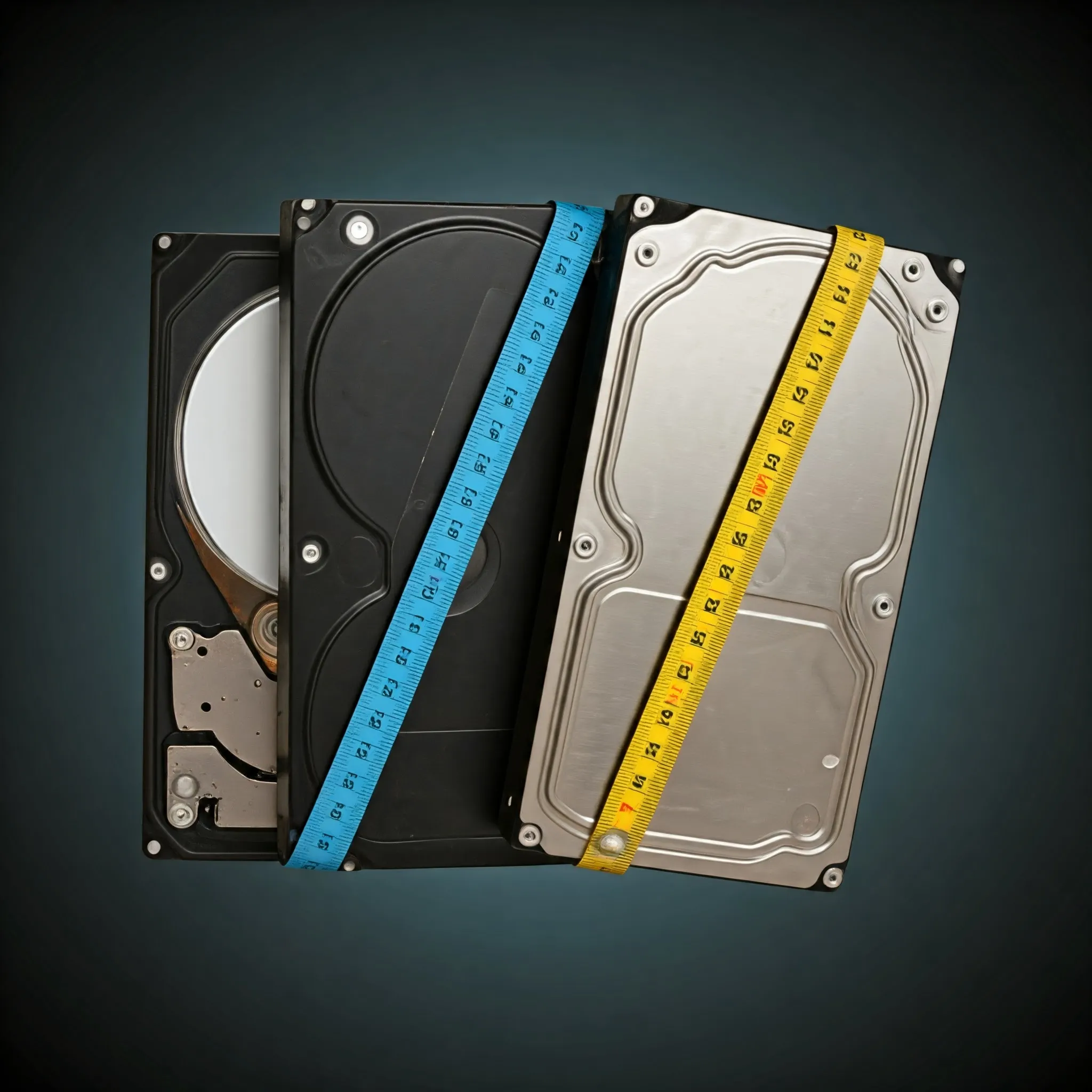
Compare hard-drive workloads and check exact models, CMR/SMR recording, recovery behaviour, workload ratings and warranty before buying.
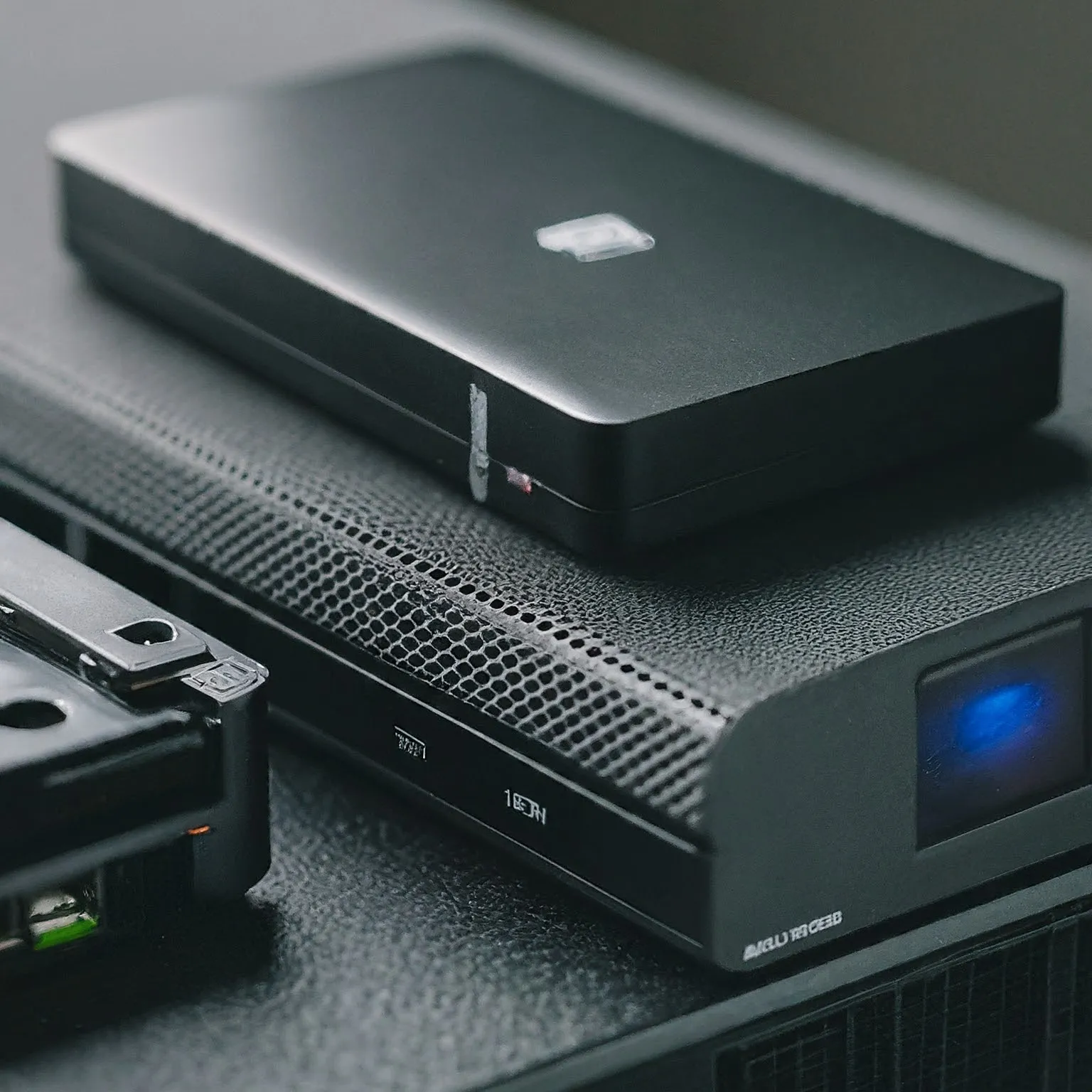
Choose NAS drives by workload, usable capacity, network limits and endurance, and understand the different risks of SSD pools, caches, SLOG and special devices.
Plan a Nextcloud personal cloud with TrueNAS datasets, persistent Docker storage, real background-job scheduling and a complete backup and recovery strategy.

Understand TrueNAS and home NAS storage: CORE versus Community Edition, disks and datasets, ZFS redundancy, sharing permissions and recoverable backups.
Build a Raspberry Pi NAS with OpenMediaVault: choose compatible hardware, install the matching OS, create SMB shares and check power, permissions and backups.

Choose cloud storage by its sync, encryption and recovery features. Understand online-only files, backup limits, archive costs and a practical test before uploading valuable data.
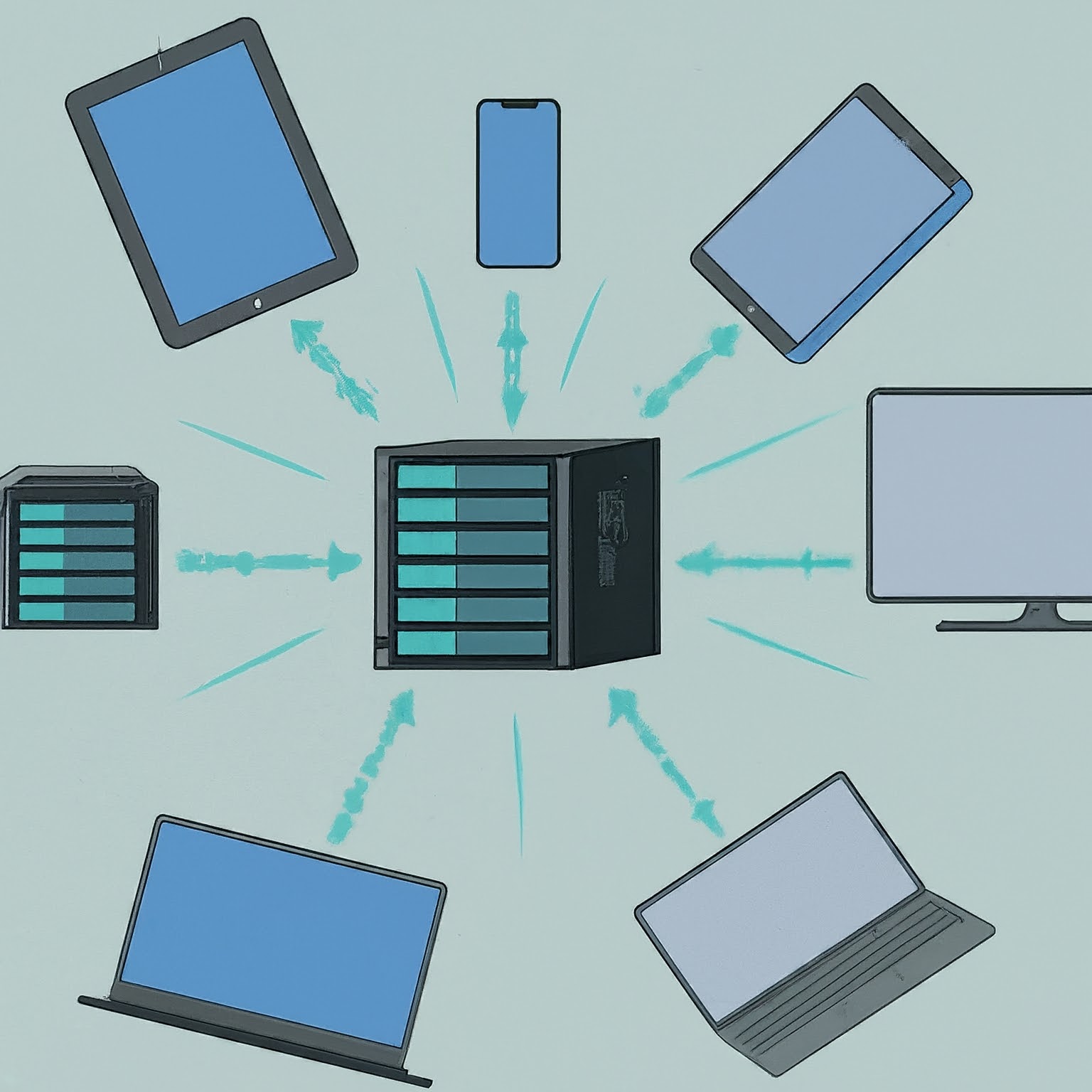
Plan a NAS around sharing, permissions, drive layouts and expansion, then protect it with independent backups and a tested restore process.
Understand RAID levels, usable capacity, failure tolerance and rebuild planning, with clear distinctions between redundancy, ZFS checksums and backups.
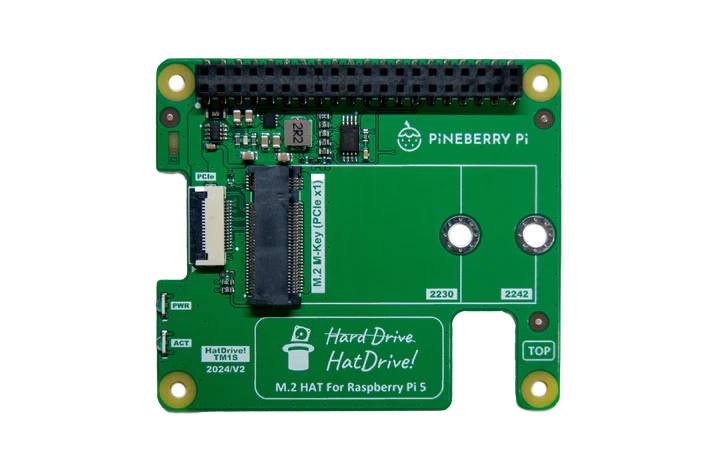
Choose a compatible NVMe adapter, check power and cooling, verify detection and boot with recovery media. Keep Gen3 optional and measure your own workload.
Choose HDD, SATA SSD or NVMe by compatibility, workload and capacity. Understand benchmark limits, recording technology, endurance and recoverable storage.
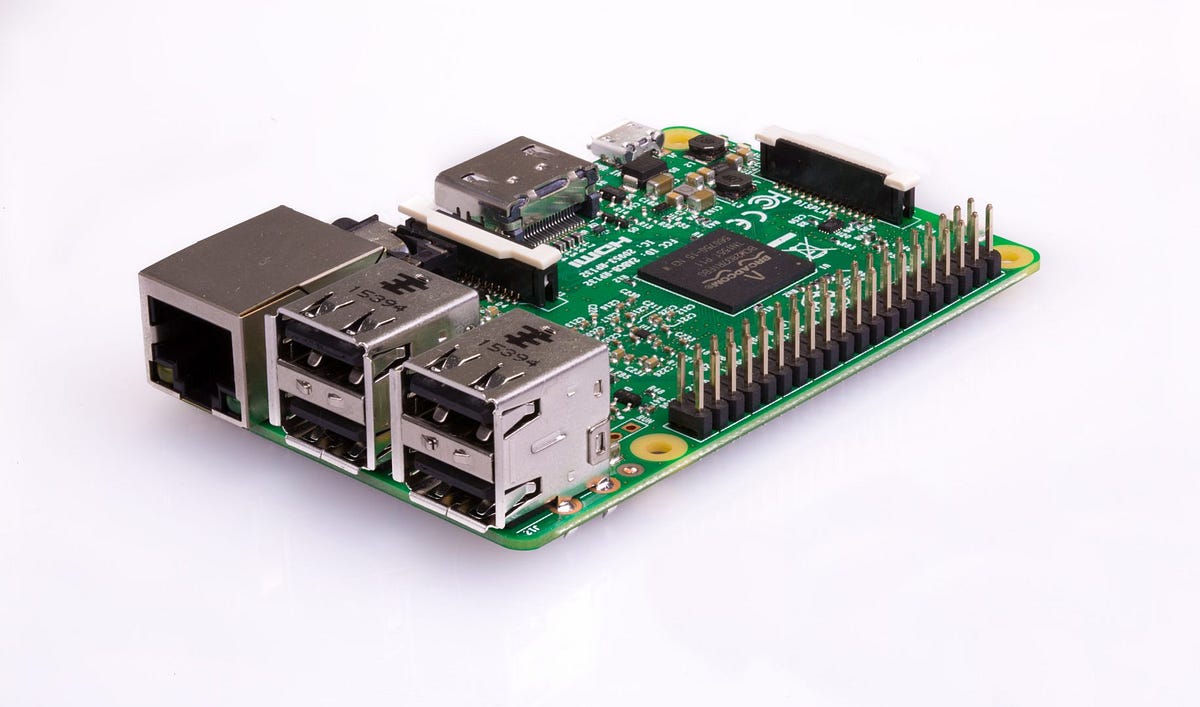
Plan a Raspberry Pi media server around player and server roles, playback limits, storage mounts, power and a recoverable backup.