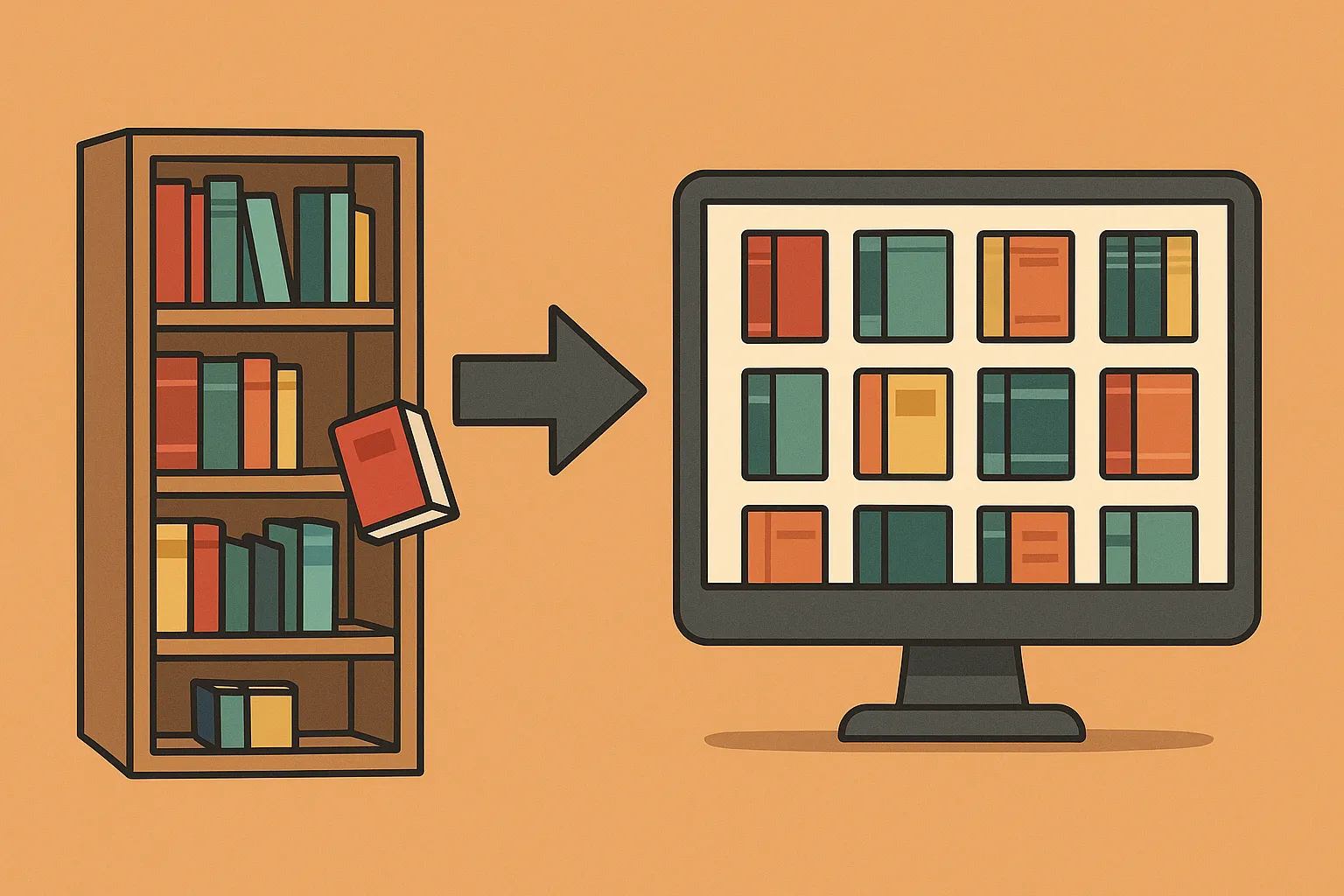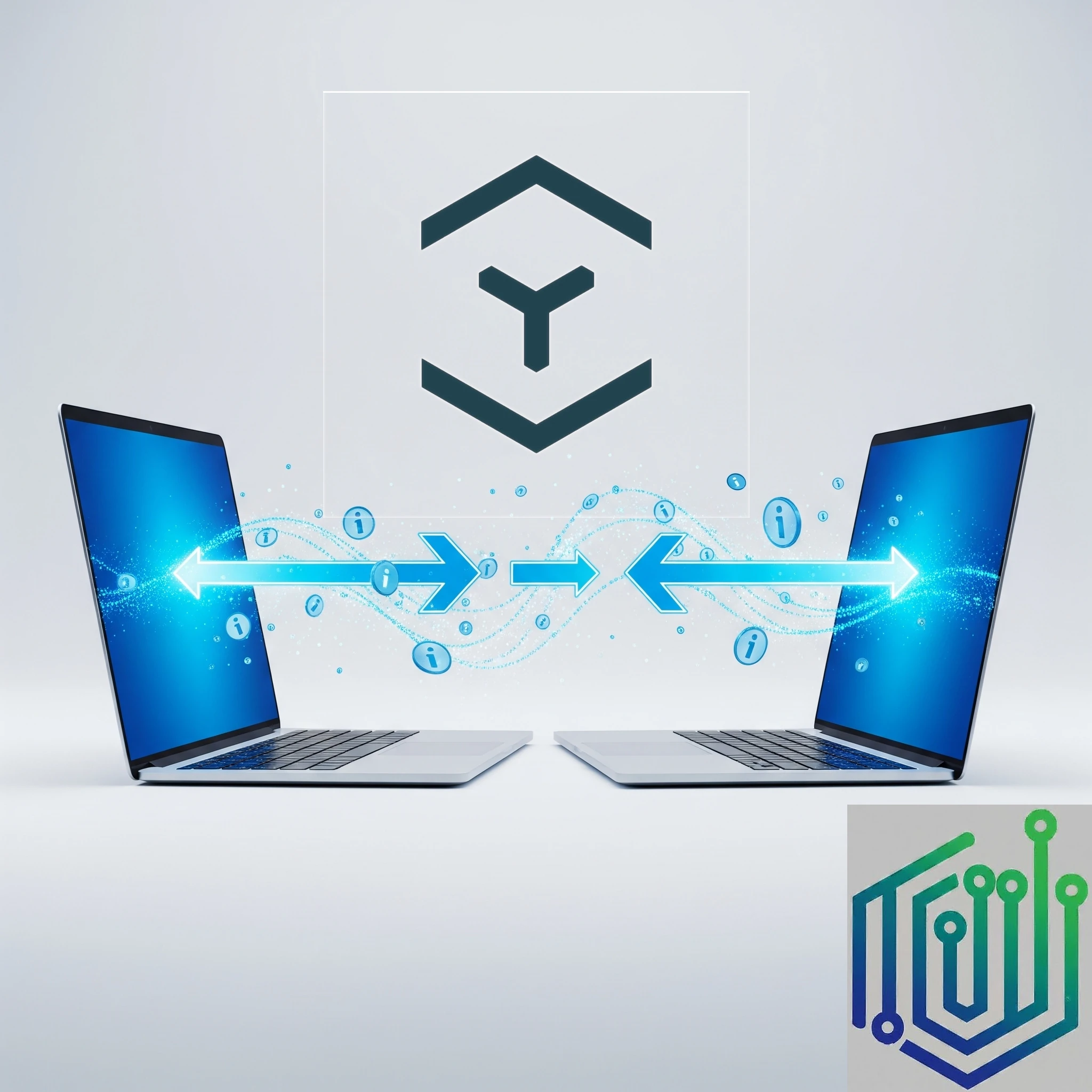
Are you a music lover with a growing digital collection? Do you find yourself juggling between purchased albums, scattered digital files, and subscription services? What if you could have the best of both worlds: the convenience of streaming with the ownership of your music? That's where Navidrome comes in!
What Is Navidrome and How Does It Work?
Navidrome is a lightweight, modern music server written in Go with a ReactJS front end, designed for speed even on resource-limited hardware like a Raspberry Pi. It indexes your local music collection (MP3, FLAC, AAC, etc.) and serves it over HTTP, providing an intuitive web UI where you can browse by artist, album or playlists.
Under the hood, Navidrome implements the Subsonic and OpenSubsonic APIs, allowing a wide range of compatible clients to connect. It supports on-the-fly transcoding to lower bitrates for mobile streaming, helping reduce mobile data usage when listening away from home. Configuration is handled via environment variables, config files or CLI flags, making deployment flexible and scriptable.
How does it work?
- You provide the music: Navidrome scans the music files you have stored on your computer or server. This can include MP3s, FLAC files, and other common audio formats.
- Navidrome organizes it: It reads the metadata embedded in your music files (like artist, album, track title, and cover art) and organizes your library into a beautiful and searchable interface.
- You stream anywhere: Using a compatible app on your phone, tablet, or computer, you connect to your Navidrome server and can browse, search, and play your entire music collection just like you would with a paid streaming service.
Owning vs. Renting Your Music: A Quick Look
Let's consider the differences between buying music and subscribing to a service:
Purchasing Music:
- Upsides:
- Ownership: DRM-free files remain in your collection independently of a streaming subscription, provided you keep working backups. Buying recordings does not transfer their copyright or grant unrestricted redistribution rights.
- Higher Quality: Purchasing lossless files such as FLAC lets you keep the original quality and choose how to play them. Compare the actual recording and encoding: a purchase is not automatically better than a subscription.
- Supporting Artists Directly: Buying directly from an artist is one way to support the music you value; the amount reaching the artist depends on the shop and agreement.
- Building a Legacy: Your music collection can be passed down or enjoyed for generations.
- Downsides:
- Initial Cost: Buying albums or tracks individually can have a higher upfront cost than a monthly subscription.
- Storage Management: You are responsible for storing and organizing your digital music files.
- Portability: Accessing your music across multiple devices can sometimes be less seamless without a dedicated solution.
Subscription Services (Spotify, Apple Music, etc.):
- Upsides:
- Vast Libraries: Access to millions of songs for a relatively low monthly fee.
- Convenience: Easy to discover new music and create playlists across various devices.
- No Storage Worries: You don't need to store the music files yourself.
- Downsides:
- No Ownership: You are essentially renting access to the music. If you stop paying, you lose access.
- Lower Audio Quality: Lossy streaming settings can sacrifice information, but subscription services can also offer lossless playback. Apple Music, for example, supports lossless streaming and downloads.
- Artist Compensation: Payment arrangements differ by service, distributor and recording agreement; a stream should not be treated as a fixed payment directly to an artist.
- Dependence on Internet: Live streaming needs connectivity; many subscription apps also support downloaded listening while the subscription remains valid.
Navidrome: Your Spotify for Purchased Music
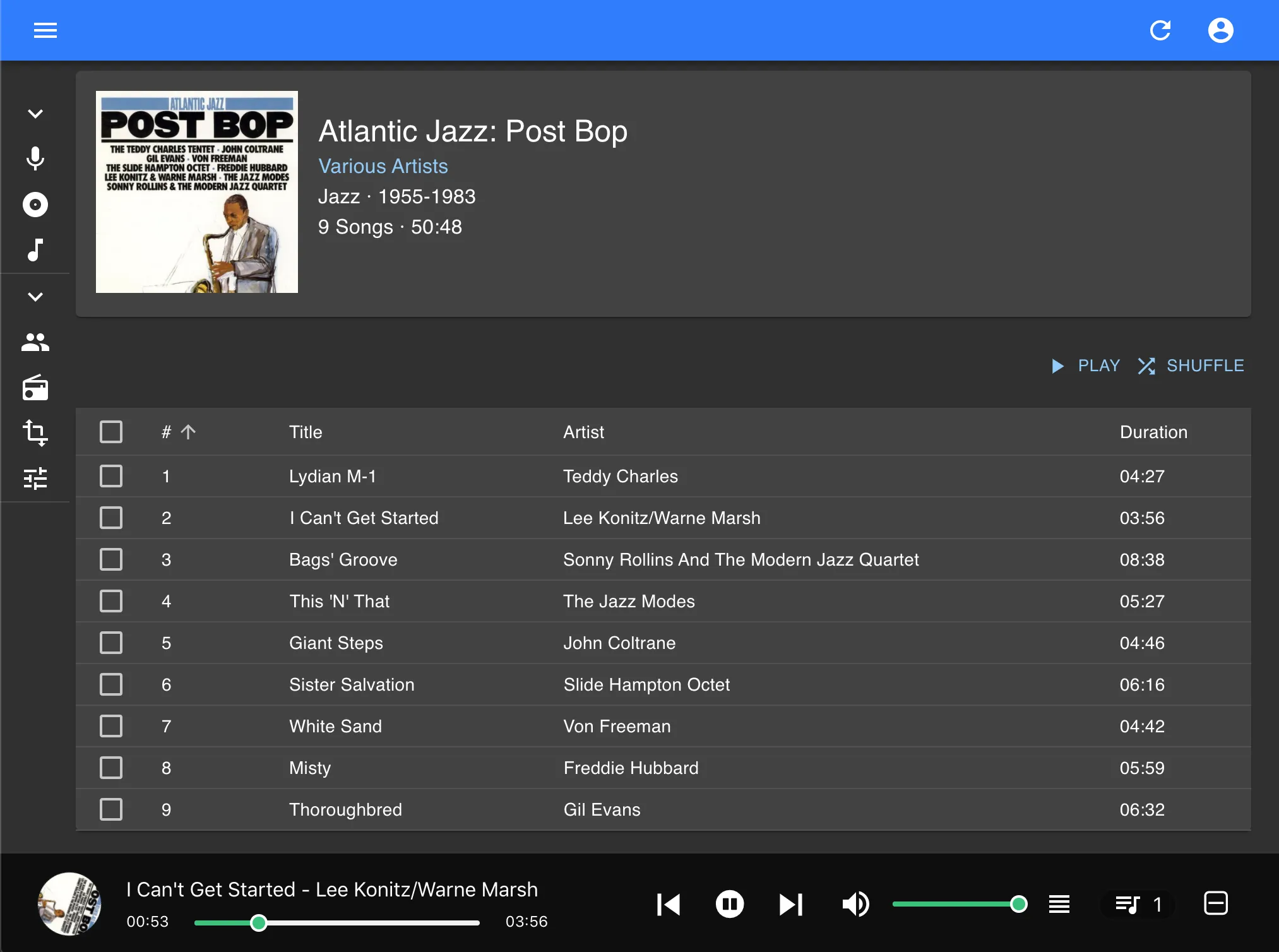
By self-hosting Navidrome, you combine the best of both worlds: you own your music library while enjoying streaming-service-style features. Navidrome’s web UI offers:
- On-demand playback: Stream any track instantly.
- Playlists & smart playlists: Create and sync playlists across all your devices.
- Offline caching: Clients like Substreamer can download tracks for offline use.
- Multi-user support: Create separate accounts with their own listening history and playlists. Current multi-library support can restrict access to particular collections.
Transcoding settings can adapt playback to the connection, but a weak upload link or an overloaded server can still interrupt listening.
Apps for Android, iOS and Desktop
Navidrome supports a broad client ecosystem. Features such as offline downloads, casting and smart playlists vary by app and version, so test your chosen client with your library before depending on it. Examples include:
Android Clients
- Substreamer: Free, open-source; offline caching and adaptive bitrates.
- Symfonium: Paid, polished UI and robust feature set.
- DSub: Feature-rich client with scrobbling and Chromecast support.
iOS Clients
- flo: Native Navidrome app; offline mode, playlist support and clean design.
- play:Sub: General Subsonic client, works great with Navidrome servers.
- Amperfy: Open-source, actively maintained, supports offline caching.
Desktop Clients
- Aonsoku (Windows/macOS/Linux): Modern UI, Subsonic integration.
- Sonixd: Cross-platform, playlist management and theming.
- Supersonic: Desktop client for Subsonic-compatible servers; check its current supported operating systems.
For a full list of supported clients, visit the Navidrome website
A Quick Note on Subsonic Clients
You might have noticed the term "Subsonic client" popping up. Subsonic was one of the original open-source personal media streaming servers. Navidrome is designed around compatibility with the Subsonic API and its OpenSubsonic extensions (Application Programming Interface). This is fantastic news because it means that a vast ecosystem of existing Subsonic client apps can connect to your Navidrome server! These clients have been around for years and are often well-maintained and feature-rich.
Conclusion: Your Music, Your Control
Navidrome offers a compelling solution for music lovers who want the convenience of streaming without sacrificing ownership and audio quality. By self-hosting your music with Navidrome, you take control of your listening experience, support the formats you love, and enjoy your purchased music library in a modern and accessible way. It might seem a little technical at first, but the rewards of having your own personal music streaming service are well worth the effort. So, dive in, explore the world of Navidrome, and rediscover the joy of listening to your music, your way!
Visit the official Navidrome website
Deploying Navidrome with Docker Compose
Start with a small library on your own network. The music directory is mounted read-only because Navidrome does not need to edit recordings. Its separate data directory must be writable: that is where the database and cache live. A read-only music mount protects that mount from changes by the container; it does not replace backups or protect every other program on the host.
This example follows the project's official Docker layout. Install Docker and the Compose plugin first, replace the music path with an existing host directory, and create the data directory. The example UID and GID are 1000:1000; check the actual account with id -u and id -g. That account needs read access and directory traversal permissions for music, and ownership or appropriate write permissions for data. Do not solve access errors by running the service as root.
services:
  navidrome:
    image: deluan/navidrome:latest
    user: "1000:1000"
    restart: unless-stopped
    ports:
      - "127.0.0.1:4533:4533"
    environment:
      ND_LOGLEVEL: info
    volumes:
      - ./data:/data
      - /mnt/nas/music:/music:ro
The port is deliberately bound to the Docker host's loopback address. Open http://127.0.0.1:4533 on that host after starting Compose, then complete initial account setup. A remote phone cannot reach this address directly. To listen from other devices, plan a LAN binding, a VPN or an HTTPS reverse proxy; restrict access appropriately. A containerized proxy needs a shared Docker network and the service address rather than the host's loopback mapping.
Check logs if the library is empty: an unreadable music mount and an unwritable data directory cause different errors. Confirm one album, artwork and playback before copying your whole collection. The latest tag is convenient for an example but can change; review release notes, back up data and record the deployed version before updating. Keep a recoverable copy of both the music files and application data, and test restoring them.
Tags and Smart Playlists
Good album artist, track number and disc number tags are more useful than an elaborate folder hierarchy. Navidrome organizes browsing around metadata and simulates folders from tags. Keep compilation albums consistent so a collection does not appear as several unrelated albums. Artwork can be embedded in files or stored alongside them; a cover.jpg file is not itself an embedded tag.
Smart Playlists use JSON files with a .nsp extension and are documented as a beta feature. Place a file in a scanned music directory, check that the container can read it, and run or wait for a library scan. For example, this rule selects tracks from 1990–1999 with ratings above three stars that have not been played in the last 30 days:
{
  "name": "High-Rated 90s Favorites",
  "all": [
    { "inTheRange": { "year": [1990, 1999] } },
    { "gt": { "rating": 3 } },
    { "notInTheLast": { "lastPlayed": 30 } }
  ],
  "sort": "random",
  "limit": 100
}
Rules based on ratings or play history use the playlist owner's interactions. Give each listener a separate playlist when their preferences should differ, and check ownership and visibility if a playlist appears empty. A random sort can reshuffle results; the documented refresh delay controls when a playlist is reevaluated. Offline playback remains a client feature, so download an album and test it without a connection before travelling.
Choosing a Music Workflow
Navidrome remains a compelling choice for a music-focused personal collection. Choose by the features you actually use: a reliable phone client, tagging, playlists, offline access and the amount of server administration you want. Server memory usage depends on library size, scanning, cache and concurrent transcoding, so one fixed RAM figure cannot decide the comparison.
External metadata integrations are optional. Current documentation lists Deezer, Last.fm and ListenBrainz agents, with different configuration requirements; the example does not promise that old Spotify API variables enable biographies. If you want the collection to stay independent of external lookups, disable external services and supply your own tags and artwork. Finally, test your actual upload speed and mobile connection with the bitrate you intend to use: ownership and a good interface do not remove the practical limits of your home connection.
Further setup details are in the official Docker instructions, Smart Playlist guide and security guidance.