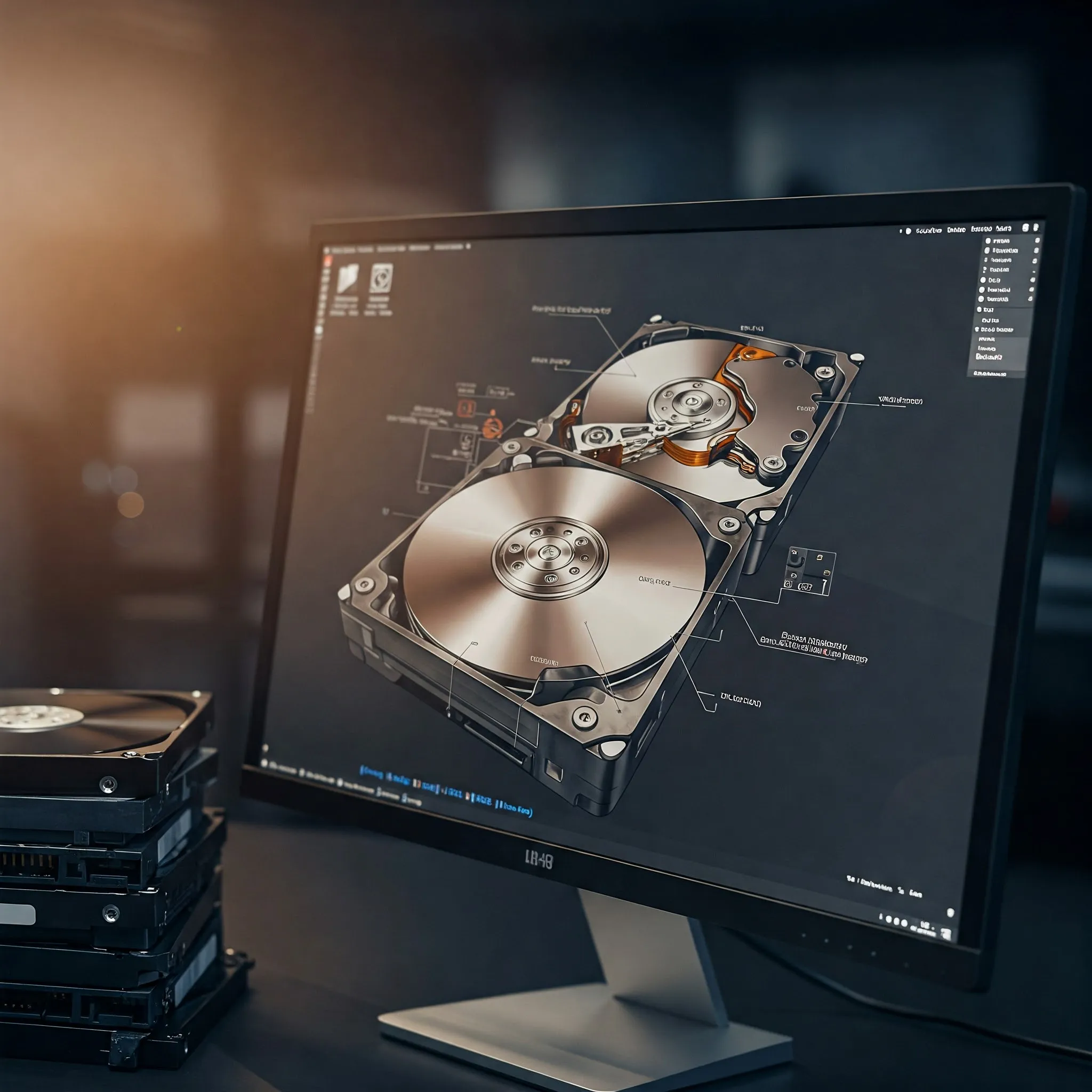
Photos, videos and work documents can quickly outgrow the storage inside a computer. Cloud storage is convenient, while a Network Attached Storage (NAS) system is a popular way to keep shared files at home. Direct Attached Storage, or DAS, is another option worth considering when you mainly need more space for one computer. A simple external drive can be enough; a multi-bay enclosure can support a larger library or a more deliberate redundancy plan.
What is Direct Attached Storage?
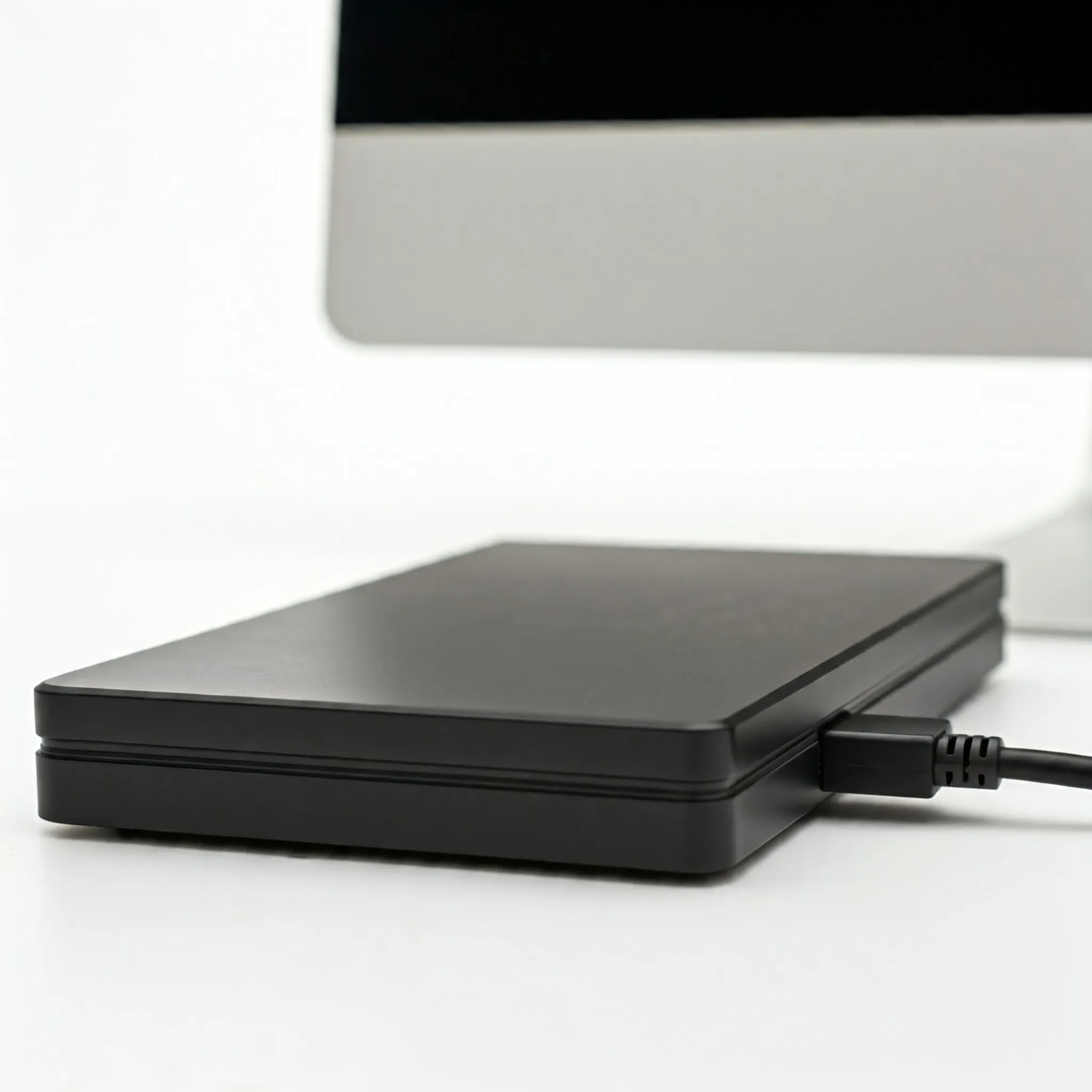
DAS connects storage directly to a host rather than accessing it through a network. The category includes internal drives as well as external hard drives, SSDs and USB flash drives. In a desktop setup, the term often refers to an external enclosure attached through USB, Thunderbolt or another supported storage interface. It is the direct connection that defines DAS, rather than the number of bays or a particular connector.
For typical consumer enclosures, one host accesses the storage at a time. That host can share files over the network, but then its operating system, permissions and uptime become part of the sharing solution. A DAS box does not automatically provide an independent file server simply because it contains several drives. More specialized enterprise storage can have different access arrangements, so check the actual enclosure's documentation.
Where DAS and NAS fit
I see DAS as a useful, straightforward choice for a solo workstation, local project files or a removable backup destination. NAS is often more convenient when several people or devices need shared files without keeping one person's desktop running. Neither label guarantees a particular speed, price or level of data protection. Compare complete systems that meet the same capacity and availability requirements.
| Architecture | Typical access | What to plan for |
|---|---|---|
| DAS | Local storage attached to a host, which manages files | Host connection, file-system compatibility, enclosure and backup |
| NAS | Files shared over a network, commonly using SMB or NFS | Network performance, accounts, server maintenance and backup |
| SAN | Storage presented over a network at block level | Host coordination, storage protocols and administrative expertise |
A storage area network might use Fibre Channel or iSCSI. iSCSI carries storage commands over TCP/IP and does not require an optical-only network. These categories also overlap in real products: a NAS can use directly attached disks behind its file-sharing service. Choose according to how users need to access data rather than treating the names as fixed price or performance rankings.
Check the whole connection
USB-C describes the connector, not a guaranteed data rate. USB 3.2 has 5, 10 and 20 Gbps signalling variants; Gen 2x2 needs compatible multi-lane equipment. The host port, enclosure and cable must support the intended mode. A cable that fits can still limit the connection, and a high-speed enclosure cannot make a slow host port faster.
Thunderbolt 4 uses the same connector shape and specifies 40 Gbps link bandwidth. That bandwidth can be shared with other devices and video traffic. It is not a promise of 40 Gbps disk payload or a fixed 3,000 MB/s file-copy result. USB4 capabilities also need checking rather than assuming every USB4 label provides the same storage performance. Identify the exact host and enclosure compatibility before buying.
Enterprise DAS can use external SAS with a suitable host bus adapter and disk shelf. Match the adapter, enclosure, drives and cables; a connector name alone does not establish the negotiated speed or capabilities. For any interface, decide whether your workload needs sequential transfers, many small operations or simply occasional backups. A fast external SSD may help editing, while a mechanical drive's performance will still matter behind a faster bus.
RAID, independent drives and recovery
Some enclosures expose separate drives to the host. Others combine them through built-in hardware RAID. OWC's Gemini, for example, offers hardware RAID and independent-volume modes. Software RAID instead runs on the host, with its own operating-system and driver requirements. Read the manual carefully: sellers sometimes use “JBOD” for independent disks and sometimes for a combined spanning mode.
Ask how you would recover if the enclosure, controller or host failed. With hardware RAID, determine which replacement controllers and firmware can read the existing array. An identical enclosure is not a universal requirement or a universal guarantee. With software-managed storage, record the required software, file-system versions and encryption keys. Portability still depends on a compatible recovery system; it is not complete independence from hardware or software.
Plan usable capacity rather than adding the labels on all the drives. A mirror stores more than one copy of the same data. Btrfs can mix capacities, but its RAID1 allocation rules still require copies on different devices. With only an 8 TB and a 4 TB drive in RAID1 for data and metadata, usable mirrored capacity is limited to roughly 4 TB before overhead. The extra space on the larger drive cannot magically obtain a second copy on the smaller one.
File systems and actual protection
The file system must suit the computers that will read the storage. Check support before moving a drive between Windows, macOS and Linux, and keep a tested recovery route. Formatting or changing an array mode can erase existing data, so make a separate copy before reconfiguration. A simple single-disk file system may be sufficient for a backup target without building an elaborate storage pool.
OpenZFS provides checksums and snapshots, with repair of damaged data depending on a usable redundant copy. Btrfs also has its own multi-device profiles and snapshot features. Those capabilities belong to the chosen software and configuration; selecting “software RAID” does not automatically enable every integrity or snapshot feature. A snapshot retained on the same pool also shares that pool's failure risks.
USB merits particular care for a permanent storage pool. TrueNAS's hardware guide advises avoiding USB-connected hard disks for primary storage and warns that USB devices can report indistinguishable serial numbers. UASP support alone does not overturn that guidance. Check the storage platform's hardware recommendations instead of assuming that a mini PC plus any USB enclosure is an equally supported replacement for a purpose-built NAS.
Reliable operation and backups
Before trusting an enclosure with important data, use a test workload and verify that all expected drives remain visible after a restart and sleep/wake cycle. Look for disconnects, repeated resets and error messages. Check the power supply, cable, cooling and supported connection mode. A shared enclosure fault can affect several drives at once, even when the array has redundancy against a single drive failure.
On Linux, USB runtime power management has per-device controls. Kernel documentation distinguishes automatic suspend from a device forced to remain active; actual policy also depends on drivers and system settings. Diagnose the affected device first. Globally changing kernel boot parameters for every USB device is not a necessary default setup step, and disabling autosuspend does not repair a faulty cable or power supply.
Keep an independent backup with a useful retention history, and practise restoring a few files. Mirroring does not undo an accidental deletion or prevent ransomware from changing accessible files. A DAS used for backups is valuable when it holds an additional copy, not when it becomes the only location of important data. Consider a disconnected or off-site copy for the files you cannot replace, and protect its recovery keys.
A workstation example and buying decision
Imagine a home-based business editing large videos on one desktop. DAS can hold active project files, while a separate backup protects completed work. If colleagues later need shared access, the desktop can export files while it is running, or a dedicated NAS can take over that role. Include access permissions and the time needed to restore service if the desktop fails in that decision.
A mini PC and enclosure can also form a file server, but price the whole project: host, drives, enclosure, software, network adapter, power and backup. Compare that total with a NAS offering equivalent capacity and support. Check OS and hardware compatibility rather than promising a fixed saving or superior processor performance. Expansion depends on bay count, supported drives and array rules in either design.
DAS remains an appealing option for its simplicity and direct access. NAS remains attractive for convenient shared availability. Start with who needs the files, how often they need access and what you would do after a failure. That will tell you more than choosing the largest interface number or assuming that either approach secures your data automatically.
For technical details, consult USB-IF's speed definitions, Btrfs volume-management rules and the TrueNAS hardware guide when those technologies form part of your plan.