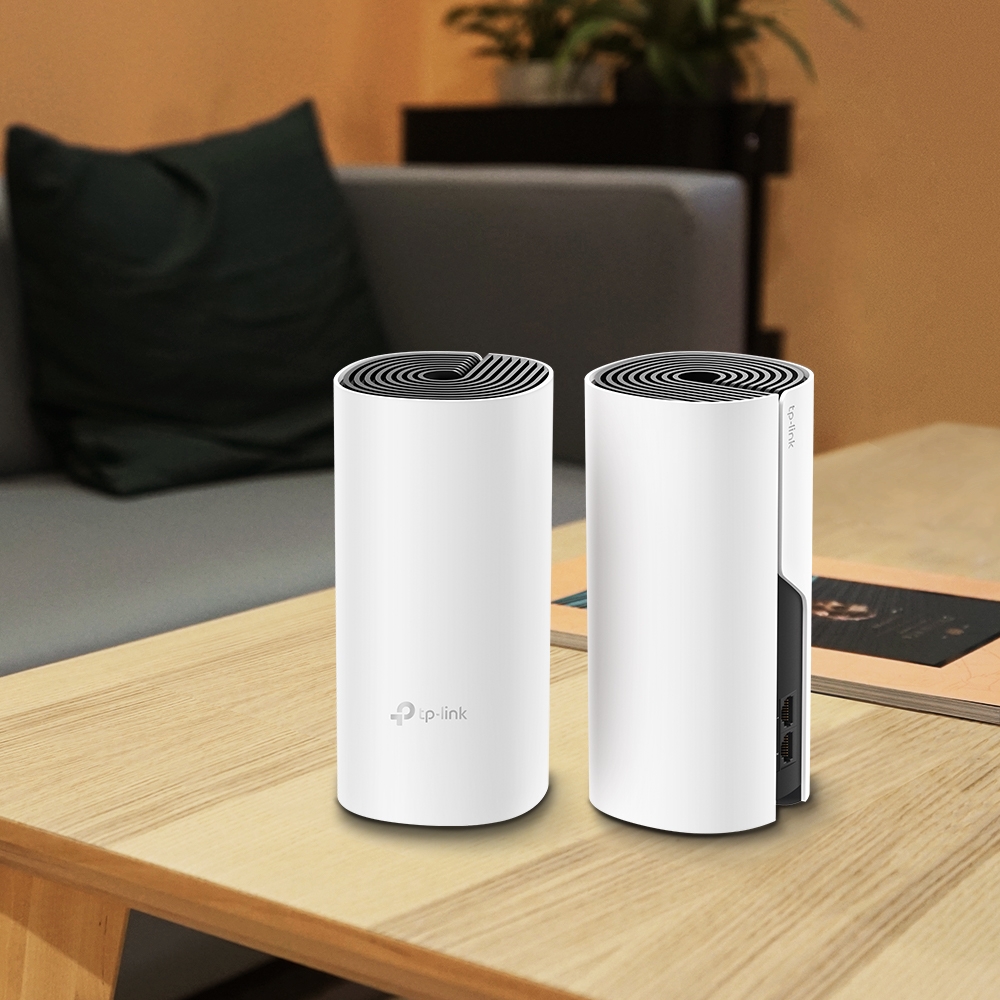
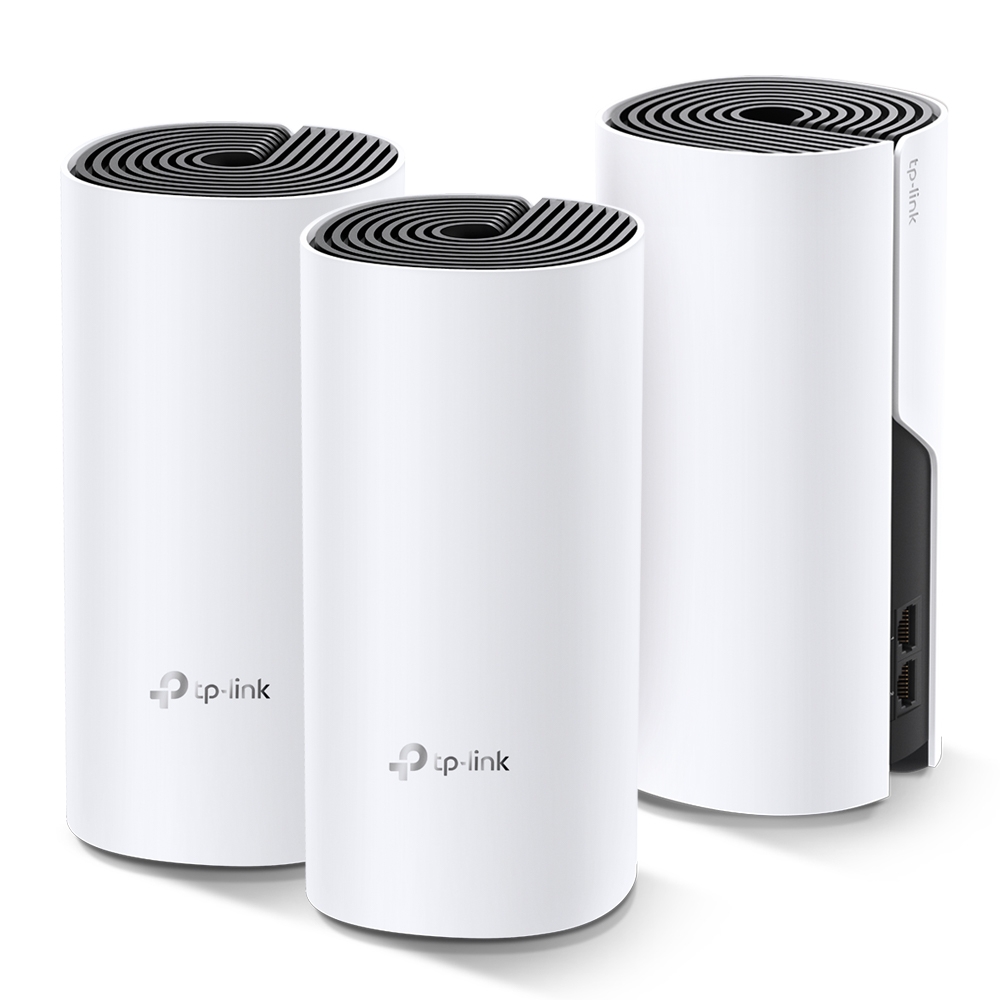
Thinking of ditching your traditional router for a mesh Wi-Fi system? TP-Link offers two compelling options in the Deco E4 and Deco M4. But which one is right for you? This comprehensive comparison breaks down the exact hardware similarities, Ethernet port differences, and real-world speed limits of each system so you can pick the right mesh kit for your internet plan.
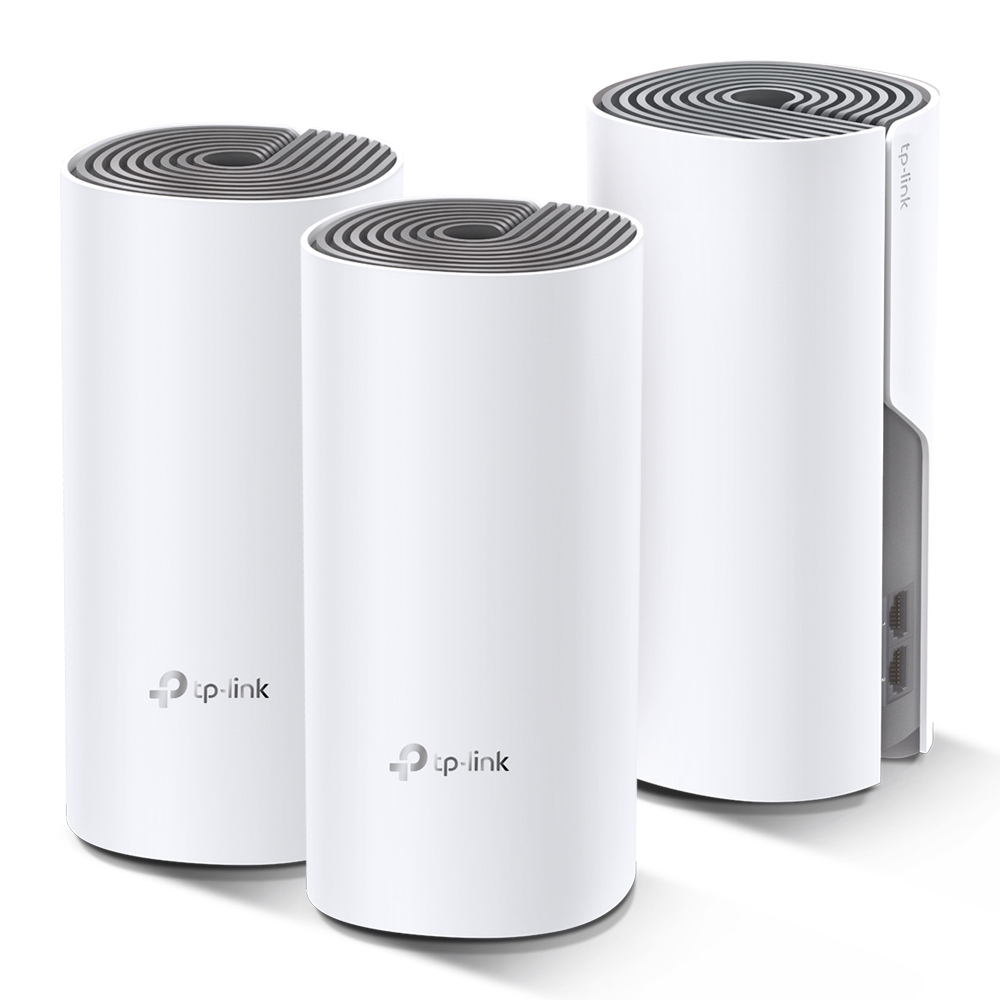
Understanding Mesh WiFi
A mesh system uses several access points with common management. Coverage still depends on each node's placement and connection to the rest of the network. Adding a node inside an existing dead zone can leave it with a poor upstream link. Roaming assistance also depends on the client, so test important calls while moving rather than assuming every handoff is invisible.
Similarities Between Deco E4 and Deco M4
- Both models offer Easy Setup and management through the TP-Link Deco app.
- They support Seamless Roaming with client-dependent results.
- The Deco E4 and M4 provide Robust Parental Controls to manage online time and content.
- Each system is equipped with Self-Healing behaviour where an alternative connection exists; it cannot replace a failed main unit, power supply or internet service.
- Dual-Band Wi-Fi: They provide coverage on both 2.4 GHz and 5 GHz frequencies, catering to various devices and their bandwidth needs.
- Both are rated at AC1200 speeds with 867 Mbps (802.11ac) on 5GHz and 300 Mbps (802.11n) on 2.4 GHz
- Guest Network: Create a separate Wi-Fi network for guests, then check local-network isolation using the selected operating mode and firmware.
Differences
| FEATURE | Deco E4 | Deco M4 |
| Ethernet Ports | 2× 10/100 Mbps Ports (Supports WAN/LAN auto-sensing) | 2× Gigabit Ports (Supports WAN/LAN auto-sensing) |
| Size | 3.6 × 3.6 × 7.5 in (90.7 × 90.7 × 190 mm) | 3.6 × 3.6 × 7.5 in (90.7 × 90.7 × 190 mm) |
| Regional revision | Check the local model, certifications and firmware support before buying. | |
| Price | Compare current local offers for the same pack size; no fixed price difference is assumed. | |
Use Cases for Mesh WiFi Systems
The clearest distinction is wired connectivity, not a promise that one model covers every larger house. Both advertise the same band rates and both offer parental-control/QoS options in their documented router configuration. Pack size, placement and building materials must be considered separately. Choose M4 when an E4 Ethernet link would constrain the path you want to improve.
For the product page on the Deco E4: Deco E4 | AC1200 Whole Home Mesh Wi-Fi System | TP-Link
For the product page on the Deco M4: Deco M4 | AC1200 Whole Home Mesh Wi-Fi System | TP-Link
Why the 100 Mbps vs. Gigabit Port Difference Is the #1 Decision Factor
Both advertise 867 Mbps on 5 GHz and 300 Mbps on 2.4 GHz, but E4's Ethernet interfaces negotiate at up to 100 Mbps while M4's negotiate at up to 1 Gbps. A radio link rate is not application throughput. If E4 is the main unit, internet traffic traverses its Fast Ethernet connection even when a phone shows a much higher wireless link rate.
For example, on a 300 Mbps plan, an E4 main-unit WAN link cannot carry all 300 Mbps. M4 removes that particular Fast Ethernet limit, but it does not guarantee a 300 Mbps result over every wireless hop. Real results also depend on the client, signal, traffic and ISP. The earlier ~94/940 Mbps figures were presented too absolutely and the wireless speed ranges were not measured here.
Find the Link That Is Limiting Your Task
| Situation | What to check | Implication |
|---|---|---|
| Internet service above 100 Mbps | Main-unit WAN negotiation | E4's 100 Mbps port constrains that route; Gigabit hardware removes this specific limit. |
| Slow satellite room on a modest plan | Satellite backhaul and client signal | A Gigabit WAN upgrade alone may not fix the weak wireless hop. |
| Local backup to a NAS | Every Ethernet/wireless link plus storage | Local transfers can need faster links even when internet service is slow. |
| Existing E4 with a faster main unit | Each satellite's connection and wired clients | The new main-unit capability does not change E4's own ports. |
Start with one wired baseline through the main unit. Check the negotiated speed and a known-good cable. Repeat the same task over Wi-Fi close to that unit, then at the satellite location. Keeping the endpoint and workload consistent makes those results more useful than comparing unrelated internet speed tests.
Reuse Existing E4 Units Carefully
The mixed-model guide supports combining Deco models, with the main unit affecting available features. Add the selected Gigabit-capable model through the app and follow its current main-unit priority guidance. Existing alternatives include the Deco M5 and Deco X20; compare exact support and ports rather than assuming any replacement has the same features.
An E4 connected wirelessly can avoid using its Fast Ethernet port for that inter-node hop, but its wireless path still shares airtime and depends on signal. A PC plugged into an E4 remains limited by that E4 Ethernet interface. If you cable an E4's backhaul, its 100 Mbps port remains part of the route. There is no guaranteed instant 300+ Mbps upgrade in every room.
A Change and Retest Sequence
- Save the current main-unit details, ISP requirements and useful configuration before changing the topology.
- Add the new node and confirm it appears in the existing network before changing the main unit.
- Follow the app's documented main-unit process, reconnect the upstream internet cable as required and verify basic access first.
- Repeat the wired and room baselines. Check which satellite each client uses and whether its backhaul is wired or wireless.
- Check guest access, printers, calls and any inbound application. Keep the older working arrangement available until the new setup is verified.
If you retain a separate router, use Deco AP mode and review its feature limits. Neither changing modes nor buying a Gigabit model repairs an ISP-side problem automatically.
Choose for the Next Useful Upgrade
The existing X50/X55 comparison remains relevant if you also want Wi-Fi 6 features. Include those features only where clients support them, and count any cabling or switches needed. Compare the same number of nodes and check firmware for the exact regional revision before purchasing.
For a low-demand home, a working E4 system may remain sufficient. For a path requiring more than Fast Ethernet can carry, choose hardware that removes that bottleneck and test the rest of the route. This gives a clearer decision than assuming M4 is inherently for bigger buildings or that either kit guarantees complete coverage.