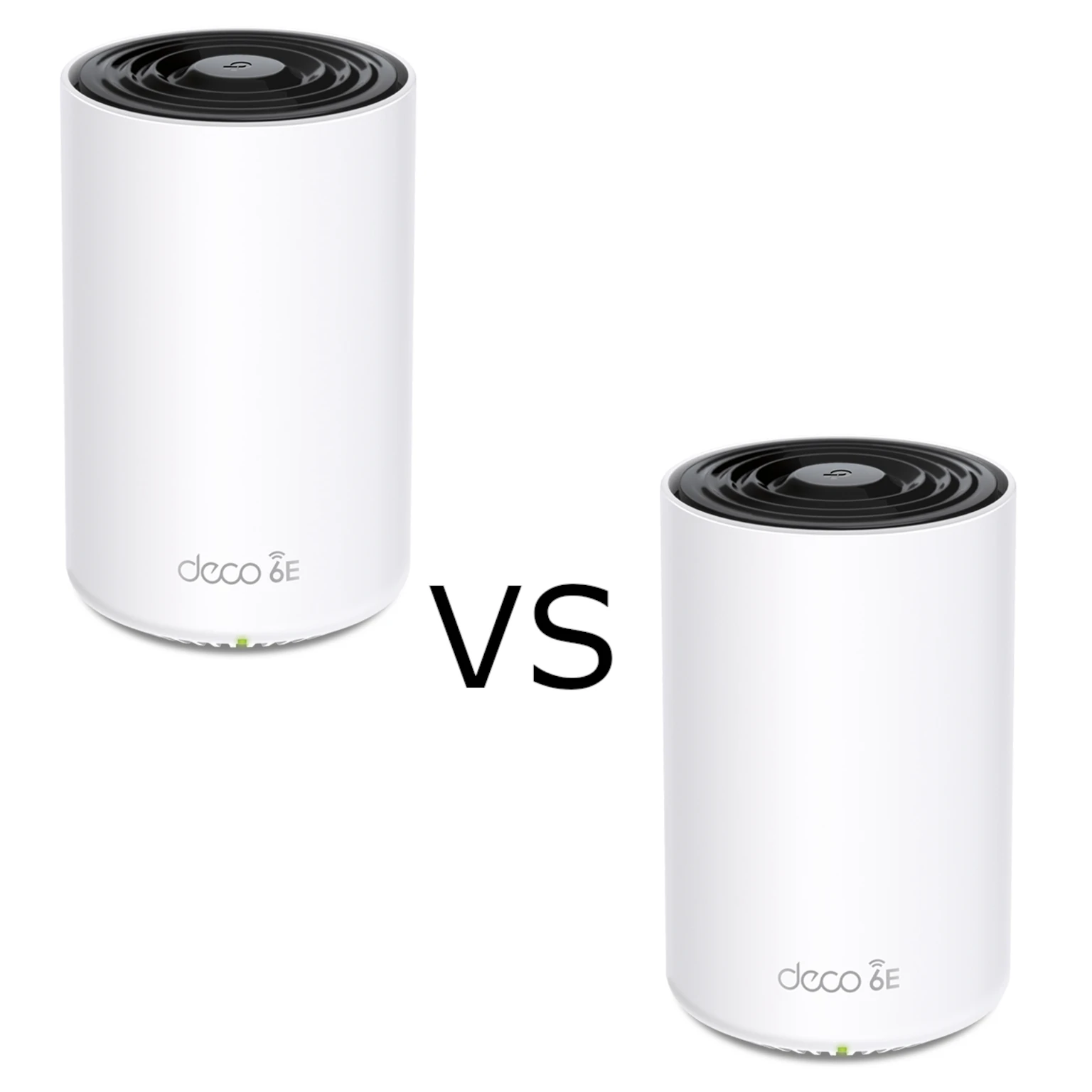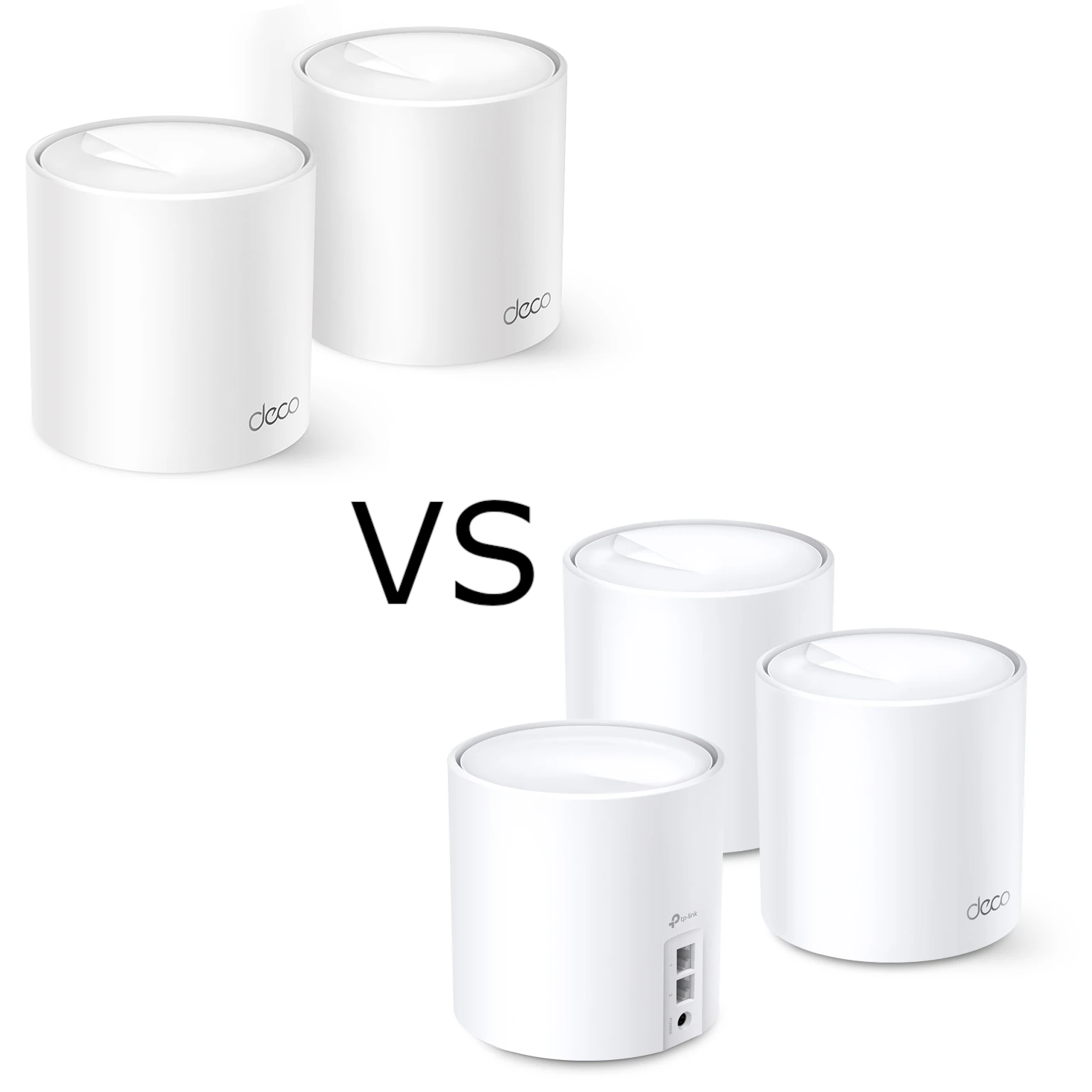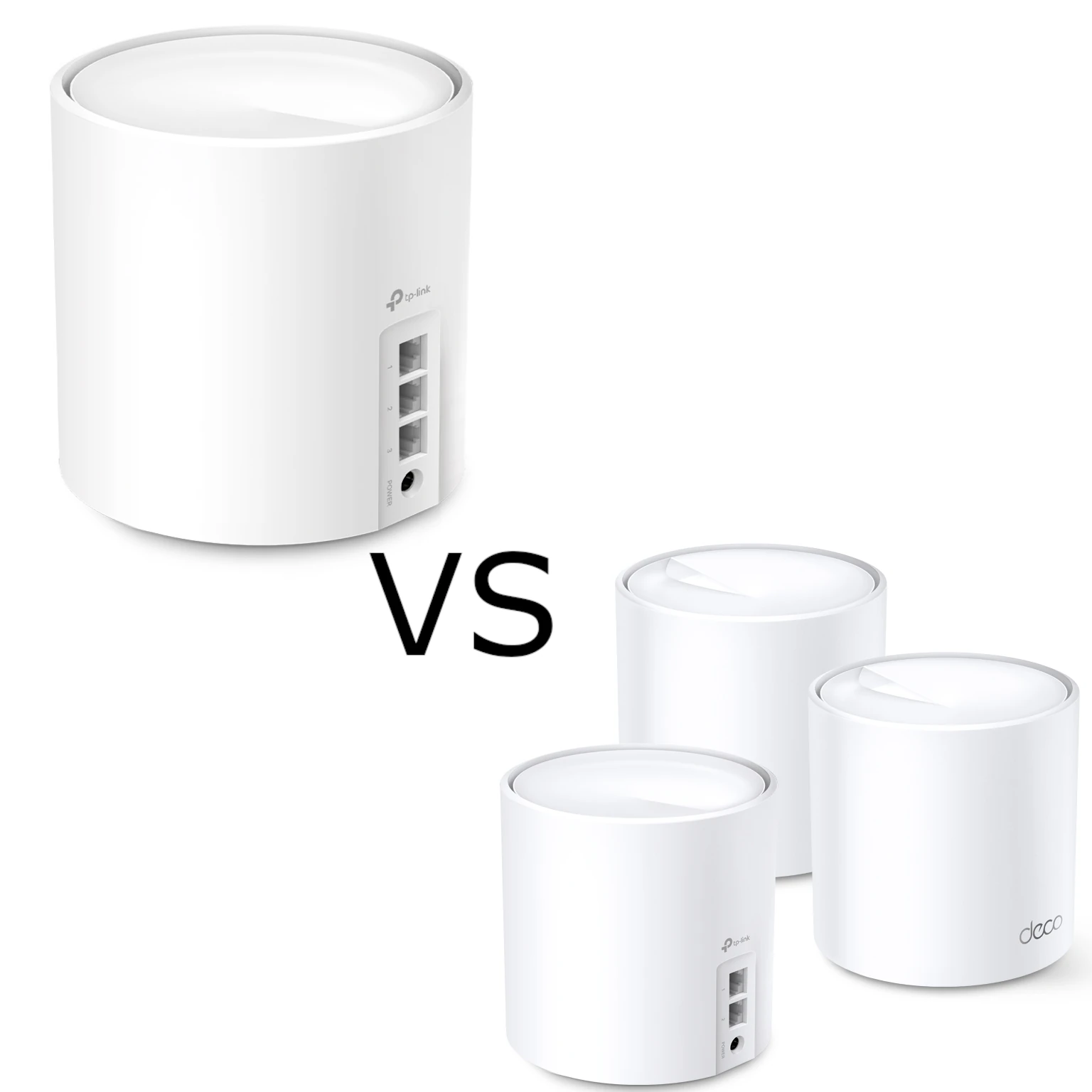
The TP-Link Deco X50 and X60 are appealing Wi-Fi 6 mesh choices for a home with several rooms and connected devices. Both offer a shared network, app management and wired backhaul options. The X50 is the value-oriented option to consider, while an appropriately specified X60 can offer more radio capacity.
The first buying check is the hardware revision. Deco X60 has been sold in both AX3000 and AX5400 forms, so an unqualified X50-versus-X60 comparison can be misleading. Compare the actual radio class, port count and support page for the kit in front of you before assuming the higher model number is twice as fast.
What mesh changes in a household
Mesh spreads Wi-Fi across several units rather than asking one router to reach every room. A shared network name simplifies moving between rooms, and the Deco app provides one place to manage the system. Compatible clients can use assisted roaming, although their own decisions and settings still affect handovers. A seamless network name is not proof that every call remains uninterrupted.
Nodes need a useful connection to each other. A satellite at the far edge of an already weak signal can inherit that weakness. Locate the main Deco sensibly, then put satellites along a workable route to the rooms that matter. Extra nodes can improve placement options, but a model upgrade alone cannot guarantee coverage through thick floors or masonry.
Both are dual-band systems using 2.4 GHz and 5 GHz. They have no 6 GHz radio or separate third radio dedicated to backhaul. Wi-Fi 6 remains useful for compatible clients, but Wi-Fi 6E and Wi-Fi 7 equipment is also available. Choose by useful features and total cost rather than calling either model the newest or indefinitely future-proof.
Identify the X60 revision before comparing
TP-Link's UK X60 V3 page lists AX3000 with 2,402 Mbps on 5 GHz and 574 Mbps on 2.4 GHz. Its UK V3.20 three-pack page lists AX5400 with 4,804 Mbps and 574 Mbps. The original X60 V1 datasheet also identifies an AX3000 product. Those are distinct documented examples, not a universal map of every country or suffix.
Ask the seller for the version shown on the unit or box, then match it to the local product and firmware pages. A stock photograph and the word “X60” are insufficient. Do not install firmware for another revision or region simply because the enclosure looks the same.
| Feature | Deco X50 | X60 UK V3 example | X60 UK V3.20 example |
|---|---|---|---|
| Radio class | AX3000 | AX3000 | AX5400 |
| 5 GHz advertised rate | 2,402 Mbps | 2,402 Mbps | 4,804 Mbps |
| 2.4 GHz advertised rate | 574 Mbps | 574 Mbps | 574 Mbps |
| Total advertised streams | Four | Six | Six |
| Ethernet ports per unit | Three Gigabit | Two Gigabit | Two Gigabit |
| Antennas listed | Two for V1/V2; three for V3 | Four internal | Four internal |
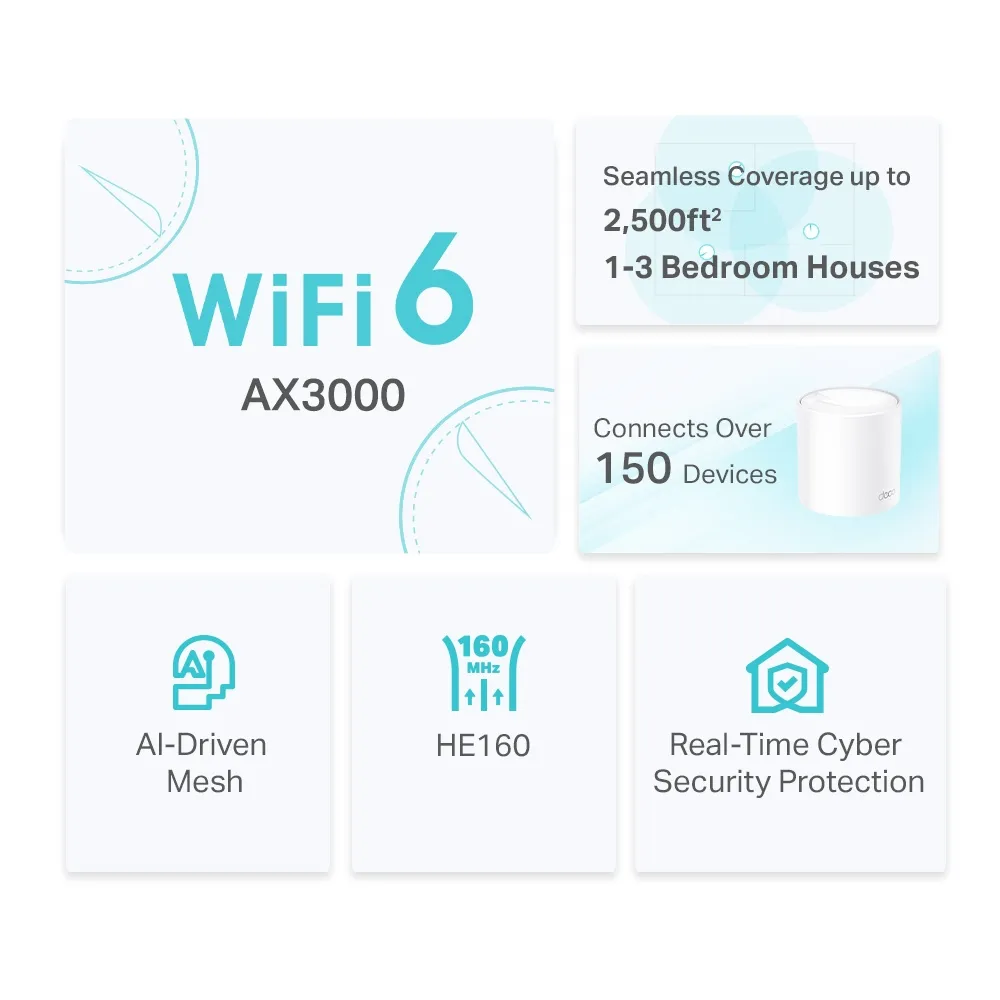
The stream total spans separate bands; it is not a six-stream connection available to every phone. The X50's published 5 GHz specification uses two streams and HE160. Its supported 160 MHz capability needs a compatible client and permitted local channel configuration. Equal aggregate rates on two products do not prove identical radio behaviour, and antenna count does not establish a measured range advantage through your building.
Match the radio to your clients
AX3000 and AX5400 add the maximum radio rates across bands. They are not internet download speeds, nor can one ordinary client simply add both numbers. The client, band, channel width, signal and traffic determine the usable connection. Even a larger radio can be limited by an older laptop or a narrow channel.
Wi-Fi 6 efficiency features such as OFDMA and MU-MIMO require corresponding client support. They can help share wireless resources, but a room full of active users still competes for airtime. Target Wake Time can help supported devices manage wake periods; it does not guarantee a battery-life improvement for every smartphone.
For a meaningful comparison, use the same client and position, and check which node and band it joins. A local transfer can help assess the home network without assuming an external speed-test server or broadband plan is unlimited. Avoid translating advertised radio differences into promised gaming latency, 8K streaming capability or fixed satellite download rates.
The X50's extra Ethernet port is useful
The X50 has three Gigabit ports per unit, compared with two on the documented X60 examples. On the main router, one socket serves the internet connection. Each additional wired connection consumes another socket, so plan for a desktop, television, NAS and backhaul rather than counting the full port total as spare LAN capacity.
At a satellite, a backhaul cable uses a port too. The X50's extra socket can save an external switch for a simple office or media corner. That is a practical advantage even when the X60 has the higher radio class. A switch can also solve a port shortage, so include it in the total price comparison.
These ordinary X50/X60 models have Gigabit ports. A faster advertised Wi-Fi rate does not turn them into multi-gigabit internet gateways. A wired NAS path crossing a Gigabit connection keeps that link limit, and payload throughput is lower after overhead. Check models with explicitly faster ports if local multi-gigabit transfers are a requirement.
Choose backhaul before choosing the premium
With Ethernet already available, wired backhaul can reduce reliance on the shared wireless connection between nodes. TP-Link advises setting up the units together first, then wiring them. In router mode, satellites belong behind the main Deco's LAN, directly or through a suitable switch. Check the network map to verify the connection actually uses Ethernet.
Where cables are unavailable, a higher-capability X60 revision may be attractive for wireless links between suitable peers. However, backhaul and client traffic share the available radio resources on these dual-band systems. There is no universal 50 percent speed formula, and no room-to-room throughput result is established here. Distance, obstacles and simultaneous traffic determine the practical value.
Place satellites where they receive a useful upstream signal, then test from the desk or television they are intended to serve. If the weak point is one remote room, improving that route or adding a cable can be more effective than replacing every unit. Check total kit size as well as model: one X60 is not equivalent to a well-positioned multi-node X50 system.
Security and controls vary with version and mode
The inspected current product tables list WPA3 and HomeShield. Earlier X60 V1 documentation describes HomeCare instead, so do not assume identical security-service packages across old and new stock. Check the installed firmware and local service terms. Some HomeShield features are paid, and the subscription can affect the value comparison.
Learn why WPA3 is important explains the encryption choice, while TP Link Homeshield covers the HomeShield service. Test older printers and smart-home devices against the selected wireless mode. Keep firmware current and use a strong administration account and wireless password; a security-service label does not replace routine maintenance.
Deco supports router and access point modes on the reviewed versions. Access point mode is useful when another gateway manages routing, but gateway features such as address allocation and some controls move to that upstream device or become unavailable in Deco. Decide where household policies and NAS access should be managed before building a network around a feature list.
Compare the workload and the whole kit price
The X50 is an excellent balanced choice for a household that wants manageable coverage and enough ports for common wired devices. The higher-radio X60 remains worth considering for more demanding wireless use when the exact revision, clients and layout can benefit. Neither automatically delivers lag-free gaming or unlimited simultaneous streams.
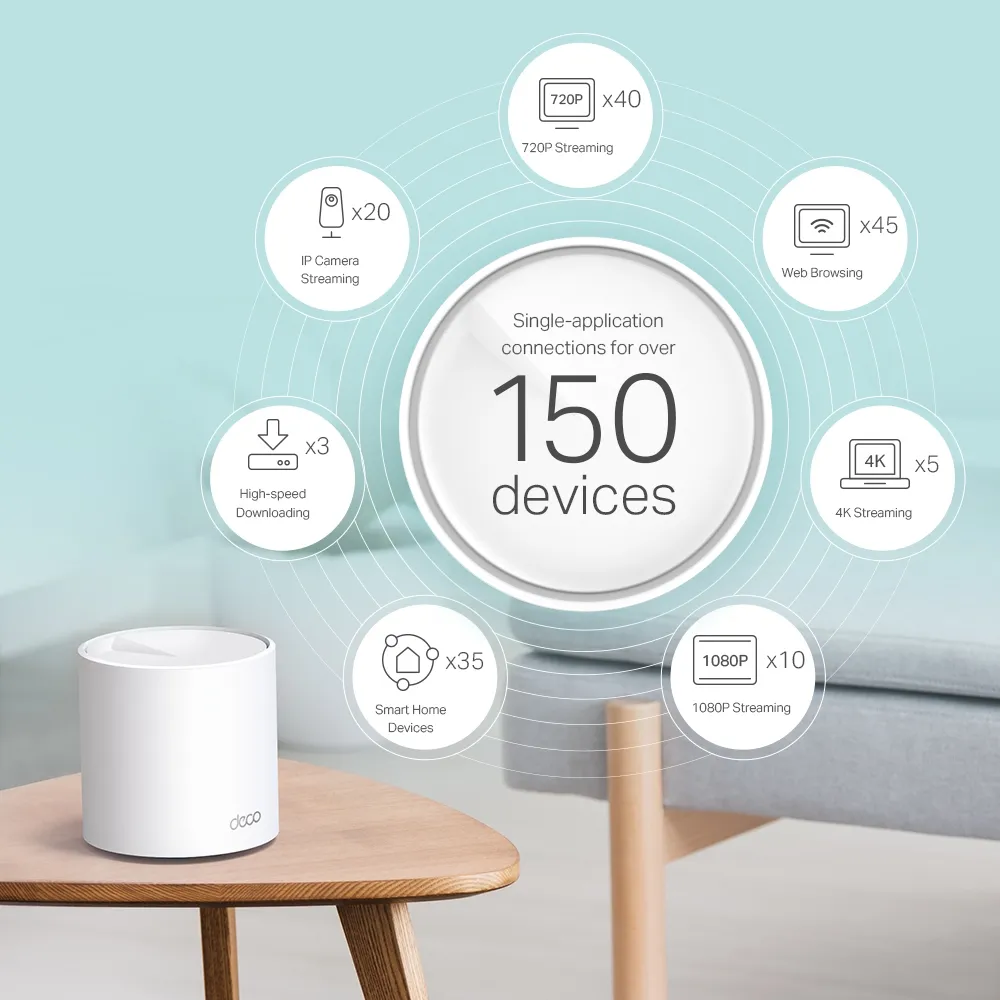
Count active traffic rather than only connected devices. Low-traffic bulbs are different from several cameras uploading continuously, while backups can compete with video calls. Both product families advertise large device counts under qualifications; that is not evidence that the X60 always handles a bigger household better in every workload.
Compare current local prices for equivalent node counts, revisions, warranty and firmware availability. Include switches, cabling and any required subscriptions. A lower-priced X60 AX3000 package or a discounted X50 can change the decision; model names do not establish a permanent price hierarchy.
Which should you choose?
Start with the X50 if affordability, an extra Gigabit port and an appropriate mesh layout cover your needs. Consider the AX5400 X60 when its documented radio difference addresses an actual requirement and the price premium is reasonable. If the X60 on sale is AX3000, compare that specific unit rather than applying the AX5400 verdict.
For larger homes, prioritize placement, number of nodes and viable backhaul. For faster future internet or a multi-gigabit NAS, prioritize the entire wired path. Both systems are strong options within their intended scope; the best investment is the one whose verified features solve the problem you actually have.