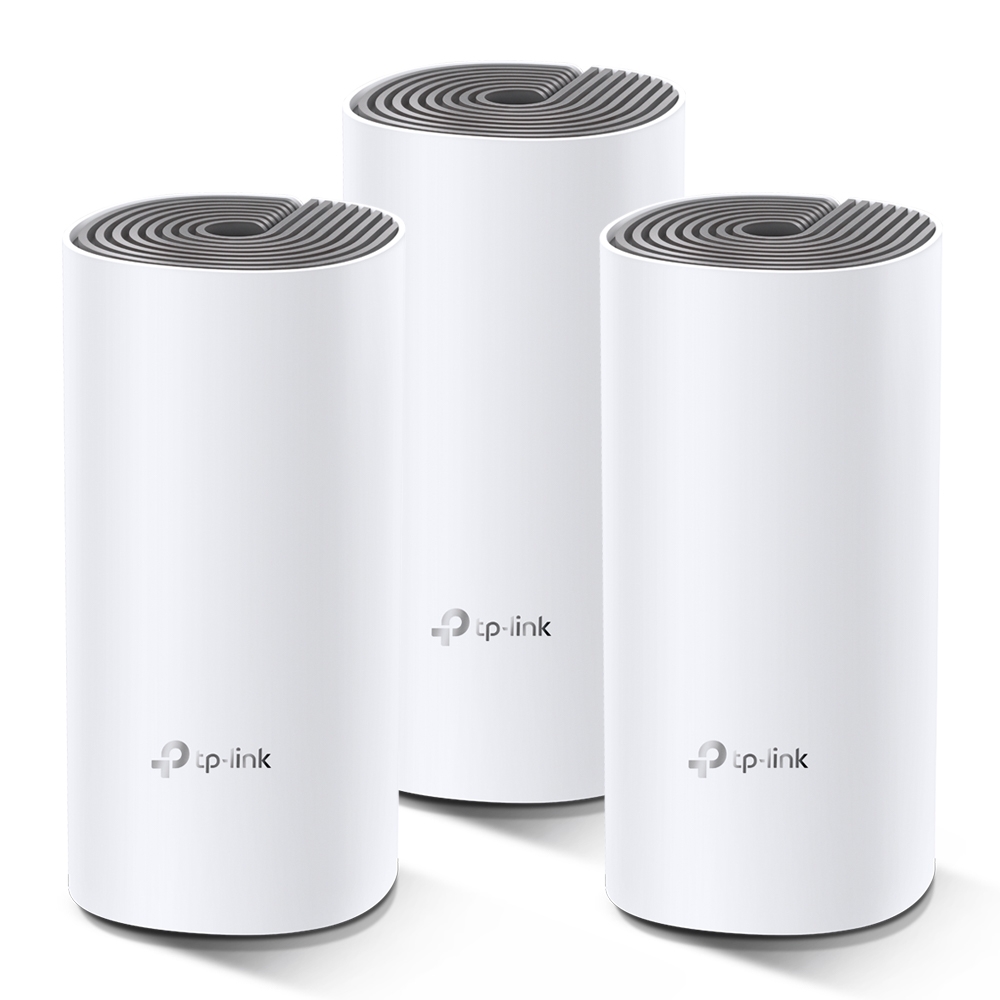
The TP-Link Deco E4 is a Wi-Fi 5 mesh option for extending home coverage on a limited budget. Its most important buying limit is easily missed: each unit has two 10/100 Mbps Ethernet ports. The AC1200 wireless rating does not make the wired uplink Gigabit.
What a mesh system does
Several Deco units work as one managed wireless network, with satellites linked to the main unit through wireless or Ethernet backhaul. This can improve coverage in rooms that a single router reaches poorly. It still needs useful placement and a good path back to the main unit.
A mesh network cannot promise that every room receives the same throughput. Walls, floors, interference, client capabilities and shared radio traffic affect the result. Roaming also depends on the client; a shared network name does not guarantee that every call survives movement between access points.
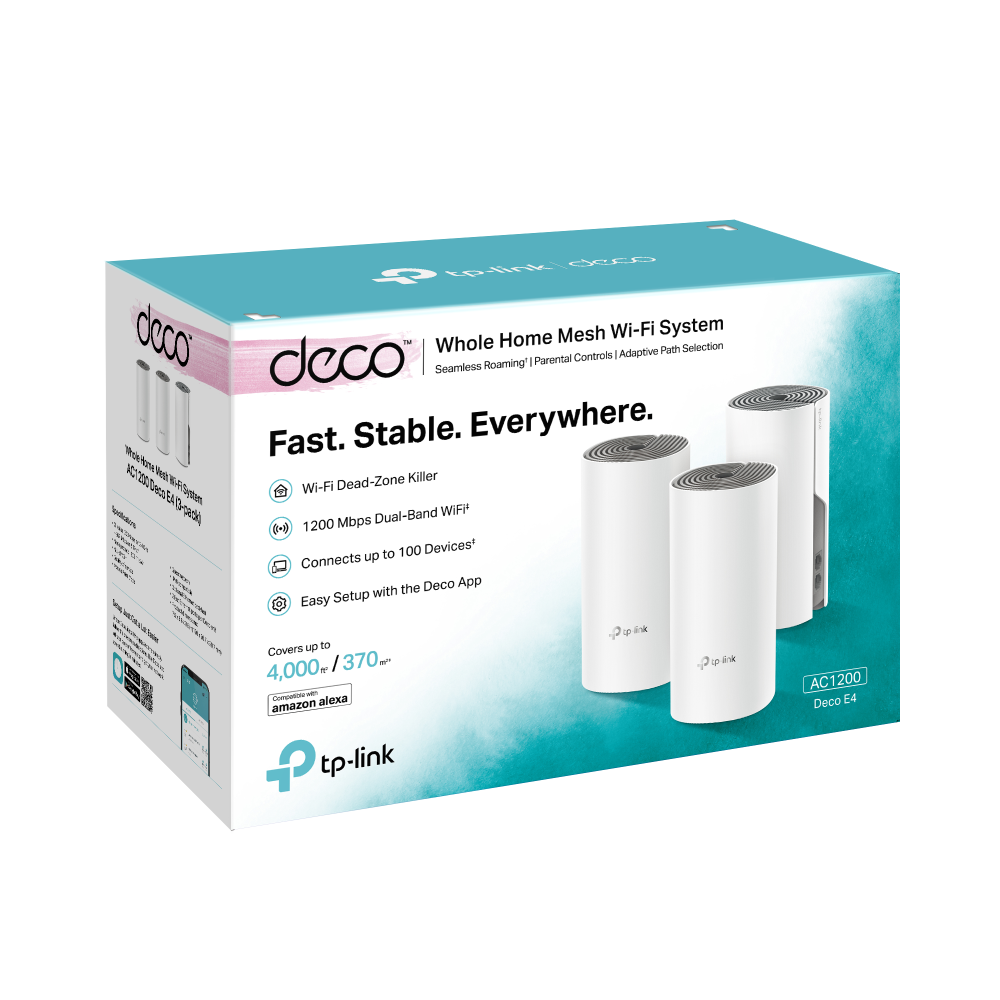
Specifications that affect the purchase
| Feature | Deco E4 |
|---|---|
| Wi-Fi generation | Wi-Fi 5, dual-band |
| Advertised band rates | 867 Mbps on 5 GHz; 300 Mbps on 2.4 GHz |
| Ports per unit | Two 10/100 Mbps WAN/LAN auto-sensing Ethernet ports |
| Operation | Router or Access Point mode, managed through the Deco app |
| Dimensions on current UK page | 90.7 × 90.7 × 190 mm |
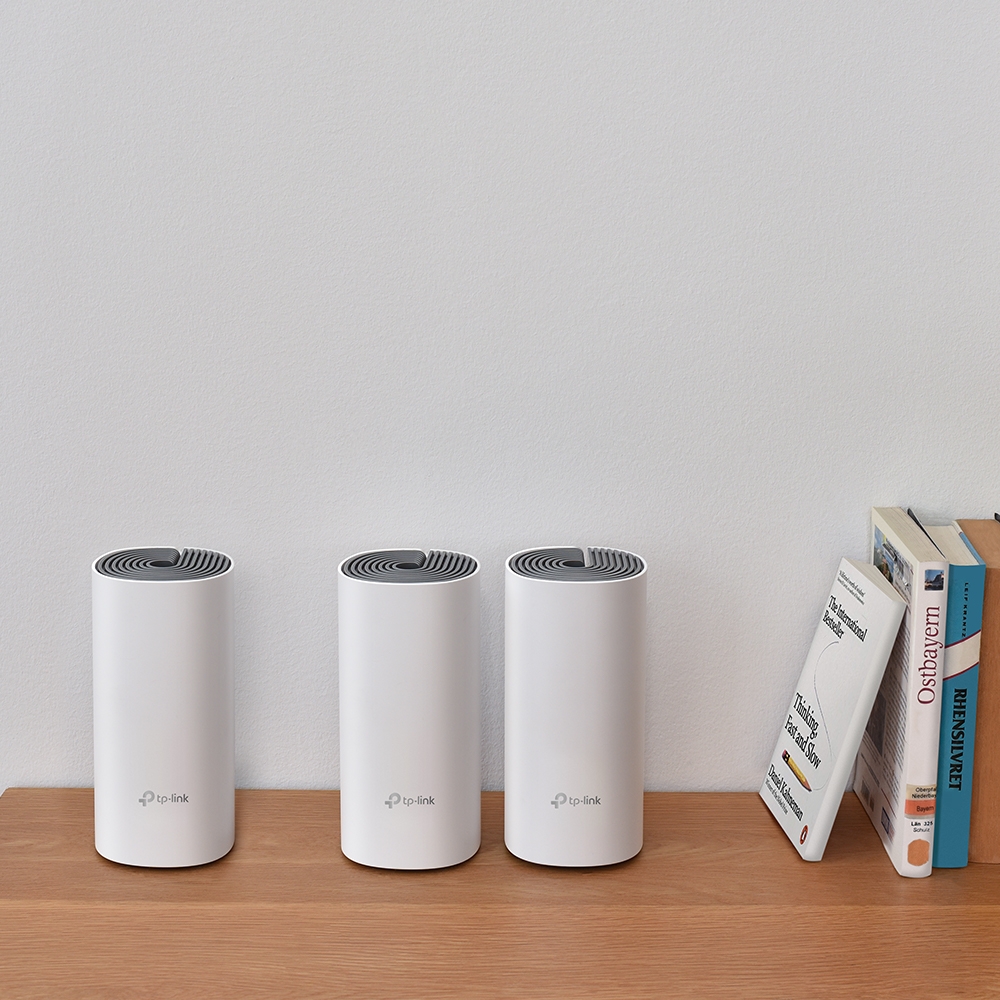
The original official product link remains useful; compare it with the regional specification for your hardware. The advertised two-pack coverage of up to 2,800 square feet is a manufacturer estimate, not a floor-plan guarantee. Check which pack a coverage illustration describes.
The 100 Mbps port rule
When an E4 is the main unit, its cable to the provider equipment creates a 100 Mbps link ceiling before Wi-Fi is involved. Application throughput is lower than the nominal link rate because of overhead and other conditions. A fixed 94 Mbps prediction is unnecessary: the key point is that this port cannot carry a 200 Mbps or Gigabit internet service at full rate.
A plan below 100 Mbps makes the limitation less restrictive, but does not guarantee that every room receives the full plan speed. At exactly 100 Mbps, there is also no spare wired capacity above that nominal rate. Consider future service upgrades and local transfers alongside the current monthly package.
A faster switch connected to an E4 does not upgrade the E4's port. It can provide more sockets, but traffic entering or leaving the Deco through that cable still crosses a Fast Ethernet link. This matters for a wired desktop, NAS and Ethernet backhaul as well as for the internet uplink.
Reuse an E4 with a faster main Deco
Different Deco models can work in a mixed network. A main unit with Gigabit ports removes the E4's uplink limit from the provider connection, while existing E4 units can serve as wireless satellites. Their wireless path then avoids those units' 100 Mbps Ethernet ports.
That arrangement may exceed 100 Mbps for a wireless client in suitable conditions. It does not establish a universal 250–350 Mbps result: the E4 still uses its own Wi-Fi 5 radios, and radio backhaul and clients share resources. If the E4 satellite is wired instead, its backhaul again passes through its Fast Ethernet port. A wired client attached to an E4 has the same port limit.
Use the mixed-model compatibility guidance when choosing the main unit and features. Adding a newer model does not give an E4 Wi-Fi 6/7 radios, faster ports or every new app feature. Keep firmware current for each hardware version.
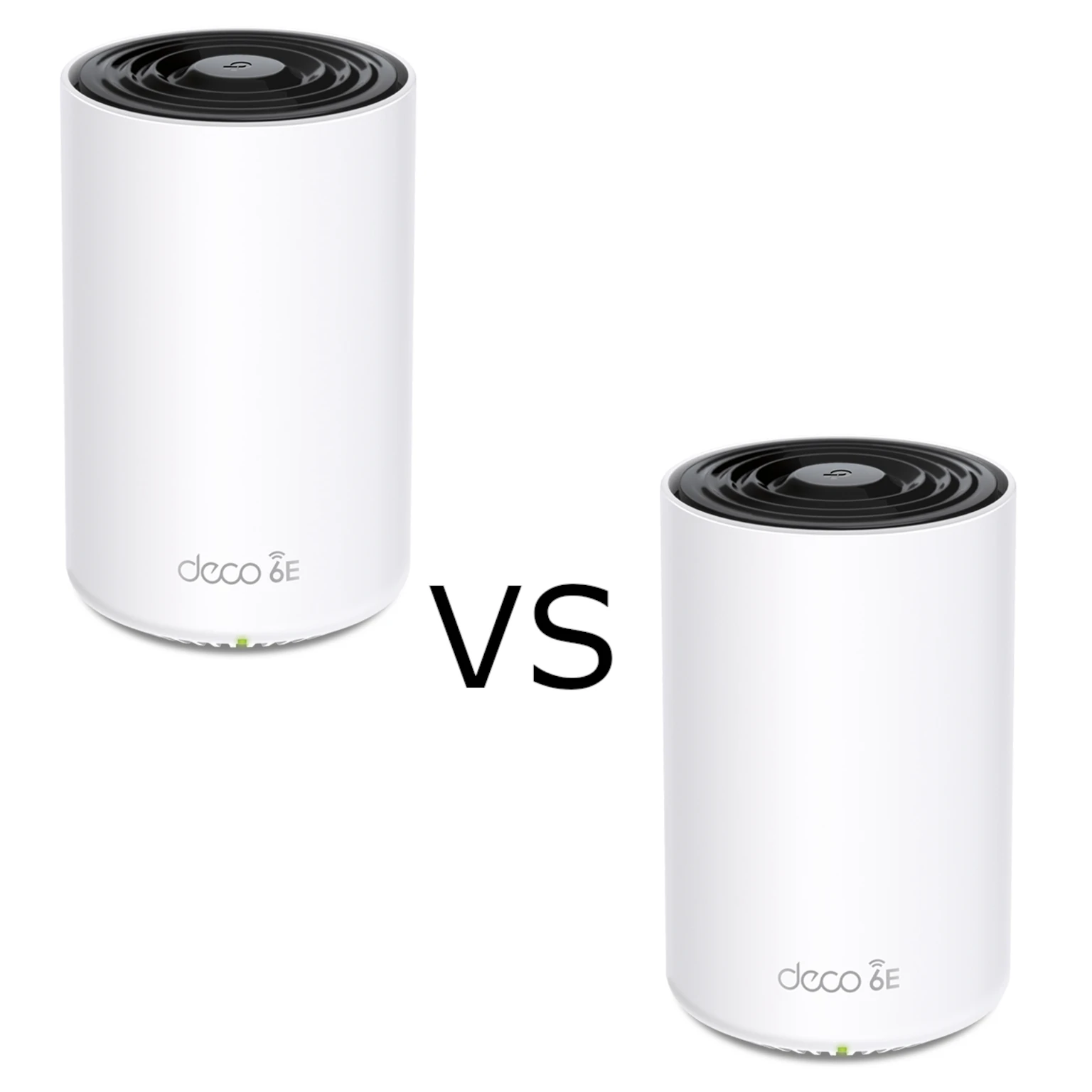
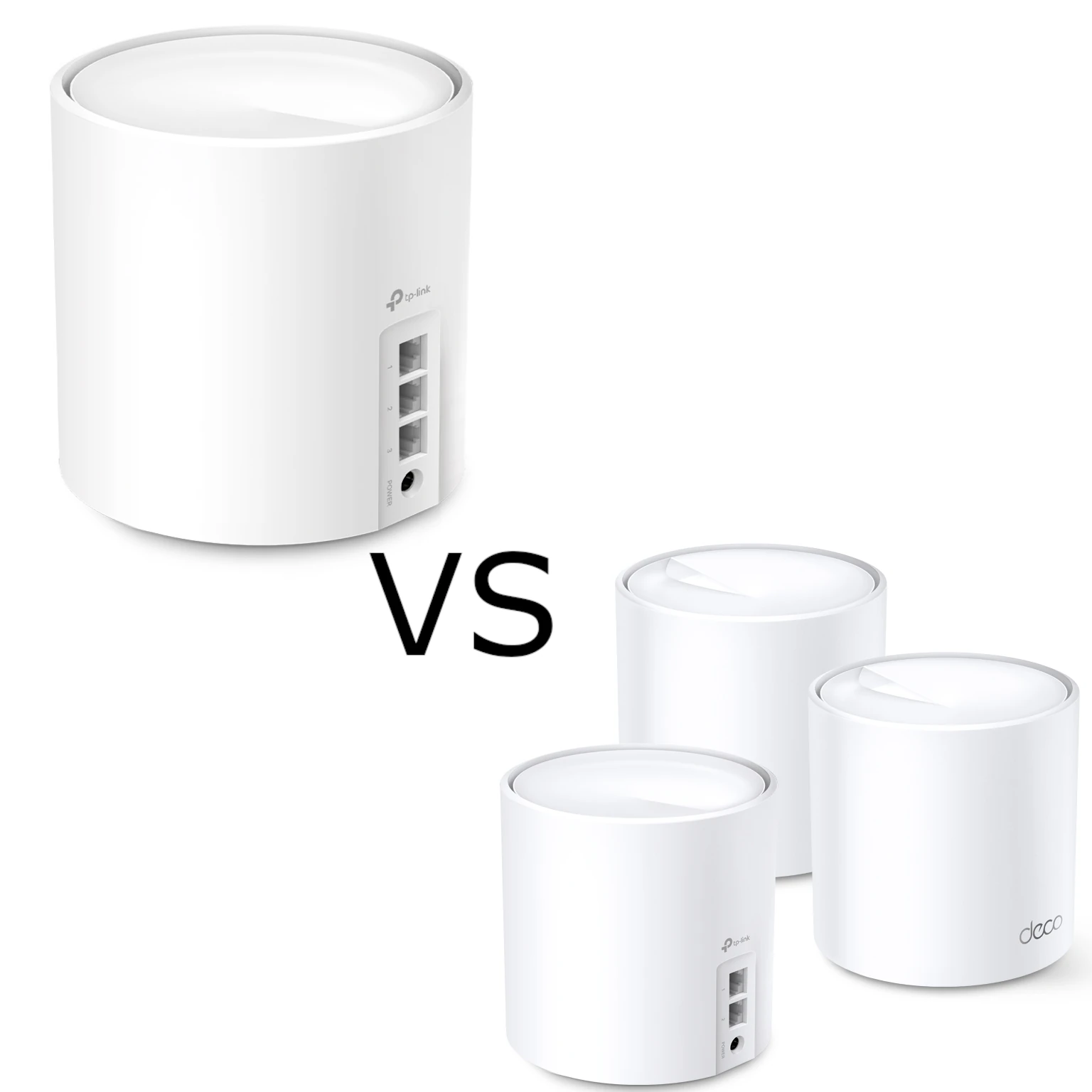
The Deco M4 guide, M4 versus S7 comparison and X50 versus X55 comparison provide alternatives. The M4's similar AC1200 label hides an important distinction: its official specification lists Gigabit ports.
Place and test before adding more units
Start with the main Deco connected to the uplink and a satellite within useful radio range. A satellite deep inside a dead zone may create strong nearby Wi-Fi without a good connection back to the network. Move it toward the main unit and retest instead of assuming another satellite will fix every problem.
Use one client for a baseline beside the main unit and for a second test in the weak room. Record the connected node and whether the satellite uses Ethernet or Wi-Fi backhaul. Then try the actual activity you care about, such as a work call or local print job. A download test alone may miss reliability or local-access problems.
If a main-unit wired test already meets the Fast Ethernet ceiling, changing wireless placement will not make that uplink faster. If the main result is acceptable but a satellite result is poor, investigate the radio path and interference. These comparisons help distinguish a port bottleneck from a coverage problem.
Setup and maintenance choices
Router mode lets Deco manage the home network. AP mode is useful when an existing router will continue that job; its DHCP server supplies addresses, and some Deco gateway features are unavailable. Review the AP mode instructions rather than expecting identical settings in both modes.
For wired satellites, follow the backhaul wiring guide. Router mode requires satellite links downstream of the main Deco. Confirm the app's link source, but treat it as a connection-type indication rather than a throughput measurement.
Who is the E4 for?
The E4 can remain a cost-effective choice when coverage is the problem, its port limits fit the workload and the local pack price is attractive. It is less suitable as the main unit for faster-than-100-Mbps service or for demanding wired transfers. “Cheapest” and “unbeatable” depend on current local offers and cannot be established by the model name.
Compare the total cost of the right pack, any switch and possible later upgrade. A slightly different mesh model may avoid replacing the main unit after an internet upgrade, while reusing an existing E4 satellite can preserve value. Choose using the measured problem and the ports you need, rather than assuming the largest wireless rating describes every path.