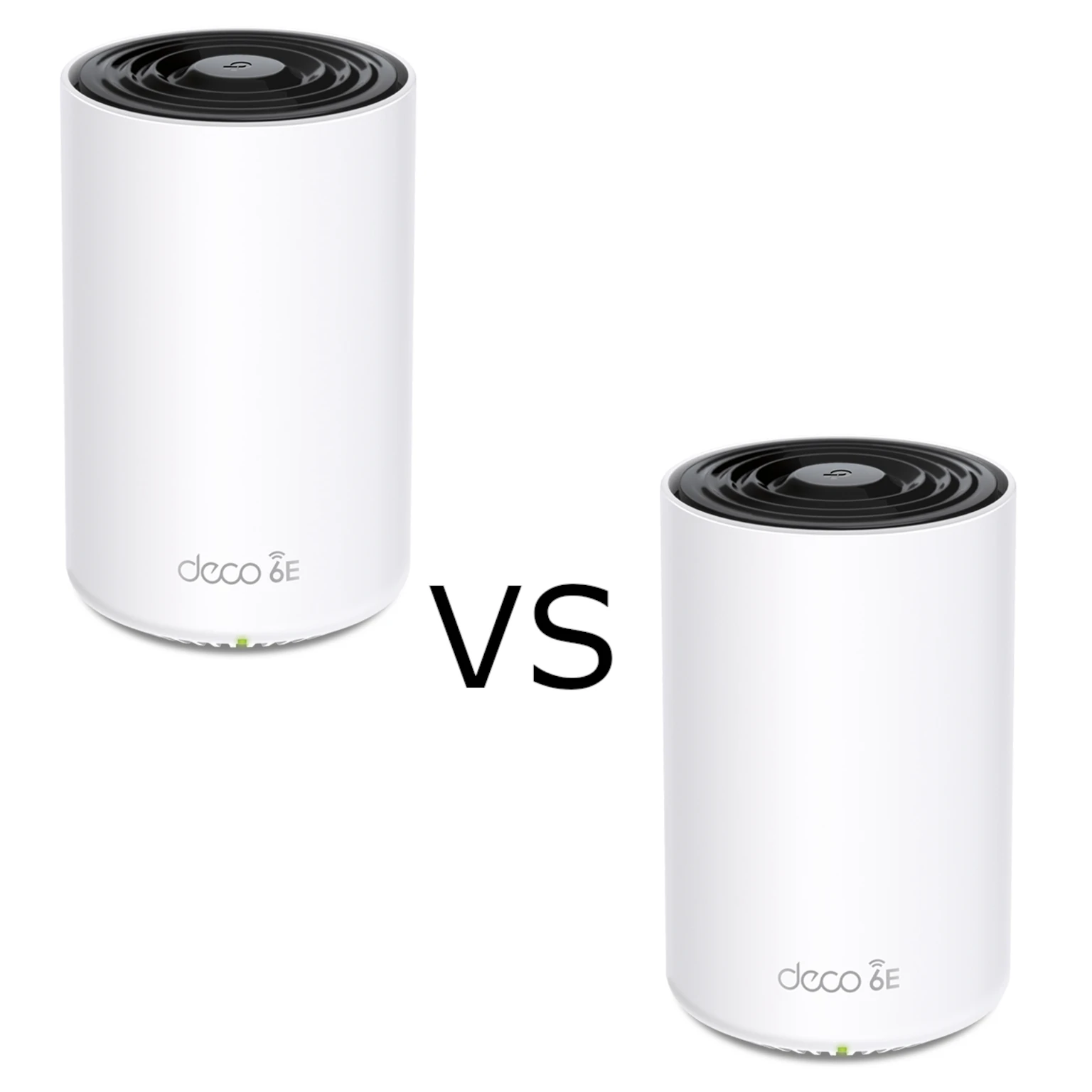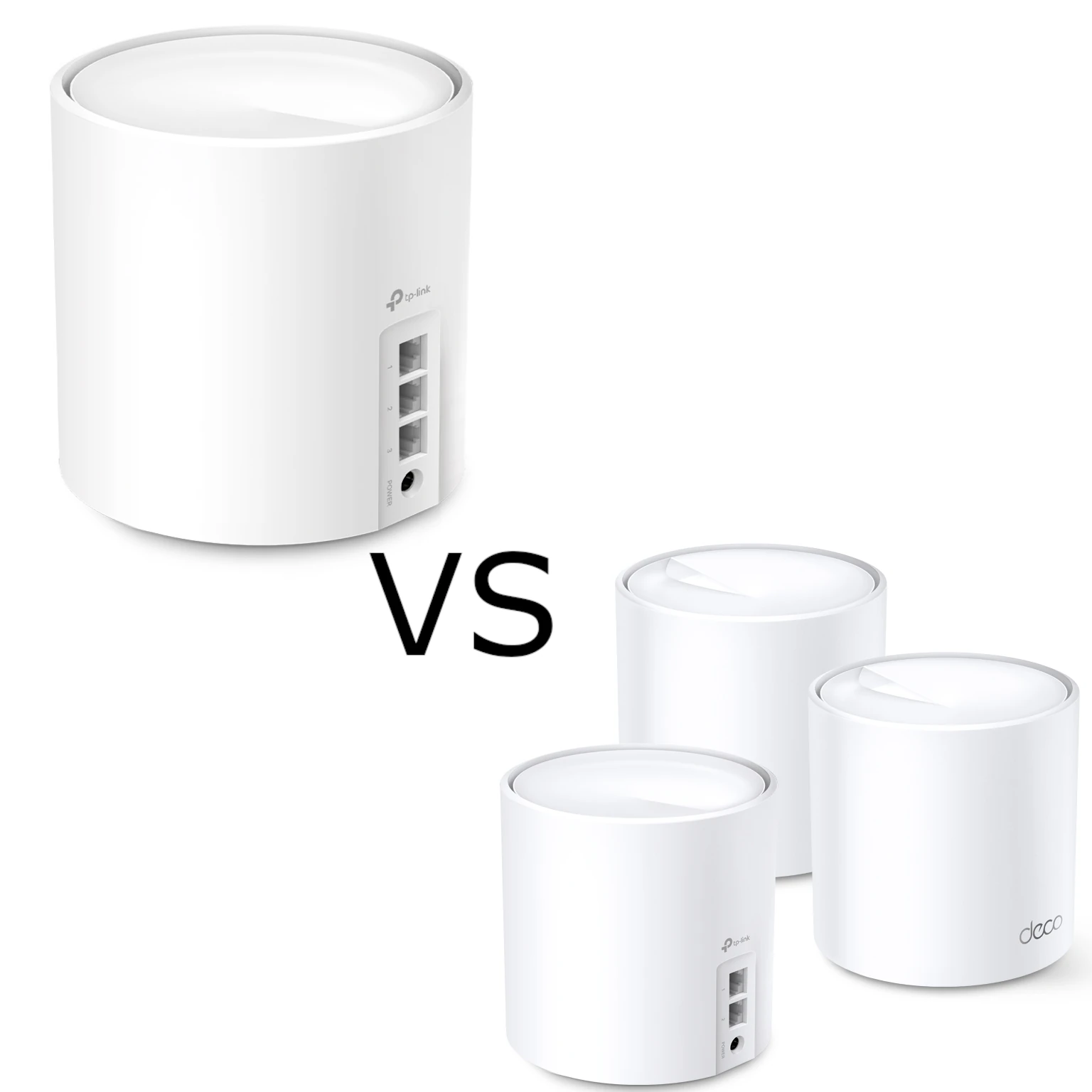
For the related model, see our in-depth post on the TP-Link Deco BE75.
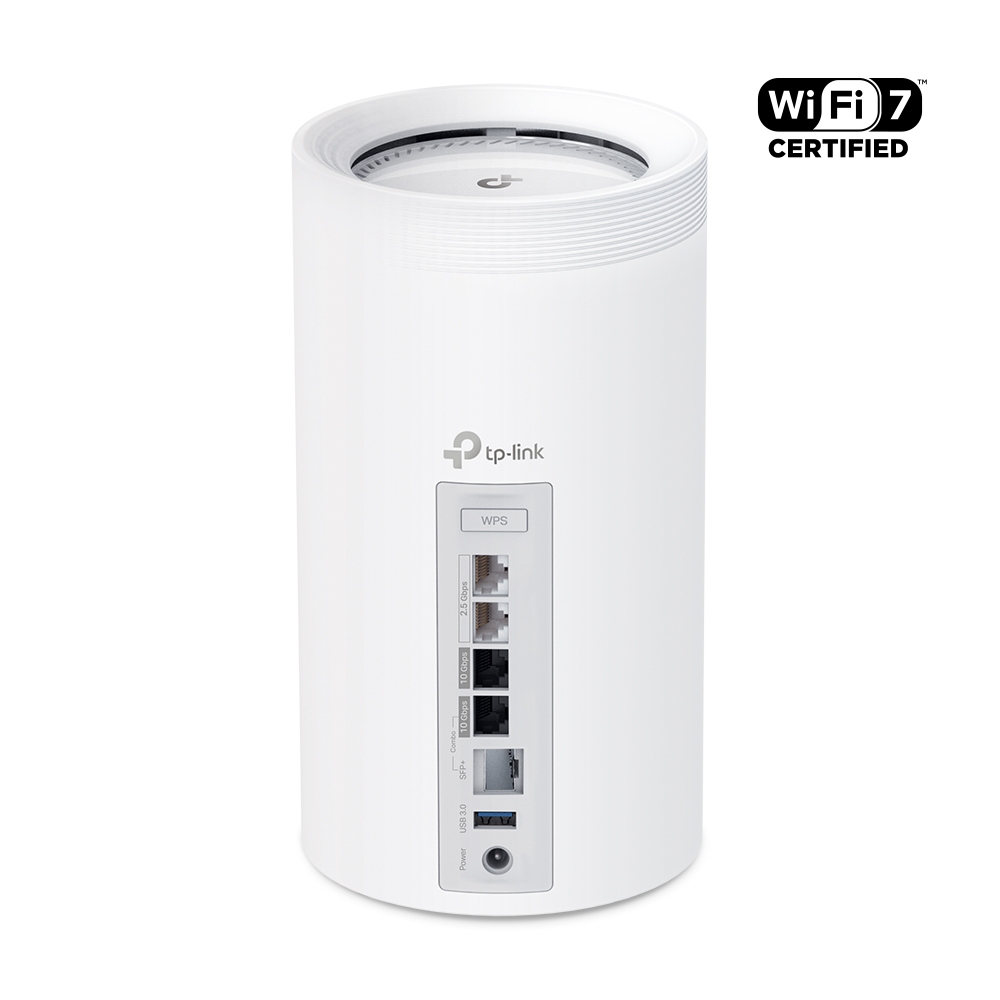
The Deco BE85 remains an exciting premium mesh choice in our view, particularly when you need both substantial radio capacity and two 10-gigabit interfaces per node. It is the larger-capacity companion to the BE75, but the useful differences involve port allocation, regional radio profiles and the backhaul you can build in your home.
This is a specification-based overview. Our positive assessment does not claim an owned-device speed or coverage test. Use the published capabilities to plan a network, then check performance with the actual clients, walls and internet service involved.
Key Features and Regional Profiles
The BE85 is a tri-band Wi-Fi 7 system with 2.4, 5 and 6 GHz radios and a published 12-stream design. The current US page describes a BE22000 profile; the global page describes BE19000. That distinction matters when comparing a shop listing with an article or illustration from another region.
| Referenced profile | 6 GHz | 5 GHz | 2.4 GHz |
|---|---|---|---|
| Current US BE85, BE22000 | 11,530 Mbps | 8,647 Mbps | 1,376 Mbps |
| Current global BE85, BE19000 | 11,530 Mbps | 5,765 Mbps | 1,376 Mbps |
| Global BE75, BE17000 | 11,520 Mbps | 4,320 Mbps | 688 Mbps |
These are physical-layer radio rates, summed into a marketing speed class. They are not one phone's transfer rate or guaranteed internet throughput. Some product headings use slightly rounded values. Check the exact region and hardware revision instead of combining a faster radio figure from one profile with assumptions from another.
Wi-Fi 7 features include MLO, wider supported channels, 4096-QAM and multi-resource-unit operation. Their benefit requires compatible clients, current firmware and suitable conditions. The 6 GHz band was already available with Wi-Fi 6E; Wi-Fi 7 did not invent it, and a Wi-Fi 6 device cannot acquire a 6 GHz radio through an access-point upgrade.
320 MHz operation belongs to 6 GHz where permitted, not a universal 5 GHz channel-width setting. A claim of three available 320 MHz channels assumes sufficient regional spectrum. Also, 6 GHz avoids devices that cannot use the band but is not free from every possible source of interference.
BE85 Versus BE75: Wired Connections
| Interface per node | BE85 | BE75 |
|---|---|---|
| 10 Gbps | One RJ45 plus one RJ45/SFP+ combo | One RJ45/SFP+ combo |
| 2.5 Gbps | Two ports | Three ports |
| USB | One USB 3.0 port | One USB port in the current global specification; generation unspecified there |
The combo's RJ45 and SFP+ sockets are alternatives for one interface. The BE85 manual explicitly says only one socket in the pair can be used at a time. Do not count it as two separate 10-gigabit connections or assume inserting a module leaves another independent copper interface available.
This is where our enthusiasm for the BE85's wired design is strongest. You can allocate one 10G interface to a suitable WAN and another to a fast switch or backhaul connection. A BE75 using its only 10G interface for WAN leaves 2.5G wired interfaces for LAN connections. The full path still depends on routing performance, cables, switch capacity and the endpoint.
Plan a Useful Wired Layout
A possible Router-mode arrangement is an ISP gateway or ONT feeding the main BE85, with a separate LAN interface feeding a compatible switch. The switch can then connect wired clients and satellites. In Router mode, satellites must be downstream of the main Deco's LAN connection; Access Point mode follows the existing router's network instead.
Count connections before buying. A satellite using one 10G interface for backhaul retains the other 10G interface and its two 2.5G ports for suitable local connections. Branching to several rooms may need a switch. Choosing a 10G port avoids a lower-rate physical hop, but does not make latency zero or every transfer run at the port's advertised rate.
For SFP+ connections, check the exact module, fibre and link partner. TP-Link's Wi-Fi 7 FAQ currently recommends supported optical arrangements rather than DAC copper cables for these SFP+ ports. The presence of an SFP+ socket is not a blanket endorsement of any inexpensive DAC. An ordinary optical Ethernet transceiver is also not automatically a replacement for an ISP's PON gateway; consult the ISP before changing that access arrangement.
Wireless Backhaul and Roaming
TP-Link advertises combined wired and wireless backhaul capabilities on the BE85. Check the model's firmware and actual connection status when planning to use that feature. MLO mode, participating radios and the other node's capabilities determine the result; a sum of maximum band rates does not prove equivalent usable backhaul throughput.
5 GHz can be useful where a 6 GHz link becomes weak, but the radio-rate difference between BE75 and BE85 is not a guaranteed multiplier through walls. A client with fewer spatial streams cannot use every stream listed for the access point. Move nodes and test the intended rooms before concluding that a larger rating solves a difficult path.
Deco can manage compatible models in one network, but mixed nodes retain their own ports and radio capabilities. A common network name and roaming assistance can help movement around the house; the client still participates in choosing its access point. Test important calls and devices rather than assuming every handoff is interruption-free.
USB Sharing and Time Machine
The BE85's USB 3.0 port supports listed file and media-server functions. TP-Link's current USB-sharing guide includes BE85 in its applicable-model list and describes authentication, network-neighbourhood sharing, DLNA, FTP and a Time Machine option. Check the options present on your hardware and firmware before setting up a drive.
Use access authentication, confirm that the intended clients can read and write, and check storage compatibility before formatting anything. The router recognising a disk for ordinary file sharing is different from a confirmed backup destination. Keep another copy of important files and test a restore, rather than treating one attached disk as protection against every failure.
For Mac backups, verify the Deco's actual Time Machine implementation against the installed macOS version. Apple's current guidance recommends NAS destinations supporting Time Machine over SMB and says AFP network backup is unsupported from macOS 27. Do not assume that any mounted SMB share, or any filesystem readable by the router, is automatically a supported Time Machine target.
HomeShield, IoT and Operating Mode
HomeShield provides a basic plan and optional paid features. Decide which controls you need and whether they are available in your intended mode. TP-Link's Router/AP comparison notes that gateway features such as HomeShield, parental controls, QoS and VPN functions are not generally available in AP mode; check model-specific firmware improvements.
An IoT SSID can help organise compatible smart-home devices. It does not by itself isolate them from the main network. TP-Link distinguishes the IoT network from Device Isolation, which needs support across the participating Decos and has mode restrictions. Configure the intended access rules, then test both separation and legitimate device control.
Is the BE85 Right for You?
We still regard the BE85 as a standout option for a demanding home where its radio design and dual 10G interfaces are useful. Compare equal pack sizes, current local prices and the cost of any switches or wiring. A capable older client or a modest internet line can still work well, but may not benefit from every Wi-Fi 7 feature.
Confirm the regional profile, WAN requirements and node positions; inspect the backhaul and test the same client near the main unit and in the difficult rooms. That provides a sound basis for the premium purchase while keeping the article's positive recommendation grounded in your actual needs.
For the full product page, visit TP-Link's Deco BE85 product page, then select the region and version that match your purchase.