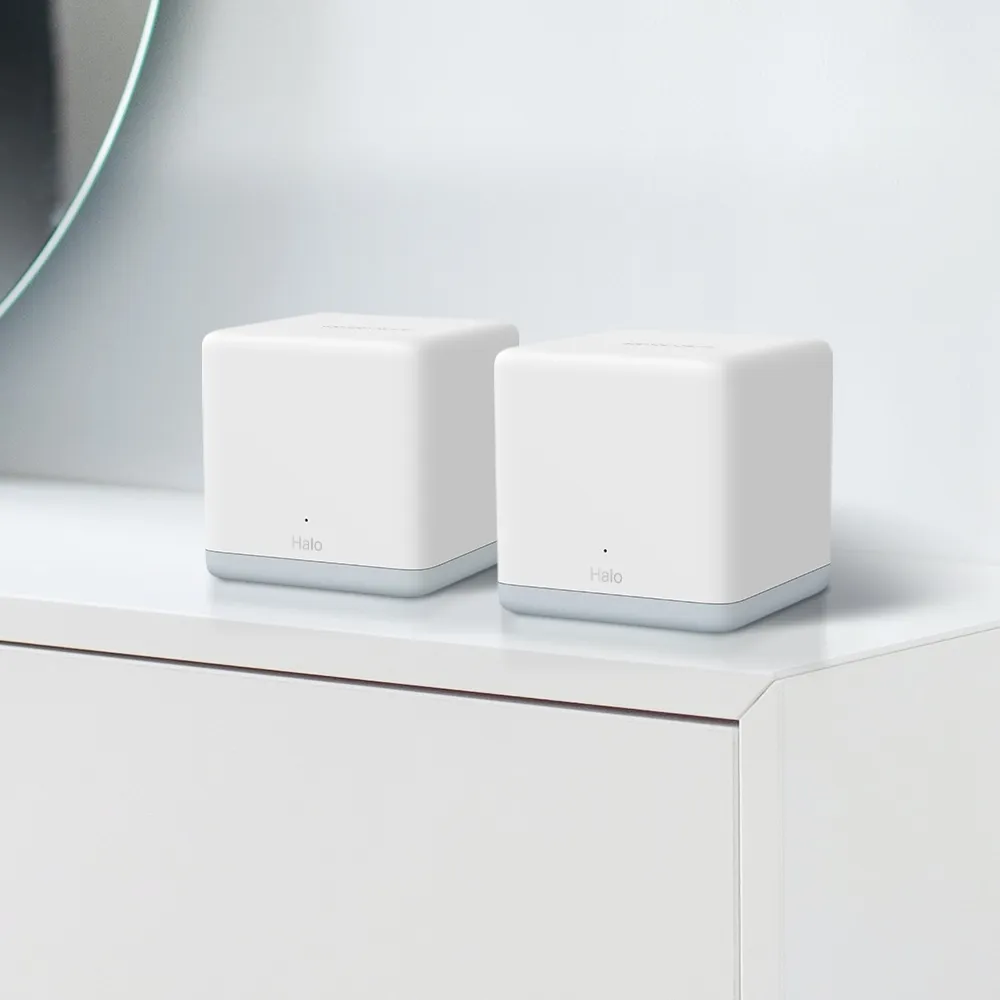
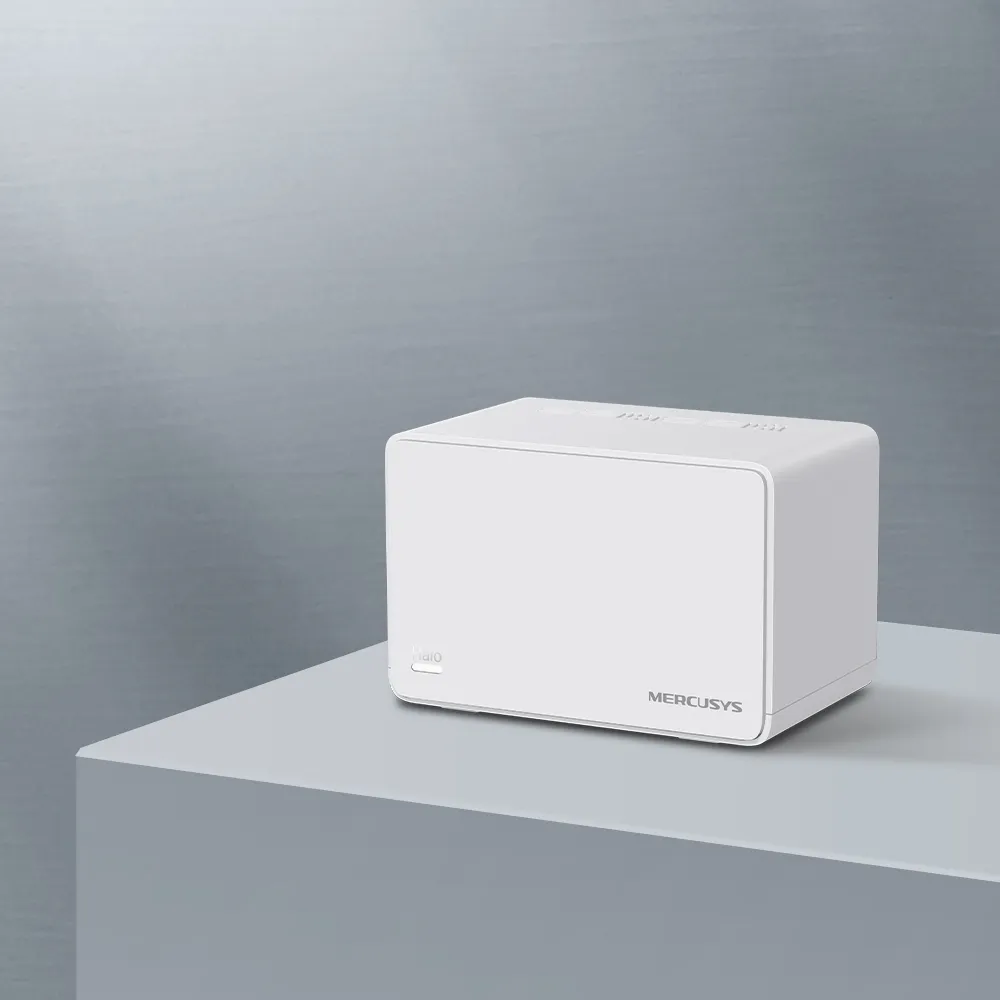
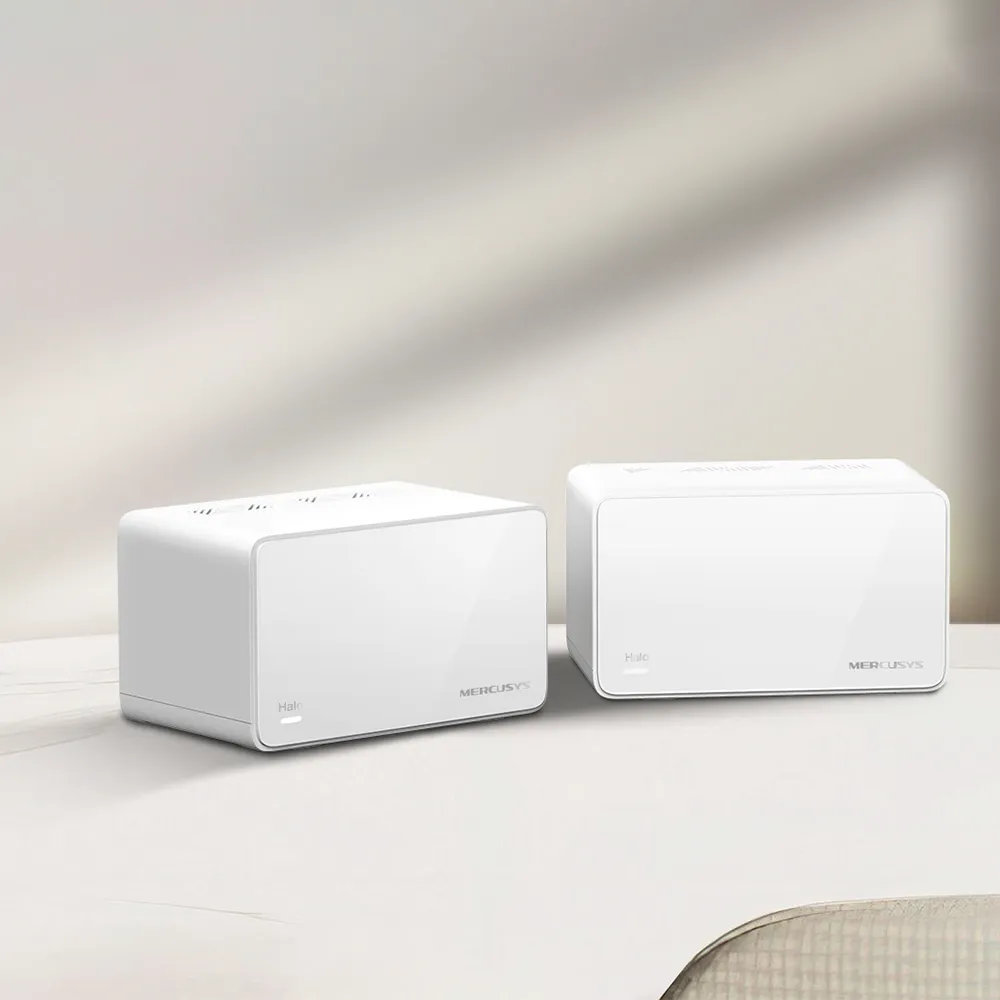
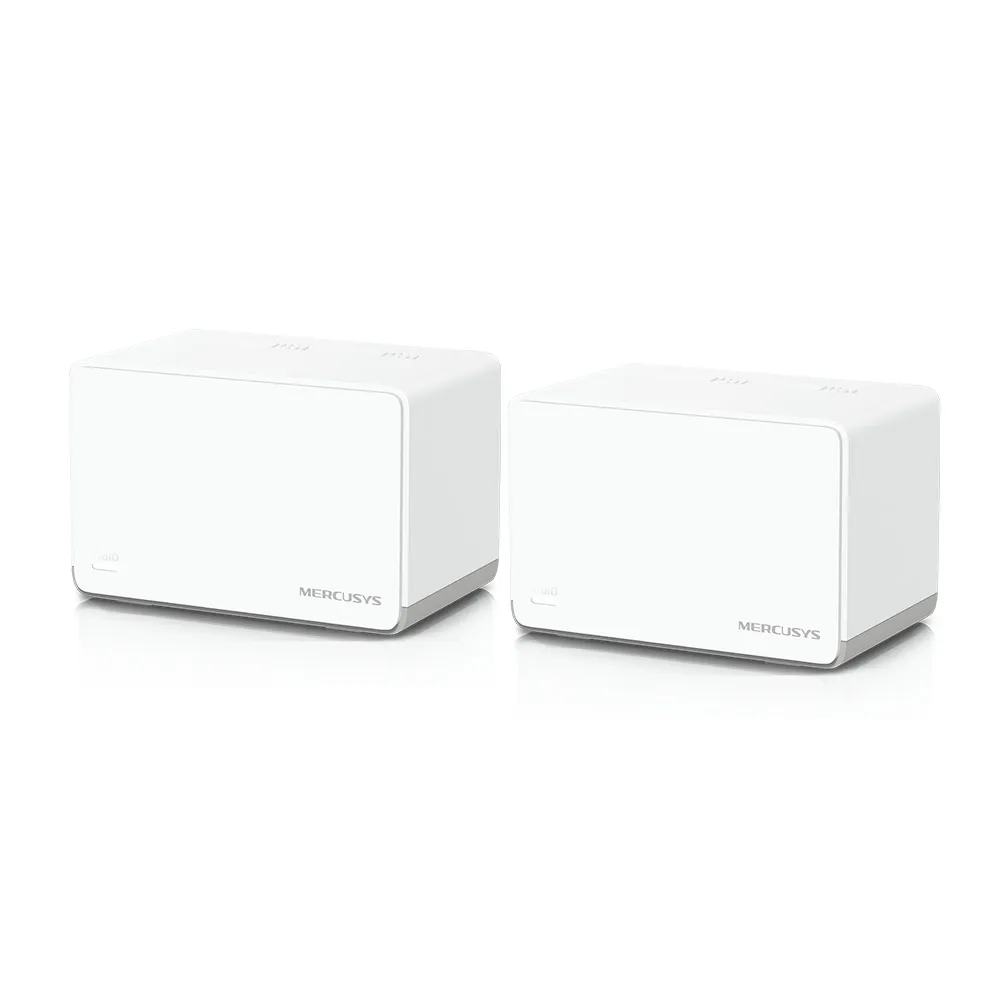
Ever walk into a room and find that the Wi-Fi connection disappears? Mesh Wi-Fi can help by placing connected access points around your home. The Mercusys Halo H70X is an affordable Wi-Fi 6 option that I would consider for everyday streaming, home-office work and smart devices. Its appeal is straightforward management and three Gigabit Ethernet ports on each unit, rather than a premium multi-gigabit specification.
A useful analogy is a garden with several sprinklers instead of one: distributing them can improve coverage, but they still need a supply. For a mesh network, the connection between units is that supply, called backhaul. Putting another unit in a room with an already unusable signal will not automatically solve the problem.
What the AX1800 Rating Means
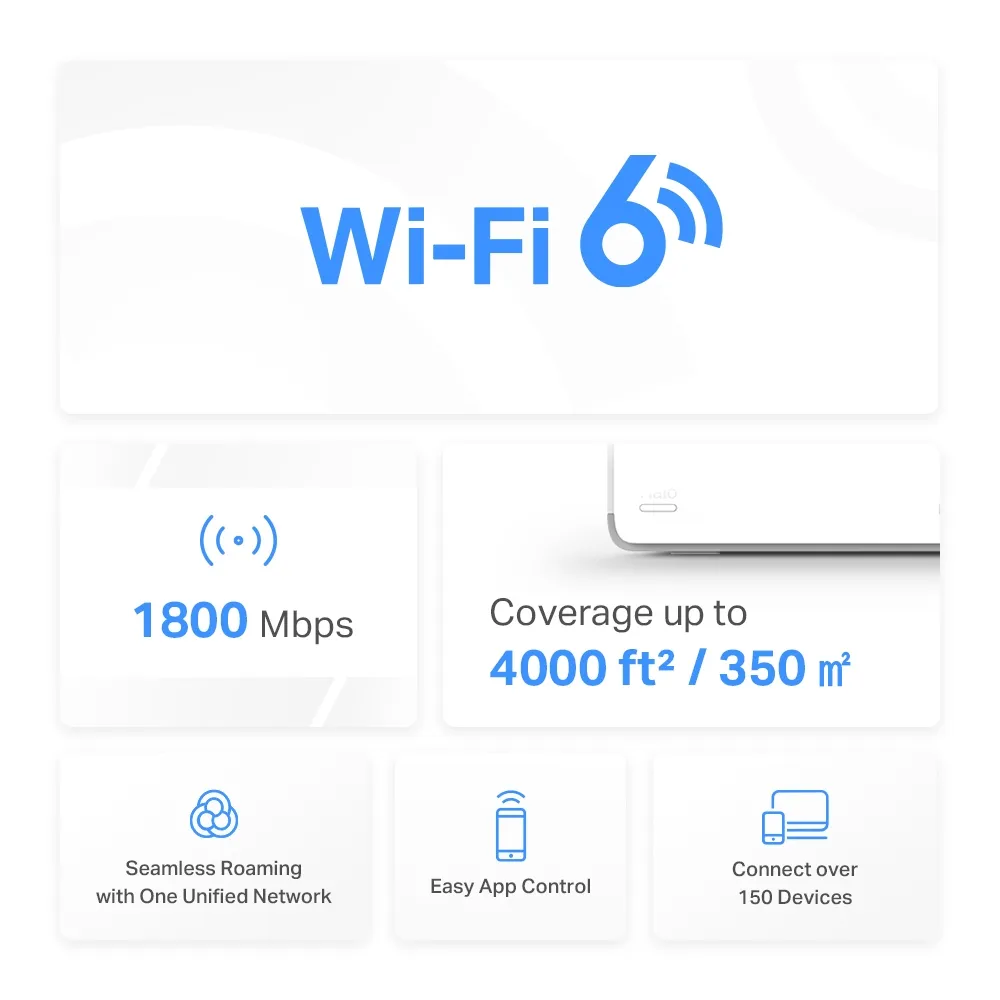
The H70X uses 2.4 GHz and 5 GHz Wi-Fi 6, with advertised maximum physical link rates of 574 Mbps and 1,201 Mbps respectively. AX1800 combines those figures into a product class. It is not a promise of a 1,800 Mbps download to one laptop. Protocol overhead, interference, distance and your client's capabilities reduce usable throughput.
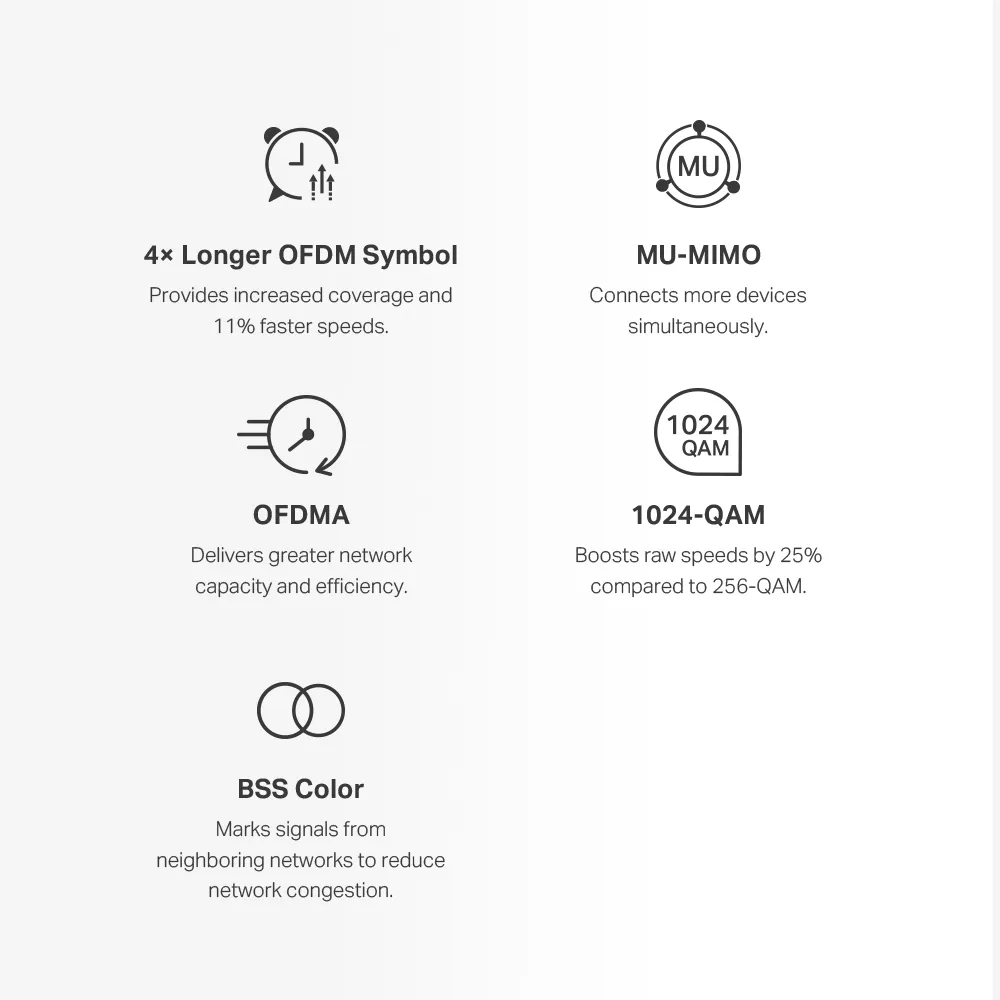
This is a dual-band system with no 6 GHz radio. Wi-Fi 6 efficiency features such as OFDMA and MU-MIMO can help supported devices share resources, but older Wi-Fi devices do not gain every new feature simply by connecting. Avoid assuming all smart plugs use OFDMA or that an AX rating guarantees lower game latency. Many small smart-home devices need only a reliable connection rather than a high peak rate.
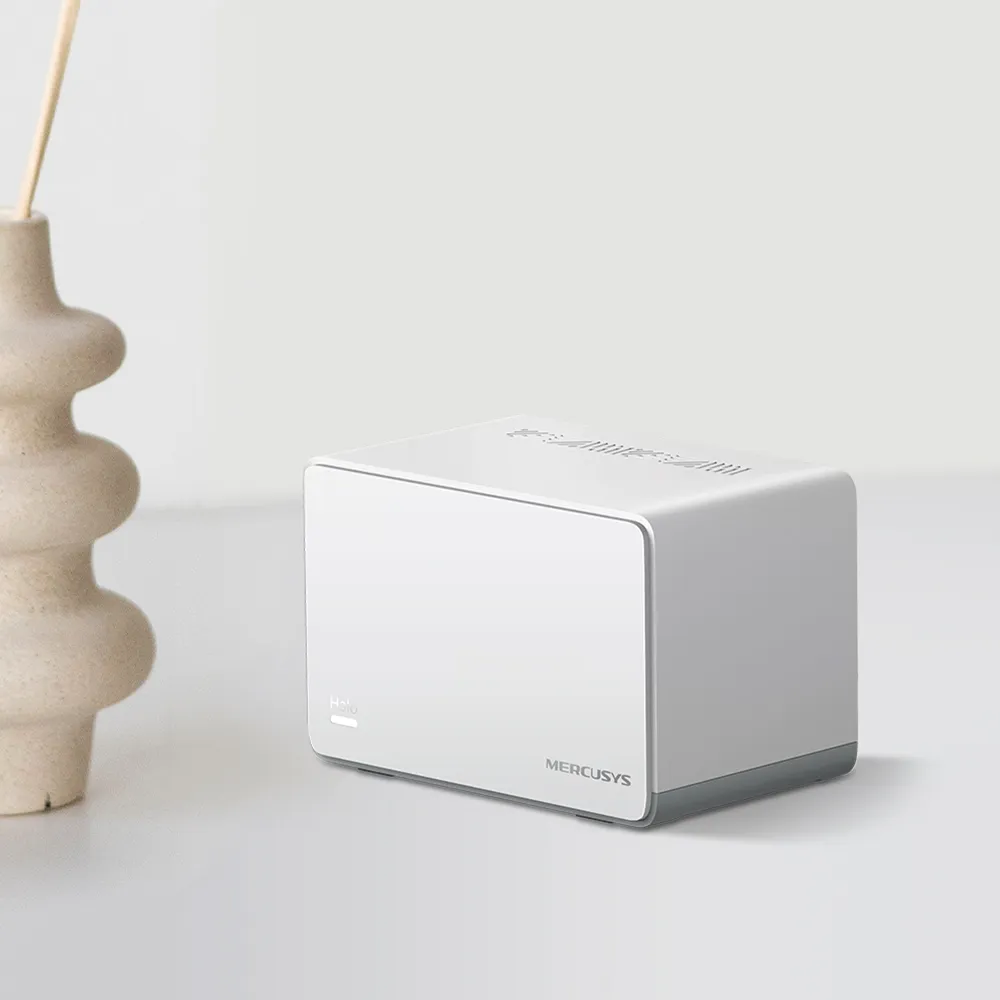
One Network Name, with Client-Dependent Roaming
Halo units form a network with one Wi-Fi name and password. Mercusys lists 802.11k/v/r roaming assistance for this model. Compatible phones and laptops can move between access points more conveniently, but the client participates in the decision. A call may still pause during a transition, and a device can remain connected to a less useful node. Test your actual phone rather than relying on a millisecond guarantee.
The self-healing description means the system can choose another available route between Halos. It cannot restore an internet connection if the main router or modem loses power, and it cannot create a usable radio path through every obstacle. For an important office connection, wiring the computer or providing a good wired backhaul is a more deliberate way to reduce dependence on radio conditions.
Hardware and Coverage
| Item | H70X specification and scope |
|---|---|
| Wireless bands | 2.4 GHz and 5 GHz; Wi-Fi 6 |
| Signal rates | 574 Mbps + 1,201 Mbps |
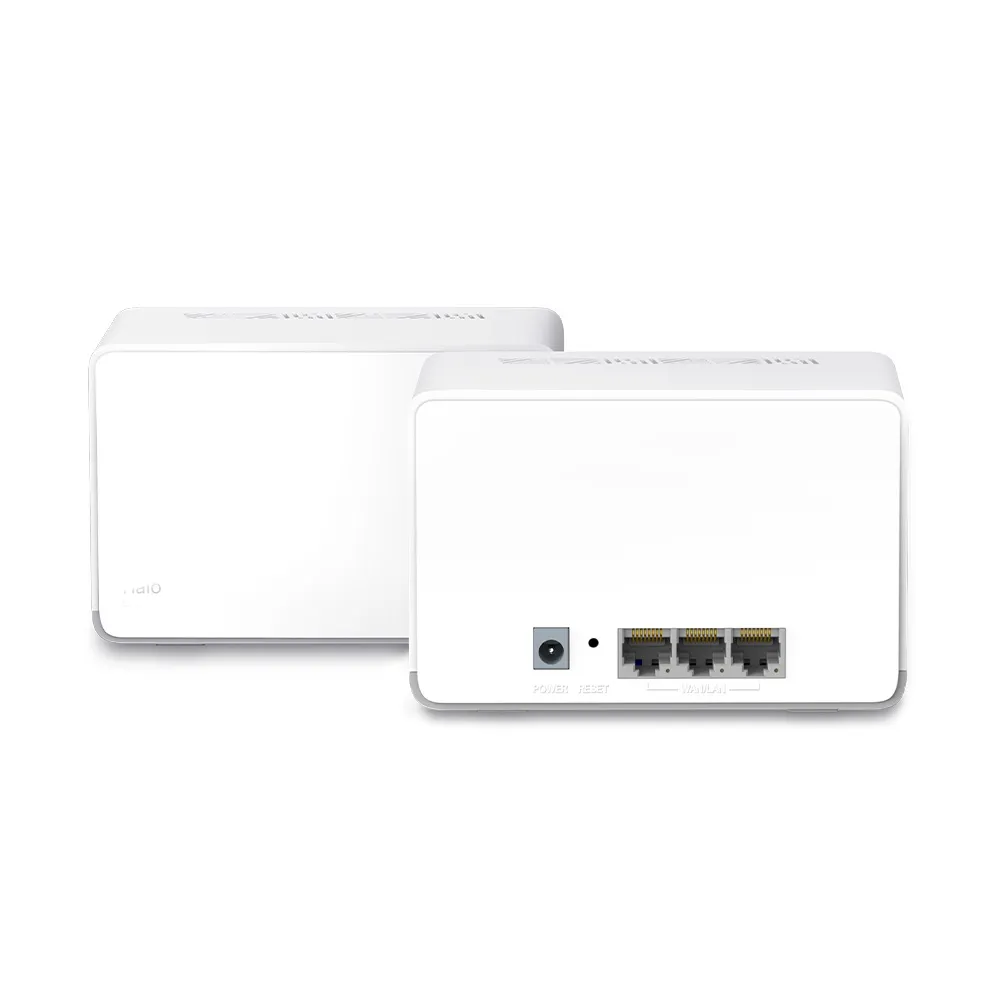
| Ethernet | Three Gigabit auto-sensing WAN/LAN ports per unit; one WAN at a time |
| Operating modes | Router or access point |
| Dimensions | 128 × 81 × 83.7 mm |
| Advertised coverage | 2-pack: 4,000 ft²/350 m²; 3-pack: 6,000 ft²/550 m² |
| Advertised client capacity | Over 150 devices; subject to conditions |
| Wireless security | WPA-PSK/WPA2-PSK/WPA3; verify configured mode and client support |
Coverage figures are estimates, not a floor-plan guarantee. Thick masonry, metal, cabinets and the position of the internet entry point may matter more than area alone. Device count also differs from simultaneous high-traffic capacity: a collection of mostly idle sensors is not equivalent to many active cameras and large downloads. Choose the pack size around rooms and useful links between nodes, then verify coverage.
The main node spends one port on its internet connection in router mode, leaving two for local equipment or backhaul. A wired satellite also uses a port for its uplink. If you need more wired devices, include a suitable switch in the budget. The Gigabit ports limit individual wired links; this is not the model to choose for a fully multi-gigabit path to a NAS or internet connection.
Wired Backhaul and Correct Topology
Wireless backhaul shares radio resources with client traffic. Its throughput depends on placement and the path between nodes; a published client link rate is not the speed of that complete path. Ethernet backhaul removes that particular radio hop, but does not guarantee a fixed wireless speed at the satellite. Your client's connection remains part of the route.
Mercusys advises adding the Halos to the same network through the app before wiring them. In router mode, connect satellites downstream of the main Halo's LAN port, directly or through its LAN switch. Do not place the main router and satellites together on the upstream modem-side switch. In access-point mode, satellites can connect through the existing router's LAN instead. Check the app's network map to confirm which backhaul is active.
If a wired satellite still appears wireless or becomes unstable, try another cable and port, then test a direct connection that bypasses the switch. Mercusys also notes that IPTV-assigned ports cannot provide backhaul. Consult its switch guidance if the direct connection succeeds; do not randomly disable protections across your whole network or create redundant cables while troubleshooting.
Choose Who Manages Your Network
Use router mode when the main Halo should manage the local network. If an ISP router, pfSense appliance or another gateway already handles routing, access-point mode can avoid an additional layer of NAT. Keep the upstream router's DHCP service enabled because Halo does not assign client addresses in AP mode.
That mode changes the feature set. Mercusys says parental controls, port forwarding and address reservations are unavailable in the Halo app in AP mode; manage those functions on the upstream gateway. Ethernet backhaul still works. Choose the mode before planning printer reservations or remote services, since settings from a router-mode screenshot may not be present after switching.
Security and Smart-Home Planning
WPA3 support does not mean the system enforces WPA3 on every device out of the box. Check the selected security setting and whether older clients support it. Use a strong password and current firmware, and read our explanation of why WPA3 matters. Wireless encryption protects the radio connection; it is not a guarantee that every connected device or internet service is safe.
A guest network is useful for visitors, but do not assume a consumer mesh provides arbitrary per-SSID VLAN rules and a business firewall. Check the isolation behavior in your chosen mode before using it for untrusted smart devices. For local services, prefer reservations over repeatedly changing addresses, and expose services only when needed. Port forwarding also depends on your upstream connection; it will not bypass carrier-grade NAT automatically.
Evaluate It in Your Home
Begin with an internet test over Ethernet at the main node. Then compare Wi-Fi near that node and in the rooms you use. If only a distant satellite is slow, investigate its backhaul before changing your ISP plan. If all wired and wireless results are poor, check the upstream connection first. Keep test device, location and time reasonably consistent so the comparison answers a specific question.
For home-office work, walk your usual route during a call and check reconnection behavior. For cameras, assess sustained uploads as well as downloads. Record any weak rooms and move a node into a more useful intermediate position. Adding too many closely spaced nodes can be less useful than correcting placement or wiring one difficult hop.
Buying Considerations and Verdict
I still see the H70X as a good-value option for straightforward Wi-Fi 6 coverage, particularly when three ports per node are useful. Compare the actual local pack price with newer models and include any switch or cabling costs. The UK V1 product page now labels that version End of Life and points to the H80X as its replacement; check your regional support page and exact hardware version before buying remaining stock. That label alone does not tell you the last firmware date or support policy in another country.
Buy for the connections you need today rather than a blanket promise of future-proofing. The H70X can be a sensible budget upgrade, but it will not make every room fast without appropriate placement, backhaul and compatible clients. See the original official H70X product page and the support documentation for your version.