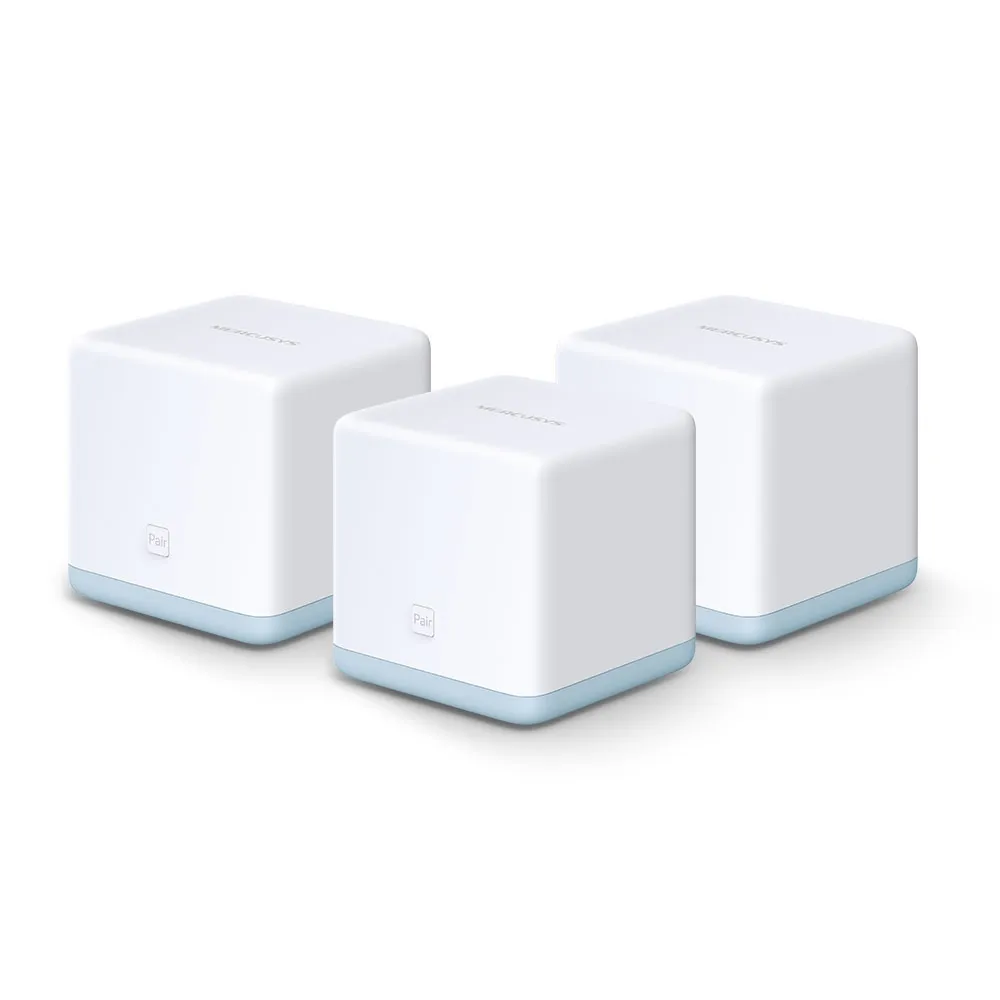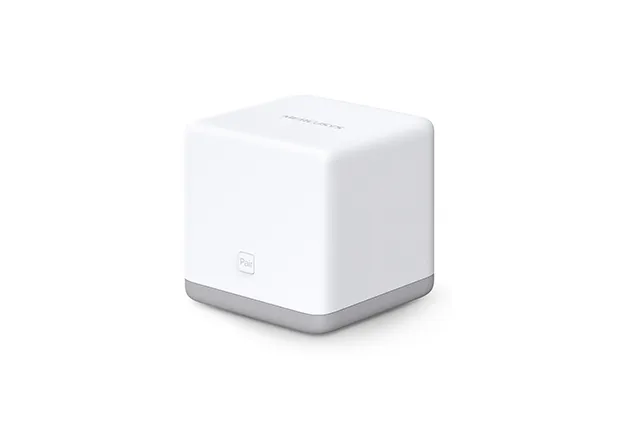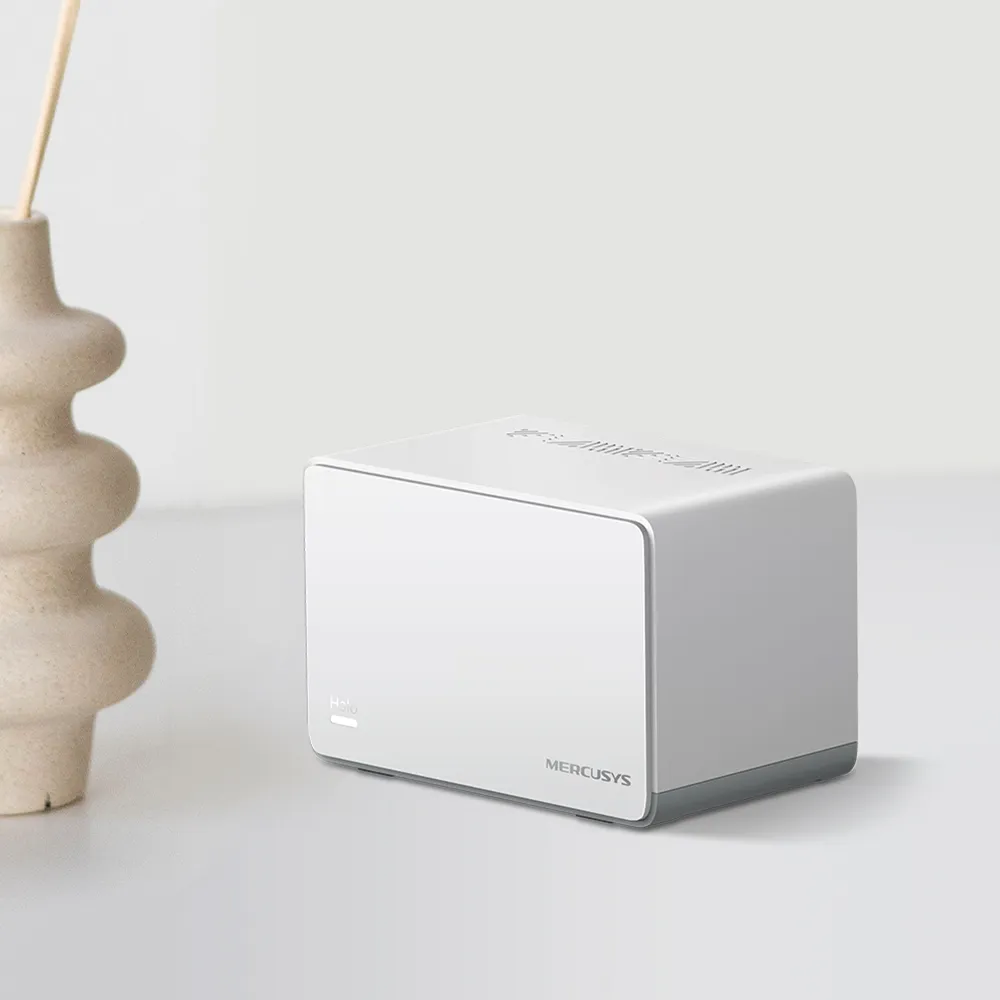
Mercusys deserves a place on the shortlist when you want practical home networking without a premium price. Its appeal is straightforward: affordable routers, Halo mesh kits, range extenders and powerline adapters can solve everyday connection problems. I see that focus on affordability and approachable setup as the brand's main strength. However, value comes from choosing the right model for your home, rather than assuming every product carrying the same logo offers identical performance or features.
Mercusys and Its TP-Link Association
An official Mercusys article quoting TP-Link Indonesia's marketing manager describes Mercusys as a TP-Link subbrand. That explains the historical association readers may recognise. Mercusys's current corporate page also describes its 2025 IFA appearance as an independent brand. Neither statement establishes that a Halo has the same hardware, firmware or support policy as a TP-Link Deco. Treat the products as separate systems and use the support page for the exact Mercusys model.
The current catalogue extends beyond basic routers to Wi-Fi 7 mesh, mobile networking, switches and other connected products. That is encouraging for a brand originally attractive to budget buyers, but a wider catalogue is not evidence that every inexpensive device has gained the newest features. An older AC1200 kit and a newer BE3600 kit still have materially different capabilities.
Which Product Solves Your Connection Problem?
- A standalone router suits a home where one well-positioned device already covers the required rooms. Check the WAN and LAN ports as carefully as the advertised Wi-Fi class.
- A Halo mesh kit provides coordinated coverage from several units. It is useful when rooms or floors need additional access points, especially if Ethernet can connect the units.
- A range extender can address a smaller coverage gap. It still needs a usable connection to the original network; putting it in the dead zone does not create a strong upstream signal.
- A powerline kit offers another route when running Ethernet is impractical. Its results depend on the electrical installation, so buy with a sensible return policy rather than treating the box's rate as a guaranteed connection speed.
For example, the MP510 KIT uses HomePlug AV2 over electrical wiring, combines an advertised AV1000 powerline link with a 300 Mbps Wi-Fi connection, and includes Gigabit Ethernet. Those numbers describe different links. They do not promise a 1 Gbps internet connection at the remote socket. Mercusys explicitly notes that electrical interference, circuit breakers and separate service panels can affect results. Check whether the particular adapter has a passthrough socket if retaining the outlet matters.
Halo Models: Similar Names, Different Limits
| Example model | Published wireless class | Ethernet per unit | Practical implication |
|---|---|---|---|
| Halo H30 | AC1200, Wi-Fi 5; 867 Mbps on 5 GHz and 300 Mbps on 2.4 GHz | Two 10/100 Mbps ports | The wired path is unsuitable for carrying a faster-than-100 Mbps internet service in full. |
| Halo H80X | AX3000, Wi-Fi 6; 2,402 Mbps on 5 GHz and 574 Mbps on 2.4 GHz | Three Gigabit ports | A more capable wired foundation; a compatible client is needed to use the advertised 160 MHz wireless rate. |
| Halo H27BE V1 | BE3600, Wi-Fi 7; 2,880 Mbps on 5 GHz and 688 Mbps on 2.4 GHz | One 2.5 Gbps port and two Gigabit ports | Offers newer wireless features and one faster wired connection, but has no 6 GHz radio. |
These are manufacturer specifications, not our measured throughput. Adding the bands gives a marketing class, not the speed available to one ordinary download. Wireless clients, channel width, interference, distance and the backhaul connection all affect usable performance. The H30 and H30G names are particularly easy to confuse: the extra letter matters when comparing Ethernet specifications.
Likewise, Wi-Fi 7 does not automatically mean 6 GHz or 320 MHz channels. The H27BE V1 lists 2.4 GHz and 5 GHz radios with a maximum 160 MHz channel width. Compatible client hardware is required for features such as Multi-Link Operation. Check the local product listing and hardware label before ordering, because revisions and regional firmware can differ.
Placement and Backhaul Matter More Than Marketing Coverage
Place a wireless satellite where it can still communicate reliably with the rest of the mesh, then check the room it is intended to serve. There is no universal distance or number of walls that guarantees success. Brickwork, concrete floors, cupboards and neighbouring networks make a floor-plan estimate less useful than checking the actual connection in the app and using your normal devices.
Ethernet backhaul moves the connection between wired Halo units onto a cable, avoiding that wireless backhaul hop. It does not eliminate interference for wireless clients or guarantee that every port runs at the fastest advertised radio rate. For example, using the H27BE's only 2.5 Gbps port for the internet leaves Gigabit ports for the wired connection to a satellite.
Mercusys's instructions say to add the Halo units to the same network wirelessly first, then connect the cables. In router mode, connect satellites downstream of the main Halo's LAN side, directly or through a suitable switch. In access point mode, the documented cabling options also include the existing main router. Confirm Ethernet backhaul in the app's network map. If it fails through a switch, testing a direct cable connection helps distinguish a cabling problem from switch compatibility.
Do not assume every Mercusys mesh device joins the same system. The manufacturer specifically says Halo H and Halo S series cannot work together. Similar branding also does not establish compatibility with Deco or with an unrelated EasyMesh product. Check the supported combination before buying an additional unit.
Features Depend on Model, Firmware and Operating Mode
Halo can be useful behind an existing router, but access point mode changes who manages the network. Mercusys documents that gateway features such as parental controls, QoS, DHCP reservations, port forwarding and DDNS disappear from the Halo app in that mode. The upstream router then handles those duties. Do not choose access point mode expecting the Halo's router controls to remain available.
It is also inaccurate to dismiss the entire brand as having no VPN features. Current official guidance describes a WireGuard server on compatible Halo models, with a warning that availability varies by hardware version. A product name alone is insufficient: check the applicable firmware and VPN support list. Similarly, an IPTV VLAN setting is not proof of arbitrary VLAN assignment for each wireless network.
A guest network can be useful, but verify its actual access policy in your selected mode before relying on it to isolate smart devices. Test whether a guest client can reach a local computer or server. A separate network name by itself does not demonstrate security separation. Use a supported router or access-point arrangement that explicitly provides the isolation you need.
Buying for Value and Keeping the Network Maintained
Compare complete kits with the same unit count, Ethernet requirements and warranty in your country. A lower price is less attractive if it forces you to replace a 100 Mbps bottleneck, buy extra switches or accept a missing feature you use daily. Before purchase, check the exact model's support page for manuals, firmware and any lifecycle notice. Keep the installed firmware maintained and retain a record of your settings for recovery.
I remain positive about Mercusys's approachable, value-focused direction. For a household needing straightforward coverage, a correctly chosen Halo or router can be a sensible purchase. For advanced segmentation, specialised VPN requirements or demanding local transfers, first confirm the exact capabilities rather than assuming a budget or premium brand guarantees them. That is the difference between buying an attractive specification and buying a useful network.