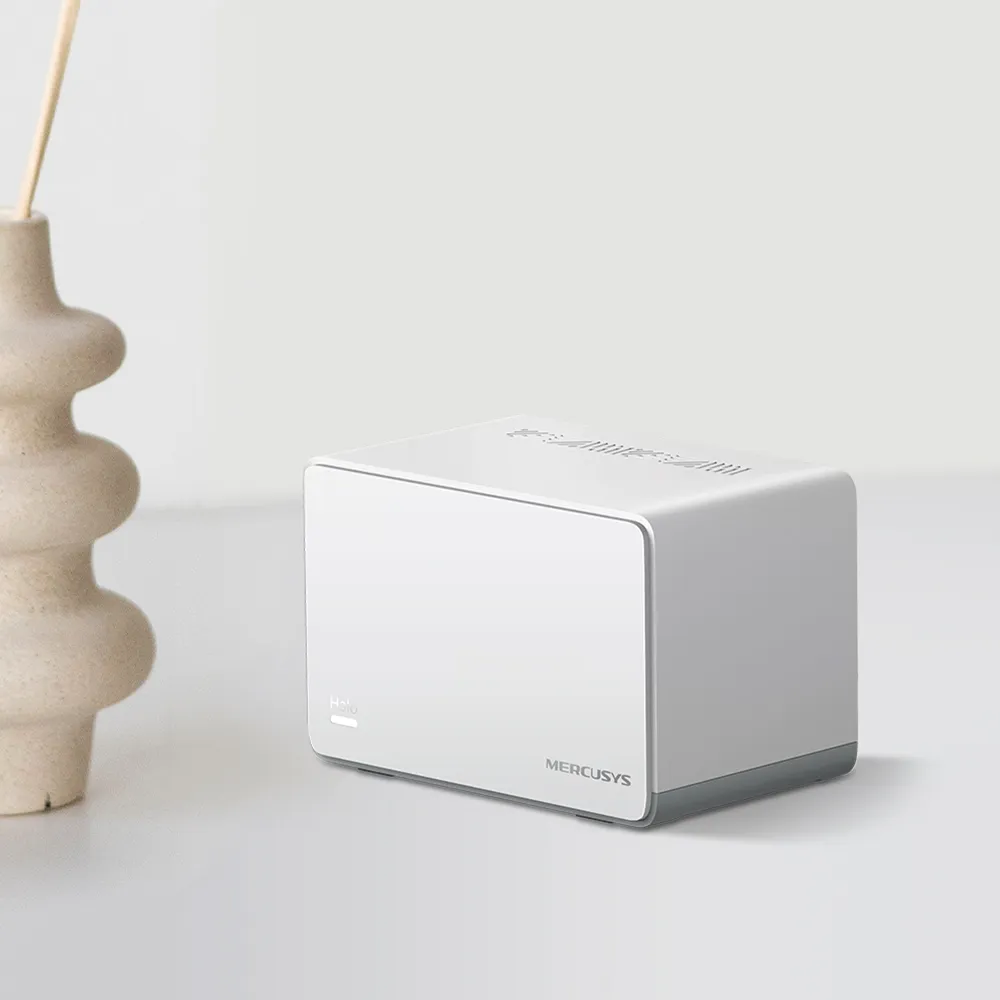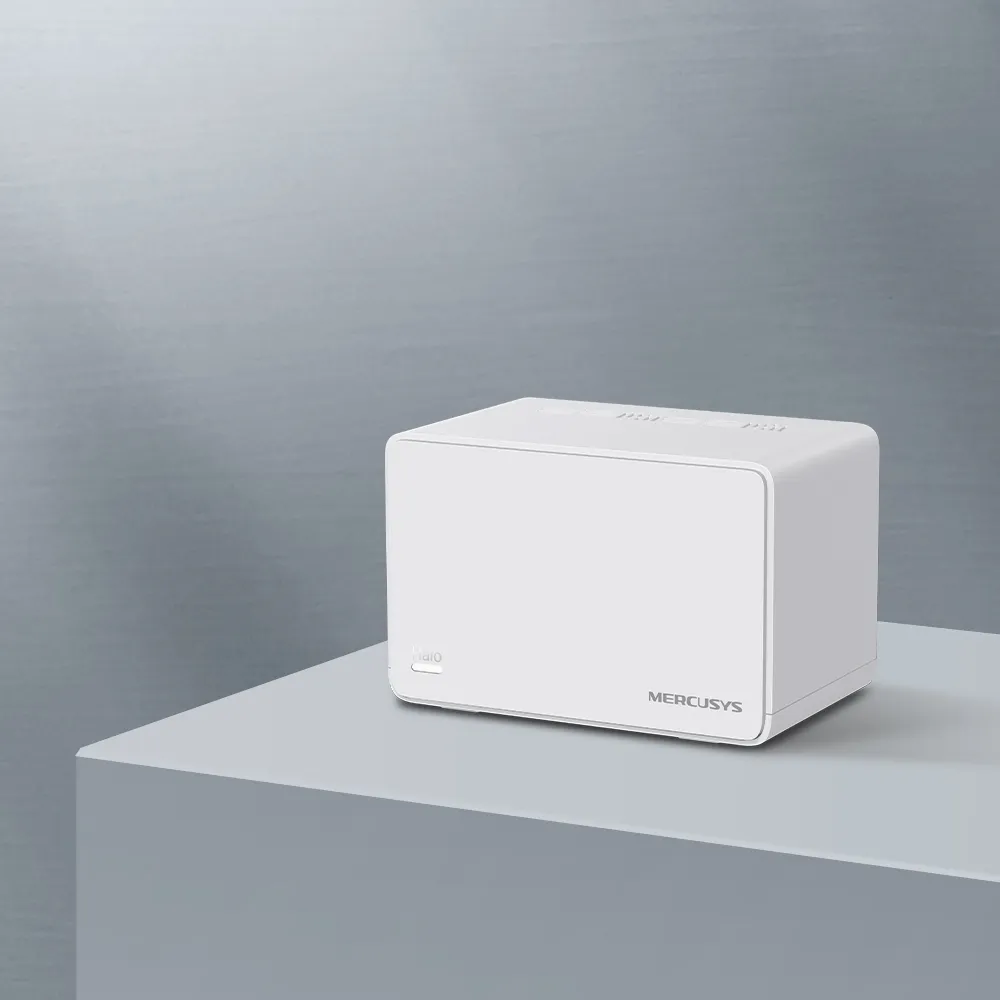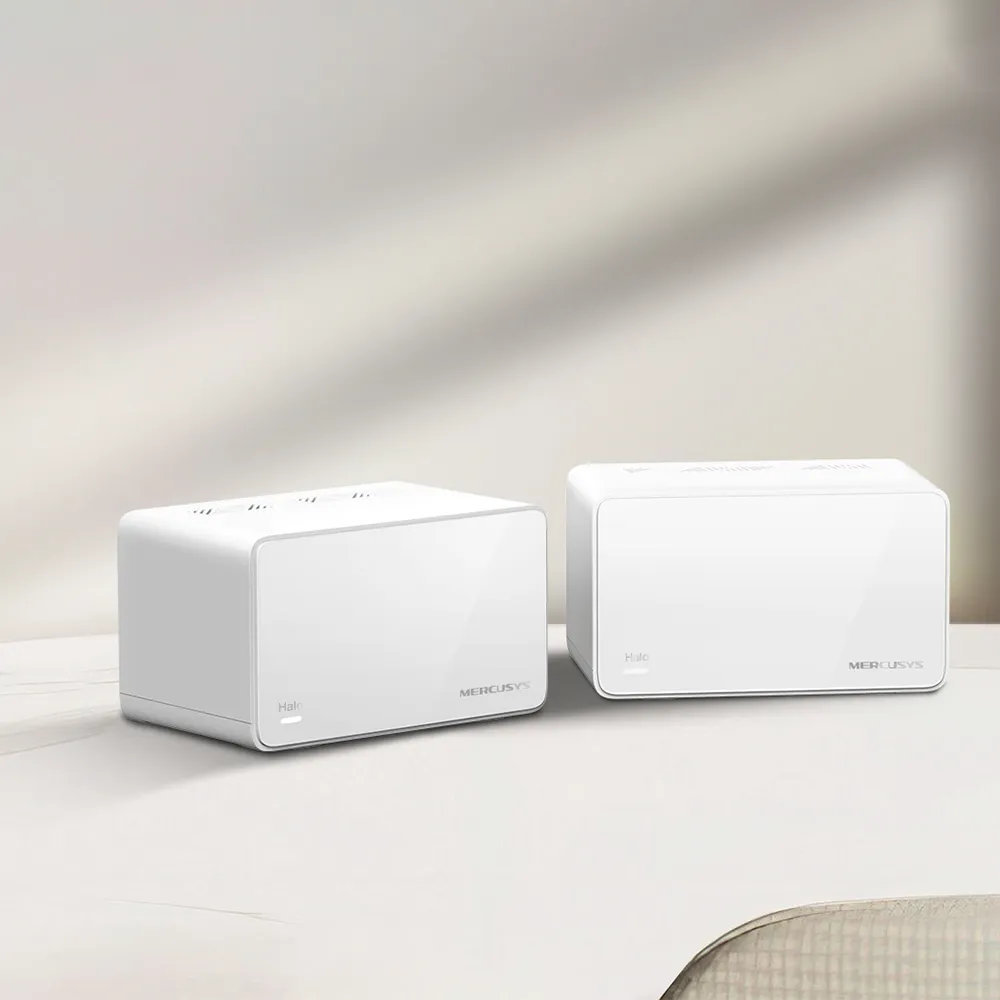
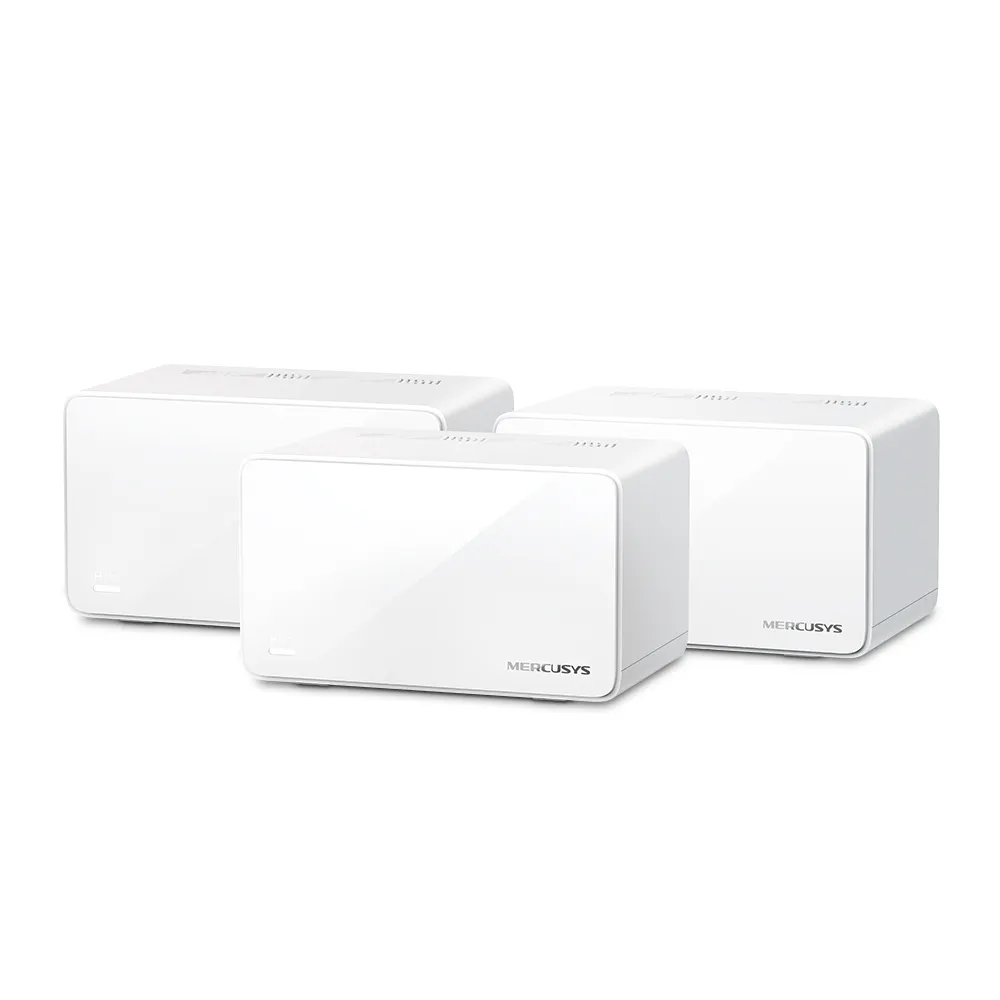
The Mercusys Halo H90X combines dual-band Wi-Fi 6 with a 2.5 Gbps Ethernet port on each unit. It is an appealing option for a household that needs wider coverage without paying for a more elaborate network. Its value depends on placement, the devices you connect and how you use that single faster port, rather than the AX6000 label alone.
Mesh Coverage Starts with Placement
Think of a conventional router as a radio tower. Its signal becomes weaker as you move away or put obstacles between it and your device. Mesh adds more towers around the home under one network name. A satellite brings access closer to a distant room, but a wireless satellite also needs a reliable link to the main unit.
Put a node where it can still receive a useful signal, rather than hiding it in the room that already has no reception. Open shelving may work better than a metal cupboard. Try positions on either side of a difficult wall or floor. The right arrangement can improve coverage; no mesh kit guarantees a strong connection in every building.
What the H90X Provides
The official H90X V1 page lists these capabilities. Coverage and device counts are manufacturer claims subject to its network and environmental caveats.
| Feature | Halo H90X V1 |
|---|---|
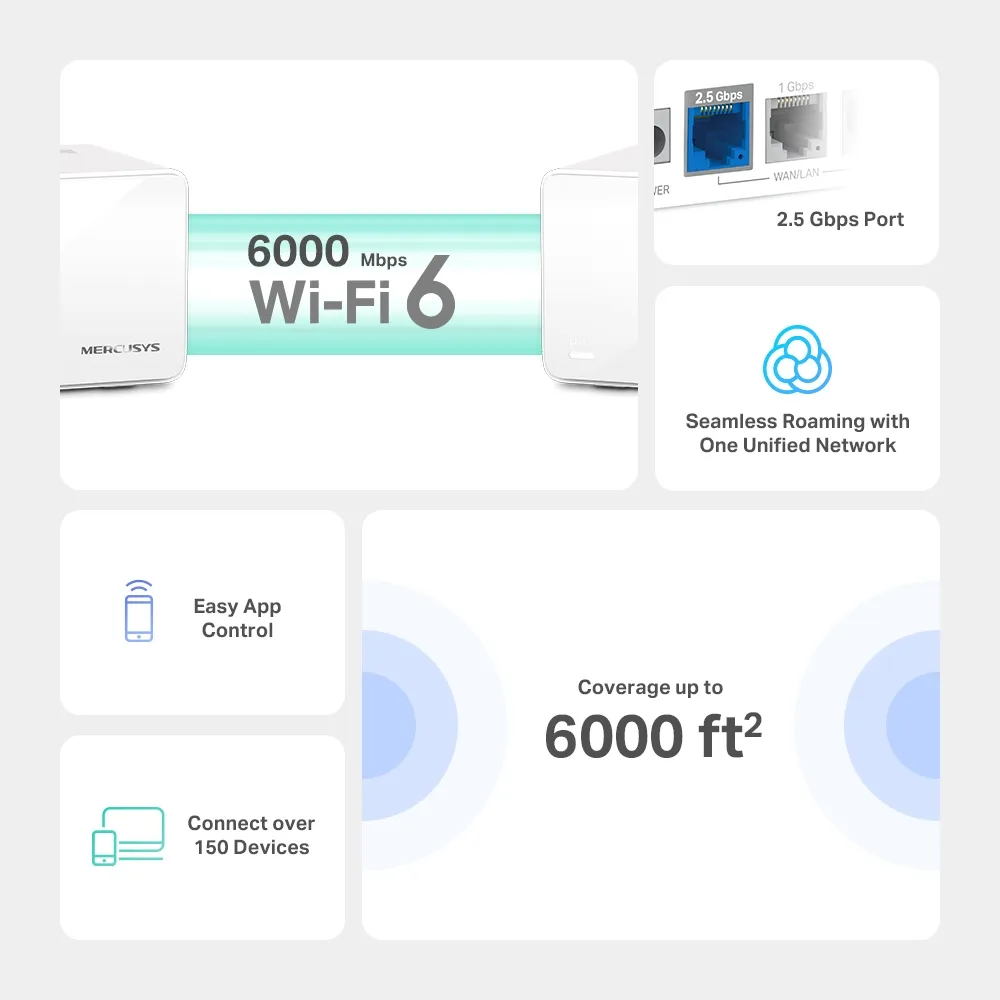
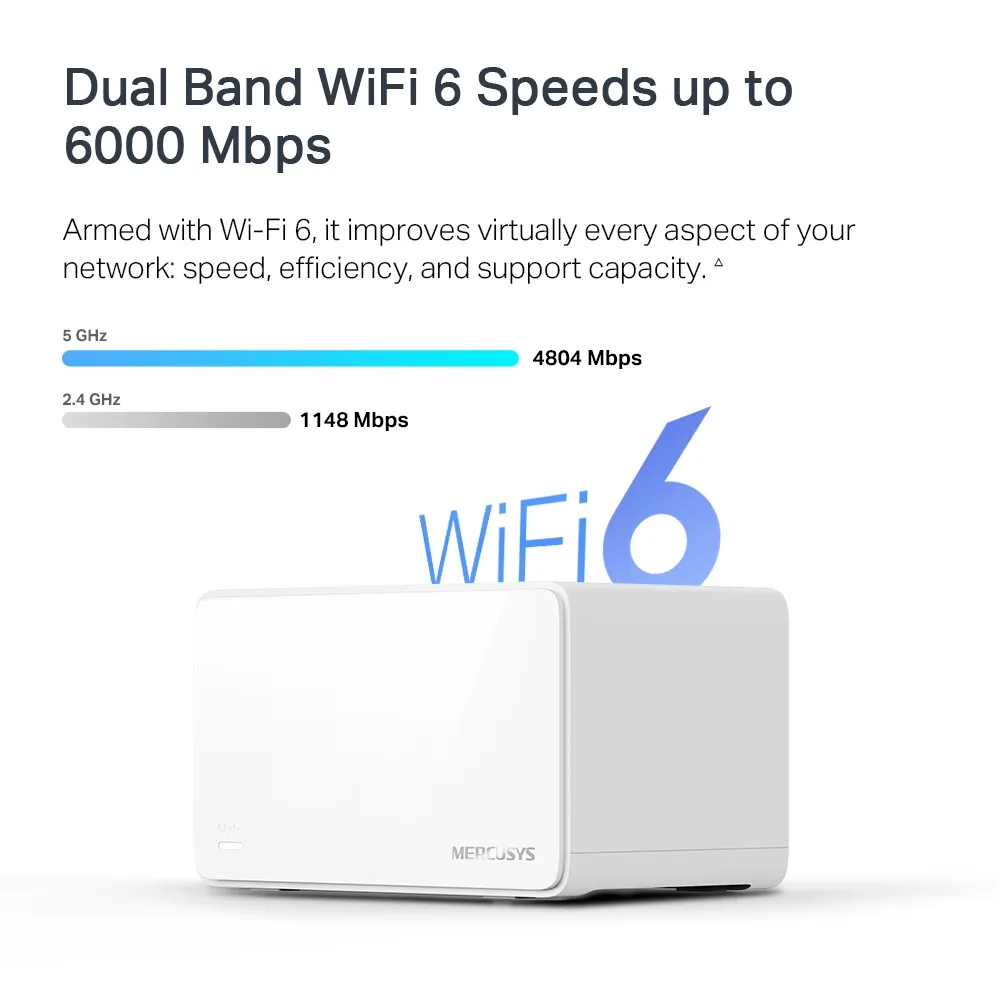
| Wi-Fi | Dual-band Wi-Fi 6, AX6000 |
| Advertised radio rates | 5 GHz: 4,804 Mbps; 2.4 GHz: 1,148 Mbps |
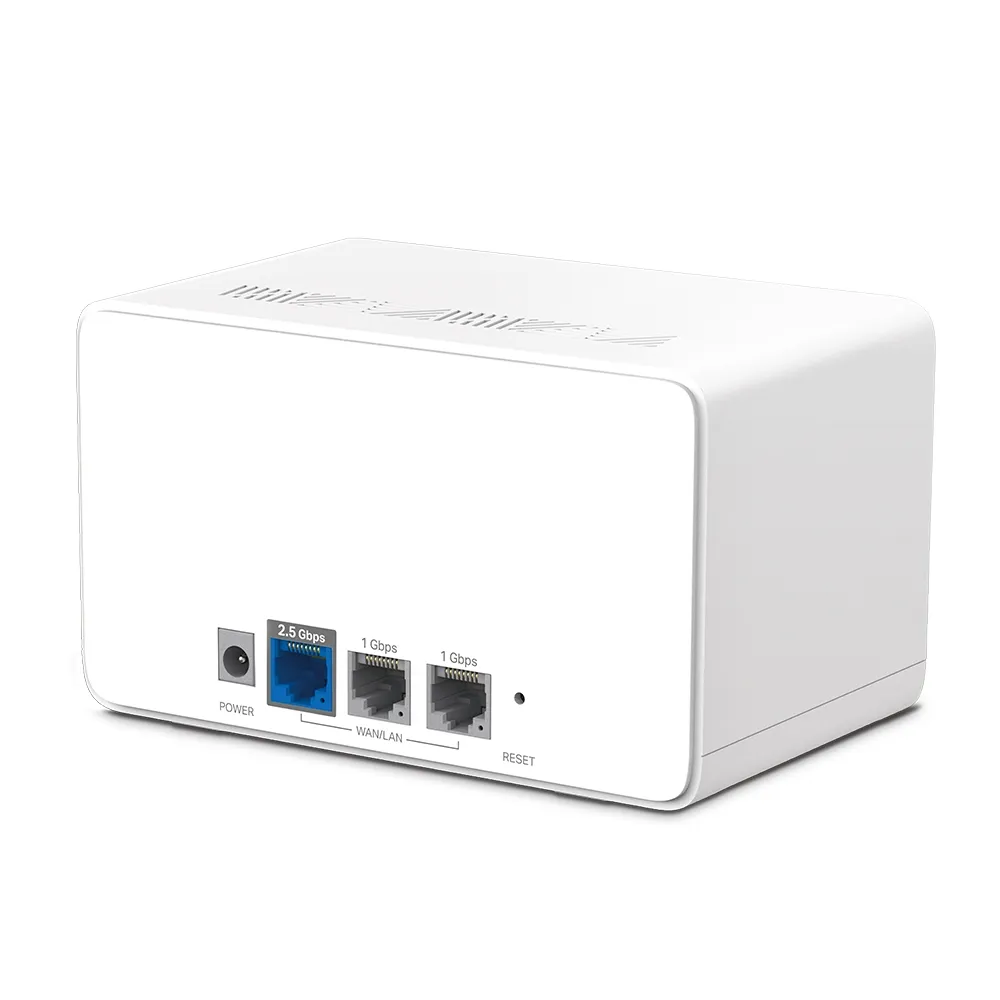
| Ports per unit | One 2.5 Gbps and two Gigabit Ethernet ports, WAN/LAN auto-sensing |
| Advertised coverage | Two-pack: up to 6,000 ft² / 550 m²; three-pack: up to 8,500 ft² / 800 m² |
| Advertised device capacity | Over 150 connected devices, subject to conditions |
| Operating modes | Router or Access Point |
| Wireless security | WPA, WPA2 and WPA3 |
| Mesh protocols | 802.11k/v/r |
| Dimensions | 150 x 94 x 86.7 mm |
AX6000 adds the two bands' maximum physical link rates; it is not a 6 Gbps download available to a single device. Your laptop's streams and channel support, its distance from the node, traffic and overhead all affect the result. A faster link rating can offer capacity without delivering that number as application throughput.
Wi-Fi 6 Features Need Compatible Devices
H90X advertises OFDMA, MU-MIMO, 1024-QAM and 160 MHz channels. These capabilities can improve the use of shared radio resources, but corresponding client support matters. An older smart plug does not gain Wi-Fi 6 scheduling simply because the access point supports it.
Mercusys notes that 160 MHz operation may be unavailable in some countries or regions. Wider channels also need suitable conditions. Judge the connection in your actual rooms with the devices you use, rather than assuming the widest setting will always be the most useful choice.
The listed roaming protocols assist compatible clients, and Mercusys explicitly qualifies seamless roaming by client support and possible setup requirements. A network name shared by all nodes is convenient, but it is not a guarantee of zero packet loss, uninterrupted gaming or no audible change on a call. Check the devices that matter to you by walking your normal route while using them.
Plan the Single 2.5 Gbps Port
Each H90X has one faster port, so decide where it is most useful. If the main unit uses its 2.5 Gbps port for a faster internet handoff, the remaining wired LAN sockets are Gigabit. A switch attached to either of those cannot create a 2.5 Gbps path through that Gigabit uplink.
If your internet handoff is Gigabit or slower, using a Gigabit socket for WAN may leave the faster socket available for an appropriate LAN connection. The modem, switch, satellite interface, cable and client must all support the desired link speed. Sharing a fast switch does not upgrade devices connected through slower ports.
WAN/LAN auto-sensing means the ports can take the appropriate role; it does not imply two simultaneous WAN connections or automatic internet-provider failover. Mercusys specifically says the 2.5 Gbps and Gigabit ports cannot be configured as WAN ports concurrently. Draw the topology before buying extra switches or a faster plan.
Wired Backhaul and Troubleshooting
A dual-band mesh has no separate third radio dedicated to backhaul. Wireless relaying and client traffic share radio resources. A cable between nodes can therefore be valuable for a home office or regular local backups, even if the wired link is Gigabit rather than multi-gigabit.
Mercusys's backhaul FAQ says to add the units to the same network through the app before wiring them. In Router mode, satellites belong downstream of the main Halo's LAN, directly or through a switch on that LAN. Do not connect main and satellite units together on the modem side of the router.
Check the app's network map to confirm the satellite actually uses Ethernet. If it does not, try a different cable or port and a direct node-to-node connection to isolate the switch. Check whether a port has been allocated to IPTV. Follow the documented switch troubleshooting only for the configuration you actually have, rather than disabling protective settings across your whole network.
Router Mode, AP Mode and Security
Router mode lets Halo manage the network gateway. AP mode is useful when an existing router already handles that role. The official mode comparison lists parental controls, QoS, DHCP configuration and port forwarding among the gateway features unavailable in AP mode. Fast roaming remains listed for both, with client limitations still applying.
Choose the mode before depending on those controls. In AP mode, configure addressing and routing on the upstream router; check the guest isolation offered by the actual firmware and topology. A guest network name alone is not a substitute for confirming access restrictions.
Use supported wireless security settings and keep firmware current. WPA3 requires compatible clients; older devices may need another supported setting. For background, read our detailed WPA2 vs WPA3 security breakdown and Learn why WPA3 is important for background. A wireless security feature does not replace strong account passwords, updates and backups on your computers.
Buying and Expanding the H90X
The H90X remains an attractive proposition for coverage, simple app management and a faster Ethernet option. Check local pricing for the same pack size and consider cabling or a switch in the total cost. Advertised coverage and 150-plus devices do not tell you how a busy mixture of cameras, downloads and calls will perform in your home.
Expansion needs compatible Halo H-series units. Mercusys says Halo H and S series cannot form one mesh together, so check the exact model before reusing another kit. The UK H90X V1 page currently marks that regional listing End of Life; confirm availability, firmware and support for the product sold in your own country.
For a large home, smart devices, gaming or remote work, start with the rooms that need improvement and a sensible node layout. The H90X is a promising affordable choice when those needs and its port arrangement line up. Assess real performance in that layout rather than treating marketing rates as measurements of your household.