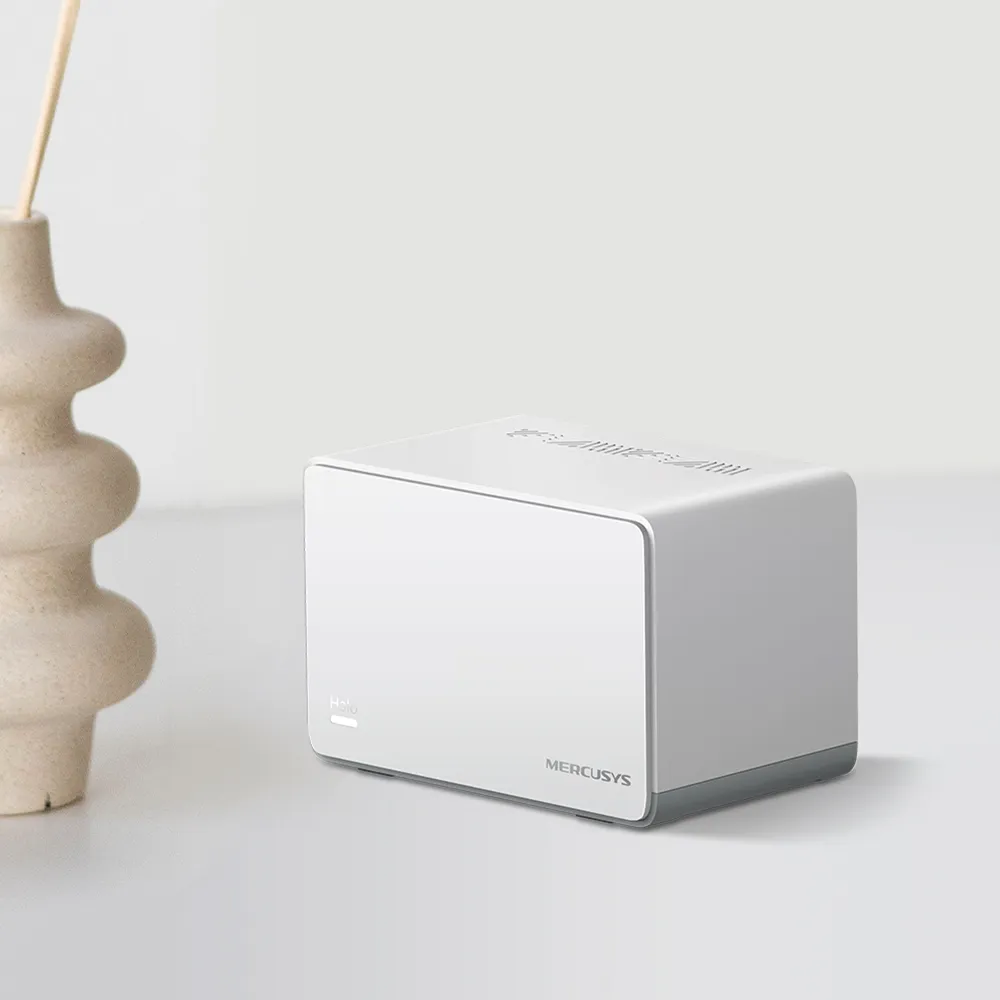
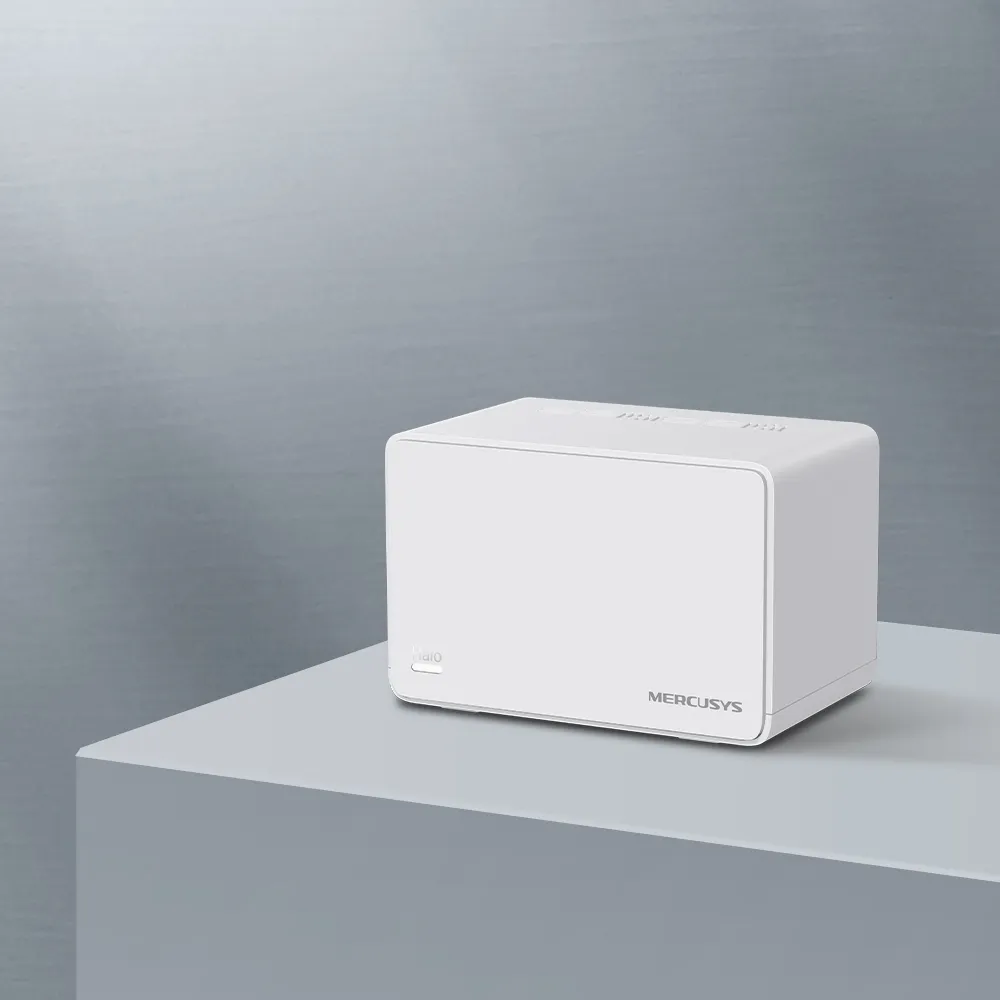
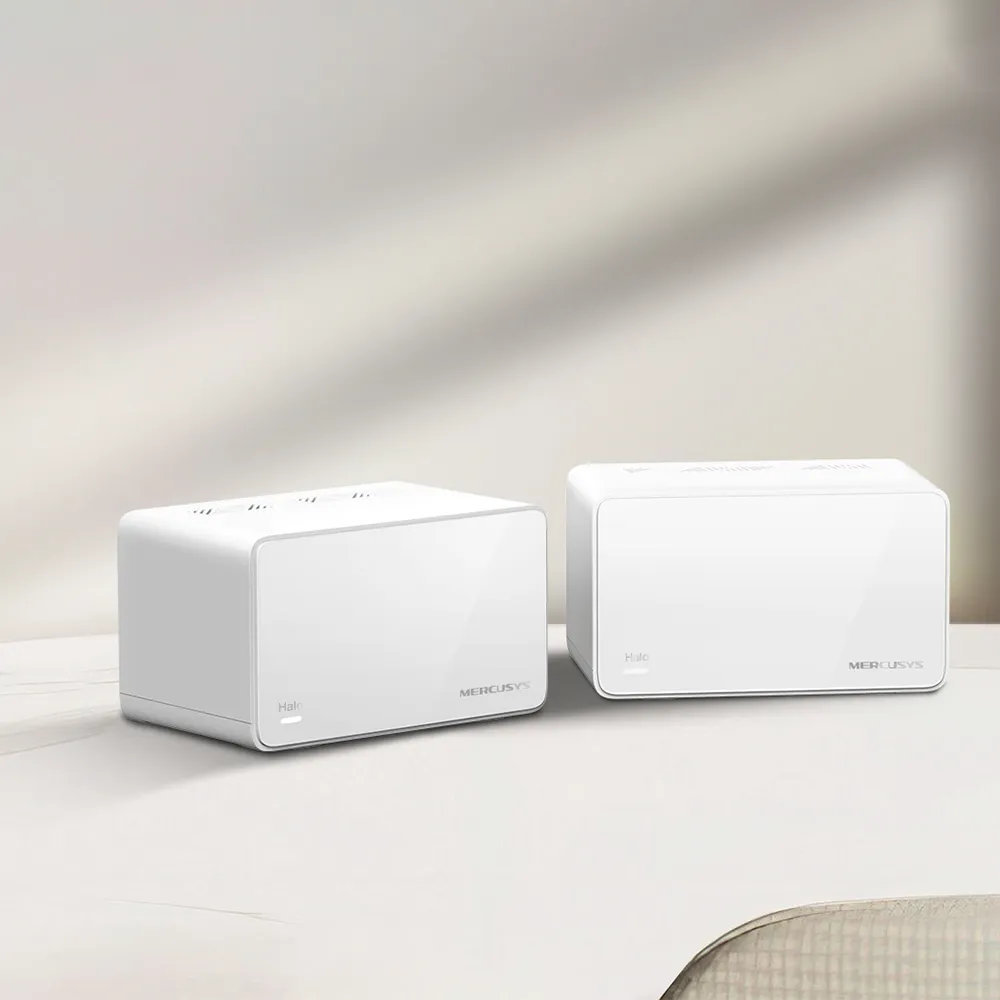
If your Wi-Fi disappears in certain rooms, a mesh can extend the access network using several nodes under one network name. The MERCUSYS Halo H30 is an older, budget-focused AC1200 system for that purpose. Our view is that it can be a solid option for modest everyday use when the price is appealing and its limits fit the household.
The most important limit is easy to overlook: each unit has two 10/100Mbps Ethernet ports. The AC1200 wireless label does not make those ports faster. A household paying for internet well above 100Mbps should compare a model with faster Ethernet, while someone considering a low-cost H30 kit should check its regional support status as well as coverage.
Mesh and Wi-Fi 5 Basics
A mesh uses several access points to cover the property. The connection between a satellite and the upstream network is called backhaul. Good reception from a nearby satellite is useful only when that satellite also has a good route back to the main unit. Put it where it can still receive a useful upstream signal, rather than directly inside the existing dead zone.
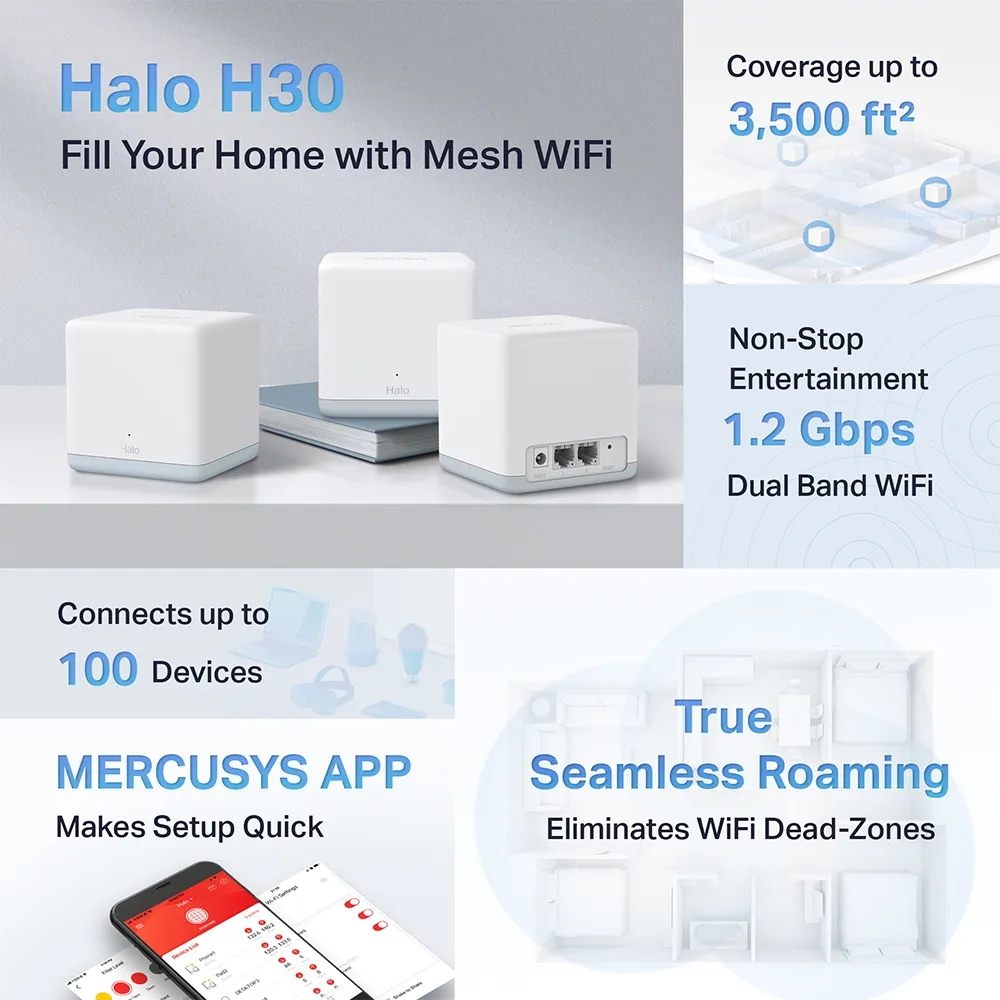
The H30 uses 802.11ac, or Wi-Fi 5, on 5GHz and 802.11n on 2.4GHz. AC1200 is the combined advertised physical-rate class: up to 867Mbps on 5GHz plus 300Mbps on 2.4GHz. It is not a 1200Mbps download promise for a single device. Client capability, distance, traffic and the connection path all affect actual transfers.
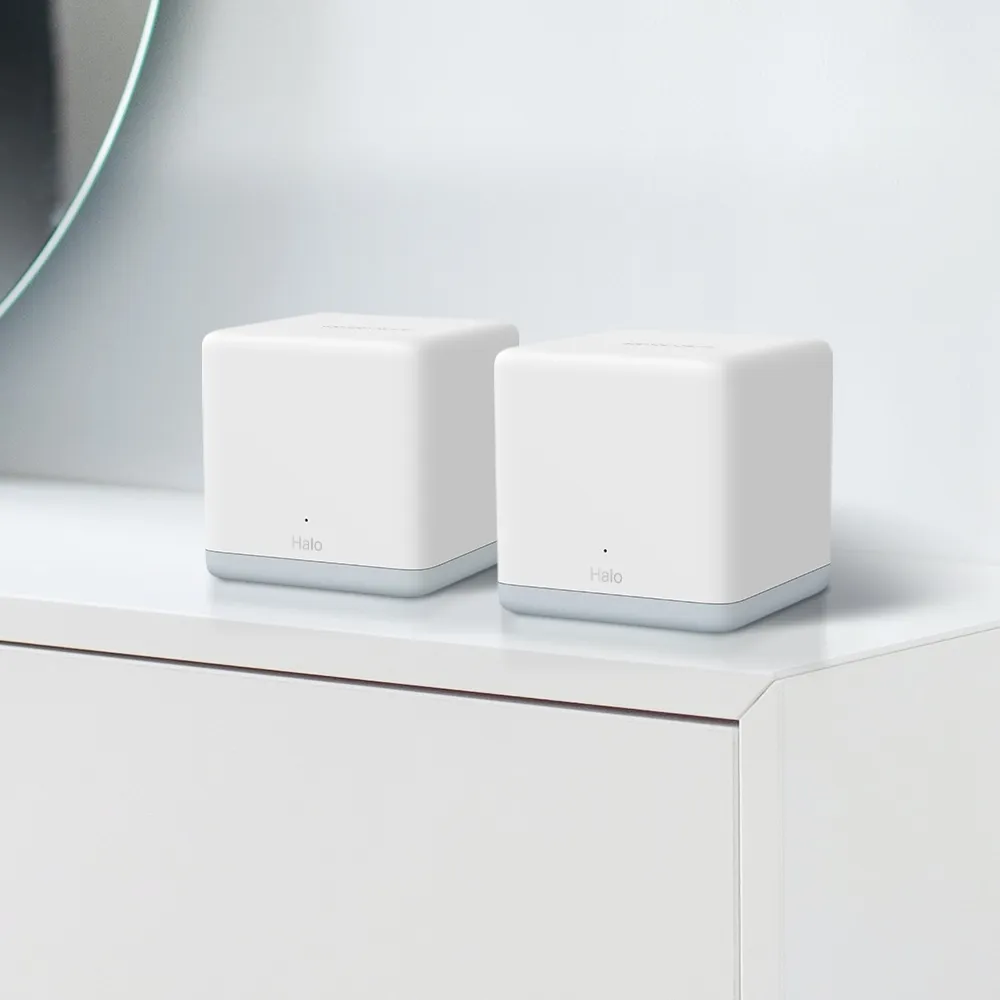
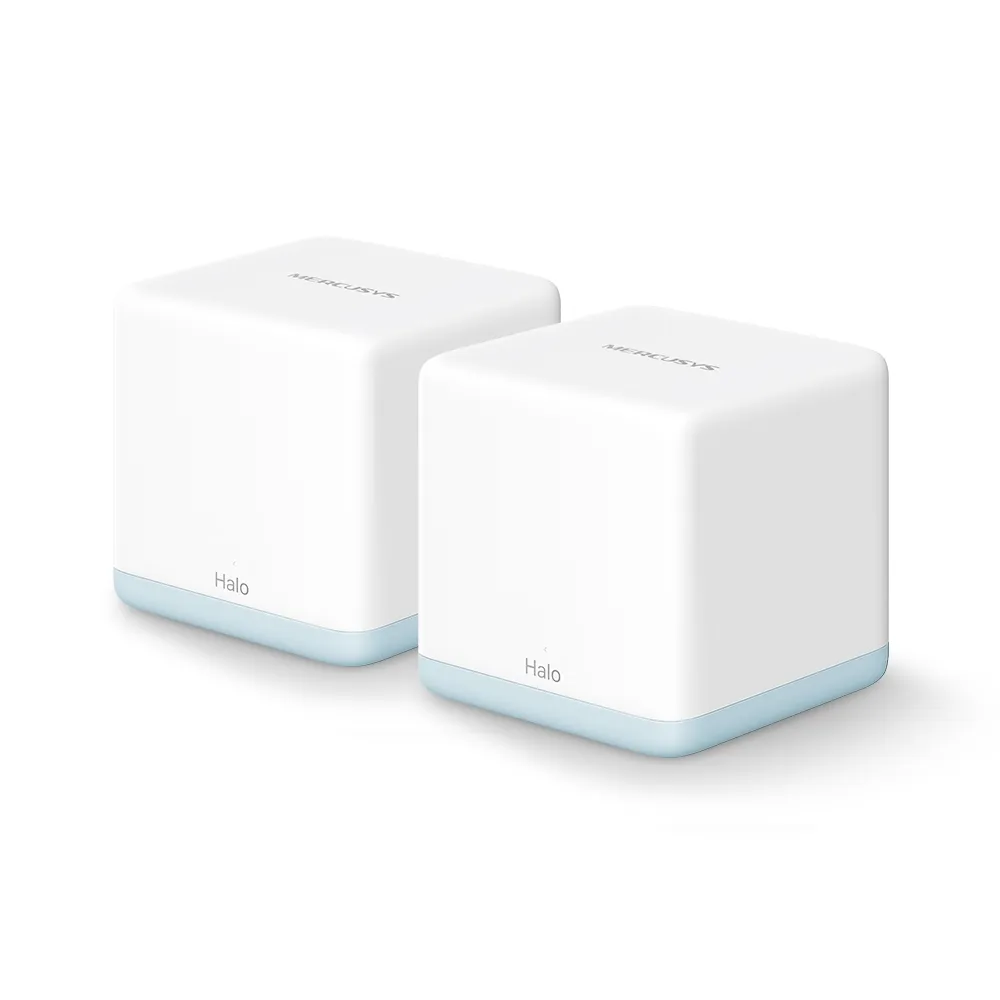
Verified Halo H30 Specifications
| Feature | Published H30 specification |
|---|---|
| Wireless | Dual-band AC1200; 867Mbps at 5GHz and 300Mbps at 2.4GHz |
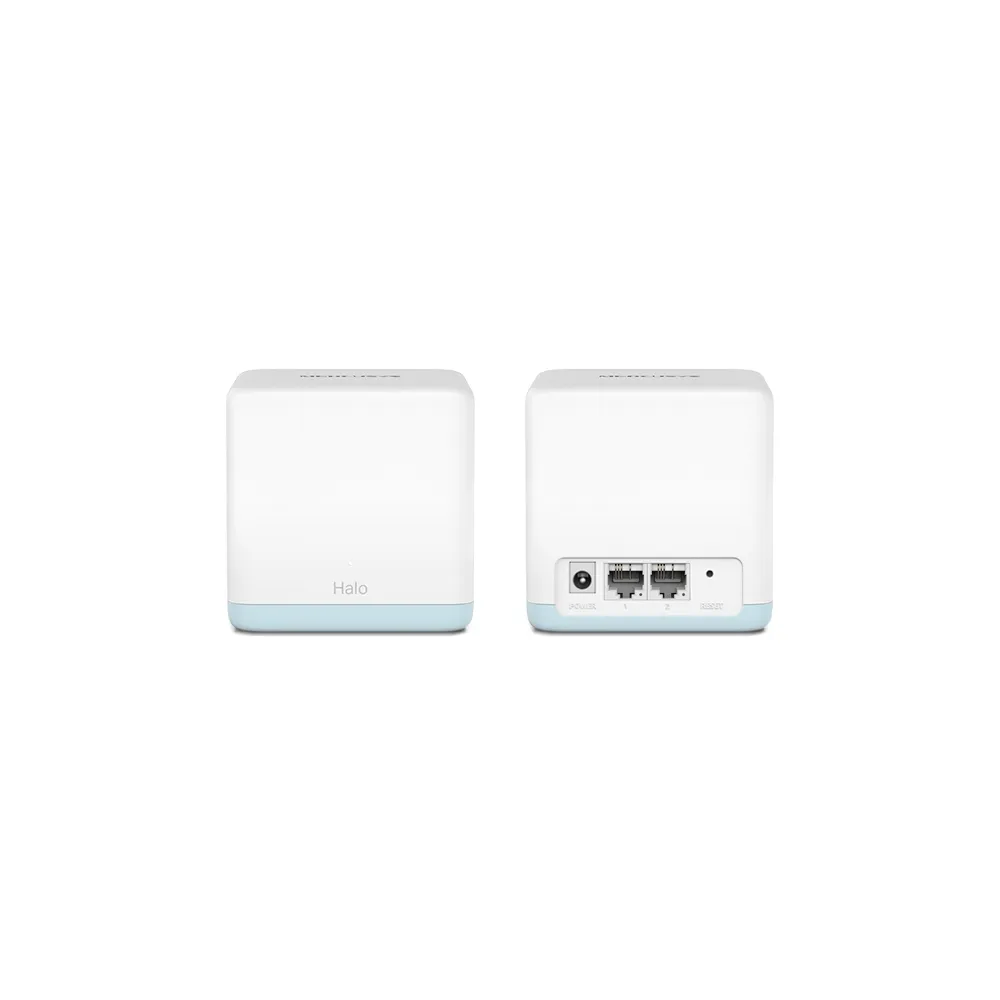
| Ethernet | Two 10/100Mbps WAN/LAN auto-sensing ports per unit |
| Modes | Router and access point |
| Dimensions | 88 × 88 × 88mm |
| Security listed | WPA-PSK / WPA2-PSK |
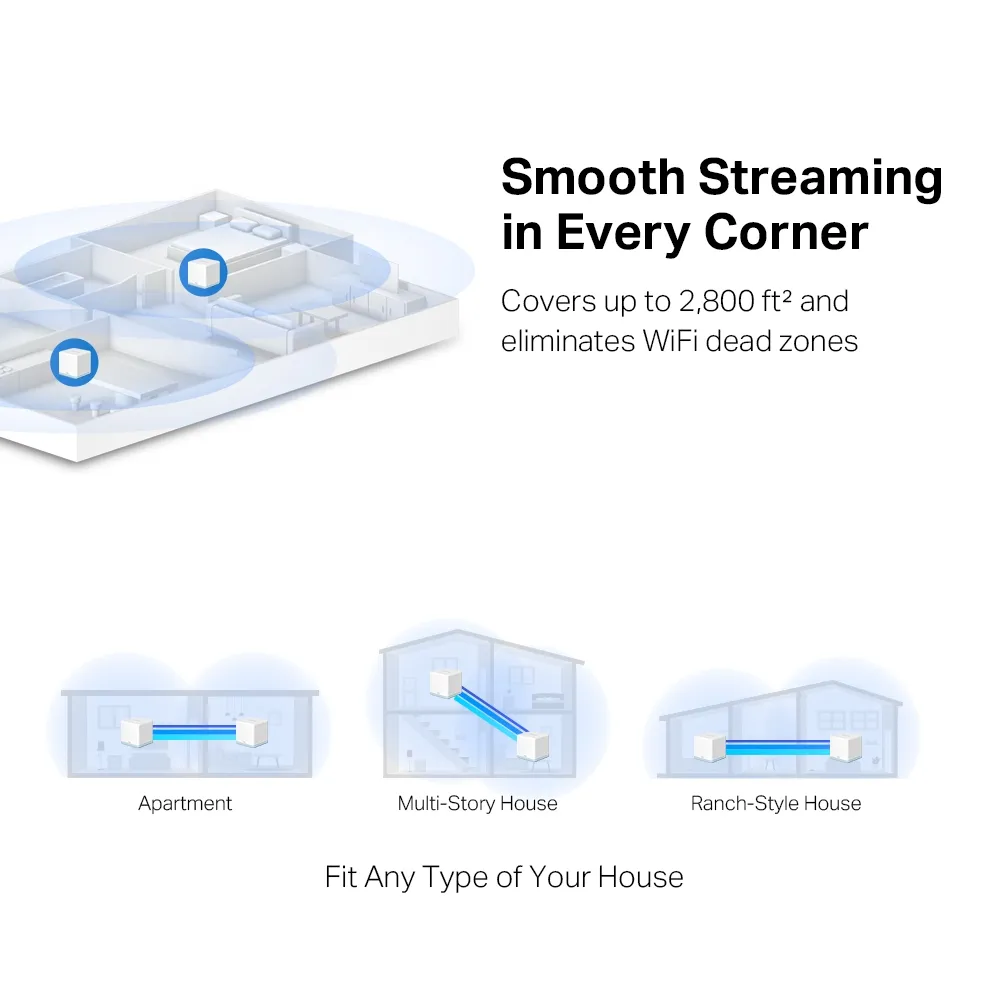
| Coverage claims | Up to 2800 square feet for two units; 3500 for three units on the UK page |
| Expansion | Compatible Halo H-series units; H and S series cannot form one mesh together |
These claims describe the model and package, rather than guarantees for a particular home. The two-pack and three-pack figures should not be swapped, and a larger number of units does not prove that every room receives the same throughput. Check the exact H30 label and revision; similarly named models such as H30G have different hardware.
The Fast Ethernet Limit
The main Halo receives its internet connection through a 100Mbps-rated port. That limits traffic coming through the port even if a phone reports a higher Wi-Fi link rate. Useful application throughput is lower than the physical link rate because of overhead and conditions. A faster modem, a Gigabit switch or a cable marked Cat6 cannot upgrade the H30's port electronics.
This is relevant to local storage too. A wired NAS or desktop attached through an H30 Ethernet port uses that port's limit. If the goal is faster local file transfers or a broadband upgrade, compare the ports on the replacement system rather than choosing by wireless generation alone. Wi-Fi 6 equipment with slow Ethernet can still have a wired bottleneck.
For a modest broadband subscription, the H30 may have enough capacity for the intended tasks. That remains conditional on coverage, upload demand and simultaneous activity; a plan below 100Mbps is not a guarantee of full plan speed at a wireless satellite. Consider both the present workload and whether the limited ports will become an obstacle soon.
Wireless Versus Wired Backhaul
The H30 has no additional dedicated backhaul radio. Wireless node traffic shares available radio resources with clients. That does not create a universal half-speed rule, but it means a distant satellite's result depends on the backhaul as well as the client connection. Try a better node position before assuming that another unit will fix the same poor path.
Wired backhaul can avoid a weak wireless route through walls, but an H30-to-H30 cable is still limited by the 100Mbps ports. Follow the manufacturer's wiring guidance: in router mode, satellites belong behind the main Halo's LAN side; in access-point mode, the upstream gateway handles routing. Check the app's network map to confirm the connection actually being used.
Two ports also require a small port budget. On the main unit, one used for internet leaves one for a wired client or downstream backhaul. A compatible switch can supply additional connections, but cannot remove the main unit's 100Mbps uplink limit. Keep the intended layout clear before buying cables or extra nodes.
Roaming and App Setup
The MERCUSYS app provides guided setup and network management. Use the instructions for the H30 and the current app; there is no guaranteed five-minute setup time for every ISP arrangement. Keep any provider login details available if the connection needs them, and confirm the main node is working before expanding the network.
Roaming depends on the client as well as the mesh. The original H30 datasheet lists 802.11k/v, while the current regional specification lists k/v/r. MERCUSYS's Fast Roaming FAQ explains that incompatible clients can have connection problems with the 802.11r feature enabled, and recommends trying it disabled when troubleshooting those clients. Test your older smart devices rather than treating Fast Roaming as an unconditional improvement.
The H30 manual defines solid white as registered and working normally. It uses pulsing red for a satellite disconnected from the main Halo, and pulsing white during a firmware update. A normal status light does not measure the signal quality or speed in another room. Use the app and an actual connection check for that.
Security, Modes and Ongoing Support
The documented H30 security options include WPA and WPA2, with WPA3 absent from the cited specification. Prefer a suitable modern setting supported by your devices and review our WPA2 versus WPA3 explanation. Check the exact firmware options rather than assuming another Halo model's encryption feature applies to this one.
Parental controls and gateway settings also depend on operating mode. In access-point mode, MERCUSYS documents that controls such as parental filtering, QoS and address reservations disappear from the Halo app; the upstream router performs the gateway role. Decide which device is responsible for those settings before changing mode.
The current UK H30 V1 page marks the product End of Life. That label is relevant when buying old stock, but does not by itself establish a universal firmware-support end date. Select the exact region and hardware revision on the support page and review available updates. A firmware upload date can also differ from the build date, so do not treat a recently listed file as proof of newly developed software.
Troubleshooting and the Buying Decision
Compare a wired connection at the main unit with Wi-Fi near it and at the satellite to identify where the slowdown starts. Check cables and negotiated link speeds, and move nodes away from obstructions or sources of interference. There is no fixed distance or shelf height that suits every building. If an issue appears after enabling a feature, change that feature alone and retest.
We retain the H30's appeal as an affordable way to improve coverage for moderate everyday use. Its 100Mbps ports and current regional product status make it worth comparing with a newer alternative before purchase. For demanding transfers, faster internet or a busy household, choose the documented capabilities needed for that job. Start with the official Halo H30 page, then verify the exact local version and price.