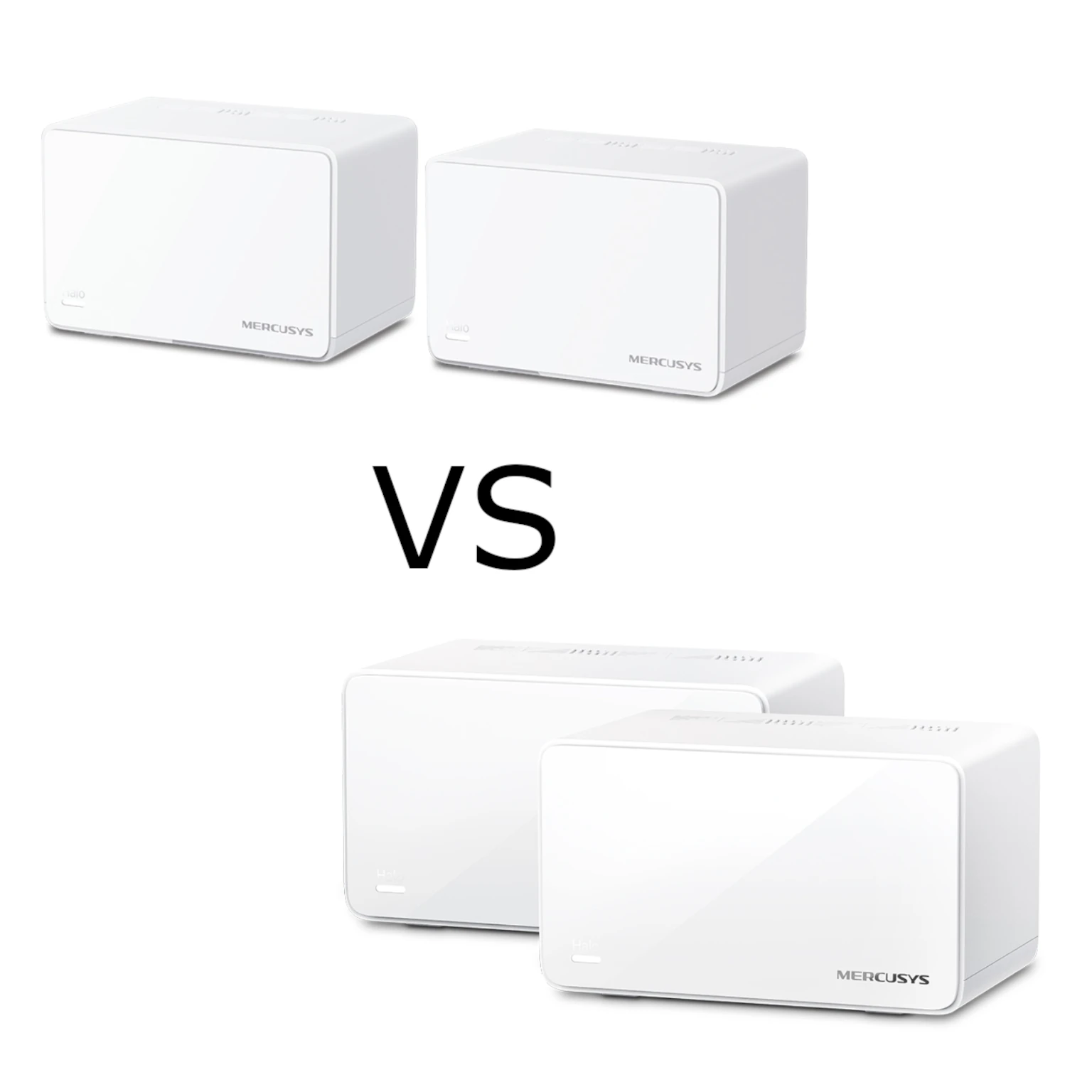
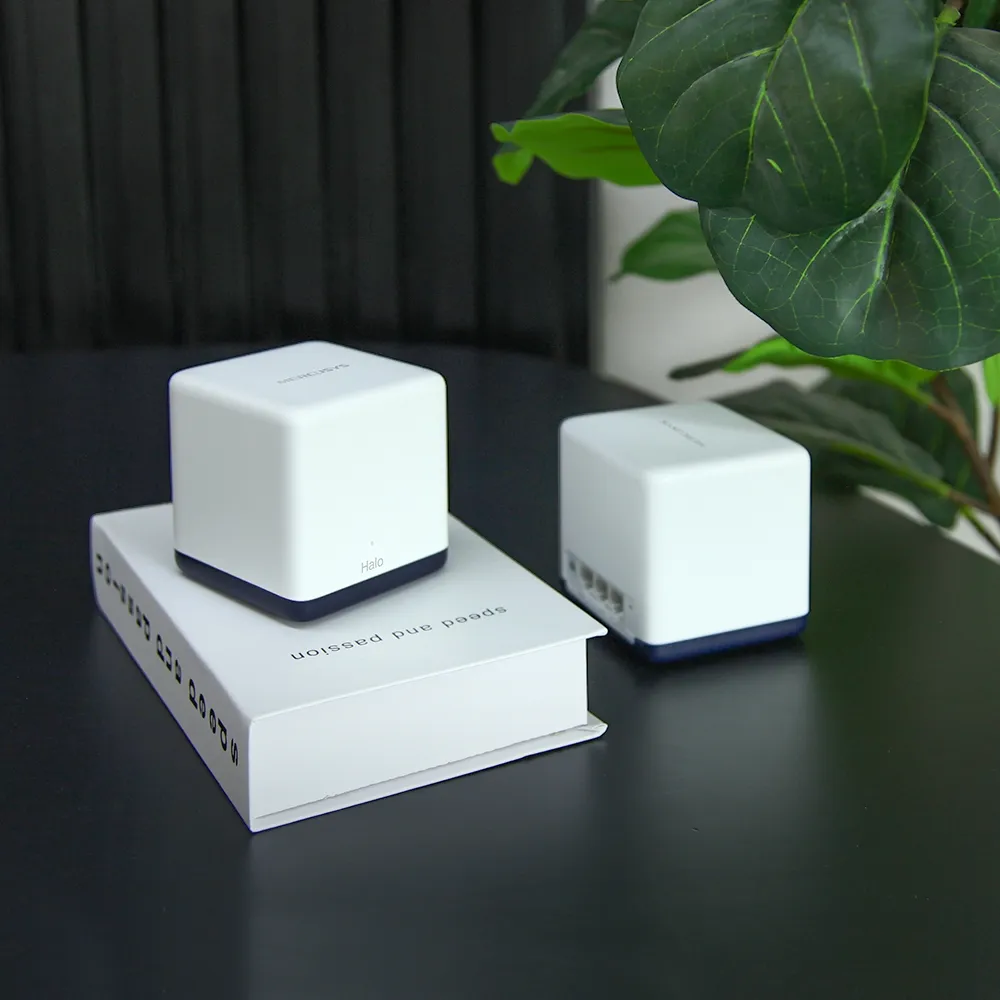
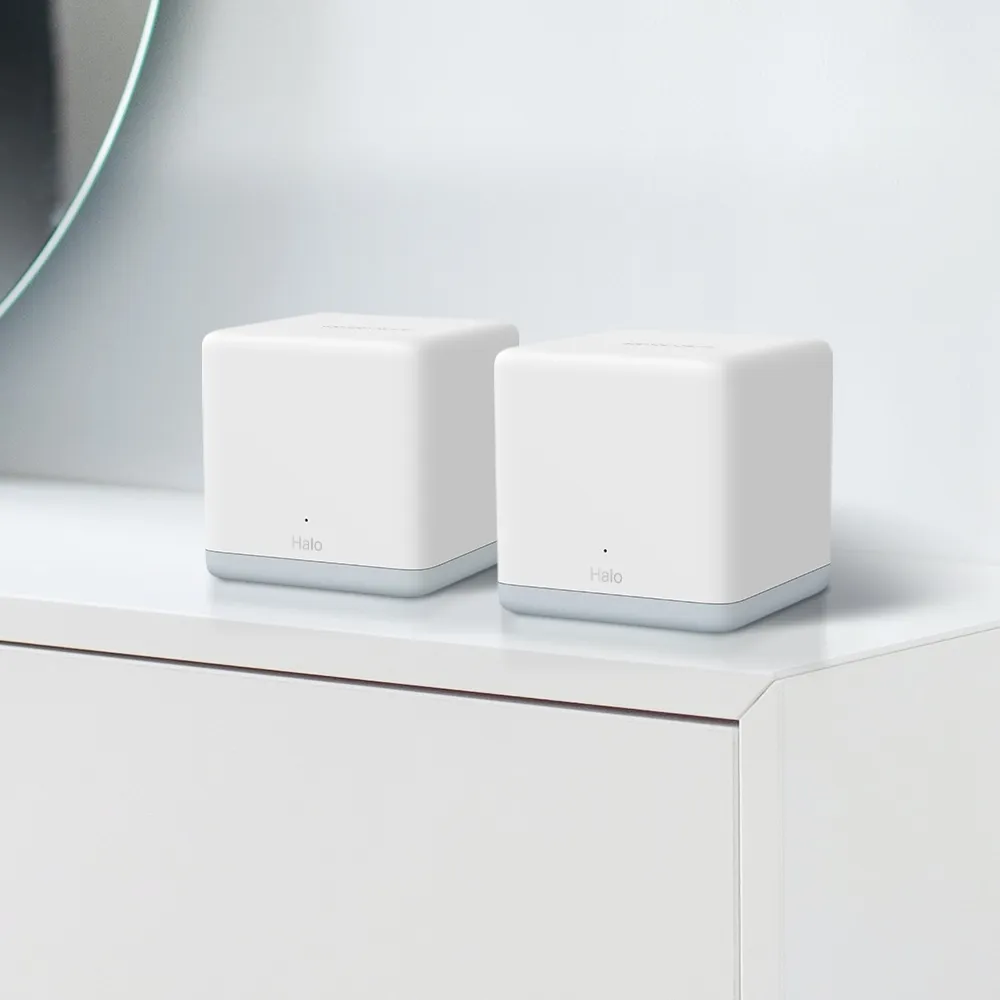
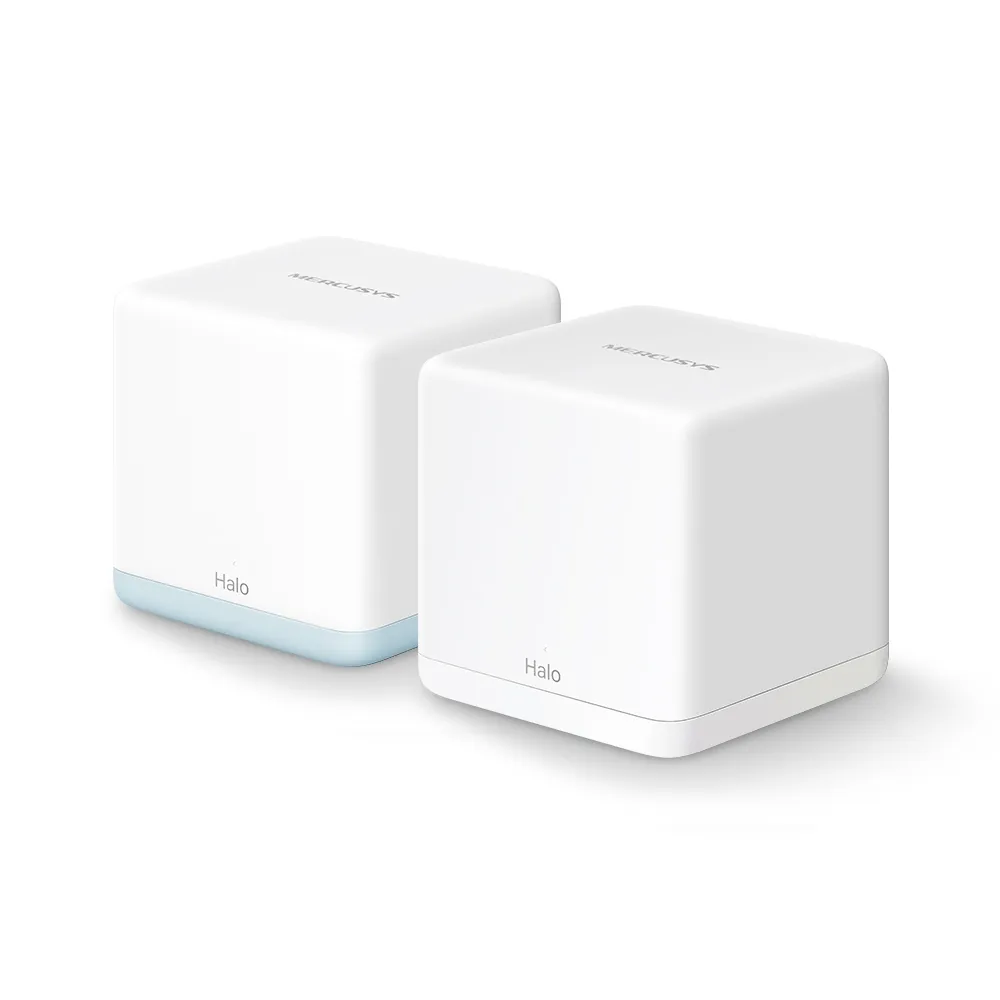
The Mercusys Halo H32G is a budget Wi-Fi 5 mesh pack intended to improve everyday home coverage. I see it as an affordable option for medium-sized homes, streaming and remote work when its limits fit the household. Before buying, however, check the individual units: the documented H32G pack combines an H30G main unit with H30 satellites, rather than giving every node Gigabit ports.
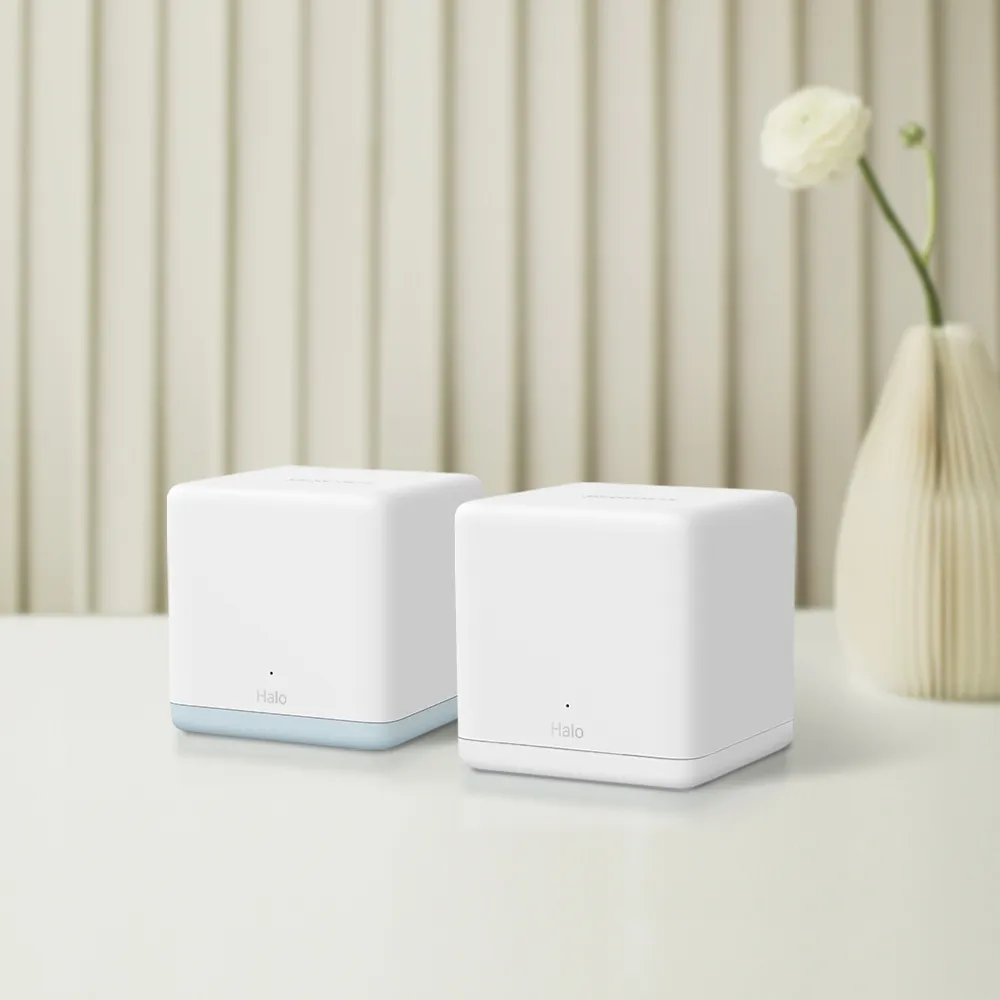
The manufacturer lists a two-pack with one H30G and one H30, and a three-pack with one H30G and two H30 units. H30G has two Gigabit ports; H30 has two 10/100Mbps ports. This distinction can change the best backhaul choice and whether a wired satellite device can use a broadband plan faster than 100Mbps. Check the regional box contents and labels before purchasing.
Wi-Fi 5 and AC1200
Both types of node use 5GHz and 2.4GHz, with advertised maximum physical rates of 867Mbps and 300Mbps respectively. AC1200 is the combined product class, not a 1,200Mbps download to one device. Protocol overhead, client capabilities, distance and interference reduce usable transfer speed. The 5GHz radio uses 802.11ac, while 2.4GHz uses earlier supported standards including 802.11n.
A useful mesh analogy is several people with speakers distributing a message across a large event. Each needs to receive the message clearly before relaying it. Similarly, a wireless satellite should sit where it has a useful upstream connection, rather than in the center of an existing dead zone. A nearby node's strong signal does not prove that its connection back to the main router is good.
This is not a Wi-Fi 6, 6E or 7 system. Newer clients can connect using compatible earlier modes, but do not gain OFDMA or a 6GHz band from the H32G. Beamforming and MU-MIMO can help supported connections, without guaranteeing range or zero buffering. Compare exact equipment and your needs rather than applying a theoretical maximum for the entire Wi-Fi standard to this AC1200 pack.
The Mixed Port Speeds Matter
Use the H30G as the main internet-facing unit for the documented pack. Its Gigabit WAN connection avoids a 100Mbps physical cap at that particular input. That does not guarantee the full speed of a 300Mbps or 500Mbps plan everywhere: wireless links, routing, client limitations and the satellites remain part of the route.
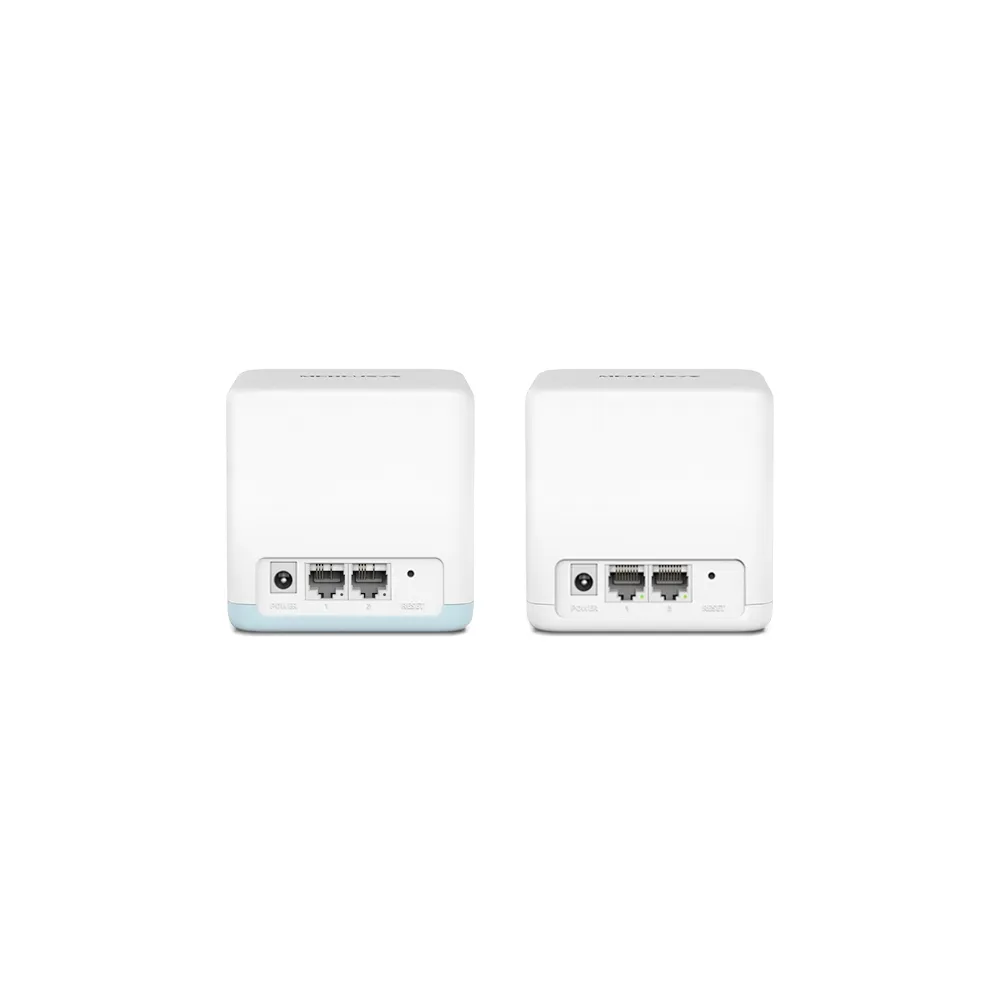
A computer connected to an H30 satellite's Ethernet port has a 100Mbps link ceiling, with usable application throughput lower. A Gigabit switch or faster cable connected to that port cannot turn it into Gigabit. If you need a fast wired desktop, console or NAS connection, place it on a suitable main-unit LAN connection or compare an all-Gigabit mesh pack.
The H30G has only two ports. One is used for the internet connection in router mode, leaving one for local equipment or downstream cabling. A suitable switch can add local ports, but include it in the total budget. Identify which node and port each important device will actually use rather than counting two ports per box as equivalent connections.
Specification Summary
| Item | Documented Halo H32G pack |
|---|---|
| Wireless class | Dual-band AC1200; Wi-Fi 5 on 5GHz |
| Maximum signal rates | 867Mbps at 5GHz and 300Mbps at 2.4GHz |
| H30G ports | Two Gigabit auto-sensing WAN/LAN ports |
| H30 ports | Two 10/100Mbps ports |
| Two-pack | One H30G plus one H30 |
| Three-pack | One H30G plus two H30 |
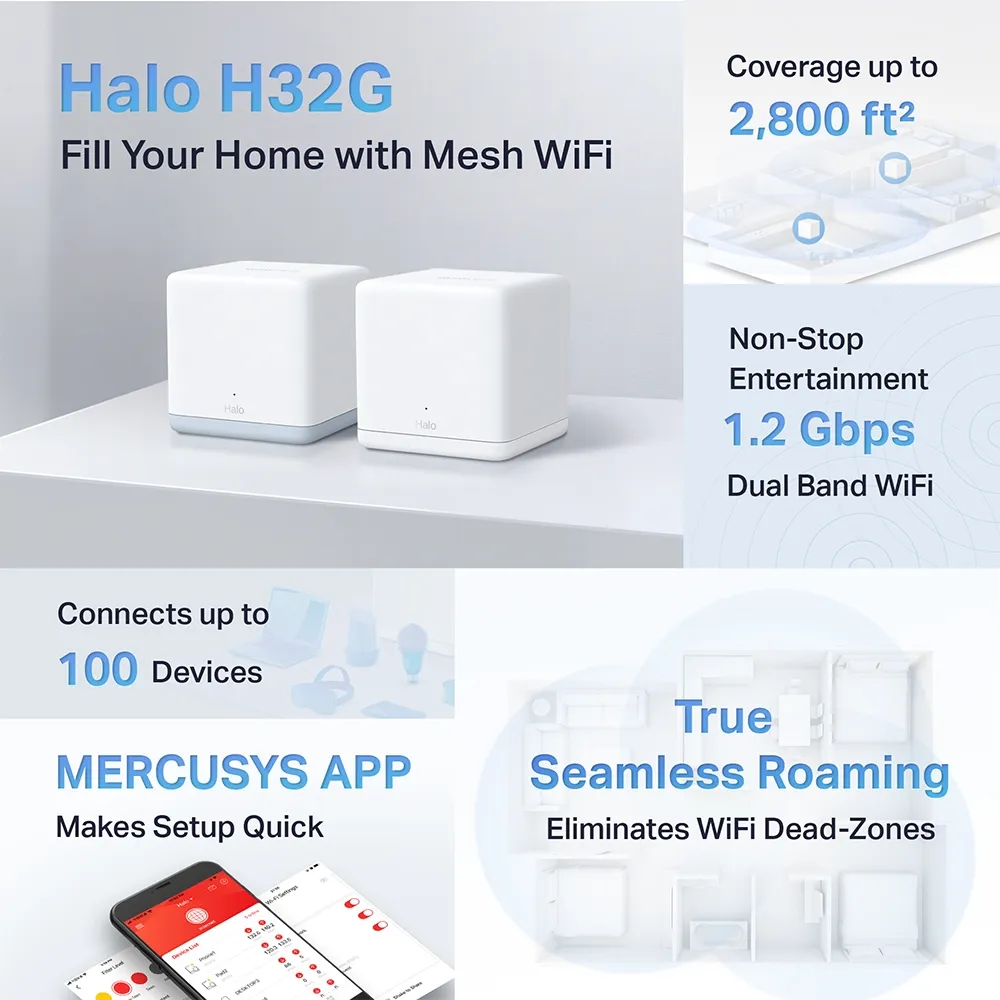
| Advertised coverage | 2-pack: 2,800ft²/260m²; 3-pack: 3,500ft²/320m² |
| Roaming protocol | 802.11k/v/r, with compatible clients |
| Security | WPA-PSK/WPA2-PSK; no documented WPA3 |
Coverage estimates do not guarantee results through thick walls, across several floors or in a detached room. The advertised 100-device capacity also does not mean 100 busy clients can each obtain the headline rate. Mostly idle sensors have different demands from continuous camera uploads or several downloads. Decide around the actual rooms, traffic and placement.
Choose Backhaul Deliberately
Ethernet backhaul is supported, but an H30 satellite's 100Mbps port caps that wired uplink. Cabling may improve consistency through difficult walls, while still limiting speed below what a good wireless link could deliver. For a modest broadband plan or reliable low-bandwidth service, that tradeoff can be reasonable. It is not a route to guaranteed 500Mbps satellite performance.
Mercusys advises pairing units on the same network through the app before wiring them. In router mode, place satellite wiring downstream of the main Halo's LAN port or its LAN switch; in access-point mode, the existing router's LAN can provide the connection. Confirm the active backhaul in the app after a change.
If a wired link does not take effect, try another cable and port, then bypass an intermediate switch to test a direct connection. Check whether an IPTV-assigned port or switch behavior is interfering, using the official backhaul guidance. Keep one clear topology and avoid extra cables that create loops. A successful wired link should be assessed for stability as well as speed.
Roaming and Daily Management
One Wi-Fi name and password make movement around the home more convenient. The listed 802.11k/v/r support assists compatible clients, but does not guarantee a handoff under 100 milliseconds or an uninterrupted call. The client can remain on a weaker node, and legacy devices may need additional configuration. Check the route you actually walk while using your normal phone.
The app provides connected-device management, guest networking and household controls. Website block lists and schedules can be useful, but should not be treated as automatic comprehensive content classification or a substitute for device-level supervision. Verify the settings exposed by your model, firmware and mode. Prioritizing an important device does not increase the internet connection's capacity.
Router Mode or Access Point
If Halo should manage your local network, use the supported router mode and the intended main unit. If an existing ISP router or homelab gateway already handles routing, access-point mode can provide Wi-Fi on that LAN. Mercusys says DHCP must remain enabled on the upstream router in AP mode; Halo does not assign client addresses then.
Parental controls, port forwarding and address reservations are among the features delegated away from the Halo app in AP mode. Plan those on your existing gateway. This mode choice is separate from which radio or cable carries backhaul, and it does not change an H30's 100Mbps hardware port limit.
Security and Support Checks
The documented WPA/WPA2 security is another difference from newer models. Prefer WPA2 with a strong password and check compatibility deliberately; the H32G should not be recommended as a WPA3 system. Our WPA2 versus WPA3 explanation describes the distinction. Wireless encryption protects the radio connection, while keeping clients and services updated addresses other risks.
A guest network is useful for visitors, but verify its local-access behavior and current mode before relying on it to protect private shares. A different SSID alone is not proof of the isolation you need, and this consumer kit should not be assumed to offer arbitrary business VLAN policies.
Check each unit's model and revision before firmware updates. The H32G download page contains separate H30G and H30 files, with region-specific restrictions on some releases. Do not flash a file simply because H32G appears in its name. Follow the official notes, preserve configuration where supported and retain power during updating.
Evaluate Your Coverage Problem
Start with a wired internet test on the main H30G, then compare the same Wi-Fi client near it and near a satellite. Record which node, band and uplink are active. If an H30's wired path stays below 100Mbps, that can reflect its intended hardware rather than an ISP fault. If wireless performance is poor, adjust placement before assuming more nodes are required.
For remote work, check an actual call during ordinary household traffic. For local backups, compare the complete client-to-server path. Assess annual energy costs from measured whole-system consumption and your tariff if those costs matter; neither a Wi-Fi class nor an adapter rating establishes idle power.
Value and Final Recommendation
I retain the H32G's appeal as an affordable everyday coverage option, with the mixed-port limitation central to the decision. Compare its local price with all-Gigabit Wi-Fi 5 and Wi-Fi 6 packs if wired satellites or faster service are important. Buy around usable connections rather than a general future-proofing promise.
The UK V1 three-pack page currently labels it End of Life, so inspect your regional support history and warranty before buying remaining stock. See the original official Halo H32G link and exact pack documentation. A budget system can be worthwhile when its limits are understood and its nodes are placed well.