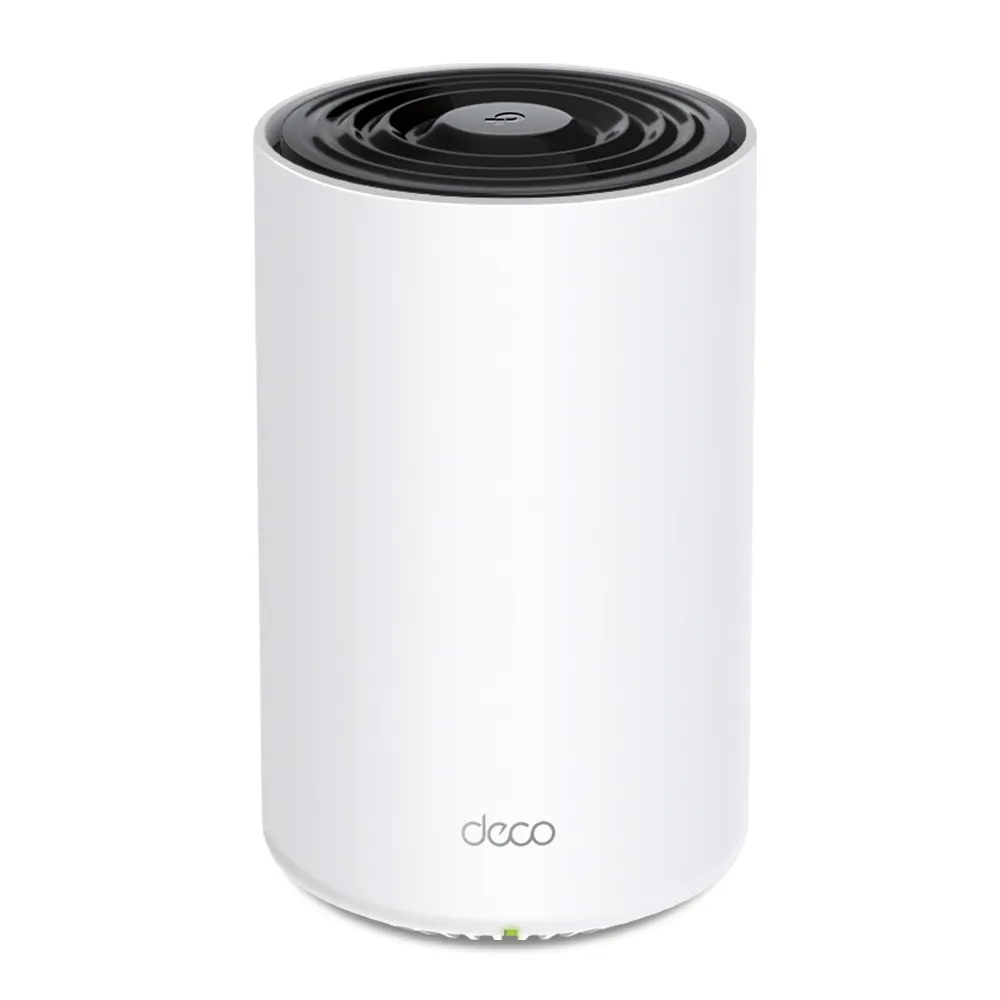
The TP-Link Deco X80 is a dual-band Wi-Fi 6 mesh system with eight spatial streams and one 2.5 Gbps Ethernet port on each unit. I consider it a strong candidate for a larger home or a busy household that wants broader coverage and convenient management. That recommendation depends on the price and your network: a small home already covered well by one router may not need a mesh at all.
Picture a spider web with several connected points rather than a single router trying to reach every corner. The nodes extend coverage, but their routes back to the main unit matter as much as the signal shown on your phone. A satellite can have a strong nearby client connection and still struggle to carry that client's traffic upstream.
What Eight Streams and AX6000 Mean
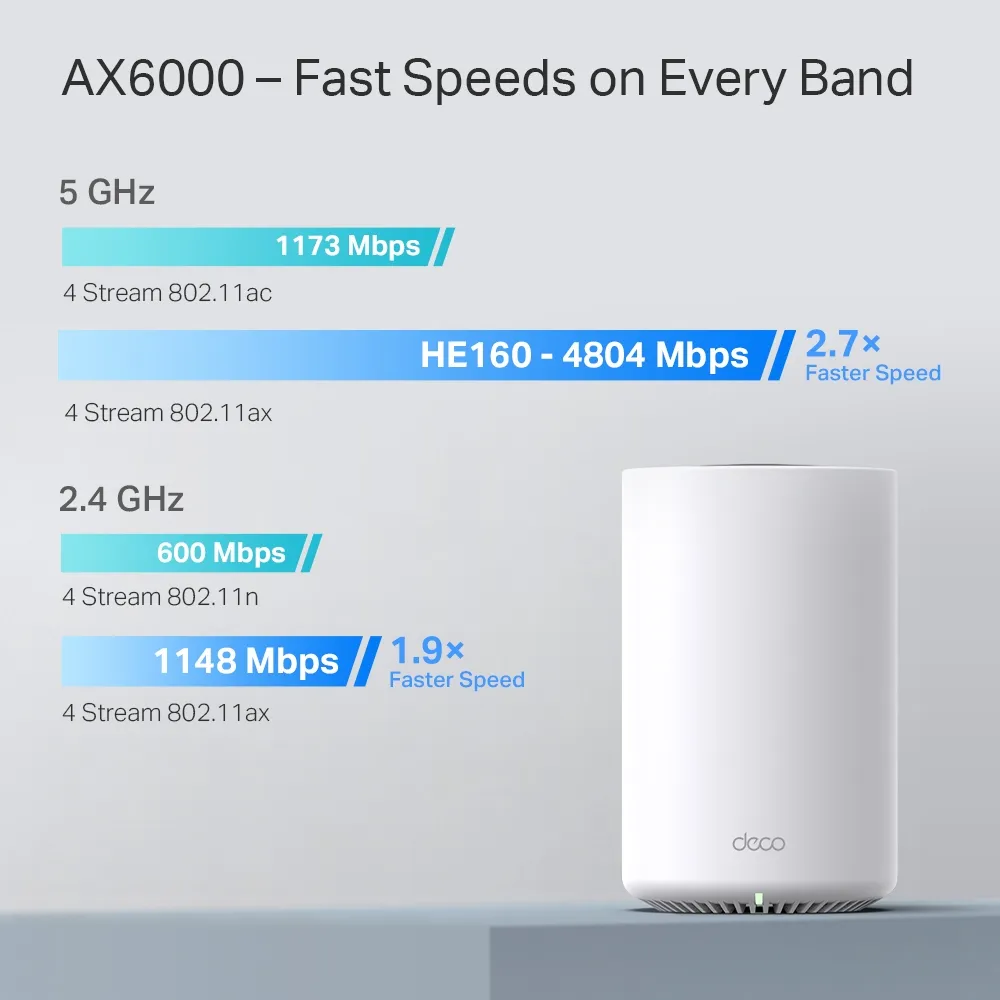
TP-Link lists physical rates of 4,804 Mbps on 5 GHz and 1,148 Mbps on 2.4 GHz. AX6000 combines those figures into a product class. It is not a single-device download rate and does not guarantee that file copies or cloud backups run at their maximum possible speed. Client capability, interference and every link on the route remain relevant.
The X80 uses four streams on each band, with 160 MHz support on 5 GHz. Many phones and laptops use two streams, so they cannot consume the entire four-stream headline rate. The 2.4 GHz radio does not use a 160 MHz channel. Available 5 GHz channel widths also depend on regional rules and radio conditions; a wider channel is not automatically the most reliable choice in a crowded location.
Wi-Fi 6 features can help compatible devices share airtime. OFDMA, for example, provides a way to divide radio resources among supported clients. That does not turn every older smart plug into a Wi-Fi 6 device or prove that connecting hundreds of active devices has no performance cost. The X80 has no 6 GHz radio or Wi-Fi 7 MLO.
One Fast Port Has an Important Tradeoff
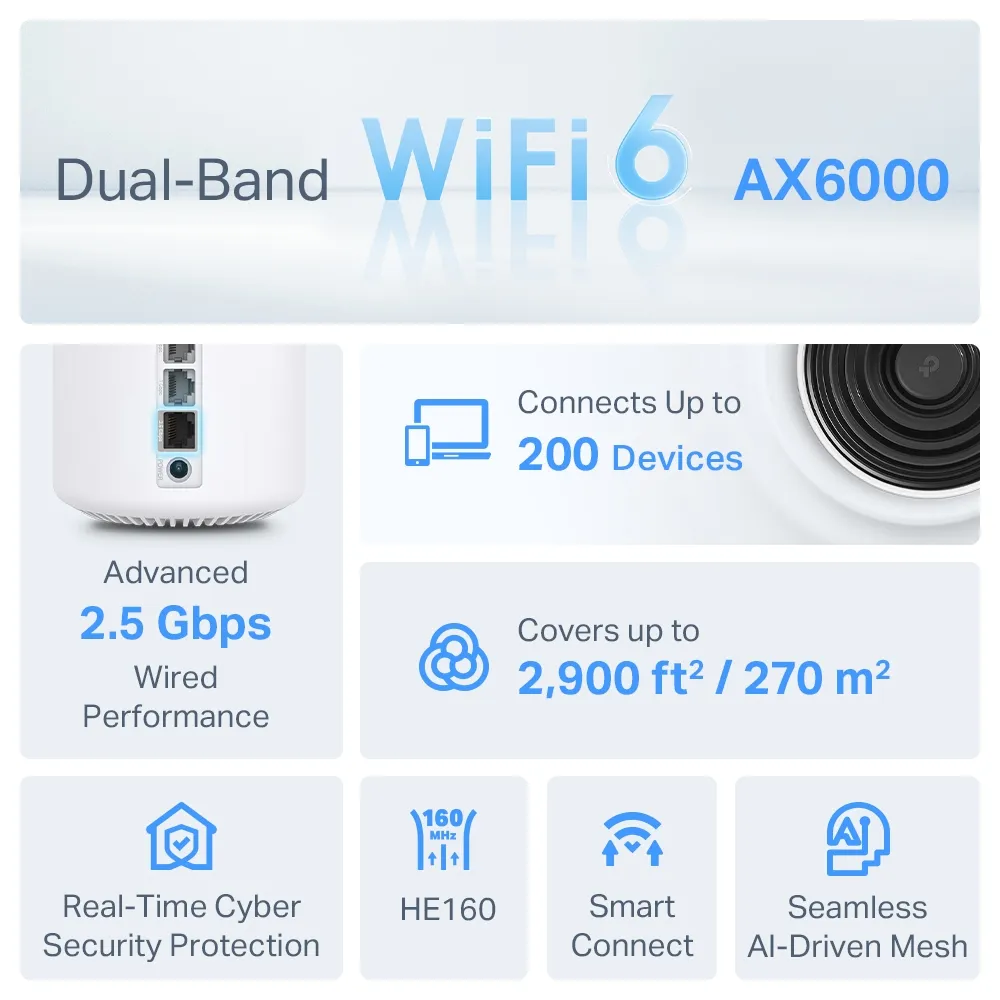
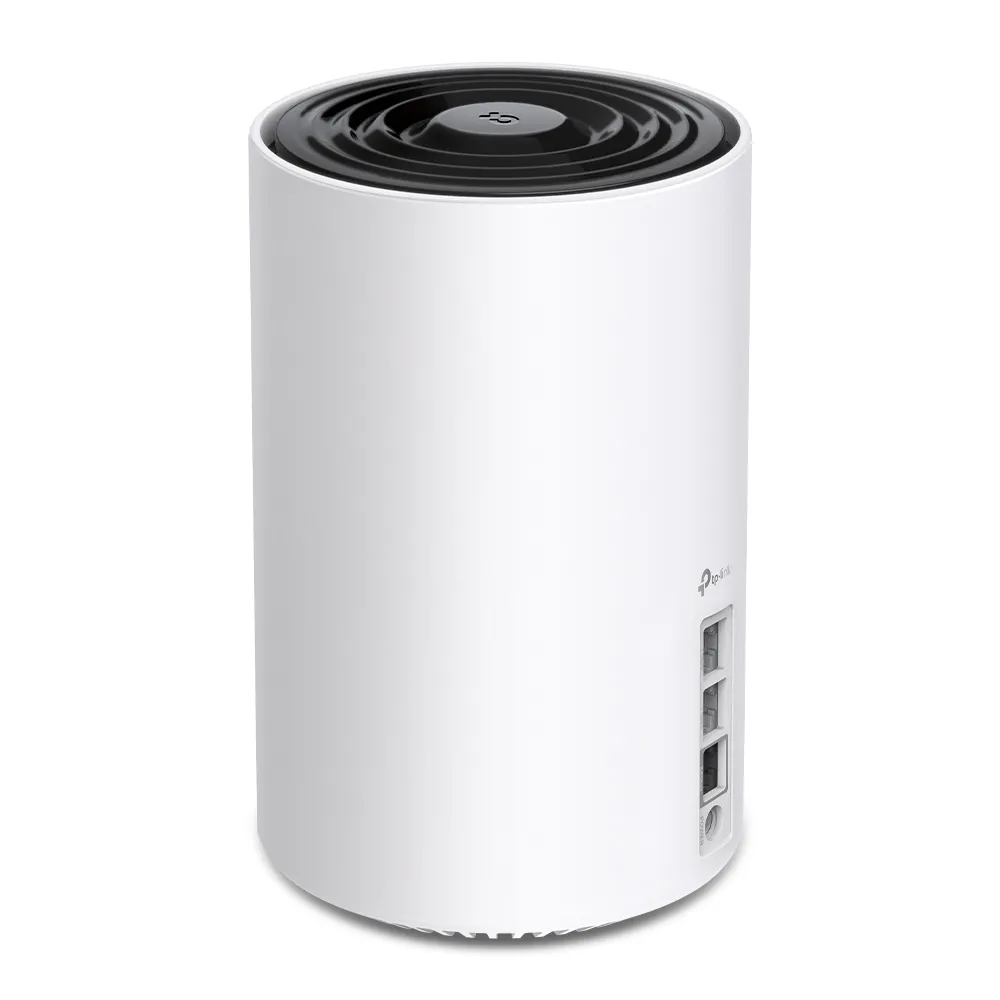
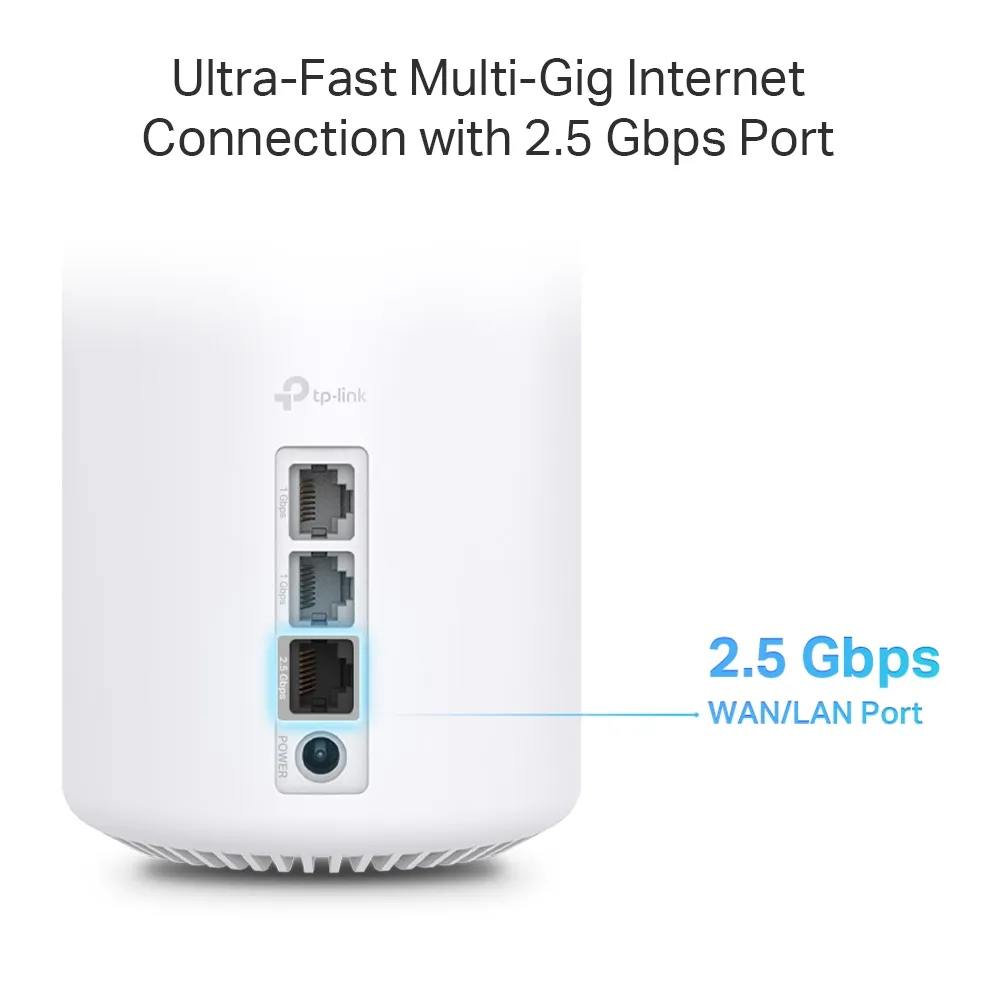
Each unit has one 2.5 Gbps WAN/LAN port and two Gigabit WAN/LAN ports. In router mode, one port provides the internet connection. If you use the 2.5 Gbps socket for a fast ISP connection, the main unit's remaining Ethernet sockets are Gigabit. It cannot simultaneously provide separate 2.5 Gbps wired WAN and LAN connections from that single socket.
You can instead reserve the fast socket for a local network or wired backhaul, while using a Gigabit internet uplink. Another option is access-point mode behind a gateway that already has suitable multi-gigabit ports. Choose the topology around the traffic you want to improve rather than assuming that every route becomes 2.5 Gbps because one port supports it.
A wired satellite also spends a port on its uplink. Using its 2.5 Gbps port for backhaul leaves Gigabit sockets for wired clients on that satellite. A switch can add connections and attach fast local equipment, but it cannot upgrade the X80's remaining sockets. Include the gateway, switch, cables and endpoint interfaces when budgeting for a multi-gigabit path.
Specifications and Coverage Estimates
| Item | Deco X80 specification |
|---|---|
| Wireless | Dual-band Wi-Fi 6; 2.4 GHz and 5 GHz |
| Physical link rates | 1,148 Mbps on 2.4 GHz; 4,804 Mbps on 5 GHz |
| Streams | Four per band; eight across the system radios |
| Ethernet per unit | One 2.5 Gbps plus two Gigabit WAN/LAN ports |
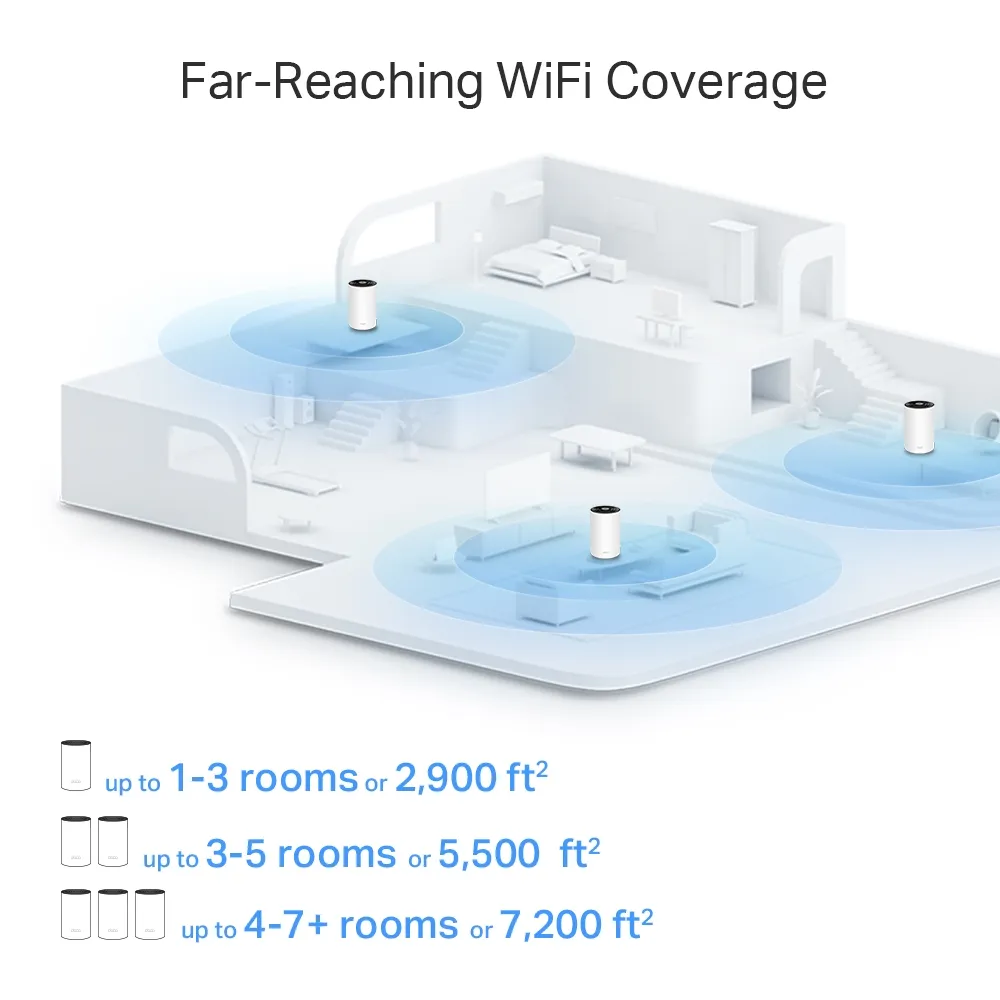
| Advertised coverage | One-pack: 2,900 sq ft; two-pack: 5,500 sq ft; three-pack: 7,200 sq ft |
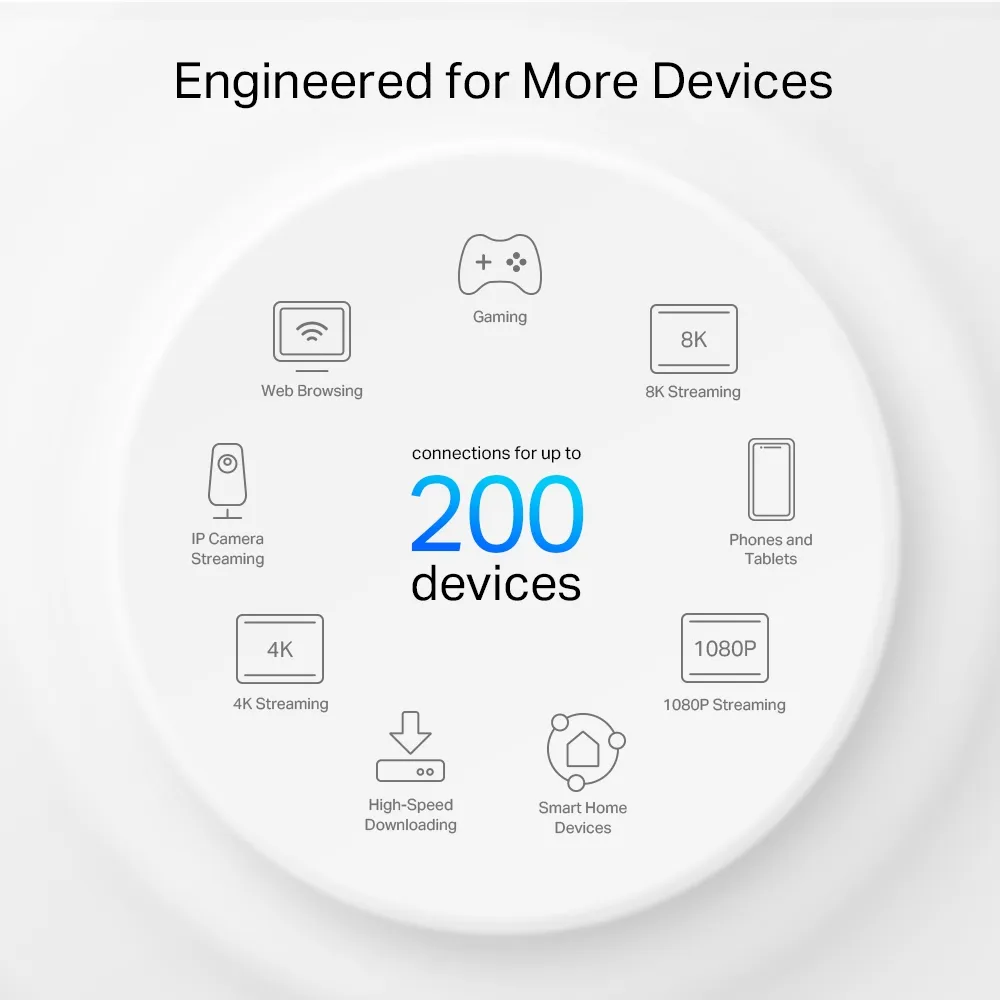
| Advertised client capacity | Up to 200 devices; conditions apply |
| Dimensions | 105 × 105 × 169 mm |
| Modes and security | Router/AP; WPA/WPA2/WPA3; HomeShield with free and paid plans |
Use the area estimates as starting points rather than floor-plan promises. Thick masonry, cupboards, metal and floor construction affect useful coverage. Do not buy a larger pack solely because the numbers exceed your house's area. Decide where a node could maintain a useful upstream connection and serve the actual working rooms.
Likewise, device capacity is not a guarantee of 200 simultaneous heavy downloads. Mostly idle sensors and several high-bitrate cameras create different demands. List the activities that overlap in your home: calls, streaming, gaming and backups may compete for the same bottleneck even if the total connected-device count looks modest.
Wired and Wireless Backhaul
The X80 is dual-band, so it does not have a separate third radio that can simply be assigned as dedicated backhaul. Wireless client and node traffic use the available radio resources. Placement and the route between units affect the result; a four-stream radio is not proof of a fixed satellite throughput through two walls.
Ethernet backhaul removes the need for that particular wireless hop. TP-Link advises adding all nodes to the same Deco network through the app before wiring them. In router mode, connect satellites to the main Deco's LAN side, directly or through its LAN switch. In AP mode, the upstream router's LAN can connect the units. Avoid wiring satellites to a modem-side switch that bypasses the main Deco.
You can mix wired and wireless satellites. Check each connection in the app rather than assuming that every node is using the intended route. If Ethernet does not take effect, try another cable and port and bypass the switch with a direct connection. IPTV-assigned ports and switch forwarding behavior can affect backhaul. Follow model-specific guidance before changing switch protections.
Management, Modes and Security
The Deco app guides setup and provides network management. Choose router mode when Deco should run your local network. If an existing gateway already manages routing, AP mode can avoid an additional layer of NAT. Keep DHCP enabled on the upstream router, which then handles client addressing and reservations.
TP-Link's mode table shows that gateway features such as port forwarding, QoS and HomeShield are unavailable in the Deco app in AP mode. Plan where those controls will live before switching. The X80 uses HomeShield; do not assume it includes every older HomeCare feature or that all advanced controls are free. Check current subscription terms for your region.
WPA3 support also requires compatible clients and an appropriate configured mode. See why WPA3 matters. Wireless encryption and security services do not replace safe client configuration, backups or careful decisions about exposing a NAS. A guest network name alone does not prove arbitrary per-SSID VLAN rules.
AI-driven mesh is TP-Link's description of automated network optimization. It cannot remove every obstruction or restore a failed ISP connection. Roaming depends partly on the client, so walk your normal route during a call to evaluate the actual handoff. Keep current regional firmware installed and leave suitable ventilation around each unit.
Evaluate Before Spending More
I still see the X80 as appealing for demanding households that benefit from additional coverage and its radio capacity. Compare the single-fast-port tradeoff carefully with alternatives if your priority is wired storage or a multi-gigabit internet service. For ordinary use in a small home, a simpler router or less expensive mesh may be enough.
Begin with a wired internet test at the main unit, then compare Wi-Fi near it and in your problem rooms using the same client. Test local file transfers separately from the ISP connection. If only a satellite is slow, investigate its backhaul and placement first. Note which node serves the client so a later change has a meaningful comparison.
Compare the exact pack price, warranty and firmware support in your market. The original official X80 product link remains available alongside support documents for your hardware version.