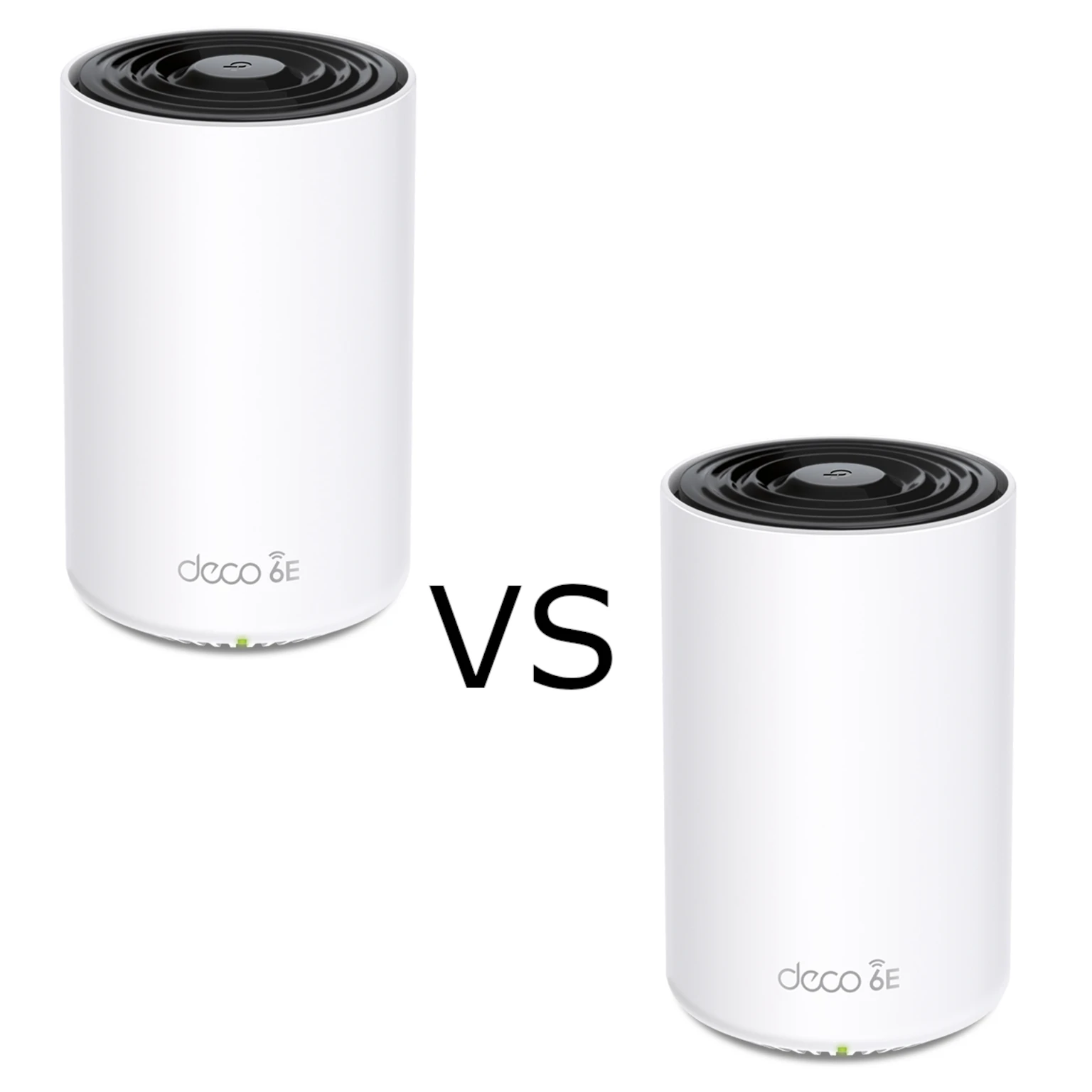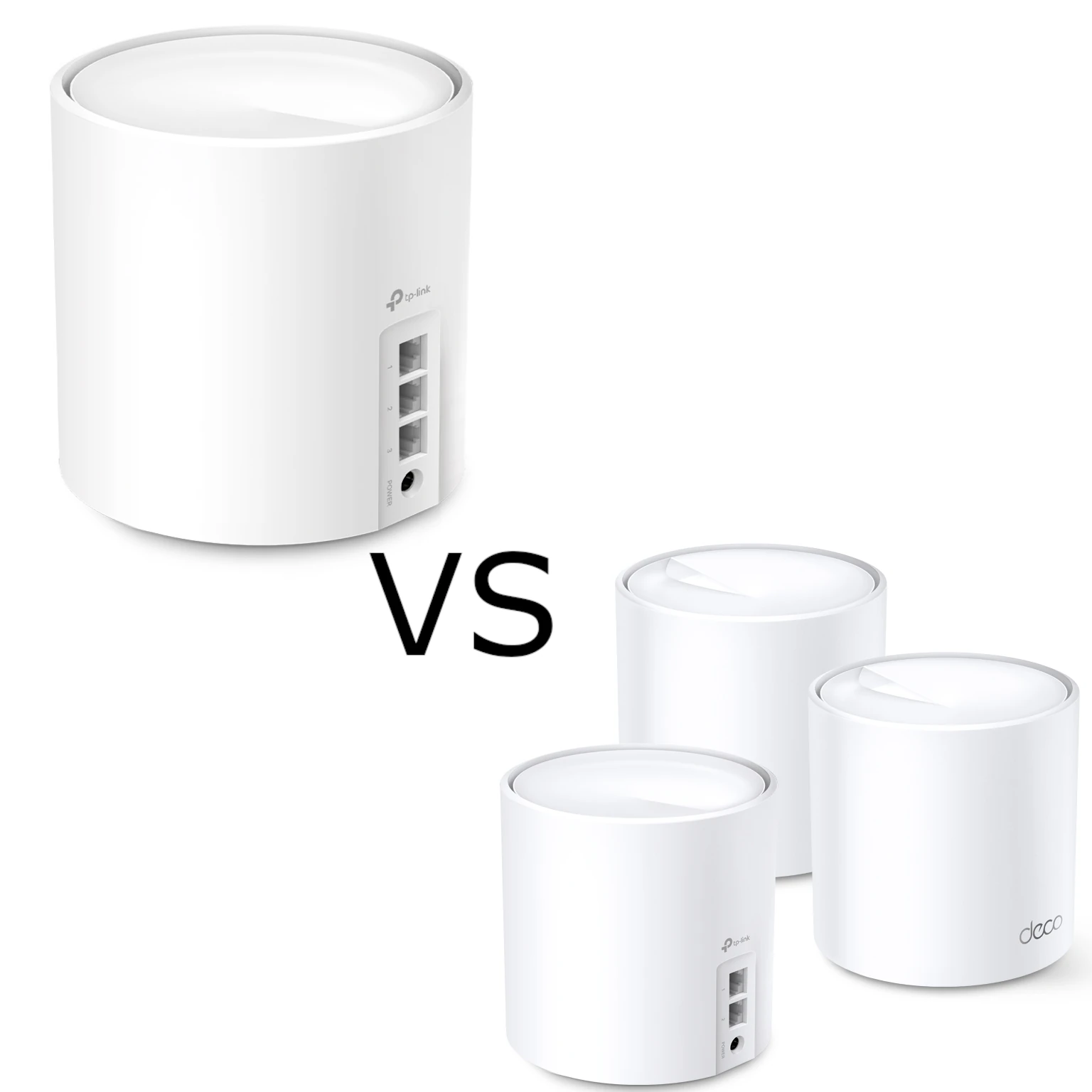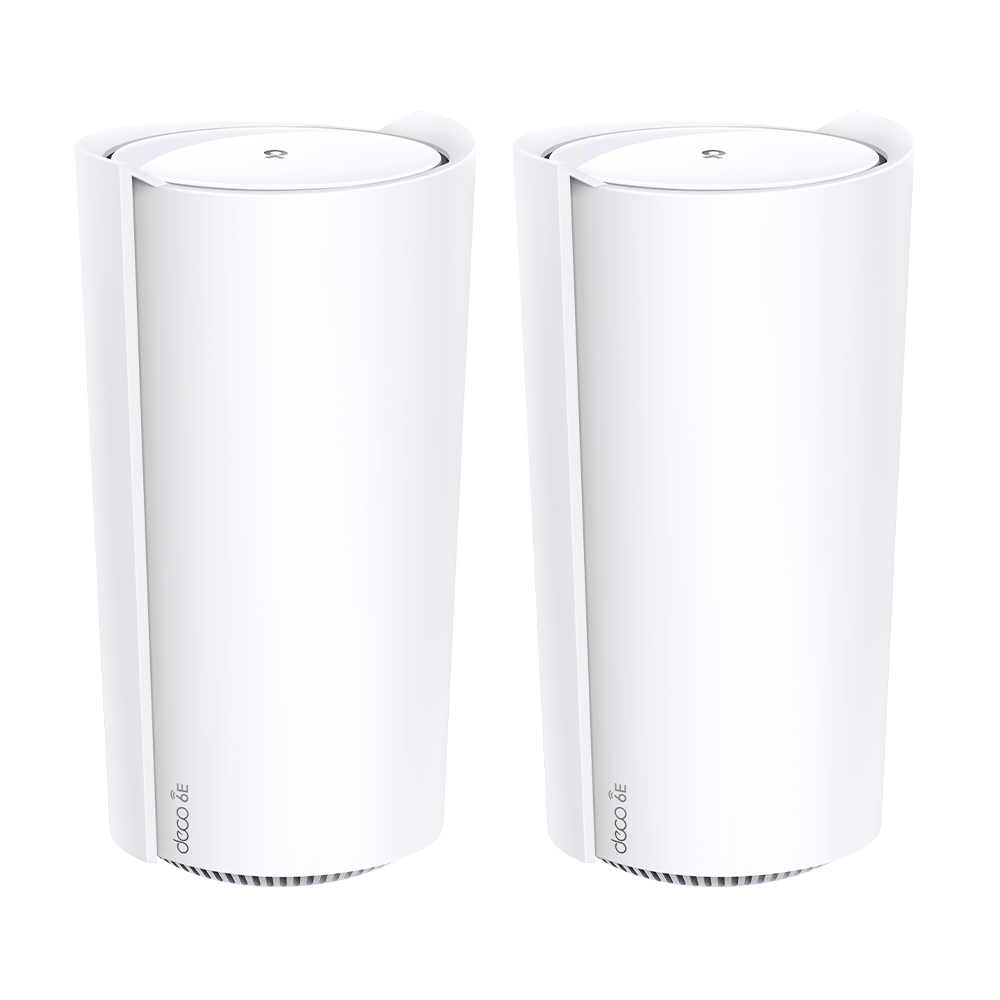
The Deco XE200 is a tri-band Wi-Fi 6E mesh system with a 10GbE port on each unit. It can suit a home with compatible clients or demanding local transfers, but choosing it needs more than adding its advertised band speeds together. This guide explains its hardware limits, router/AP choices and a practical way to check coverage.
Features at a Glance:
- Tri-Band Wi-Fi 6E: Enjoy blazing-fast speeds with 4804 Mbps on both 6 GHz and 5 GHz bands, plus 1148 Mbps on the 2.4 GHz band.
- 6 GHz Band: Adds spectrum for compatible Wi-Fi 6E clients and backhaul; availability depends on the region and interference is still possible.
- 16-Stream Connectivity: Maximize data transmission with simultaneous streams for all your devices.
- Multi-Gig Network: One 10GbE port can serve a compatible wired connection; the other two ports are Gigabit.
- AI-Driven Mesh: Intelligent design that adapts to your home for the best Wi-Fi coverage.
Deco XE200 Specifications:
| Feature | Specification |
|---|---|
| Wi-Fi Technology | AXE11000 Tri-Band Wi-Fi 6E |
| Processor | 2.2 GHz Quad-Core |
| Wi-Fi Speed | Up to 10.8 Gbps |
| Coverage | Up to 6,500 ft² (2-pack) |
| Connectivity | Supports over 200 devices |
| Ports | 1× 10 Gbps port + 2× Gigabit ports |
Pros:
- Ultra-Fast Speeds: Ideal for 8K streaming, online gaming, and VR/AR experiences.
- Extensive Coverage: Additional nodes can extend coverage when their own connection is strong; walls and placement still matter.
- Advanced Security: HomeShield adds network and parental-control options; features depend on plan, mode and firmware.
Cons:
- Premium Price: The advanced features come with a higher price tag.
- Requires Compatible Devices: To fully utilize Wi-Fi 6E, devices must also support the standard.
Why Choose Deco XE200?
The vendor product page lists AXE11000 as a combined speed class. Its numbers are physical link rates, not one device's download speed or a measured result from this article. Coverage and device-count figures are also conditional vendor claims.
Check your clients first. A Wi-Fi 5 laptop can join a supported older band but cannot use the 6 GHz radio. A two-stream client does not gain all the router's streams. If your main problem is a slow ISP connection, extra radio capacity alone will not increase that connection's speed.
Can I use Deco XE200 with my existing router?
Connect the main Deco by Ethernet and decide which device will route the network. The old router does not need Wi-Fi 5: its routing, Ethernet capability and ISP requirements are what matter here.
- Deco as router: Where your ISP supports it, put the upstream gateway into its documented bridge configuration and let Deco perform routing. Bridge mode and a vendor's IP-passthrough option are not necessarily identical. Confirm internet, IPTV and telephone requirements before changing the gateway.
- Existing router retained: Use Deco Access Point mode when the existing router should continue DHCP and NAT. Follow the AP-mode instructions and check the unavailable routing/security features for your firmware.
- Wireless handoff: Deco nodes can share a network name. An unrelated router does not become a Deco node merely because it uses that name. Decide whether to retain its separate Wi-Fi, and test roaming with the actual clients; their roaming support and decisions matter.
Save the old gateway configuration and admin access before changing modes. Test one connected device before moving the household. If an application needs inbound access, check the routing path and ISP addressing rather than assuming a mode change fixes every NAT issue.
Inside the Deco XE200's 16-Stream AXE11000 Radio Design
The XE200 datasheet describes four streams on 6 GHz, eight on 5 GHz and four on 2.4 GHz. The previous three-times-four description did not explain its 16-stream total.
| Band | Advertised link rate | Streams | Planning implication |
|---|---|---|---|
| 6 GHz | 4,804 Mbps | 4 | Compatible clients and mesh backhaul need a usable signal. |
| 5 GHz | 4,804 Mbps | 8 | Aggregate radio capacity does not give a two-stream client eight streams. |
| 2.4 GHz | 1,148 Mbps | 4 | Useful for compatible devices that need this band; congestion and airtime still matter. |
Deco XE200 (Wi-Fi 6E) vs. Deco BE65 & Deco BE75 (Wi-Fi 7)
Compare the XE200 with the Deco BE65 and Deco BE75 using the exact regional models you can buy. Wi-Fi 7 features need compatible clients and firmware, while an existing client still has its own band, channel-width and stream limits. Do not select a model from a radio-generation badge alone.
Draw the wired connections too. If the XE200's only 10GbE port is used for WAN or backhaul, its remaining built-in wired ports are Gigabit. Multiple multi-gigabit LAN devices can require an external switch and a carefully chosen uplink. Count the required ports and links before assuming a single 10GbE label solves the whole path.
Maximizing 6 GHz Backhaul Range on the Deco XE200
Walls, node position, radio conditions and local transmit-power rules affect the backhaul. There is no defensible promise of a multi-gigabit link through a fixed number of walls. Where cabling is practical, Ethernet backhaul removes the wireless inter-node hop from that path; it still needs appropriate link speeds.
A Repeatable Placement Check
- Start near the main unit with one known client. Record its band, negotiated link and an internet baseline at a quiet time.
- Place the satellite where it can still reach the main node well, rather than in the centre of the existing dead zone. Check its connection in the Deco app.
- Repeat the same transfer or call at the problem location. Keep the client, server and test conditions consistent.
- Compare a local wired-server transfer with an internet test where possible. A local improvement and unchanged internet speed can indicate an ISP limit.
- Walk through the intended route during a call and check for interruptions. Repeat with older or IoT clients that matter to the household.
Change one placement or setting at a time and retain the previous result. Use these observations to decide whether another node, cabling or a client upgrade addresses the actual problem. These are proposed checks, not benchmark results.
Firmware and Purchase Checks
Check support for the exact hardware revision and region before buying remaining stock. The US product page marks XE200 End of Life; that label should prompt a check of local availability and firmware/support policy, not an assumption that every regional unit stops working on the same day. Keep configuration recovery details before updates, use a strong administrator account and review guest access. Treat HomeShield as an additional feature set, not a guarantee against every threat.