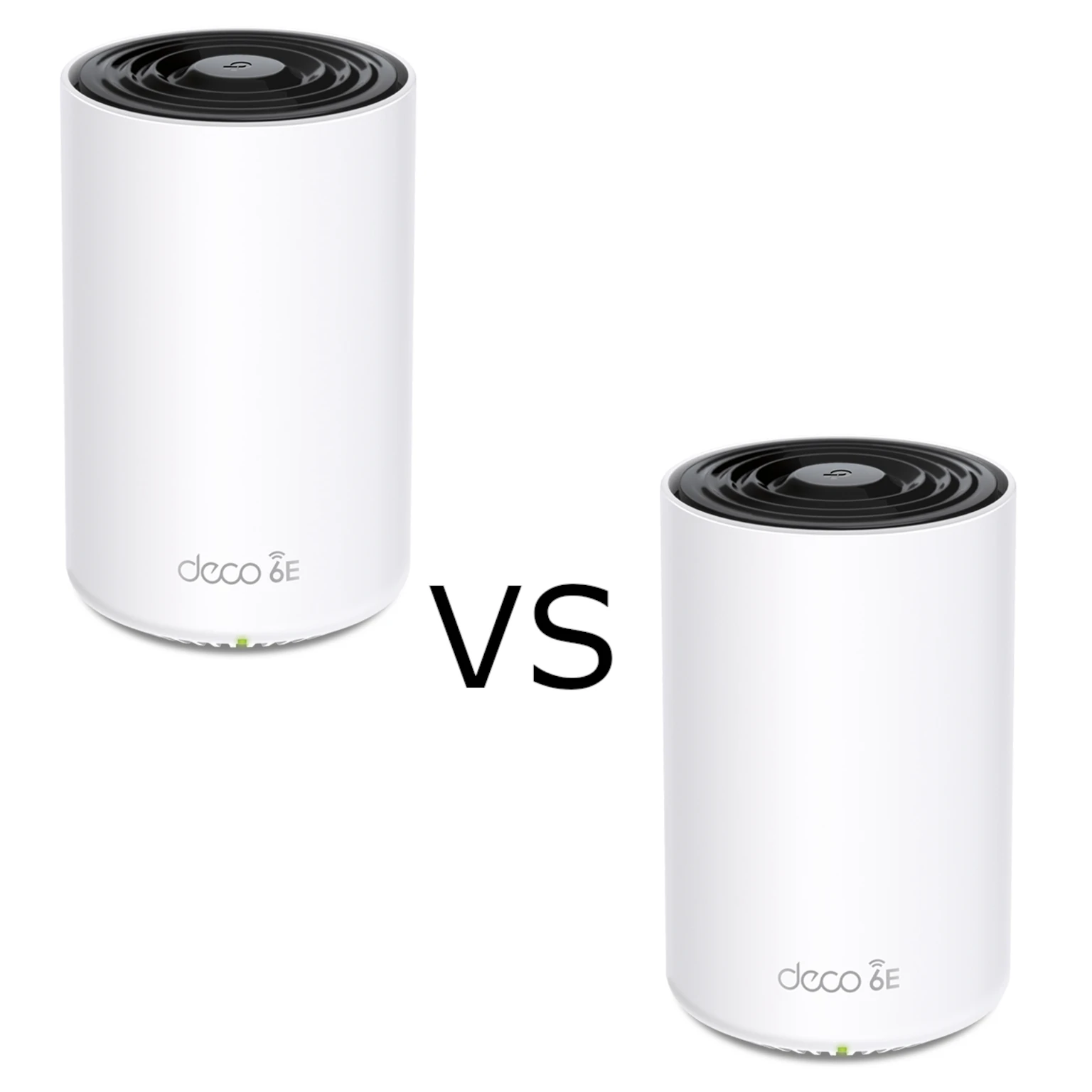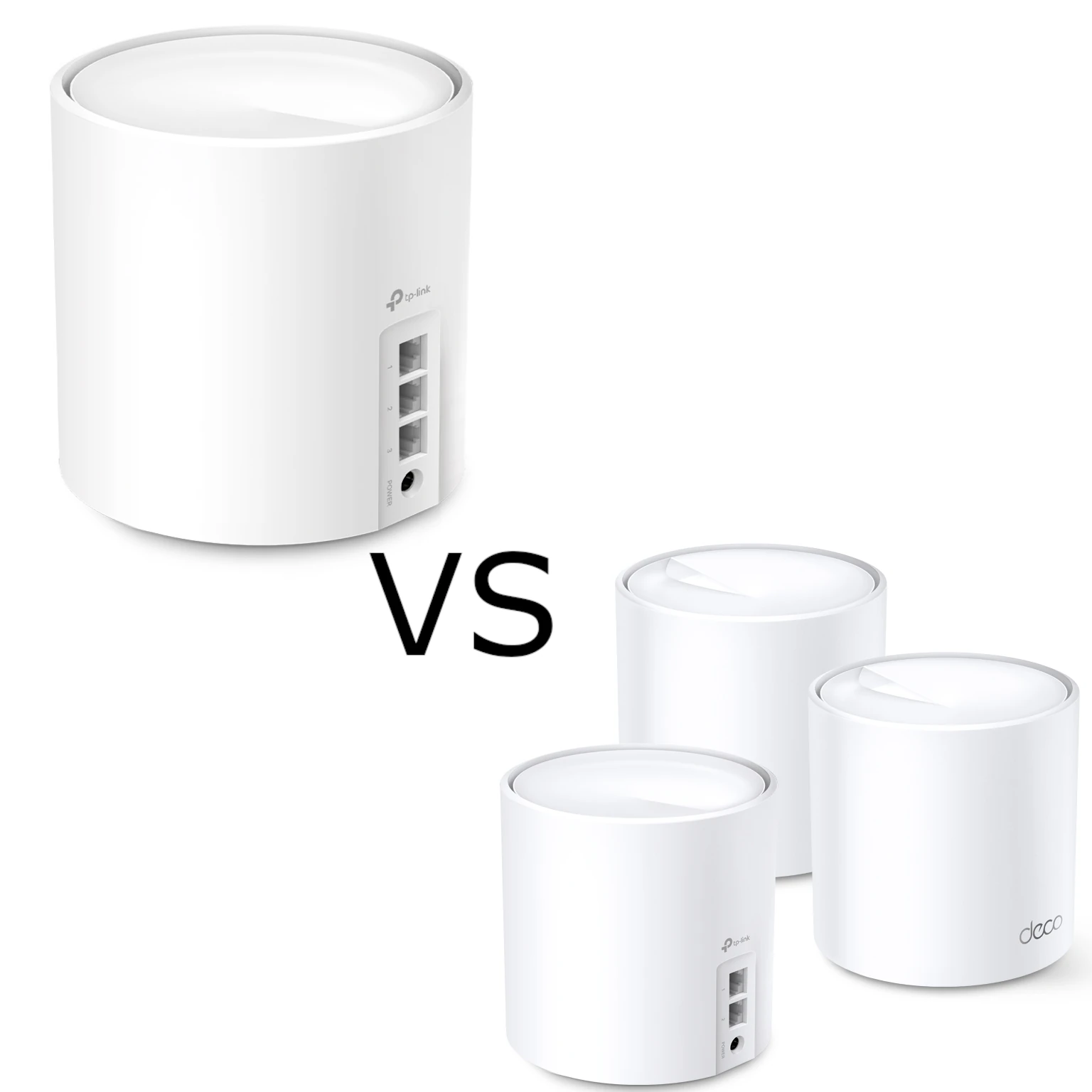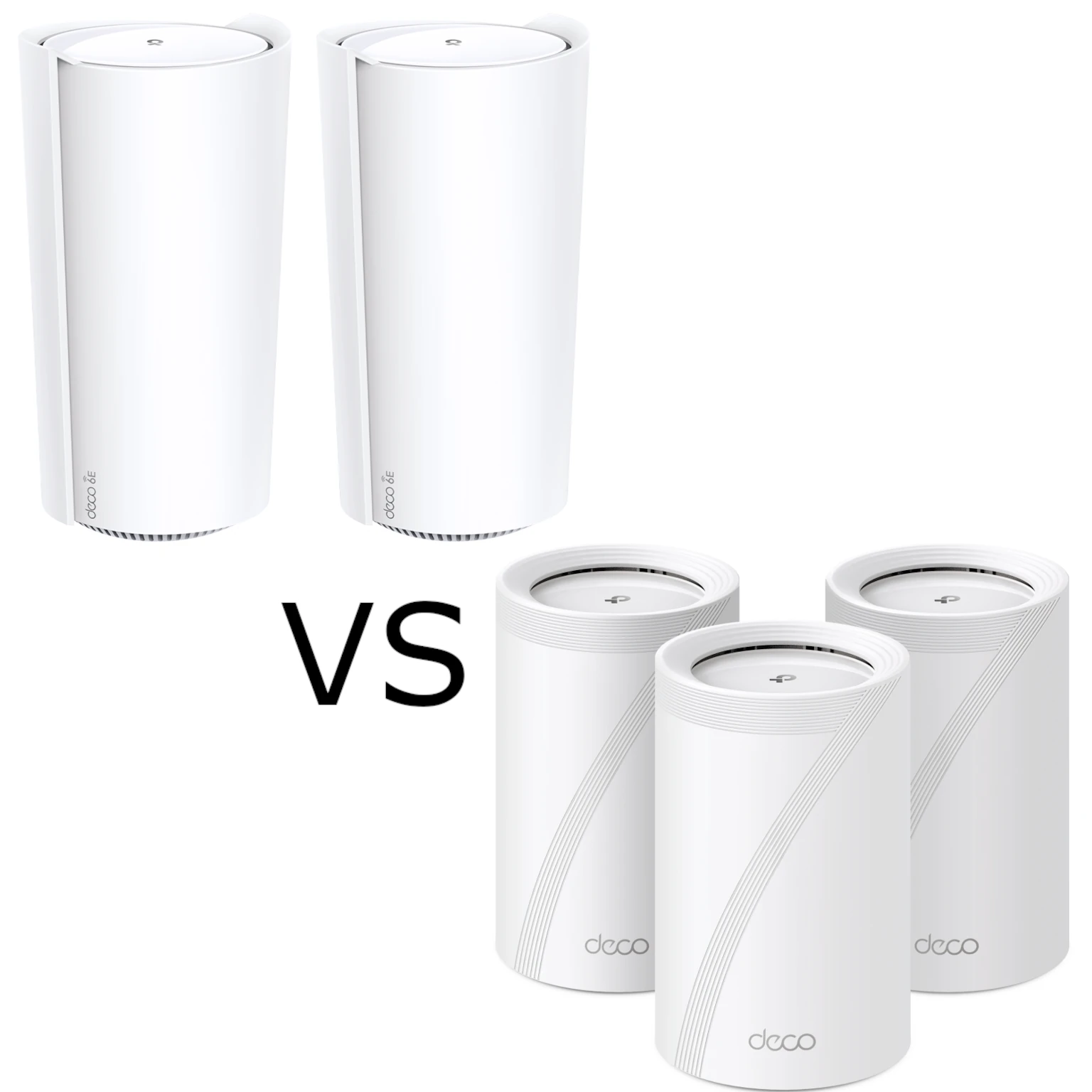
The Deco XE200 and Deco BE65 are appealing mesh options with different strengths. The XE200 is a high-capacity Wi-Fi 6E design; the BE65 brings Wi-Fi 7 features and several multi-gigabit Ethernet ports. Choosing between them requires the exact regional version, your clients and the layout of your network, rather than treating a newer Wi-Fi number as a complete performance verdict.
Wi-Fi 6E versus Wi-Fi 7
Wi-Fi 6E extends Wi-Fi 6 into the 6 GHz band. Compatible clients can use that spectrum, while older 2.4 GHz and 5 GHz devices continue on their supported bands. It offers additional channel choices, but congestion, availability and usable coverage still depend on local conditions and regulations.
Wi-Fi 7 adds capabilities including 320 MHz operation in 6 GHz, denser modulation and Multi-Link Operation, or MLO. A client must support the relevant features to benefit. A Wi-Fi 6 laptop does not become a Wi-Fi 7 client by connecting to a BE65, and MLO is distinct from the maximum rate of a single radio link.
Neither a standard-wide theoretical ceiling nor an advertised reduction in latency establishes what these two systems will deliver in your rooms. Band, width, signal, traffic and backhaul all matter. A 6 GHz link through difficult walls can also perform differently from a nearby 6 GHz connection.
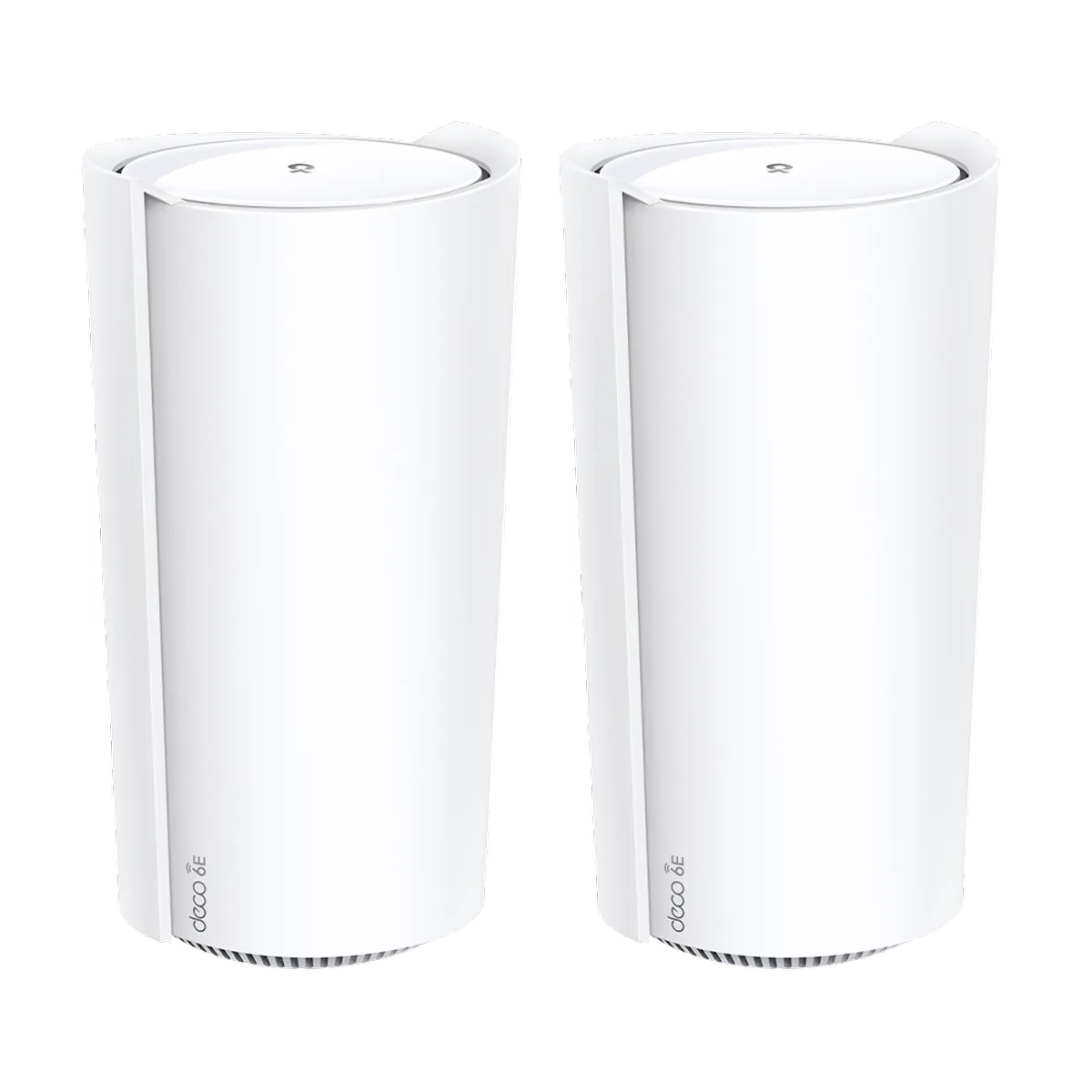
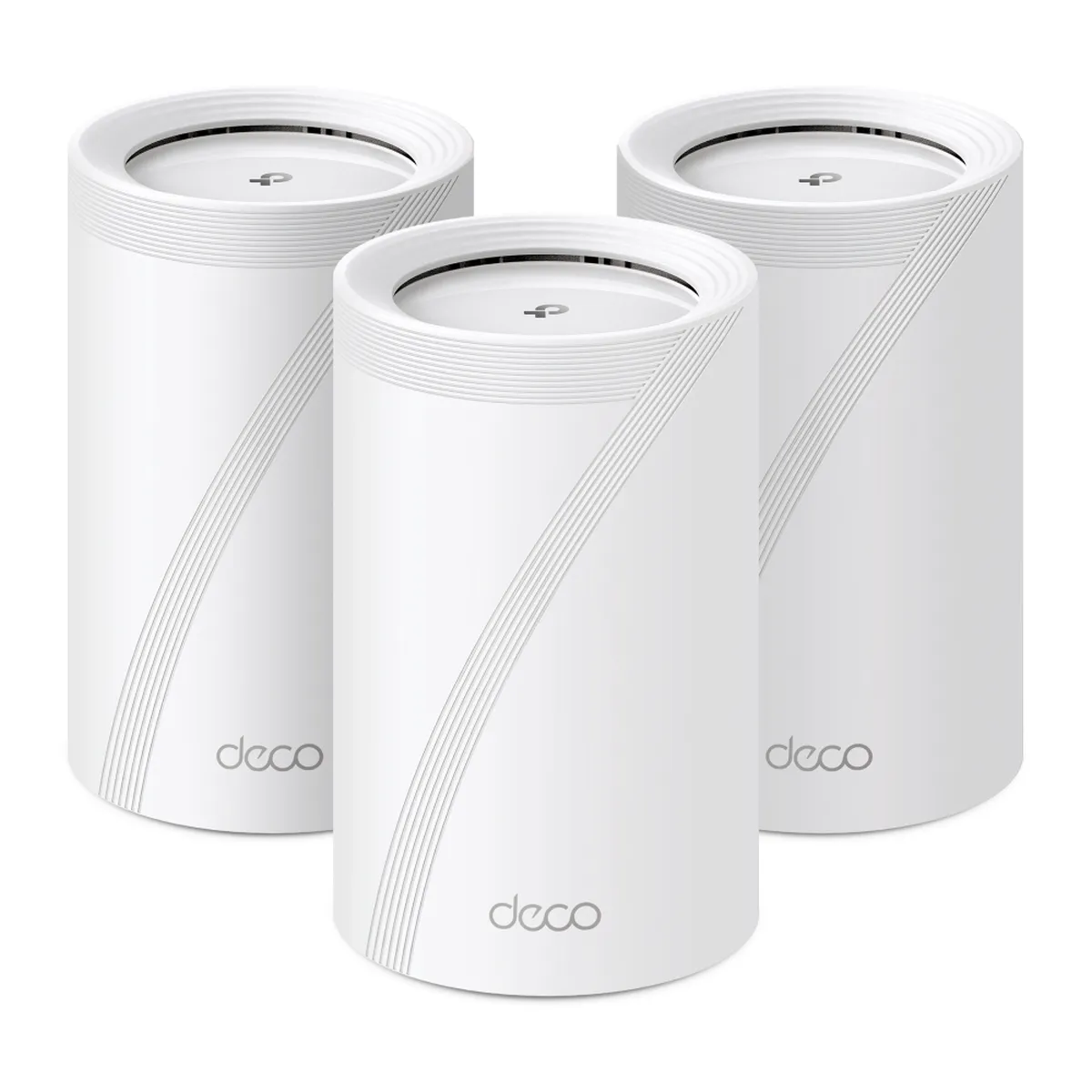
Compare the exact hardware version
The original BE65 illustration is the BE9300 configuration: the 2023 EU datasheet lists 5,760 Mbps on 6 GHz, 2,880 Mbps on 5 GHz and 574 Mbps on 2.4 GHz. These are maximum physical signal rates. Their sum is a marketing classification, not a 9 Gbps connection to one device.
| Published reference | 6 GHz / 5 GHz / 2.4 GHz rates | Ethernet ports per unit |
|---|---|---|
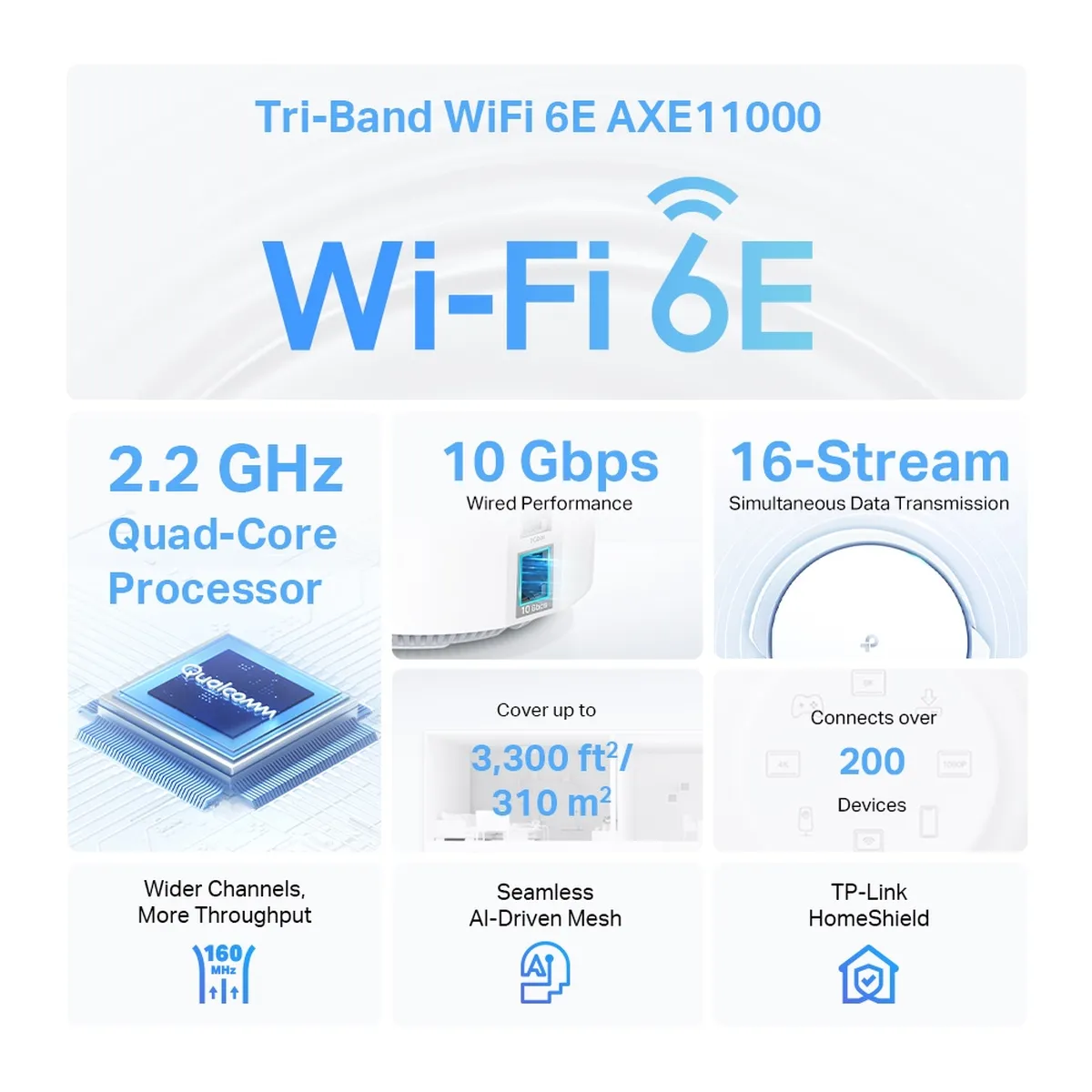
| XE200 AXE11000 | 4,804 / 4,804 / 1,148 Mbps | One 10 Gbps and two Gigabit ports |
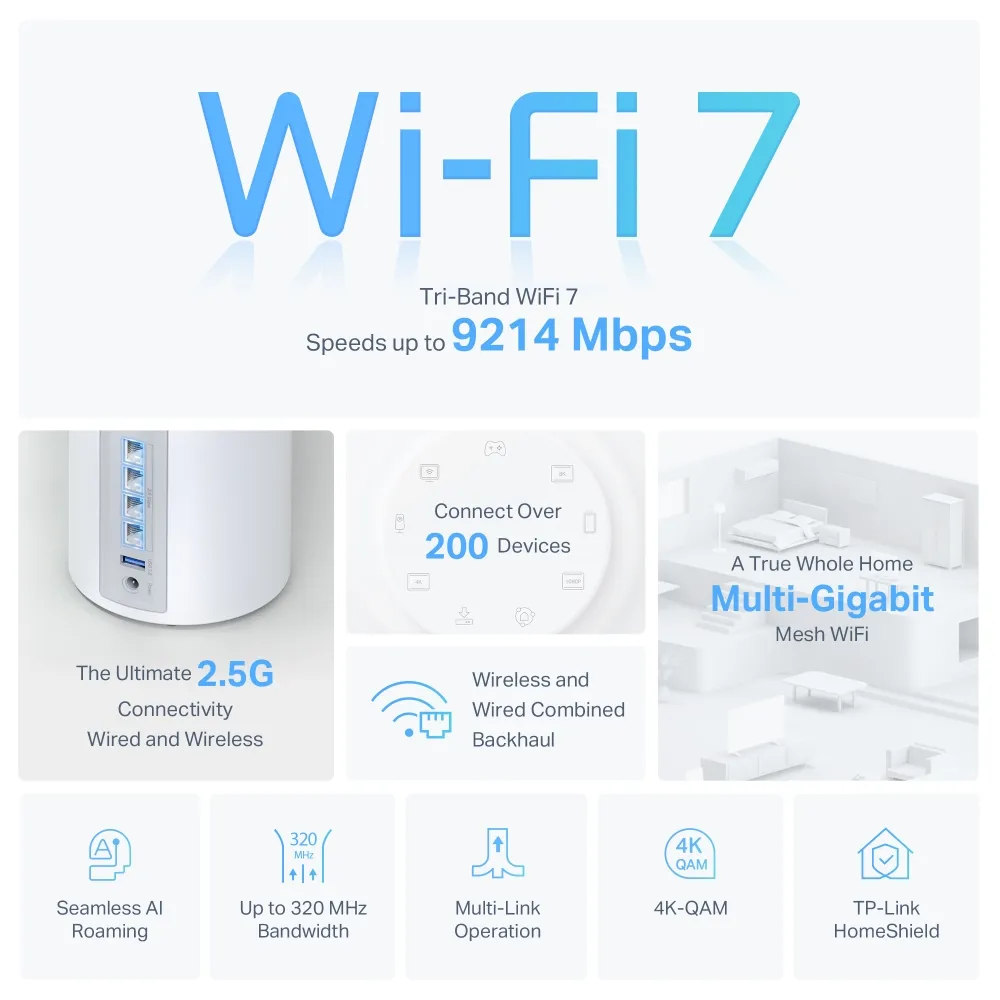
| BE65 BE9300, 2023 EU sheet used by the original comparison | 5,760 / 2,880 / 574 Mbps | Four 2.5 Gbps ports |
| BE65 BE11000, UK V1 product reference | 5,760 / 4,320 / 574 Mbps | Four 2.5 Gbps ports |
TP-Link's later Australian V3 specification provides another example of variation: it lists 5,765, 2,882 and 688 Mbps. Consequently, do not combine a BE9300 headline, BE11000 radio figures and an unrelated Pro or Outdoor port layout into one specification. Confirm the box label, region, hardware revision and local support page for the unit being offered.
The XE200's published stream layout is four on 6 GHz, eight on 5 GHz and four on 2.4 GHz. Its datasheet lists 16 internal antennas, correcting the eight-antenna description added to the comparison. Those combined streams describe the system's radios, not sixteen streams available to one laptop.
What can your clients use?
The XE200's larger 5 GHz radio gives it an interesting capacity role in a home with many compatible devices. MU-MIMO can distribute transmissions across suitable clients, but it does not promise that four laptops each receive their full individual peak speed at once. Client support and scheduling remain part of the result.
A typical two-stream Wi-Fi 6/6E client uses its own supported stream count and channel width. It cannot use all eight of the XE200's 5 GHz streams for one connection. This is why a higher whole-radio signal-rate figure does not automatically make the XE200 faster for every older phone.
The BE65's appeal is its newer client features: a compatible Wi-Fi 7 client can use the available width, modulation and supported MLO modes. The published single-band rate and a combined MLO rate answer different questions. Check client operating-system, driver and hardware support before buying mainly for a feature your devices cannot yet use.
The Ethernet layout can decide the purchase
The XE200 has one very fast port and two Gigabit ports. If the 10 Gbps port connects to a multi-gigabit internet handoff, an ordinary wired device or wired backhaul connected through the remaining ports has a Gigabit link. An external switch behind that Gigabit link does not remove the bottleneck.
Alternatively, the XE200's 10 Gbps port can serve a fast local switch while a Gigabit port serves WAN, if that suits your internet plan. This can make sense for local transfers, but it is a different topology from having multi-gigabit WAN and LAN links simultaneously. Plan which port is used by each connection.
The four 2.5 Gbps ports on the referenced BE65 versions offer a simpler multi-gigabit layout: WAN, a satellite's wired backhaul and local devices can each have suitable ports. Actual traffic still depends on the cable, switch, remote device and service plan. Several ports do not establish a guaranteed aggregate routing benchmark.
Backhaul and placement
Both support Ethernet backhaul. TP-Link says to configure the Decos on the same network before wiring them. In Router mode, satellites must connect behind the main Deco's LAN, directly or through a switch; in Access Point mode, the upstream router handles routing and the wiring options differ.
Wireless backhaul is useful where cabling is impractical, but node-to-node signal quality affects the complete client path. Place a satellite where it can reach both the main network and the target room. Putting it inside an existing dead zone can leave the backhaul weak, even if the nearby phone shows a strong connection to that satellite.
The BE65's wireless-and-wired combined-backhaul feature is documented by TP-Link, but should not be converted into a promise of a fixed summed throughput. For either system, compare performance from the satellite under realistic traffic and check the connection shown in the app.
Shared features and recurring costs
Both use the Deco app and provide mesh, guest-network and supported WPA3 features. Keep compatibility and configuration in mind; see Keeping Your Wi-Fi Safe: From WPA2 to WPA3. Client roaming remains a client-dependent process rather than a guarantee of interruption-free movement.
HomeShield has free and paid features, so compare the current plan for the controls you need. Deco gateway functions such as parental controls and QoS are not available in Access Point mode according to TP-Link's mode comparison. A feature listed on the product page may therefore depend on how you deploy it.
Choosing between the two
The original strengths remain useful: consider the XE200 for its high-capacity radio design and fast local 10 Gbps connection, and the BE65 for Wi-Fi 7 features and convenient 2.5 Gbps connectivity. The BE65's budget appeal depends on your actual local quote, pack size and hardware version rather than a permanent cheaper/more-expensive ranking.
Also check lifecycle status: TP-Link's UK XE200 page marks it End of Life. That label does not supply a universal firmware-support end date, but it makes the regional update history and support policy relevant to a new purchase. Compare those alongside warranty, placement and your device mix.
Test the rooms and applications that matter within the seller's applicable return terms. Both can be worthwhile upgrades, but the better fit is the one whose ports, radio features and support match your network rather than an unconditional winner on every speed or latency measure.