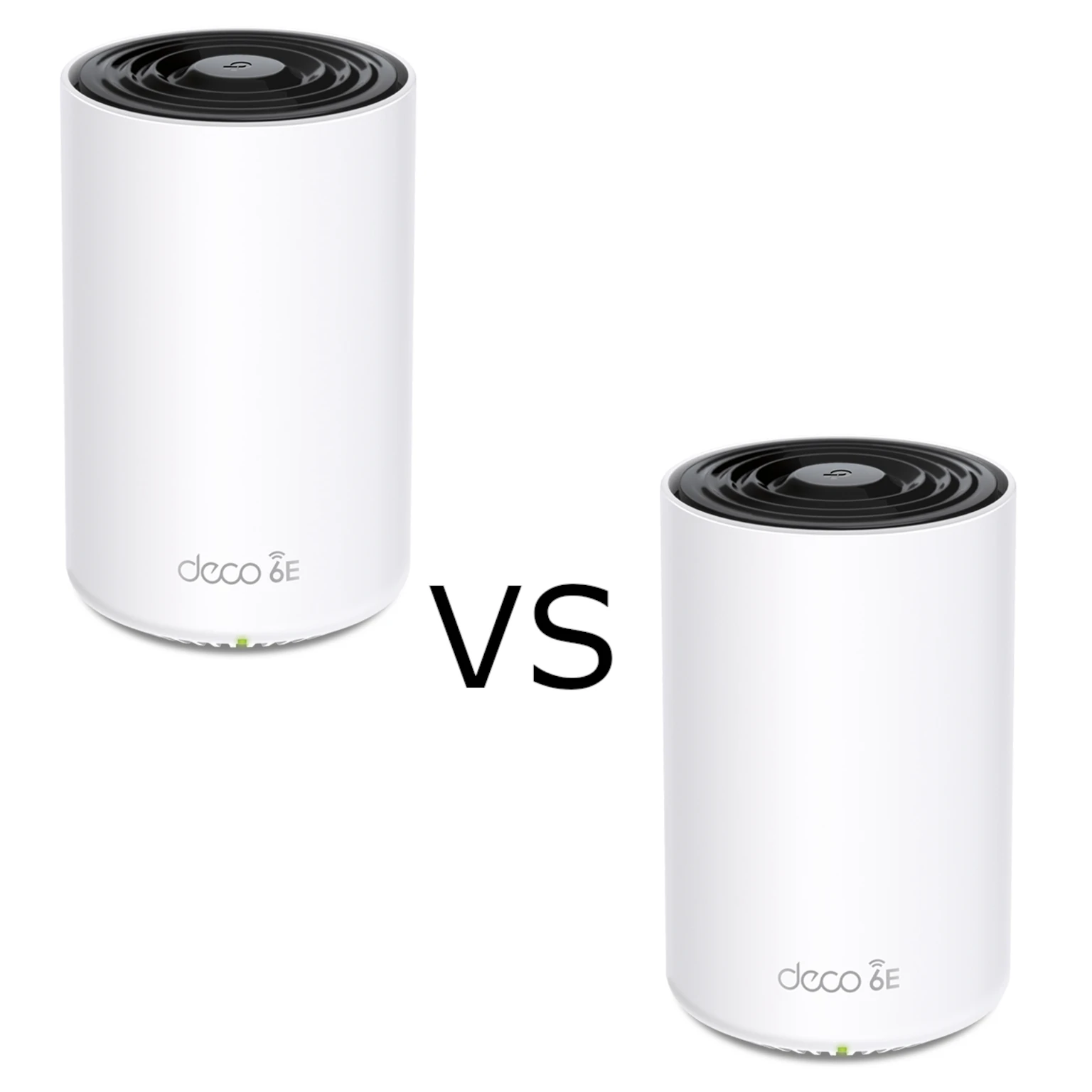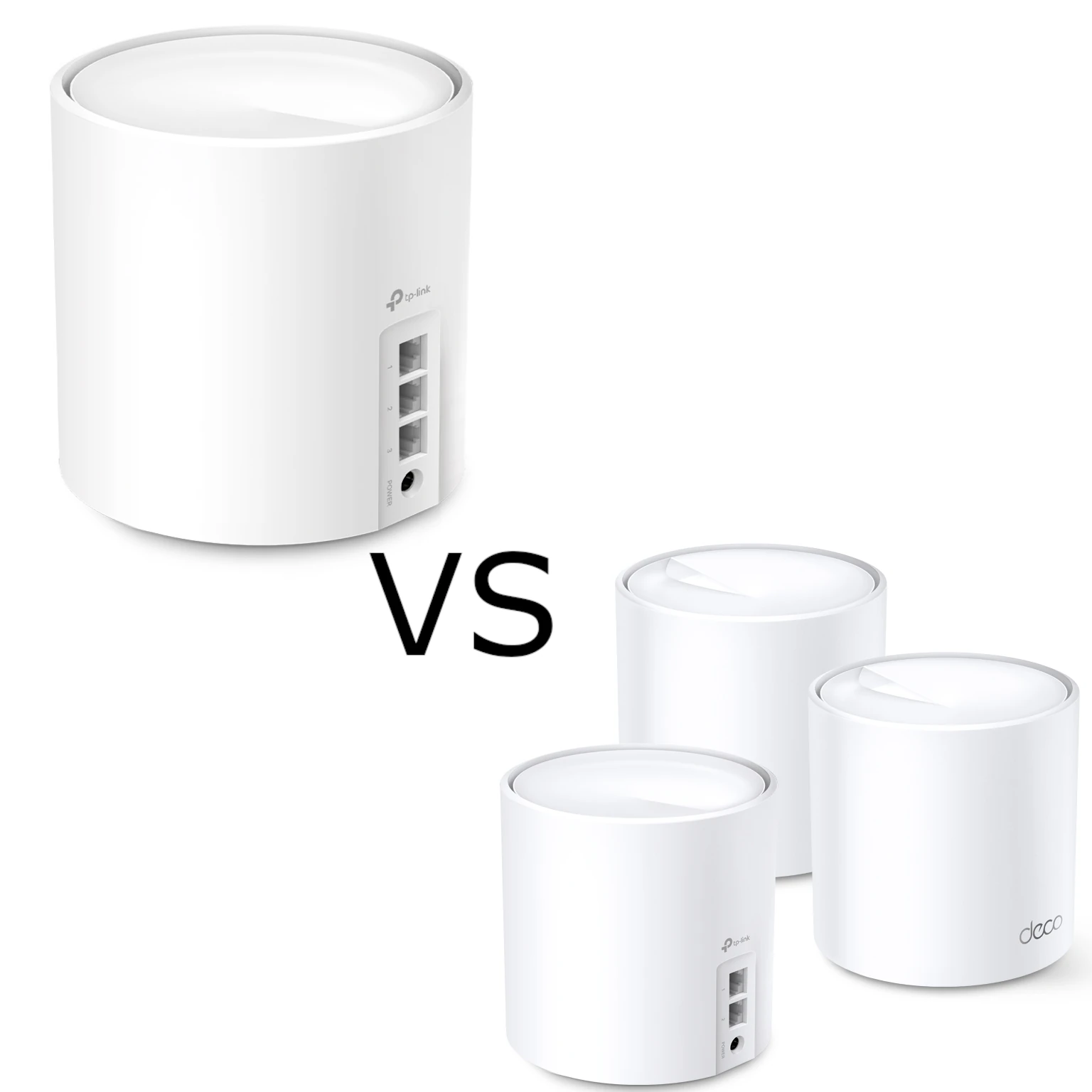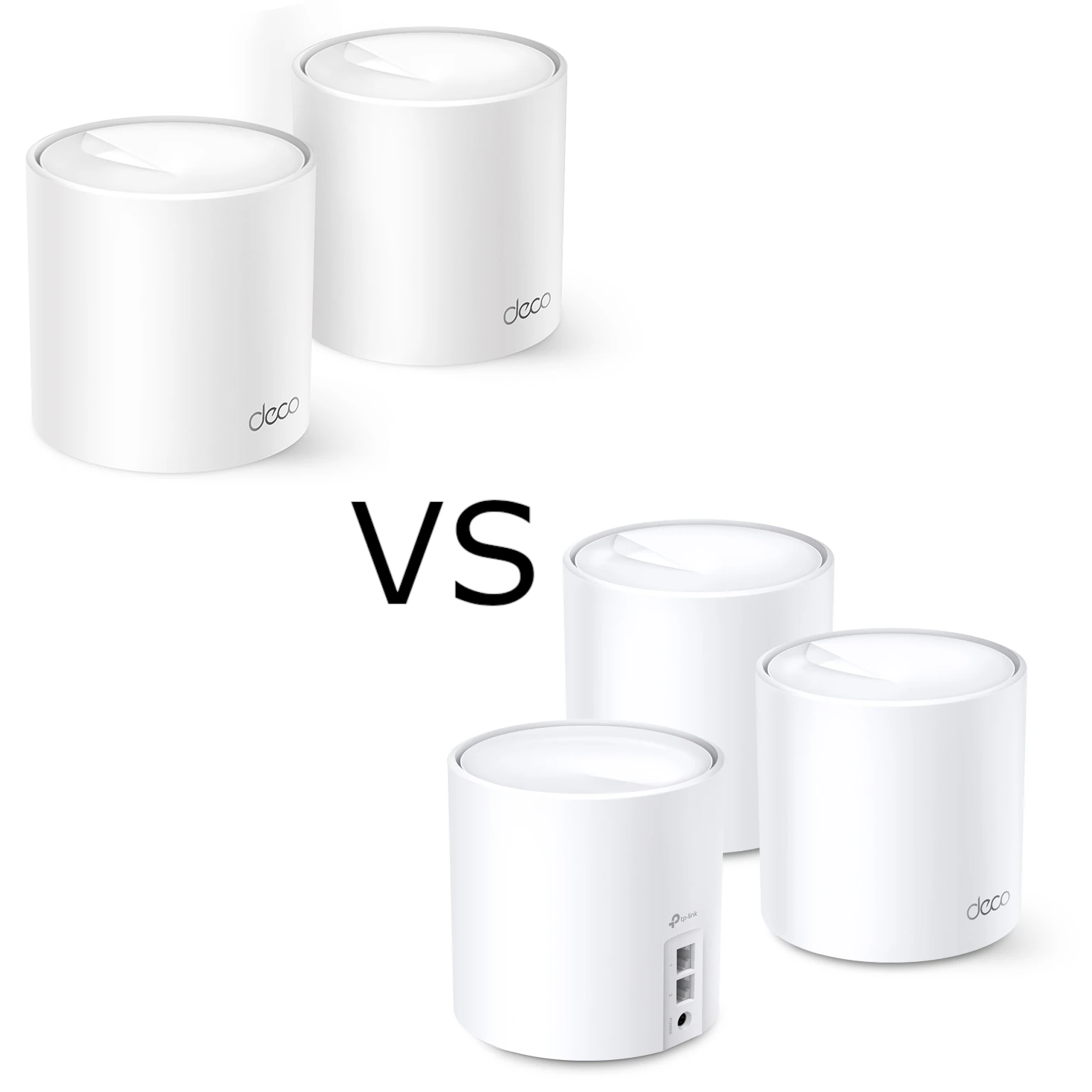
TP-Link's Deco X10 and X20 offer budget-friendly ways to extend a home network with mesh Wi-Fi. Both are dual-band systems with Gigabit Ethernet, and their advertised 5 GHz rate is the same. The most visible radio difference is on 2.4 GHz: X10 uses 802.11n there, while X20 supports Wi-Fi 6 on both bands.
Mesh Networking and Our Wi-Fi 6 Perspective
Mesh uses several coordinated access points under one network name. It can bring coverage closer to a distant room, with wireless or wired links between the units. Placement remains important: a satellite needs a good route back to the main Deco, so putting it in a complete dead zone can leave the bottleneck unresolved.
In our personal testing, Wi-Fi 6 made a massive difference to latency and reliability compared with our older Wi-Fi 5 networks. In our personal opinion, it is the baseline for a new installation or upgrade. That is our experience and preference, rather than a controlled speed comparison between these two Deco models or a guarantee that every existing Wi-Fi 5 setup needs replacing.
Wi-Fi 6 features can help compatible devices use radio resources efficiently. They do not remove interference, an overloaded internet connection or a weak mesh link. Likewise, roaming support helps compatible clients move between nodes, but it does not guarantee that a phone will always change to the strongest signal without interruption.
X10 and X20: The Key Specifications
This comparison uses the X10 EU V1 datasheet and X20 V4 regional specifications. Check the hardware revision and regional support page on the product you buy, especially for software features.
| Feature | Deco X10 | Deco X20 |
|---|---|---|
| Wireless class | Dual-band AX1500 | Dual-band AX1800 |
| 5 GHz advertised rate | 1,201 Mbps, 802.11ax | 1,201 Mbps, 802.11ax |
| 2.4 GHz advertised rate | 300 Mbps, 802.11n | 574 Mbps, 802.11ax |
| Ethernet per unit | Two Gigabit WAN/LAN auto-sensing ports | Two Gigabit WAN/LAN auto-sensing ports |
| Operating modes | Router or Access Point | Router or Access Point |
| Security | WPA3 supported with compatible clients | WPA3 supported with compatible clients |
| Management | Deco app; check current revision features | Deco app; V4 listing includes HomeShield |
AX1500 and AX1800 add the two bands' maximum physical rates. Neither is the speed of a single download. Having the same 5 GHz rating also does not prove identical throughput, range or stability in your rooms. Client capabilities, the mesh connection, interference and firmware affect performance, so compare with the devices and layout you will actually use.
Does the 2.4 GHz Difference Matter?
X20's 2.4 GHz Wi-Fi 6 capability is useful to consider when compatible clients use that band. It does not automatically make every smart-home device twice as fast. Many plugs, sensors and cameras use older Wi-Fi standards, while other smart-home products use a different wireless system entirely.
Check the specifications of the devices you own. A device limited to 802.11n cannot use 802.11ax features such as OFDMA just because X20 offers them. For a small set of low-traffic smart plugs, reliability and placement may matter more than the radio's maximum advertised rate. For cameras, look at their traffic and the connection from that node back to your recorder.
The X10 remains a reasonable entry point when your main clients use 5 GHz and the pack meets your coverage needs. The X20 is attractive if compatible 2.4 GHz clients or its documented software features matter to you. Neither choice guarantees a particular response time in Home Assistant, HomeKit or Alexa.
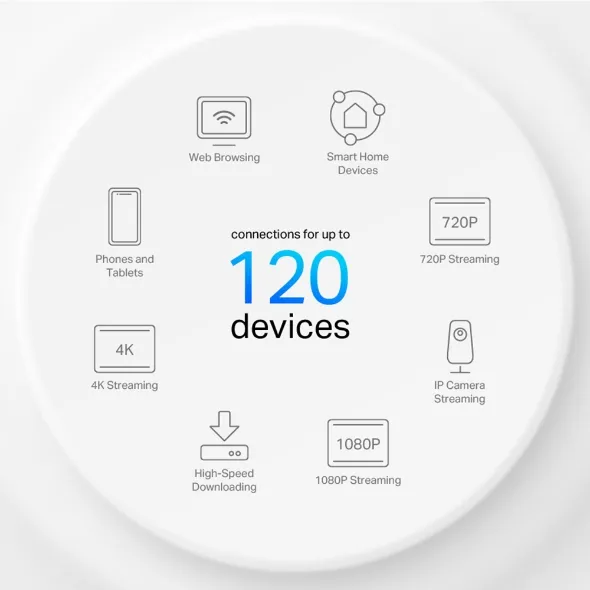
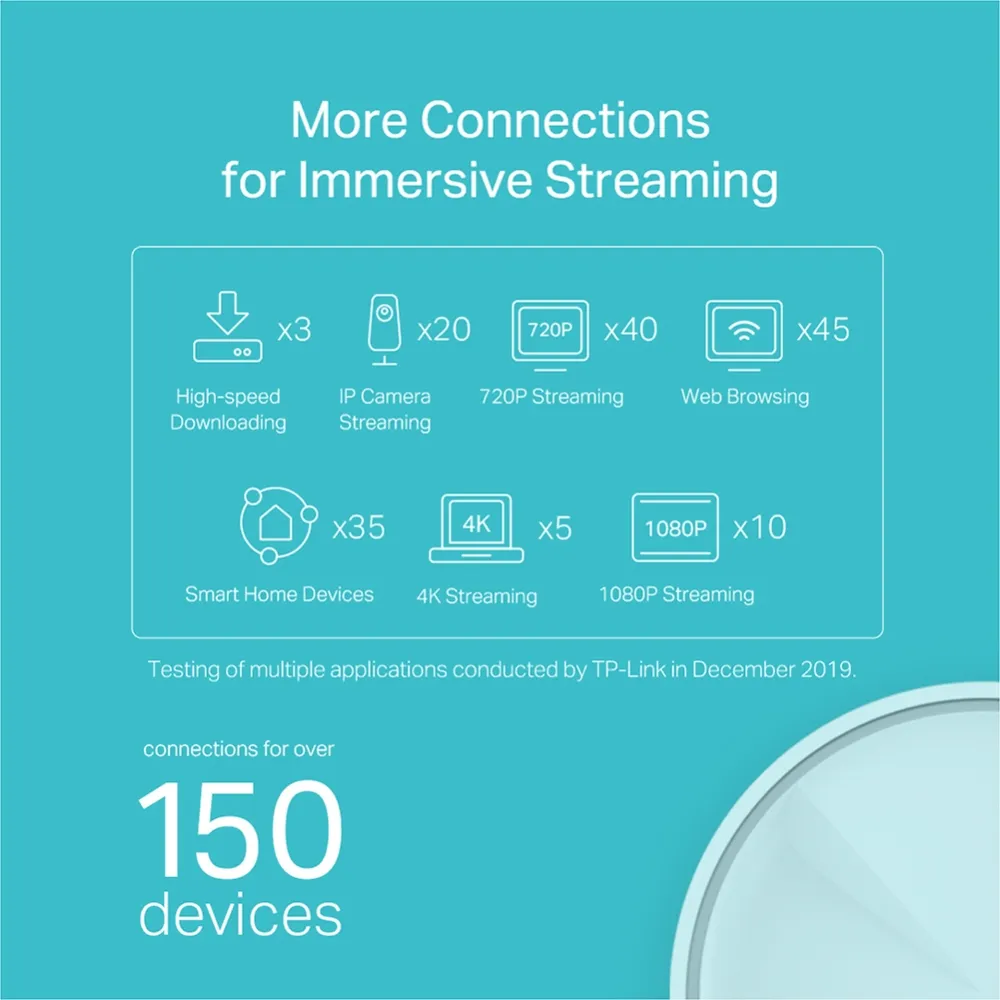
The illustrations show TP-Link's advertised device-capacity and application-mix claims. They are not our measurements of 120 or 150 simultaneous demanding users. X20's graphic explicitly references manufacturer testing from December 2019. Different traffic patterns can put very different demands on a network with the same device count.
Ports, Backhaul and the Cost of a Switch
Both models have two Gigabit ports per unit. In Router mode, the main Deco uses one for the internet handoff, leaving one for a wired device or LAN switch. If you want wired satellites and several wired computers, include a suitable switch and cabling in the cost comparison.
These systems have no third radio dedicated solely to wireless backhaul. A satellite's wireless relay shares resources with the access network, so a fast nearby Wi-Fi link alone does not establish how quickly data reaches the main router. Ethernet can remove that wireless inter-node hop, but these ports still limit each wired link to Gigabit speed.
Follow TP-Link's backhaul wiring rules: add the units to the same Deco network before cabling them. In Router mode, satellites connect downstream of the main Deco's LAN, directly or through its LAN switch. In AP mode the upstream router can provide the wired network. Confirm the backhaul type in the app instead of assuming the inserted cable has taken effect.
Router Mode and Software Features
Choose Router mode when Deco will manage the gateway, or AP mode when an existing router will do that job. TP-Link's mode comparison lists gateway controls such as parental controls, QoS and port forwarding as unavailable in AP mode. Verify the exact feature on your hardware and firmware before depending on it.
X20 versions and regions may differ in their security and service package. Check which controls are included, which need a subscription, and whether they remain available in your chosen mode. Do not infer extra RAM or faster routing from a marketing device count. Processor brand and clock speed alone are not enough to predict how either kit behaves under load.
For wireless security background, see WPA2 vs WPA3. For multi-user Wi-Fi, see MU-MIMO terminology. Those features still require suitable clients and are not guarantees of uninterrupted traffic.
Mixing X10 and X20
TP-Link confirms that different Deco models can form one network. Its current guidance says the main Deco determines the feature set shown in the app and recommends using the app's model priority when choosing that role. Adding X20 does not upgrade an X10 satellite's 2.4 GHz radio.
A mixed pack can be useful when extending an existing setup, but evaluate each path. A device beside an X10 still uses that node's capabilities; a wireless satellite still needs an adequate inter-node link. Check the resulting software features before replacing the main unit, and retain access to your current configuration while arranging the change.
Which Should You Buy?
Both remain appealing budget mesh options. My starting point would be local prices for equal pack sizes, the rooms needing coverage and the capabilities of existing devices. X10 can suit a modest budget; X20's full dual-band Wi-Fi 6 and relevant software features may justify the difference. A better node position or wired link can be more valuable than changing the radio class alone.
Inspect the exact hardware revision, warranty, firmware support and return terms, then plan placement before judging performance. Neither a larger device-count claim nor a higher aggregate rating promises coverage through every floor. Choose the kit that fits the household's real layout and needs.
Official product links: TP-Link Deco X10 | TP-Link Deco X20