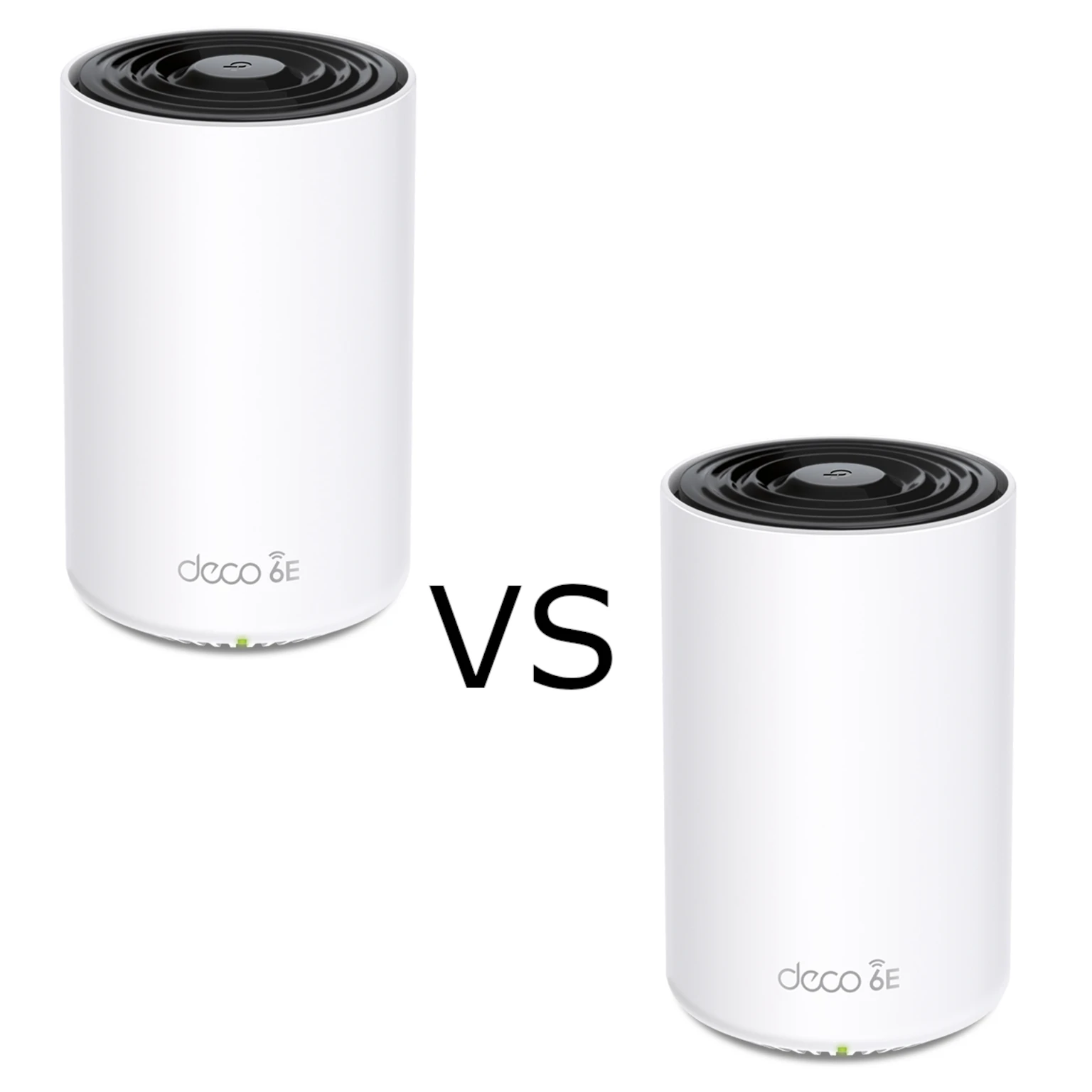
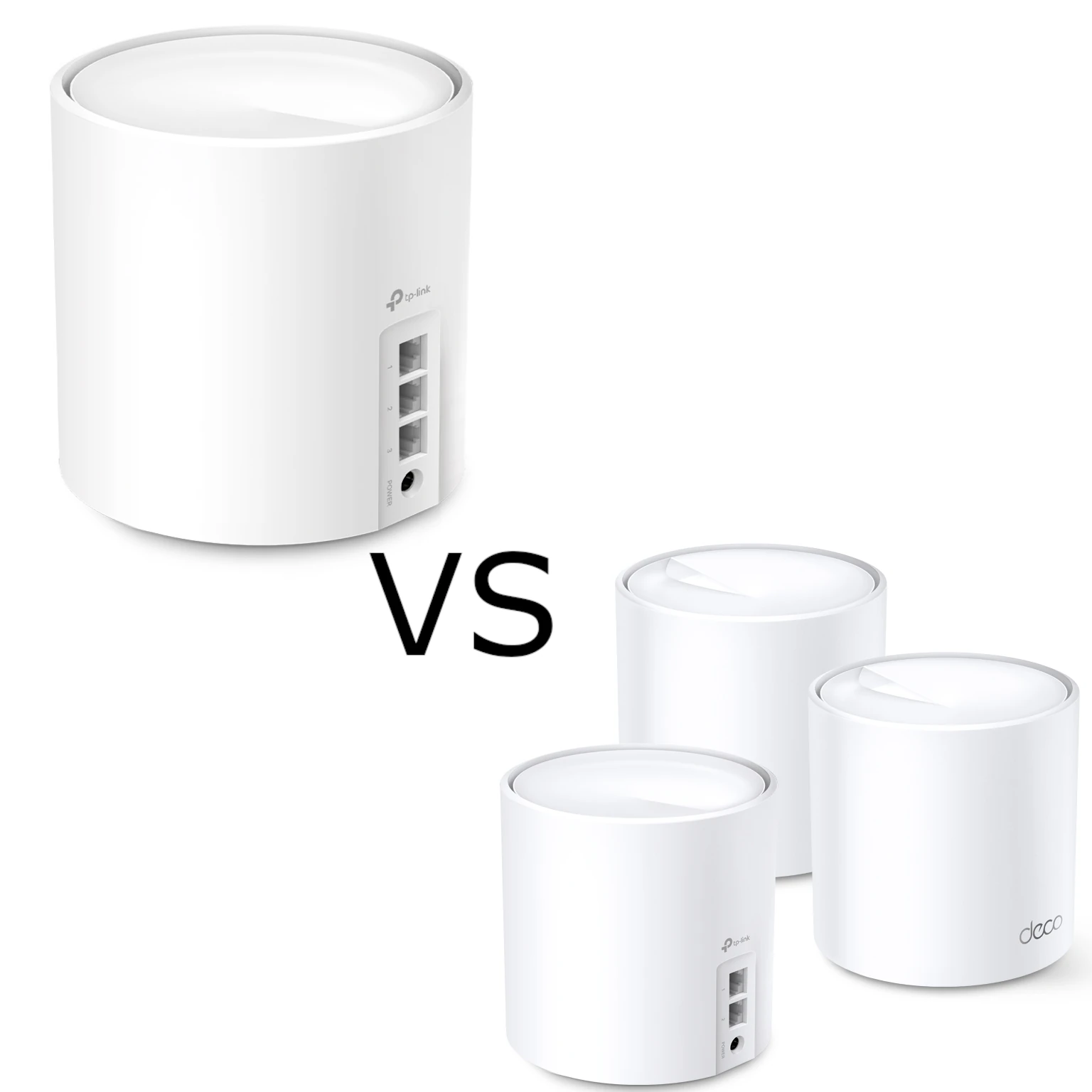
The TP-Link Deco X20 and standard Deco X50 are dual-band Wi-Fi 6 mesh options with Gigabit Ethernet. The main differences are their advertised 5 GHz rates and port counts. Which is useful for you depends on the clients, backhaul and room layout, rather than a promise of perfect coverage.
For detailed breakdowns, visit our guides on the TP-Link Deco X20 and the TP-Link Deco X50 & X55.
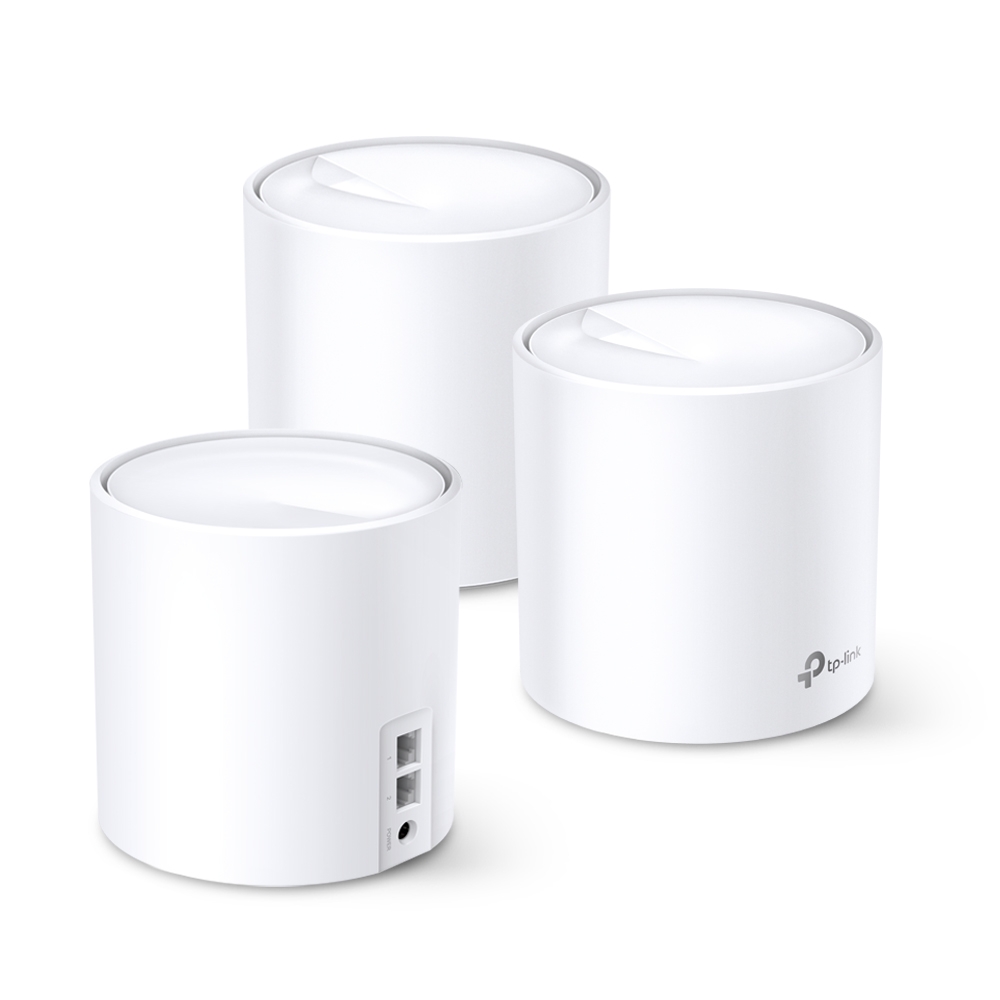
What is Mesh WiFi?
A mesh system coordinates multiple access points under a shared network name. Additional nodes can distribute coverage, but each needs a usable upstream connection. Placing a wireless node at the deepest part of a dead zone may leave it with a poor backhaul link.
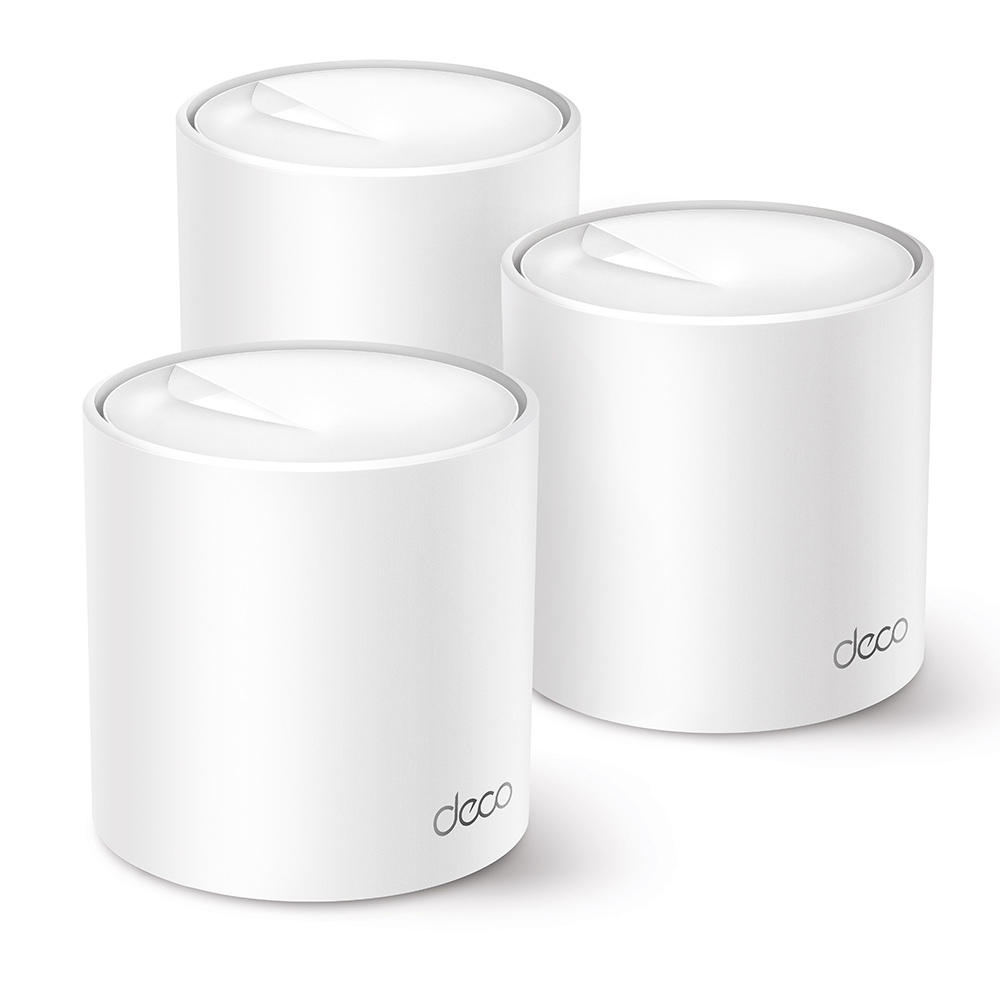
Where Do Deco Units Come In?
TP-Link Deco units are the individual components that make up a mesh WiFi system. These compact devices are easy to set up and manage, offering a user-friendly solution for whole-home WiFi coverage.
Similarities Between Deco X20 and X50
Both the Deco X20 and X50 boast:
- Wi-Fi 6 Technology: Compatible clients can use Wi-Fi 6 features; older clients retain the capabilities they support.
- TP-Link Mesh Technology: Shared network access with client-dependent roaming. Test important calls while moving between rooms.
- Easy Setup and Management: User-friendly app for quick setup and control over your network.
- Parental Controls: Manage screen time and filter content for a safer online environment for your kids.
- Security: The listed security options include WPA3; use a suitable supported mode rather than choosing an older insecure option just because it appears in the menu. For a detailed breakdown on the importance of WPA3, see our post.
Physically, both units share the exact same compact footprint at 4.33 × 4.33 × 4.49 in (110 × 110 × 114 mm).
The Showdown: A Side-by-Side Comparison
| Feature | Deco X20 | Deco X50 |
|---|---|---|
| Wi-Fi Speeds | AX1800 (up to 1201 Mbps on 5 Ghz) 5 GHz: 1201 Mbps (802.11ax) 2.4 GHz: 574 Mbps (802.11ax) | AX3000 (Up to 2402 Mbps on 5 Ghz) 5 GHz: 2402 Mbps (802.11ax, HE160) 2.4 GHz: 574 Mbps (802.11ax) |
| Coverage | Compare the same pack size and regional vendor estimates; layout and placement affect both models. | |
| Gigabit Ports | 2 | 3 |
| VPN and other software features | Check the specific hardware revision, current firmware and operation mode. Client and server functions are different. | |
| Practical difference | Evaluate when AX1800 and two ports meet the need. | Evaluate when compatible HE160 clients/backhaul or a third port help. |
Who Needs the Deco X20?
The X20 may meet an ordinary household’s needs when its placement and backhaul give adequate coverage. Compare the exact kit price and number of units. A smaller home does not automatically need several nodes, and a two-port node may need a switch if you have several wired devices.
Who Needs the Deco X50?
The standard X50 offers a higher advertised 5 GHz rate and an extra Gigabit port. Those differences can help when your client or backhaul supports the wider channel, or when you need another wired connection. A home’s size alone does not establish that it will outperform a well-placed X20 system.
X50-PoE and other variants are separate products with different hardware and power options. Check the exact variant and revision instead of assuming the standard X50 has an optional multigigabit port.
Conclusion: Picking Your Perfect Deco
Choose using the actual workload, cabling and kit price. Both standard models have Gigabit wired ports; the X50’s additional port adds connection capacity, not a faster individual Ethernet link. A wireless upgrade is most useful when compatible devices and backhaul can make use of it.
Visit the official website for the TP-Link Deco X20 | TP-Link Deco X50
Compare radio rate with usable speed
The X20 advertises up to 1,201 Mbps on 5 GHz, while the X50 advertises up to 2,402 Mbps with supported HE160 operation. Both advertise 574 Mbps on 2.4 GHz. AX1800 and AX3000 combine those rates across bands; neither represents the throughput of one internet download.
The X50’s wider 5 GHz channel needs suitable regional availability and operating conditions. A client limited to 80 MHz does not acquire 160 MHz support from the access point. Nor should every wireless backhaul be assumed to remain at the maximum advertised rate through walls or interference.
A wider working node-to-node link may help an older client indirectly, but it does not guarantee twice the real transfer rate. Both models are dual-band, so wireless backhaul and client traffic can share available airtime. Test the actual path rather than using an invented satellite-speed table.
Count the ports for your topology
In a typical router-mode setup, one main-unit port connects to the internet source. With no other connections, that leaves one Gigabit LAN port on the X20 and two on the X50. The available ports at a satellite depend on whether an Ethernet backhaul or other devices already use them.
| Example role | X20 available ports | Standard X50 available ports |
|---|---|---|
| Main router, one internet uplink | One | Two |
| Satellite, wireless backhaul | Two | Three |
| Satellite, one Ethernet backhaul cable | One | Two |
These counts assume no other wired clients. A switch can add connection points, but the uplink is still shared. Follow the vendor’s Ethernet backhaul wiring guidance, including the distinction between router and access-point operation.
Measure before upgrading
Use one known client and begin near the main unit. Record its capabilities, connected band and negotiated link. Test the weak room next and identify the satellite and backhaul used. Repeat during normal household activity so the result describes your use rather than a quiet demonstration.
Separate local transfers from internet speed. A slow ISP plan can cap both models while a local copy reveals a different bottleneck. Conversely, a Gigabit wired link or the receiving computer can constrain a transfer even when a higher wireless link rate is displayed.
For a fair comparison, keep the client, destination and test position the same. Note application responsiveness and packet loss alongside throughput. Do not treat a single speed-test result as evidence that a router solves every gaming, streaming or roaming problem.
Mix existing X20 and X50 nodes carefully
TP-Link’s mixed-model guide allows different Deco models in one system. Follow the app’s model priority guidance when choosing the main unit. The main model affects the features shown in the app, while each satellite retains its own hardware limits.
Adding one X50 can provide its additional port and radio capabilities at that location. It does not change an X20 satellite into AX3000 or add a third physical port to it. The complete route, including any slower node or link, determines what a client can use.
Before changing the main unit, record ISP settings, operation mode and existing network information. Check firmware support and then verify internet access, local devices, guest access and any important controls after the change. Keep the old arrangement available until the new setup works.
The most useful purchase is the one that resolves a measured limitation. If both systems already cover the home and your clients use narrower channels, the extra port or kit price may matter more than the larger radio-class number.