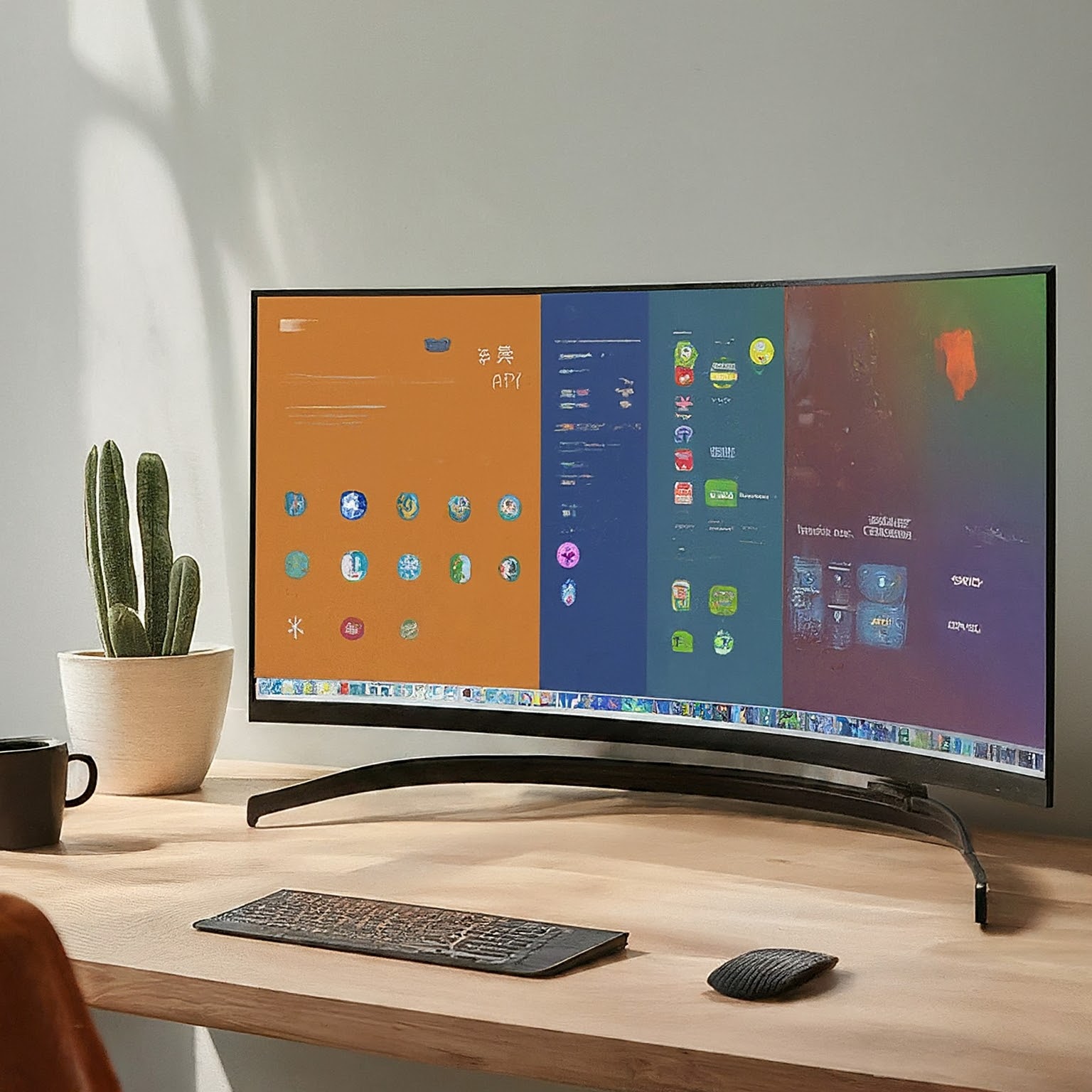
Monitors come in many sizes, resolutions and shapes. A traditional 16:9 display is a familiar choice, while an ultrawide gives you more horizontal room for windows, timelines or supported games. The best choice depends on the tasks you do, the desk you have and the equipment driving the screen.
Ultrawide Explained
Aspect ratio describes width relative to height. Common ultrawide labels include 21:9 and 32:9, often called super ultrawide. The label is not always the exact ratio of the pixel dimensions: 3,440 × 1,440 is 43:18, while 5,120 × 2,160 is 64:27. Manufacturers commonly group both under 21:9 marketing.
The original preference still makes sense: a 21:9 display can be an appealing middle ground for a wider workspace without the very large span of 32:9. Some people enjoy the latter's panoramic view; others find it excessive for their tasks. Neither response establishes one universally superior format.
Compare Height and Resolution Alongside Width
Diagonal size alone can mislead. A 34-inch ultrawide and a 34-inch 16:9 display do not have the same height or desk footprint. At a similar pixel density, a 3,440 × 1,440 display adds horizontal workspace to the 1,440-line format. It does not add vertical pixels compared with 2,560 × 1,440.
A 5,120 × 1,440 display has twice the horizontal pixels of QHD while keeping the same vertical count. It is often described as resembling two QHD workspaces side by side, without a central bezel. That is a workspace analogy, not an exact physical-size equivalence for every model or a guarantee that every application uses the space well.
Higher pixel density can make fine text and images clearer, but operating-system scaling changes how much usable desktop space remains. Check whether your usual applications render sharply at the scale you prefer. More pixels are not automatically more comfortable text at the default setting.
Pixel Counts and Graphics Workload
| Example format | Resolution | Pixels per frame | Pixel count versus QHD |
|---|---|---|---|
| QHD widescreen | 2,560 × 1,440 | 3,686,400 | 1.00× |
| Common ultrawide QHD | 3,440 × 1,440 | 4,953,600 | 1.34× |
| Wider 1600-line format | 3,840 × 1,600 | 6,144,000 | 1.67× |
| Dual-QHD super ultrawide | 5,120 × 1,440 | 7,372,800 | 2.00× |
| 4K UHD widescreen | 3,840 × 2,160 | 8,294,400 | 2.25× |
| 5K2K ultrawide | 5,120 × 2,160 | 11,059,200 | 3.00× |
These figures are direct arithmetic from the resolutions. The 3,440 × 1,440 format has 34.375 percent more pixels than QHD, while 5,120 × 2,160 has three times as many. That does not establish a corresponding percentage increase in GPU power, electricity use or frame-rendering time.
Game performance also depends on the scene, settings, processor, graphics hardware, frame-rate limits and rendering techniques. A workload limited elsewhere may respond differently to a resolution change from one limited by pixel shading. Check benchmarks for the actual game and hardware at the intended resolution rather than predicting a fixed frame-rate loss from this table.
For work, verify that your graphics output, dock, cable and monitor input support the desired resolution and refresh rate together. The connector shape or an advertised maximum refresh rate alone is insufficient. Manufacturer specifications may require a particular input mode or compression capability to reach the quoted combination.
Screen Technology Is a Separate Decision
Aspect ratio does not determine panel technology. IPS, VA and OLED options can have different contrast, motion, text and viewing characteristics, with substantial model variation. Calibration and measured performance matter for colour work; an IPS label alone is not a guarantee of accuracy.
Ultrawide is not limited to older LCD choices. ASUS's PG34WCDN is one documented OLED ultrawide example, while Dell's U4025QW uses IPS Black at 5,120 × 2,160. Those are examples of different implementations, not a recommendation that either model fits every reader.
TN is also not simply shorthand for the cheapest monitor. Zowie's XL2586X is a specialised 540 Hz Fast TN esports model. Compare the complete product and current price rather than treating panel type as a universal budget or speed ranking. Read our VA, IPS and OLED comparison for more panel considerations.
Games, Films and Everyday Work
A 16:9 screen remains a useful starting point for familiar desktop layouts, video and games designed around that format. Some competitive titles deliberately restrict wider gameplay views. An ultrawide can be immersive in a supported racing or open-world game, but confirm the game's current behavior for gameplay, menus and cutscenes.
Unsupported content may appear with side bars, be cropped or stretch if the chosen setting is wrong. Preserve the intended picture geometry rather than stretching a 16:9 image to fill the panel. Films also have varied aspect ratios and may include encoded bars, so a wider screen does not guarantee every video fills it neatly.
For editing and multitasking, the attraction is room for tools, references and timelines. Try the actual application layout: a wider timeline helps only if you use it, and a long document may benefit more from vertical space. Consider two separate displays if independent full-screen applications or a portrait screen suit the workflow better.
Window Layouts and Screen Sharing
Microsoft PowerToys FancyZones lets Windows users define custom zones. With its default mouse behavior, holding Shift while dragging exposes the zones; settings can change that behavior. Try a central work area with references at the sides, then adjust the proportions to the applications rather than insisting everyone use a fifty-fifty or three-column layout.
Sharing an entire very wide desktop can make text small on another participant's narrower screen. Zoom supports application or portion-of-screen sharing on supported platforms. Choose a suitable sharing area and test it with a recipient, accounting for application/version restrictions. This can also avoid showing unrelated windows. It is not necessary to prescribe a third-party cropping tool for every platform.
A built-in KVM can share keyboard and mouse connections between computers, while Picture-by-Picture displays multiple inputs together. These are different features. Verify USB upstream connections, input assignment and any resolution/refresh/HDR limits in that monitor's manual. A picture from two computers does not by itself establish that one keyboard can control both.
Desk Fit, Curvature and Mounting
Curvature labels describe radius in millimetres: 1000R refers to a 1,000 mm radius, and 1800R to 1,800 mm. A smaller number describes a tighter curve. It is not a required viewing distance or a guarantee that a particular user avoids neck strain. Try the curve with the tasks you do, including straight-line design work if relevant.
Measure the display's actual width, stand depth and available desk space. For an arm, use the weight without the stand and check the supported mounting pattern, minimum and maximum load, display depth and tilt compatibility. Ergotron's guidance explicitly accounts for curved-display depth; a generic 15–20 kg rating does not prove a fit. An arm's minimum load can matter for a lighter screen as well.
Check the desk clamp or grommet requirements and the room needed for movement and cables. A suitable mount should be approved for the actual monitor and desk arrangement, rather than chosen only by diagonal size. Follow the installation instructions and confirm the display stays positioned as intended.
When Ultrawide Is Appealing
The original attractions remain: a wider supported gaming view, room for several working windows and longer editing timelines. Choose it when those benefits match your daily use. A conventional widescreen can be the better fit for the applications, desk or budget you have.
Choosing the Right Monitor
Start with your common tasks, then compare resolution, height, scaling, panel behavior and connectivity. Check game and screen-sharing compatibility, measure the desk and verify the mount. Those practical checks make either format a useful purchase without assuming that extra width solves every workflow problem.