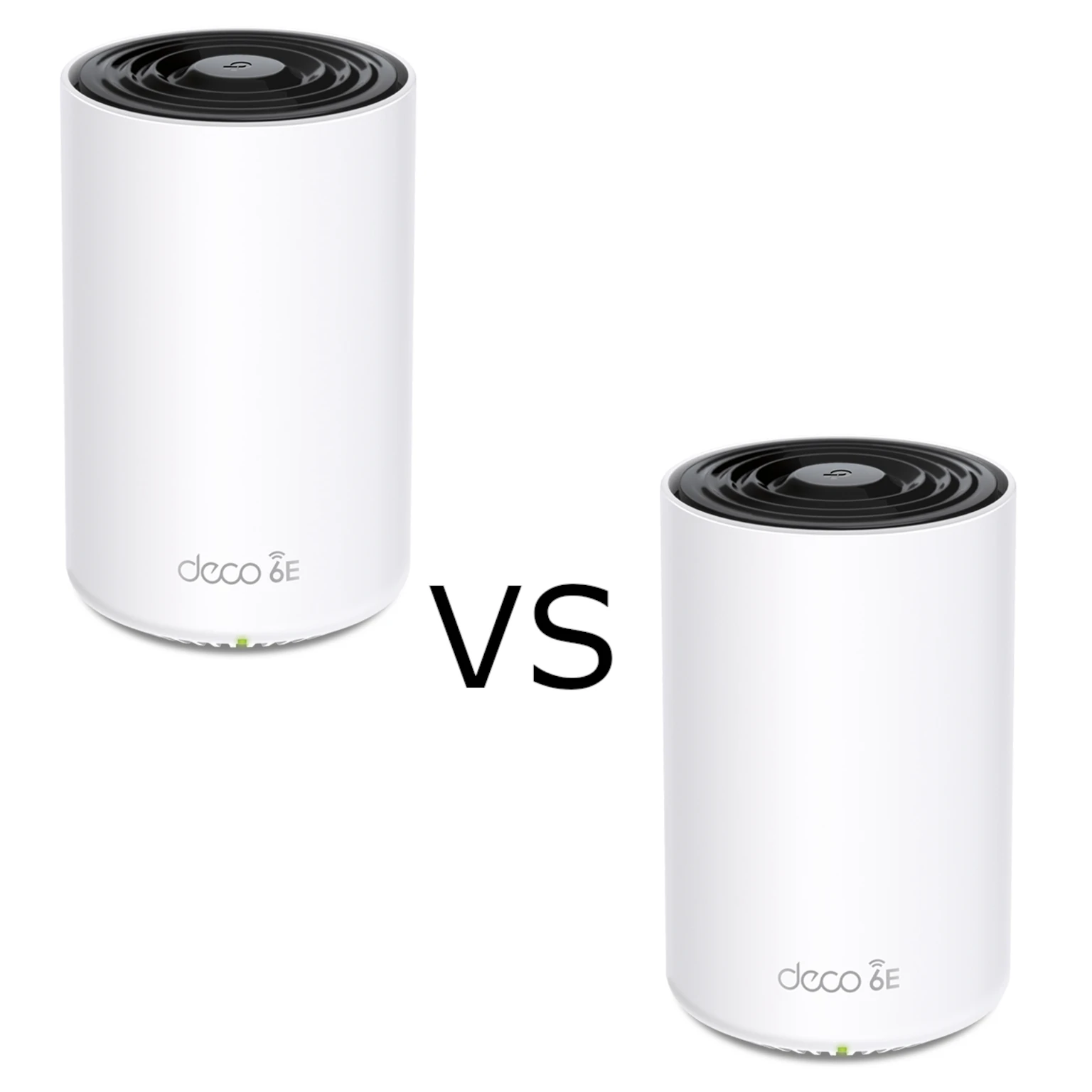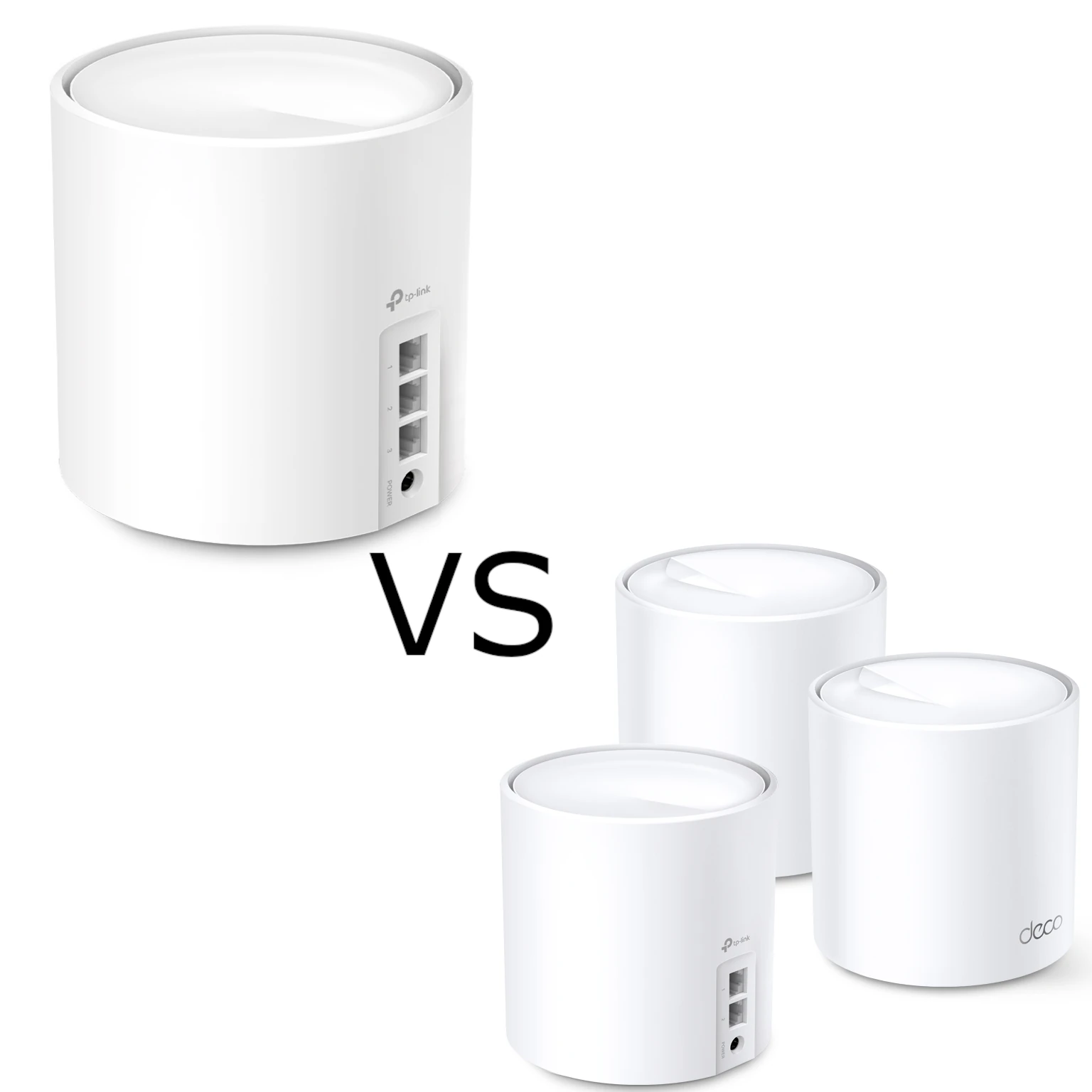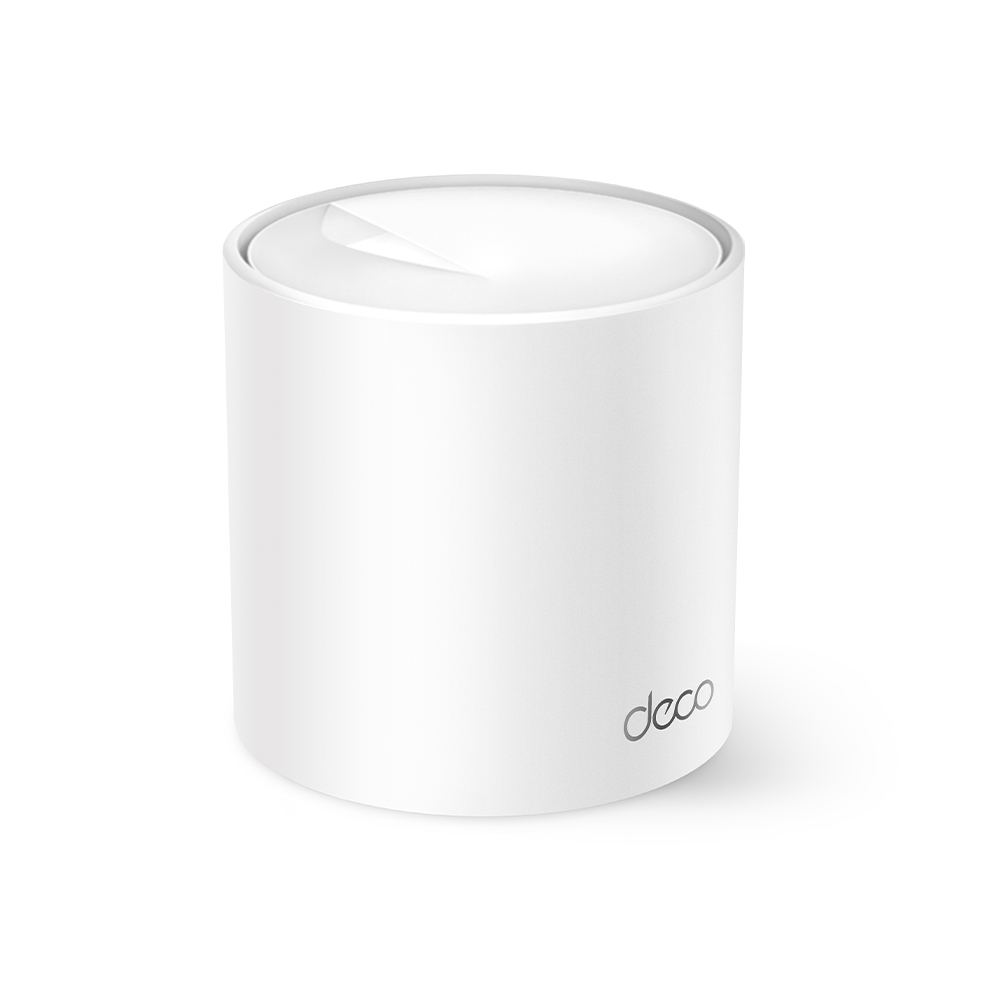
Ever walk around your house and find your internet connection mysteriously drops? This is a common problem with traditional routers, where the signal weakens the further you get from the device. Here's where mesh Wi-Fi comes in! Imagine your home filled with interlocking circles of Wi-Fi coverage, instead of just one emanating from a single router. That's the magic of mesh – multiple units working together to create overlapping coverage areas managed as one network. Placement, building materials, backhaul quality and the client’s roaming behavior still determine the result.
What is WiFi 6
Wi-Fi 6, or 802.11ax, improves how compatible equipment shares airtime, including through OFDMA. It is one generation in a range that now includes Wi-Fi 6E and Wi-Fi 7. A standard’s maximum configuration is not the speed of this particular router. The X10 is an AX1500 product with a 1,201 Mbps 5 GHz physical link rate and 300 Mbps on 2.4 GHz.
Those two rates describe different radios, not a single 1,500 Mbps internet connection. Useful throughput is lower after overhead and depends on the client and signal conditions. The X10’s Gigabit Ethernet ports also constrain wired/WAN paths. Capacity features can help compatible clients under load; they do not guarantee lag-free gaming, unlimited streams or fast service for every connected device.
Wi-Fi 6E adds 6 GHz access and Wi-Fi 7 can add features such as Multi-Link Operation (MLO). The X10 has neither a 6 GHz radio nor MLO. A newer standard does not automatically double every band’s throughput. Compare the actual radio configuration, client support, ports and cost against what your home needs.
TP-Link Deco X10: Specs at a Glance
| Feature | Specification |
|---|---|
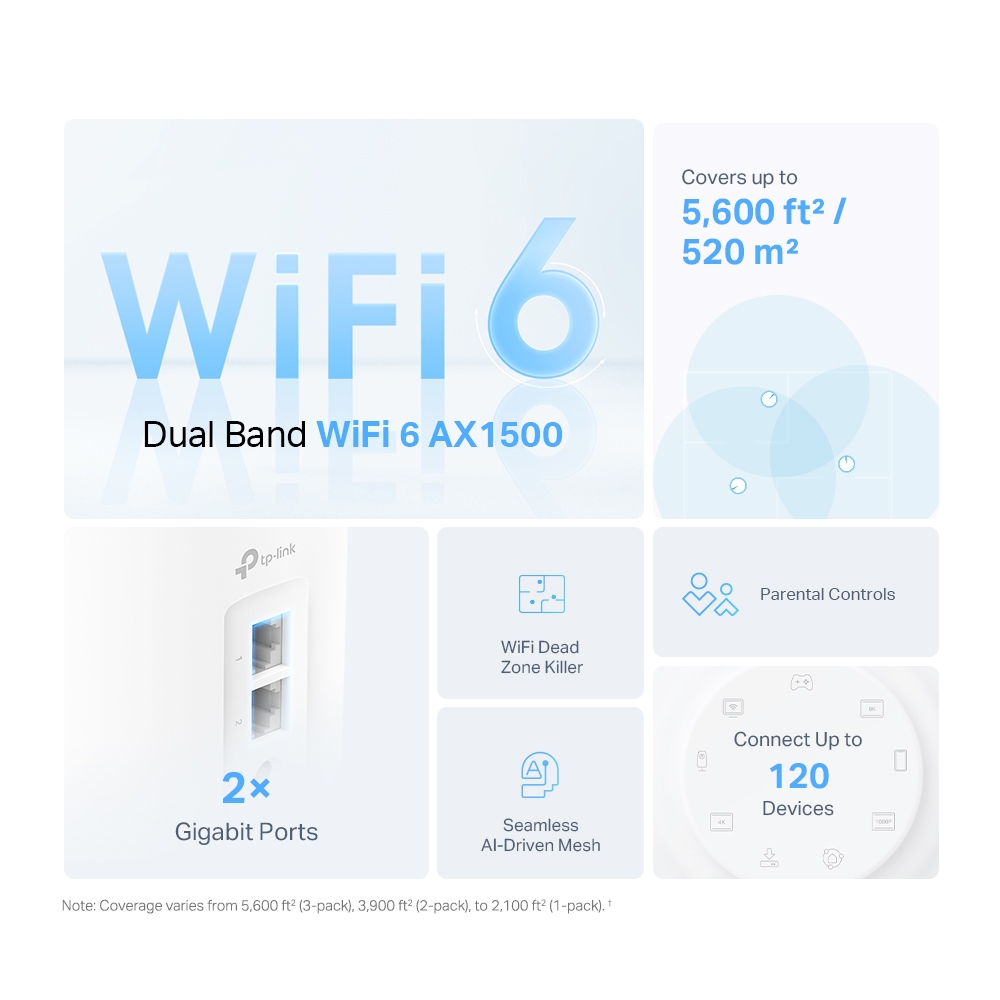
| Wi-Fi Standard | AX1500 (Dual-Band Wi-Fi 6 - 1201 Mbps on 5 GHz + 300 Mbps on 2.4 GHz) |
| Advertised coverage by pack size | Manufacturer coverage claim: 2,100 ft² / 190 m² for one unit; 3,900 ft² / 360 m² for two; 5,600 ft² / 520 m² for three |
| Expandable Coverage | Yes, add more Deco units for additional coverage |
| Ports | 2 Gigabit Ethernet Ports per unit |
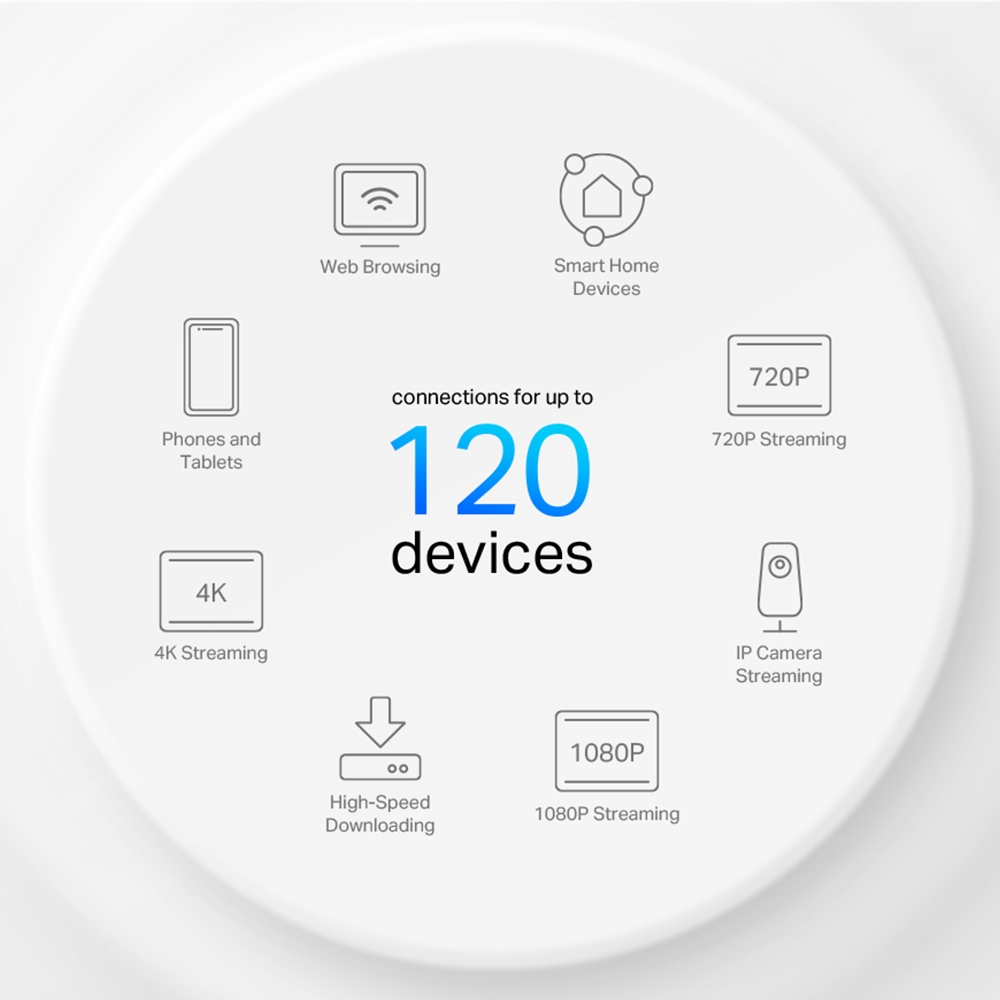
| Supported Devices | Manufacturer claim: up to 120 connected devices; simultaneous heavy-load performance is not guaranteed |
| Security | WPA3-Personal, SPI firewall and access control are listed. Learn why Wi-Fi encryption matters. |
| Management | Deco app; Router and Access Point modes |
| Parental controls | Profile and filtering features are listed. Available features and paid HomeShield options depend on the regional model, firmware and current plan. |
Who Needs the TP-Link Deco X10?
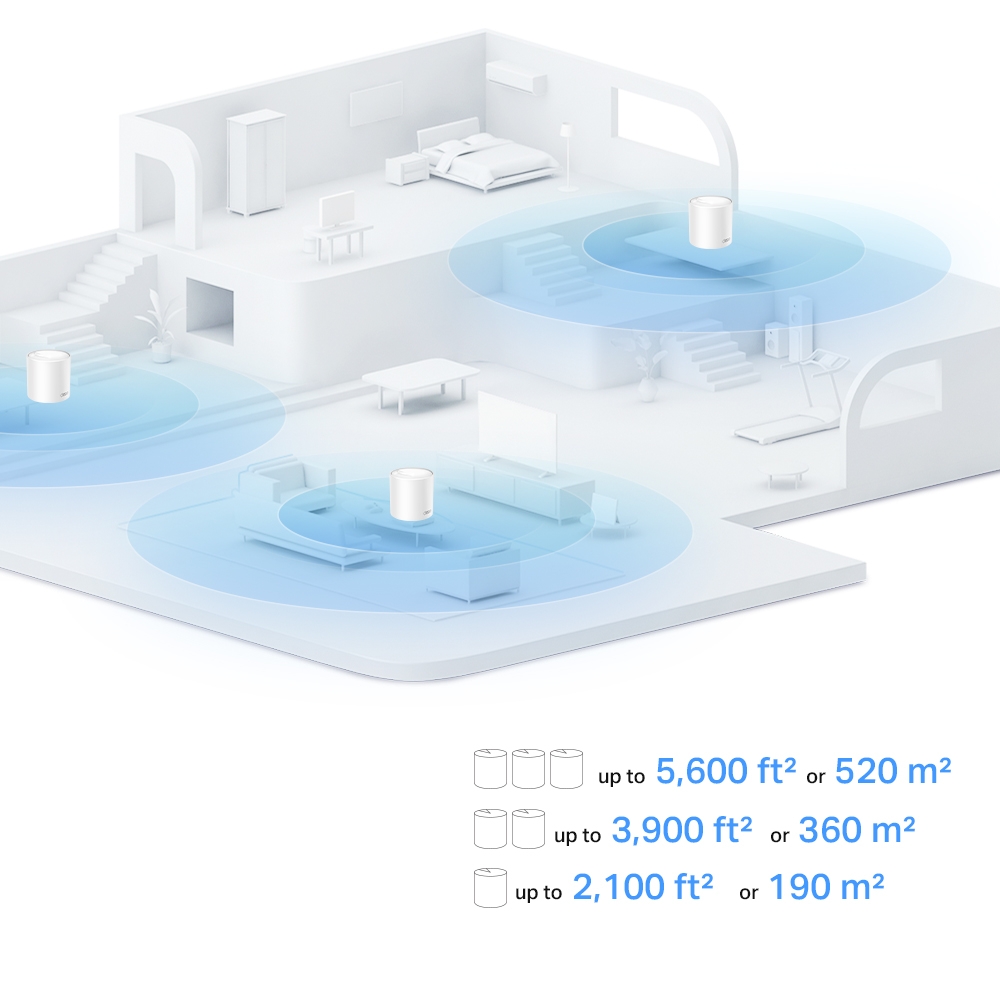
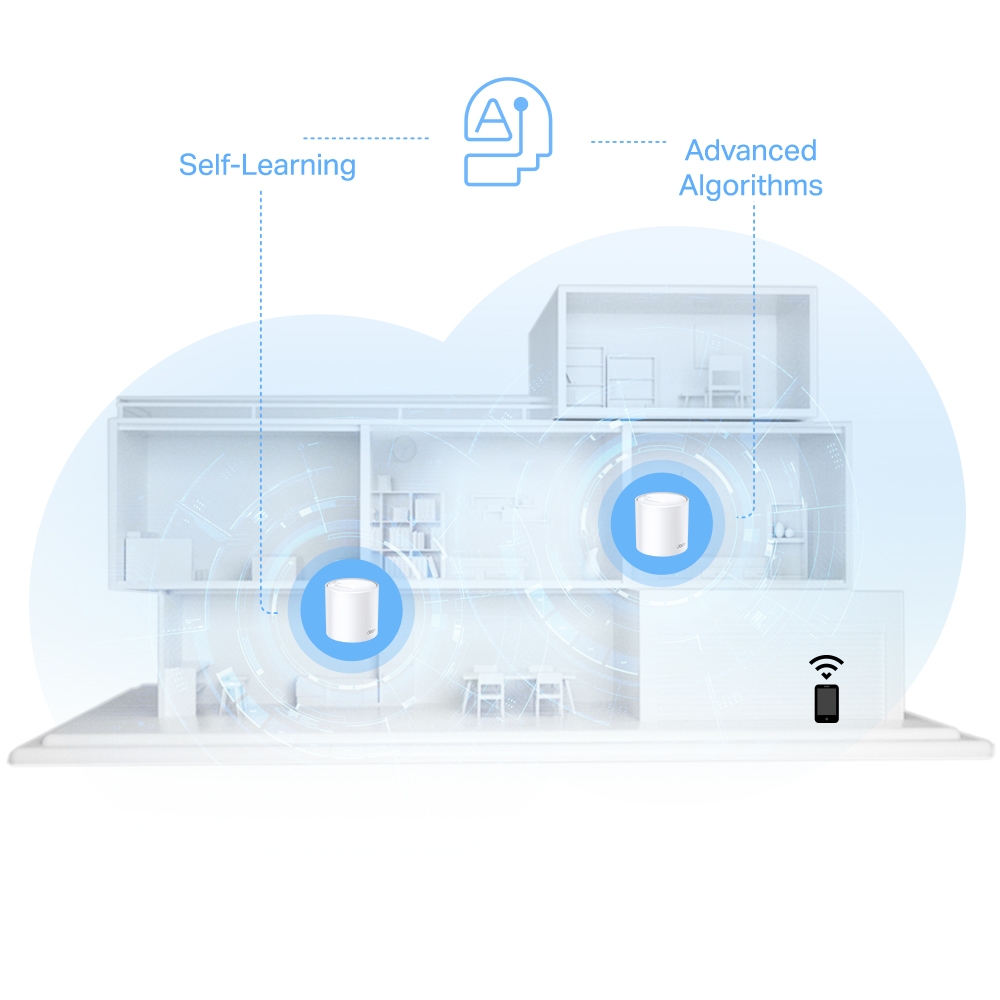
Homes with Multiple Floors or Thick Walls: Traditional routers often struggle to deliver a strong signal throughout homes with multiple floors or thick walls, resulting in frustrating dead zones. Mesh Wi-Fi systems like the Deco X10 are specifically designed to address this problem. By strategically placing Deco units throughout your house, you can extend useful coverage, provided each wireless satellite also has a good link back to the network. Thick walls can obstruct the backhaul as well as the client connection.
Smart Home Enthusiasts: The growing popularity of smart home devices creates a new challenge for traditional Wi-Fi routers. With devices like smart thermostats, security cameras, and doorbells all requiring a stable internet connection, even a router with a decent range can become overloaded. The X10 may be a useful budget option for many light-traffic devices, but cameras and other continuously active clients require more airtime than sleeping sensors. The connected-device claim is not a promise that all devices can transfer at full speed.
Gamers and Streamers: For online gamers and streamers, a reliable and low-latency internet connection is crucial. Even the slightest lag can disrupt gameplay or cause buffering during a livestream. Wi-Fi 6 boasts significantly reduced latency compared to older Wi-Fi standards. The X10’s scheduling features can help compatible equipment, but game latency also depends on backhaul, interference, upload queues and the internet path. Test the locations where you actually play or stream.
Conclusion: Upgrade Your Home Wi-Fi Today!
If you're tired of buffering, dropouts, and frustration with your Wi-Fi, the TP-Link Deco X10 is a game-changer. With its easy setup, expansive coverage, and Wi-Fi 6 technology, the Deco X10 is an appealing budget candidate for improving coverage with suitable placement. Our original assessment was that it would be extremely hard to find a better unit in its budget class. That value judgment depends on local prices, the pack size and whether its Gigabit ports and dual-band design meet your needs. Stop fighting for a good connection – upgrade to the future of Wi-Fi today!
Visit the official TP-Link Deco X10 Website
What AX1500 means for the two bands
TP-Link lists 802.11ax/ac/n/a on 5 GHz and 802.11n/b/g on 2.4 GHz for the X10. Its Wi-Fi 6 features therefore should not be assumed to apply to the 2.4 GHz radio. The Deco X20 is commonly listed at 1,201 Mbps on 5 GHz and 574 Mbps on 2.4 GHz. Equal maximum 5 GHz link rates do not establish identical real-world performance across different firmware, clients and backhaul arrangements.
A 2.4 GHz client may need that band for compatibility or reach, regardless of whether it is a smart device or a laptop. There is no verified basis for claiming that 95% of those clients are low-bandwidth appliances. A busy 2.4 GHz camera and several nearby networks can make this band relevant even on an inexpensive mesh system.
Compare the constraints that affect your home
The Wi-Fi 5 Deco M4, Wi-Fi 6 X10 and X20 sit at different points in the budget range, and hardware revisions can change software features. Check the regional specification sheet and firmware support for the unit being sold. A broad family name is insufficient to promise WPA3, particular security tools or the same parental-control entitlement on every revision.
The X10 has two Gigabit WAN/LAN auto-sensing ports per unit. On the main unit, an uplink uses one port, leaving one for a wired device or downstream switch. A wired satellite uses a port for backhaul. Plan the needed cable runs and switch ports before choosing the pack; a three-pack is not always better than a well-placed two-pack.
Placement, Ethernet backhaul and checks
There is no separate third radio dedicated to backhaul. Wireless satellites share radio resources with client traffic. Place one where it still receives useful signal from another node, rather than in the middle of an existing dead zone. The retained coverage graphics are TP-Link illustrations and advertised pack figures, not a measurement of a particular house.
Ethernet backhaul can remove the wireless inter-node bottleneck. TP-Link’s guide says to add the nodes in the app first, then cable them. In Router mode, wire satellites downstream of the main Deco’s LAN port or its downstream switch. Follow the different documented topology for Access Point mode when retaining another router. Check the app to confirm the intended wired link is active.
Test near the main unit and near each satellite using the same client. Compare speed, stability and latency during normal simultaneous activities; a full Wi-Fi icon alone says little about the backhaul. Test a walk through the house on a call, since roaming support and decisions depend on the client too. If one location is poor, change one placement or cable at a time.
Before buying for a particular security feature, check it in the actual app and subscription description. HomeShield and HomeCare are different product names, and the availability of IoT isolation or camera controls cannot be inferred from a generic Deco screenshot. The original budget recommendation remains useful when these practical constraints match the household, especially with Ethernet already available.