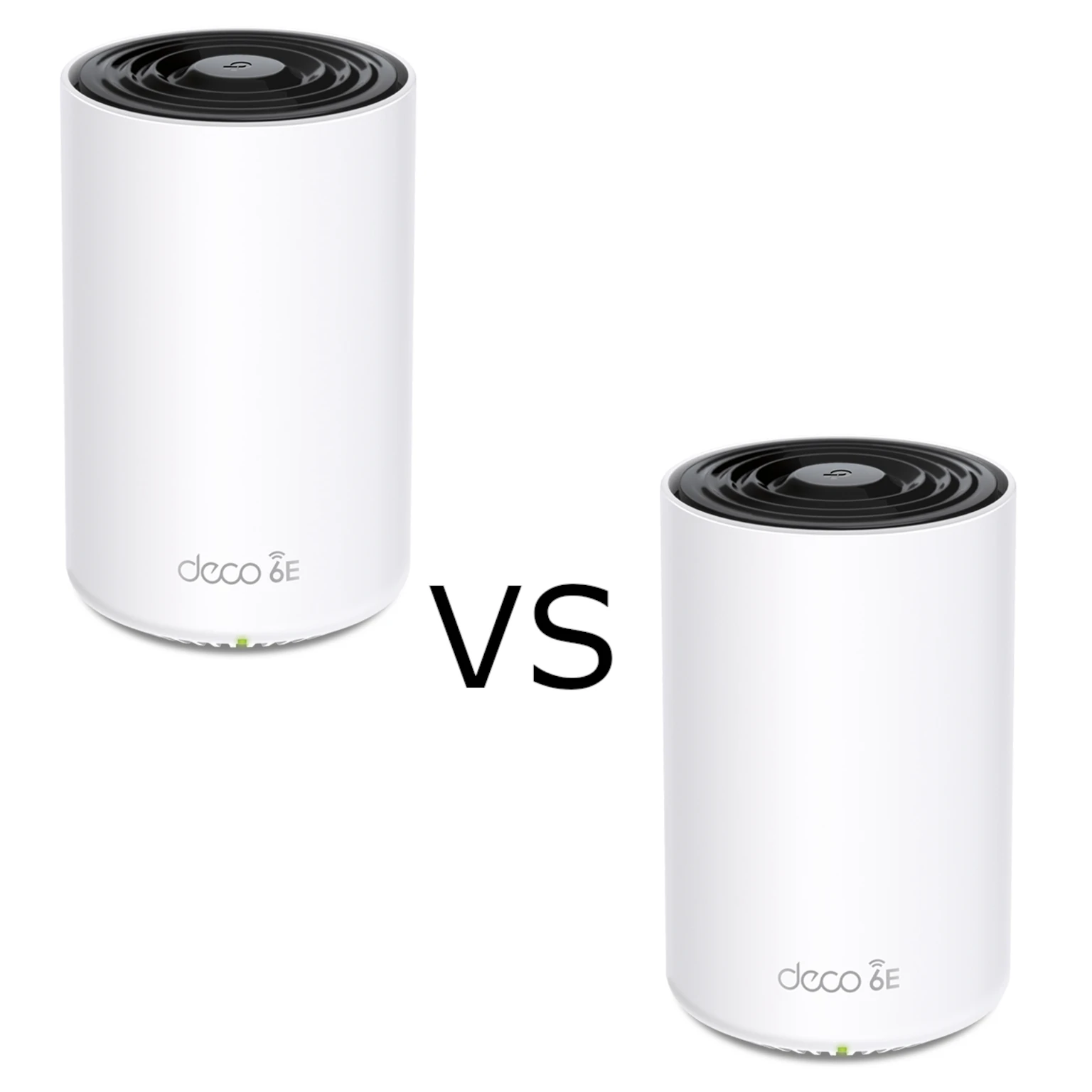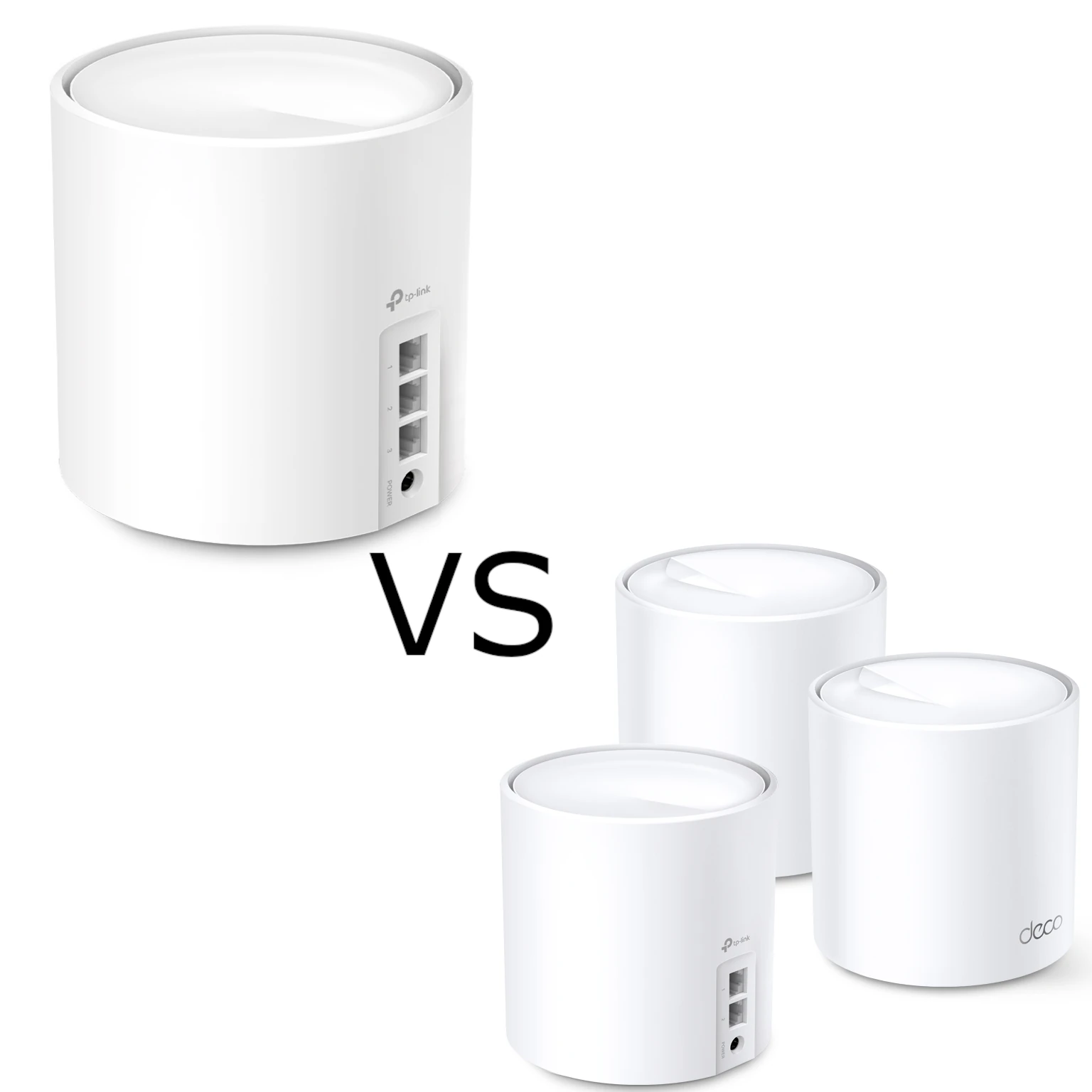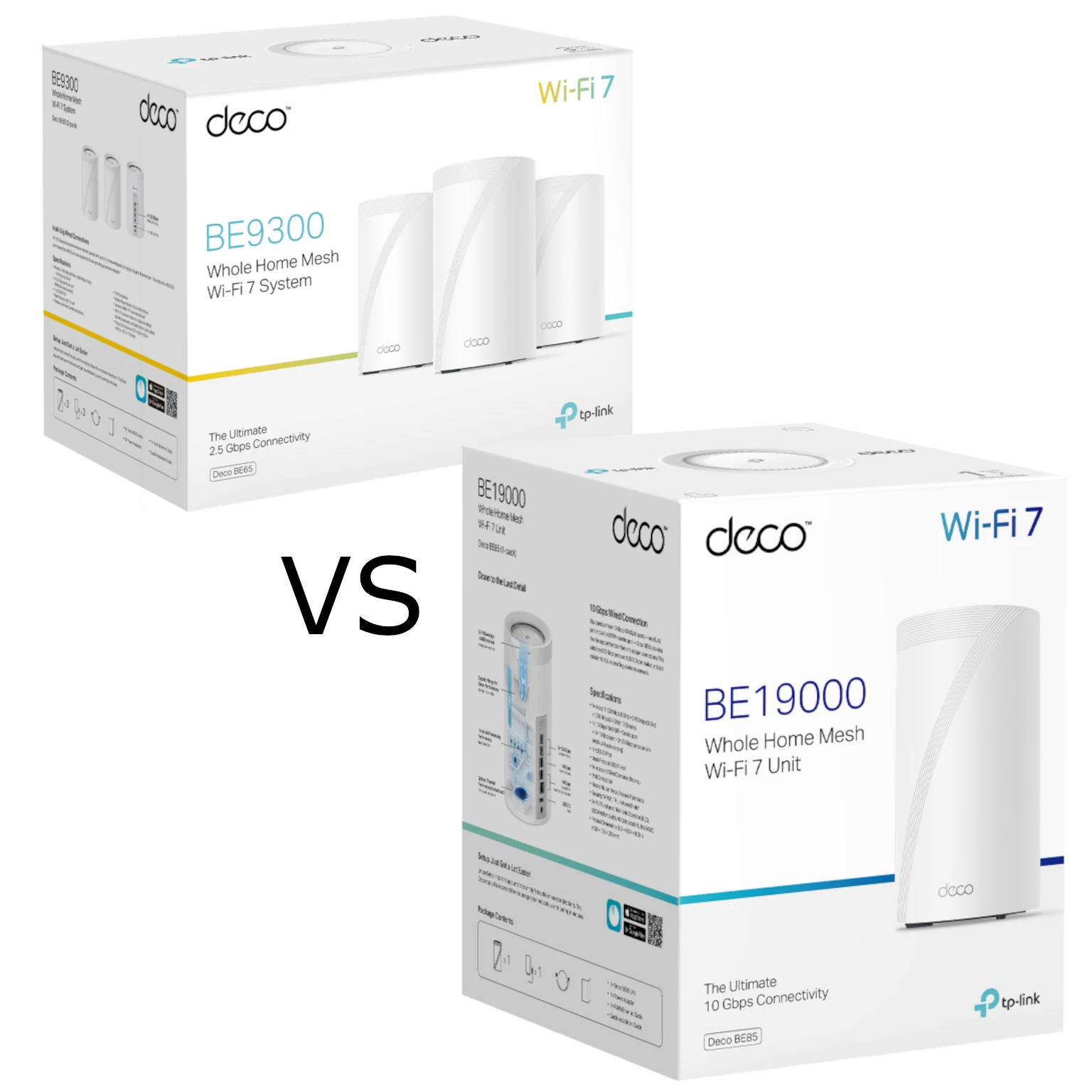
For an in-depth review after using the Deco BE65 for a month, see our full hands-on review
On the surface, the specs of two of the most widely-available TP Link Deco units seem to be fairly the same. At least, the increase in cost does come with an increase in some areas, but what are they? And more importantly, is it worth it to pay extra for what the Deco BE85 brings over the Deco BE65?
Quick Intro to Mesh Wi-Fi
Mesh Wi-Fi uses several nodes to provide one network across a home. A satellite needs both a good connection to your device and a good backhaul connection to the main node. Placing an extra unit inside a dead zone can therefore leave it with the same weak upstream signal you wanted to fix. Start where the existing signal is still usable, then adjust placement.
A shared network name makes moving between rooms convenient, but uninterrupted roaming also depends on the client. Thick walls, interference and a phone that holds on to a distant node can still cause problems. Both kits are capable mesh options; neither replaces sensible placement or guarantees coverage simply because the box says Wi-Fi 7.
What Wi-Fi 7 Adds
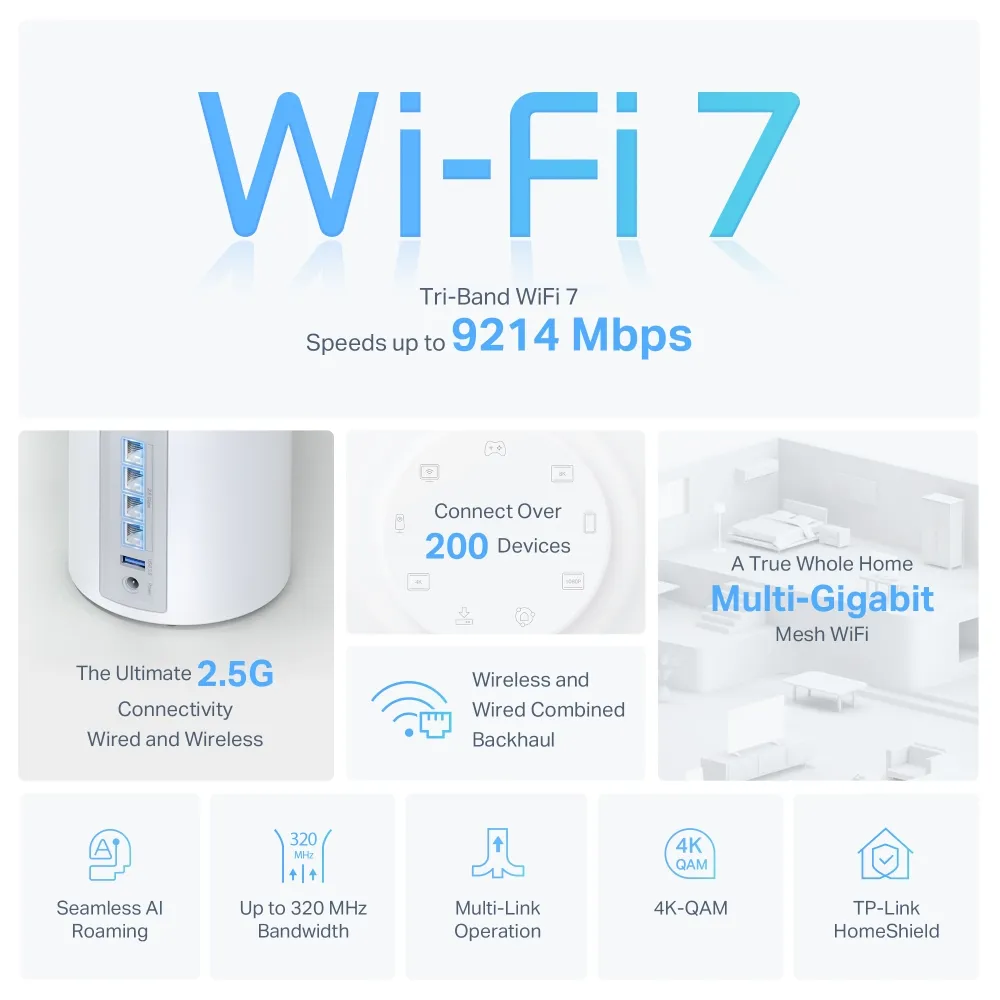
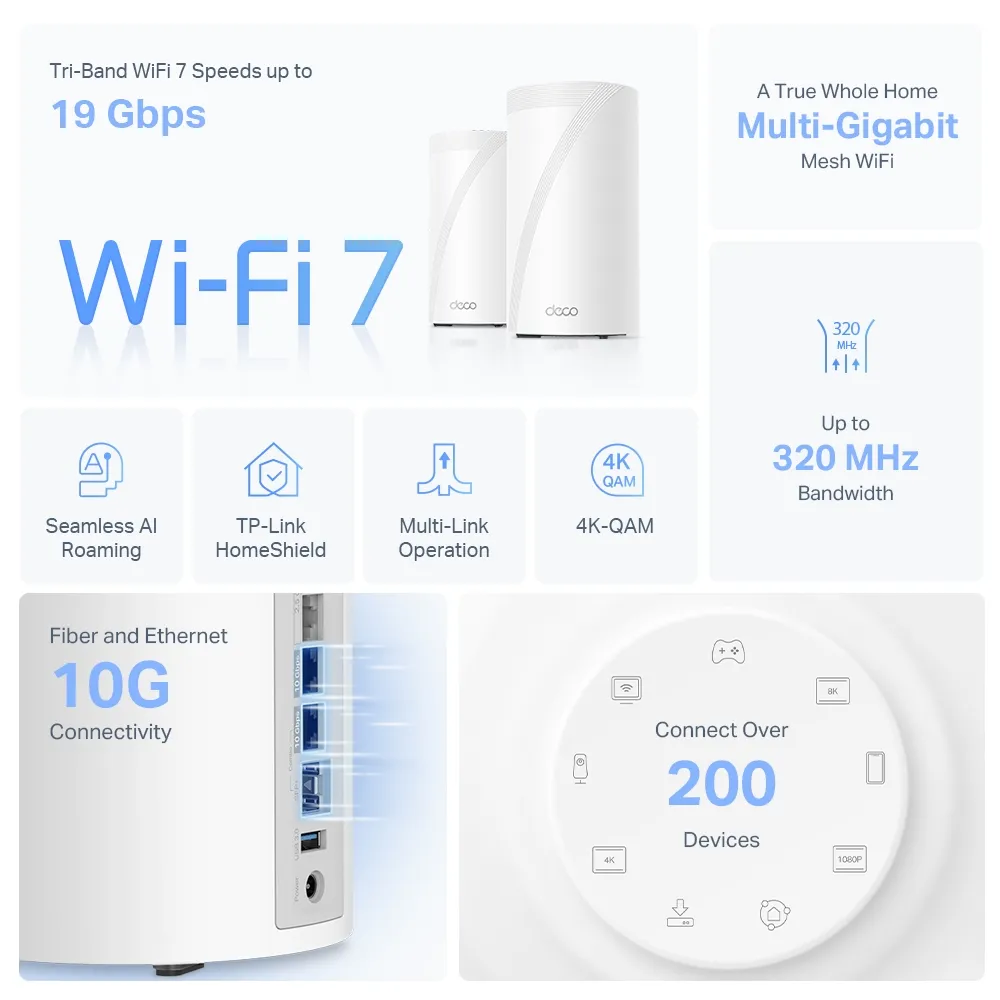
Both models support Wi-Fi 7, including Multi-Link Operation (MLO), which can use multiple links, and channels up to 320 MHz on 6 GHz. Compatible clients and regional channel availability matter. A Wi-Fi 5 laptop does not acquire those features just by connecting to a new router.
- Speed: Higher link rates create room for fast local transfers and busy households. They do not raise the speed of your internet subscription.
- Capacity: Multiple bands and technologies such as MU-MIMO and OFDMA help share radio resources. A large advertised device count is not a promise that hundreds of active users all receive maximum speed.
- Latency: Better scheduling and MLO can help in suitable conditions. Online gaming still depends on congestion, the ISP path and the game server; buying the BE85 does not guarantee lag-free play.
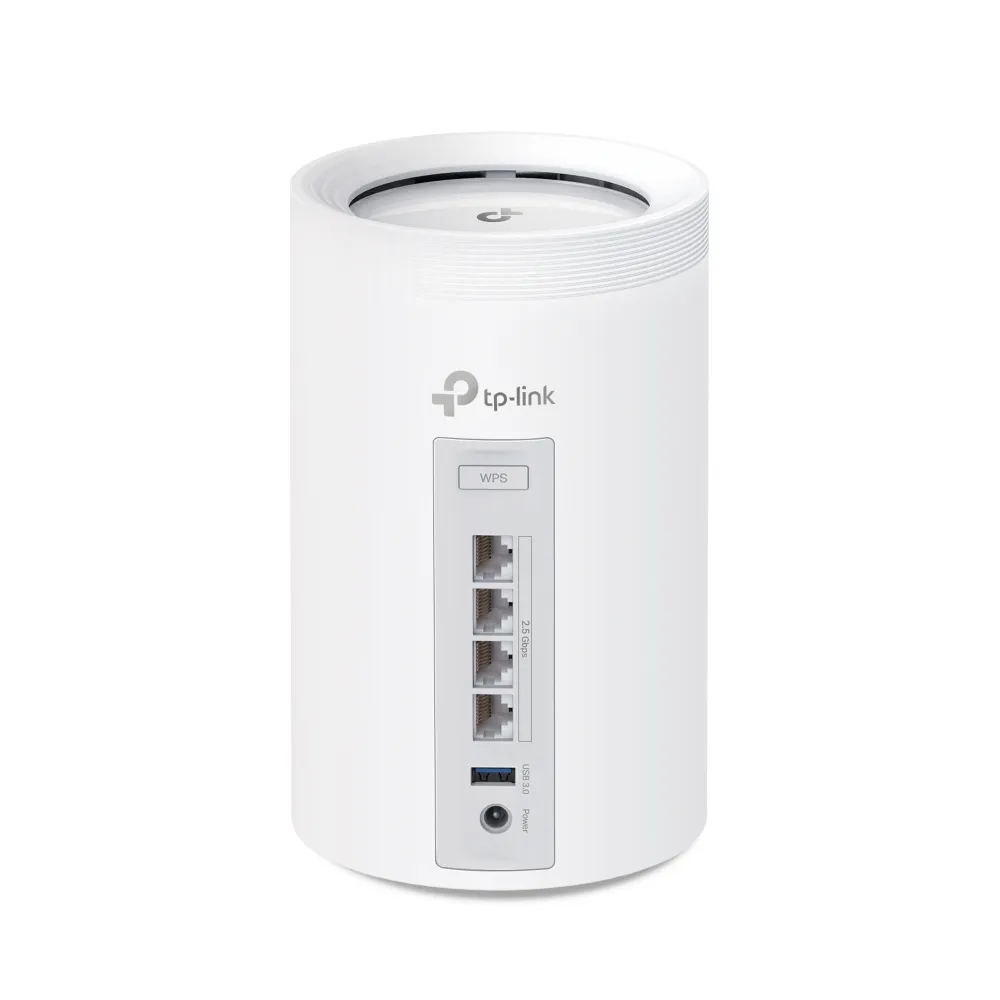
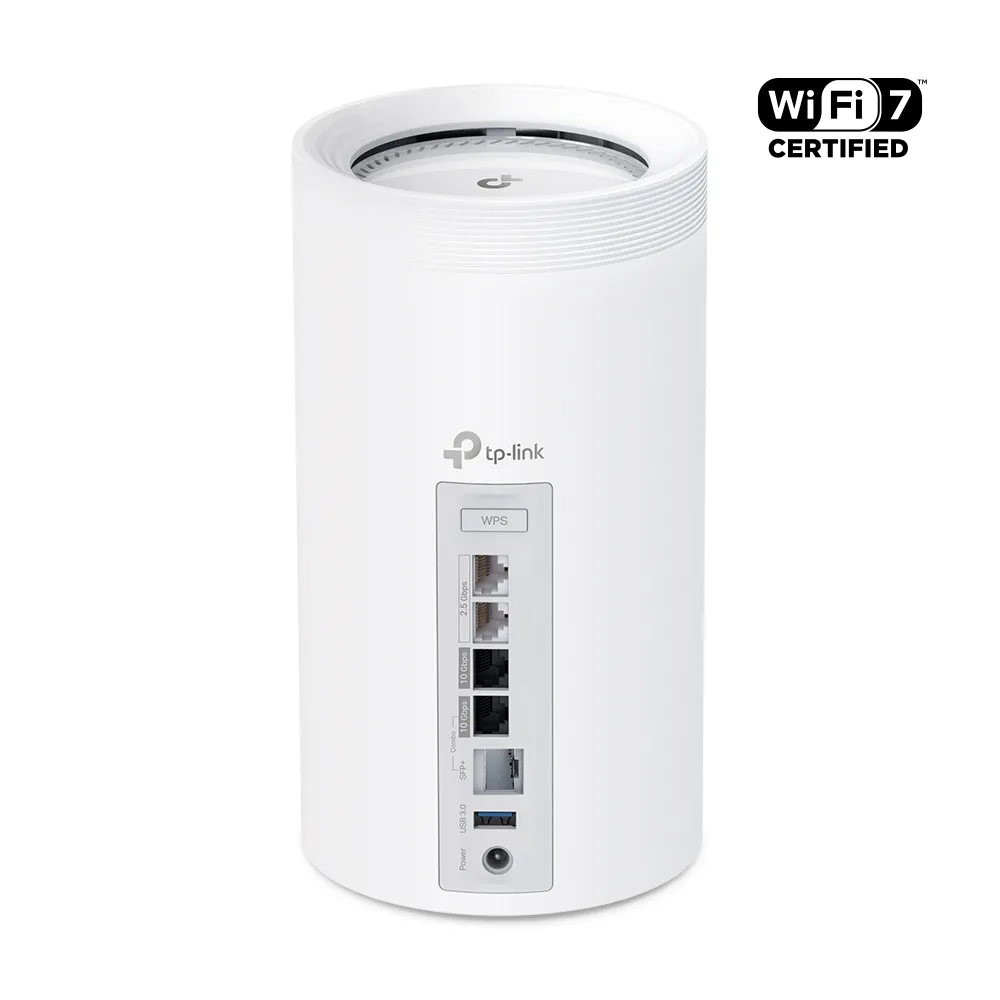
Similarities Between the Deco BE65 and BE85
Both provide tri-band Wi-Fi, Deco app management, Router and Access Point modes, and support for building a network with other Deco models. That compatibility is useful when expanding coverage, although an older node retains its own radio and port limitations.
HomeShield adds security and parental-control options, with a free basic plan and paid features. Check the functions available for your firmware and subscription rather than assuming every advertised service is included forever. Keep the units updated and protect the TP-Link account used for management.
Key Differences: Check the Exact Version
The BE9300 BE65 and BE19000 BE85 are the versions illustrated here. TP-Link also sells other regional versions: its current South African BE65 page selects a BE11000 V2 model. Match the region and hardware revision on the unit or box to the correct support page before ordering. One model name does not establish one worldwide radio specification.
| Feature | Deco BE65 (EU V1, BE9300) | Deco BE85 (South African BE19000 listing) |
|---|---|---|
| Maximum advertised signal rates | 6 GHz: 5760 Mbps 5 GHz: 2880 Mbps 2.4 GHz: 574 Mbps | 6 GHz: 11530 Mbps 5 GHz: 5765 Mbps 2.4 GHz: 1376 Mbps |
| Radio capacity | 2×2 MU-MIMO; six total streams | 4×4 MU-MIMO; twelve total streams |
| Ethernet per node | Four 2.5 Gbps WAN/LAN ports | One 10 Gbps RJ45; one 10 Gbps SFP+/RJ45 combo; two 2.5 Gbps |
| USB | One USB 3.0 port | One USB 3.0 port |
| Internal antennas | Four | Eight |
The BE65 V2 BE11000 listing gives approximately 5765, 4324 and 688 Mbps across those bands. Its four 2.5 Gbps Ethernet ports remain the important wired limit for this comparison. Small differences in rounding between product pages do not represent measured throughput. The BE number adds the bands' theoretical rates; it is not the download rate of one client.
Who Needs the Deco BE65?
The Deco BE65 remains an excellent value choice for smaller to medium-sized homes with moderate internet needs. Streaming, browsing and casual gaming rarely justify a premium solely for a larger combined Wi-Fi number. Its 2.5 Gbps ports also give useful room beyond Gigabit Ethernet if the rest of your network supports it.
Coverage estimates such as 5500 square feet or roughly 520 square metres need their pack size and test conditions. Treat them as planning aids, not a guarantee through masonry, several floors or a detached outbuilding. Sketch where you need service and how each satellite reaches the main node before deciding whether two or three units make sense.
Who Needs the Deco BE85?
The BE85 is the stronger candidate for demanding households, larger deployments and networks with 10GbE storage or internet faster than 2.5 Gbps. Its additional radio streams and faster wired ports can justify the premium where you can use them. A large quoted coverage area, including figures around 7500 square feet or 700 square metres, still needs the same pack-size and building checks.
For a wired internet connection above 2.5 Gbps, the BE65's single WAN port limits that path. The BE85 is the suitable option of these two when you need a faster port, provided the modem or ONT, service plan and receiving devices also support it. That does not mean every household with a fast subscription needs this specific model, or that one wireless client will reach the subscription's headline speed.
Spatial Streams and Wireless Backhaul
A 4×4 radio has more spatial-stream capacity than a 2×2 radio. A client with only two streams cannot become a four-stream client because it connects to the BE85. Under equivalent channel width and conditions, the client's capabilities can put both routers in a similar link-rate range. Check your actual adapter, driver and negotiated connection rather than assuming every modern laptop or phone is identical.
The extra capacity can instead matter between compatible BE85 nodes and when serving multiple clients. MU-MIMO scheduling and MLO operation depend on the participating devices, channel conditions and firmware. Adding the maximum 5 GHz and 6 GHz rates does not establish a sustained backhaul speed, and four streams do not promise two laptops will always transmit simultaneously.
For a wireless deployment, test satellite placement before blaming the cheaper router. A nearby BE65 with a good upstream signal can be more useful than an expensive node placed behind several difficult walls. TP-Link advertises combined wired and wireless backhaul for these Wi-Fi 7 models; use the app and model documentation to check the actual connection rather than assuming a generic rule for every Deco generation.
Wired Backhaul and Port Planning
Count ports per unit and draw the connections. A BE65 satellite with one backhaul cable has three ports left for clients. A node forwarding a cable to another satellite consumes a second port. The main node also needs its WAN connection. Those details determine whether you still need a switch.
The BE85's combo connector is one logical port: choose its SFP+ socket or RJ45 socket, rather than counting both as independent connections. If the two 10 Gbps interfaces are used for WAN and backhaul, the remaining built-in client ports are 2.5 Gbps. A 10GbE NAS may therefore require a suitable switch; merely buying a BE85 does not create unlimited 10 Gbps sockets.
In Router mode, wire satellites behind the main Deco's LAN side, directly or through a suitable switch. Access Point mode allows a different topology because the upstream router handles routing. Verify the backhaul status in the app, the negotiated Ethernet speed and switch compatibility before changing settings.
For SFP+, check TP-Link's module guidance and your ISP's requirements. A standard optical Ethernet transceiver does not replace a fibre modem or ONT. TP-Link's published guide does not guarantee DAC cable compatibility and recommends optical modules or AOC cables instead, so confirm a particular cable before buying it.
Price Difference Versus Value
The BE85 normally costs more, but compare local offers for the same pack size, warranty and hardware version. Include a switch, compatible optical modules and any HomeShield subscription you actually want. An apparent bargain can change once those costs are included.
My recommendation remains needs-based: the BE65 offers excellent value for moderate use, while the BE85 can justify its premium for higher capacity and a faster wired backbone. Neither is automatically the better purchase for every large home. First identify the bottleneck you want to solve, then choose the kit whose capabilities address it.
After setup, check a wired baseline, a client near the main node and the same client near each satellite. Compare local file transfers separately from internet tests. This is a practical way to find a slow uplink, weak placement or client limitation; the advertised specifications alone cannot tell you which one applies.