Ever feel like your WiFi signal mysteriously vanishes in certain corners of your house, leaving you frustrated and disconnected? This is a common problem with traditional routers, which struggle to deliver a consistent signal strength throughout a home, especially larger ones with multiple floors or thick walls. Here's where mesh networking comes in to save the day!
How Mesh Wi-Fi Helps with Dead Zones
Mesh Wi-Fi uses multiple units to provide one network across a home. A satellite needs a usable upstream connection as well as a strong link to nearby devices. If you put it where the main router's signal has already disappeared, adding a node may not fix the problem. Place it where it can still receive a good signal, or use Ethernet backhaul.
Movement between rooms is more convenient with a shared network name, but client behaviour, building materials and interference still matter. Mesh does not guarantee no buffering, no handoff interruptions or maximum speed throughout a house. A faster kit is useful when its extra capabilities address your actual bottleneck.
Wi-Fi 7 and Multi-Link Operation
Both systems support Wi-Fi 7 features such as Multi-Link Operation (MLO) and channels up to 320 MHz on 6 GHz where permitted. MLO can use multiple links to improve throughput or reliability, but the client, firmware and network configuration must support the feature. An older Wi-Fi laptop continues to use its own supported standard.
The numbers BE18000 and BE25000 add maximum signal rates across the radios. They are not internet speeds or the throughput of one client. A two-stream phone cannot use all four spatial streams of a 4×4 radio for its own connection, and overhead and distance reduce usable data transfer rates. Neither kit will make a Gigabit internet subscription deliver 18 or 25 Gbps.
Similarities Between the ZenWiFi BT10 and ZenWiFi BQ16
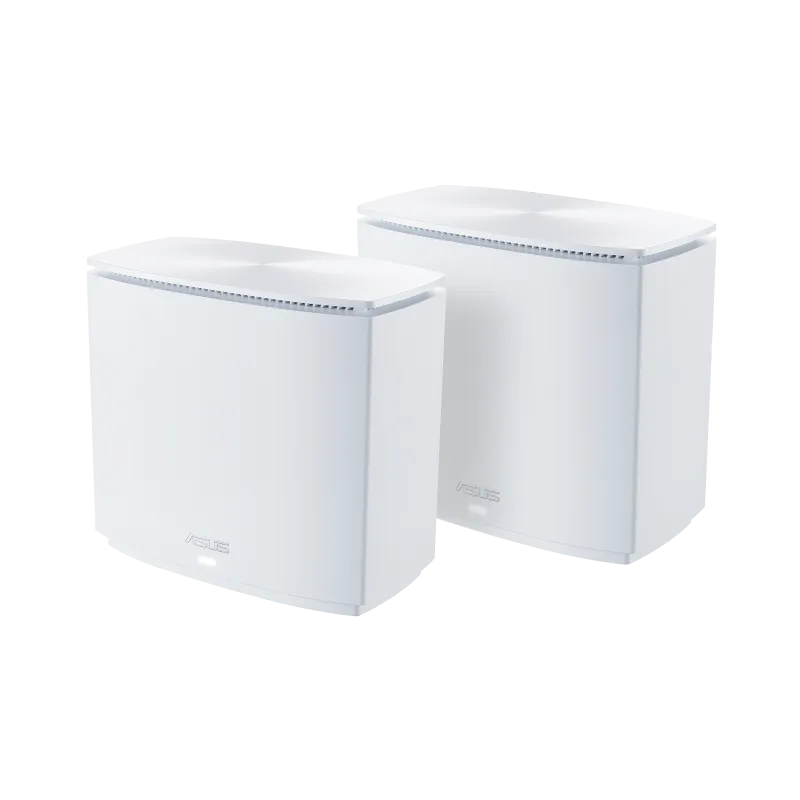
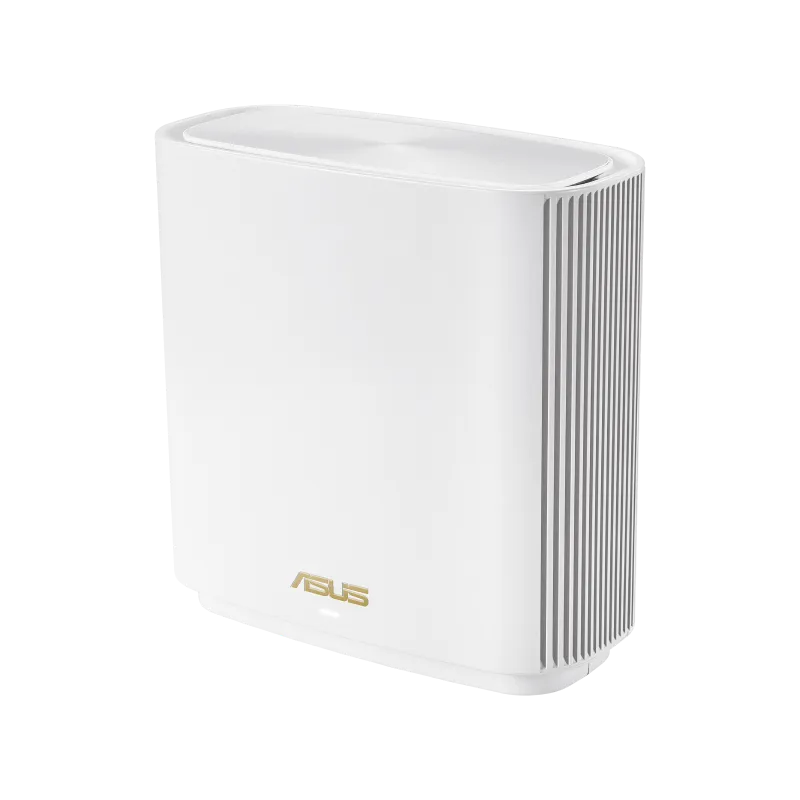
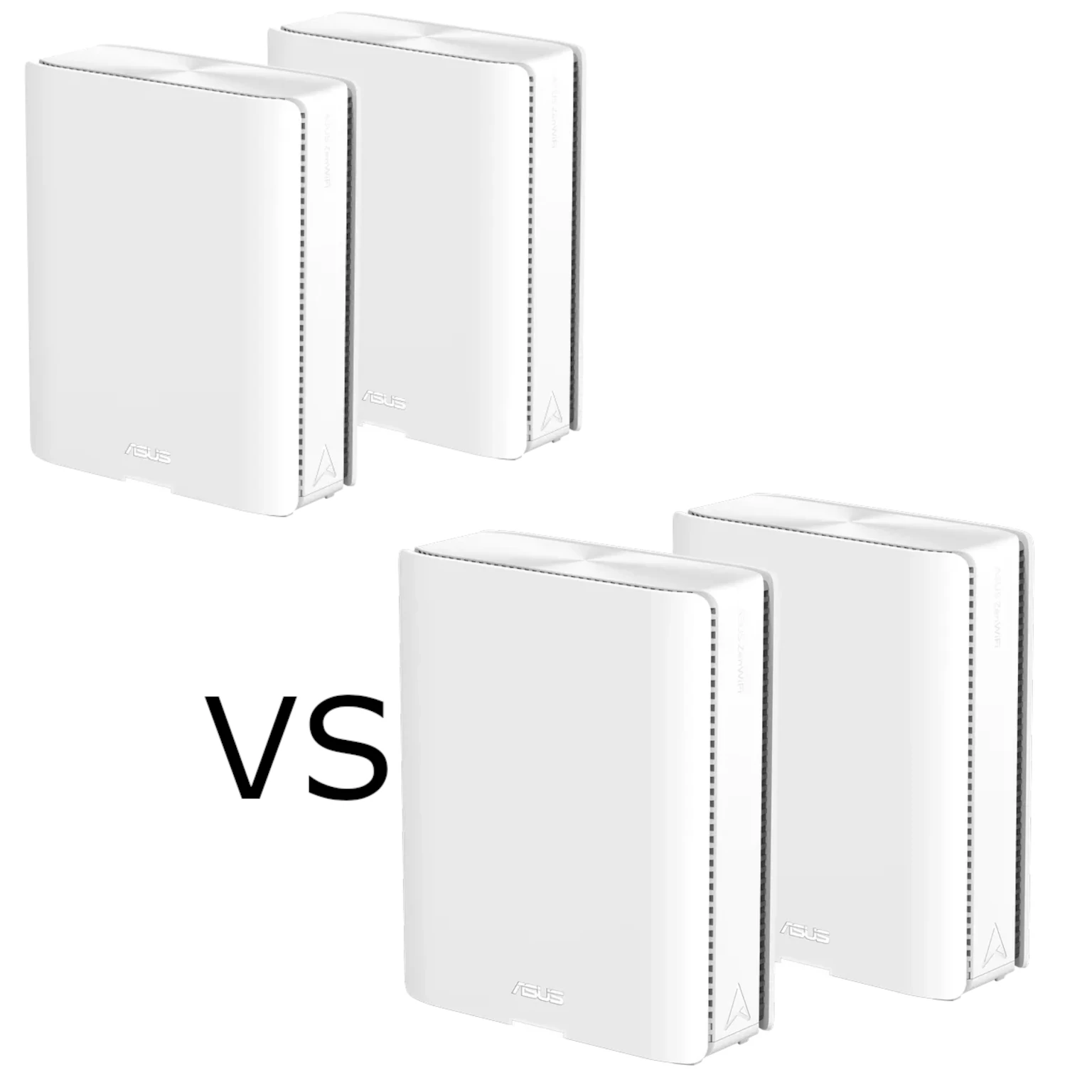
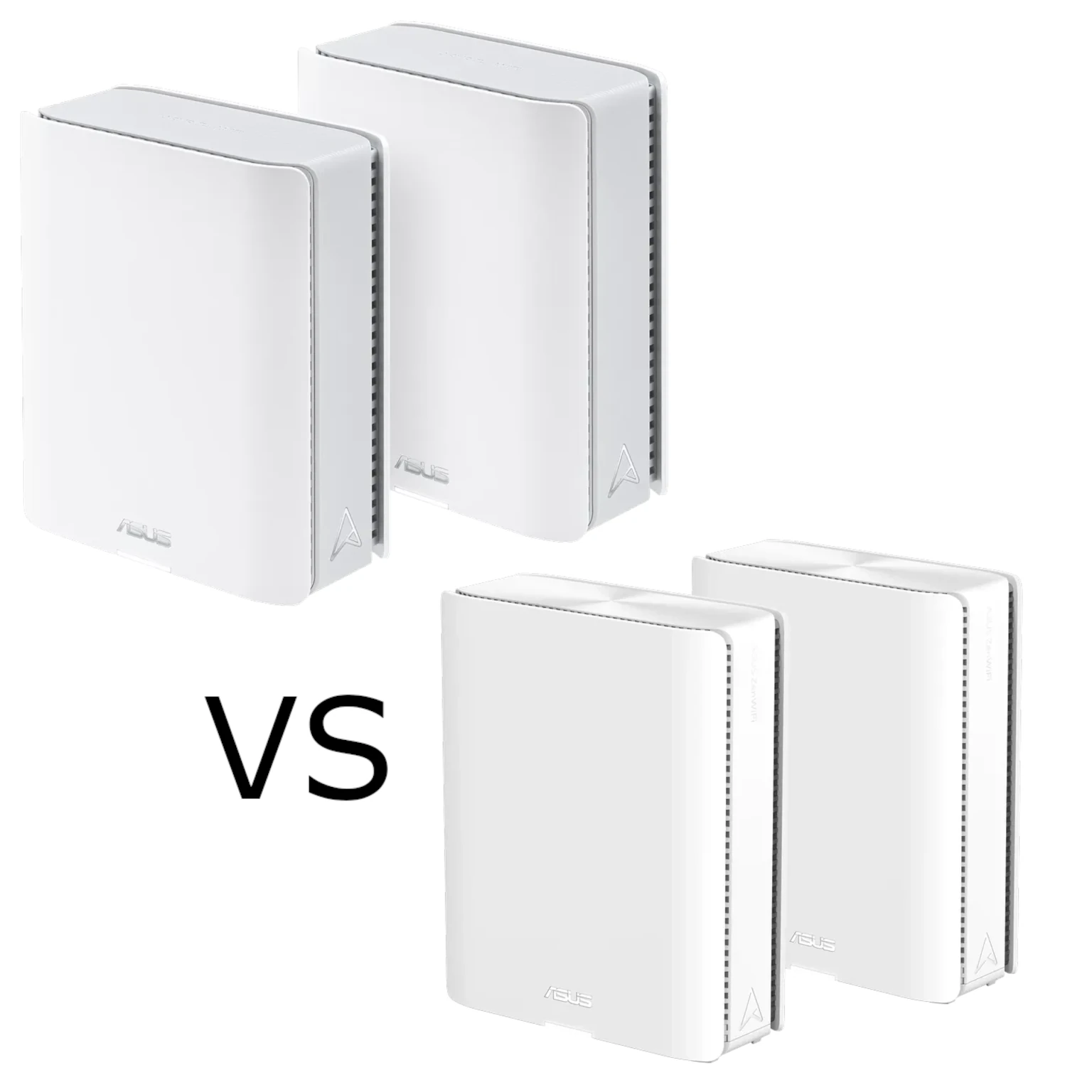
Now, let’s look at the specifics of the ASUS ZenWiFi BT10 and ASUS ZenWiFi BQ16. Both units share features that make them strong contenders for a home Wi-Fi upgrade:
- WiFi 7 Technology: Compatible clients can use higher link rates and more efficient sharing of radio resources. Gaming latency still depends on local congestion, the internet path and the game server.
- AiMesh Support: AiMesh supports expansion with compatible ASUS routers. Mixed models retain their own limits, and mixing generations can affect MLO and 6 GHz behaviour; compatibility is not a promise that every advanced backhaul feature works between any two units.
- Smart Home Master: Simplify your smart home management with ASUS's Smart Home Master feature. Easily create separate SSIDs for your main network, IoT devices, guest access, or even a dedicated VPN connection. These profiles help organise access, but check their actual isolation and VPN settings. A different SSID name by itself is not proof that devices cannot reach the main LAN.
- Minimalist Vertical Industrial Design & Dual 10G Ports: Both systems share ASUS's clean matte-white vertical chassis aesthetic and equip every node with two 10 Gbps Ethernet ports (
10G WAN/LAN + 10G LAN) that can support a 10GbE wired path with compatible cabling and endpoints.
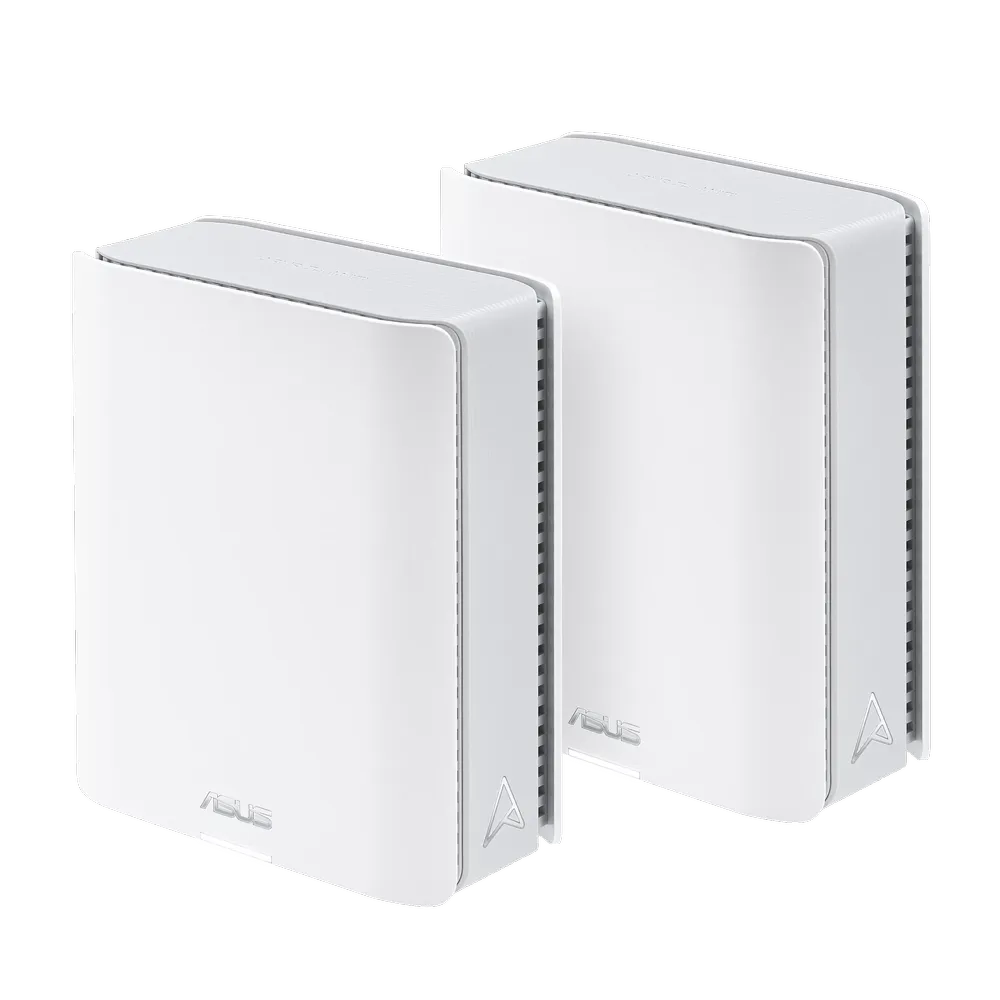
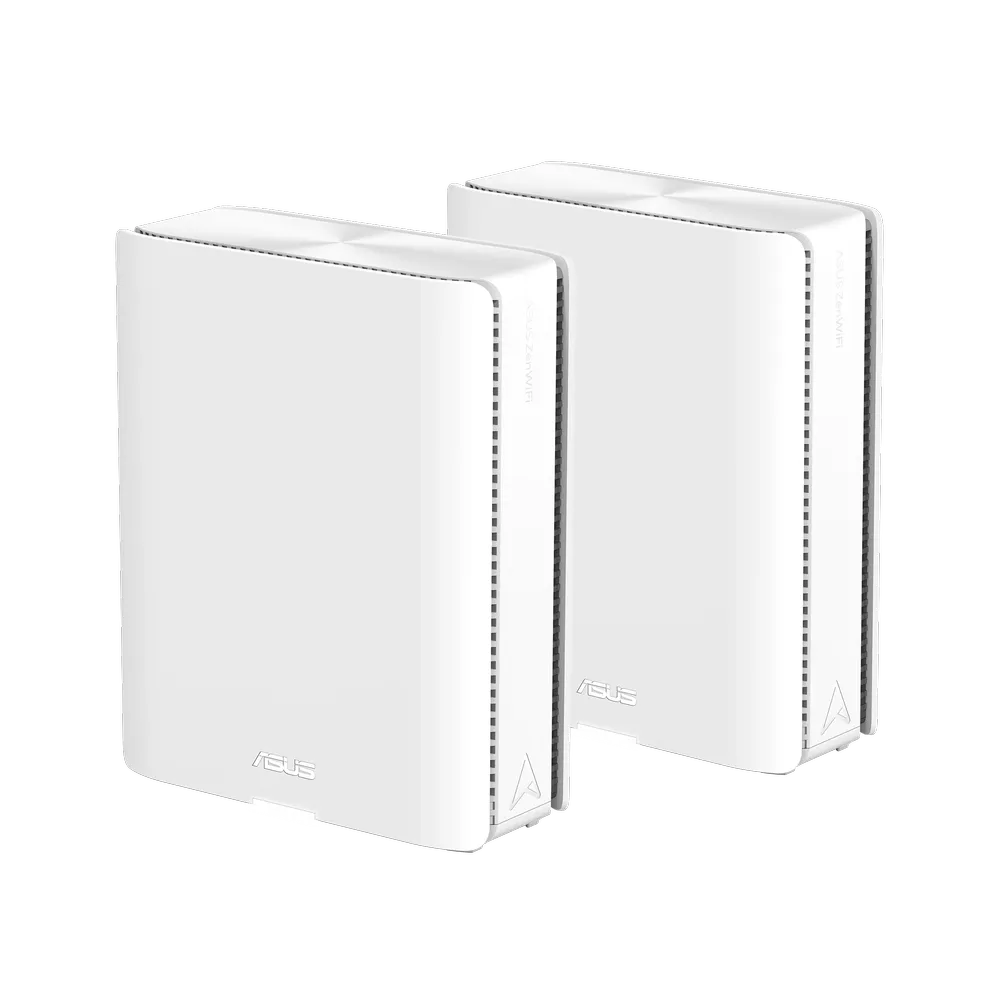
Technical Differences: ZenWiFi BT10 vs. ZenWiFi BQ16
| Feature | ZenWiFi BT10 | ZenWiFi BQ16 |
|---|---|---|
| Speed | 18,000 Mbps WiFi 7 (802.11be) (2.4GHz): up to 688 Mbps WiFi 7 (802.11be) (5GHz): up to 5764 Mbps WiFi 7 (802.11be) (6GHz): up to 11529 Mbps | Up to 25,000 Mbps WiFi 7 (802.11be) (2.4GHz): up to 1376 Mbps WiFi 7 (802.11be) (5GHz-1): up to 5764 Mbps WiFi 7 (802.11be) (5GHz-2): up to 5764 Mbps WiFi 7 (802.11be) (6GHz): up to 11529 Mbps |
| Transmit and Receive Rate | 2.4GHz 2x2 5GHz 4x4 6GHz 4x4 | 2.4GHz 4x4 5GHz-1 4x4 5GHz-2 4x4 6GHz 4x4 |
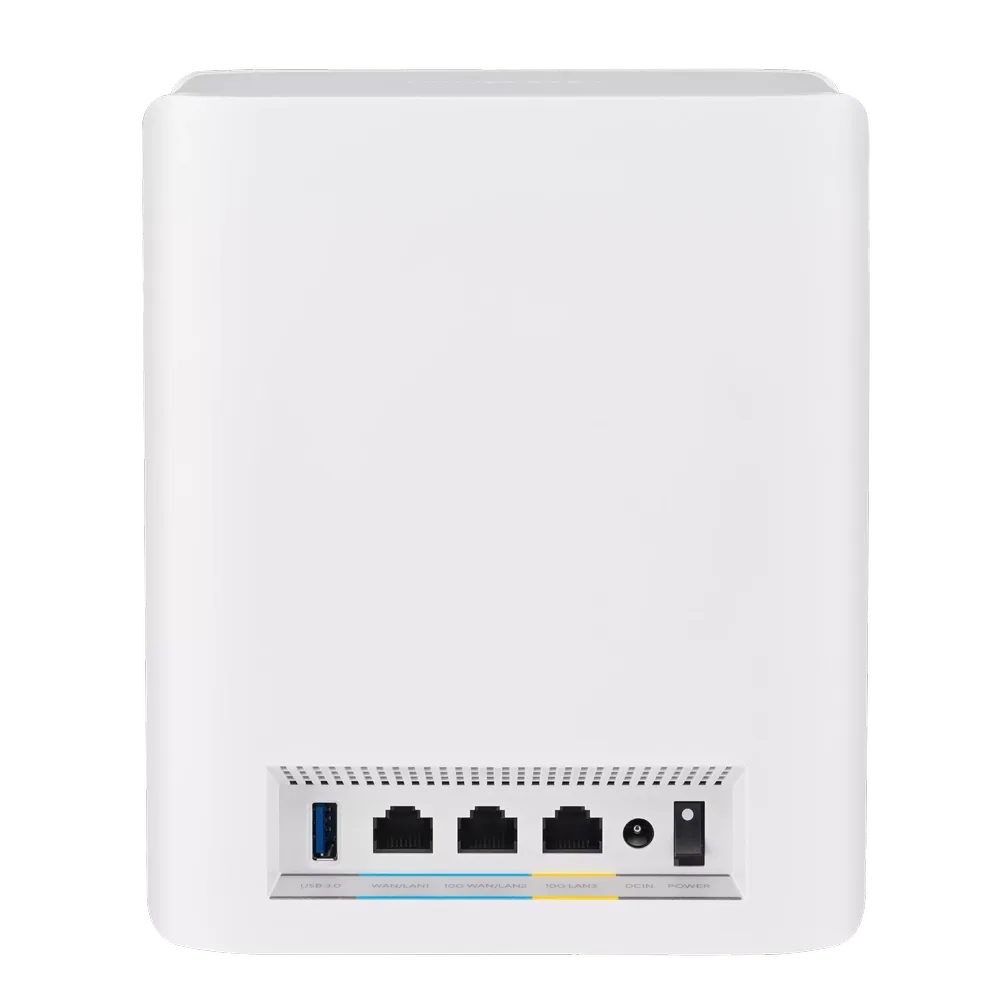
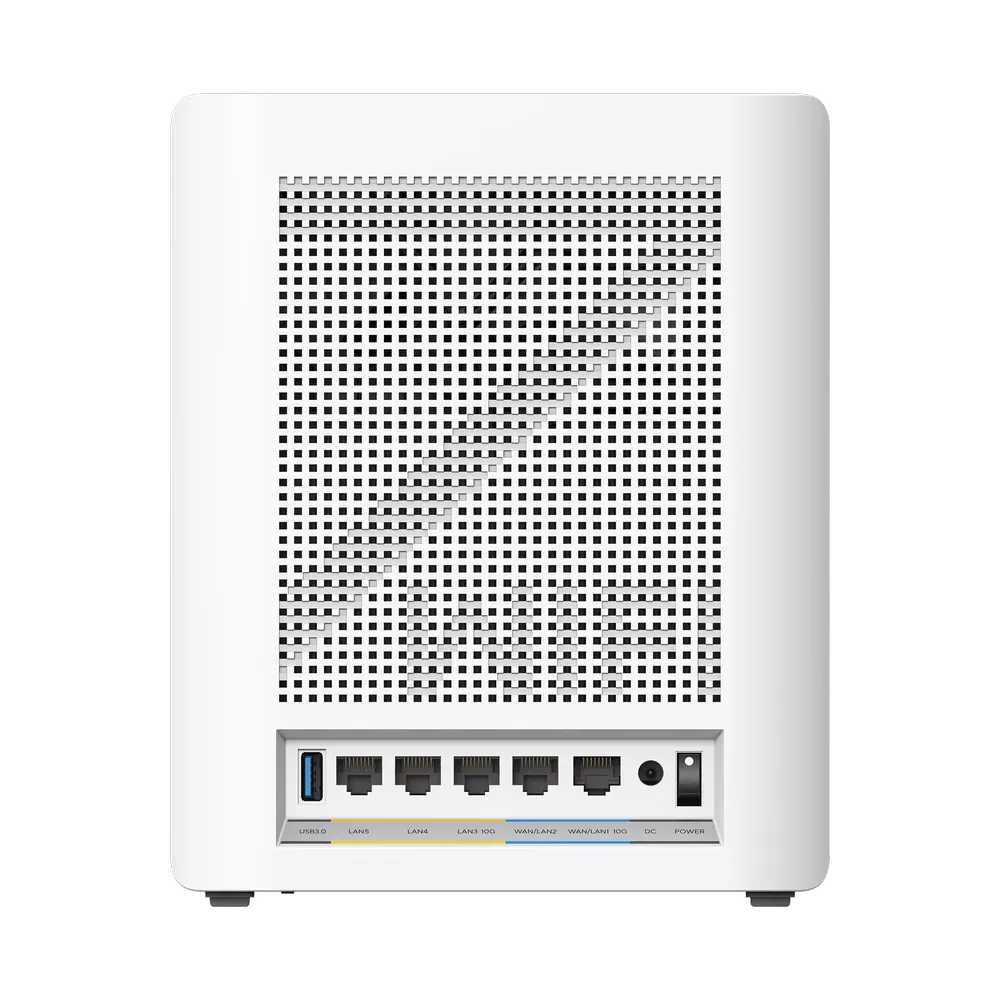
| Ports | 1x 10G WAN/LAN 1x 10G LAN 1x 1G WAN/LAN 1x USB 3.0 | 1x 10G WAN/LAN 1x 10G LAN 1x 1G WAN/LAN 2x 1G LAN 1x USB 3.0 |
| Antennas | 8 Internal Antennas | 12 Internal Antennas |
| Dimensions | 159 x 72 x 186 mm | 214 x 174.2 x 72 mm (manufacturer’s listed order) |
| Memory | 2 GB RAM, 256 MB flash | 2 GB RAM, 256 MB flash |
Ideal Use Cases for Each System
- ZenWiFi BT10: Ideal for medium-sized homes or those who prioritize affordability while still wanting the benefits of WiFi 7. Gamers and streamers will appreciate the lower latency and high speeds.
- ZenWiFi BQ16: Perfect for large homes with multiple users and devices. The extensive wired connectivity options and higher potential speeds make it a powerhouse for data-intensive tasks. The BQ16 Pro is a different regional radio configuration, not simply an enterprise edition: it adds a second 6 GHz radio in place of the BQ16’s second 5 GHz radio, while the listed wired port count is the same.
Conclusion
Both the ZenWiFi BT10 and ZenWiFi BQ16 offer compelling solutions for creating a robust and future-proof home WiFi network. The BT10 strikes a balance between affordability and performance, making it a great choice for most users. The BQ16 is a beast for large homes and demanding network needs, with the Pro version offering a different radio mix that should be checked against local availability. Consider your home size, internet usage habits, and budget when choosing the best fit for your needs.
For more information visit the official site for the ASUS ZenWiFi BT10 or the ASUS ZenWiFi BQ16
When Does the BQ16 Justify Its Premium?
The key difference is the extra 5 GHz radio on the BQ16, alongside its stronger 2.4 GHz stream configuration and additional Gigabit ports. Both already provide 4×4 5 GHz and 6 GHz radios and two 10 Gbps Ethernet interfaces. Those shared features make it worth looking beyond the larger BE number.
- A home with wired backhaul: If you can connect the nodes by Ethernet, the BT10 is a compelling value option because the inter-node data path can use the cable. That reduces reliance on shared radio airtime. The BQ16 still has another radio for client capacity, so wired backhaul does not make the two systems identical; weigh whether your devices and traffic can use that difference.
- A home relying on wireless backhaul: The BQ16's extra 5 GHz radio gives more options for sharing capacity between clients and mesh traffic. It can be particularly interesting where a 6 GHz connection is weakened by walls. That is a reason to consider the model, not a promise that every node gets a fixed, dedicated 5 GHz plus 6 GHz MLO link at maximum speed.
- More wired devices at each node: The BT10 has three Ethernet ports per unit, while the BQ16 has five. The extra two are Gigabit ports, useful for TVs, consoles or other devices without needing a small switch. They are not extra multi-gigabit connections.
ASUS's current MLO FAQ states that MLO backhaul supports the same model and only the first Wi-Fi 7 node in a multi-node AiMesh arrangement can use it. The FAQ also warns that enabling MLO on the primary router can stop a non-MLO Wi-Fi 6E node broadcasting 6 GHz. Check firmware and the exact intended topology before mixing BT10, BQ16 and older units. Changing a backhaul band can restart the mesh, so plan that change when an interruption is acceptable.
Count the Ports Before Buying
Draw the WAN, backhaul and client connections separately. If one 10 Gbps port connects to the ONT or modem and the other connects to a satellite or switch, there is no spare built-in 10 Gbps port left for a NAS on that node. A suitable switch can solve that, but it adds cost and its uplinks need to match the intended path.
A Gigabit cable path or switch remains a Gigabit bottleneck even when both routers have 10 Gbps sockets. Likewise, an extra Gigabit port on the BQ16 can improve convenience without accelerating a 10GbE transfer. In a larger deployment, account for a satellite that must both receive backhaul and forward a cable to another node.
The rear photographs show the three-versus-five-port distinction clearly. They illustrate hardware layout, not measured performance. Check the negotiated Ethernet rate after installation and keep cable lengths and category appropriate for the intended link.
Choose for Your Home
My overall recommendation is still that the BT10 balances price and performance well, while the BQ16 is attractive for larger or more demanding networks. Compare equal pack sizes, local warranty, firmware support and any switch cost before paying the premium. The Pro suffix does not automatically mean a better choice for your local spectrum or devices.
Start with the layout: note problem rooms, available Ethernet, the number of simultaneous active clients and the speed of local storage or the internet connection. A busy household transferring files locally has different needs from one primarily browsing and streaming over a modest service plan.
After setup, test the same client close to the main unit and near each satellite, with comparable channel and traffic conditions. Compare a local transfer separately from an internet speed test. If the main node performs well but a satellite does not, investigate placement or backhaul before assuming the radio specification is inadequate. These checks help establish what matters in your house without substituting promotional rates for measurements.