Few emails trigger a faster spike of adrenaline than seeing "URGENT: Notice of Data Security Incident" in your inbox. Data breaches can affect healthcare providers, telecom carriers, gaming platforms and cloud services. This guide breaks down how data breaches actually happen, what attackers do with leaked records, and a practical recovery sequence you can adapt to the data that was exposed.
What Is a Data Breach?
A data breach involves unauthorized access, disclosure or loss of control of sensitive information. It can involve an outsider, misuse by an authorized insider or an accidental disclosure; theft of records is not the only route. Depending on the service compromised, a breach can expose:
- Authentication Credentials: Email addresses, usernames, password hashes (or plaintext passwords), and API keys.
- Personally Identifiable Information (PII): Full legal names, physical addresses, phone numbers, dates of birth, and government ID or Social Security numbers.
- Financial & Payment Records: Credit card numbers, bank account details, billing histories, and tax documents.
How Do Data Breaches Actually Happen?
While movies depict hackers furiously typing green code to break through firewalls, common routes to a breach include:
- Web Application Vulnerabilities: Flaws such as SQL Injection (SQLi) or broken API authentication can expose records that the attacker should not be able to access.
- Misconfigured Cloud Storage: Unprotected Amazon S3 buckets, Azure blobs, or Elasticsearch databases accidentally left open to the public internet without authentication (compare the unauthenticated database in the 184 million login exposure).
- Phishing & Infostealer Malware: An employee's workstation is infected with an infostealer that captures corporate VPN credentials and session cookies.
- Third-Party Supply Chain Compromises: Even if a company secures its own servers, a breach at an external customer-support, billing, or analytics vendor can expose customer records.
Accidental exposure matters too: a file shared with the wrong recipient, an overly broad permission or a lost unencrypted device can put information outside its intended boundary. Full-device encryption helps protect a lost computer's stored data, but it does not stop an attacker using an already unlocked session or an authorized account. At work, report the incident through your organisation's process so access, evidence and notifications can be handled together.
Your Data Breach Emergency Action Plan
Start by verifying the notice through the service's own website or support channel. Do not use an unsolicited message's login link. Record the incident reference, affected account and categories of data described in the notice. Response priorities depend on what was exposed; a marketing address list and an active email password create very different risks.
| Exposed information | First priority | Follow-up |
|---|---|---|
| Password or password hash | Replace the affected password and every reuse of it | Review sessions, recovery details and MFA |
| Session token, app password or API key | Revoke the specific credential or session | Check which applications used it and rotate dependent secrets |
| Name, address or phone number | Watch for targeted impersonation | Review account recovery and mobile-carrier protections |
| Payment or identity information | Contact the relevant institution through a known channel | Follow local fraud-reporting and identity-protection procedures |
A stolen password hash is not the same thing as a plaintext password. A suitable salted password-hashing scheme makes guesses more expensive, but the risk depends on the scheme, its settings and the strength of the password. Do not treat the word “hashed” as proof that a reused password is safe. Follow the provider's verified reset instructions and replace that password wherever you reused it.
Keep the notice and relevant security-event details privately. A count of exposed records does not necessarily count unique people, and an exposure date can differ from the discovery or notification date. Look for the provider's stated data categories and incident scope instead of assuming every account detail was included. Do not download an alleged leaked database to check yourself: it may contain other people's private information or be a trap.
Secure the Account That Can Reset the Others
Personal email usually sits at the top of an account-recovery chain. If it is affected, prioritize it before lower-value shopping accounts. Work from a device you have reason to trust. When there are signs of malware on the original computer, address that device as well: entering a new password into an infected browser can expose the replacement immediately.
Use the provider's account-security page to change the password, inspect signed-in devices and remove sessions you do not recognize. Check recovery email addresses, phone numbers, connected applications and app-specific passwords. For email, also examine forwarding rules and filters: an attacker may leave an automatic forwarding rule behind after losing interactive access. Google's recovery guidance and Microsoft's account-recovery steps describe these checks for their own services.
A Password Change Is Not the Entire Recovery
Session cookies, OAuth permissions and API keys are separate credentials. Some remain valid until the service revokes them or they expire. Use available session-sign-out and token-revocation controls rather than assuming a password reset automatically covers every access method. For a homelab account, check scheduled jobs or client apps that may need their own keys replaced.
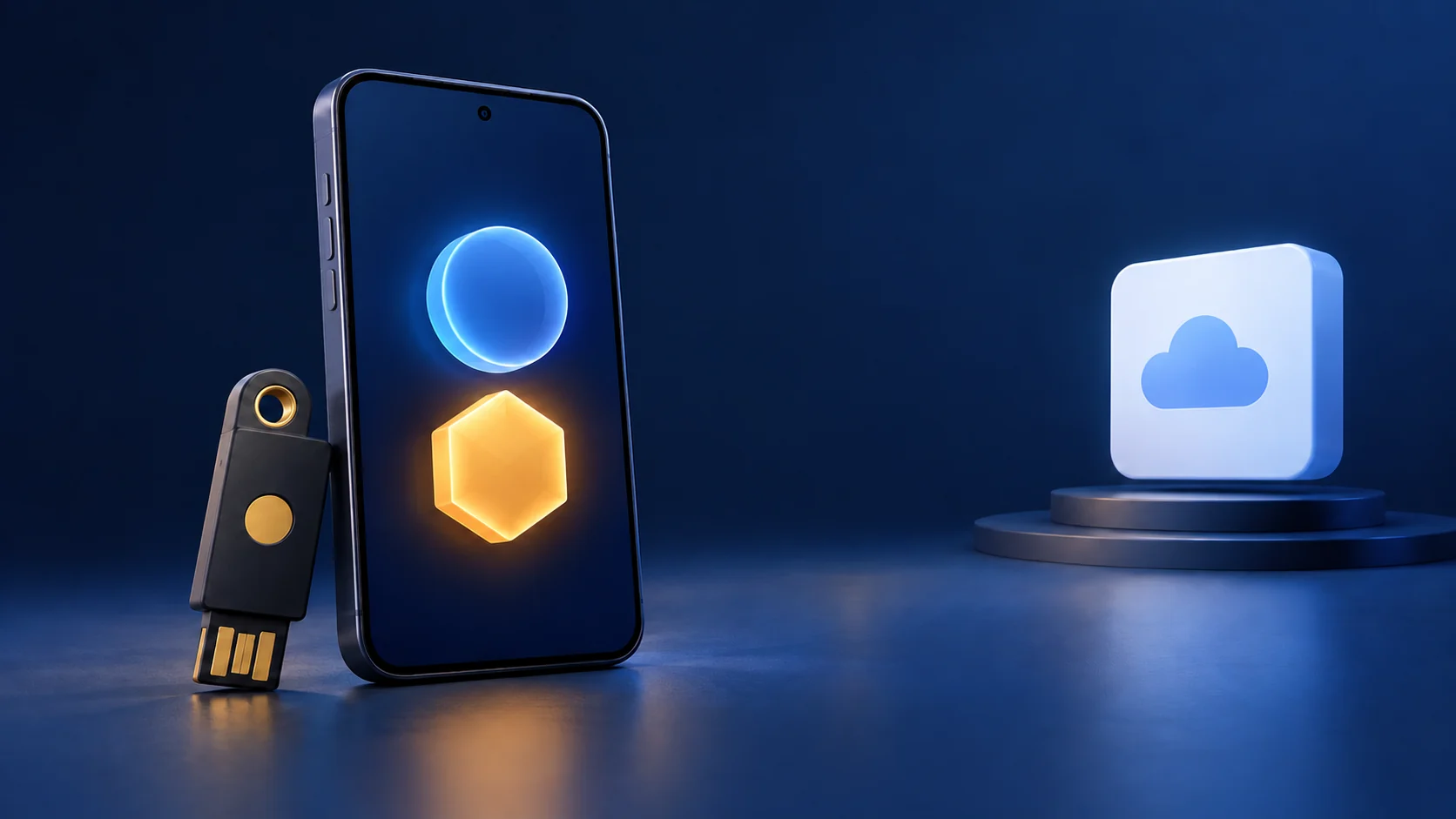
Add the strongest supported authentication method and preserve recovery codes somewhere you can still reach after losing your phone. Passkeys and security keys using FIDO/WebAuthn provide phishing resistance; an authenticator code improves security but can still be relayed by a convincing fake login flow. Keep fallback methods secure too, because account recovery can otherwise become the easier route into the account.
Track the Follow-Up Instead of Relying on Memory
Make a short private incident list with the service name, reused-password status, sessions reviewed, recovery details checked and remaining actions. Never put the old or new password in that list. This helps you complete the recovery without repeatedly changing the same account while overlooking another service that shared its password.
If banking information is involved, ask the bank which transactions, cards or account access need attention. Identity-protection options differ by country; a US-style credit freeze is not a universal procedure. Use the reporting and monitoring options available where you live. Continue checking unusual transactions and login notifications after the initial password work is finished.
Have I Been Pwned is useful for known exposures, but a clean result does not prove an account has never been compromised. Its records are not a complete inventory of all stolen data. Act on a verified provider notification or suspicious account activity even when a breach-search service has no matching entry.
Long-Term Prevention: Compartmentalizing Your Digital Identity
You cannot prevent a third-party company from getting hacked, but you can reduce the damage from a compromise. Unique credentials help contain account takeovers, but leaked personal information can still be useful for phishing or fraud:
- Use a Password Manager (Cloud or Self-Hosted): Use a maintained password manager, such as Bitwarden, to generate a different strong password for each account. Protect the vault account and keep its recovery process usable. Vaultwarden is an independent, unofficial Bitwarden-compatible server: self-hosting also makes you responsible for updates, HTTPS, access controls and recoverable backups.
- Mask Your Real Email with Aliases: Use an email aliasing service (like SimpleLogin, Addy.io, or iCloud Hide My Email) to give every website its own forwarding address (e.g.,
[email protected]). If that address starts receiving phishing spam, the alias helps identify where the address was used, though it does not prove which organization caused the exposure. Where the service supports it, disable an unwanted alias after ensuring it is not needed for account recovery. An alias is not anonymity: the forwarding provider and any other identifying details you give a site still matter. - Watch for Targeted Post-Breach Phishing: After a public breach, scammers use the leaked names and phone numbers to send convincing fake "account verification" texts or emails. Never click login links inside unsolicited messages—navigate to the official website directly via your bookmarks.
- Encrypt Public Wi-Fi Traffic: When traveling, use a reputable VPN or your own self-hosted WireGuard server to protect traffic routed through its tunnel from the local network. Correctly validated HTTPS already encrypts browser traffic to the website; a VPN adds a different protected path and shifts trust to its endpoint. Neither fixes an infected device, a fake website or a breach at the destination service.
Unique passwords, strong MFA and well-managed recovery details make incidents easier to contain. A breach involving identity documents or financial records may still require ongoing monitoring; a password change cannot retract information that has already escaped.
Prepare before the next notice
Keep the operating system, browser, extensions and security software supported and updated. Review apps and permissions, and obtain software from a trustworthy publisher or store; a store listing alone is not a guarantee. Remove accounts or unnecessary stored documents when you no longer need them. Sharing less personal information reduces what can be copied, although it cannot retract earlier disclosures.
Practise recovery before it becomes urgent: know how to reach the email account's recovery page, locate offline recovery codes and identify the bank's official contact route. Backups help restore damaged or deleted files but do not undo disclosure of their contents. These preparations complement unique passwords and MFA rather than promising that another organisation will never lose your data.
Sources and Further Reading
- Google account recovery and mailbox checks
- Microsoft compromised-account recovery
- CISA phishing-resistant MFA
- Have I Been Pwned FAQ and coverage limits
Additional references: NIST breach definition, NIST password and authentication guidance, FTC public Wi-Fi and HTTPS guidance and Vaultwarden project documentation.
You can check known email exposures and set up verified notifications at haveibeenpwned.com. Use its coverage limits alongside the service provider’s own incident notice.