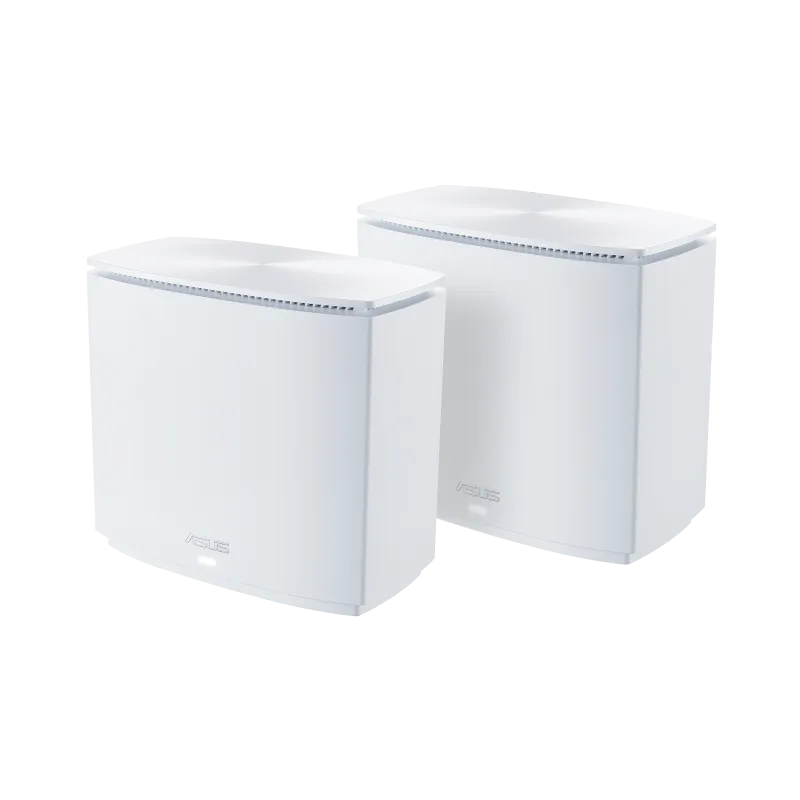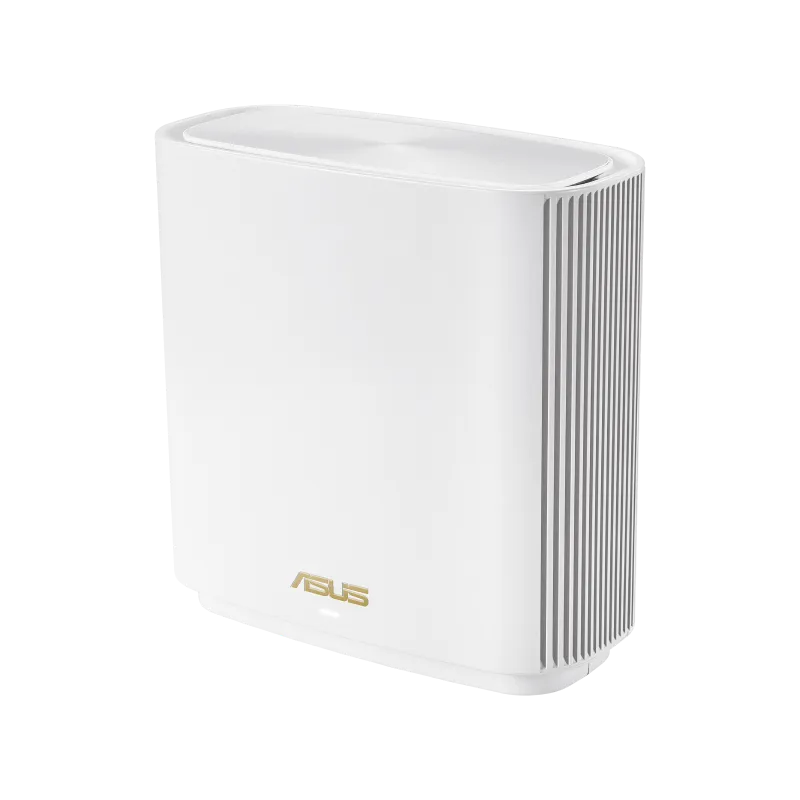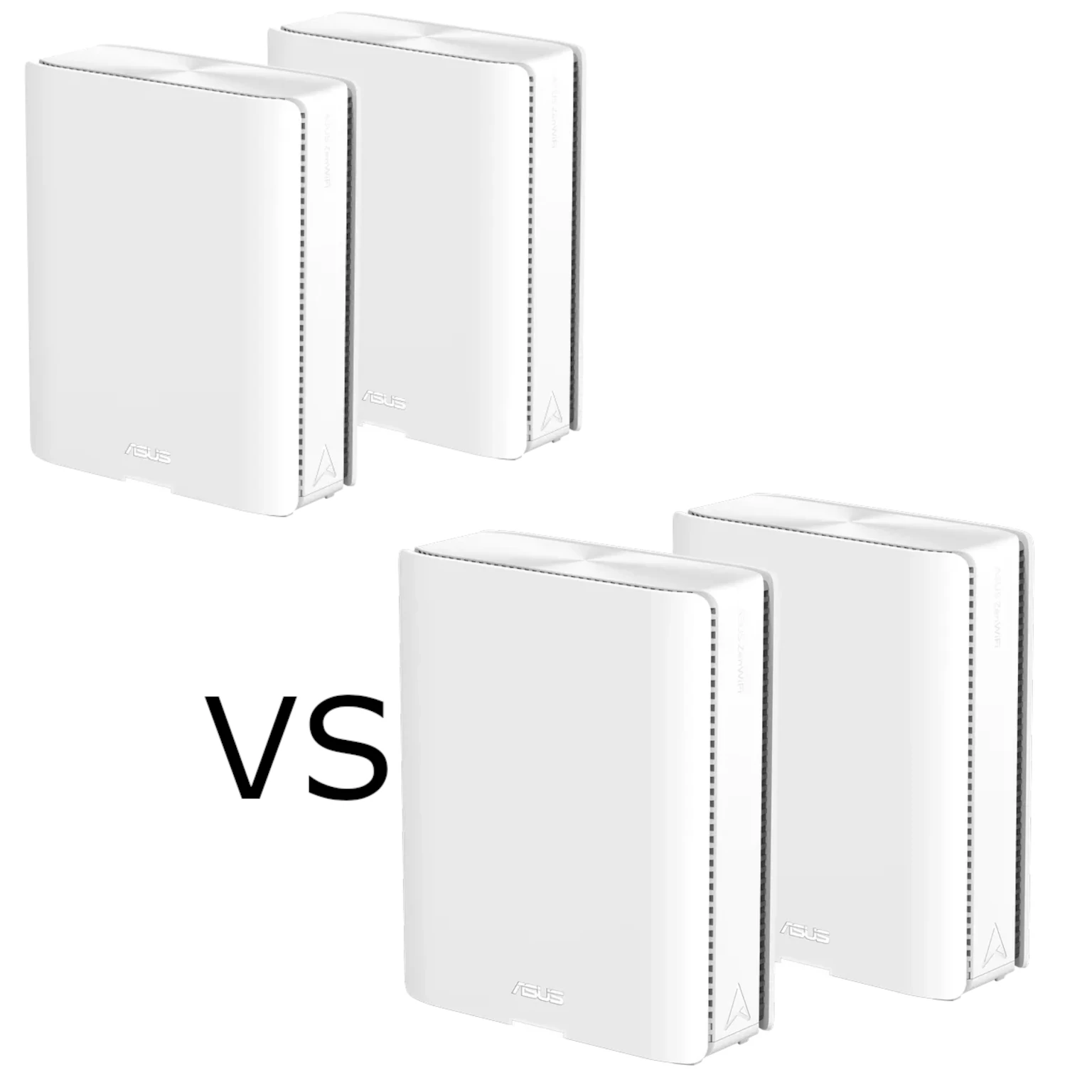
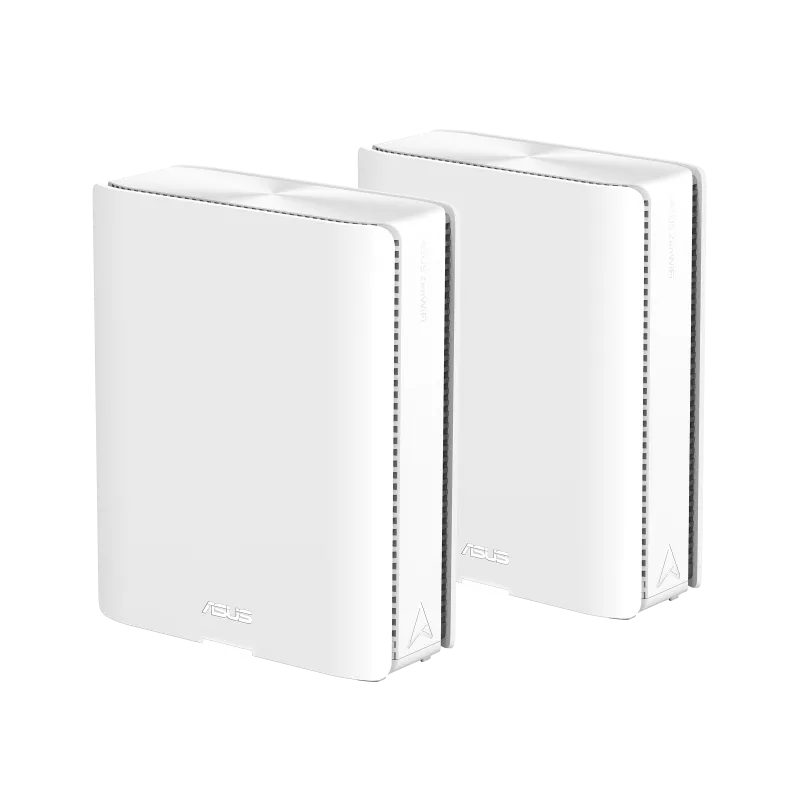
The ASUS ZenWiFi BQ16 and BQ16 Pro are premium quad-band Wi-Fi 7 mesh systems. Their main distinction is radio allocation: BQ16 has two 5 GHz radios and one 6 GHz radio, while Pro has one 5 GHz and two 6 GHz radios. Both have two 10 Gigabit Ethernet ports per unit, so the Pro name does not identify an extra faster wired socket.
Read our individual guides: ASUS ZenWiFi BQ16 or ASUS ZenWiFi BQ16 PRO. You can also use ASUS ZenWiFi BQ16 and ASUS ZenWiFi BQ16 PRO for the model details.
Mesh and Wi-Fi 7 in Context
A mesh system coordinates nodes under one network, bringing an access point closer to rooms that a single router struggles to reach. A wireless satellite must also maintain a good link back to the mesh. Thick walls, floors, crowded channels and poor placement can still limit performance, even on a premium kit.
Wi-Fi 7 uses 802.11be and introduces capabilities such as 320 MHz channels in 6 GHz, 4096-QAM and Multi-Link Operation, or MLO. These are useful capabilities rather than guarantees of a fixed speed or uninterrupted calls. Older clients remain limited by the standards, channel widths and streams they support.
MLO can use multiple links, but the mode and benefit depend on compatible client hardware, drivers and firmware. Do not treat a router's combined rating as the speed one phone can achieve. Also check whether 6 GHz and the desired channel widths are supported for the local model and country before importing a different regional product.
Two 5 GHz Radios or Two 6 GHz Radios?
The BQ16 global specifications and BQ16 Pro US specifications list the following maximum physical rates. Each model has four radios, all listed as 4x4.
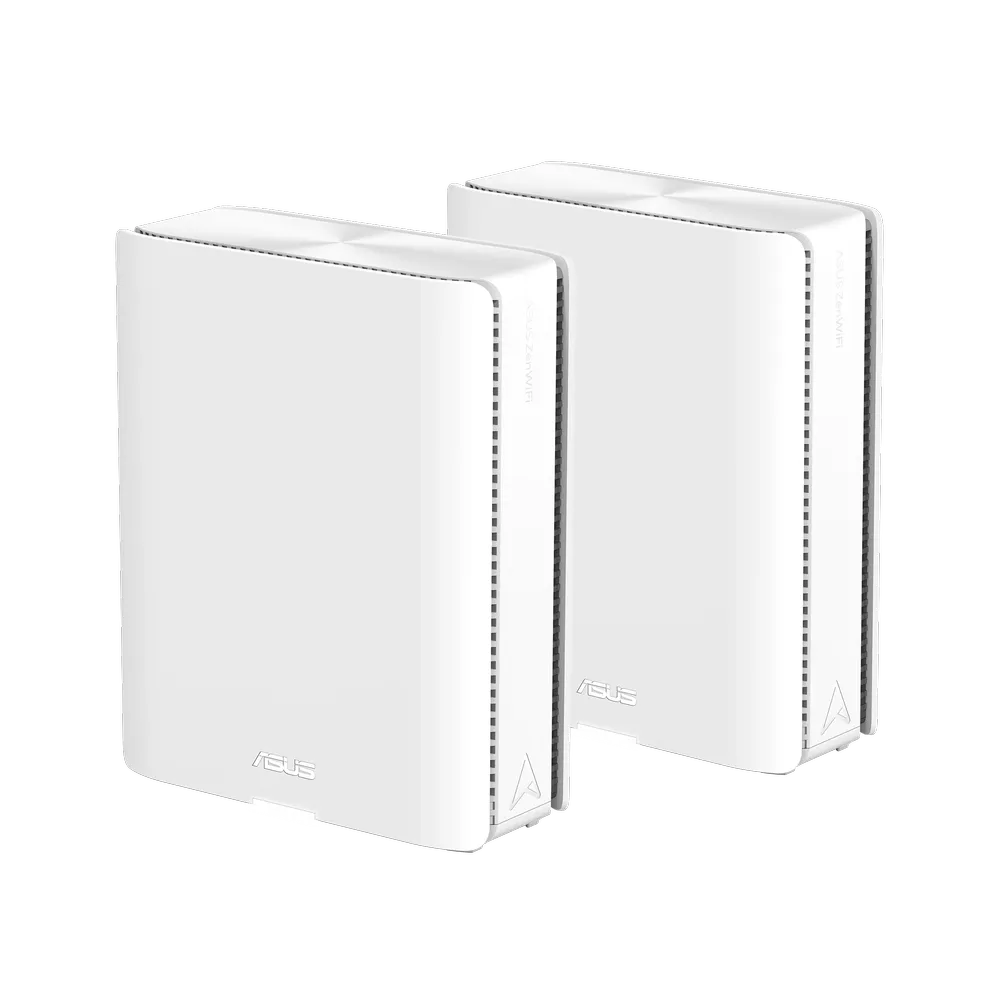
| Radio | BQ16, BE25000 | BQ16 Pro, BE30000 |
|---|---|---|
| 2.4 GHz | 1,376 Mbps | 1,376 Mbps |
| 5 GHz | 5 GHz-1: 5,764 Mbps 5 GHz-2: 5,764 Mbps | 5,764 Mbps |
| 6 GHz | 11,529 Mbps | 6 GHz-1: 11,529 Mbps 6 GHz-2: 11,529 Mbps |
| Memory | 2 GB RAM; 256 MB flash | 2 GB RAM; 256 MB flash |
| Documented CPU | 2.6 GHz quad-core | 2.6 GHz quad-core |
The two labels round the aggregate radio ratings; they do not describe a 25 or 30 Gbps internet connection. Four streams on each radio also do not give every client four streams. Check the main laptop's capabilities before assuming it can use the maximum per-band rate.
ASUS describes BQ16 around dual 5 GHz bands for dedicated backhaul, while the Pro page emphasises dual 6 GHz bands. Both describe MLO-assisted backhaul. More radios provide options; the result still depends on the links between actual node positions.
The Same Wired Port Layout
Both specification pages list one 10 Gbps WAN/LAN port, one 10 Gbps LAN port, one Gigabit WAN/LAN port, two Gigabit LAN ports and USB 3.0 per unit. There is no extra 2.5 Gbps socket listed for Pro. The inspected rear images show the two 10G-labelled positions on both models.
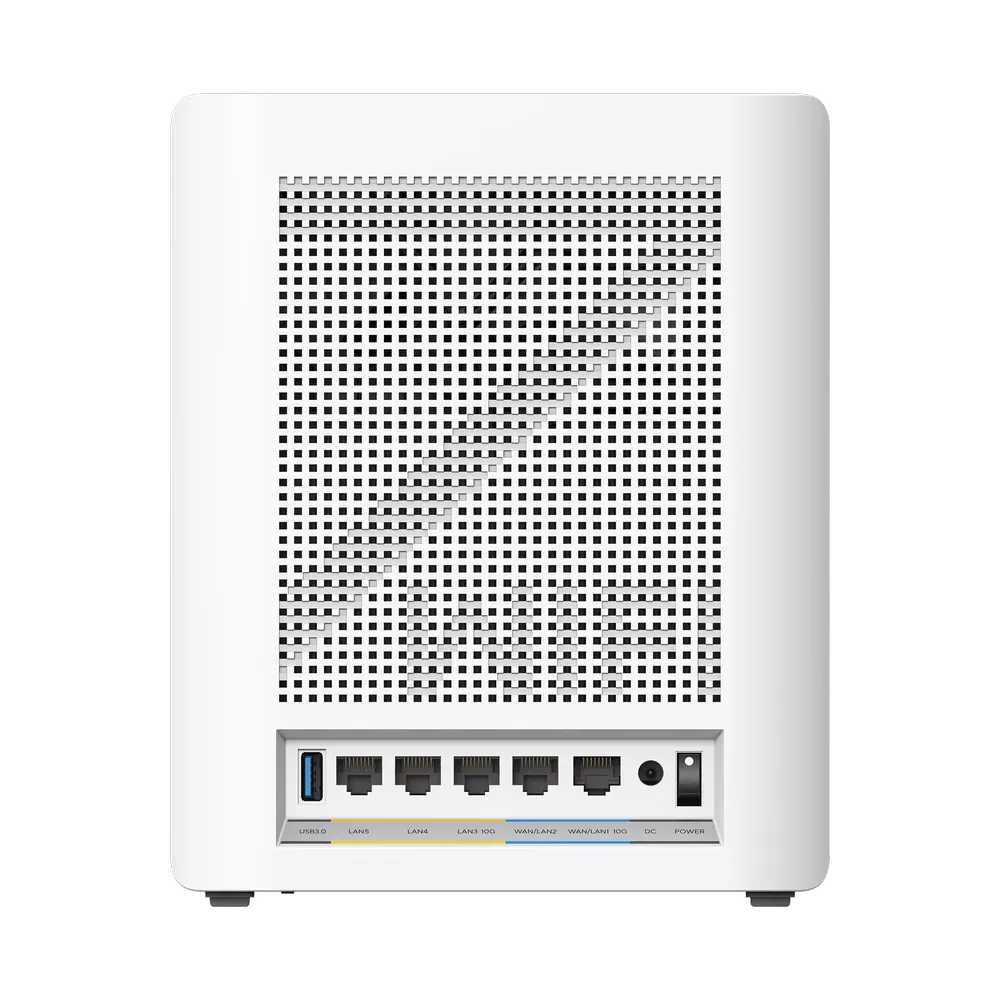
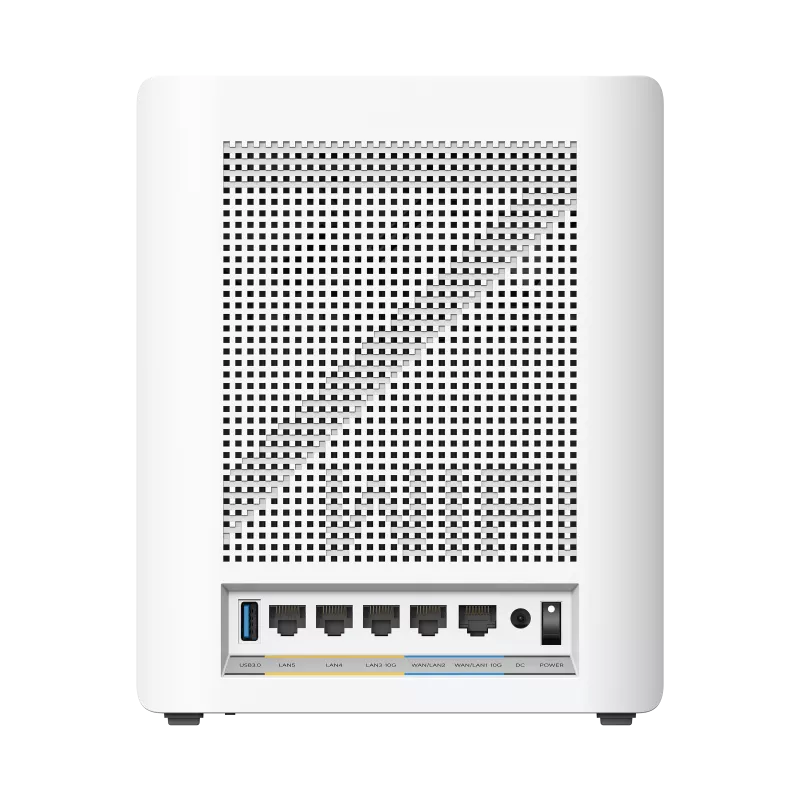
When the main unit uses its 10G WAN/LAN port for an internet handoff, its separate 10G LAN port remains available for a compatible switch, NAS or wired backhaul arrangement. That applies to BQ16 as well as Pro. If several satellites and a NAS need faster wired connections, consider the switch ports and cabling required, rather than simply counting sockets on one node.
A Gigabit client or a satellite connected through a Gigabit switch remains limited by that link. A 10G connection also does not guarantee 10 Gbps application throughput: storage, the endpoints, protocol overhead and router features can matter. Trace the complete route for the transfer you actually care about.
Backhaul Is a Layout Decision
For wireless backhaul, place nodes so the inter-node connection is strong as well as the nearby client signal. An extra 6 GHz radio may be useful in a suitable layout with compatible devices, but a poor path through the building can outweigh the higher rating. BQ16's extra 5 GHz radio may be relevant to the traffic and available spectrum in another household.
Ethernet backhaul is worth considering when you have usable cabling, especially across difficult walls or floors. ASUS's wired AiMesh guidance connects main-router LAN to node WAN. Use suitable ports, cable and switches for the intended rate, then confirm the negotiated connection and actual backhaul status.
The Ethernet-only versus mixed-backhaul guide distinguishes forcing all nodes onto cables from choosing a per-node preference. Cable every node required for Ethernet-only mode before enabling it. A mixed network can be more appropriate when only some rooms have Ethernet.
Assess the mesh link with the clients and traffic that matter to you. Comparing a local file transfer near the main node and near a satellite can help distinguish client access from inter-node limits. Repeat under the same conditions before attributing a difference to radio allocation alone.
Software Features and Existing AiMesh Units
Both models list AiProtection Pro, parental controls, VPN Fusion and Dual WAN. The product pages describe Smart Home Master profiles for IoT, children and VPN use. Choose the features that solve an actual need, and check the firmware and operating mode before relying on them.
A separate Wi-Fi profile is not proof that every wired port can carry arbitrary VLAN trunks or that every desired network boundary is enforced. Confirm the supported port and isolation configuration for your exact use. For VPN and backup internet, verify provider requirements, compatibility and the selected WAN options; a phone attached to USB does not guarantee an uninterrupted session through an outage.
AiMesh compatibility also does not imply that every mix of models supports identical MLO behaviour. ASUS's MLO FAQ, updated March 2025, documents same-model and first-node backhaul limits and a 6 GHz caveat for older non-MLO nodes. Check later firmware notes for the units you will combine, rather than assuming the older guidance establishes every current configuration.
Coverage, Pack Size and Cost
The current global product pages advertise up to 4,000 ft² for one unit and 8,000 ft² for a two-pack on both models. These are manufacturer coverage claims, not measurements for your home. Compare the same pack size and local specification; Pro is not automatically needed simply because the house has another floor.
Both are substantial systems, and either can be more than a small home needs. Include switches, cabling, compatible clients and support in the budget. A satisfactory existing network may not need replacement just because a new generation is available. If you do upgrade, a useful return window lets you assess the layout where it will actually operate.
Which Fits Your Home?
My recommendation remains to weigh space, usage, budget and future needs. BQ16 may be an appealing value choice if its local price is lower and the extra 5 GHz radio suits your network. Pro may justify a premium when the dual 6 GHz arrangement has a useful role in your planned layout. Neither choice depends on superior Pro ports or a claimed CPU advantage: the documented ports, CPU clock and RAM match.
List your demanding clients, sketch the backhaul and wired devices, and check exact software support. Those details explain where the difference matters more clearly than the largest number on the box.
Original official product links: ASUS ZenWifi BQ16 Pro | the ASUS ZenWifi BQ16