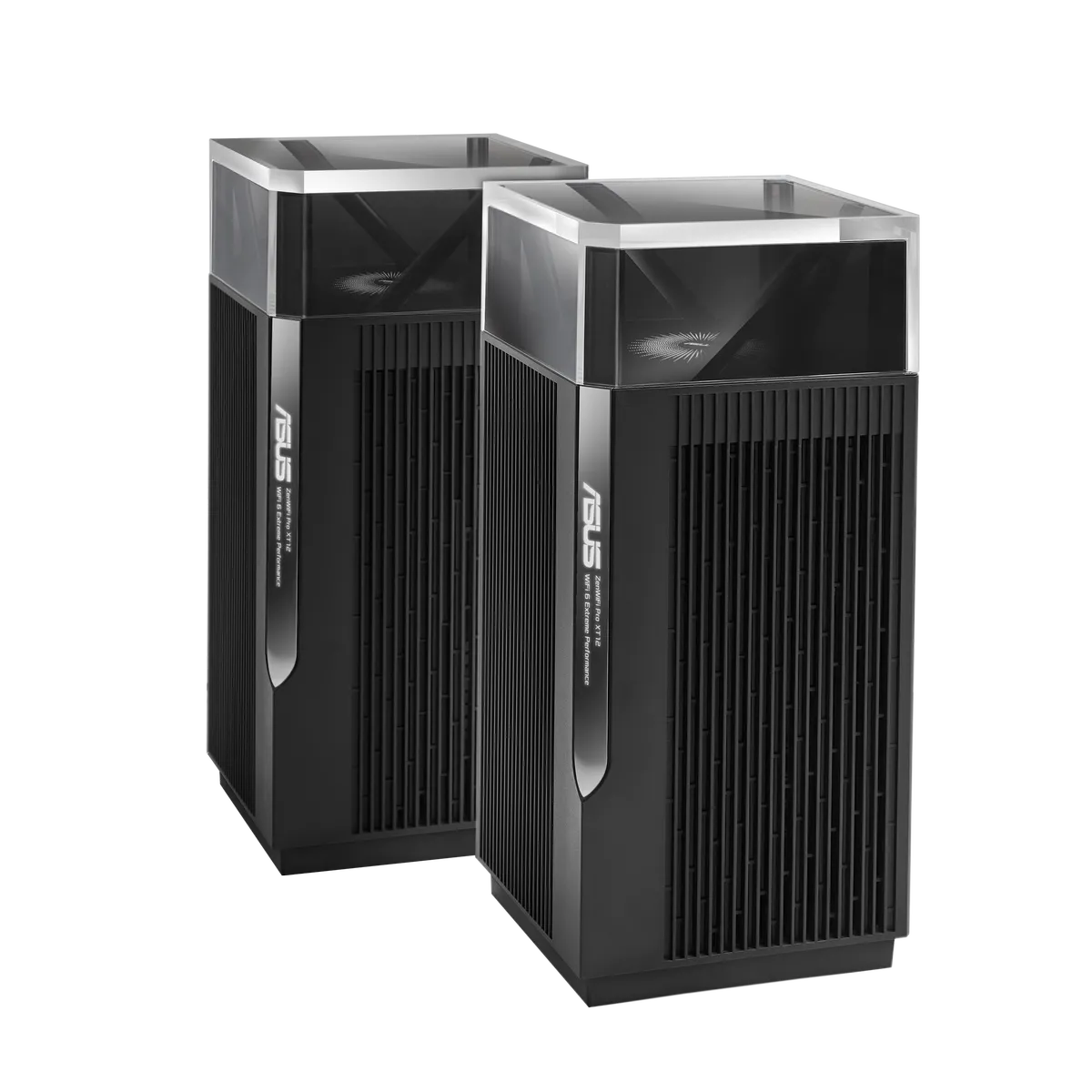
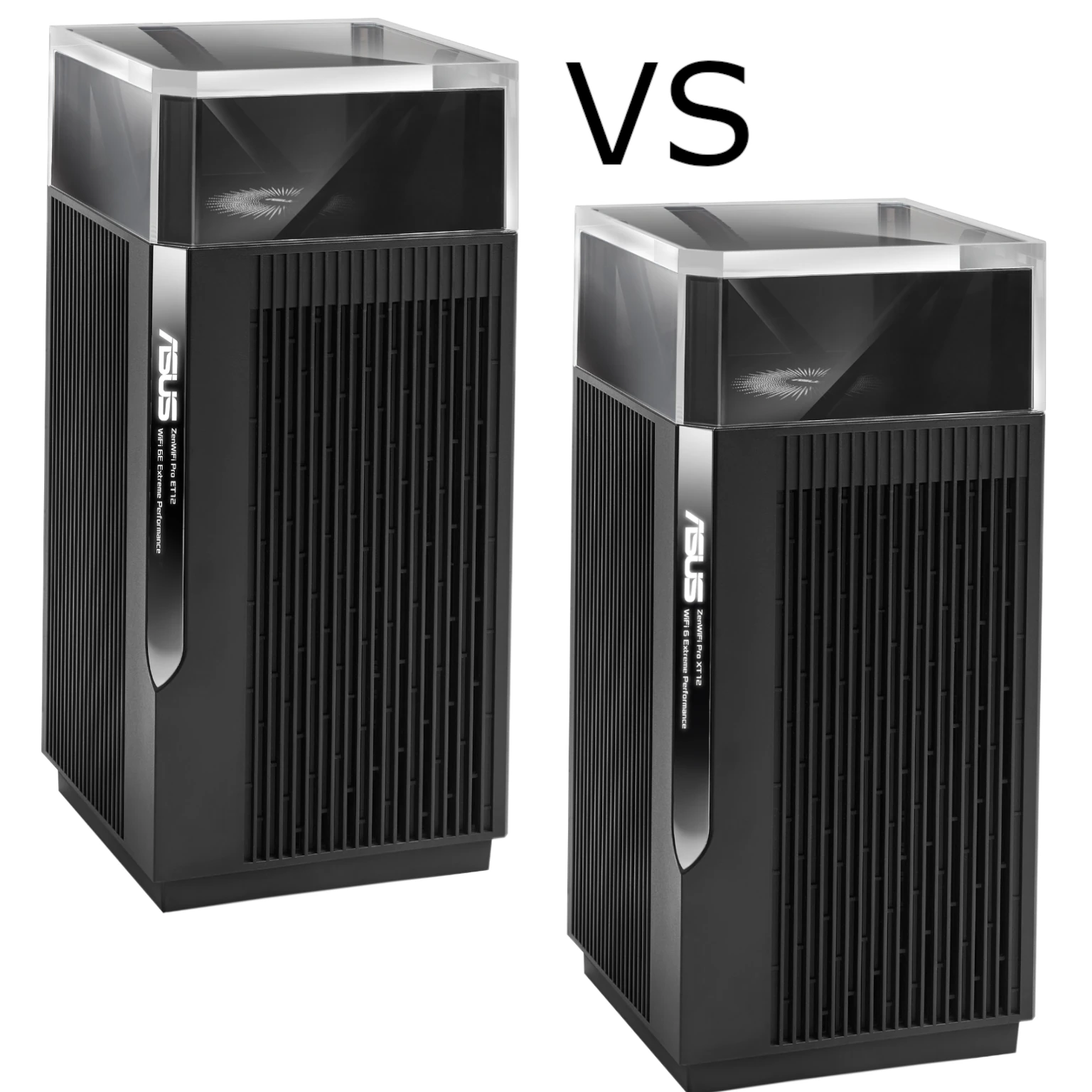
Imagine a garden where one hose cannot reach every plant. Mesh Wi-Fi solves a similar coverage problem by placing several connected access points around a home. The ASUS ZenWiFi Pro ET12 combines that approach with tri-band Wi-Fi 6E and multi-gigabit Ethernet, making it worth considering for a larger home with compatible clients and a suitable network layout.
The appeal is strong coverage planning and flexible connectivity, rather than a promise that every room will receive the same speed. Clients choose when to roam between access points, and placement, backhaul and building materials determine how well the system works.
Tri-Band AXE11000 Wi-Fi 6E Architecture
Wi-Fi 6E extends Wi-Fi 6 into the 6 GHz band. It uses the same 802.11ax generation rather than introducing Wi-Fi 7 capabilities such as 320 MHz channels or MLO. Older devices can use the ET12's compatible 2.4 GHz and 5 GHz networks, but need Wi-Fi 6E or newer 6 GHz-capable hardware to use its extra band.
ASUS lists maximum signal rates of 1,148 Mbps on 2.4 GHz and 4,804 Mbps on both 5 GHz and 6 GHz. The AXE11000 class adds those radios together. It is not an 11 Gbps internet connection or a speed available to one ordinary laptop. The ET12 has 4x4 radios on all three bands; a two-stream client cannot use four streams just because the access point provides them.
Additional spectrum can offer a less crowded connection, but 6 GHz is not interference-free and has its own indoor and regional operating requirements. Available channels vary by country; a universal claim of seven 160 MHz channels is inappropriate. Wide channels and high modulation rates require compatible clients and a good signal, while walls and distance still matter.
Design and Practical Placement
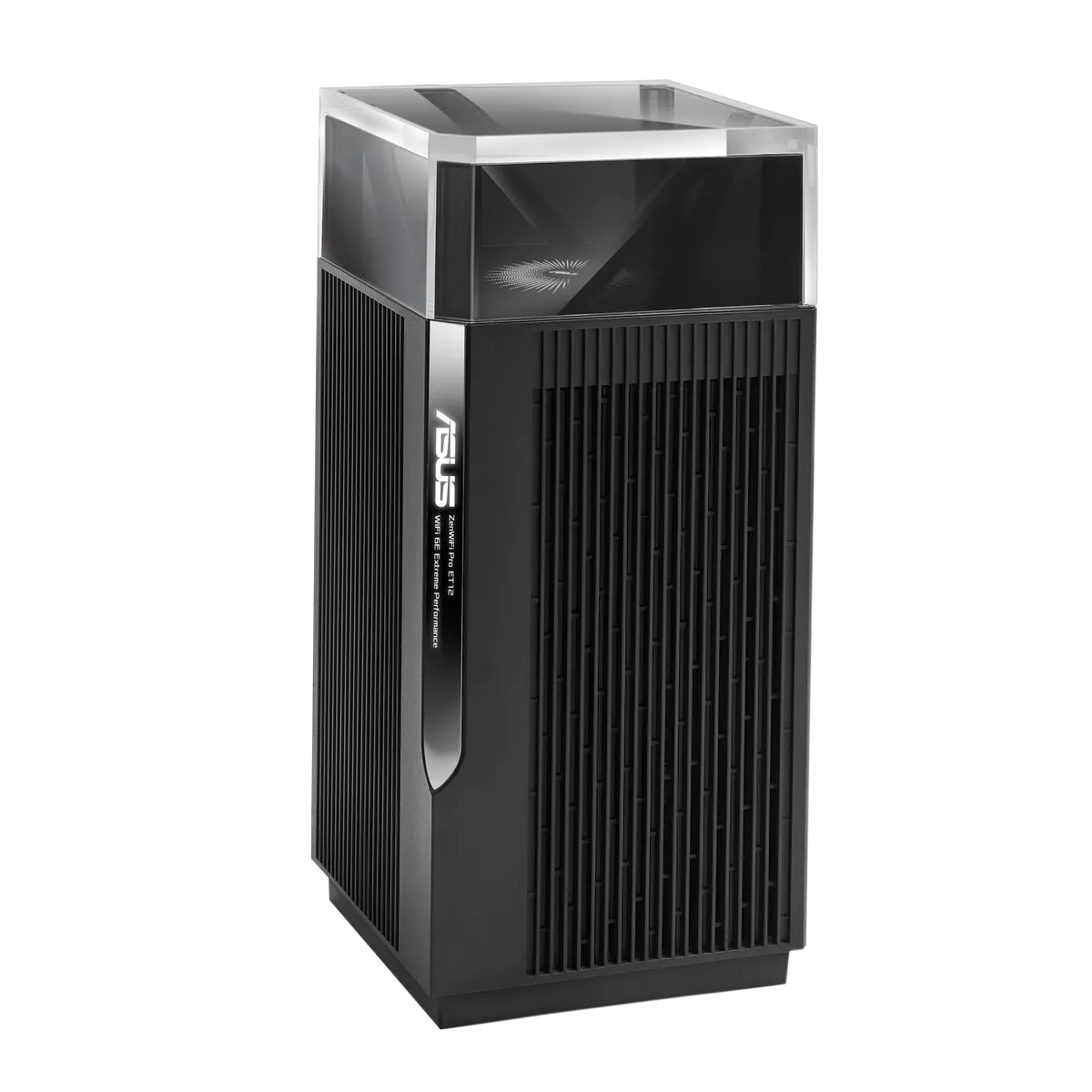
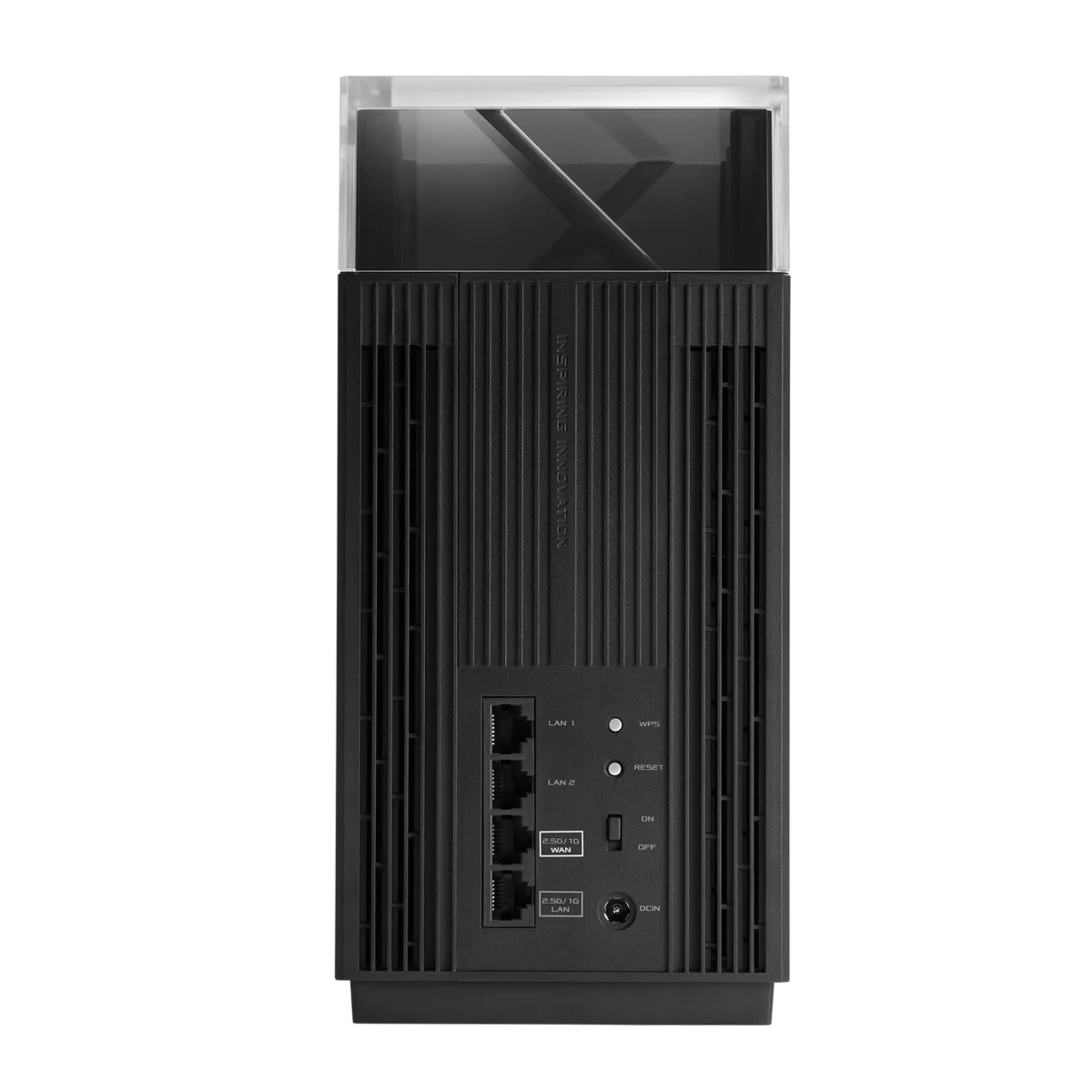
The ET12's transparent upper section and vertical enclosure are distinctive. ASUS lists ten internal antennas in total. Keep the unit upright with its vents clear, using the supplied adapter and an appropriate indoor location. Avoid treating a visual antenna layout as proof that every floor receives uniform coverage.
Place a wireless node where it can still communicate effectively with the main router, then check the room that needs service. A node inside a dead zone may merely repeat a poor connection. Establish a working mesh nearby before moving nodes to their final locations.
Hardware Specifications and Port Roles
The following follows ASUS's ET12 specifications and datasheet; exact regional offers and software can vary.
| Item | Published ET12 specification |
|---|---|
| Wireless bands | 2.4 GHz, 5 GHz and 6 GHz; Wi-Fi 6E |
| Aggregate rates | 1,148 + 4,804 + 4,804 Mbps |
| Radios | 4x4 per band; twelve streams across the three radios |
| Processor and memory | 2.0 GHz quad-core; 1 GB RAM; 256 MB flash |
| Ports per unit | One 2.5G WAN, one 2.5G LAN and two Gigabit LAN ports |
| Antennas | Ten internal antennas |
| Two-pack coverage claim | Up to 6,000 sq ft; not a room-by-room guarantee |
Count the port roles for your topology. A wired node normally uses a port for backhaul, and a switch in that path must support the speed you need. A 1 Gbps switch or client link limits the corresponding transfer even when the ET12 has a 2.5G connector. Local NAS transfers also depend on the client's adapter and storage rather than the internet plan alone.


ASUSWRT Features and Firmware Scope
The ET12 offers a web interface as well as the ASUS Router app. The published specifications include Adaptive QoS, traffic monitoring, guest networking, AiProtection Pro and VPN server/client functions. These can be useful for a household that wants more control than basic network naming and passwords.
Firmware matters. ASUS's support history includes both older branches and an early beta that introduced Guest Network Pro, VLAN and VPN Fusion changes; the current support page also lists a 3.0.0.6.102 release. Do not follow a recipe written for another branch without checking your installed interface and exact ET12 documentation. ASUS's general Guest Network Pro guide describes model/version requirements and a later menu rename to Network; its example screenshots are not proof that every router has identical controls.
Likewise, verify the VPN protocol and role actually available on your firmware before buying for WireGuard or a particular multi-profile arrangement. The base ET12 specification lists OpenVPN and other server/client options, but does not establish an unrestricted combination of every protocol. VPN performance depends on encryption, endpoint and routing conditions, so a fast LAN port is not a VPN-throughput guarantee.
Checking Performance Without Confusing the Paths
Compare the same device near the main router and at each node. Record its band, negotiated connection, node backhaul and background traffic. For a local transfer, use a wired server and intervening network fast enough to avoid becoming the bottleneck. An internet test additionally includes the provider and remote server.
Repeat the tasks that matter to you, such as a video call while another device uploads. This reveals a different limitation from a single headline download result. Compare settings one at a time and keep notes so you can return to a working configuration if a change performs worse.
Planning Guest Access, Segmentation and AP Mode
Start with a configuration backup and the installed firmware's supported features. For visitor or IoT separation, check whether you are configuring a guest-access policy, wireless client isolation or a VLAN with explicit routing rules. AP isolation alone does not demonstrate that a wireless device cannot reach wired computers or storage.
If your homelab firewall already handles routing, DHCP and network policy, the ET12 supports access-point mode. Confirm how that mode changes router-dependent security, VPN and guest functions before switching. The management address may change, so keep access to the upstream router's client list. A mesh bridged to one LAN is not automatically a collection of separately firewalled networks.
Power, Ventilation and Maintenance
Use the supplied power adapters and keep both units ventilated. For an energy budget, measure your actual equipment at the wall under normal and busy conditions; the adapter label gives supply capability rather than idle consumption. Avoid assuming a particular wattage or chassis temperature without measurement.
Check both router and node firmware during maintenance, read release notes, and allow for downtime. Preserve the configuration and confirm key devices reconnect after an update. Manufacturer security tools supplement this maintenance rather than replacing it.
WAN Choices and Backhaul Priority
ASUS lists Dual WAN, but the spare connection must be a supported WAN source and consumes resources or ports in your chosen setup. Failover is not necessarily seamless for an existing call or VPN: the public address and session path can change. Test the services you depend on rather than assuming a fixed recovery time.
For backhaul, distinguish Ethernet priority from Ethernet-only mode. ASUS documents an Ethernet-first priority that can fall back to wireless, and a separate system-wide Ethernet Backhaul Mode requiring wired connections to all relevant nodes. If you enable the latter without connecting them, nodes can lose their uplink. A switch reboot also interrupts the cable path; disabling fallback does not preserve connectivity through that interruption.
Use ASUS's backhaul guide to choose the mode that matches your layout. Wireless backhaul shares radio resources with applicable client traffic, while a suitable cable path reduces that contention.
Final Thoughts and Buying Guidance
The ET12 remains a worthwhile option for larger households, gamers, smart-home users and remote workspaces that can make use of Wi-Fi 6E and its 2.5G connections. Its attraction is the combination of mesh coverage planning and ASUSWRT flexibility. That positive recommendation is strongest when your devices support the relevant bands and the nodes have a good backhaul path.
Check current local pricing against Wi-Fi 7 alternatives, particularly when buying new clients at the same time. For a small home or mostly older equipment, a less expensive system may be enough. Review WPA2 versus WPA3 compatibility and the official ET12 page before ordering.