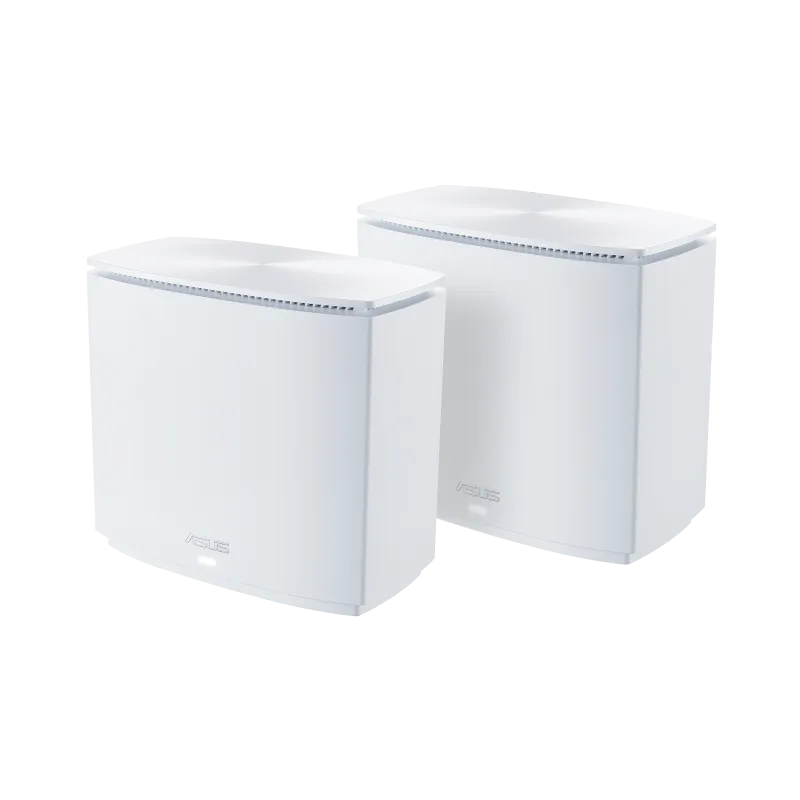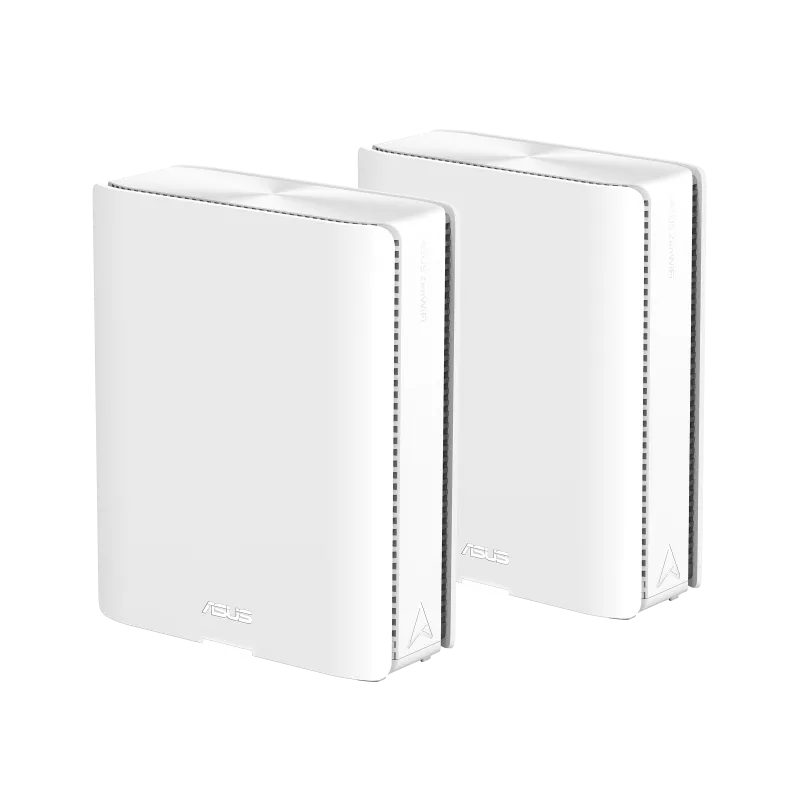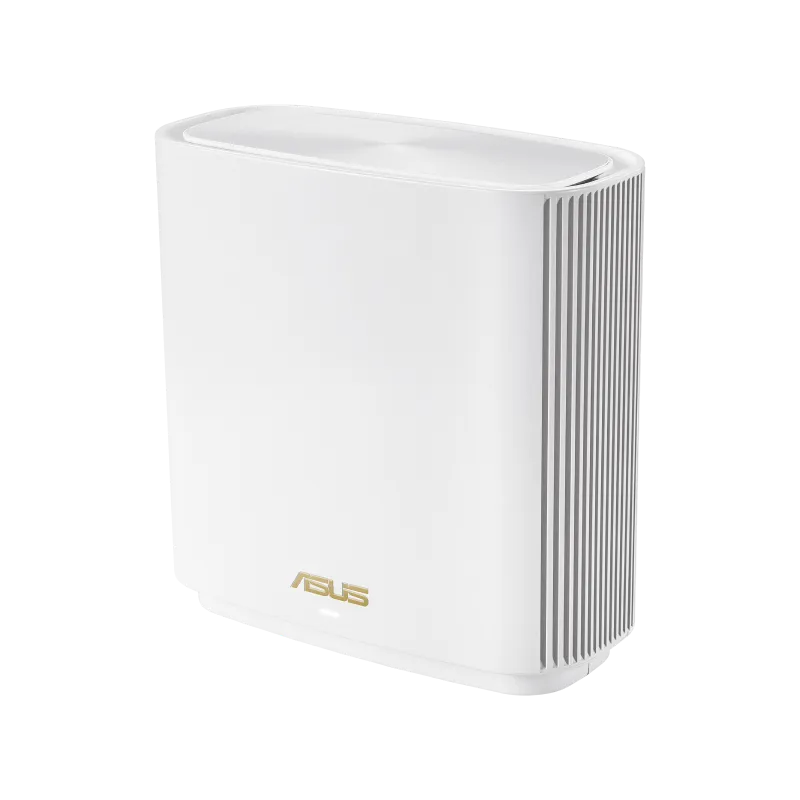
Ever feel like your Wi-Fi signal drops as you move away from your router? Distance, walls and placement can all contribute. The ASUS ZenWiFi ET9 is a compelling option for extending coverage with mesh Wi-Fi and adding a 6 GHz band, provided its ports, client compatibility and price fit your home.
Mesh Wi-Fi: More Sprinklers for Your Garden
Imagine your home as a garden and your router as a sprinkler. One sprinkler can leave distant corners dry. Mesh adds more sprinklers, with nodes positioned to bring a connection closer to the rooms where it is needed. The analogy has a limit: a wireless node also needs a good connection back to the rest of the network. Putting it in the existing dead zone can simply move the weak link.
Start with a node between the main router and the problem room, with open space around it. Try another position if a thick wall, floor or metal cabinet blocks the route. Adding units is useful when it improves those links; it does not guarantee coverage in every basement or attic. Walk through your usual call route after setup, because the phone or laptop also influences when it changes access points.
Wi-Fi 6E and the Right Clients
Wi-Fi 6E uses 802.11ax in the 6 GHz band. “802.11axe” is not the standard's designation. ET9 also provides 2.4 GHz and 5 GHz for compatible older devices. A Wi-Fi 6 device that supports only those two bands cannot use 6 GHz just because it joins an ET9 network.
The extra spectrum can help when existing bands are busy, but it is not interference-free and is not a promise of lower latency in every room. ASUS qualifies channel availability by regional regulations. Check the local model, the client's radio and driver support, and the conditions for the chosen channel width before paying for a feature your devices cannot use.
ET9 Hardware Specifications
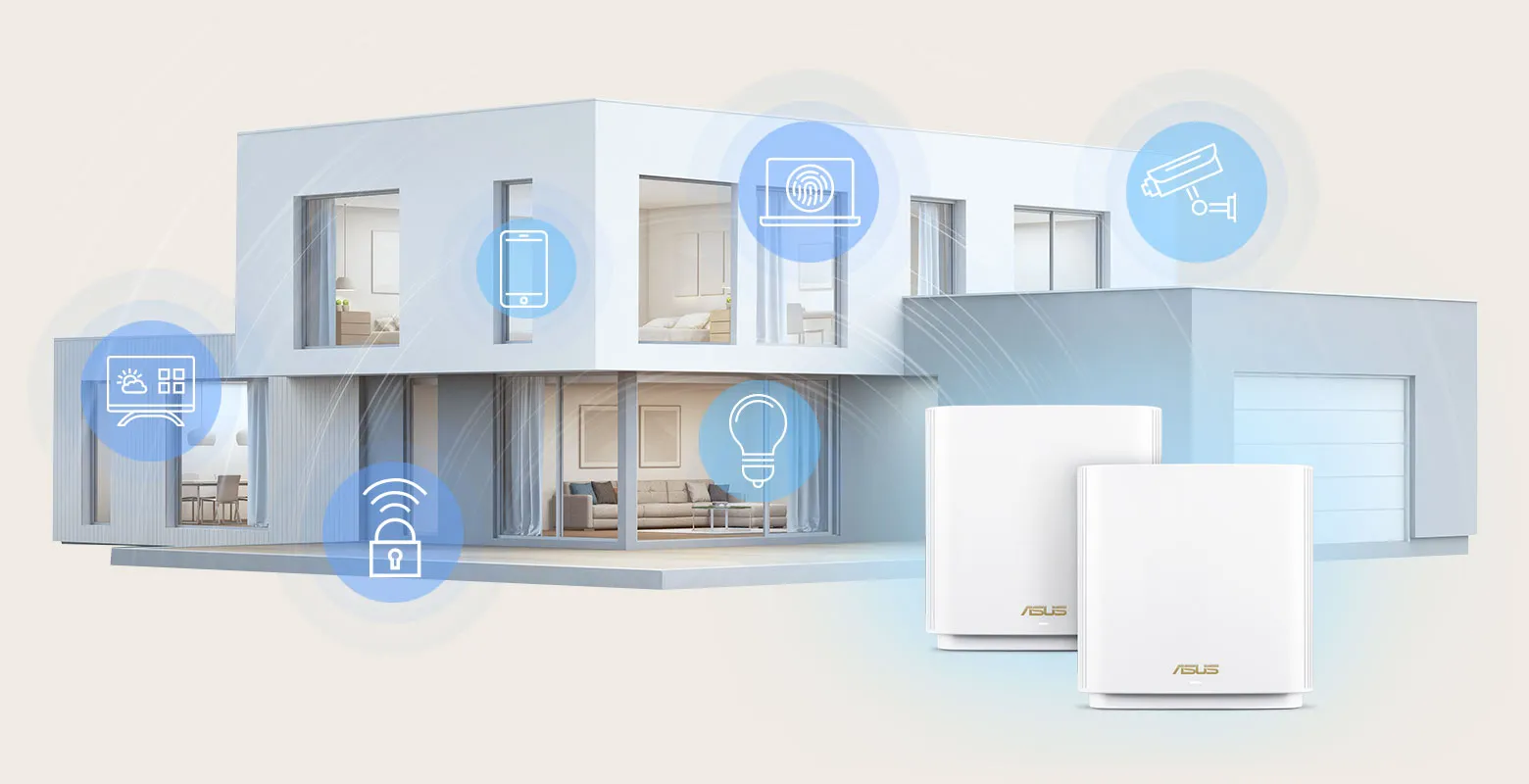
The following figures come from ASUS's ET9 specifications. Wireless figures are advertised maximum link rates, rather than measured internet speeds.
| Feature | ET9 specification |
|---|---|
| Wireless class | Tri-band Wi-Fi 6E, AXE7800 |
| 2.4 GHz | Up to 574 Mbps, 2x2 |
| 5 GHz | Up to 2,402 Mbps, 2x2 |
| 6 GHz | Up to 4,804 Mbps, 4x4 |
| Processor and memory | 1.7 GHz quad-core; 512 MB RAM; 256 MB flash |
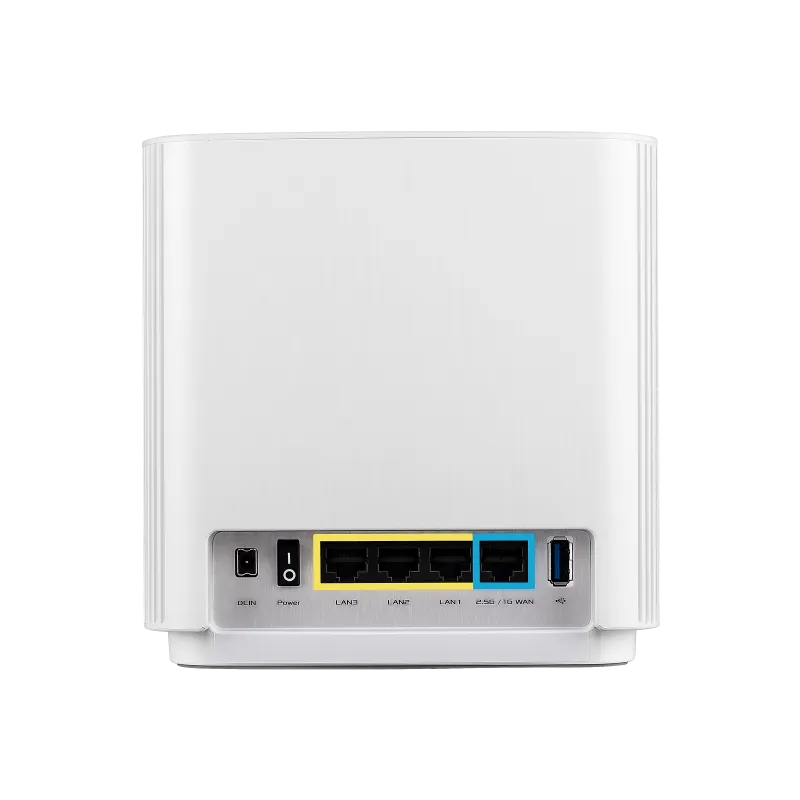
| Ethernet | One 2.5 Gbps WAN port; three Gigabit LAN ports |
| USB | One USB 3.2 Gen 1x1 port |
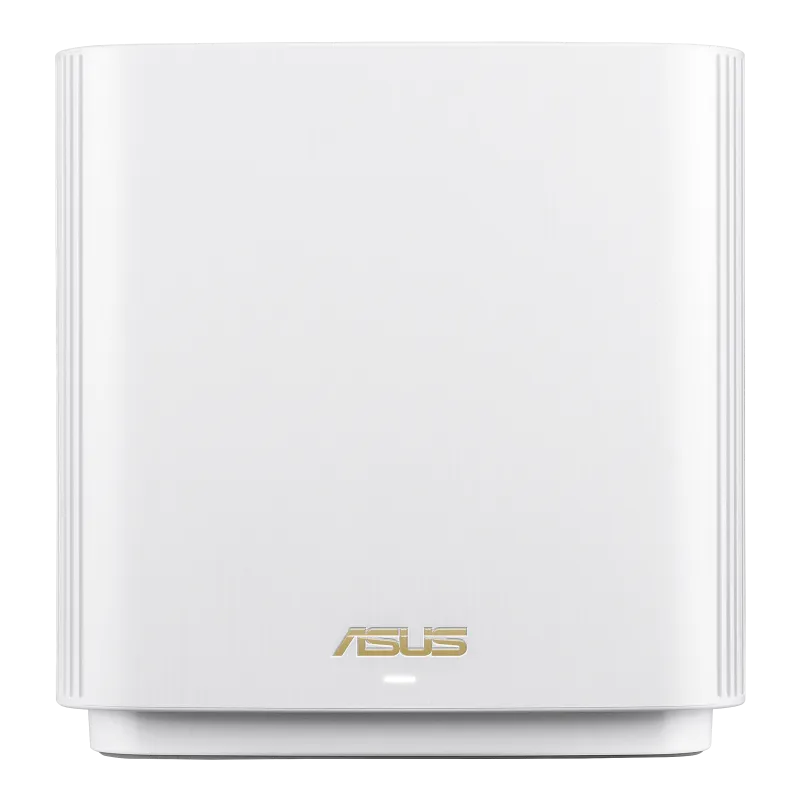
| Antennas and dimensions | Six internal antennas; 160 x 75 x 161.5 mm |
| Security features | WPA3, AiProtection Pro and parental controls |
AXE7800 combines the three radio ratings; a single download does not combine them into a 7.8 Gbps connection. The 6 GHz radio has four streams, but a client with fewer streams cannot use all four. Actual throughput also depends on distance, channel width, contention and protocol overhead. Compare what your main laptop can negotiate, rather than treating the largest number on the box as its expected speed.
Choose Backhaul Before Buying
Backhaul is the link between mesh nodes. The ET9 product page describes dedicated 6 GHz backhaul, also permits 5 GHz backhaul, and offers Ethernet backhaul. Reserving 6 GHz for node traffic trades access to that band for client devices against the needs of the mesh. A strong inter-node link is more useful than choosing a band by name when it struggles through your walls.
Ethernet removes that inter-node traffic from the wireless backhaul. It can be especially helpful between floors or rooms separated by dense building materials. Clients still share airtime on their access radio, so wired backhaul does not remove every source of congestion or make wireless transfers equal to their advertised link rate.
ASUS's wired AiMesh guidance connects the main router's LAN to the node's WAN. For two ET9 units in that arrangement, the main unit's Gigabit LAN port limits that individual wired link to Gigabit speed, even though the node's WAN socket supports 2.5 Gbps. Sketch the complete route from your modem to the client: a fast socket at one end cannot upgrade the slower socket at the other.
The AiMesh backhaul priority guide distinguishes Ethernet-only mode from mixed wired and wireless operation. Use the options supported by your firmware and topology. Connect every node intended for Ethernet-only mode before enabling it; do not assume a wireless-only node will remain connected under that setting.
Internet Speed and Local Transfers
The 2.5 Gbps WAN connection is useful with a compatible faster internet handoff, but each ordinary LAN port is Gigabit. A desktop on one of those ports cannot receive 2.5 Gbps through that single cable. Meanwhile, buying a faster internet plan will not necessarily improve a file copy between two local devices: that path depends on their network interfaces, the mesh link and storage.
ASUS documents LAN aggregation using LAN2 and LAN3 with a compatible 802.3ad/LACP device. Two Gigabit links can provide greater aggregate capacity for suitable traffic; they do not turn one Gigabit socket into a 2.5 Gbps port. Check the NAS's supported aggregation mode before allocating two cables and ports to it.
USB storage sharing may suit occasional access, but the connector's specification alone says little about file transfer speed. Consider the disk's power requirements, supported format, access permissions and a separate backup. Choose a dedicated storage device if your household needs predictable performance and independent recovery.
Work, Smart Devices and Security
For a home office, first identify whether missed calls coincide with poor Wi-Fi, a saturated connection or an internet outage. Try a wired connection as a comparison and check the problem room's mesh link. Gaming and streaming likewise benefit from a stable path, but the ET9 cannot guarantee buffer-free playback or eliminate latency elsewhere on the internet.
Keep 2.4 GHz compatibility in mind for cameras, plugs and other smart devices. Check their setup instructions before changing network names or security settings. Start with a small number of devices so you can spot compatibility problems before reconnecting the entire household.
WPA3 and AiProtection Pro are useful features, alongside firmware updates, a strong administrator password and sensible guest access. They do not replace security updates on your computers or careful account management. For wireless security background, see Learn why WPA3 is important or the WPA2/WPA3 comparison.
Is the ET9 a Good Fit?
The ET9 remains a compelling choice when your home needs more coverage and you can use its 6 GHz capabilities. My recommendation is to plan placement and backhaul before buying, then weigh the price against the rooms and devices that actually need improvement. A smaller home with satisfactory coverage may gain little from extra nodes.
Check local availability, firmware support, the pack size, warranty and return arrangements. Inspect the cables and spare LAN ports your proposed layout requires, then compare performance in the rooms where you work and relax. Those checks make the purchase more meaningful than expecting the advertised coverage illustration to match your building exactly.