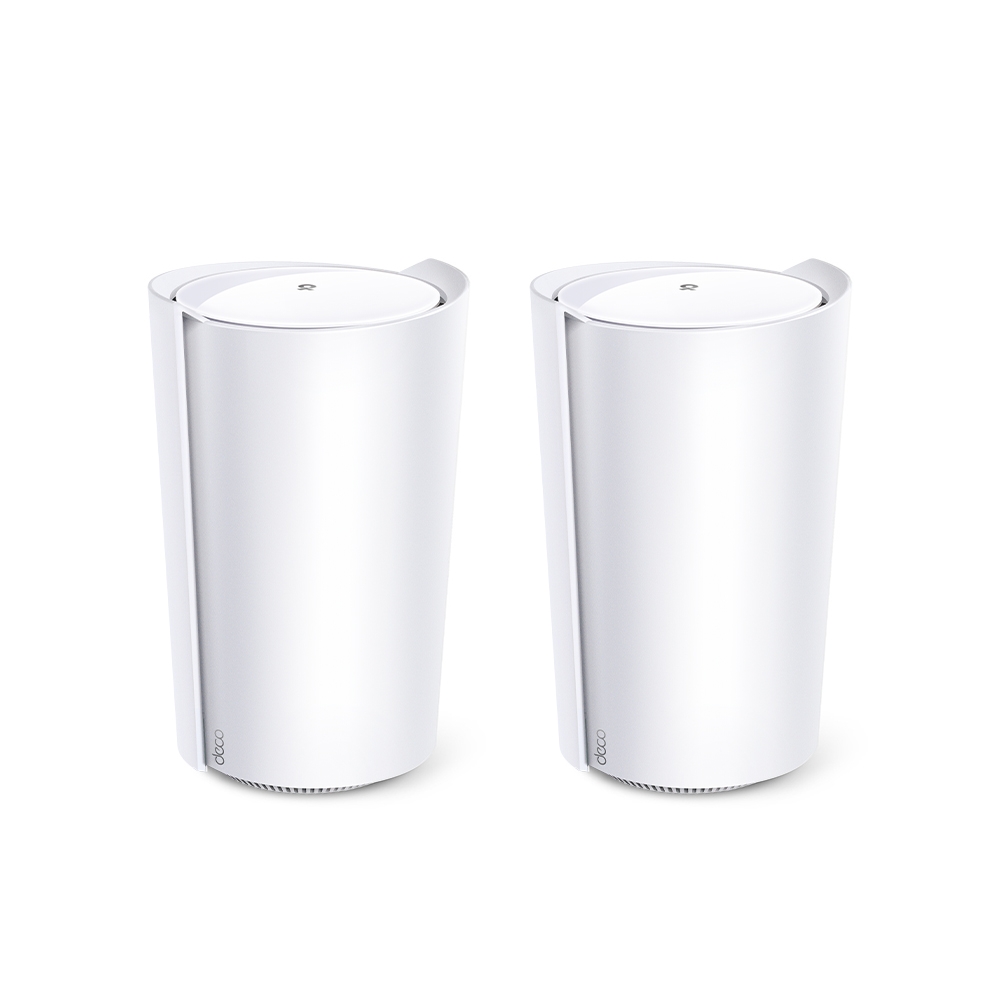
The TP-Link Deco X95 remains a compelling option in our view for a household that wants app-managed mesh coverage and extra 5 GHz radio capacity. Its appeal is particularly clear when Ethernet cannot reach every satellite. The useful question is whether that design fits your home, rather than whether it guarantees a perfect signal through every wall.
The X95 is a tri-band Wi-Fi 6 system. It is not Wi-Fi 6E or Wi-Fi 7, and it does not have a 6 GHz radio. Its specifications and the recommendations below should be read as a product guide, rather than results from a hands-on benchmark.
What Does Mesh Provide?
Several nodes can supply one managed network, with access points closer to rooms that need coverage. The Deco app provides setup and supported management functions, while compatible units can expand the system. A larger network still needs sensible placement and a usable path back to the main node.
Roaming also involves the client. A phone does not necessarily connect to the physically closest node, and a mesh label is not a promise of an interruption-free call. Test the actual devices and routes you use. Our positive assessment of convenient mesh management does not depend on claiming buffering or lag can never occur.
Why Consider the X95?
The extra radio resources can be valuable in a wireless mesh, where a satellite must communicate with both clients and an upstream node. Central management is convenient when you do not want to configure several standalone routers independently.
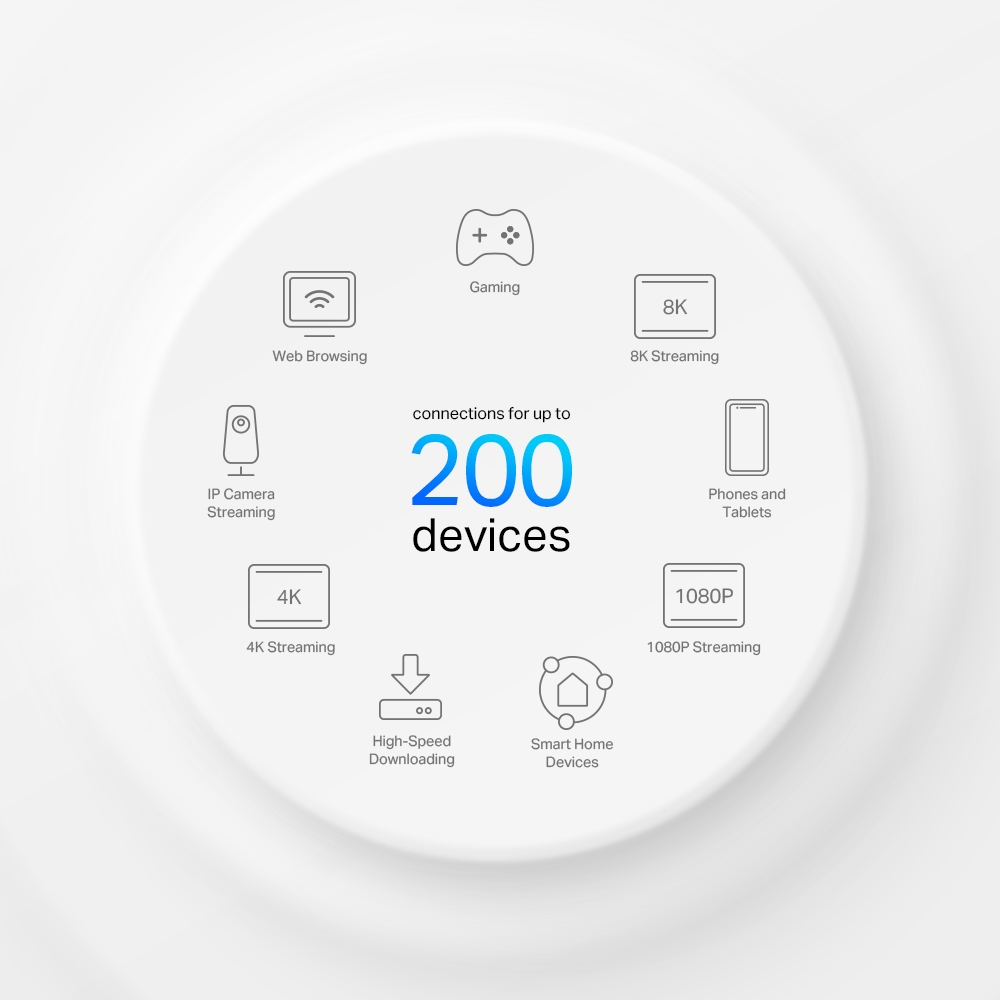
More connections do not create more internet bandwidth. TP-Link advertises support for up to 200 devices, but the mix of idle sensors, active video streams and large transfers matters. That count is not a guarantee that all clients operate at their maximum rate at once.
Verified X95 Specifications
| Feature | Cited US product specification |
|---|---|
| Wi-Fi class | AX7800 tri-band Wi-Fi 6 |
| Radio rates | 5 GHz (1): 4,804 Mbps; 5 GHz (2): 2,402 Mbps; 2.4 GHz: 574 Mbps |
| Ethernet | One 2.5 Gbps and two Gigabit auto-sensing WAN/LAN ports per unit |
| Antennas | Four high-gain internal antennas and two internal smart antennas |
| Total advertised streams | Eight across the radio configuration |
| Operating modes | Router or Access Point |
| Dimensions | 130 × 123 × 210.5 mm |
The three physical radio rates add to 7,780 Mbps, rounded to the AX7800 class. They do not describe a single client's file-transfer speed. A typical client cannot use all eight advertised streams as one connection, and its own stream count, channel width and signal quality limit the negotiated link.
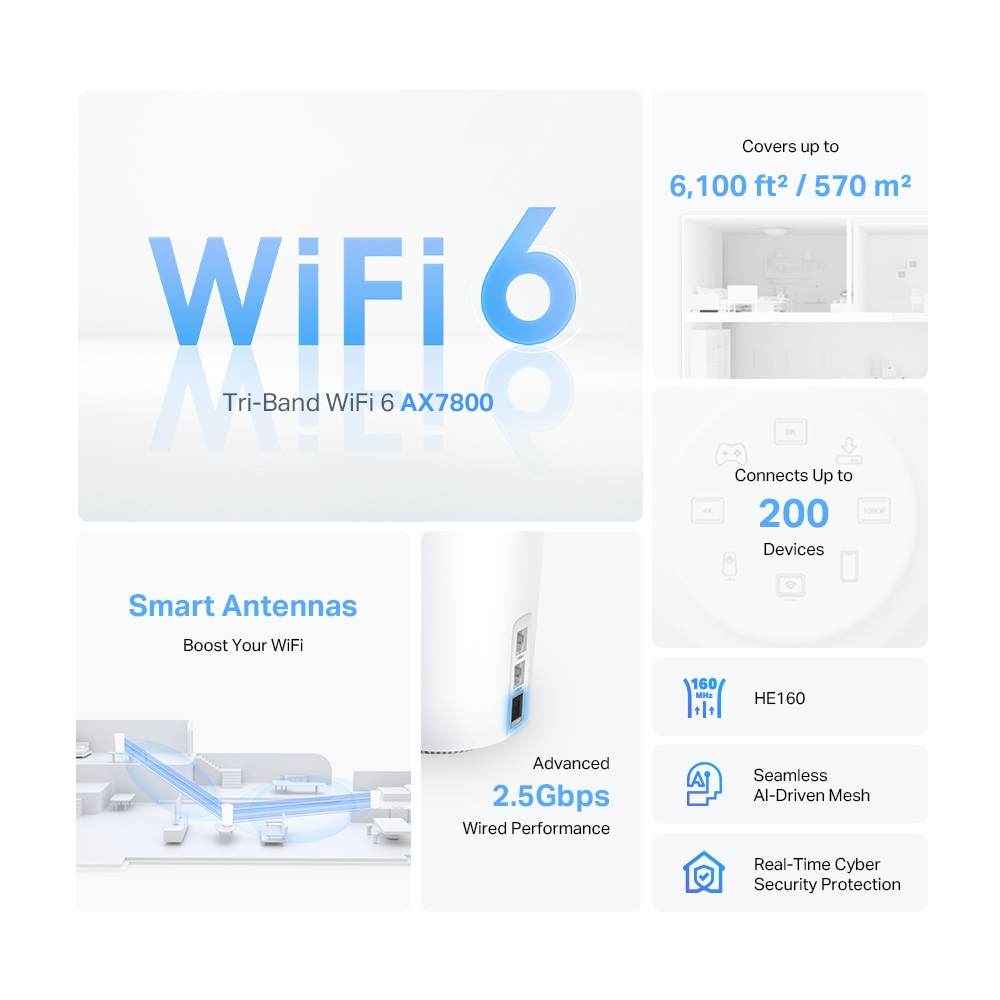
The feature illustration below advertises up to 6,100 square feet of coverage. Apply any coverage claim only to the relevant pack and conditions. Walls, floor construction, interference, client radios and node placement can change the practical result substantially.
Why the Extra 5 GHz Radio Helps
Two 5 GHz radios offer more flexibility than a system with only one 5 GHz radio. TP-Link describes an extra 5 GHz band for backhaul in its X95 specifications. This can reduce the contention that arises when clients and wireless inter-node traffic need the same available resources.
It does not eliminate every wireless backhaul loss. Signal quality, scheduling, channel availability, traffic and the models at both ends still matter. Do not turn the individual radio rates into a guaranteed 4.8 Gbps trunk, a fixed 40–50% gain or a promise that every client band has exclusive capacity.
Smart antennas are described by TP-Link as adapting antenna patterns to other Deco units. That is useful product context, not measured evidence that they penetrate every concrete wall or floor. Put satellites where the upstream path is still useful and verify their connection in the app.
Mixing a dual-band unit into the mesh does not add a third radio to that unit. Check which link and features the actual pair of nodes can use instead of assuming every satellite acquires the main unit's full specification.
The Important Single-2.5-Gbps-Port Tradeoff
Every X95 has only one 2.5 Gbps port. Its role matters:
| Connection plan | Implication |
|---|---|
| Use 2.5 Gbps for WAN | The remaining local Ethernet ports are Gigabit |
| Use a Gigabit port for WAN and 2.5 Gbps for backhaul | The wired satellite link can negotiate 2.5 Gbps, while that WAN link remains Gigabit |
| Connect a wired client to a wireless satellite | The final hop is wired, but its upstream path may still be wireless |
| Need several 2.5 Gbps wired branches | A suitable multi-gigabit switch may be needed; count occupied ports |
A faster backhaul can help aggregate local traffic, but does not remove a slower client port, server, disk or internet bottleneck. Confirm negotiated cable speeds rather than assuming the connector or cable label proves the result. Avoid loops and follow the documented Router/AP topology.
For Deco Ethernet backhaul, add the nodes to the mesh wirelessly first, then connect the cables. In Router mode, satellites connect downstream of the main Deco's LAN path. Access Point mode uses the upstream router as the gateway and has different wiring options.
Compare the Alternatives by the Problem
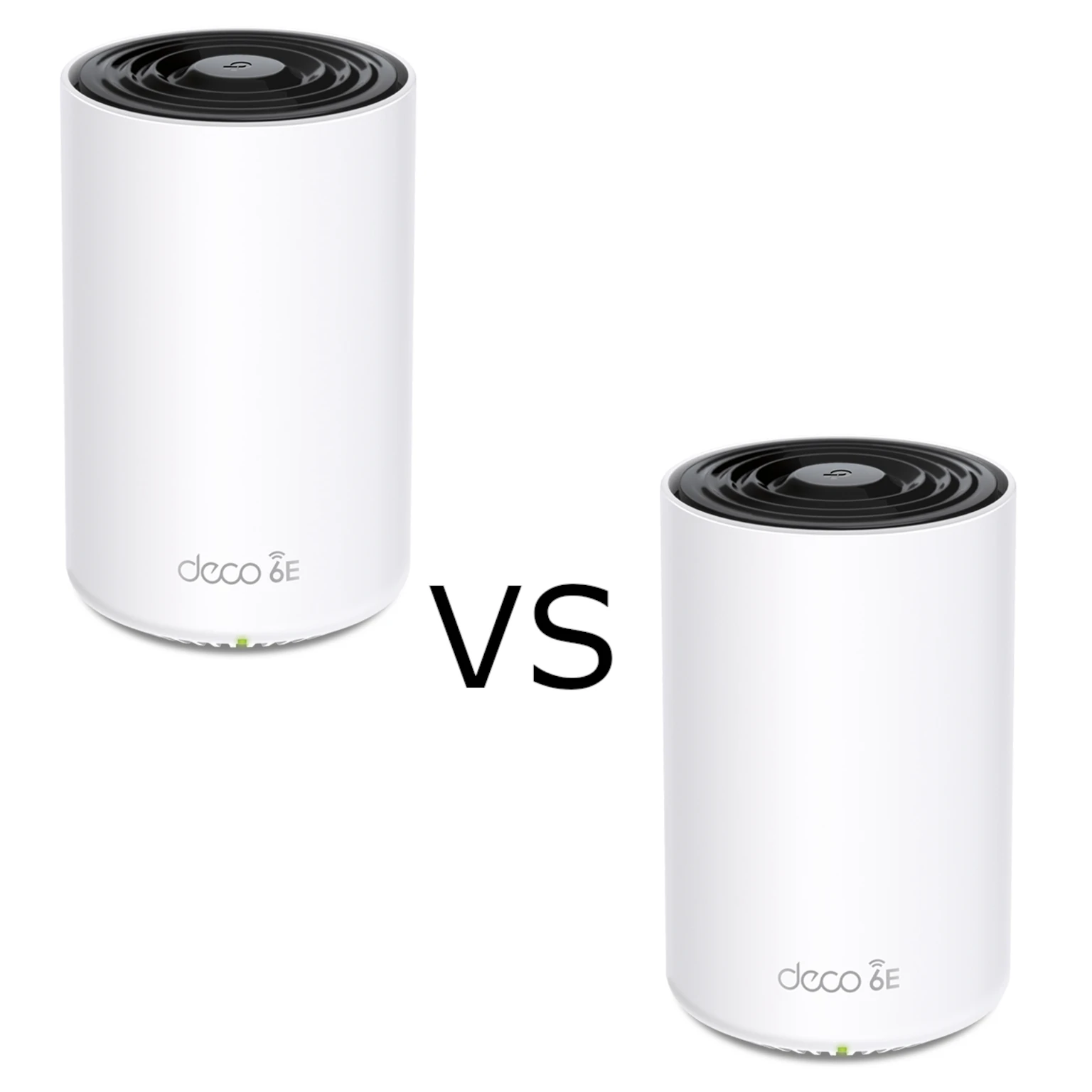
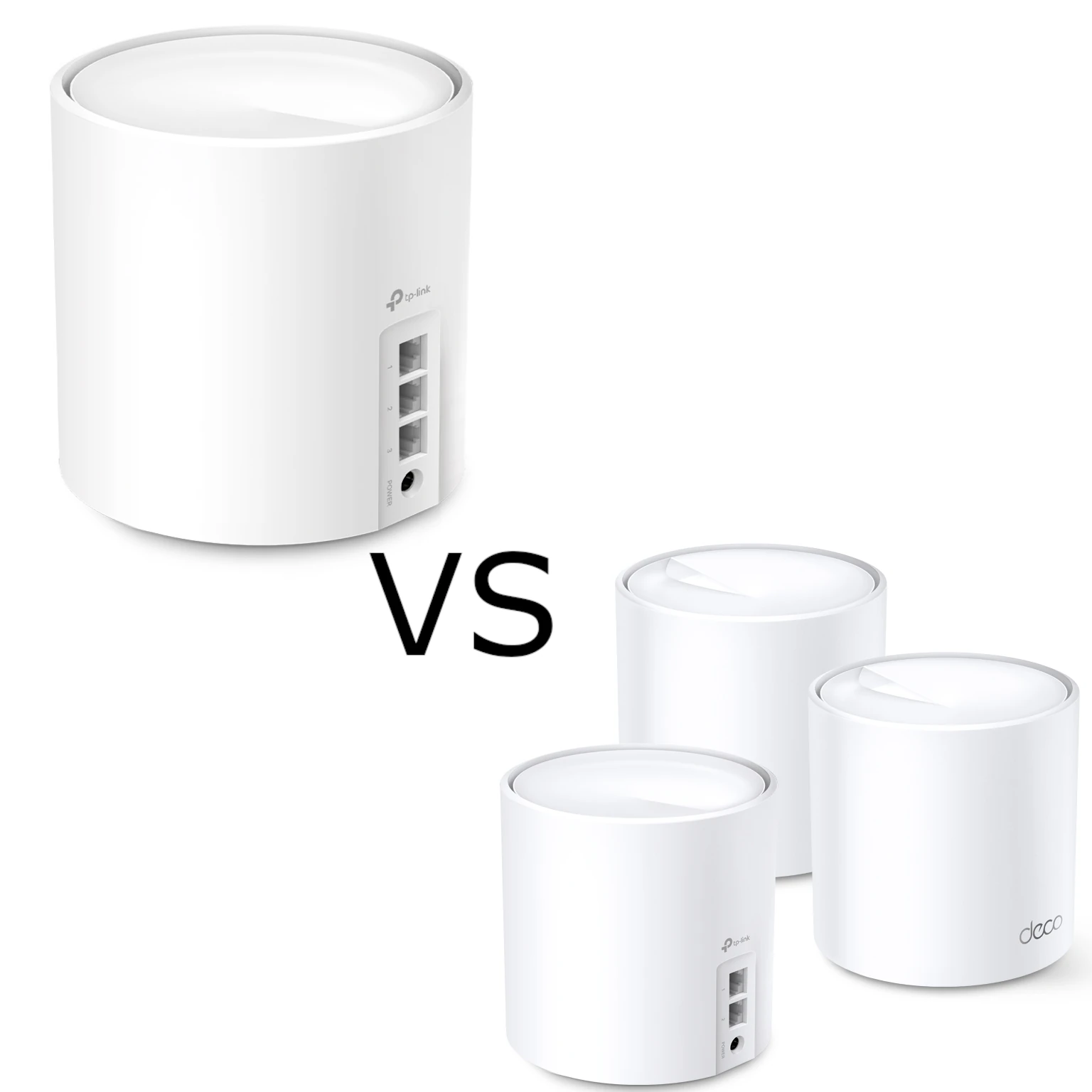
The Deco X55 comparison and X60 guide cover dual-band options. If your satellites are already wired, the X95's extra wireless backhaul resource may be less valuable. Check revisions rather than assuming every X60 is AX5400: the cited current US page lists an AX3000 profile.
The XE75 Pro is a different tri-band design, using 2.4 GHz, 5 GHz and 6 GHz instead of two 5 GHz bands. Its cited US page lists one 2.5 Gbps and two Gigabit ports, so the same port-occupancy question matters. A 6 GHz option does not guarantee a better link through your walls, while ordinary 5 GHz clients cannot use its 6 GHz radio directly.
There is no universal rule that X95 is best for every thick-walled house or XE75 Pro requires perfect line of sight. Compare the exact pack, firmware, placement, client capabilities and local price. A useful home test is more informative than assigning each model to a fixed house category.
Pros and Limits
The X95's main attractions remain its extra 5 GHz capacity, smart-antenna design, app management and optional Ethernet backhaul. Its limits include a single multi-gigabit port, client-dependent high-rate features and no 6 GHz client access.
HomeShield has basic and paid features. Review your required service and Router versus AP mode limits; gateway parental controls and QoS do not operate identically in AP mode. Supported firmware and account security are part of the maintenance plan.
Who Should Consider It?
Consider the X95 when useful extra 5 GHz radio resources and convenient mesh management fit your layout. For gaming, calls or streaming, verify stability in the important rooms as well as speed. Compare a wired main-node baseline with the same client near satellites, and check local transfers separately from internet tests.
Our Recommendation
The X95 remains a compelling mesh option for the needs described here. Choose it with a clear placement and port plan, rather than relying on a promise of permanent future-proofing or a lag-free home. See TP-Link's X95 specifications, the current US X60 profile and XE75 Pro specifications for the referenced models.