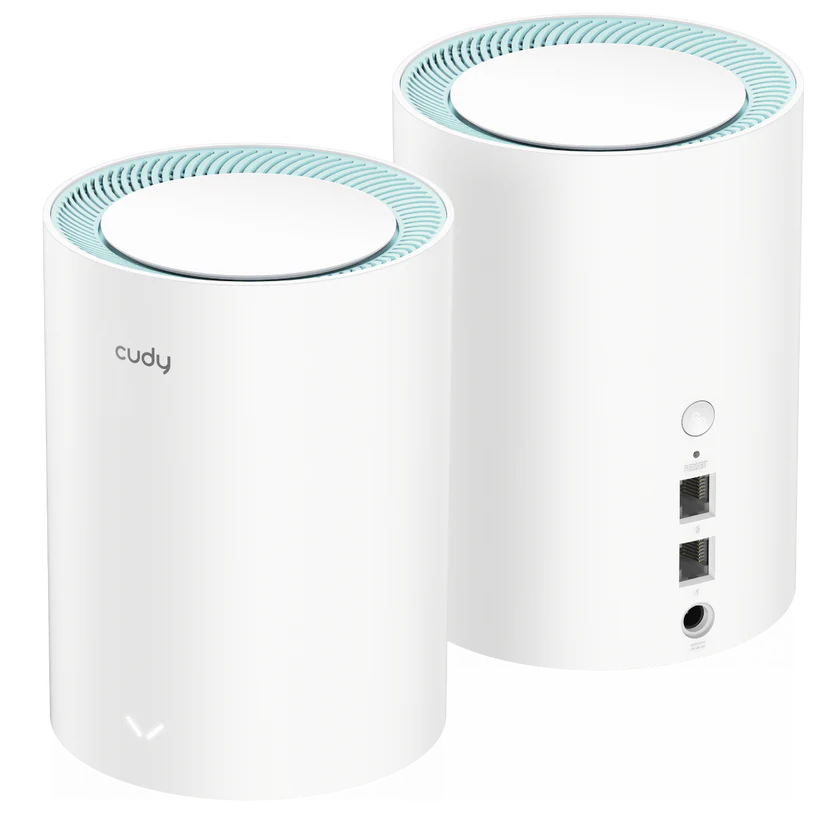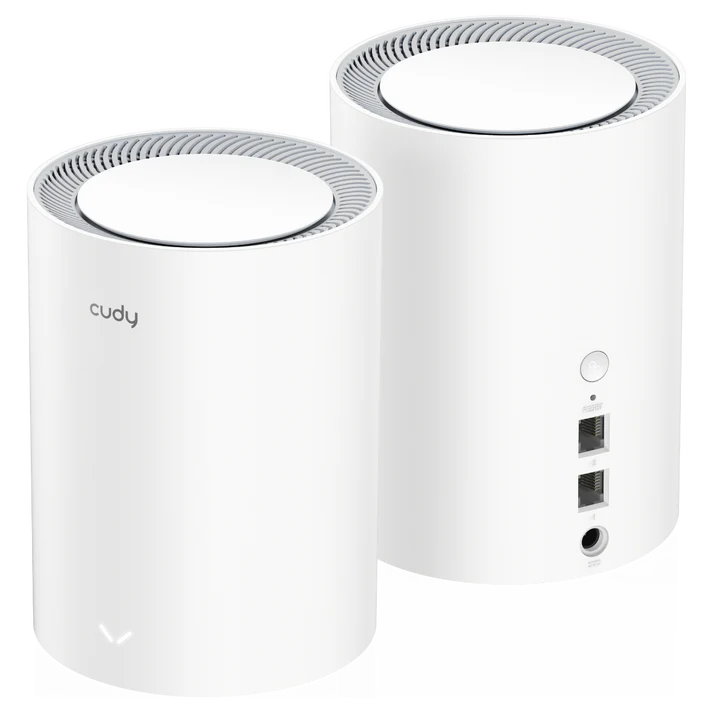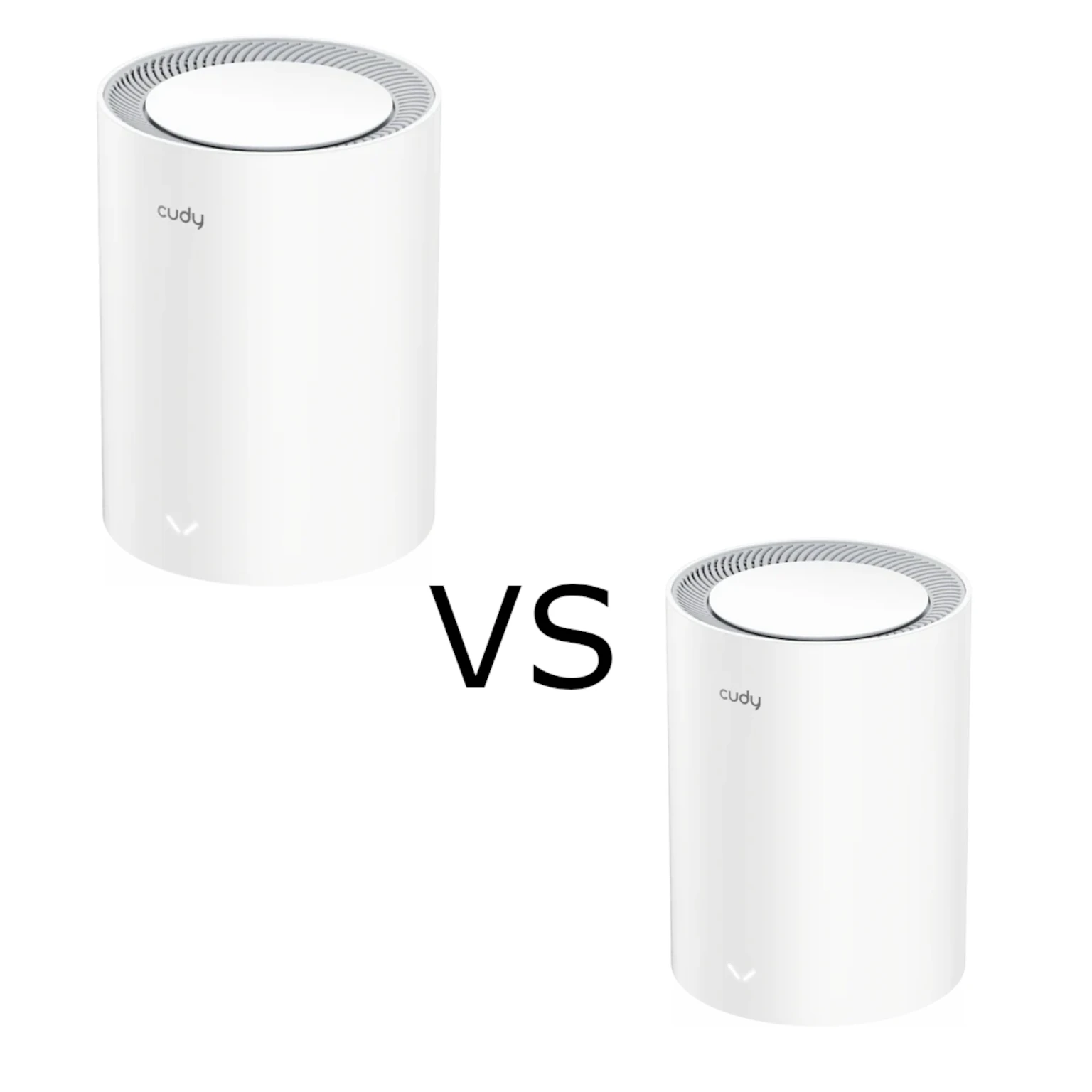
If Wi-Fi fades in the back bedroom, a mesh system can be more useful than a faster internet plan. The Cudy M1800 and M3000 both combine dual-band Wi-Fi 6 with expandable Cudy Mesh networking. The M1800 is the budget-oriented option to consider, while the M3000 adds a higher advertised 5 GHz rate and a 2.5G Ethernet socket.
Both are excellent candidates for an affordable home network when their features match the job. The meaningful comparison is the actual kit and hardware revision, your clients and the route traffic will take. A larger model number alone cannot establish faster video calls, better gaming latency or coverage through a difficult wall.
What mesh can improve
Several nodes spread the network across the home and make expansion easier. They can share a network name, so there is less need to select a different network manually as you move around. Roaming still involves the client device, and a mesh label is not a guarantee that a phone always chooses the strongest node or that a call never pauses.
A satellite needs a good backhaul connection to the main unit. Place it within useful signal range, rather than inside the existing dead zone. An extra unit can improve the route into a troublesome room, but it can also add another wireless hop. Start with the layout and likely node positions before choosing a two-pack or three-pack.
Wi-Fi 6 offers efficiency features such as OFDMA and MU-MIMO for supported clients. It is not the newest Wi-Fi generation, and neither system has a 6 GHz radio. Older devices remain limited by their own wireless capabilities. Smart-home equipment using modest amounts of data may benefit more from reliable placement than from a higher headline rate.
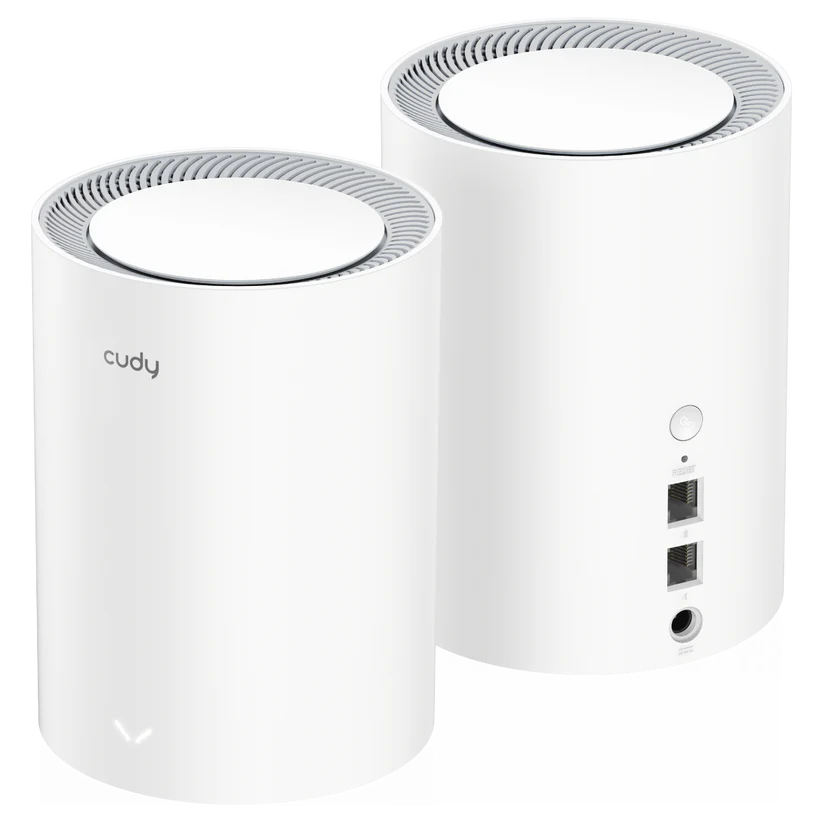
Compare the documented 2.0 revisions
The original product links identify M1800 2.0 and M3000 2.0. Use those revisions for this table, and check the label on any retailer's stock. Do not assume a photograph, a similar model name or a listing that omits the revision establishes identical internal hardware.
| Feature | M1800 2.0 | M3000 2.0 |
|---|---|---|
| Wi-Fi bands | 2.4 GHz and 5 GHz | 2.4 GHz and 5 GHz |
| Advertised 5 GHz rate | 1,201 Mbps | 2,402 Mbps |
| Advertised 2.4 GHz rate | 574 Mbps | 574 Mbps |
| Spatial streams | Two per band | Two per band |
| Maximum listed channel width | 80 MHz | 160 MHz |
| Internal antennas | Four | Five |
| Ethernet | Two Gigabit ports | One 2.5G WAN port and one Gigabit LAN port |
| Processor | 880 MHz dual-core MIPS1004Kc | 1.3 GHz dual-core ARM Cortex-A53 |
| RAM | 256 MB DDR3 | 256 MB DDR3 |
| Flash | 16 MB NOR | 128 MB NAND |
Five antennas do not make the M3000 a three-spatial-stream 5 GHz client connection: the current 2.0 table explicitly lists two spatial streams on each band. Its extra radio front-end hardware should not be translated into an unsupported three-stream throughput promise. Similarly, processor frequency and architecture are specifications, rather than proof of a fixed multiplier for VPN or inspection performance.
What the faster 5 GHz radio means
AX1800 and AX3000 are rounded classes based on adding radio rates across bands. They are not download speeds available to one laptop. The M3000's higher advertised 5 GHz rate is relevant when the client supports the corresponding Wi-Fi 6 capability and channel width, the local channel configuration permits it and signal conditions are suitable.
An 80 MHz-only client does not gain a 160 MHz connection just because the access point supports it. Wider channels also occupy more spectrum. In a crowded neighbourhood, compare stability and useful transfers rather than forcing the widest setting because it produces an attractive link-rate display. Local channel rules and firmware options matter; a narrower channel is not a universal guarantee of freedom from interference or channel changes.
For a fair comparison, use the same client, location and workload. Check the connected band and node before blaming a slow result on the model. A phone on 2.4 GHz behind two walls and a laptop beside the main node on 5 GHz are testing different paths.

Follow the Ethernet path before paying for 2.5G
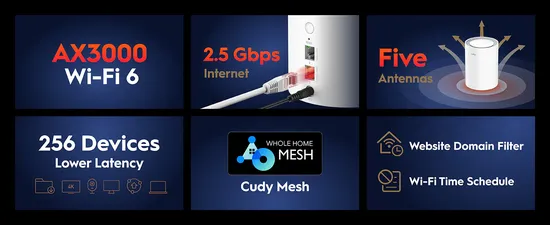
The M1800 has Gigabit Ethernet connections. The M3000 has a faster WAN socket, but its documented LAN socket remains Gigabit. If the main M3000 uses 2.5G for the internet connection, a desktop connected through its Gigabit LAN socket still crosses a Gigabit link. A satellite fed from that LAN socket through a switch has the same upstream limit.
The faster WAN connection can be useful for a suitable broadband service and aggregate traffic across clients, but it does not provide two multi-gigabit wired sockets. For a fast NAS, draw the route from the NAS port through each switch and router port to the client. One slow link is enough to limit that transfer, regardless of the wireless class printed on the box.
Both models list wired and wireless mesh backhaul. Wired backhaul can reduce dependence on a weak radio path, provided the topology and ports suit the selected mode. On the M1800, the first port is WAN by default and both become LAN ports in mesh satellite mode. Confirm the exact M3000 mode's port behaviour in its documentation rather than assuming every fast socket can always be reassigned.
Coverage claims need context
Current manufacturer indoor references give the M1800 2.0 two-pack about 170 m² and the M3000 2.0 two-pack about 200 m², under stated wireless-backhaul placement conditions. These are planning references, not promises for every building. Cudy explains that older M3000 retail coverage figures used a wooden structure, while the current website figures use a concrete structure. Different printed figures can reflect a different test setting.
Map the rooms where the network is used: the desk for video calls, television position and cameras outside may matter more than unused floor space. Test a candidate satellite position with an ordinary workload before deciding another node is needed. If a cable can reach a remote office, spending on that cable may improve consistency more than upgrading every radio.
Software, controls and VPN expectations
The current model tables include Cudy Mesh, router and access point operation, guest networking, parental controls and VPN server/client support, including WireGuard and OpenVPN. Match features to the installed firmware and operating mode. The M3000 guide says its parental controls work in wireless router mode; keeping another gateway in charge can change which device enforces household policies.
Use guest access for visitors and check the actual access settings if guests should not reach a NAS or printer. A guest network name alone is not a substitute for verifying the intended restrictions. Set a strong administration password, use supported wireless security, and leave remote management enabled only when it serves a real need.
VPN support is useful, but no fixed encrypted throughput is established here. Protocol, endpoint, provider, routing settings and firmware all affect the result. Compare the same connection with and without the tunnel, and confirm which devices should use it. A faster processor is not evidence that a particular VPN provider will deliver a promised speed or guarantee anonymity.
Choose a kit you can maintain
Check firmware availability for the exact model and revision before buying. Back up settings before updates, follow the supported update method and do not interrupt power. Cudy's current satellite-update guide lists M3000 support; do not assume that the same central update workflow automatically applies to every M1800 revision. Third-party firmware is a separate compatibility and recovery decision, not a requirement for using the stock mesh.
The current M1800 2.0 page is labelled Phase-Out, while M3000 1.0 is labelled EOL and points to a newer version. Those labels warrant checking the local support and warranty position; they do not establish a universal date when every update ends. Compare complete kit prices and hardware revisions, including any switches or cables you need.
Choose M1800 when the actual local saving is worthwhile and Gigabit connectivity and its radio capabilities meet your needs. Choose M3000 when compatible 160 MHz clients, greater documented capacity or the faster WAN interface will be useful. A large home or a long device list is a reason to plan the network carefully, rather than proof that only the higher-numbered model can work.
Official site for the Cudy M1800 / Official site for the Cudy M3000