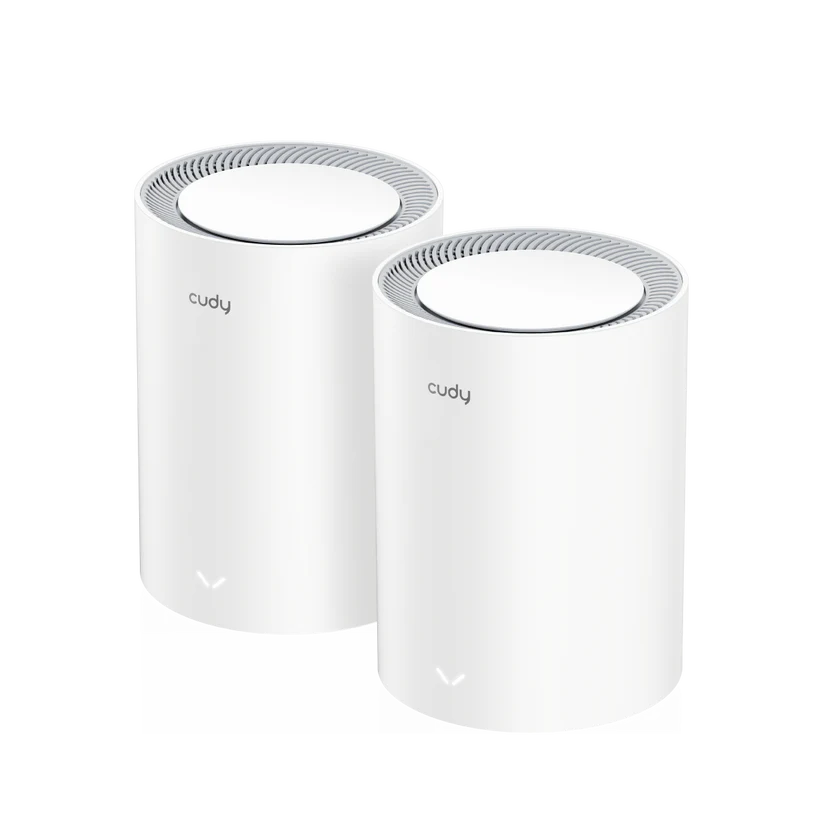
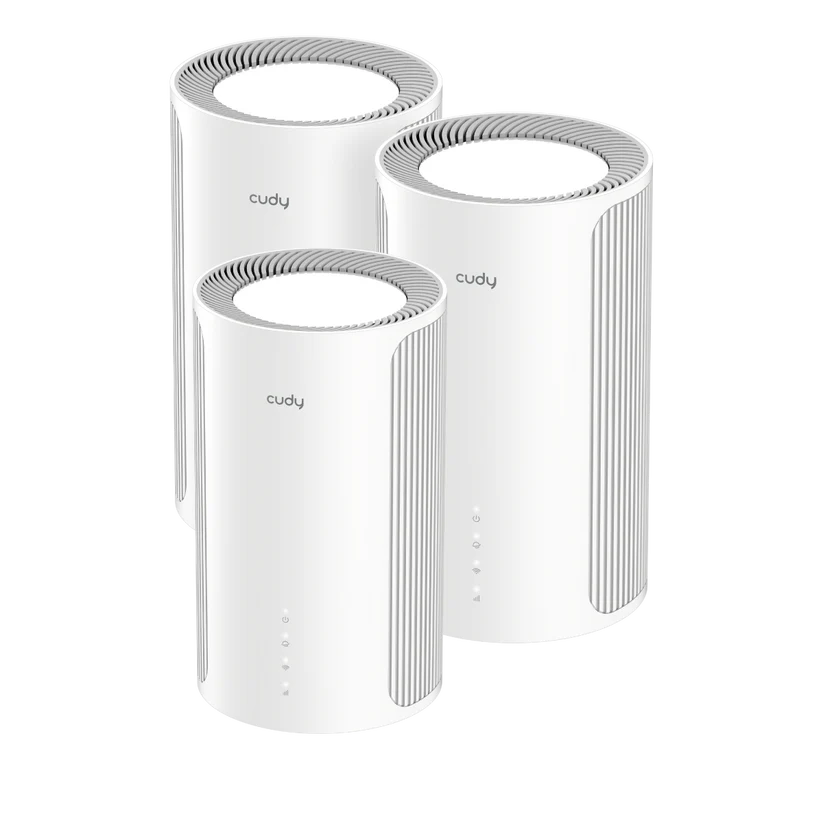
The Cudy M1200 is an inexpensive way to consider extending Wi-Fi across a modest home. Multiple mesh nodes can reach rooms that a single router struggles with, and one network name makes the arrangement easier to manage than several unrelated wireless networks. The important limitation is the wired connection: this model uses 100 Mbps Ethernet, even though its Wi-Fi class says AC1200.
We see a place for it in basic, budget-conscious setups, but we would not generally recommend it as a new long-term network purchase when faster broadband or local transfers matter. This guide explains that caution and the situations in which the M1200 can still make sense. It is based on specifications and practical planning, not a measured home installation.
Mesh Wi-Fi and the Backhaul
Imagine several watchtowers sharing information instead of one tower trying to see every corner of a kingdom. Mesh nodes share the same network and coordinate coverage, but a satellite also needs a way back to the main node. That connection is the backhaul. A strong signal between your phone and a nearby satellite does not prove the satellite has a good upstream connection.
Place nodes where they can hear the network well, then check the rooms where you work or stream. Avoid hiding them in cupboards or placing a wireless satellite at the farthest point where the main router is already unusable. A larger pack can improve placement options, but adding nodes does not automatically increase the internet connection's capacity.
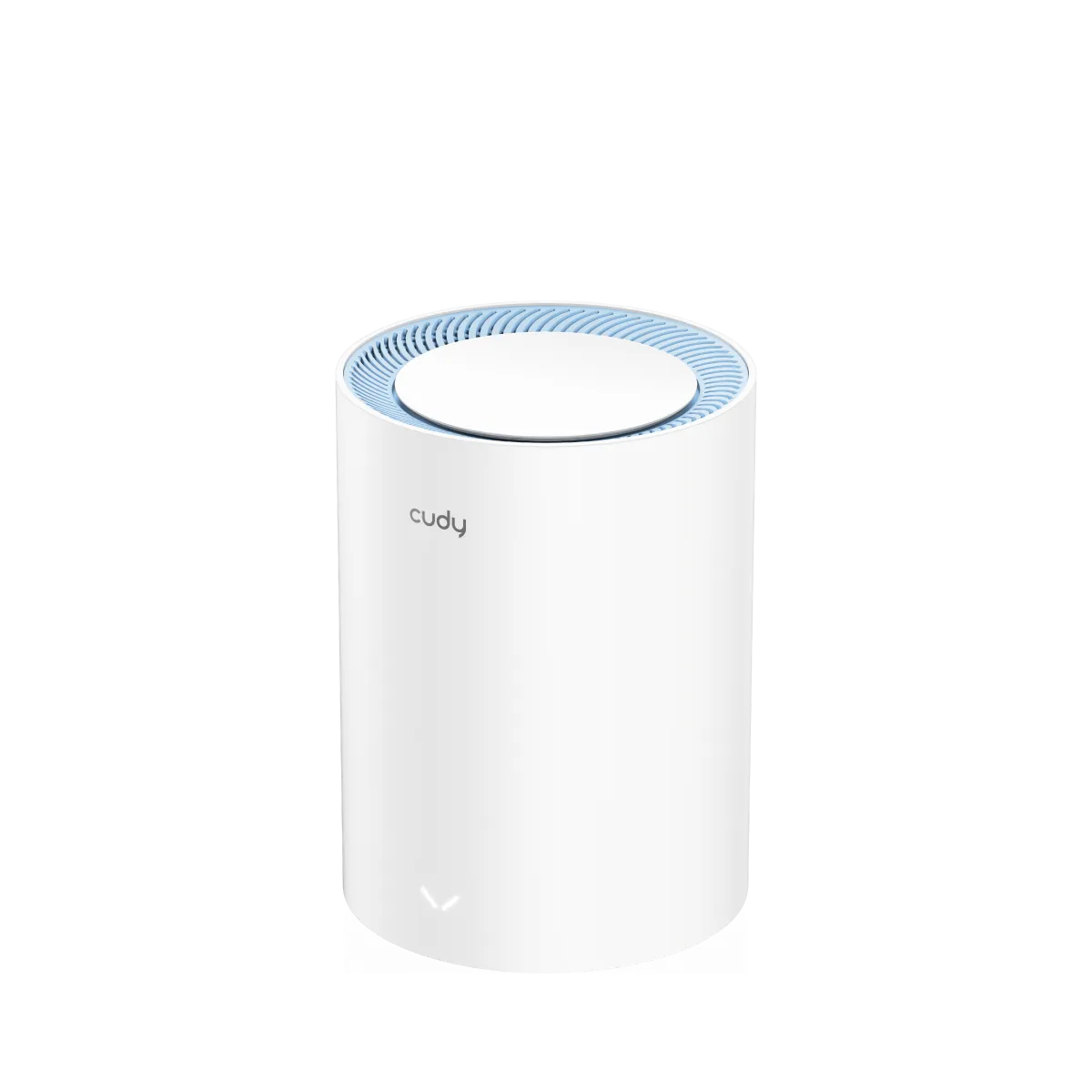
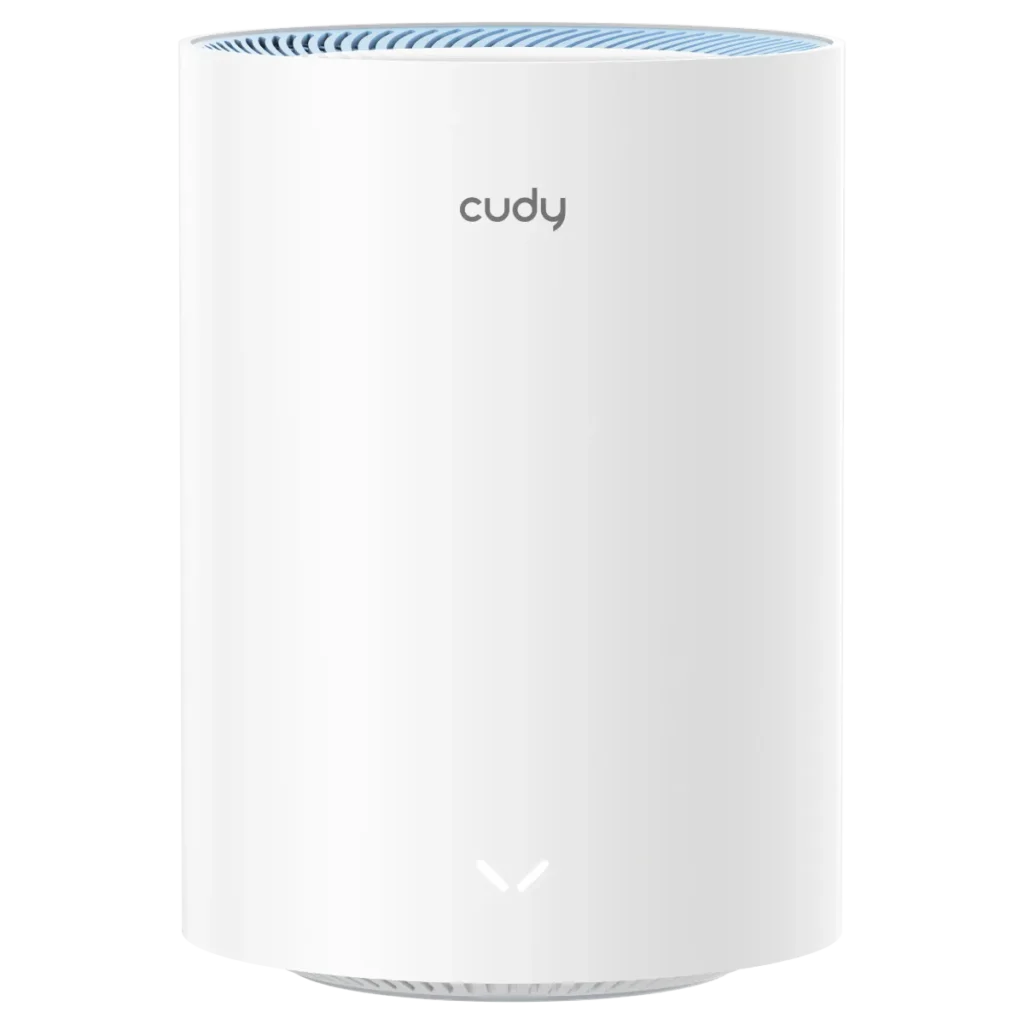
M1200 1.0 Specifications
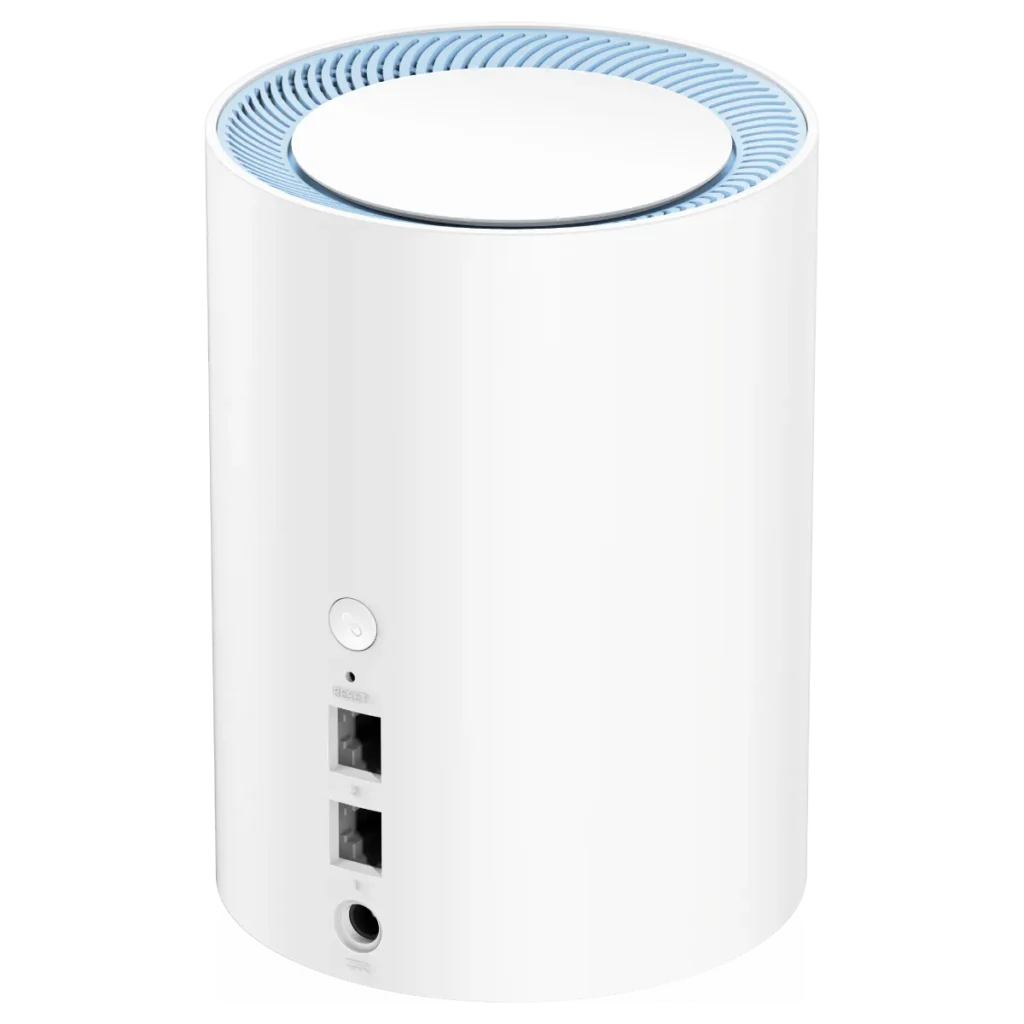
The cylindrical units in these photos correspond to the older M1200 format. The M1200 1.0 product page identifies that revision and currently marks it EOL with a newer version available. Verify the label before selecting firmware or comparing an offer.
| Item | M1200 1.0 |
|---|---|
| Wireless class | Dual-band Wi-Fi 5, AC1200 |
| 5 / 2.4 GHz rates | 867 / 300 Mbps |
| Streams | Two per band; MU-MIMO on 5 GHz |
| Ethernet | Two 10/100 Mbps sockets |
| Port role | Port 1 defaults to WAN; satellite-mode ports are LAN |
Cudy also publishes a South African M1200 2.0 listing. It has a different compact enclosure and documents automatic WAN/LAN ports, but still lists the same Wi-Fi rates and Fast Ethernet limitation. A revision change should not be mistaken for an upgrade to Gigabit Ethernet.
Why AC1200 Does Not Mean 1200 Mbps Internet
AC1200 is a rounded wireless class based on the two radio rates. It is not the speed delivered to one phone and does not override a slower physical port. In router mode, traffic from the broadband equipment must cross the WAN connection. A 100 Mbps link cannot carry a 200 Mbps internet service at its full rate, and application throughput is lower than the nominal line rate because the connection carries framing and other overhead.
That is why the port specification is a more important buying consideration here than the large AC1200 label. An existing slow plan may fit within the limit, but compare the cost of replacing the mesh again when you upgrade your service. Local wired file copies and Ethernet backhaul also use the same class of ports; moving the device into AP mode does not make them faster.
This does not mean every game or stream needs Gigabit speeds. Workload, stability and latency matter. A lightly used household can have adequate service on a slower plan, while several simultaneous downloads can consume it quickly. Avoid treating a particular broadband tier as a guarantee that every household activity will work smoothly.
Wi-Fi 5, Clients and Coverage Limits
Wi-Fi 5's newer radio features apply to 5 GHz; the 2.4 GHz side uses earlier wireless technology. The bands share neither one unlimited pool of bandwidth nor identical propagation. A client must support the relevant features for MU-MIMO to help, and Wi-Fi 6 scheduling features are not added to this device just because a newer phone connects.
Newer Wi-Fi equipment can offer useful efficiency and speed improvements, but a newer generation alone does not prove better coverage through your particular walls. Client antennas, channel choices, node placement and the backhaul remain important. Likewise, a single SSID can assist roaming without guaranteeing an under-100-millisecond handover or preventing every call interruption.
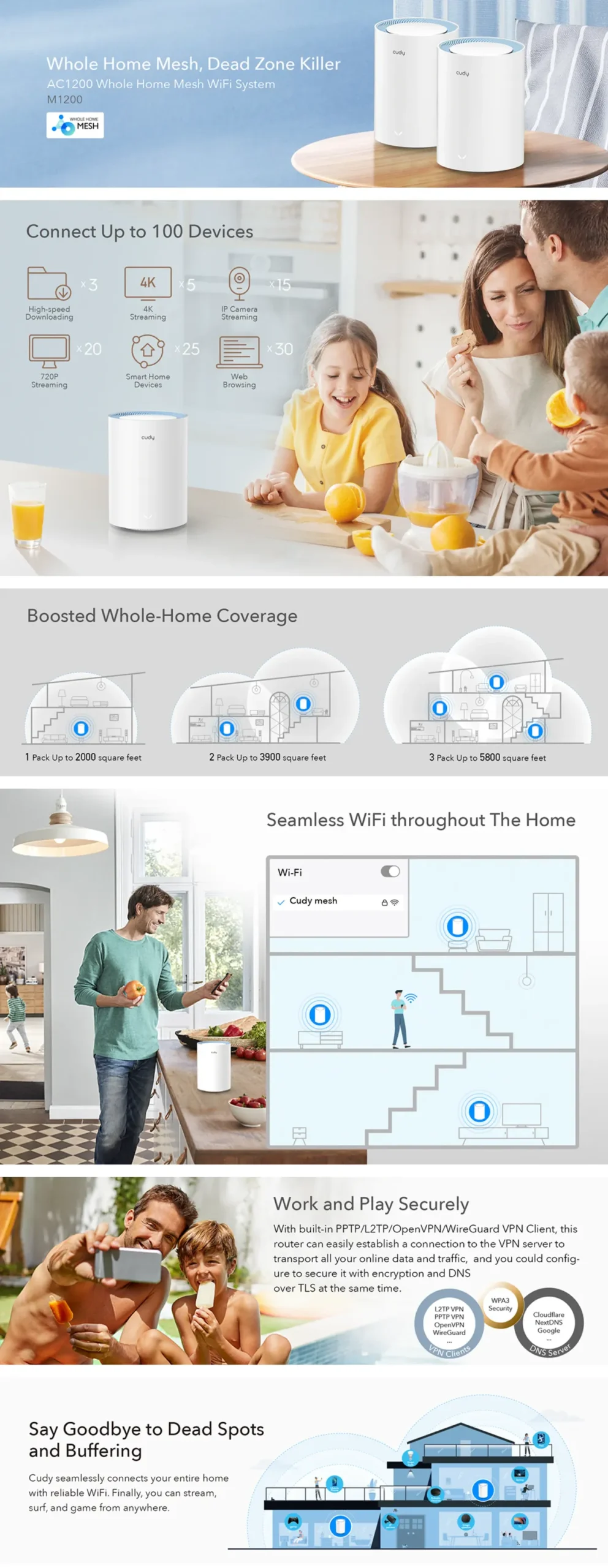
The promotional image above advertises 100 devices and larger coverage areas. The current 1.0 specification instead gives a recommended client upper limit of 50 and indoor references of 1,700 square feet for two units or 2,400 for three. These are differently scoped vendor claims, not measurements from our home. Use your active workloads and floor plan to decide, rather than choosing whichever headline is largest.
Security and Firmware Revision
The current Cudy software table lists WPA, WPA2 and WPA3 for M1200 1.0. Check the options actually exposed by your installed firmware and region instead of assuming that Wi-Fi 5 automatically excludes WPA3, or that every older installation has identical settings. Our WPA2 and WPA3 guide explains why the security choice matters.
Use a unique administrator password, supported updates for the exact revision and suitable wireless authentication. An EOL product label is a reason to investigate the available support path before buying; it does not by itself tell you the precise end date of every firmware download. Save the configuration before updating and retain the supplier's return/support terms if buying older stock.
Router or Access-Point Mode?
Decide which device should handle routing and DHCP. If you keep an existing ISP router for those jobs, an access-point arrangement can extend its network without adding another routing layer. In router mode, the M1200 forms its own routed network and its main node provides the addressing functions.
Cudy's AP instructions use the setup wizard and warn that the upstream router assigns the management IP afterwards. Do not assume 192.168.10.1 will remain the right administration address. Look up the assigned address in the main router's client list, and follow the menu names shown by your current firmware.
Pair compatible mesh units near each other before placing the satellites, as described in Cudy's mesh guide. Do not reset an already configured household network casually just because a new-unit guide begins with factory settings. Keep a note of the current SSID, credentials and addressing before a change that could disconnect your devices.
Management, Privacy and Guest Access
Local web management can be convenient, and Cudy also lists app/cloud-control options. Local access does not create a blanket guarantee of complete privacy. Decide whether you need remote management, understand which account it uses and restrict administrator access appropriately.
Test guest-network isolation in the mode you choose rather than assuming a separate network name blocks every path to your private devices. For a printer or smart-home device that needs local communication, consider the necessary access before moving it to an isolated network. A DHCP reservation can help a service keep a stable address, but it is not the same thing as granting access through a firewall.
A Small-Home Evaluation Checklist
Start with one consistent client and a wired baseline from the existing network. Compare the main mesh node, the satellite and the room that originally had weak service. Note whether the backhaul is wired or wireless, and distinguish an internet speed test from a local file transfer.
Then try the activities that matter: a work call while someone streams, an update download, and movement between floors. Watch whether the client stays attached to a distant node. If a satellite is slow, move it closer before buying another unit. If every wired test stops near the port limit, changing wireless channels cannot remove that bottleneck.
For running costs, use a plug-in meter and your local tariff if electricity use matters. A power-adapter rating is not an idle measurement, and neither a fixed annual dollar cost nor a guessed wattage is useful without the relevant conditions.
Final Verdict and Buyer Guidance
The M1200 can be a viable inexpensive option for modest coverage needs and basic internet use. Our caution remains the 100 Mbps wired ceiling: we would not generally recommend it when you want room for faster broadband, demanding local storage transfers or a longer-lived upgrade. Compare an affordable Gigabit-equipped alternative before deciding, even if it is another Wi-Fi 5 model.
For a constrained budget and an intentionally slow connection, check the exact revision, support status, pack size and actual room coverage. For a busy household or planned speed increase, our preference is to explore a more capable system rather than buy around a limitation you already expect to outgrow.