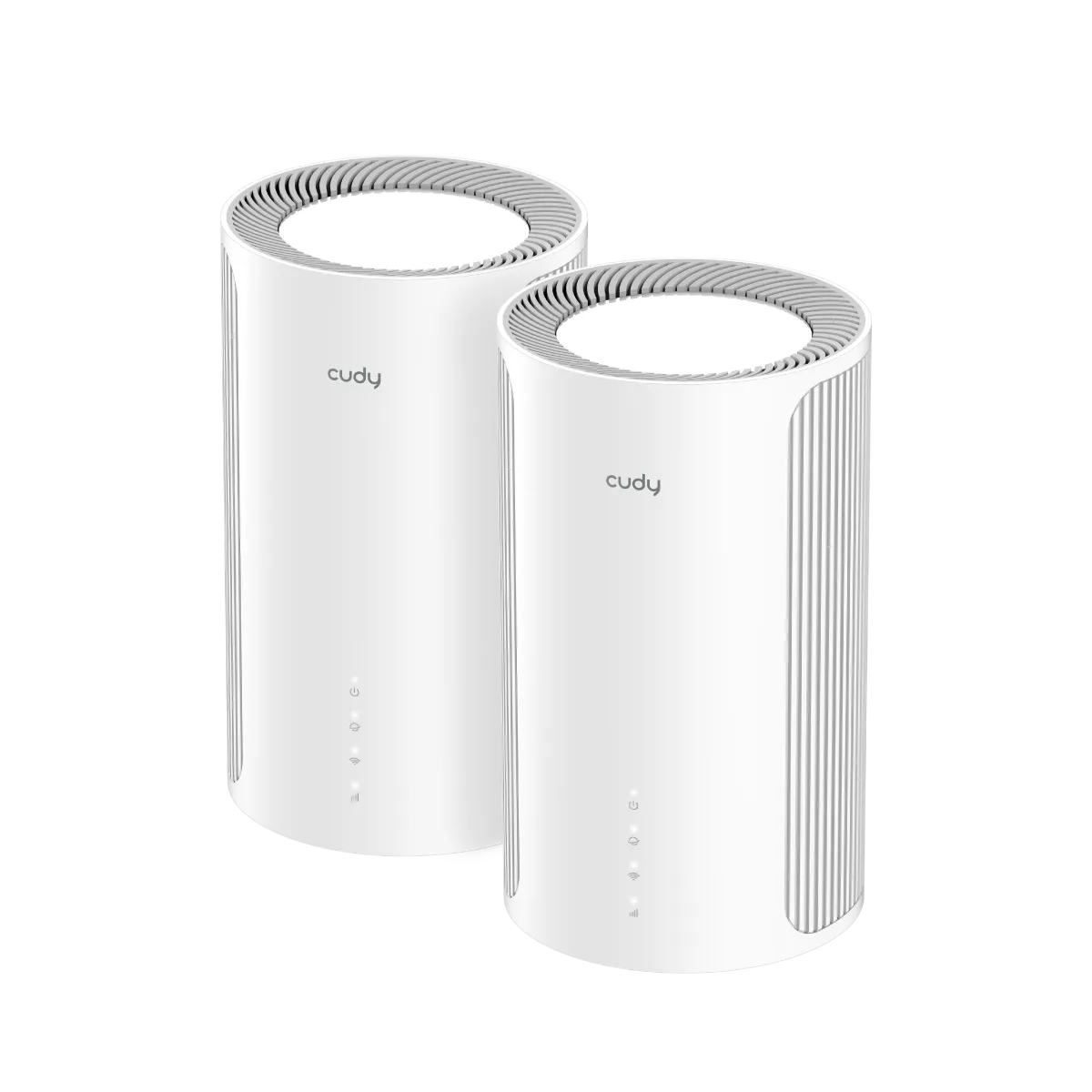
It has been a while since we looked at a mesh system, and the Cudy M6500 is an exciting option. Its combination of Wi-Fi 7 features and a comparatively accessible price made it appealing when this article was published in February 2025. I still like the value proposition when the local price is competitive, but compare the exact pack, warranty and hardware version before buying.
This guide concerns M6500 1.0. It is a dual-band system, so its benefits need to be assessed as dual-band Wi-Fi 7 rather than as a substitute for every tri-band model. A good purchase should improve the rooms and devices you actually use, rather than merely raise the number on the box.
Why choose mesh?
Think of a single router as a spotlight that reaches the center of a room but leaves corners dim. Additional mesh nodes can place useful coverage closer to distant rooms while sharing network management. This is convenient for a larger home, remote work and smart devices spread across several areas.
Each satellite also needs a link back toward the main unit: its backhaul. A node placed in an existing dead zone may advertise a strong local signal while struggling to reach the rest of the network. Place it where its upstream connection is still useful, then test the room beyond it.
One network name simplifies use, but devices participate in the roaming decision. A phone may remain connected to a more distant node, and roaming during a call is not guaranteed to be interruption-free. Fewer well-placed nodes can be more useful than filling the house with competing radios.
Wi-Fi 7 features this model actually offers
The M6500 uses 2.4 GHz and 5 GHz; it does not have a 6 GHz radio. Cudy lists channels up to 160 MHz, not 320 MHz. Wi-Fi 7 encompasses several improvements, but a product's generation label does not mean it implements every headline feature.
Cudy documents Multi-Link Operation and 4K-QAM for this model. MLO lets supported Wi-Fi 7 equipment use multiple links; it is not a promise that an ordinary client connects to several independent mesh nodes simultaneously. On this dual-band model, do not describe MLO as combining a nonexistent 6 GHz band. Read more about MLO
Benefits depend on a compatible client, its operating system and drivers, the router firmware and radio conditions. Older Wi-Fi devices can still be useful on the network, but they do not acquire MLO or Wi-Fi 7 modulation simply by connecting. Wider channels also need usable spectrum; they do not automatically reduce congestion in a crowded location.
Verified M6500 1.0 specifications
| Feature | Cudy's published specification |
|---|---|
| Wireless | Dual-band Wi-Fi 7; 5 GHz and 2.4 GHz. |
| Advertised radio rates | 5,765 Mbps plus 688 Mbps; 6,453 Mbps aggregate class. |
| Streams and antennas | Four streams on 5 GHz, two on 2.4 GHz; six fixed antennas. |
| Maximum listed channel width | 160 MHz. |
| Ethernet | One 2.5 GbE port and three Gigabit ports per unit. |
| Backhaul | Wired or wireless Cudy Mesh. |
| Current indoor coverage references | Two-pack: 260 m² / 2,700 ft²; three-pack: 360 m² / 3,800 ft², under the stated placement conditions. |
| Recommended client upper limit | 200; a capacity reference rather than a simultaneous throughput guarantee. |
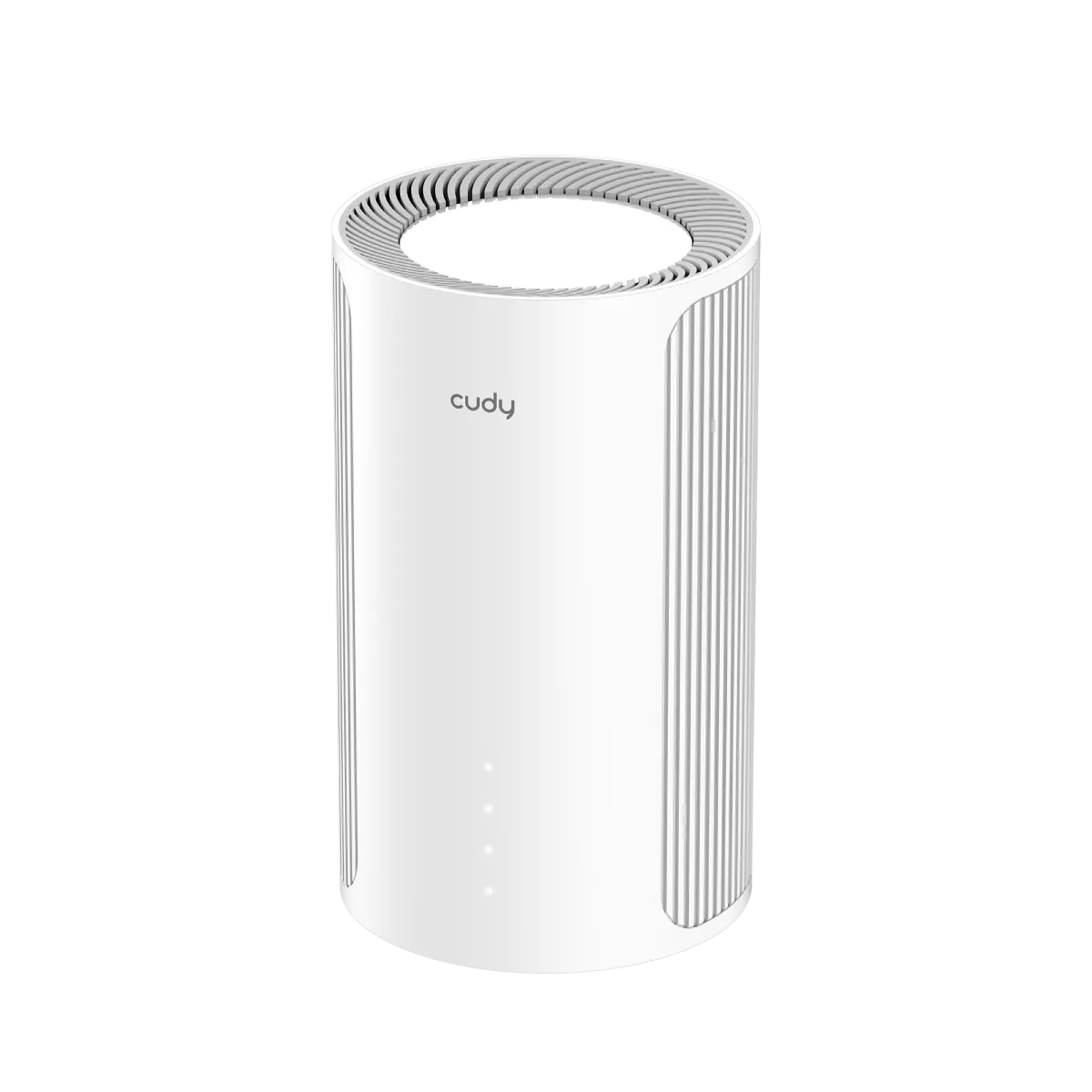
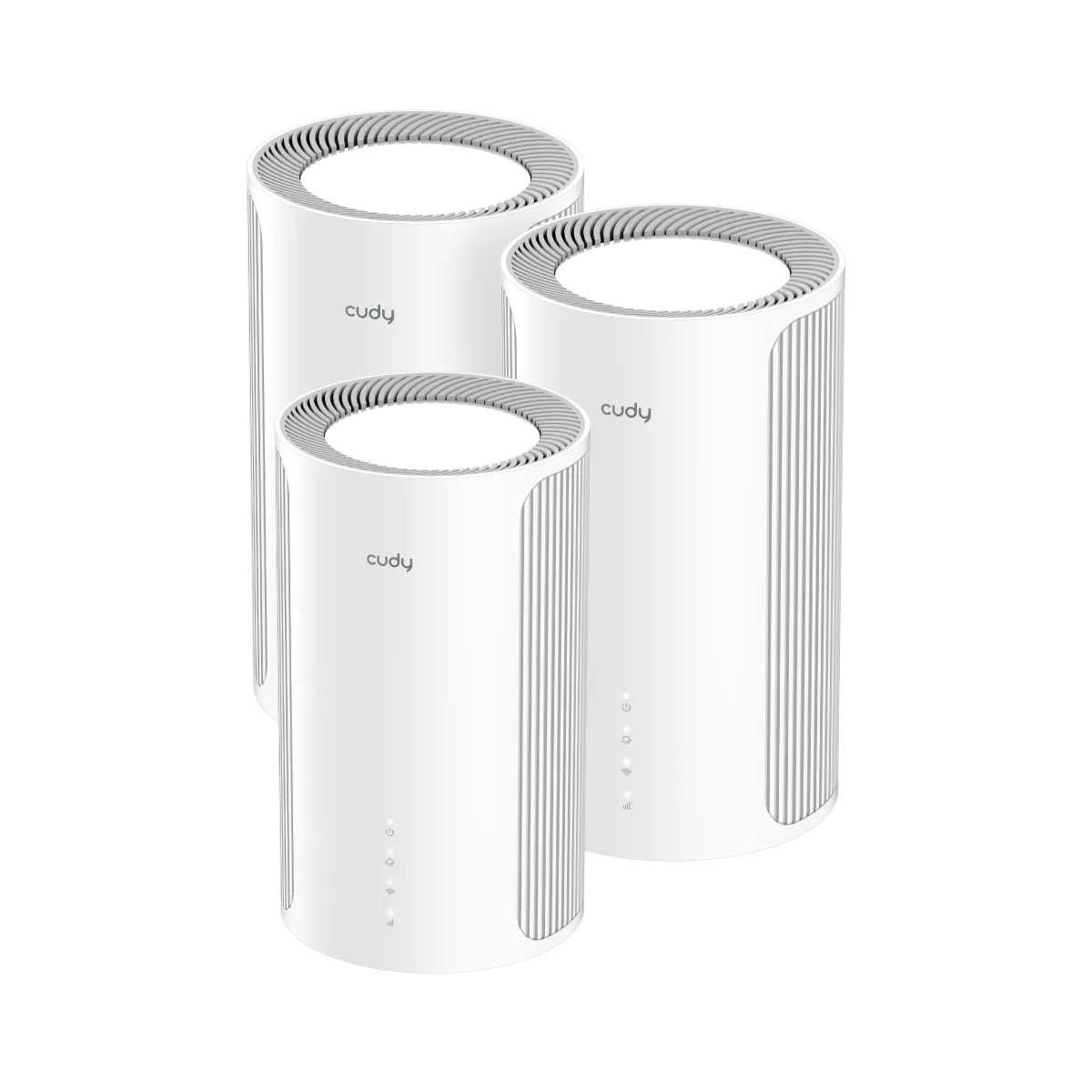
These are manufacturer specifications, not measured results. BE6500 is a combined radio-rate class, not a 6.5 Gbps file transfer or internet promise. Do not divide that number equally among devices or assume a two-stream laptop can use all four 5 GHz streams.
The coverage references are conditional, and the meter/foot figures are Cudy's rounded values. Walls, floor construction, interference and placement matter more than a simple area conversion when determining whether a specific home needs two or three units.
Ports and the complete path matter
The single 2.5 GbE socket can be useful for an internet connection above Gigabit. It does not mean the three other sockets become multi-gigabit. A computer on a Gigabit LAN connection has that link in its path even when the WAN connection is faster.
Cudy's model table describes one WAN port and the remainder as LAN. Its generic network guide also describes a LAN/WAN switch but warns that it is not available on all models. Confirm the actual mode and firmware before planning to repurpose the fast port for a NAS or satellite uplink.
Draw the intended connections before purchasing: modem or ONT, main unit, satellites, any Ethernet switch, NAS and wired computers. A requirement for multi-gigabit WAN and multiple fast wired LAN connections may call for different port hardware. Count the sockets consumed by backhaul and reserve enough for the clients you need.
Where it can be useful
The M6500 remains attractive for a busy household that wants multiple managed coverage points and can use its client and Ethernet capabilities. It can support streaming, work calls and gaming, but none of those activities becomes lag-free solely because the router supports Wi-Fi 7.
For a fixed gaming PC, a stable wired path is worth considering first. For a work laptop, test the desk and the route used during calls. For smart-home devices, reliable coverage and compatible security settings may matter more than peak speed. A large count of idle sensors is a different workload from many concurrent uploads.
Keep local and internet performance separate. A slow internet plan can limit downloads even when local Wi-Fi is excellent; a poor satellite backhaul can limit a nearby client even with a fast plan. There can still be a benefit below 1 Gbps when coverage is the problem, so a slower subscription does not automatically make mesh pointless.
Setup, mode and maintenance
Set up the main unit and pair additional nodes before moving them to their intended rooms. Cudy's mesh status documentation exposes the node's connection and backhaul information, which helps distinguish a weak upstream link from a client problem. Check the displayed state rather than assuming a cable is being used.
Decide which device routes the network. If keeping an existing gateway, compare the supported access-point arrangement with replacing its routing role. Functions differ by operating mode and firmware, so confirm any required parental controls, guest behavior or provider settings before switching modes.
Cudy's documentation lists satellite firmware updates for M6500 and recommends configuration backups before updates. Schedule maintenance when interruptions are acceptable and retain recovery information. App and web management can be useful, but convenience does not remove the need for a strong administrator password and supported firmware.
Choose security settings that suit the clients you own. WPA3 support is an advantage, but it is not universal protection from every threat. Test guest access to the main network and shared devices under your actual mode; a separate network name alone does not prove the isolation you intend.
A useful evaluation before committing
Check a wired internet baseline at the gateway, then use the same wireless client near the main unit and at each satellite. Record the connection type and location so a changed client or room does not masquerade as a router improvement. Repeat with ordinary household traffic and look at stability as well as the best download result.
If one room performs poorly, move its satellite closer to the upstream node before adding another unit. If a wired-backhaul arrangement is available, verify its negotiated link and actual mesh status. If only one older client fails, check its driver and supported security settings before resetting the whole system.
For a price comparison, use equal pack sizes and include switches, cables and warranty support. Compare against both established Wi-Fi 6 mesh and other Wi-Fi 7 kits. The fastest aggregate class is not necessarily the best way to spend the budget if it leaves the original coverage problem unresolved.
My view
I see the M6500 as an appealing value-focused Wi-Fi 7 option when its local price and features fit the home. The six-stream dual-band design, mesh management and fast WAN option are useful strengths. Its lack of 6 GHz, 160 MHz channel limit and single multi-gigabit socket are equally important buying details.
The positive value judgment depends on the actual price difference and intended devices. It is a worthwhile shortlist candidate, rather than a guarantee of better results than every older or more expensive system. Choose it when the complete network plan works for your rooms, backhaul and clients. Visit the official Cudy M6500 Website.