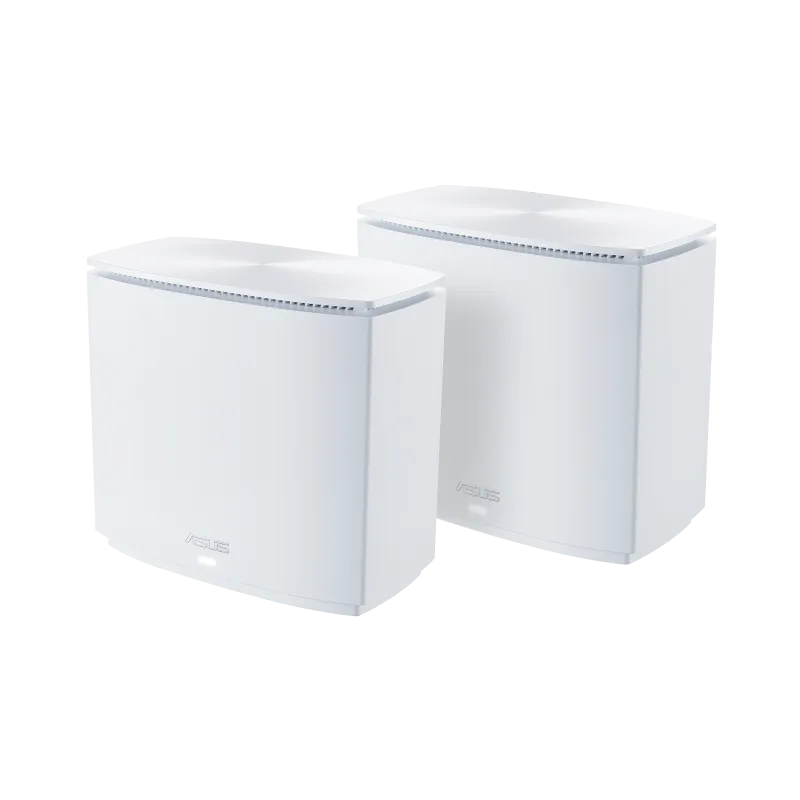
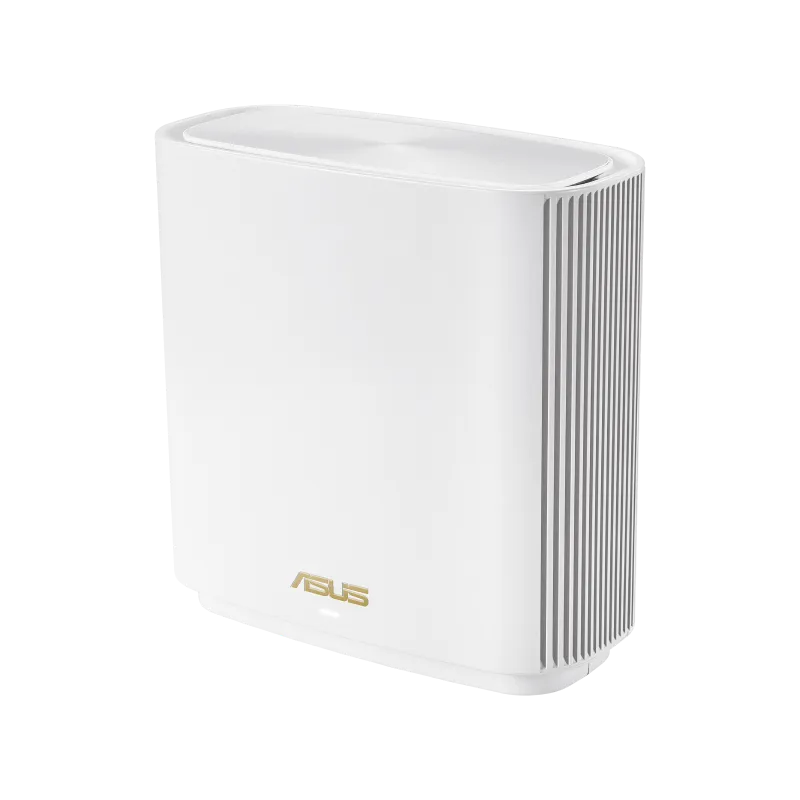
The ASUS ZenWiFi XD6 combines Wi-Fi 6 with AiMesh networking to extend coverage around a home. The original assessment remains positive: it is an excellent option to consider for a household wanting approachable management and several wired ports alongside mesh coverage. Matching its capabilities to your layout and devices is more useful than assuming any kit can eliminate every dead zone.
Understanding Wi-Fi 6
Wi-Fi 6 is based on 802.11ax. It can improve airtime efficiency and capacity with compatible equipment through features such as OFDMA and MU-MIMO. These are capabilities of the radio system, not promises that every connected device receives its maximum speed simultaneously.
The XD6 operates on 2.4 GHz and 5 GHz. It is not a Wi-Fi 6E system and does not provide a 6 GHz band. Wi-Fi 6 also does not automatically mean greater range than every older router: placement, obstacles, antenna design and the client's own transmitter matter. WPA3 support is useful, but select security settings that your devices actually support.
Understanding AiMesh Coverage
A main router connects to the internet equipment, and additional nodes provide Wi-Fi in other locations. AiMesh coordinates supported ASUS equipment through one managed system. Nodes need a usable upstream path, called backhaul, which can be wireless or Ethernet on this model.
A phone ultimately decides when to move to a different access point. Network assistance can make movement smoother, but the client may remain attached to a distant node. Test the equipment you own while walking through the home, particularly during a call. A mesh label does not establish a universal interruption-free handover.
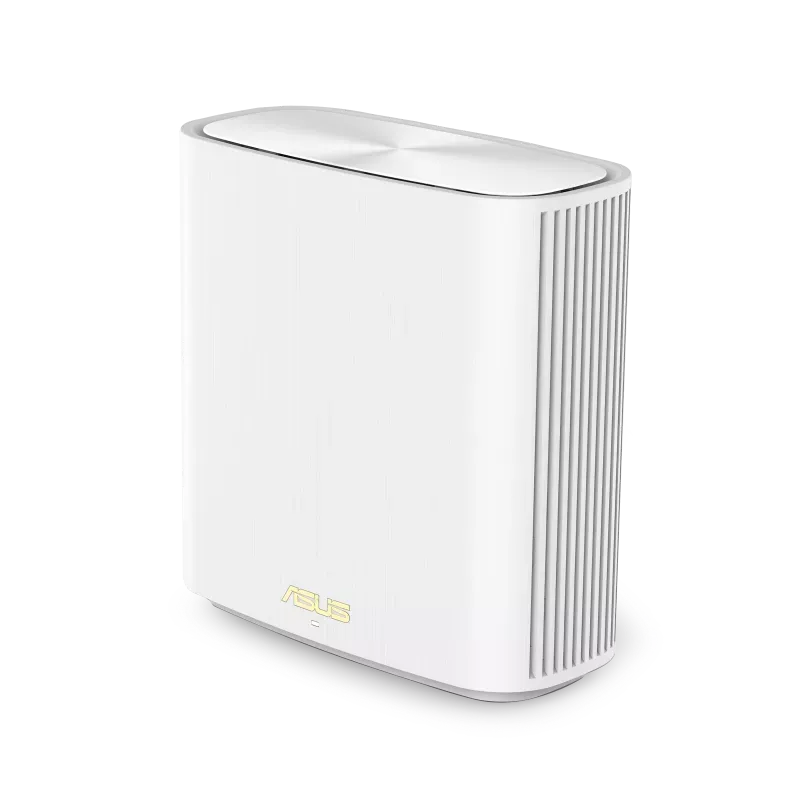
ASUS ZenWiFi XD6 Specifications
| Feature | Referenced XD6 specification |
|---|---|
| Radio class | AX5400: up to 574 Mbps on 2.4 GHz and 4,804 Mbps on 5 GHz. |
| Radio configuration | 2×2 on 2.4 GHz; 4×4 on 5 GHz; six internal antennas. |
| Channel-width support | Up to 160 MHz, subject to radio, client and regional conditions. |
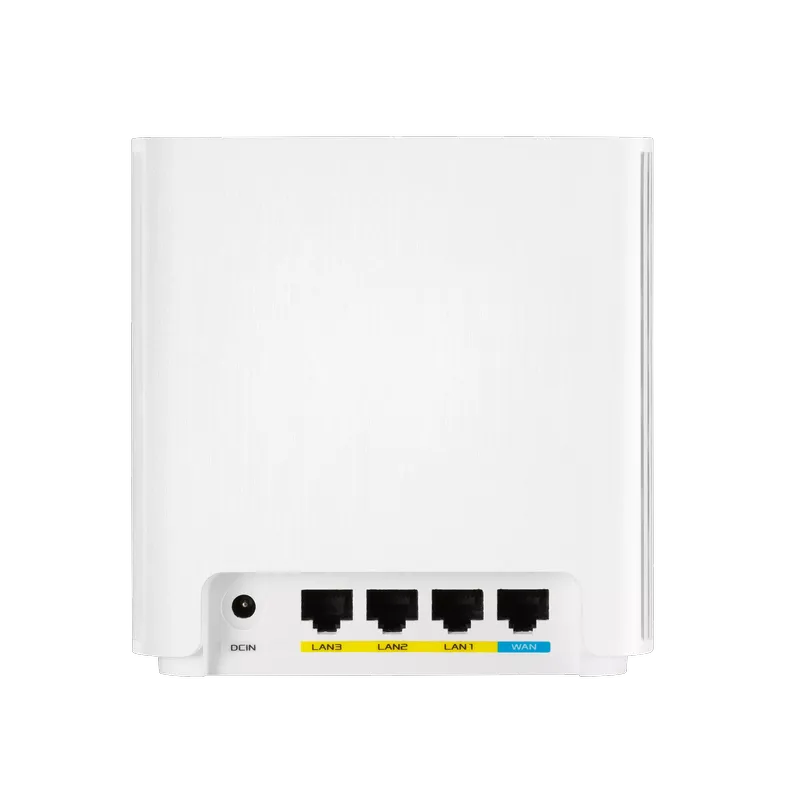
| Ethernet ports | One Gigabit WAN and three Gigabit LAN ports per XD6 unit. |
| Processor and memory | 1.5 GHz tri-core; 256 MB flash and 512 MB RAM. |
| Dimensions and weight | 126.4 × 59.05 × 129.7 mm; XD6 listed at 435 g. |
| Management | ASUS Router app and web interface; supported router/AP and AiMesh roles. |
| Coverage example | ASUS advertises up to 5,400 square feet for a two-pack, subject to conditions. |
The radio-rate sum defines a product class, not an internet download rate. A common two-stream client cannot use four spatial streams simply because the router supports them. The WAN and LAN ports are Gigabit, so any traffic crossing one of those links is constrained by its negotiated rate and overhead even when the wireless radio advertises a larger number.
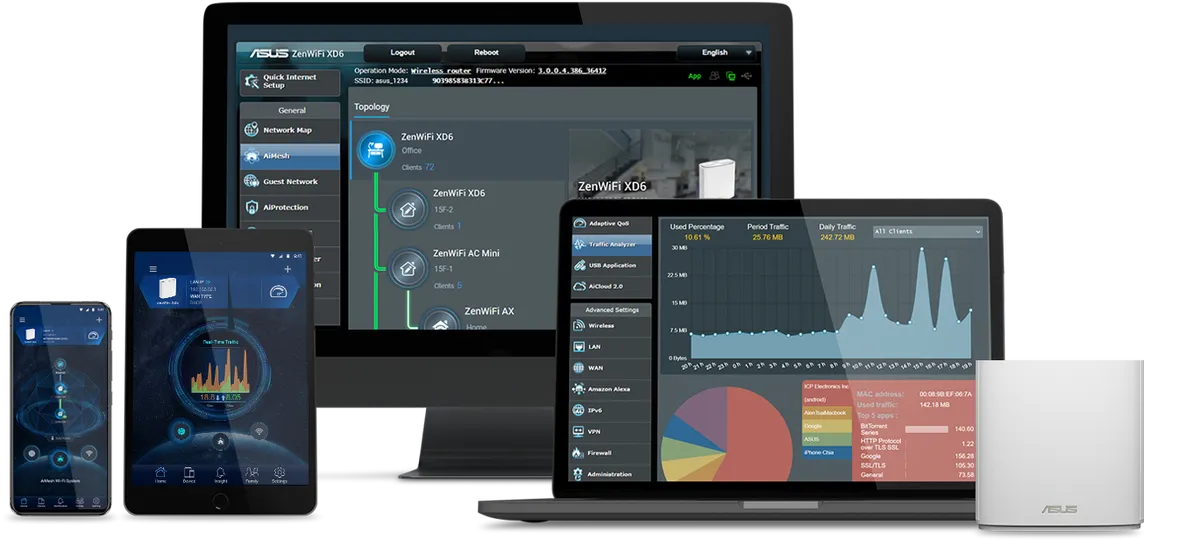
This feature illustration shows app and web-interface examples. It does not depict the internal antenna layout, and interface details vary with firmware. The original port photograph above is particularly useful for checking whether a retail listing shows the standard XD6 or the differently equipped XD6S.
What the 4×4 5 GHz Radio Adds
Two XD6 nodes can use their supported four-stream radio capabilities for a wireless backhaul under suitable conditions. That extra capacity can be useful compared with a smaller radio configuration. It does not mean the nodes always maintain their maximum link rate through floors or simultaneously provide a separate full-speed lane to every client.
This is a dual-band system. Wireless backhaul and client transmissions use shared radio resources. Wider channels may raise the available link rate when supported, but they occupy more spectrum. Interference and local channel restrictions can make a narrower setting more reliable in a particular home.
Some 5 GHz channels require Dynamic Frequency Selection to protect radar users. ASUS documents channel-availability checks and channel or bandwidth changes after radar detection. A 160 MHz setting therefore does not guarantee an uninterrupted maximum-width connection. Follow the permitted settings for your region, and test whether your actual clients behave better at another supported width.
Ethernet Backhaul and Port Planning
Ethernet between nodes removes the wireless backhaul transmission from that path. It can free wireless airtime for clients, but it does not turn the 4,804 Mbps radio figure into a guaranteed application throughput. Check the Gigabit path, client capabilities and endpoints before expecting a particular file-transfer result.
Follow ASUS's AiMesh wiring guide and confirm that the node reports the intended uplink. Its global Ethernet Backhaul Mode is intended for an all-wired arrangement: ASUS warns that nodes without the required cable may lose their uplink. For a mix of wired and wireless nodes, use the documented per-node connection priority where supported rather than enabling the all-wired mode blindly.
At an office or television position, count which port the uplink occupies and how many LAN sockets remain for equipment. Adding a switch can be sensible if there are more devices than sockets. Avoid placing the node in a closed media cabinet simply because the wired devices are convenient there; its Wi-Fi coverage and ventilation still matter.
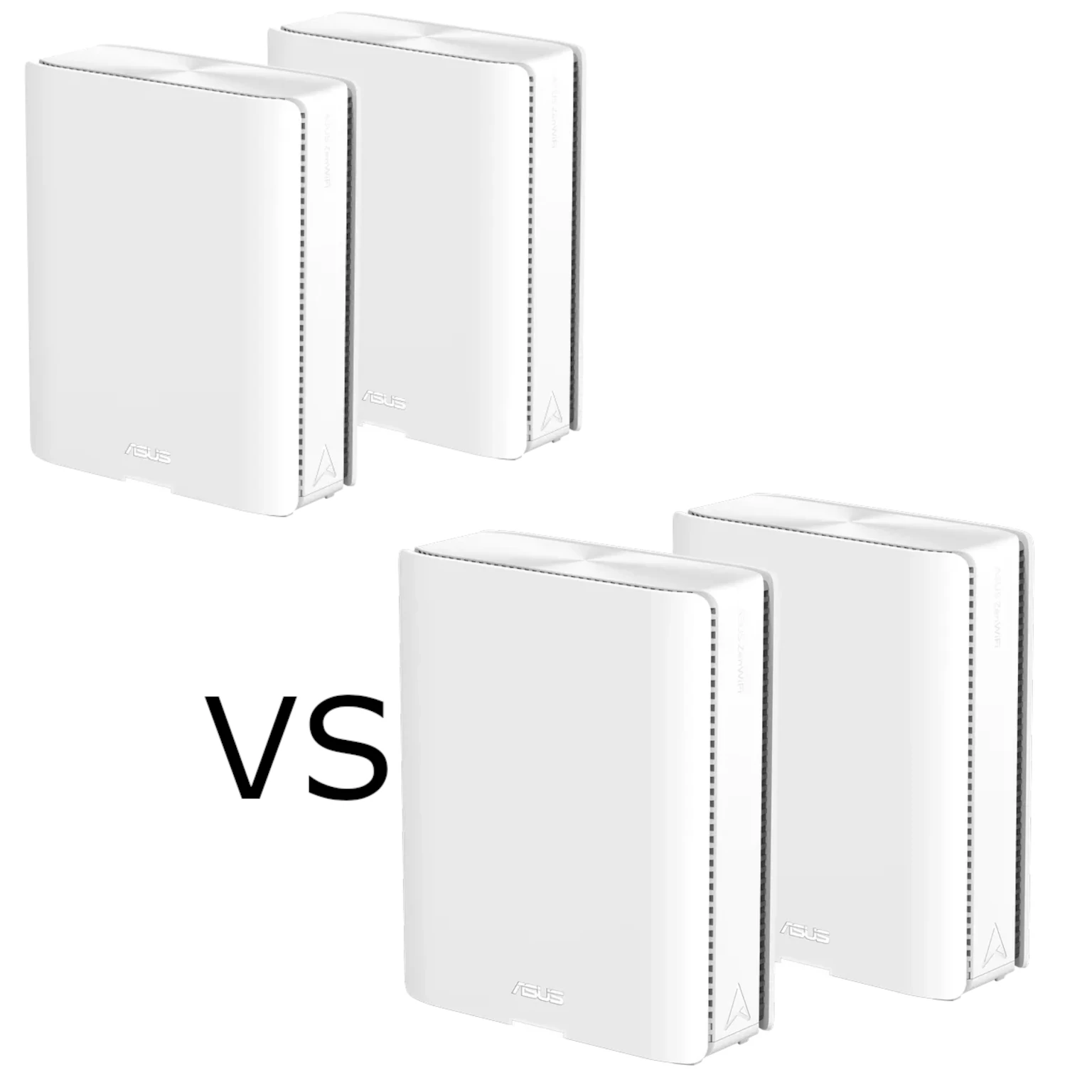
XD6 Versus XD6S
| Item | XD6 | XD6S |
|---|---|---|
| Headline radio class | AX5400, 574 + 4,804 Mbps | Same listed class. |
| Ethernet sockets | One Gigabit WAN plus three Gigabit LAN. | One Gigabit WAN plus one Gigabit LAN. |
| Flash storage | 256 MB | 128 MB |
| RAM | 512 MB | 512 MB |
The suffix matters even when the Wi-Fi marketing is similar. The referenced package list includes a wall-mount kit for XD6S with a regional-availability caveat; it does not establish that every XD6 box contains one. Check the exact bundle rather than repeating a universal included-bracket claim. The units pictured in this article are white; confirm local colour and pack availability with the retailer.
Security and Firmware Checks
ASUS lists AiProtection Pro for this series, with router assessment and network-protection features. This is an additional layer, not a replacement for updated endpoints, account protection or backups. Read its service terms and verify the functions exposed by the firmware and operating mode you intend to use.
The referenced specifications list OpenVPN and IPSec server functions among the VPN options. Check current model-specific firmware before relying on a particular VPN feature; do not assume every ASUS router supports the same VPN Fusion or newer protocol functions. Remote access also depends on the upstream network, not just a menu being present.
Match the Kit to the Household
A larger home, busy study area or office with several wired devices can make the XD6's combination useful. First record performance in the problem room, then place a node where its upstream connection is good and repeat the same test. Check a moving call, reconnect older smart devices and try normal simultaneous household activity.
For a small business, also consider management, isolation, support and recovery requirements rather than equating household security features with every business need. Preserve a configuration backup and note the installed firmware before an update. Verify node connectivity and the devices you depend on afterwards.
Verdict
The XD6 remains a strong contender for the uses described in the original article: convenient Wi-Fi 6 mesh coverage, app management and useful LAN connectivity. Its value depends on a healthy backhaul and suitable clients. Check the XD6/XD6S distinction and the actual installation before choosing a pack or expecting a specific performance gain.