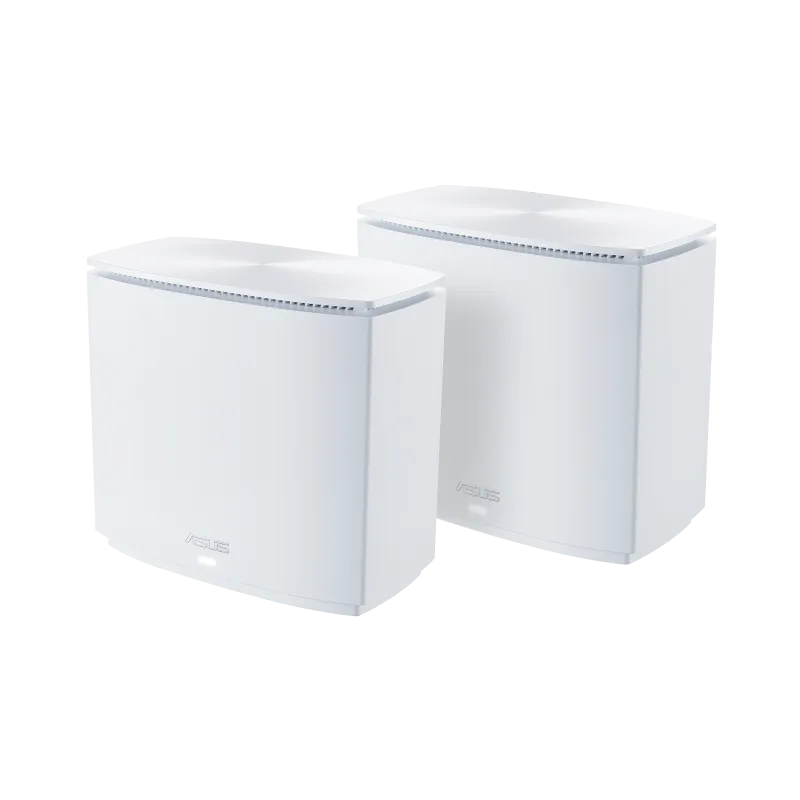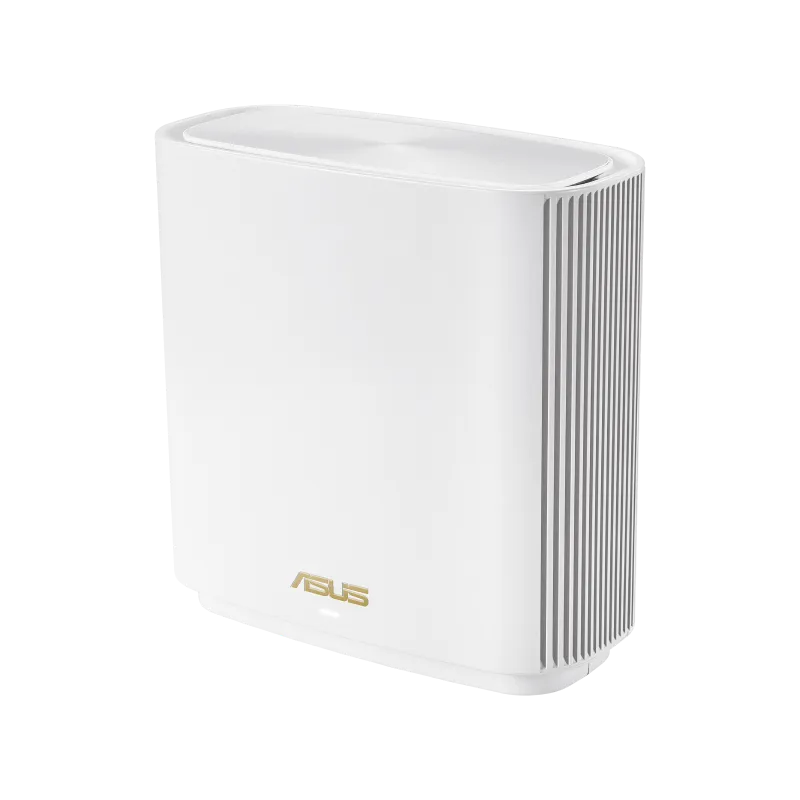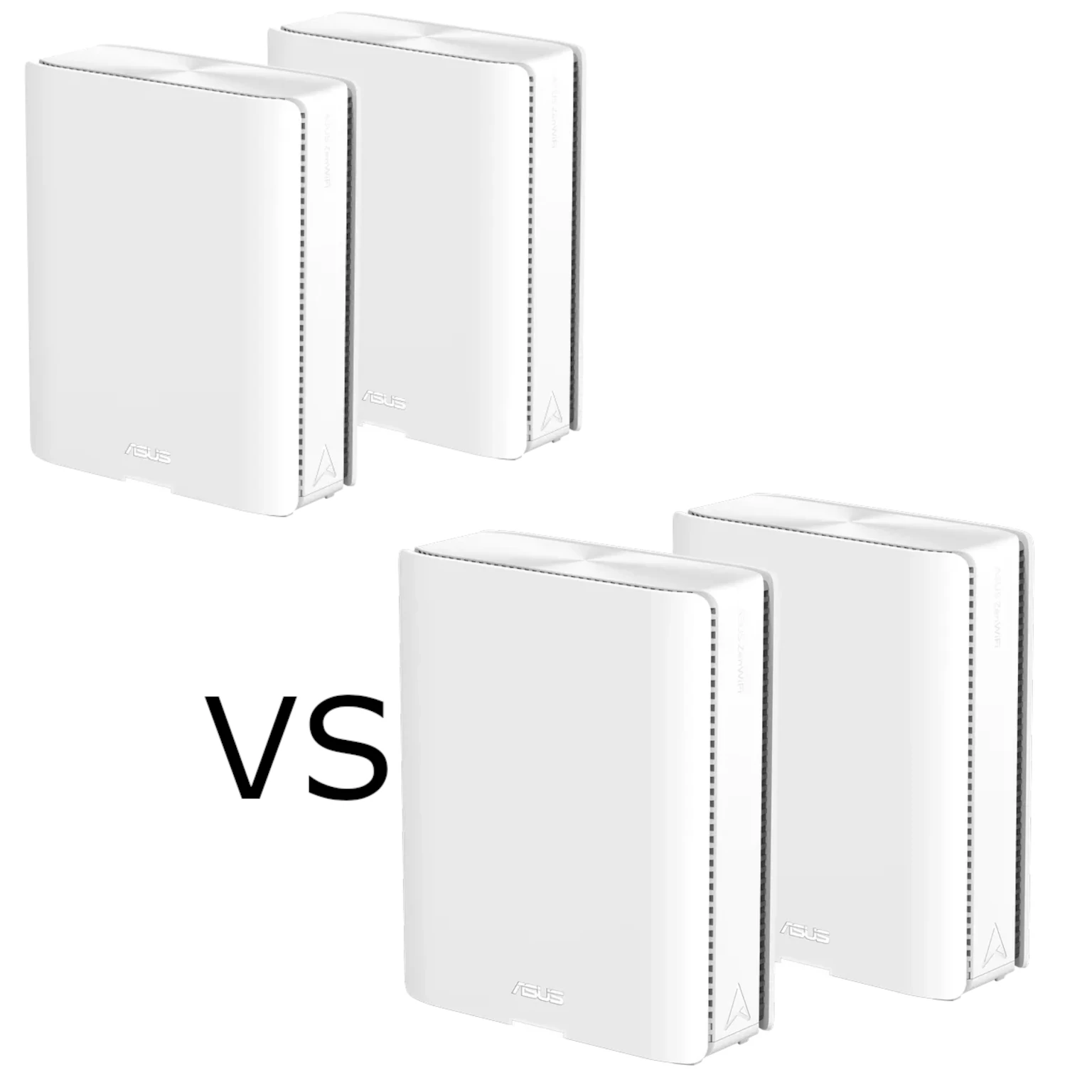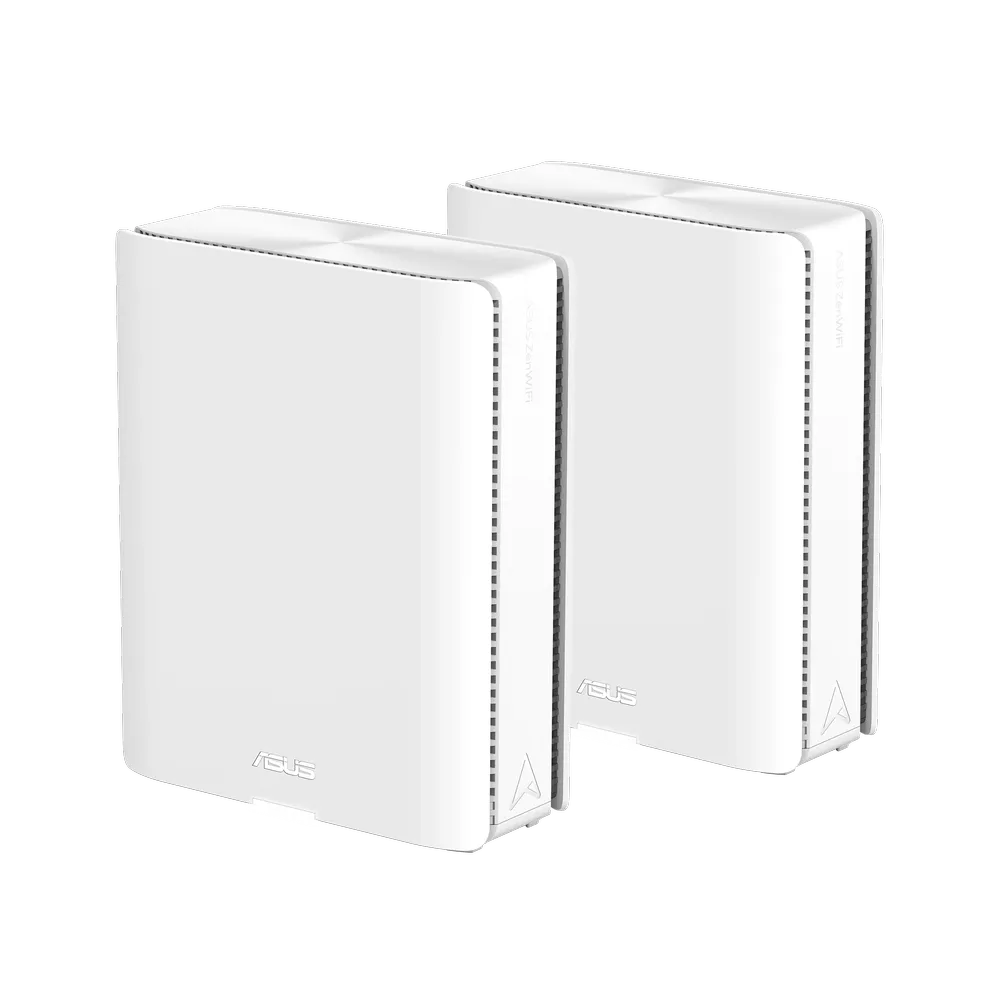
In today’s world, having strong and reliable Wi-Fi is essential. Whether you’re streaming movies, working from home, or gaming online, a solid internet connection can make all the difference. However, many of us have experienced frustrating dead spots in our homes where the Wi-Fi just doesn’t seem to reach. This is where mesh Wi-Fi systems come into play, and the Asus ZenWiFi BQ16 is a great example of this technology.
What Is Mesh Wi-Fi?
Imagine your Wi-Fi as a big, invisible bubble that covers your home. A traditional router sends out a signal from one central point, but as you move further away, the signal gets weaker. If you have a large home or thick walls, you might find that some areas don’t get a good signal at all.
Mesh Wi-Fi uses multiple access points, called nodes, to extend coverage. In router mode, the main unit routes the network; satellite nodes provide additional wireless coverage and connect back to it. Their backhaul connection can be wireless or Ethernet. A node still needs a reliable link to the main network, so placing it inside an existing dead zone may simply reproduce the problem.
Think of it like a relay: each connection along the route affects the result. Roaming also depends on the client device and its decisions about when to change access points. Mesh can improve coverage, but it cannot guarantee a seamless handover or eliminate the effect of walls and interference.
What Is Wi-Fi 7 (802.11be)?
Wi-Fi 7, also known as IEEE 802.11be, is the next generation of Wi-Fi technology. It's designed to offer faster speeds, better efficiency, and reduced latency compared to previous Wi-Fi standards. Here’s what makes Wi-Fi 7 different:
- Higher Speeds: Wider channels and supported modulation can raise the link rate. The BQ16's BE25000 label adds maximum rates across four radios; a single laptop does not receive 25 Gbps.
- Better Efficiency: 4096-QAM can carry more bits per symbol than Wi-Fi 6's 1024-QAM when the connection quality and both endpoints support it.
- Less Interference: Multi-Link Operation can use multiple links, while other Wi-Fi 7 features help manage airtime. They do not make neighboring networks or interference disappear.
- Improved Latency: Wi-Fi 7 can improve latency and reliability under suitable conditions. Internet congestion, the application server, client capabilities and the mesh backhaul still matter.
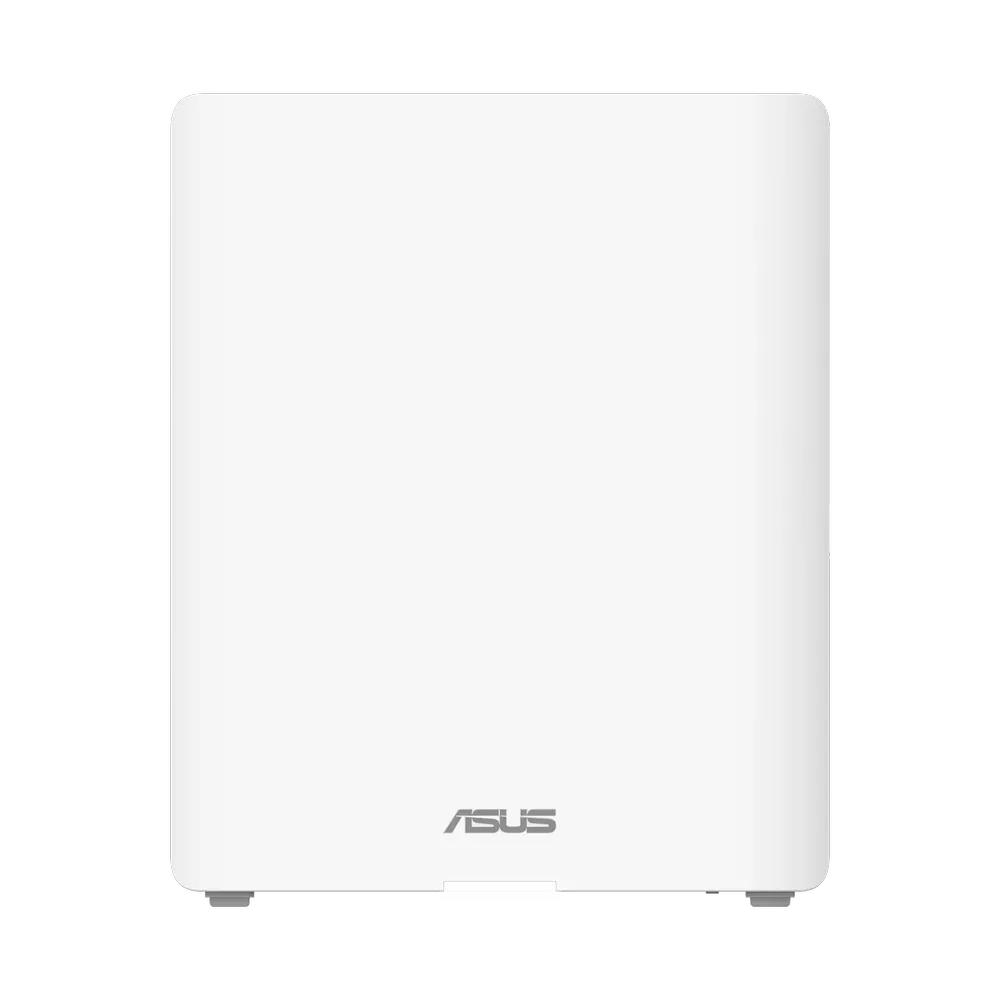
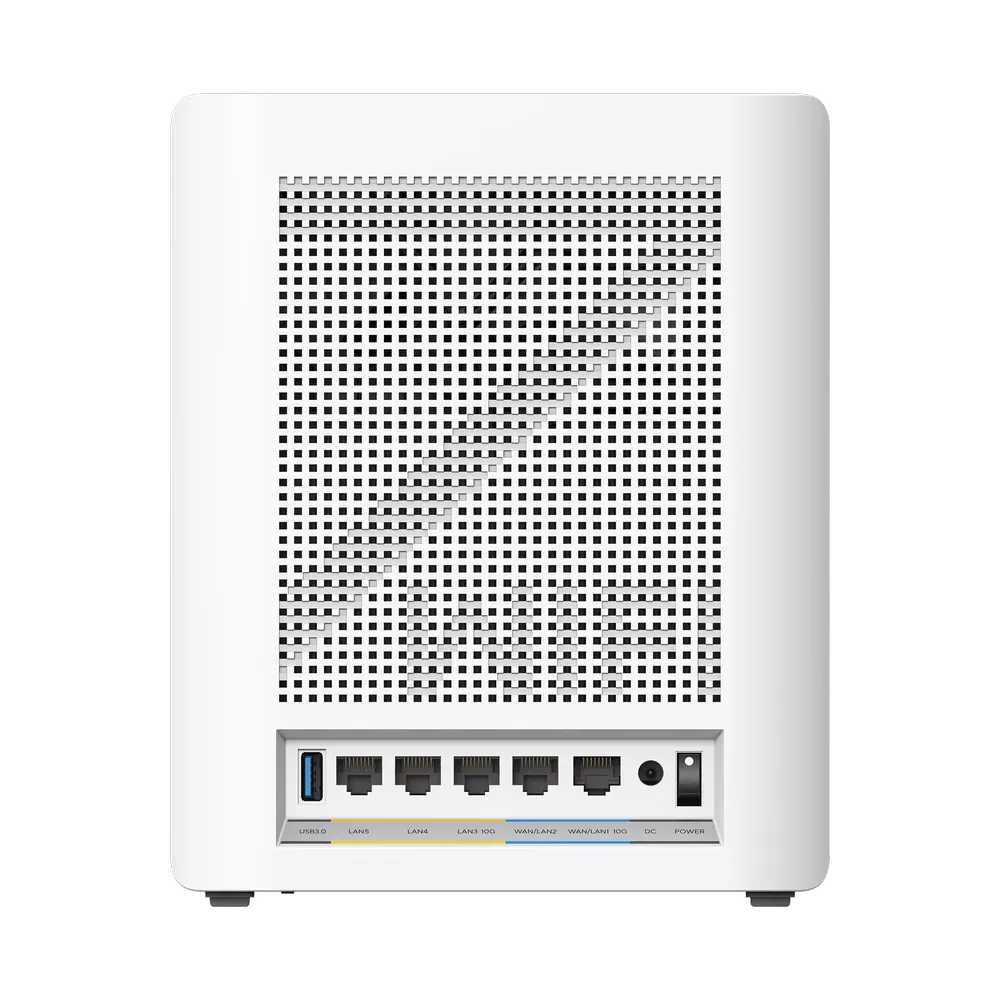
ASUS ZenWiFi BQ16 Complete Specifications
| Feature | Specification |
|---|---|
| Network Standard | Wi-Fi 7 (802.11be) |
| Maximum Speed | BE25000: combined advertised maximum rates across four radios, not single-device throughput |
| Data Rate | WiFi 7 (802.11be) (2.4GHz): up to 1376 Mbps WiFi 7 (802.11be) (5GHz-1): up to 5764 Mbps WiFi 7 (802.11be) (5GHz-2): up to 5764 Mbps WiFi 7 (802.11be) (6GHz): up to 11529 Mbps |
| Connectivity Rates | 12x Internal antennas 2.4GHz 4x4 5GHz-1 4x4 5GHz-2 4x4 6GHz 4x4 |
| Processing | 2.6 GHz quad-core CPU, 2 GB RAM, 256 MB flash |
| Ports | 1x 10G LAN/WAN 1x 10G LAN 1x 1G LAN/WAN 2x 1G LAN 1x USB 3.0 (Supports 4G/5G Mobile Tethering & SMB/FTP Storage) |
| Security | WPA3-Personal and other authentication options; AiProtection Pro by Trend Micro Features depend on operating mode, band, firmware and client compatibility. ASUS notes restrictions on enterprise authentication in AiMesh. (Learn why WPA3 is important) |
Ideal Use Cases for the ASUS ZenWiFi BQ16
- Large homes: Additional nodes can improve coverage where a single access point is insufficient. ASUS advertises up to 8,000 square feet for a two-pack; treat that as a coverage claim, not a guarantee for a particular building.
- Gamers and streamers: A strong client link and backhaul can help gaming and streaming. Wired connections remain worth considering for stationary equipment; upgrading Wi-Fi does not fix a slow game server or a congested internet service.
- Smart home enthusiasts: Separate IoT network options can help accommodate older devices. Test their supported bands and security modes rather than assuming every device accepts a Wi-Fi 7/MLO configuration.
- Home Offices: Coverage and local Ethernet capacity can help remote work and file transfers, provided the access point placement, client connection and destination are suitable.
Considerations Before Buying
While the Asus ZenWiFi BQ16 is a top-of-the-line product, there are a few things to consider:
- Cost: As a high-end system, it can be more expensive than other mesh Wi-Fi solutions. Ensure it fits within your budget.
- Compatibility: Check that your current devices can take advantage of Wi-Fi 7 features. Older devices might not benefit from all the new technology.
- Setup: While the Asus Router app makes setup straightforward, those less tech-savvy might still find it a bit challenging.
- Internet Speed: Internet downloads remain limited by the ISP service and upstream equipment. Multi-gigabit local transfers to a NAS can benefit from faster LAN connections even with a slower internet plan.
- Firmware Updates: Regular updates are important for security and performance, so consider a system that is easy to update.
The Asus ZenWiFi BQ16 is a powerful mesh Wi-Fi system that delivers next-generation Wi-Fi 7 speeds. If you're looking to extend coverage and build a faster home network, the ZenWiFi BQ16 is a compelling option to assess against your building and devices. Just remember to weigh the price and your technical comfort level before making a decision.
Visit the official site for the ASUS ZenWifi BQ16
Understand the Four Radios and Their Limits
ASUS specifies four 4x4 radios and twelve internal antennas. Adding their stream counts gives sixteen across the system, not a sixteen-stream connection to one client. The quoted rates require the relevant channel width, modulation and compatible hardware. A phone or laptop with fewer streams cannot use every stream of the access point.
The two 5 GHz radios distinguish the BQ16 from a typical tri-band design. ASUS describes the extra 5 GHz capacity as supporting dedicated mesh backhaul. That does not make a client radio uncontested: nearby networks, other clients and the selected channel still share the available airtime. Do not add the client and backhaul rate labels together as an end-to-end file-transfer result.
The 6 GHz radio supports 320 MHz channels where permitted. That feature needs compatible clients and suitable regional settings. Many existing Wi-Fi 6 devices cannot use 6 GHz at all, while Wi-Fi 6E devices lack Wi-Fi 7 features. Similarly, extra 2.4 GHz streams do not automatically double the range of a simple IoT device.
BQ16 vs. BQ16 Pro: Check the Radio Layout
| Specification | BQ16 | BQ16 Pro |
|---|---|---|
| Advertised class | BE25000 | BE30000 |
| Radio layout | 2.4 GHz + two 5 GHz radios + 6 GHz | 2.4 GHz + 5 GHz + two 6 GHz radios |
| Maximum listed rates | 1,376 + 5,764 + 5,764 + 11,529 Mbps | 1,376 + 5,764 + 11,529 + 11,529 Mbps |
| Streams per radio | 4x4 on each radio | 4x4 on each radio |
| Ethernet and USB per unit | Two 10G, three 1G and USB 3.0 | Two 10G, three 1G and USB 3.0 |
These are different radio arrangements, not simply a faster firmware setting. The Pro's two 6 GHz radios do not form one 8x8 client radio. Check the exact model sold in your region, its permitted bands and available firmware. Regional spectrum rules affect operation, but the specification alone does not establish why ASUS chose a particular model for a market.
Plan the Backhaul and Wired Connections
Ethernet backhaul is useful when walls or distance limit the wireless link between units. Include the cable, any intervening switch and negotiated port speed in the plan. A 1G switch in that route still limits it to a gigabit link even when both mesh units have 10G sockets. Using a port for backhaul also changes how many remain available for a NAS or desktop.
The rear image shows the distinct 10G WAN/LAN and 10G LAN ports alongside three 1G ports. Connecting a multi-gigabit device to a 1G socket caps that segment. USB storage support is convenient, but its presence does not establish dedicated-NAS performance. Mobile tethering also depends on a supported phone or modem and service; it is not a guarantee that every USB device supplies a backup connection.
Check MLO backhaul separately from Wi-Fi 7 support on clients. ASUS's MLO FAQ currently describes same-model backhaul support and a first-node restriction in a multi-node Wi-Fi 7 mesh. It also warns of compatibility issues when mixing MLO-capable primary routers with older nodes. Read the guidance for the installed firmware before buying extra units or enabling a feature across an existing AiMesh network.
After setup, verify the actual client band and negotiated backhaul speed, then test the rooms where coverage matters. Compare a local file transfer with an internet speed test: the first checks part of the LAN path, while the second also includes the ISP and remote test server. That distinction makes the original recommendation more useful than assuming an advertised aggregate rate will appear on every device.