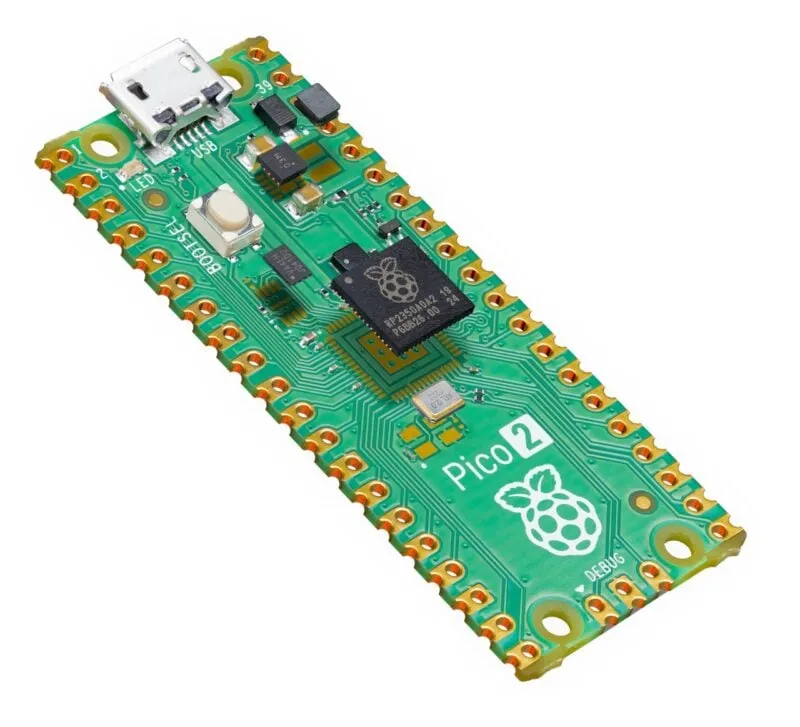
A single-board computer (SBC) and a mini PC can both provide useful computing in a small space. An SBC places its main components on one circuit board, often exposing connections for electronics projects. A mini PC packages a compact computer in an enclosure, with capabilities ranging from basic office use to demanding workstation tasks.
Our recommendation remains an SBC for learning, hardware experiments and projects where its exposed interfaces are useful. A mini PC is generally the better fit for everyday desktop work or a more demanding home server. Compare exact products before deciding: these are broad categories, and a low-end mini PC does not automatically outperform every SBC or include everything needed out of the box.
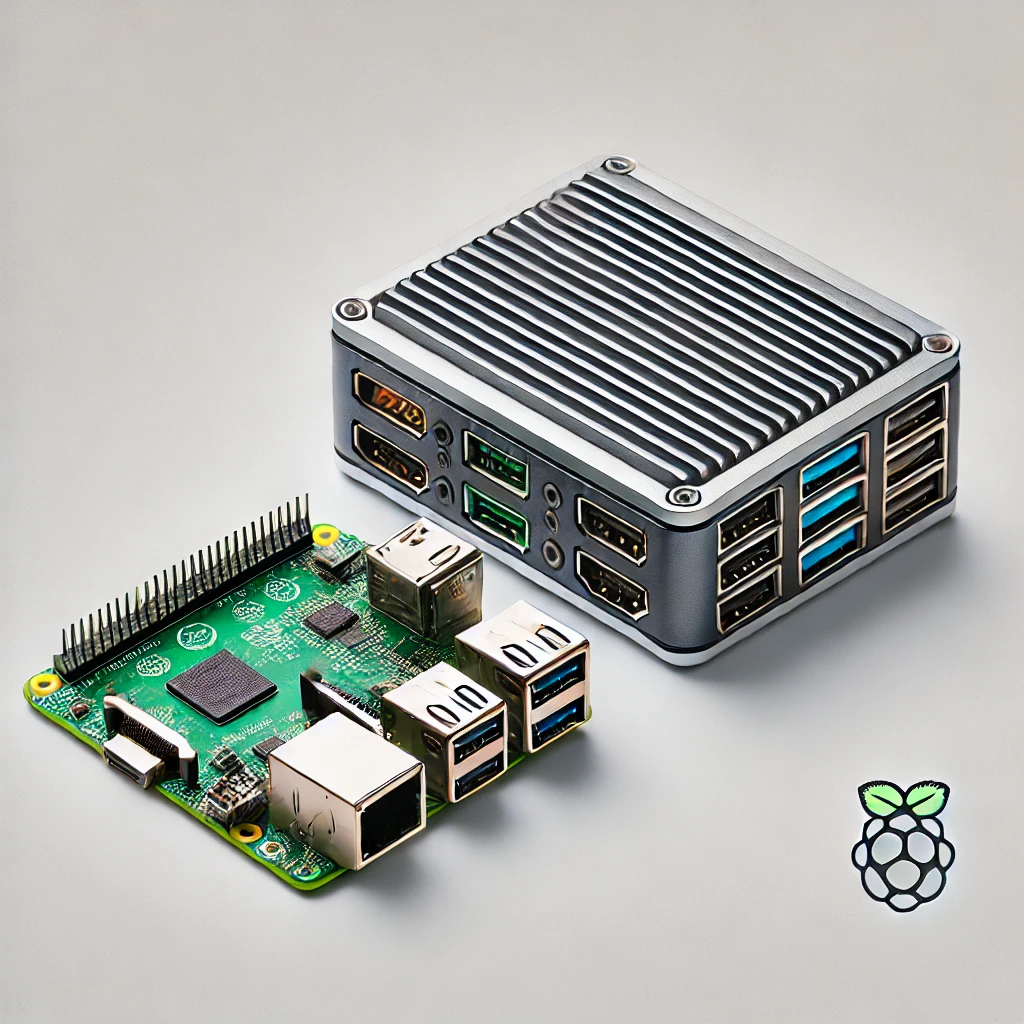
Form factor and processor architecture are different
Raspberry Pi is a familiar SBC example, while NUC and NucBox are examples of compact PC product families. Most Raspberry Pi boards use Arm processors, and many mini PCs use Intel or AMD x86-64 processors. That association is useful, but the physical category does not define the processor architecture. Compare the actual CPU and software support instead of treating “SBC” as a synonym for Arm or “mini PC” as a guarantee of x86.
The Raspberry Pi 5 has a quad-core Arm Cortex-A76 processor and fixed LPDDR4X memory. Intel N100 mini PCs use an x86 processor, but their RAM, storage and networking depend on the manufacturer's design. A product name such as N100 tells you about the processor, not the number of sockets or the quality of cooling around it.
Start with the software you need
List your required applications, operating system and hardware drivers before buying. A compiled x86 program does not automatically run natively on Arm. An x86 mini PC likewise does not guarantee compatibility with every operating system: firmware, network adapters, graphics drivers and the software vendor’s supported hardware requirements still matter.
Containers do not remove that architecture requirement. Docker’s multi-platform documentation explains that images need a compatible host architecture and operating-system environment. A multi-platform image can include separate arm64 and amd64 variants, allowing Docker to select the appropriate one. Check the image you actually need, including plugins and helper binaries. Emulation is another option in some cases, with different performance and support implications.
For an education or sensor project, Raspberry Pi OS and the board’s documentation can make an SBC approachable. For office work, confirm that the chosen desktop applications and peripherals work on the proposed system. There is no need to buy a more powerful computer simply to run a small, well-supported service, but choosing unsupported software can make even a simple task difficult.
Compare complete costs
The bare-board price is only part of an SBC budget. Include a suitable power supply, storage, enclosure, cooling and any adapters needed for the project. An NVMe setup may add a drive and an adapter board. Reusing compatible accessories can improve value, while buying all of them new can narrow the difference from a mini PC.
Mini PCs are sold both as configured systems and as barebones. For example, ASUS lists a PN42 configuration with Windows, RAM and storage, alongside a barebone version with no preinstalled OS, memory or storage. Check the exact SKU rather than assuming the enclosure makes the machine ready to use. Also consider the software licence, warranty, replacement parts and firmware support.
Old starting-price comparisons are poor buying rules when generations and local prices change. Compare current delivered totals for systems that can do your job, including the components that will make them reliable. A secondhand office mini PC can be a useful alternative, provided its condition, upgrade limits and supported operating system are acceptable.
RAM and storage: verify sockets and lanes
| Question | SBC example: Raspberry Pi 5 | Mini-PC example: ASUS PN42 |
|---|---|---|
| Memory | Board-specific fixed LPDDR4X capacity | One DDR4 SODIMM socket; listed maximum 16 GB |
| Storage options | microSD, USB storage and PCIe via an adapter | M.2 2280 NVMe support; check exact configuration |
| Networking | Gigabit Ethernet and Wi-Fi | 2.5GbE; second LAN port optional in the cited listing |
| What to verify | Power, adapter compatibility and case clearance | Included components, socket limits and optional ports |
Raspberry Pi 5 exposes a single-lane PCIe 2.0 interface. The official M.2 HAT+ documentation lists a 500 MB/s peak transfer rate; that is an interface figure, not a guaranteed SSD benchmark. It also warns that Gen 3 operation is not certified and can be unstable. Do not combine Gen 2 and experimental Gen 3 figures into a universal sustained-throughput range.
Mini-PC storage capability varies. An M.2-shaped slot does not by itself tell you the supported protocol, lane count or drive length. Check those details, whether a SATA bay exists, and whether the desired drive fits without obstructing cooling. For a server, capacity and reliable backups may matter more than a headline sequential-read rate.
Why an SBC appeals to electronics learners
Boards such as Raspberry Pi expose a GPIO header, with supported interfaces for connecting sensors and other hardware. This is useful for learning programming alongside electronics, prototyping an environmental monitor or building a custom controller. Camera and display connectors can also suit projects where a conventional desktop enclosure would be awkward.
Follow the board and peripheral documentation for voltage, current, pin assignment and driver requirements. A GPIO signal is not a power source for a motor or an arbitrary relay load: suitable interface circuitry and power arrangements are needed. A mini PC can also communicate with a USB microcontroller, so choose an SBC for the convenience of its documented interfaces rather than assuming electronics projects are impossible on another computer.
Low power does not mean no heat
Power consumption depends on the whole system, peripherals and workload. Processor TDP and power-adapter wattage are not measurements of idle power at the wall. Fixed class-wide claims such as “all SBCs use under five watts” or “every mini PC idles at six to twelve watts” cannot substitute for measurements of the exact build.
Raspberry Pi recommends a suitable 5 V, 5 A supply for Pi 5 and says it performs best with active cooling. Plan airflow when stacking boards or enclosing a busy server. Some mini PCs are fanless while others use fans; noise and sustained performance depend on the design. A compact device serving a light DNS workload and the same device transcoding video can have very different thermal demands.
Home servers and media have specific requirements
For conventional x86 virtual machines, an appropriate Intel or AMD mini PC is a practical starting point. Check virtualization support, memory headroom, storage and network adapters against the hypervisor’s requirements. There is no fixed number of containers or virtual machines that a category can run; a few demanding workloads can consume more resources than many idle services.
Proxmox VE now also has an official arm64 release. Its platform announcement requires UEFI boot and ACPI hardware description, and explicitly excludes device-tree-only boards such as Raspberry Pi. Guest execution and live migration must match the host architecture. This is a reason to check the exact supported platform, rather than assuming either that all Arm systems are excluded or that any Arm SBC will work.
Media playback and server transcoding are different jobs. Pi 5 includes a hardware HEVC decoder, but lacks hardware video encoders. Jellyfin documents the limitations and deprecation of its Raspberry Pi acceleration support. An Intel mini PC with supported Quick Sync can be a useful transcoding choice, but codec, resolution, tone mapping, subtitles, drivers and GPU access determine results. Do not assume every N100 box can handle a guaranteed number of simultaneous 4K streams.
Which would we choose?
Choose an SBC when its hardware interfaces, documentation, compact board layout and learning value suit the project. Choose a mini PC when desktop applications, upgrade options or a more demanding server workload favor that specific model. For a firewall, verify interface count and workload-specific routing performance; two Ethernet sockets alone do not prove multi-gigabit VPN or intrusion-prevention capacity.
Write down the required software, memory, storage, ports and complete budget, then compare supported products against that list. Our preference for SBCs in hands-on learning and mini PCs in general computing remains useful, provided the final decision accounts for the actual machine rather than universal claims about the category.