If you’re running a homelab (or busy building the perfect homelab) and love self-hosting your own services, setting up game servers is one of the most fun and rewarding projects you can tackle. Whether you want a private Minecraft world for your friends or a Valheim server running 24/7 in your basement rack, having the right game server management software is essential. If you are only interested in Minecraft, take a look at our step-by-step guide for hosting a Crafty Controller Minecraft server in Proxmox or a Turnkey Linux Minecraft server in Proxmox. If you want a bit more freedom for other games that you and your friends are playing, you will need a service with a few more features. That’s where Pelican comes in: a modern, flexible, and developer-friendly game server management solution designed for self-hosters and professionals alike.
What Is Pelican?
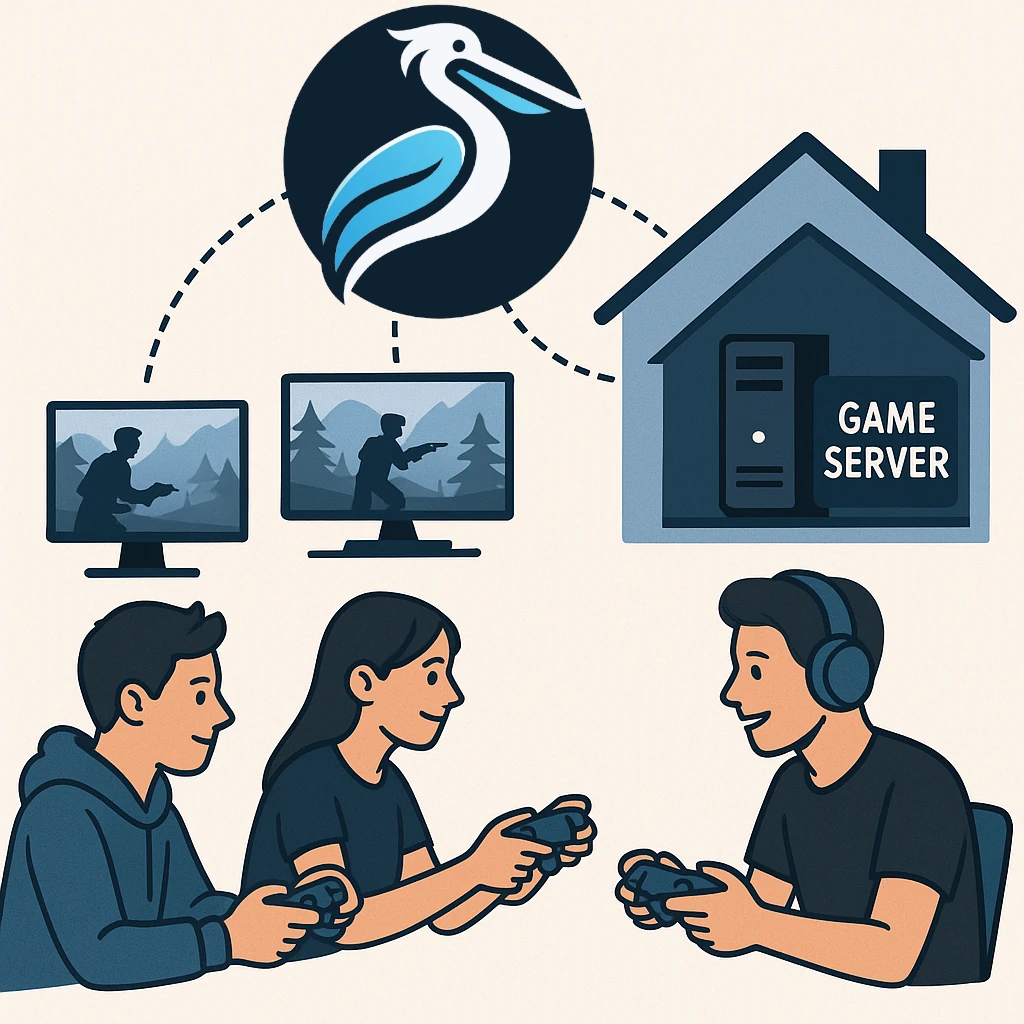
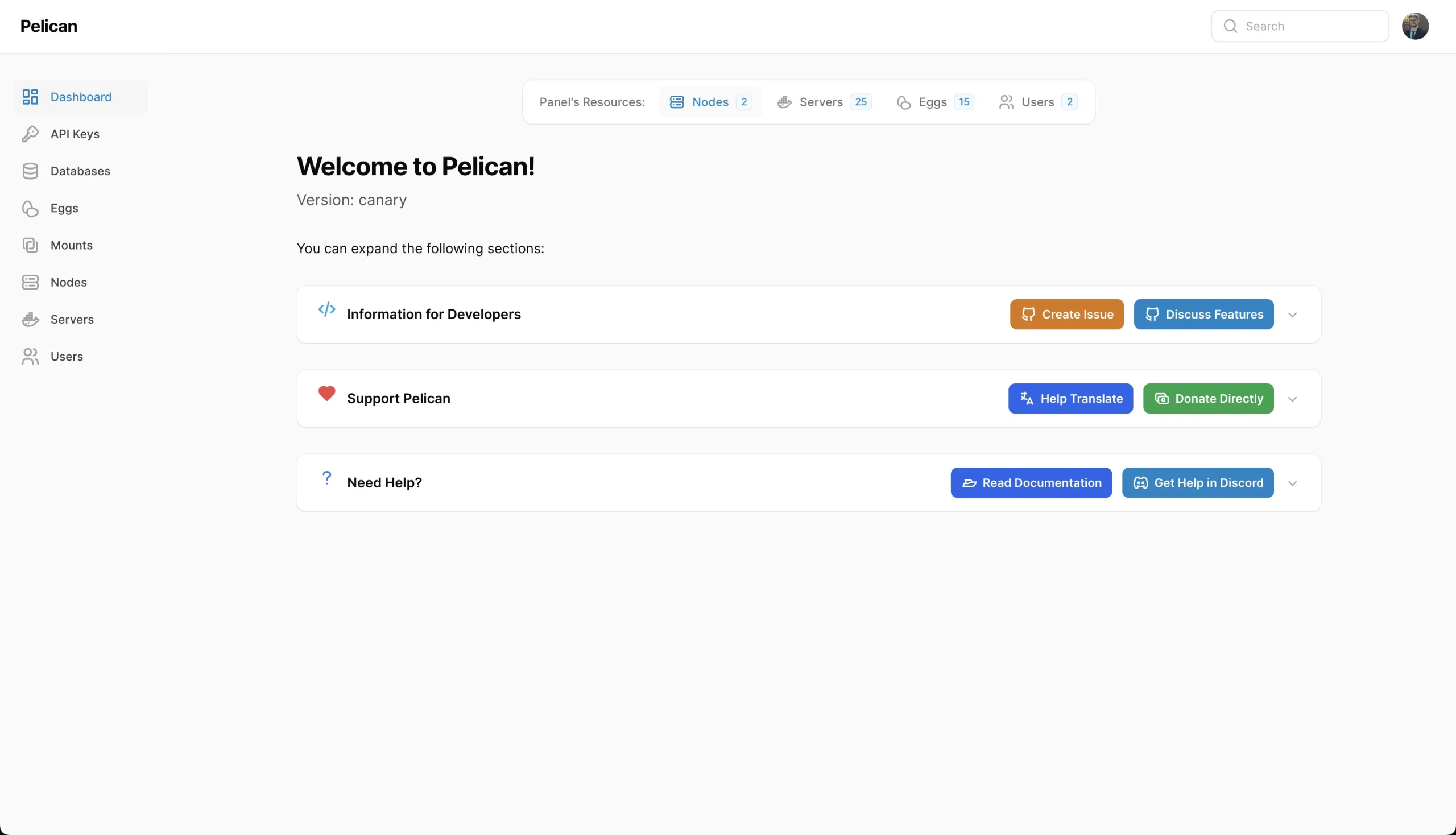
Pelican is an open-source control panel for managing game servers. It separates the web-based Panel from Wings, the daemon on each machine that runs the game workloads. This is a useful fit for a homelab because one administration interface can manage nodes across your available hardware.
The Panel is a PHP application built on Laravel and Filament, not a Go-and-Svelte application. Wings is written in Go and manages game-server Docker containers. The component licences differ too: the Panel's current package declaration is AGPL-3.0-only, while Wings carries the MIT licence. Inspect the release and licence of the component you are deploying rather than treating a combined “MIT/AGPL” label as one interchangeable licence.
Choose a Suitable Host
If you are running Proxmox or using TrueNAS, distinguish the platform from the operating system inside the game-server host. The documented Wings installation requires a Linux system capable of running Docker CE. It explicitly says that Wings does not run on Windows. A Linux VM and a native Windows Wings installation are therefore not interchangeable choices.
For Proxmox, a suitably provisioned Linux VM is a straightforward way to meet that model. The Wings guide warns that LXC, OpenVZ and similar environments can need additional support for Docker. Do not assume that any nested container or appliance app supplies the required kernel features and permissions.
ARM hardware such as a Raspberry Pi is interesting for small workloads, but Wings' arm64 availability does not establish that every game server supports ARM. The server binary, egg installation process and Docker image must all support the chosen architecture. Check a specific game's supported server platforms before buying hardware around it; a recipe existing in a catalogue is not proof of that compatibility.
Separate the space reserved for game files from the capacity needed by the host. Worlds, logs, updates, downloaded installers and backups can grow substantially. Monitor free space and leave room for temporary update work, rather than allocate exactly the size of the current world.
Panel and Wings Have Different Jobs
Pelican Panel
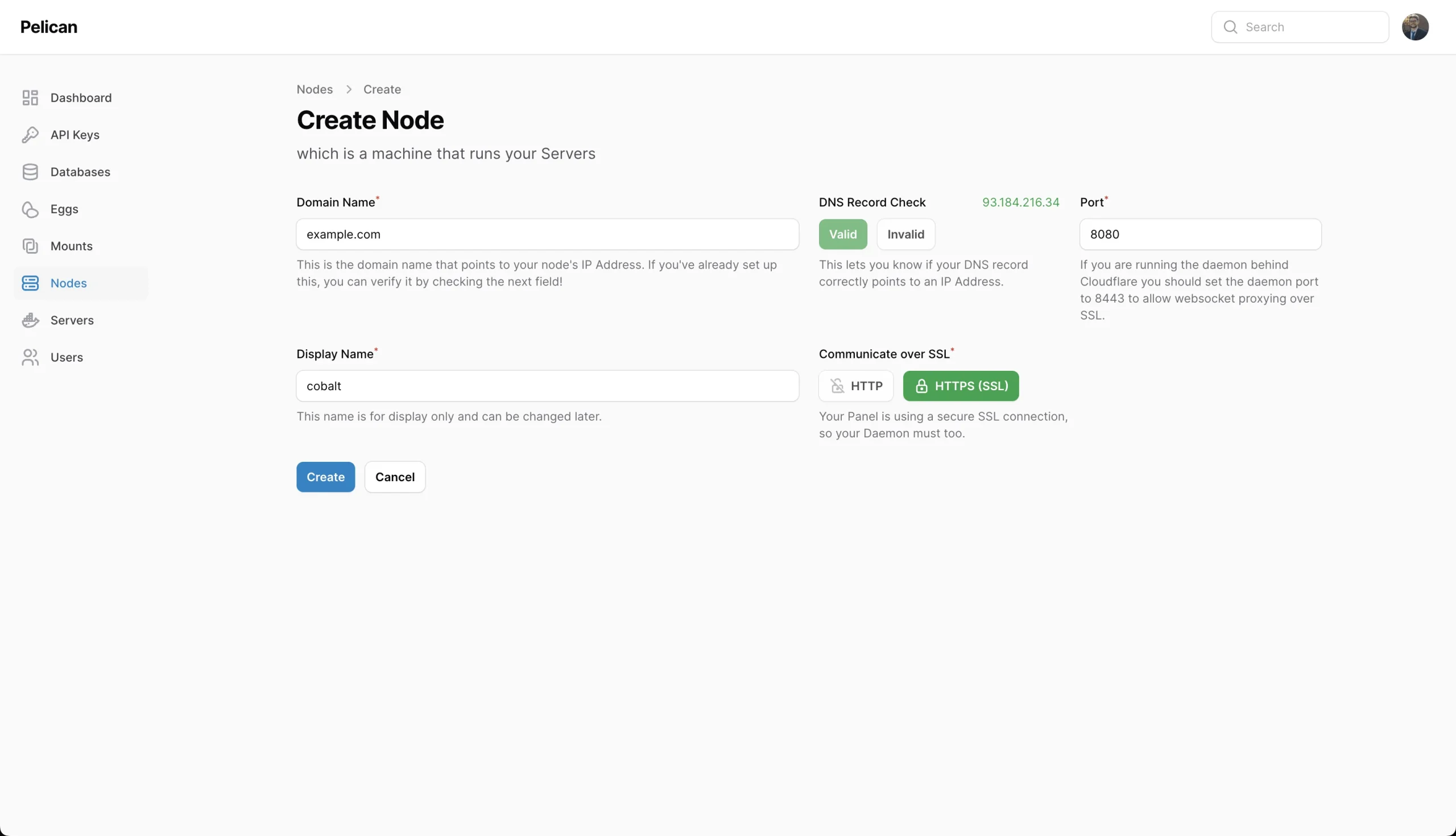
The Panel manages users, permissions, nodes, eggs, schedules and server settings through its interface and APIs. The current Panel requirements list PHP dependencies, supported web servers and database choices. SQLite can suit a small deployment; support depends on the required SQLite library, not just the Linux distribution's name.
Only one Panel is normally needed to coordinate the nodes in this design. Installing the Panel alone does not install every game server or create a working Wings node. Preserve its database, environment configuration and encryption key as part of the management service's recovery plan.
Pelican Wings
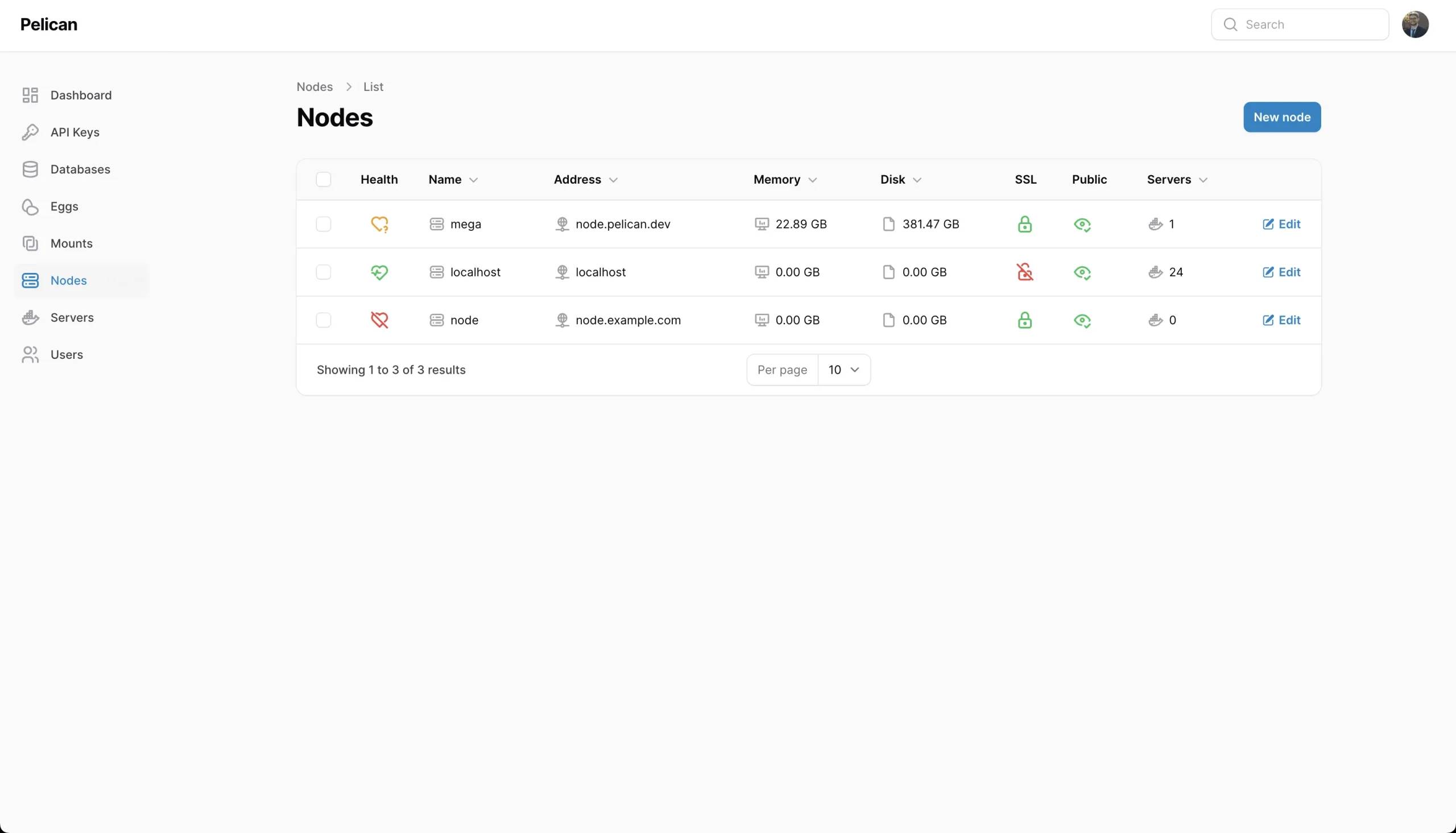
Each Wings node communicates with the Panel and Docker to start, stop and manage game containers, stream console information and provide SFTP access. One node can run several game servers; a node is not the same thing as one game instance.
Container limits are useful controls, but do not create unlimited resources or a perfect security boundary. Plan the combined RAM, CPU and disk demand, including installation jobs and backups. The additional Wings configuration explains separate installer limits and warns that host networking removes network isolation. Changing to host mode merely to solve a port problem can change what users are allowed to bind.
What Are Eggs and Yolks?
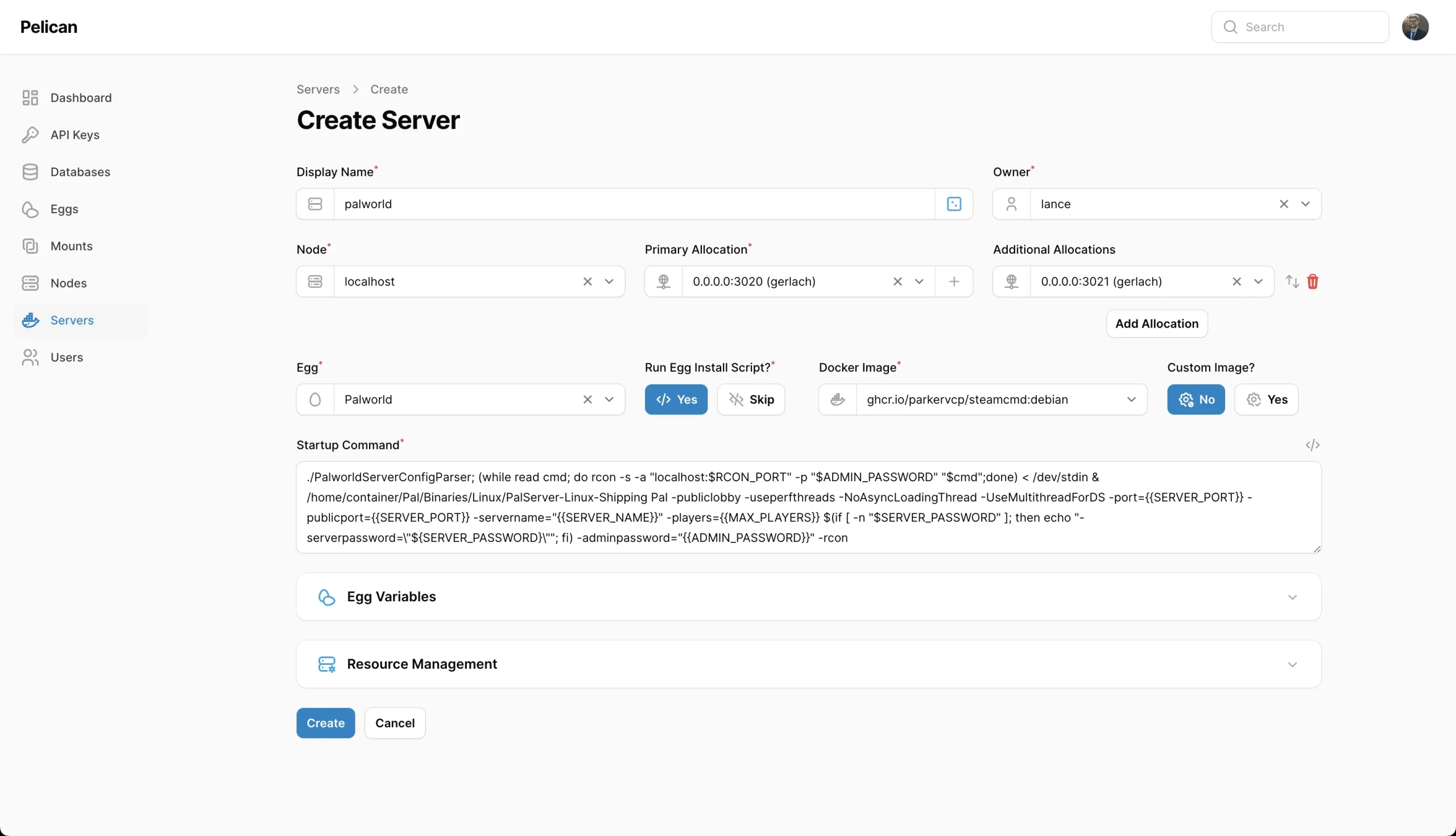
An egg is a server recipe: it describes startup, installation, configurable variables, configuration-file handling and process management. A yolk is the Docker image designed to support those requirements. Pelican's egg documentation shows creation in the Panel and says images must be specifically designed to work with it.
Git repositories are useful for versioning and sharing exported eggs, but the Panel also stores its managed egg records in its database. Running git pull on a catalogue does not automatically update every imported recipe or game instance. Use the relevant import or update workflow and review differences before applying them.
A parser supporting YAML configuration files does not imply that every exported egg is a YAML recipe. Use the supported egg export/import format for your release. Check the image architecture, startup variables, stop behaviour, required allocations and installation script. A custom image that starts successfully in ordinary Docker may still need changes to work correctly under Wings.
Game Support Is Recipe-Specific
The catalogue contains recipes for many game families, such as Minecraft, Valheim, Rust, Terraria and other dedicated servers. Versions, branches and requirements vary. For a full list of eggs, head over to the Pelican Eggs page. Keep the catalogue link handy, and also check the current project catalogue and the game's own server documentation when selecting a recipe.
Validate one game before adding a fleet: install the recipe, inspect the console, join with a compatible client, make a change, save and stop cleanly, then restart. Confirm where its world and configuration files live. A server labelled running has passed a process-start check; that is not proof that players can connect or that a recent save can be recovered.
For a modded game, record the server build, mod loader, mod versions and client requirements. A normal game update can break that combination even when the Panel and Wings remain healthy. Keep a known recovery point before updating and allow time to check it with the intended clients.
Plan the Actual Network Paths
Panel access, the Wings API/console path, SFTP and the game's allocated TCP or UDP ports are separate connections. HTTPS can protect the web and daemon communication when configured, but it does not eliminate game ports or automatically encrypt a game's protocol.
If the Panel uses TLS, follow the documented TLS requirements for Wings as well. Check whether both the browser and Panel can reach the advertised node address. A private address usable from one server may not be reachable from a remote browser. The Wings documentation also explains why an ordinary web proxy is not general protection for direct game connections.
For remote players, investigate the ISP connection and any upstream NAT before forwarding game ports. Expose only the required services, protect administration and scope user permissions to the servers they need. A home-hosted game also depends on the home's power, upload capacity and maintenance schedule.
Use the Matching Deployment Guide
The current Docker guide publishes ghcr.io/pelican/panel images and notes that this deployment method remains a work in progress, while recommending the standard installation guidance. Distinguish a release image from the development main image. Follow the release's actual requirements rather than an old PHP baseline or guessed container variables.
For Docker, the documented persistent paths include /pelican-data and the logs directory. Set the actual application URL, appropriate certificate email and intended port mappings. The web installer is at the configured application URL followed by /installer. Public HTTPS and a reverse proxy need the guide's corresponding certificate/proxy settings; the local port number alone does not configure them.
The first start generates an APP_KEY, which the project specifically instructs you to back up securely. Automatic database migrations can make startup take time. Inspect logs rather than repeatedly recreating containers while a migration runs, and avoid deleting the persistent volumes as an ordinary stop or upgrade procedure.
Comparing with Pterodactyl
Pterodactyl Panel uses a related Panel/Wings approach. Pelican is a fork with its own development direction, interface and supported configuration. The meaningful comparison is the current feature set and migration needs, not a claim that one uniquely invented containerised or multi-node game hosting.
The migration guide describes upgrading existing database records and configurations. Treat that as a real migration: back up first, check dependencies and follow the matching Panel and node instructions. Themes, modifications and integrations may need attention even if server records carry over.
Useful Automation, with Maintenance
The web interface, APIs, recipe variables and schedules give self-hosters useful ways to manage repeated tasks. They do not mean every secret is hidden from every administrator or every task needs no review. Restrict API keys and check who can edit server variables or execute recipes.
Panel and Wings have separate release numbers. Check the project's versioning and compatibility guidance when upgrading, including the minimum runtime requirements. Back up Panel state and game data separately, then test a restored world instead of relying only on a completed backup job.
Conclusion
Pelican is absolutely worth checking out if you want a flexible way to host and manage your own game worlds. I like the separation between management and execution for a homelab with several machines. Start with a supported Linux host and one verified recipe, then expand after you have confirmed player access, clean saves and recovery. That preserves the fun of self-hosted gaming while giving it a workable maintenance plan.