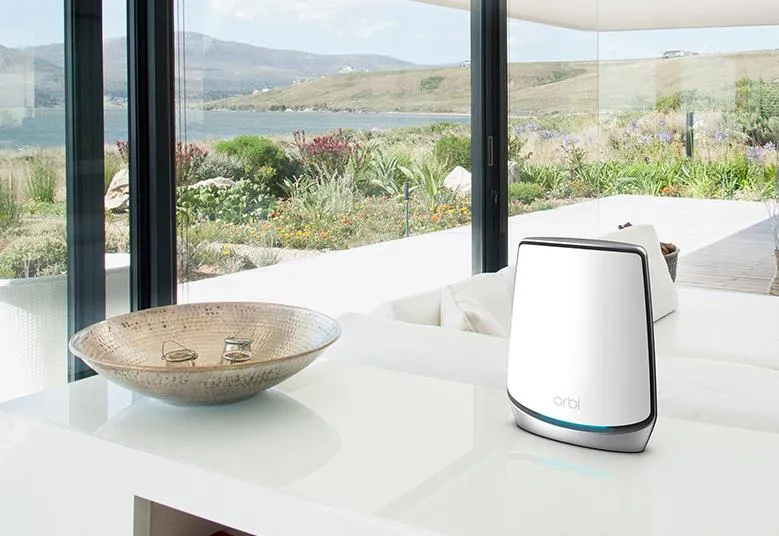
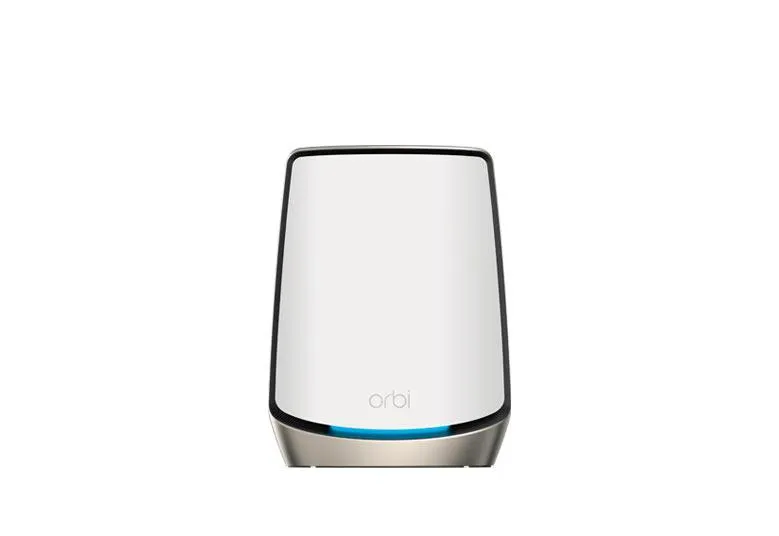
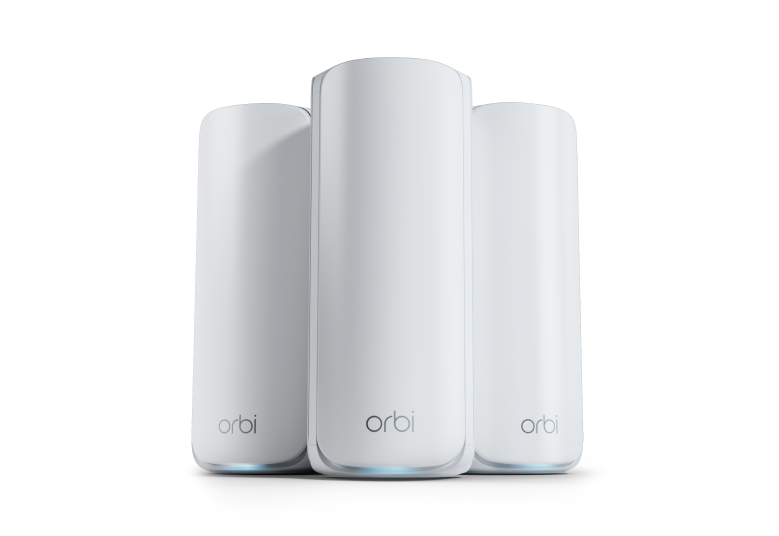
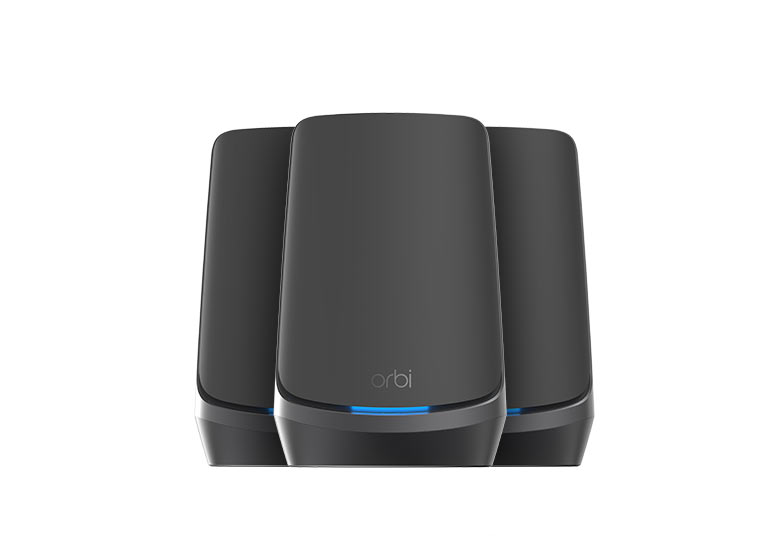
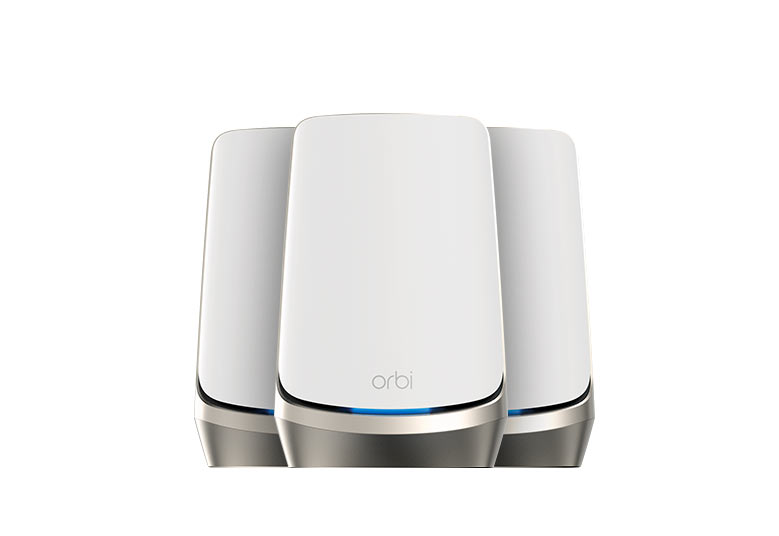
The NETGEAR Orbi 960 is a premium Wi-Fi 6E mesh system available in white and black versions. Its appeal is a separate wireless backhaul radio, 6GHz client connectivity and multi-gigabit Ethernet options. I regard it as a strong option for large homes and demanding connected households, provided the price, compatible devices and placement suit your needs. A cheaper system may be sufficient when the main goal is coverage for modest broadband.
Mesh distributes access points around your home instead of relying on one router. Satellites connect back to the main router, through radio or Ethernet. That uplink matters as much as the client's nearby signal: a strong phone-to-satellite connection cannot overcome a poor satellite-to-router connection. Moving a node into a useful intermediate position can be more effective than adding it deep inside a dead zone.
Four Radios and AXE11000
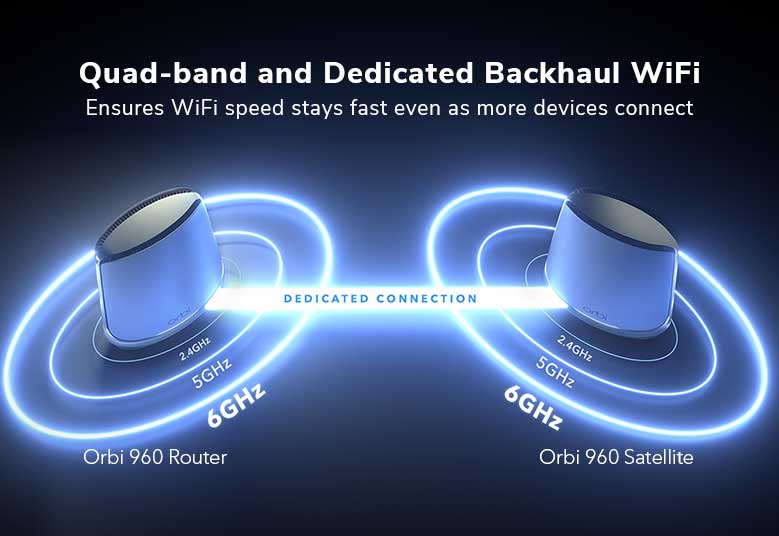
The Orbi 960 uses four radio bands: 2.4GHz, one 5GHz client radio, a separate 5GHz wireless backhaul radio, and 6GHz for compatible clients. NETGEAR's RBKE963 documents list maximum physical rates of 1,200, 2,400, 2,400 and 4,800Mbps respectively. Their sum is 10.8Gbps, marketed as AXE11000. It is not the download speed of one client, and it includes the backhaul radio.
The dedicated backhaul reduces competition between inter-node traffic and the client-facing radio. That can be attractive where cabling is impractical, but it does not guarantee the same throughput at every satellite or eliminate a fixed percentage of loss. Walls, placement, interference, client limitations and active traffic still affect the complete route.
Wi-Fi 6E extends Wi-Fi 6 to 6GHz; it is not Wi-Fi 7. A normal Wi-Fi 6 device limited to 2.4/5GHz cannot use the new band. Check the client's adapter, operating system and regional support. A newer Wi-Fi 7 client can use supported earlier modes, but it will not gain Wi-Fi 7 Multi-Link Operation from this Wi-Fi 6E mesh.
Follow the Complete Ethernet Path
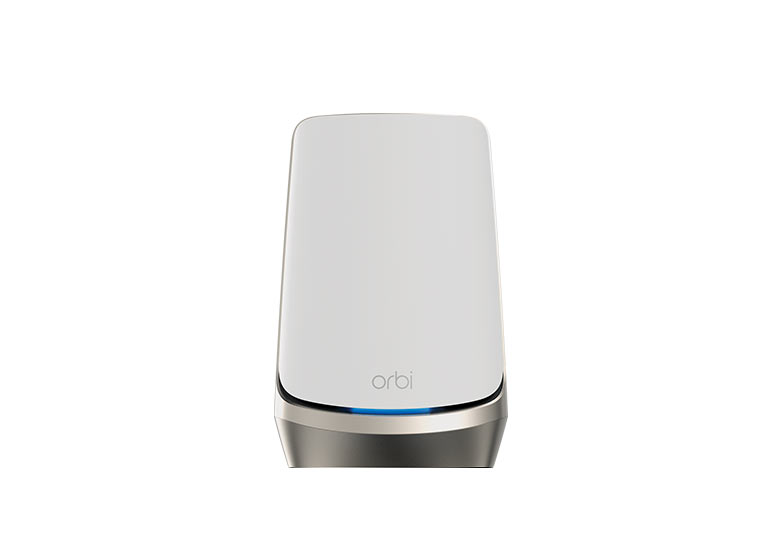
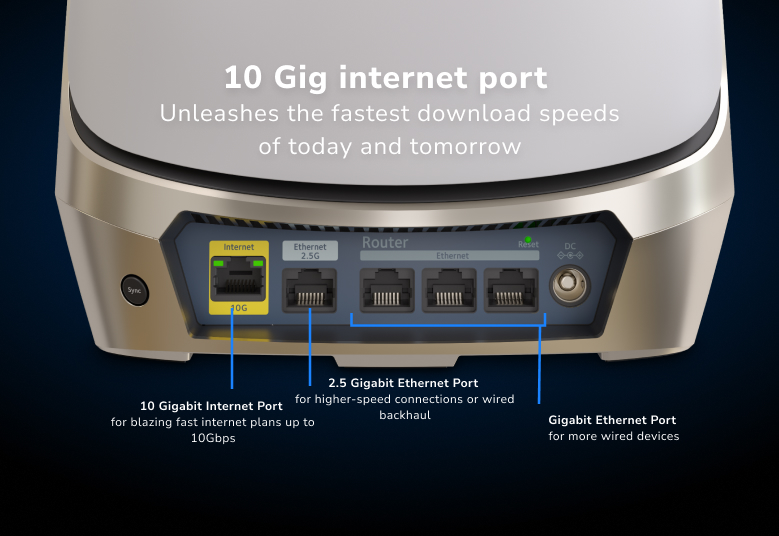
The RBRE960 router has a 10Gbps WAN port, one 2.5Gbps LAN port and three Gigabit LAN ports. Each RBSE960 satellite has one 2.5Gbps and three Gigabit LAN ports. The router's 10G port connects to compatible internet equipment; it is not a spare 10G LAN port in the ordinary router layout.
Those different speeds are important for a NAS or multi-gigabit internet plan. A computer connected through a Gigabit LAN port cannot receive a multi-gigabit wired transfer through that link. A 10G WAN connection also does not make every downstream path 10G. Check the ports used by the client, switch, satellite uplink and server before paying for faster service or accessories.
The 2.5G satellite port can provide wired backhaul, but doing so consumes its only 2.5G interface. Its remaining wired client ports are Gigabit. To connect multiple satellites through the router's one 2.5G LAN port at that rate, a suitable multi-gigabit switch may be useful. A faster switch does not upgrade the ports on the Orbi itself.
NETGEAR documents wired star, chain and switch layouts for Orbi. Use the downstream LAN topology appropriate to your operating mode, verify firmware and confirm the uplink after connecting cables. Wired backhaul removes dependence on that radio hop; do not budget on it automatically repurposing the dedicated radio for clients or doubling 5GHz capacity.
Specifications with Useful Scope
| Item | Orbi 960 / RBKE963 |
|---|---|
| Three-pack models | One RBRE960 router and two RBSE960 satellites |
| Wireless class | Quad-band Wi-Fi 6E, AXE11000 aggregate |
| Maximum radio rates | 1,200 + 2,400 + 2,400 + 4,800Mbps |
| Router ports | 10G WAN; one 2.5G LAN and three Gigabit LAN |
| Satellite ports | One 2.5G LAN and three Gigabit LAN each |
| Processor | 2.2GHz quad-core |
| Router memory | 1GB RAM and 512MB NAND flash |
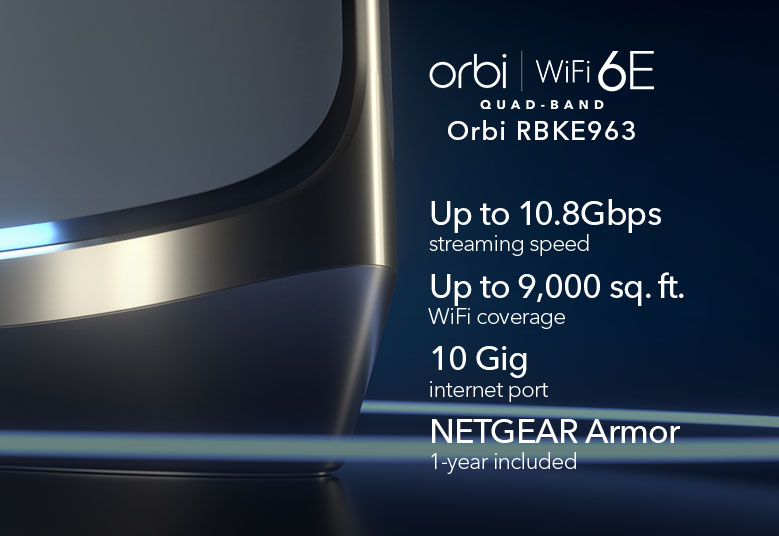
| Advertised three-pack coverage | 9,000 square feet on the cited product page; conditions apply |
| Advertised client capacity | Up to 200 devices; traffic and conditions matter |
Coverage is a buying estimate, not a promise that an attic, basement or detached room will work without careful placement. Device count also does not describe the demand of every device: mostly idle bulbs and sensors differ from cameras, game downloads and video meetings running together. Check the exact pack, regional version and compatible add-on satellites rather than assuming any Orbi-branded unit can join.
What 6GHz Changes in Practice
6GHz can offer useful additional spectrum for supported clients, particularly where existing bands are busy. It is not interference-free, and its reach through obstacles can differ from 5GHz. The number of available wide channels depends on the region, so seven 160MHz channels should not be presented as a universal local entitlement. Use country-approved equipment and settings.
For a desk near a node, a compatible 6GHz adapter may be worthwhile. Across floors or thick walls, placement or a wired uplink can be the more useful investment. Check whether an older phone stays on 5GHz and whether a newer laptop actually negotiates 6GHz before expecting a visible improvement. A high link rate is still different from application throughput.
MU-MIMO can help supported devices share transmission resources, but it does not mean ordinary Wi-Fi previously handled only one device for all purposes. The result depends on client support and traffic. For gaming and calls, examine responsiveness during downloads as well as peak speed; a higher AXE rating alone does not establish lower latency.
Security and Network Names
The documented main, separate 6GHz, IoT and guest networks serve different connection needs. The IoT network offers band and password choices that can help older devices connect. Its separate name is not evidence of a firewall boundary. If protecting NAS shares from untrusted devices is essential, verify actual isolation and operating-mode behavior rather than assuming every SSID represents a separate controlled VLAN.
WPA3 support likewise depends on the selected network and compatible clients. Use strong credentials, keep firmware current and check local services deliberately. NETGEAR Armor provides additional protection under its service terms; it cannot guarantee that every attack or vulnerable client is blocked. Its optional subscription/trial terms should be checked at purchase. The original promotional image's one-year offer is historical artwork rather than a universal current entitlement.
Router or Access Point, and Ongoing Care
If a homelab firewall or ISP gateway already manages the network, access-point mode can let Orbi provide Wi-Fi on that LAN. The manual's menu is ADVANCED > Advanced > Router / AP Mode. Choose the address method deliberately: switching changes the management address and can disconnect your browser. Keep track of the upstream router's address assignment and which gateway features remain available.
Before firmware changes, record the exact router/satellite models and installed versions, retain a configuration backup and allow time for reconnection. Do not assume future standards or unlimited firmware support from a future-proof label. For power planning, measure the complete installed system if running cost matters; adapter ratings alone are not idle consumption, and your electricity tariff determines the cost.
Evaluate Coverage and Backhaul
Start with a wired internet test at the router, then compare the same client near the router and near a satellite. If only the satellite result is poor, move it or try a supported wired uplink. If all results are poor, check the upstream service first. A local file-transfer or throughput test can distinguish Wi-Fi/LAN performance from an internet-service limitation.
Keep client, location and test conditions consistent, and note the active band and uplink. Try the actual video-call route you use around the house because clients affect roaming. Keep nodes in ventilated, open positions rather than behind televisions or inside cupboards. This process helps you decide whether another node, cable or client upgrade addresses the bottleneck.
Value and Final Recommendation
I still consider Orbi 960 a capable premium option for larger homes and users who can benefit from its separate backhaul and 6GHz radio. Wi-Fi 7 alternatives are available, so compare exact local prices, ports, satellite compatibility and support rather than waiting for their arrival. If your clients are older or your broadband modest, a less expensive mesh may meet the need.
The white RBKE963 and black RBKE963B links remain useful reference points. Choose around the whole network and the rooms you use, with the original premium-price and compatibility cautions firmly in mind.