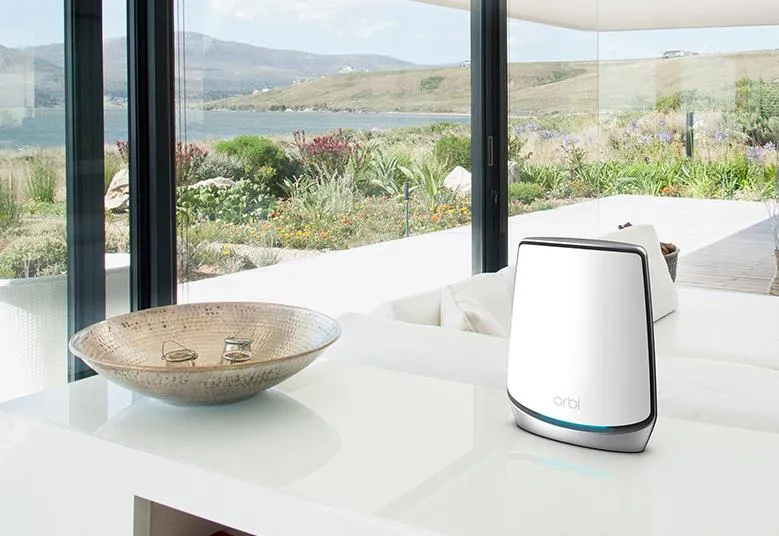
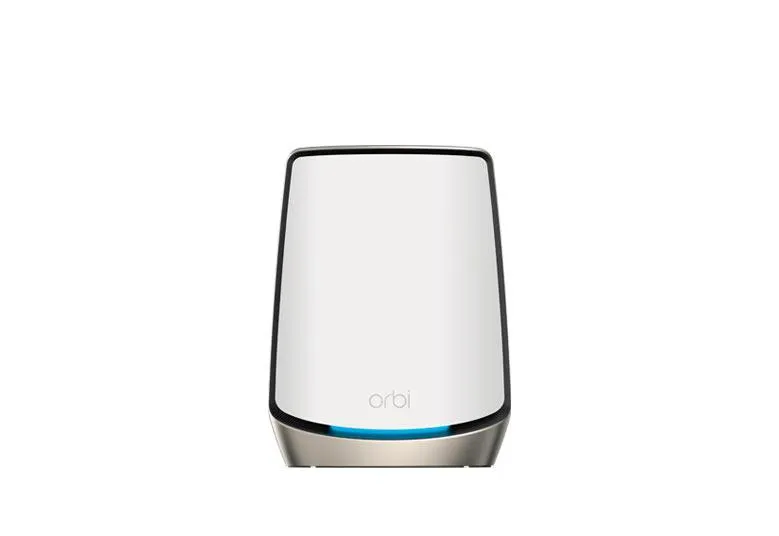
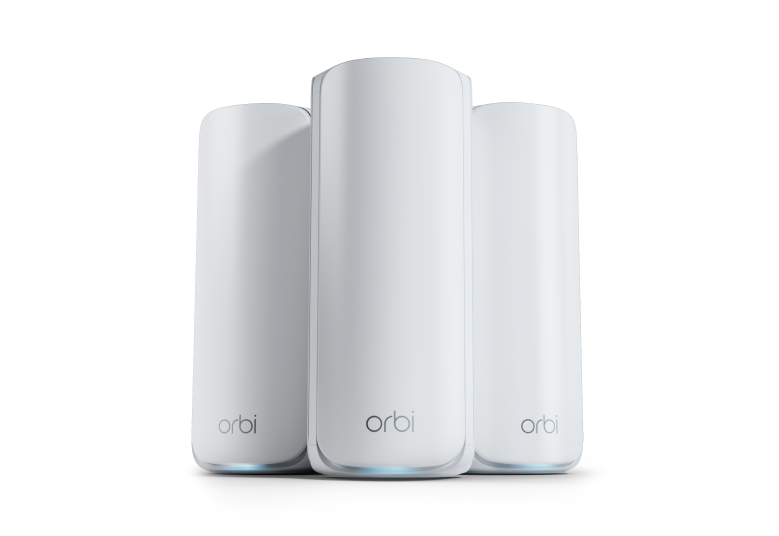
The Netgear Orbi 970 Series is a premium Wi-Fi 7 mesh system for homes that need substantial wireless capacity and fast wired connections. Its distinguishing features are four radios, enhanced wireless backhaul and 10GbE ports. It is an expensive category of equipment, so the important question is whether those features solve a limitation in your actual network.
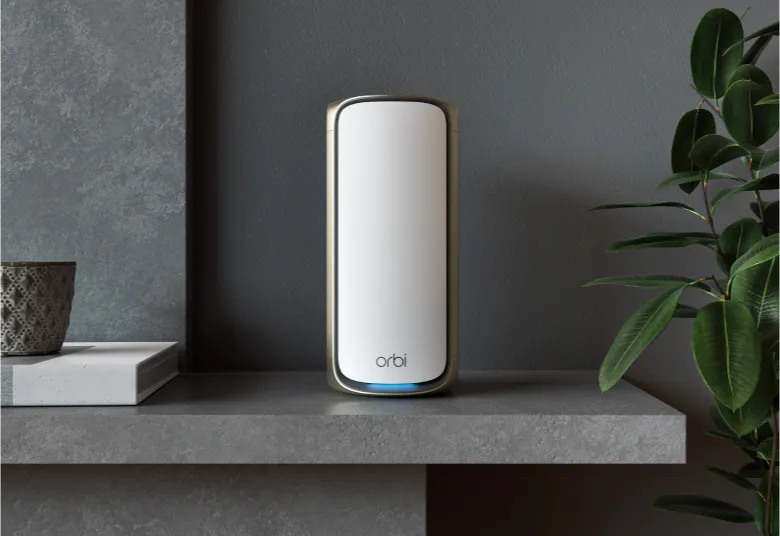
Our view is that the 970 is an excellent option to consider for a large home, demanding connected household or planned upgrade to capable Wi-Fi 7 clients. Its appeal includes the white and black designs. That recommendation should still be weighed against price, placement and client compatibility: a premium mesh cannot guarantee maximum speed through every floor or wall.
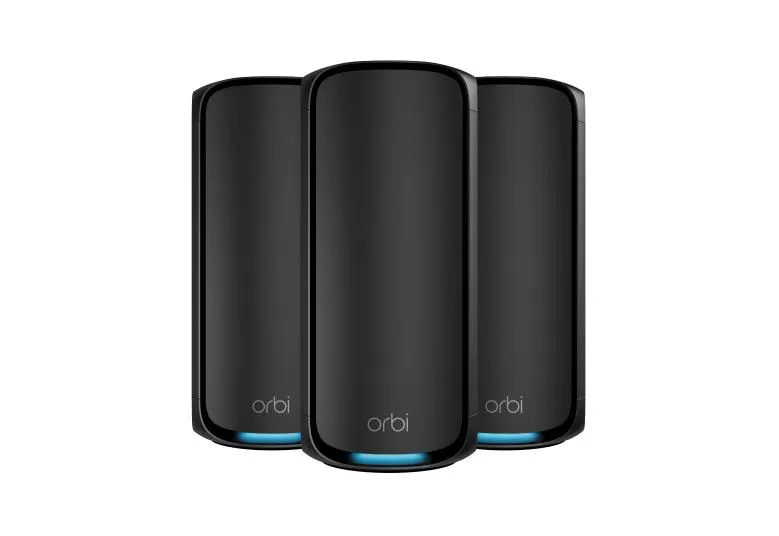
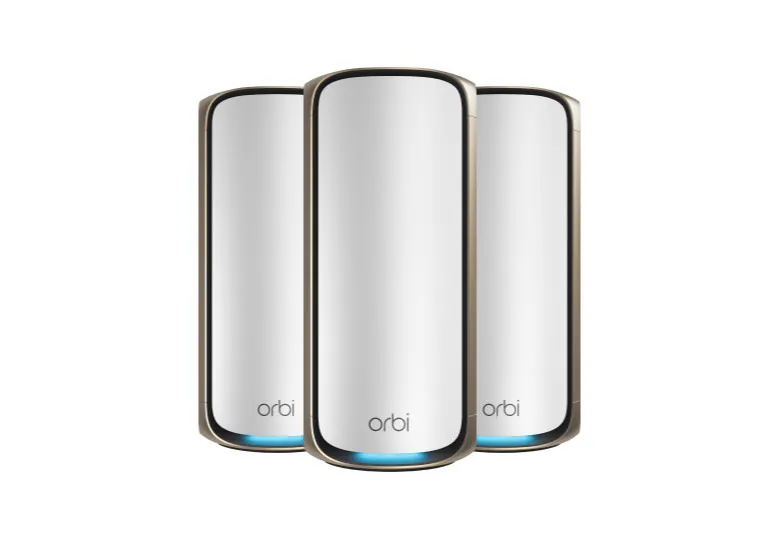
Quad-band Wi-Fi 7 and the 27Gbps rating
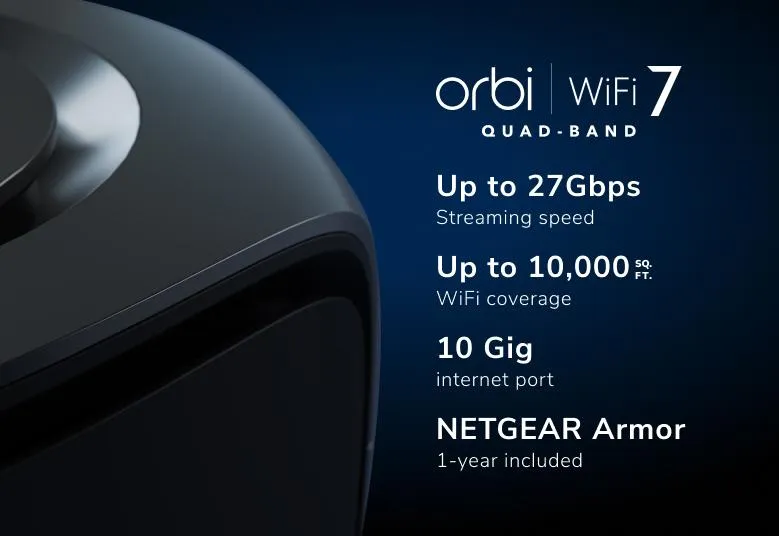
Orbi 970 uses four radios across three frequency ranges: 2.4 GHz, two separate 5 GHz radios and 6 GHz. This makes it quad-band, even though the frequency names include three different ranges. Netgear markets a combined maximum wireless rating of up to 27Gbps, not 46Gbps for this product. The rating adds radio capabilities; it is not a single client’s internet speed.
The system has sixteen streams distributed across its four radios. A client’s stream count, channel support and signal quality constrain its connection. Wi-Fi 7 features require suitable clients and firmware, while older compatible devices continue to use their own supported modes. Buying a Wi-Fi 7 router does not convert an older laptop’s radio into Wi-Fi 7.
The 6 GHz band provides newer spectrum for compatible devices, with availability and channel widths subject to regional rules. It is not a guarantee of no interference or a fixed low latency. Compare performance where the device will actually be used, rather than assuming a headline rate applies throughout the home.
What enhanced backhaul does
Backhaul is the link between the router and its satellites. Netgear’s current datasheet describes Multi-Link Operation (MLO) combining the dedicated 5 GHz-1 radio with 6 GHz for backhaul. It also lists 5 GHz-2 and 6 GHz for client-facing MLO. Thus the dedicated 5 GHz radio is a useful distinction, but the whole enhanced-backhaul path is not exclusively isolated from every client-facing band.
MLO can use more than one link, with behavior determined by the endpoints and supported modes. It does not mean every client aggregates all four radios. Wireless satellites still need a good inter-node signal, so place them where they can communicate effectively rather than simply installing them at the far end of a dead zone.
Ethernet backhaul is another option. The manual supports connecting a satellite’s 10GbE socket to the router’s 10GbE LAN socket, or using a slower supported Ethernet connection. Cable capability, switch ports and negotiated speed affect the resulting link. A 10GbE connection removes a particular wired bottleneck; it does not guarantee unrestricted 10Gbps application throughput or make every dedicated radio a client radio.
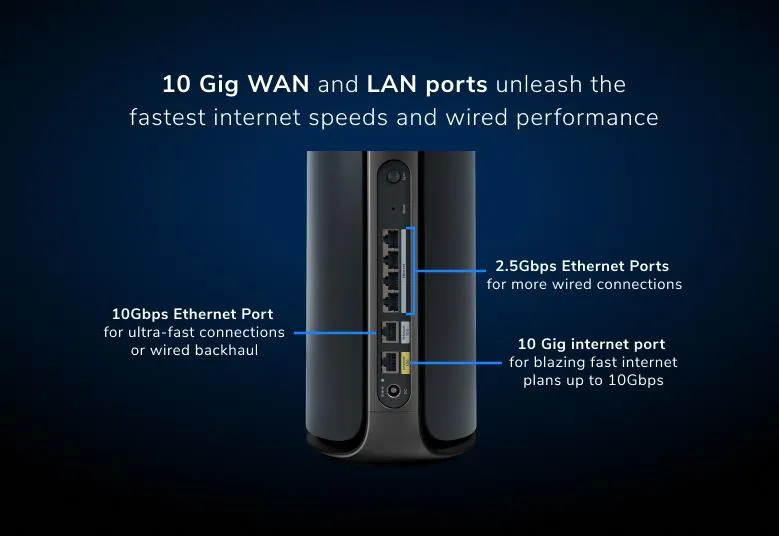
Router and satellite ports are different
| Hardware | 10GbE ports | 2.5GbE LAN ports |
|---|---|---|
| Orbi RBE971 router | One internet WAN plus one LAN | Four |
| Orbi RBE970 satellite | One LAN | Two |
The RBE973S three-pack contains one router and two satellites. A satellite is not an interchangeable stand-alone router with its own 10GbE WAN socket. Check the kit suffix, colour and included units when comparing a router-only sale, two-pack, three-pack or add-on satellite.
Plan how the fast sockets will be used. The router’s separate 10GbE WAN and LAN ports allow a faster internet handoff and a faster local link at the same time. However, connecting its LAN socket directly to one satellite uses that socket. Adding multiple 10GbE satellites or a 10GbE NAS may require an appropriate switch.
The satellite likewise has one 10GbE socket. If Ethernet backhaul uses it, local wired devices normally use its two 2.5GbE ports or a suitably arranged switch. Trace the entire path between a client and storage: the slowest relevant interface, wireless hop or disk can limit a transfer. Socket labels alone do not establish real file-copy speed.
Coverage and capacity are planning claims
The cited three-pack datasheet advertises up to 10,000 square feet of coverage. Netgear qualifies that claim by device, network and building conditions, and regional product pages can present different coverage estimates. Match the market and number of nodes when comparing kits rather than treating the biggest figure as universal.
A large home with masonry walls may need a different layout from an open-plan property of the same size. Use a wired route where practical and put wireless satellites where they have a good upstream link. The manual’s sync indicators distinguish a good connection from a fair one and advise moving a satellite closer when needed.
Manufacturer connected-device claims should also be separated from active workload. A household with many idle sensors differs from one with several busy high-rate streams and downloads. Remote work can benefit from a stable path even without needing the maximum wireless rating. Compare a wired baseline and the same client in the rooms that matter to identify the actual limitation.
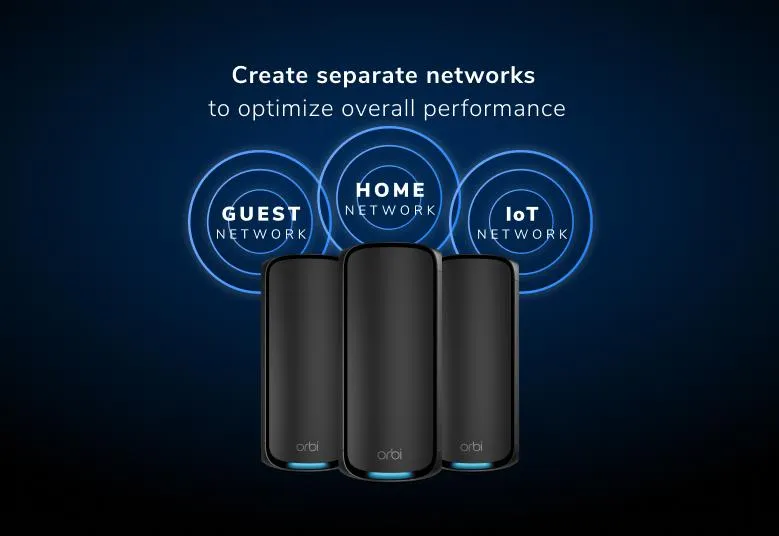
Main, IoT and guest networks
The current manual documents three network roles: main, IoT and guest. The IoT network can use 2.4 GHz, 5 GHz or both, with its own name and security settings. A 2.4-GHz-only setting can help with accessories that require that band, while the main network continues to serve other compatible devices.
A separate SSID is not by itself proof of a separate VLAN, subnet or firewall boundary. If isolating smart devices from computers and storage is a requirement, verify the actual access policy and behavior in your chosen router or AP mode. Do not assume that merely enabling the IoT name automatically protects NAS shares from everything connected to it.
The manual offers WPA3 and compatibility settings for relevant networks. Check the installed firmware’s choices and your older clients before changing them. Keep the router firmware and client software current, and use appropriate credentials. Wi-Fi encryption and a marketing label are separate from the access rules between local devices.
Netgear Armor is an optional subscription service in the current datasheet. The older graphic’s included one-year offer describes its bundle at that time; check the exact purchase terms and renewal cost now. Armor does not operate in AP mode, according to Netgear support. It should not be described as automatic complete isolation of compromised IoT devices.
Using an existing router and maintaining firmware
If another router handles your network, the manual provides AP mode for Orbi. Connect the Orbi internet port to the existing router’s LAN side, open orbilogin.com while connected locally, then use ADVANCED > Advanced Setup > Router / AP Mode. Select AP mode and choose the appropriate address setting; the manual’s normal choice gets an address dynamically from the existing router.
Applying the change disconnects the session because the Orbi management address changes. Find its new address on the upstream router before assuming the unit failed. Check the feature tradeoffs, including the loss of Armor, before choosing AP mode. Wireless network names should not be treated as replacements for segmentation rules on a dedicated firewall.
The current manual supports automatic firmware updates and explains how to enable or disable them. It also provides a web-based check for router and satellite updates. Read the exact release notes and confirm the correct regional files if updating manually. There is no documented basis here for a universal app option scheduling every update between 3 and 5 AM. Allow for restart time and avoid interrupting an update.
Our buying view
The Orbi 970 remains a strong premium choice when a household can use Wi-Fi 7, enhanced backhaul and multiple fast Ethernet connections. We would compare the complete kit cost with the actual problem it solves, including any switch or subscription required. For a smaller home or modest broadband service, those capabilities may bring less benefit than good placement or a simpler system.
For a large property with capable clients, the combination is compelling. Treat performance and future-device compatibility as things to evaluate, rather than guaranteed results. See the official Orbi 970 two-pack page and the three-pack datasheet for the exact products under consideration.