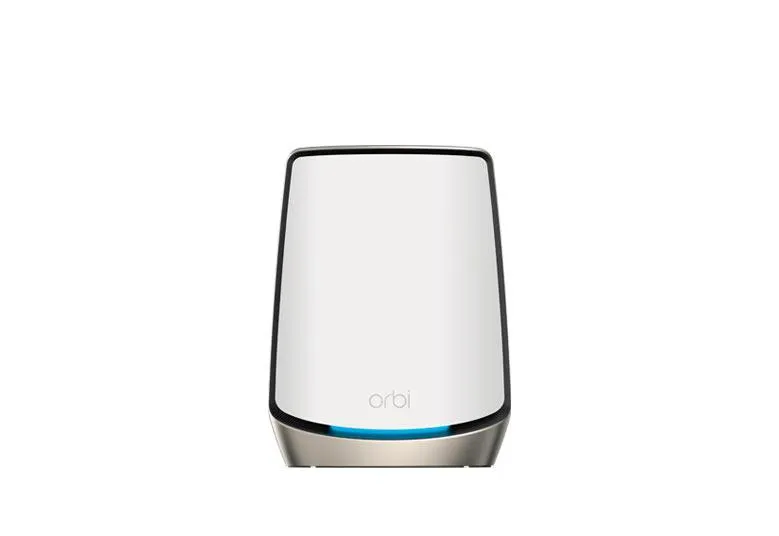
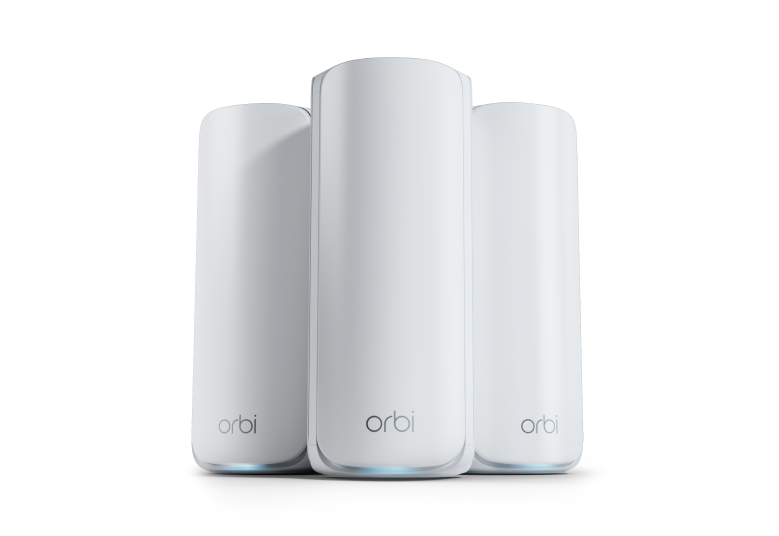
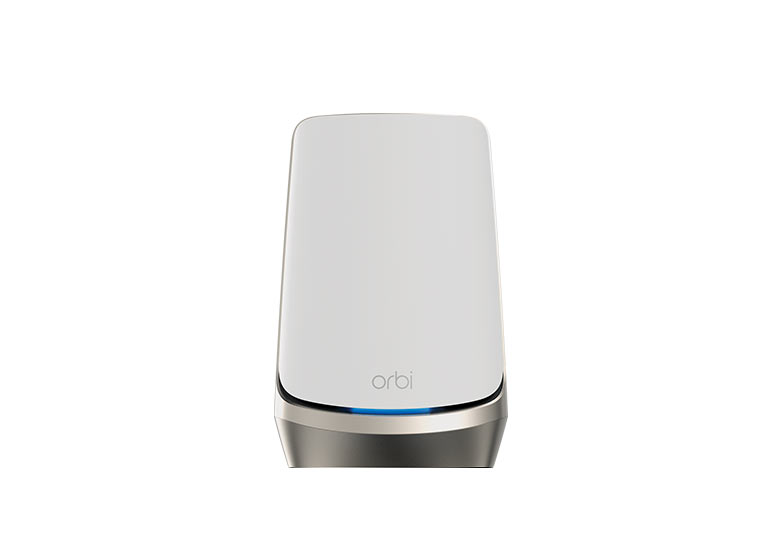
The Netgear Orbi 850 is a premium Wi-Fi 6 mesh system built around a dedicated wireless link between its router and satellites. I consider it a strong candidate for larger homes and households with several active users, especially where a single router leaves important rooms poorly served. Its suitability depends on placement, client devices and the price of the kit you can buy.
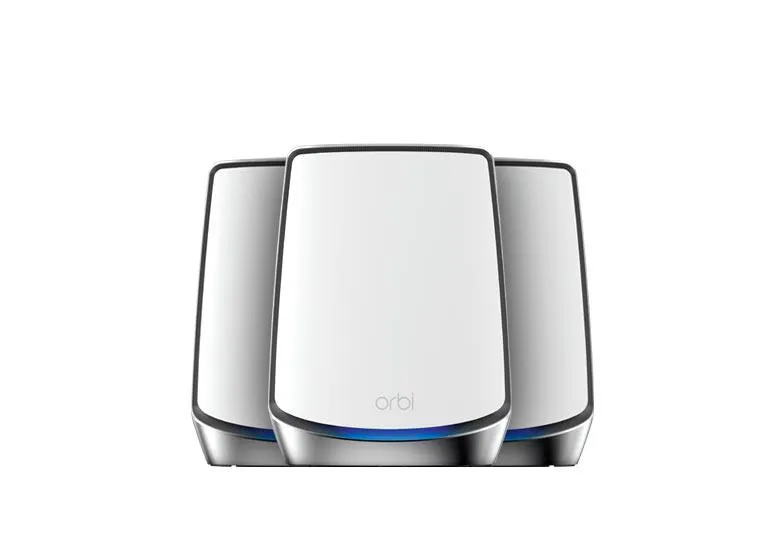
The model names help identify what is included. The RBR850 is the router and the RBS850 is a satellite. An RBK852 kit has a router and one satellite, while an RBK853 has a router and two satellites. Check the exact box contents rather than buying solely by the “850 Series” name. This guide explains the system's specifications and planning considerations, rather than claiming hands-on throughput measurements.
Tri-band AX6000 and dedicated backhaul
NETGEAR's RBK853 technical table lists a 1200 Mbps 2.4 GHz radio and a 2400 Mbps 5 GHz radio for clients, alongside another 2400 Mbps 5 GHz link dedicated to backhaul. Those rounded signal rates form the AX6000 combined rating. It is not a 6 Gbps internet connection for one phone.
Backhaul is the path carrying a satellite's traffic towards the router. Reserving a radio for that path reduces direct competition with client traffic on the other 5 GHz radio, but does not make the path unlimited. Distance, walls, nearby networks and simultaneous use still matter. A strong connection from your laptop to the satellite cannot compensate for a poor satellite-to-router link.
Wi-Fi 6 features such as MU-MIMO and OFDMA can improve scheduling for compatible devices. They do not remove all contention or guarantee that older smart devices cannot affect airtime. The system has no 6 GHz radio, and its Wi-Fi 6 rating should not be confused with Wi-Fi 6E or Wi-Fi 7 capabilities.

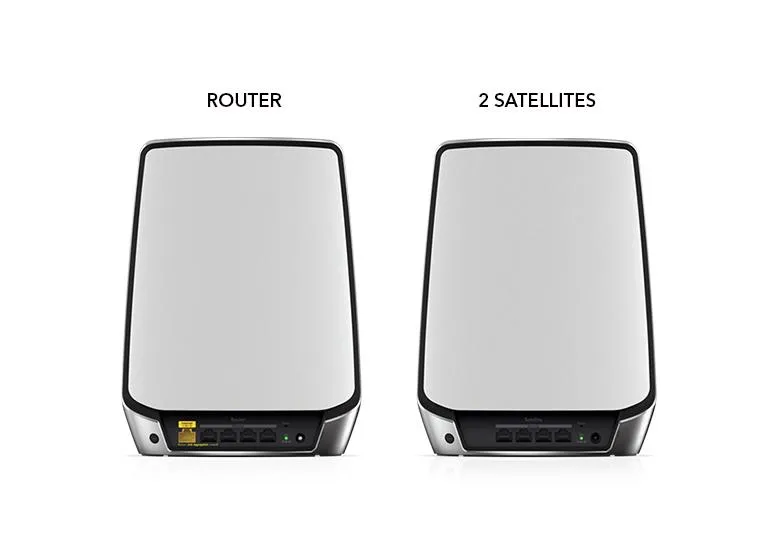
Router and satellite ports: a useful distinction
| Unit | Internet port | Local Ethernet ports |
|---|---|---|
| RBR850 router | One 2.5 GbE WAN port | Four Gigabit LAN ports |
| RBS850 satellite | No separate WAN port | Four Gigabit Ethernet ports |
The 2.5 GbE Internet port can accept a compatible multi-gigabit modem or ONT connection. Each wired client connected to a Gigabit LAN port still has that port's speed limit. If your goal is fast local transfers between a multi-gigabit workstation and NAS, plan a suitable local switch rather than expecting the Orbi's LAN ports to become faster because its WAN port is 2.5 GbE.
NETGEAR's Ethernet port guide confirms that satellite ports can serve televisions, consoles and desktops. With a wireless satellite, plugging in a console removes the console's own wireless hop, but its internet traffic still travels over the satellite's wireless backhaul. That is different from wiring the satellite itself back to the router.
The RBR850/RBS850 manual documents WAN aggregation with a compatible LACP modem using the Internet port and Ethernet port 1. This consumes a LAN port and requires support at both ends; it does not bond unrelated ISP services or make one Gigabit client port faster. Check the modem's link arrangement before deciding whether aggregation offers any benefit over the ordinary 2.5 GbE connection.
When Ethernet backhaul is worth using
NETGEAR's backhaul instructions support router-to-satellite cabling, satellite-to-satellite cabling and connections through a switch. Follow the illustrated topology and update the devices' firmware before configuring the arrangement. These units' Gigabit LAN connections determine the wired path's capacity.
A cable is particularly useful where a floor or thick wall weakens the inter-node radio link. It changes the backhaul path, rather than proving that the dedicated backhaul radio becomes an additional client radio. Check that the satellite is using the intended connection before comparing results.
Wiring a satellite uses one of its four ports, leaving three for devices. Count the links on the router too: a cable to each satellite, a desktop and a television can use all four LAN ports. A switch can provide more connections, but its uplink shares capacity among traffic crossing it. Draw this layout before buying cables or an extra satellite.
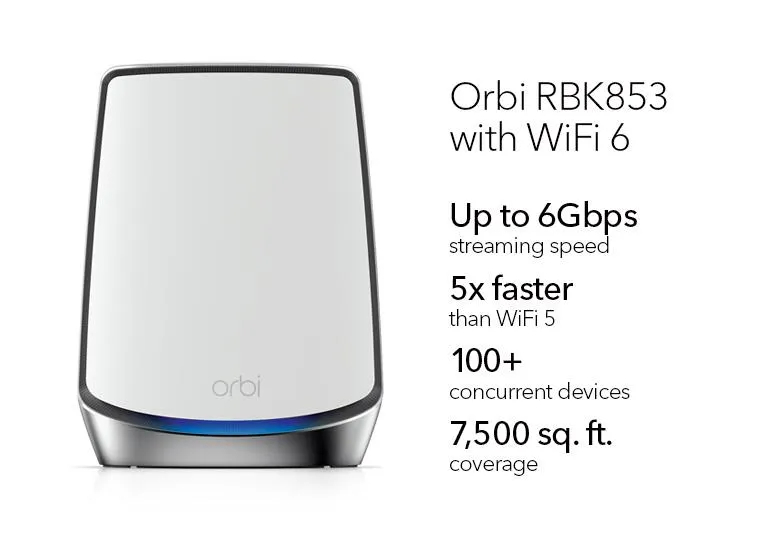

Coverage claims and placement checks
The promotional graphic advertises 7,500 square feet and 100+ devices for the RBK853. Those are manufacturer claims, rather than a measured promise for your floor plan; the current Canadian product table uses a different coverage figure. Compare the same pack size and local specification, and pay more attention to difficult rooms than to the advertised area alone.
Place satellites in open positions with a useful connection towards the router. Avoid hiding them behind a television, inside a cabinet or at the far edge of an existing dead zone. Try a nearer position first if an upstairs room has a good local Wi-Fi signal but poor internet performance.
The LED reference distinguishes front connection indicators from rear power indicators. A satellite's blue connection light indicates a good backhaul link; amber indicates a fair link, and magenta indicates a connection problem. Blue and amber normally turn off after three minutes, so an unlit front indicator can be normal. Confirm persistent problems in the app rather than mistaking the rear amber boot light for weak backhaul.
To assess the installation, compare the same client at the router and the satellite, with the same test destination. Test a local transfer as well as the internet connection, and repeat when the household is busy. Record the backhaul type and room position so that a slower result has useful context. A fixed Mbps figure from somebody else's house cannot replace these checks.
Security, IoT settings and existing routers
The manual documents main, IoT and guest Wi-Fi settings, with selectable IoT bands. A separate IoT network name should not be treated as proof of firewall isolation from your main LAN. Verify access controls for the firmware and operating mode if that separation is a requirement. Our WPA2 versus WPA3 guide explains the wireless encryption options.
NETGEAR Armor offers additional security services, but continuing after an included trial requires a subscription under NETGEAR's current terms. Check the offer attached to the exact kit. Alexa or Google Assistant compatibility means integration with those services, rather than a voice assistant speaker built into each Orbi unit.
If an existing router already handles the network, the Orbi manual supports Access Point mode with its Internet port connected to the existing router's LAN. Decide which device will provide routing before setting up both layers, and check which controls remain available in the chosen mode. AP mode is not a claim that every enterprise VLAN or roaming feature is supported.
Is the Orbi 850 still a good fit?
The dedicated wireless backhaul and four Ethernet connections on each unit make the 850 worth considering for larger households. My positive view is strongest where the kit addresses a real coverage or connection problem and its price makes sense against newer alternatives.
Before expanding it, consult NETGEAR's satellite compatibility information. The RBS850 is a matching satellite, but an arbitrary Orbi model is not automatically compatible. Check firmware support, warranty and the condition of older stock, as well as the cost of additional services. If electricity use matters, measure the installation with a power meter and calculate annual kWh from its average watts; this guide has no measured power profile.
Start with the number of nodes your layout needs, test the distant rooms and expand only when placement or cabling cannot solve the problem. The official Orbi 850 product link remains a reference for the kit and its documentation.