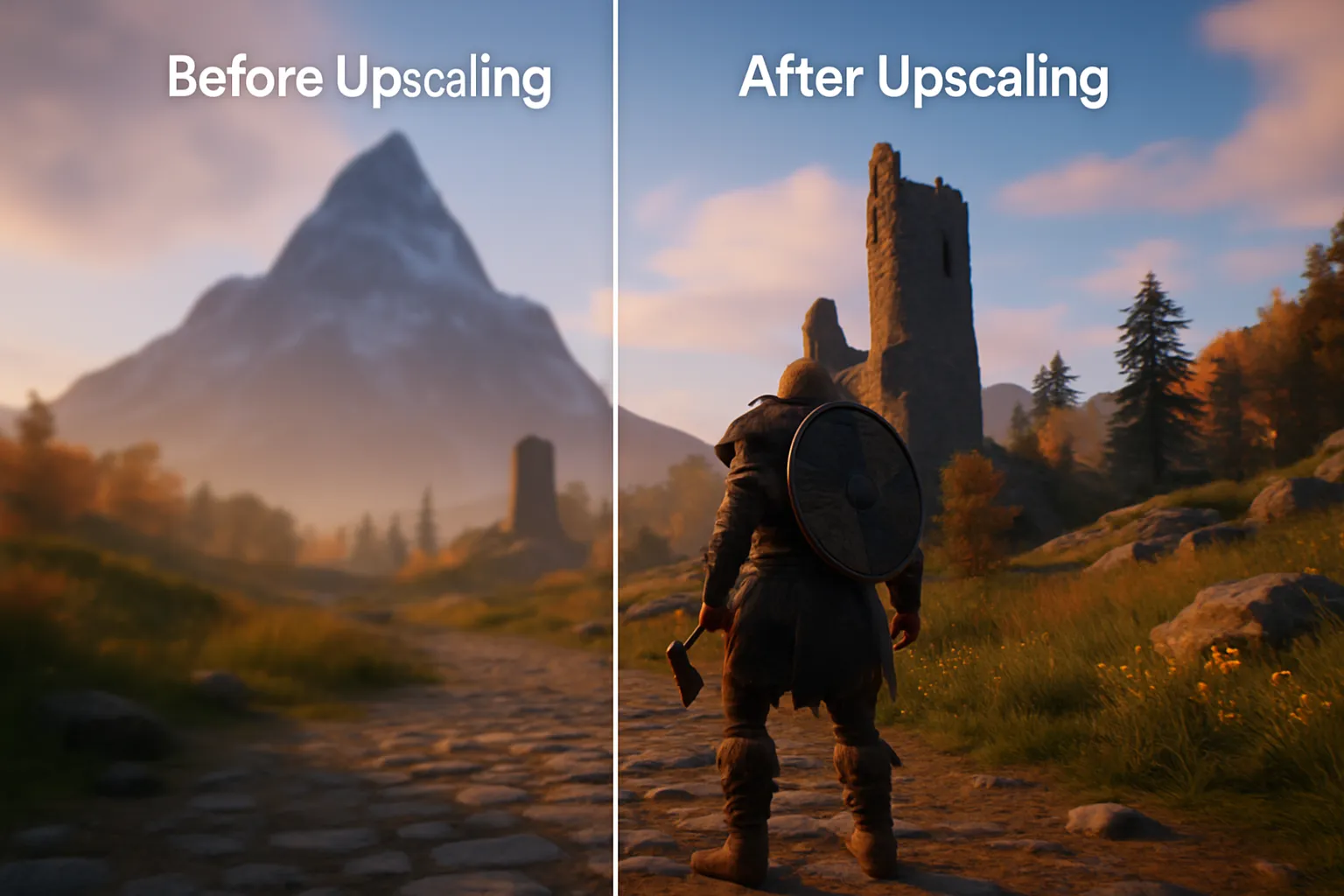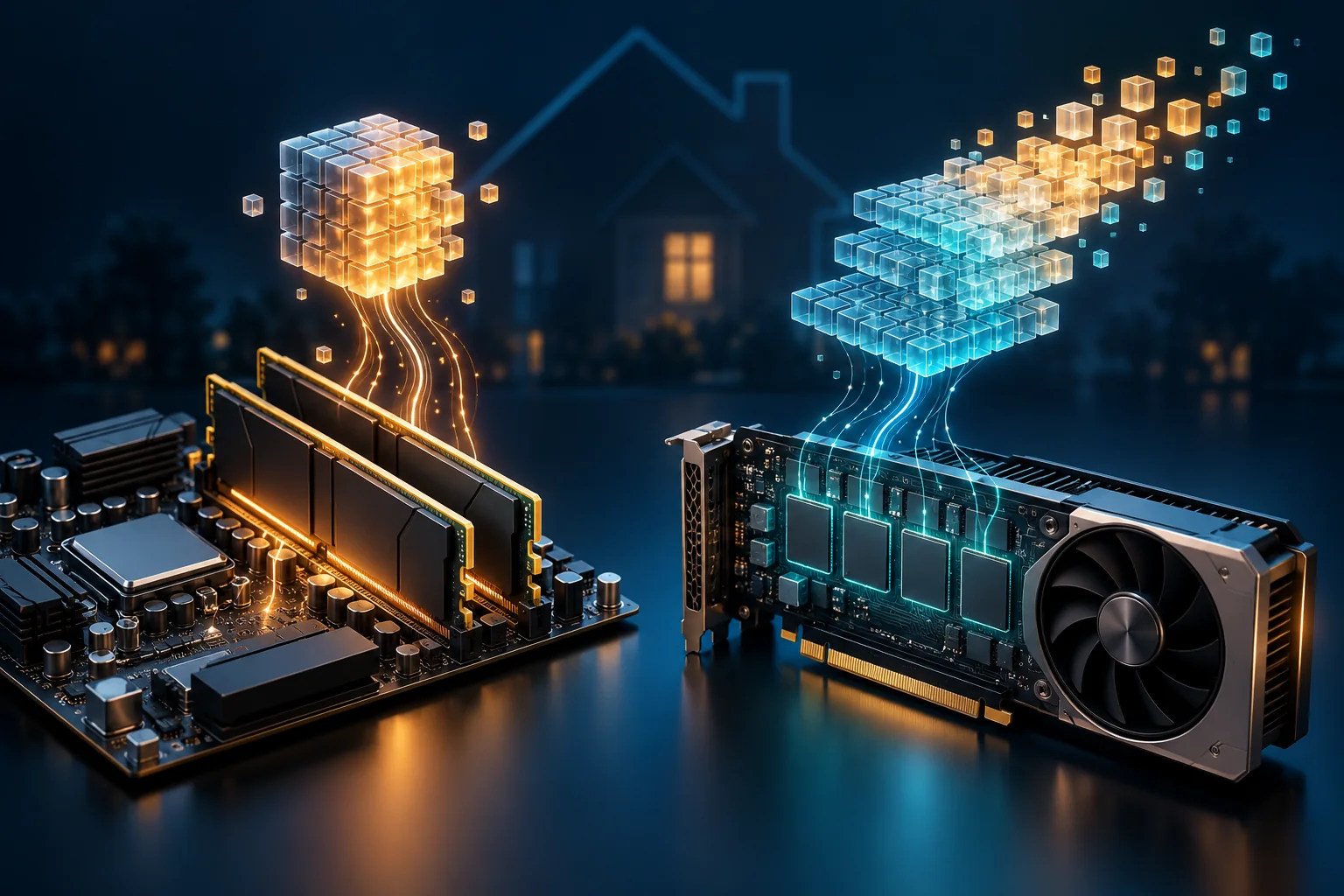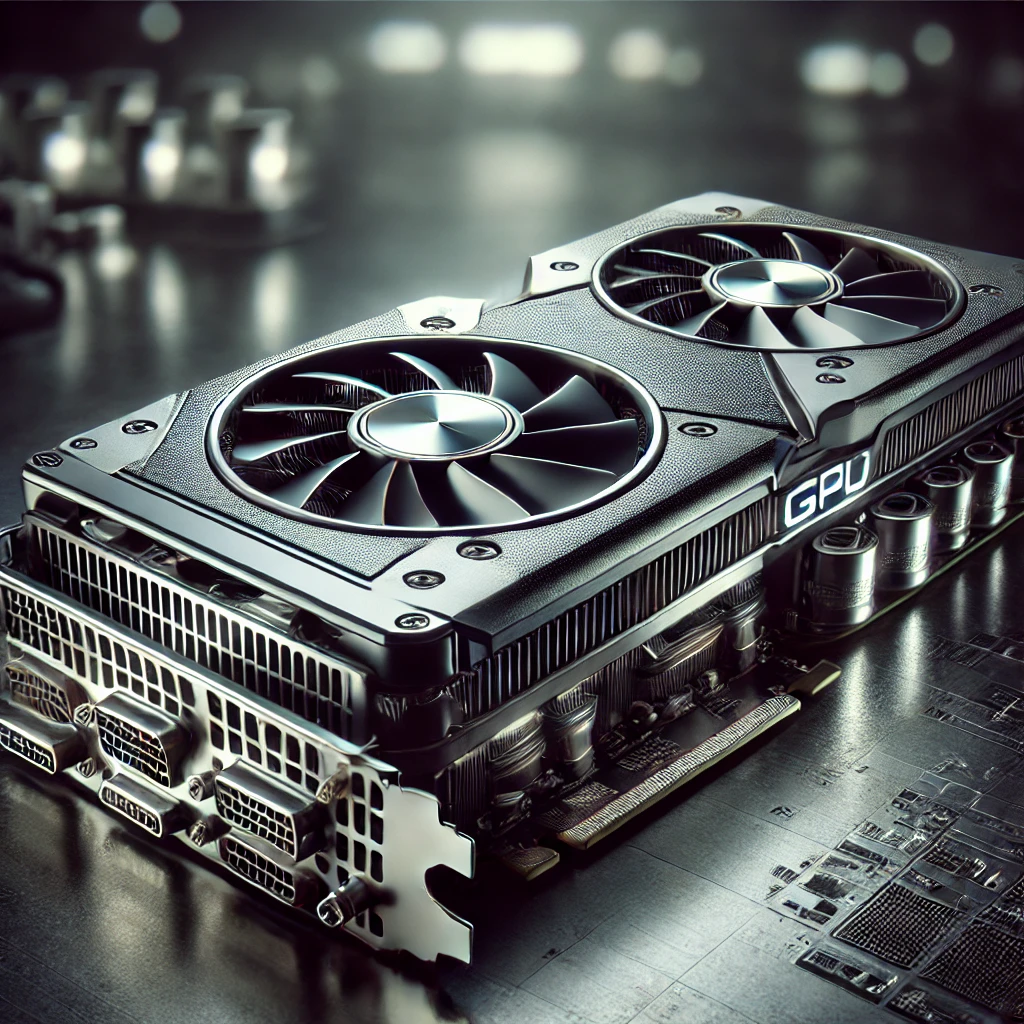
A Graphics Processing Unit, or GPU, is a processor built to handle large amounts of parallel work. It creates the images in games and helps display a computer's interface, but it can also accelerate video processing, scientific calculations and artificial intelligence. Understanding which task you need it for is more useful than assuming the biggest graphics card is always the best upgrade.
The GPU works alongside the CPU. Software must support the relevant hardware and processing method to benefit from it. Buying a capable GPU does not automatically move every program's work away from the CPU, or make all applications faster by the same amount.
From graphics acceleration to wider computing
NVIDIA's history of the GeForce 256 describes its 1999 product as being introduced as the world's first GPU, with hardware transform and lighting. This is an important milestone and NVIDIA's product framing, rather than a claim that graphics acceleration did not exist before 1999.
Later generations became increasingly programmable. NVIDIA's CUDA introduction describes how GPU computing expanded beyond graphics APIs into other workloads. The broad lesson is that the same parallel approach useful for images can be useful for calculations on other large datasets, when the software is written for it.
How a GPU differs from a CPU
A CPU handles general program logic, operating-system work and many tasks where the next operation depends on the previous result. GPUs aim for high throughput across many threads. CPUs also process work in parallel, and GPUs still contain control logic, so this is a difference in emphasis rather than a strict rule that one is sequential and the other is not.
| Consideration | CPU | GPU |
|---|---|---|
| Design emphasis | Responsive general-purpose execution and control flow | Throughput across many parallel operations |
| Typical strengths | Application logic, branching and system management | Graphics, matrix operations and suitable bulk computation |
| Memory | System memory and caches | Dedicated graphics memory or shared system memory, depending on design |
| Software requirement | Runs ordinary application code | Needs a supported graphics or compute path for acceleration |
A 3840×2160 image has 8,294,400 pixels. At 60 frames per second that represents about 498 million displayed pixel positions each second. This arithmetic helps illustrate the scale of visual work; it is not a benchmark of shader performance. Rendering also involves geometry, textures, depth, multiple passes and dependencies, rather than one identical operation per displayed pixel.
Core counts need similar care. A CPU core, NVIDIA CUDA core, AMD compute unit and Apple GPU core describe different levels of hardware organisation. Comparing their numbers directly cannot tell you which complete device is faster. Use supported-workload results and the architecture's capabilities alongside the specification sheet.
Different blocks handle different work
Shader processing performs programmable work used in graphics and compute. Some GPUs also have specialised hardware for ray tracing or matrix operations. NVIDIA's RTX history describes its RT and Tensor cores, but those are vendor-specific names, and capabilities vary by generation and model.
Ray tracing hardware accelerates parts of calculating light paths; it does not make every game use the same rendering pipeline. Matrix hardware can accelerate supported AI operations. Video decoding and encoding often use separate fixed-function engines. A gaming benchmark therefore cannot, by itself, establish a card's video-codec support or its suitability for a particular AI application.
Integrated and discrete graphics
Intel's integrated-versus-discrete explanation distinguishes graphics built into a processor from a separate graphics processor. Integrated graphics commonly share system memory; discrete graphics usually have dedicated memory. A discrete GPU may be part of a laptop as well as a desktop add-in card.
Integrated graphics can be enough for everyday use, media playback and some gaming or creative work. Their capabilities depend on the processor and system configuration, rather than a universal power range. They are not automatically unsuitable for every demanding application, just as a discrete GPU is not automatically required for every game or 3D project.
Apple's M-series chips also contain actual GPUs. They are integrated graphics within a system-on-chip, rather than “not traditional GPUs”. Apple's M1 description explains its GPU and unified memory pool shared by the chip's components. This differs from a desktop card with its own separately allocated VRAM.
AI: memory capacity and software support matter
For local AI, start with the application's supported hardware backend. CUDA, HIP, Metal, Vulkan and other paths have different device and software requirements. A fast graphics card is of little use to a workload that cannot use its supported compute path.
Model weights are only part of the memory budget. As a simple calculation, 8 billion parameters stored at 2 bytes each require about 16 GB in decimal units for the weights alone. This does not include context-related memory, intermediate buffers or application overhead, and does not guarantee that the whole workload fits a 16 GB card.
Quantisation can reduce the weight storage needed, with trade-offs depending on the model and format. The llama.cpp project documents quantised inference, several hardware backends and CPU/GPU hybrid execution for models larger than available VRAM. A model therefore does not universally need all its weights on one discrete GPU to run, although offloading and transfers can change performance.
Ollama's context documentation notes that increasing context length increases memory requirements. Check the model, precision, intended context and concurrent use before choosing hardware. Measure a representative task with those settings, rather than buying purely by parameter count or an advertised AI arithmetic rating.
Media servers and virtual machines
Hardware video acceleration can make a media server more efficient, using either suitable integrated or discrete hardware. Jellyfin's documentation explains the separate decoding, scaling, tone-mapping, subtitle and encoding stages. Some stages may remain in software because of hardware, driver or application limits.
This is why “zero CPU use” and a fixed number of simultaneous 4K transcodes are poor general promises. Check the actual codec, bit depth and required conversion, then confirm acceleration in the server's playback information or logs. A client that directly plays the file may not need video transcoding at all.
Virtual machines add another compatibility layer. Proxmox's current PCI passthrough documentation describes giving a guest control of a physical device, with platform, firmware and I/O memory-management requirements. Whole-device passthrough makes that device unavailable to the host and other guests while assigned. It is distinct from supported shared or mediated GPU arrangements; do not assume any consumer card can be freely divided among virtual machines.
Choosing and fitting a GPU
Begin with the programs, display resolution or projects you want to run. Check their supported APIs and drivers, the memory they require and the performance that matters to you. For gaming, compare results at the intended settings. For editing, check the effects and codecs. For AI, check the exact software and model configuration.
Examples familiar to buyers in 2024 included the GeForce RTX 4090 and Radeon RX 7900 XTX, alongside Intel Arc cards and Apple M1/M2 integrated graphics. They illustrate different hardware approaches rather than a current ranking or a recommendation that everyone needs a flagship. The original NVIDIA and AMD Radeon links remain useful starting points for manufacturer information.
Before fitting a desktop card, check its dimensions, slot clearance, cooling requirements, power connectors and the manufacturer's recommended system power supply. NVIDIA's RTX 40-series guidance illustrates why an existing suitable supply need not automatically be replaced with an ATX 3.0 unit. Follow the exact card and power-supply instructions, including their cable and clearance requirements, instead of treating a capacitor origin or rail count as a universal buying rule.
Cryptocurrency use is another separate question. Do not assume every blockchain requires GPU mining: Ethereum's documentation describes its switch to proof of stake in 2022. Establish the actual software and workload before treating a GPU as necessary hardware.
The useful GPU is the one that supports your tasks, fits the system and delivers enough performance within the budget. Parallel capability is powerful, but compatibility, memory, cooling and software support determine whether you can use it well.