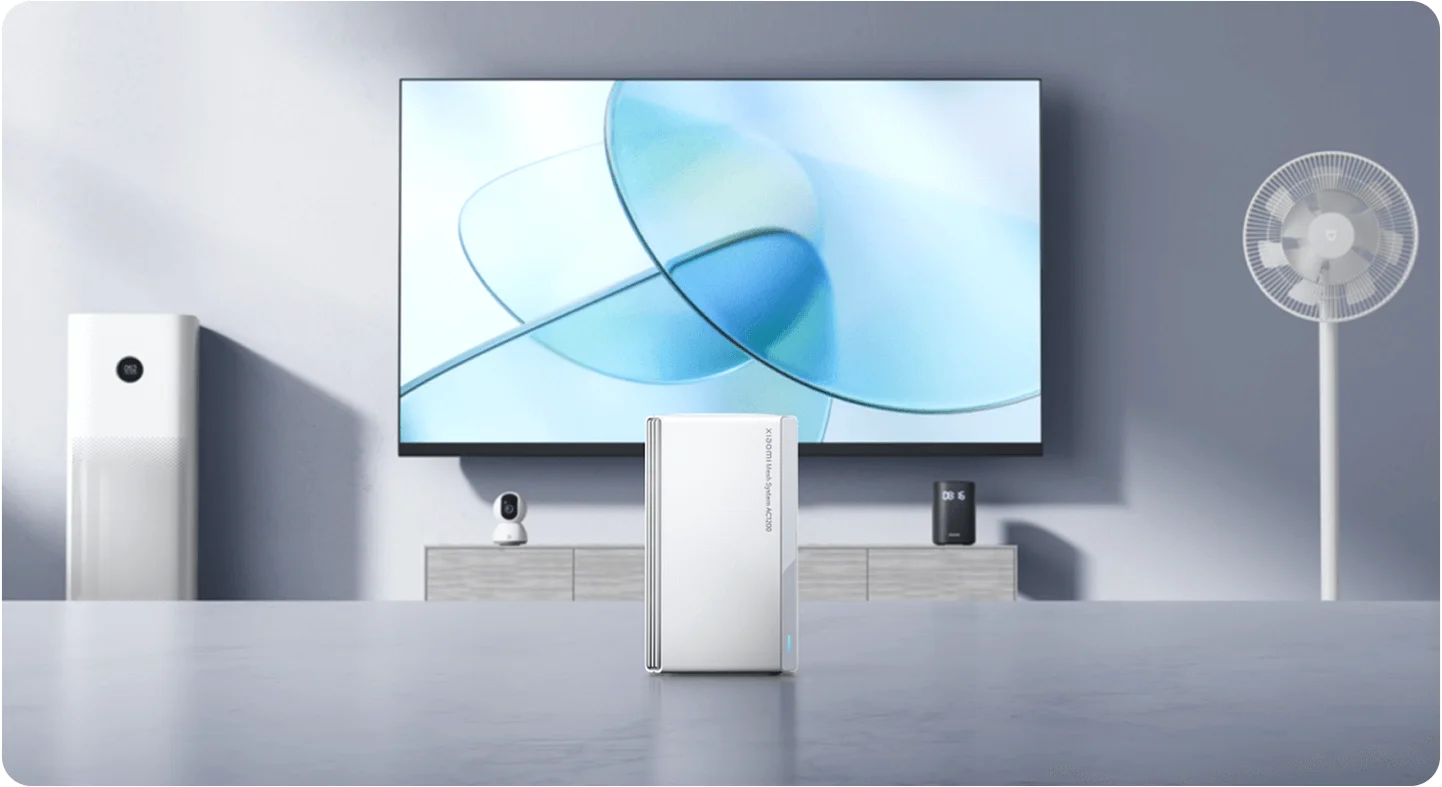
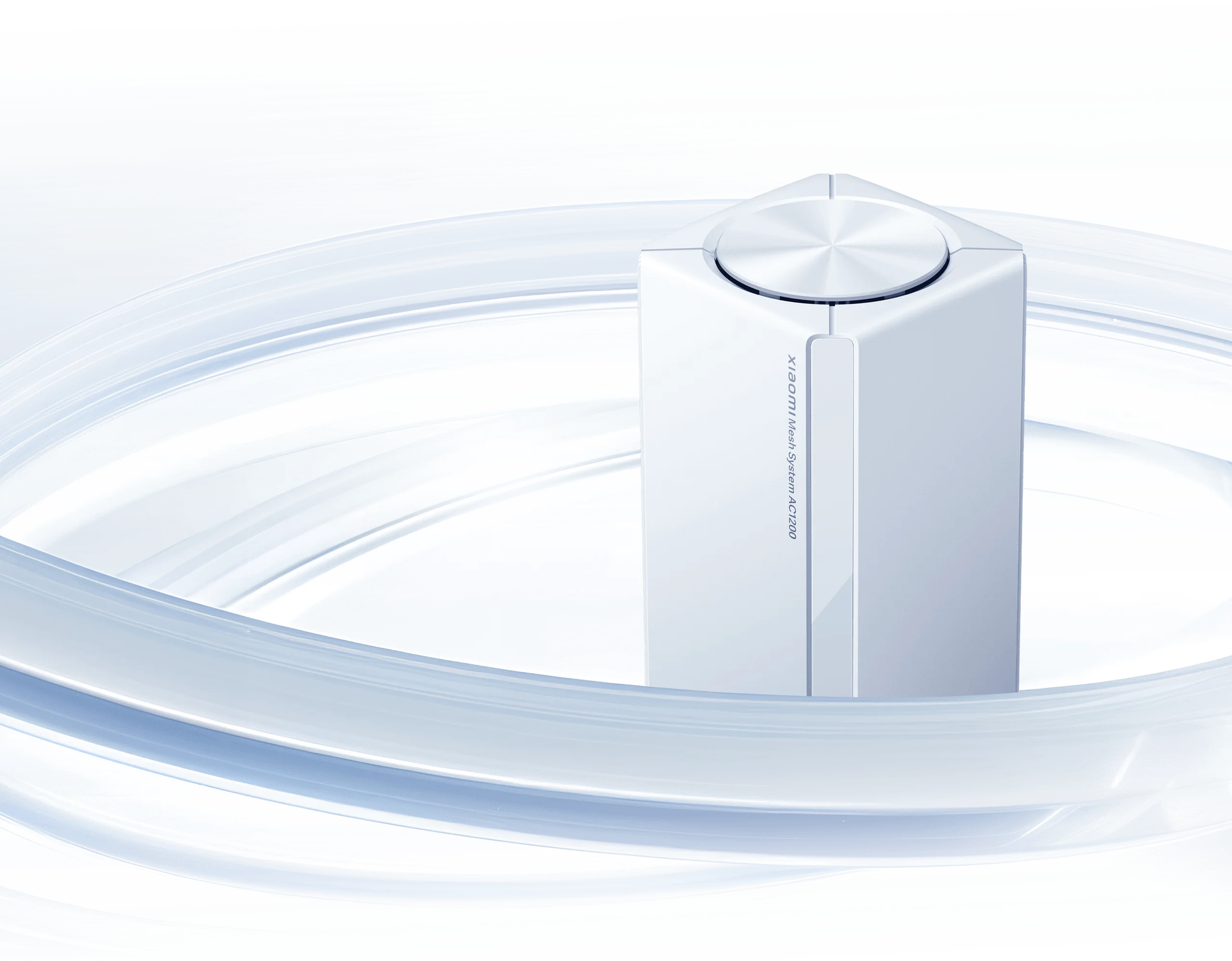
The Xiaomi Mesh System AC1200 is a basic Wi-Fi 5 mesh option for a household that wants broader coverage without paying for the newest wireless standard. It provides two wireless bands, Gigabit Ethernet and app management. I think it is worth considering where affordability and ordinary daily use matter more than advanced features.
That recommendation needs a clear understanding of its limits. It does not provide Wi-Fi 6, 6E or 7, and a headline coverage area is not a promise for every room. Its useful role is a straightforward network for suitable needs, rather than an unbeatable-price or guaranteed-throughput claim.
Published specifications
Xiaomi's global specifications and model-specific wireless FAQ list the following:
| Feature | Xiaomi Mesh System AC1200 |
|---|---|
| Wireless standard | Wi-Fi 5; supports 802.11a/b/g/n/ac |
| Bands and maximum physical rates | 2.4GHz: 300Mbps; 5GHz: 867Mbps |
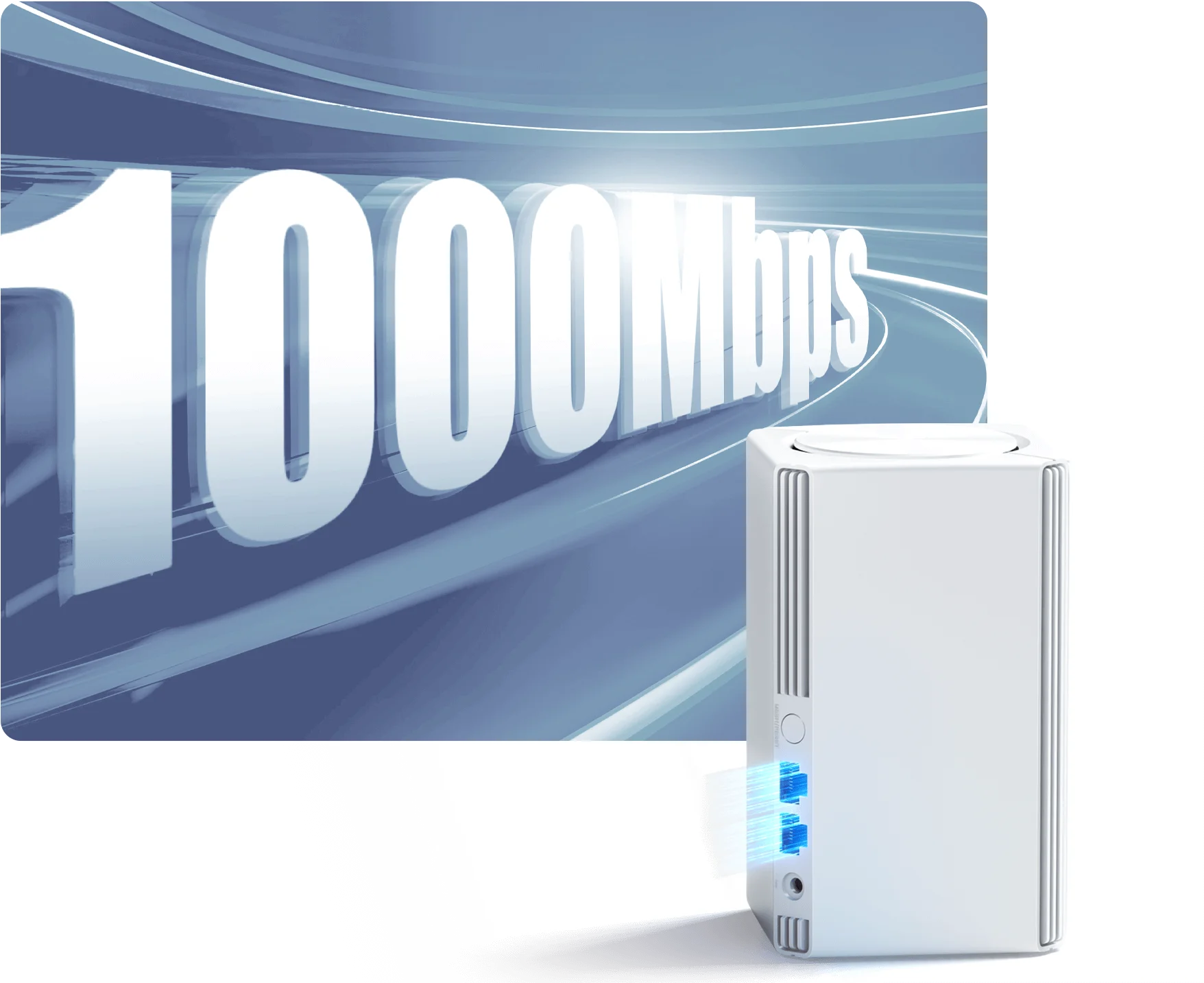
| Ethernet per unit | Two 10/100/1000Mbps WAN/LAN auto-sensing ports |
| Dimensions | 89.5 × 89.5 × 153.7mm |
| Management | Web interface and Mi Home/Xiaomi Home app |
| Wireless encryption | WPA-PSK, WPA2-PSK and WPA3-SAE listed |
| Mesh connection options | Wired, wireless or hybrid with compatible Xiaomi Mesh equipment |
AC1200 combines theoretical rates on different bands. It is not a 1200Mbps download to one client. Usable transfers depend on the client, signal, protocol overhead and any other traffic. Gigabit ports avoid a 100Mbps Ethernet ceiling, but they do not guarantee that every wireless device achieves the full speed of a 500Mbps internet plan.
The “10 devices” wording concerns mesh routers
Xiaomi's mesh setup FAQ describes networking up to ten routers. That is different from limiting the system to ten phones, laptops or other clients. The product page separately advertises connections for over 120 devices, with a footnote stating that 120 is the total across 2.4GHz, 5GHz and LAN under laboratory conditions for the two- and three-pack versions.
Do not treat 120 as a measured per-node limit or a guarantee of that many simultaneous streams. The workload matters: a thermostat, an idle phone and a camera uploading continuously use different resources. For a large mesh installation, confirm the exact supported router count for your firmware; the product page and setup FAQ use slightly different wording about the maximum topology.
For an ordinary household, list the devices and busy activities rather than rejecting the kit because there are more than ten clients. At the same time, do not assume the laboratory connection count proves it can handle every heavy workload you might add.
Coverage and kit size
The manufacturer advertises up to 1500 square feet for one unit, 2800 for two and 4000 for three. The two-pack figure is not 3000 square feet. These are reference estimates, and construction materials, floor layout, neighbouring networks and node placement affect the result.
A single unit still broadcasts from one location. Additional nodes extend coverage only when they have a useful connection to the rest of the network. For wireless mesh, start a satellite between the main router and the weak room rather than putting it where the original signal is already barely usable.
Too many poorly placed nodes can create more problems than a smaller well-placed kit. Leave ventilation space, avoid hiding the units behind large metal objects, and test your work or streaming location. There is no source-backed rule that every pair must be eight to twelve metres apart in all homes.
Setup and compatibility
Xiaomi says two- and three-pack units are paired before leaving the factory. After configuring a main router, powering on the others can establish the mesh. A separately purchased unit or one previously configured may require a different onboarding step, so use the exact model's instructions.
The official setup FAQ offers app-based, mesh-button and wired methods. For initial wireless pairing, it asks that the satellite be nearby but at least one metre from the main unit. That is pairing guidance, not a universal final placement distance. Finish setup first, then move the node and check reception.
Mi Home/Xiaomi Home support is verified, along with web management. Update the app and check the product's regional version. Xiaomi describes compatibility with routers equipped with its Mesh technology, but that does not mean every Xiaomi router or another brand's mesh system can join. Confirm the model and version rather than relying on a shared logo.
Using the Gigabit ports and wired backhaul
Wired backhaul is an option when cabling can connect the units. It avoids relying on a wireless inter-node link through difficult walls. It does not remove the wireless link between a phone and its local node or guarantee the full 867Mbps physical rate as application throughput.
Count the available connections. A main unit using one port for its upstream service has one remaining direct Ethernet connection. A wired satellite also uses a port for the mesh cable. A suitable switch may provide more endpoints, but its uplink and the units' Gigabit ports still limit traffic passing through them.
Follow the manufacturer's topology and verify negotiated link speeds. If connected behind an existing router, check which device is responsible for routing and addressing. Do not assume that every configuration preserves all features or that adding cables anywhere automatically creates the intended backhaul path.
Wi-Fi 5 and roaming expectations
Wi-Fi 5 remains useful for browsing, streaming and many everyday tasks when the network is well matched to the workload. Wi-Fi 6 adds efficiency capabilities for suitable clients, but an upgrade does not automatically improve every old device or solve a weak upstream link. Compare a newer kit's real features and price instead of assuming its generation guarantees more range.
Xiaomi's roaming claim requires clients that support 802.11k/v, and its footnote qualifies the experience by the client and household environment. A unified network name is convenient, but it cannot guarantee a handoff under 100ms for every phone or uninterrupted calls through every room.
For gaming or video calls, test stability as well as peak download speed. Local Wi-Fi, the internet provider and the remote service all contribute to the experience. The kit cannot promise a fixed latency simply because it uses mesh.
Security and maintenance
WPA3-SAE is listed for this model. Use the WPA2 versus WPA3 guide to understand the choice and check compatibility with older accessories. Keep device firmware, the management app and account credentials maintained.
If you require separation for smart-home equipment, verify the exact guest-network settings and whether devices can reach your normal LAN. A different network name alone does not establish isolation, and this model's basic specifications do not prove an enterprise VLAN design. Test the access you intend to allow before putting sensitive systems on the same network.
Keep a note of the working configuration and recovery method. Firmware support and app services are part of the product's long-term value, especially for discounted stock. Confirm the exact model's current support rather than expecting a basic mesh kit to provide every advanced networking function.
Buying verdict
My view remains that the AC1200 can be a sensible, uncomplicated choice for a budget-conscious household with suitable needs. Compare the full kit cost, useful node positions and the activities it must support. If a Wi-Fi 6 alternative is close in price or you need more demanding capabilities, give that option serious consideration too.
There are no hands-on throughput or power measurements in this guide. Compare actual busy-hour performance, and use measured complete-kit power with your local tariff when assessing running costs. Check the official Xiaomi Mesh System AC1200 page for the model and regional package before purchase.