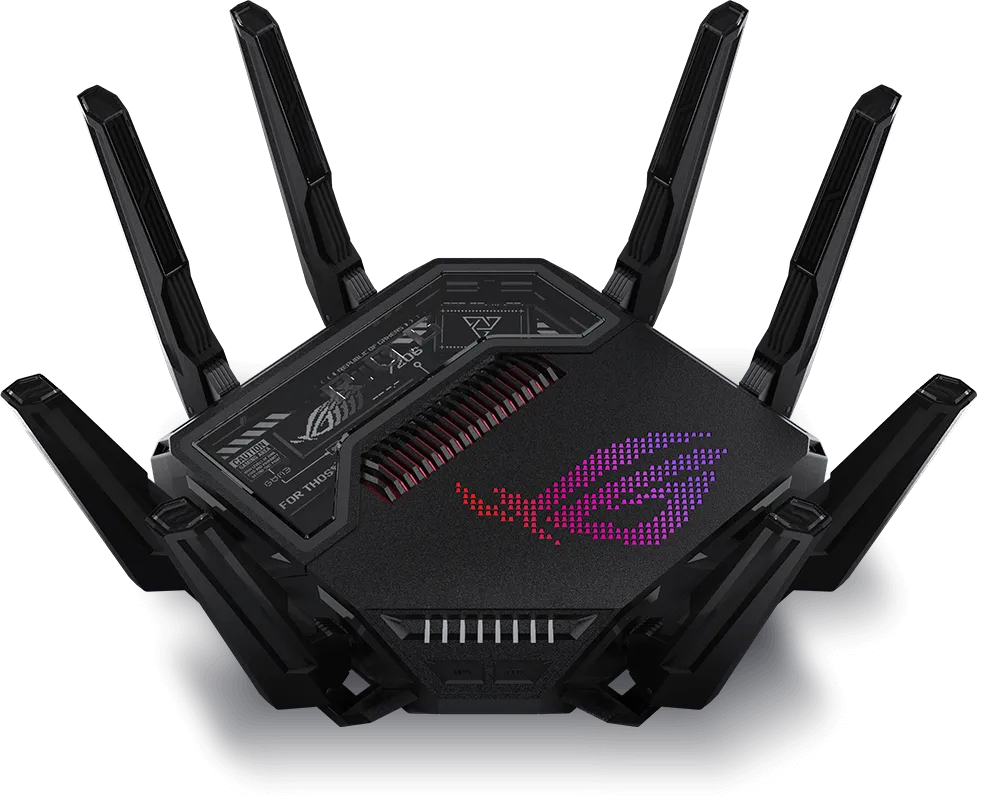
Wi-Fi 7 brought impressive advances, and the development of Wi-Fi 8 is exciting for a different reason: more reliable connections when conditions are difficult. The focus is on useful throughput, responsiveness and continuity, rather than simply advertising a larger peak speed. This article explains the direction of the work and how to judge whether a future upgrade addresses a problem in your network.
What Is Wi-Fi 8?
Wi-Fi 8 is associated with IEEE 802.11bn, Ultra High Reliability. Wi-Fi 7 is 802.11be. The distinction matters because 802.11bn remains under development: proposals, chip announcements and a completed interoperable standard are different milestones.
As of October 2026, IEEE's task-group page records the July 2026 D2.0 ballot and September comment-resolution work toward D2.1. Its timeline projects final approval stages in 2028. These dates are projections and can change. Qualcomm already advertises draft-based Wi-Fi 8 platforms, explicitly noting planned compliance with the draft specification. A silicon platform announcement does not establish that every retail router and client implements the final feature set.
How Wi-Fi 8 Builds on Wi-Fi 7
Wi-Fi 7 introduced Multi-Link Operation (MLO), 320 MHz channels and 4096-QAM. These are radio capabilities with client and regional requirements, not the Internet speed of every device. The Wi-Fi 8 development work builds on that foundation while tackling difficult signal conditions, overlapping networks and movement between access points.
Think about a video call that works well at a desk but briefly stutters while you walk upstairs. The useful improvement is continuity during that transition, even if a nearby speed test was already fast. Similarly, a crowded apartment network can suffer waiting and retries despite a high advertised link rate. Reliability concerns the consistency of service as well as its best result.
Read the Reliability Targets Carefully
The IEEE task-group scope specifies at least one mode capable of:
- Increasing MAC throughput by 25% at at least one signal-to-interference-and-noise level, compared with Extremely High Throughput operation.
- Reducing latency by 25% at the 95th percentile, compared with that operation.
- Reducing MAC frame loss by 25% in a given scenario, particularly during transitions between basic service sets.
These are scoped design goals. They do not mean every application becomes 25% faster, the latency metric is the 99th percentile, or a home loses no packets. A percentile describes a point in a distribution of measurements; it is different from the average and from a fixed maximum delay. The environment, operation mode and comparison baseline must accompany any performance claim.
Coordinating Access Points
Multi-AP coordination is a major direction of the work. Access points that cooperate can make more informed decisions about sharing airtime and interference than independent transmitters. Qualcomm describes coordinated spatial reuse, coordinated beamforming, coordinated time division and coordinated restricted wake periods among the mechanisms.
Spatial reuse concerns when overlapping transmissions can coexist; beamforming coordination concerns their spatial interference; time coordination concerns transmission opportunities. None of those descriptions promises deterministic cloud-gaming delay. Coordination within a supported system also does not imply control over an unrelated neighbour's router.
MLO connects multiple links within supported multi-link operation. It should not be treated as synonymous with every multi-access-point coordination or roaming feature. When products arrive, check the specific access-point, client and firmware combinations for the mechanism you want.
Improving Use of the Existing Radio Resources
MediaTek's technical paper describes dynamic sub-channel operation for situations where an access point supports wider bandwidth than a client. The access point can assign supported clients to sub-channels for a transmission opportunity. Switching overhead, client capability and traffic patterns affect the benefit. An 80 MHz client does not thereby acquire a 320 MHz receiver.
The same paper discusses adding intermediate modulation and coding choices to reduce large steps between existing rates. Qualcomm's draft-platform feature list includes unequal modulation, distributed resource units and enhanced long-range operation. These are approaches to adapting transmissions and improving difficult links; they do not eliminate walls, dead zones or regulatory power limits.
Power efficiency is another development area. Coordinated wake periods extend scheduling concepts readers may know from Target Wake Time (TWT). A useful battery-life comparison still needs a particular device, workload and implementation. A newer standard number alone cannot establish how long a camera or sensor will last.
What Remains Familiar?
The IEEE scope calls for compatibility and coexistence with legacy devices in the 2.4, 5 and 6 GHz unlicensed bands. Backward compatibility does not give an older device new radios or protocol features. A 2.4 GHz-only sensor remains a 2.4 GHz device, even on a network with newer access points.
MediaTek's published comparison retains 320 MHz as the maximum channel width and 4096-QAM for Wi-Fi 8's anticipated design. Avoid turning a particular vendor's aggregate capacity figure into a universal standard maximum or a single-client download speed. Regional spectrum availability and the actual client capabilities still apply.
A Useful Generation Comparison
| Generation | IEEE family | What to investigate |
|---|---|---|
| Wi-Fi 6 / 6E | 802.11ax | Efficient multi-device use; 6E adds access to 6 GHz for compatible equipment |
| Wi-Fi 7 | 802.11be | Supported MLO, wider channels and higher modulation, with client and regional conditions |
| Wi-Fi 8 | 802.11bn, in development | Reliability, coordination, edge performance and mobility; verify final product implementation |
Separate Standards Work from Product Marketing
A manufacturer may add AI-based network management, telemetry or security software to its platform. That does not make every such feature mandatory in 802.11bn, nor establish that earlier Wi-Fi generations used only static algorithms. Likewise, an “AI-ready” label may describe the applications the network supports rather than an AI model controlling every transmission.
Choose security using the actual encryption modes, update policy, management access and isolation controls. Do not assume Wi-Fi 8 inherently protects against every emerging threat or includes a new universal security suite. Features presented in development papers can also change before certification and deployment.
Checks Before a Future Upgrade
Start by recording the problem. Is one room weak, does roaming interrupt a call, or does latency rise only when the upload is saturated? Repeat a representative task close to the access point and in the problem room, then compare a wired device where possible. This helps distinguish radio coverage, node backhaul, ISP congestion and application behaviour.
For mesh coverage, placement and Ethernet backhaul may already address the issue. For one slow laptop, check its adapter and channel support. For local NAS transfers, include the switch, wired ports and storage in the path. Your ISP does not need to “support Wi-Fi 8” for the local radios to operate; Internet bandwidth is simply another possible bottleneck.
When evaluating new hardware, ask which draft or certification it follows, which coordination features are enabled, which clients are supported and which firmware is required. Check mixed-node behaviour before replacing only the primary router. Compare results under load and while moving between rooms, rather than relying solely on a best-case speed test.
Is Wi-Fi 8 Worth Watching?
Yes: the reliability focus is promising, especially for busy networks and moving devices. The value of an upgrade will depend on demonstrated improvements for your situation, compatible clients and the total cost. For many households, a well-configured Wi-Fi 6 or Wi-Fi 7 network already meets the requirement. Keep an eye on the standard without assuming you need to replace working equipment immediately.
Conclusion
Wi-Fi 8 is an exciting next step because dependable everyday performance matters as much as peak speed. Treat draft features and timelines as development information, then judge finished products by supported capabilities and measured behaviour. That gives you a useful basis for deciding when an upgrade is worthwhile.
Read Qualcomm's Wi-Fi 8 overview and MediaTek's development paper alongside the IEEE status.