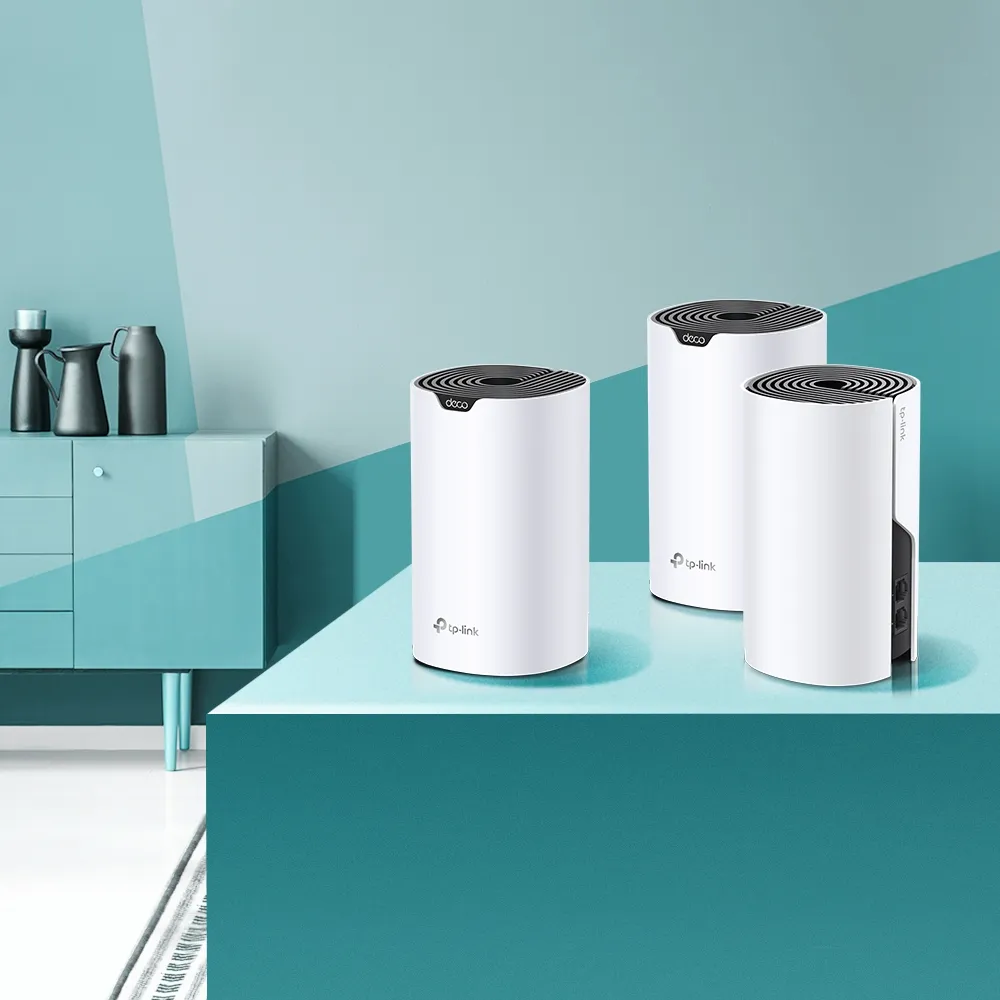
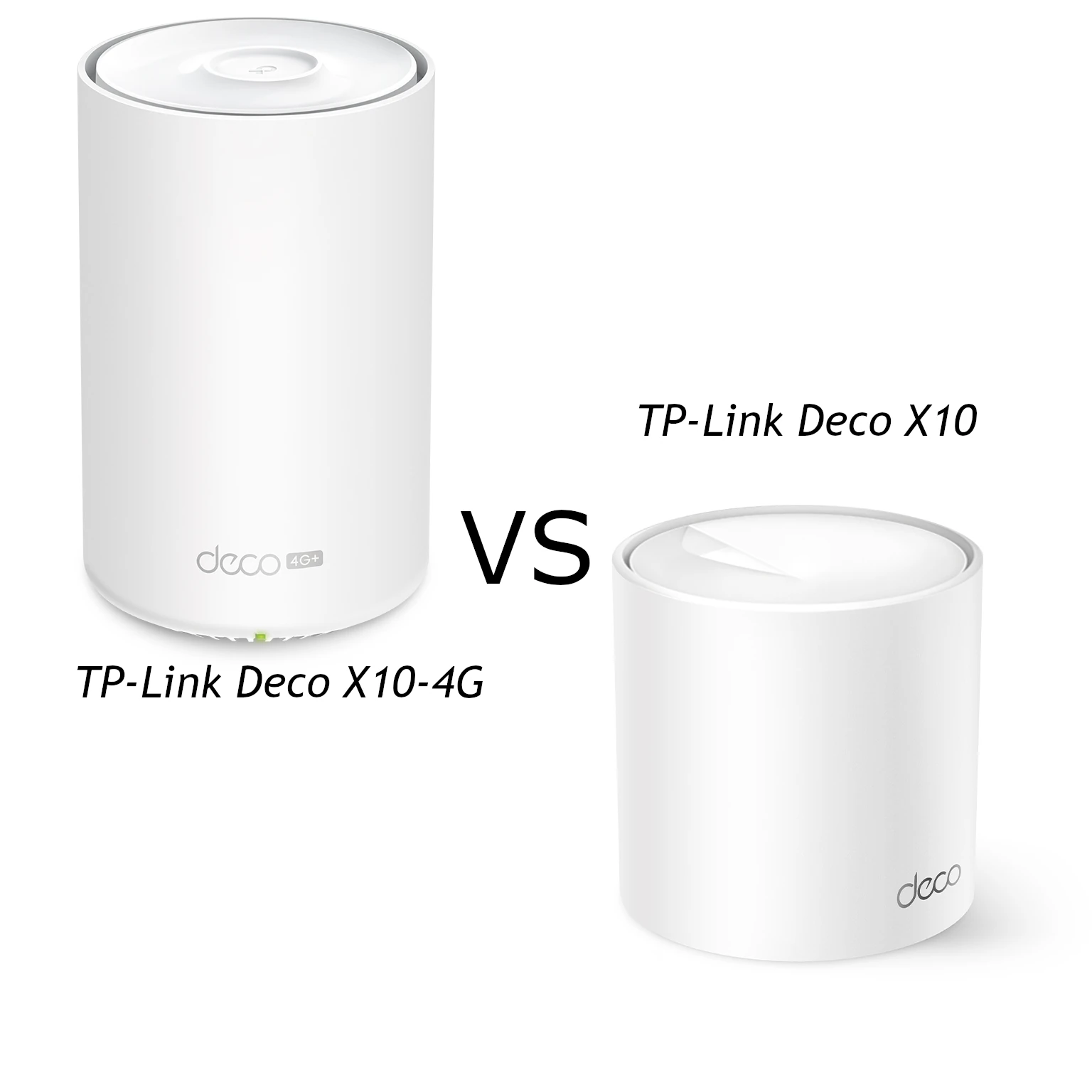
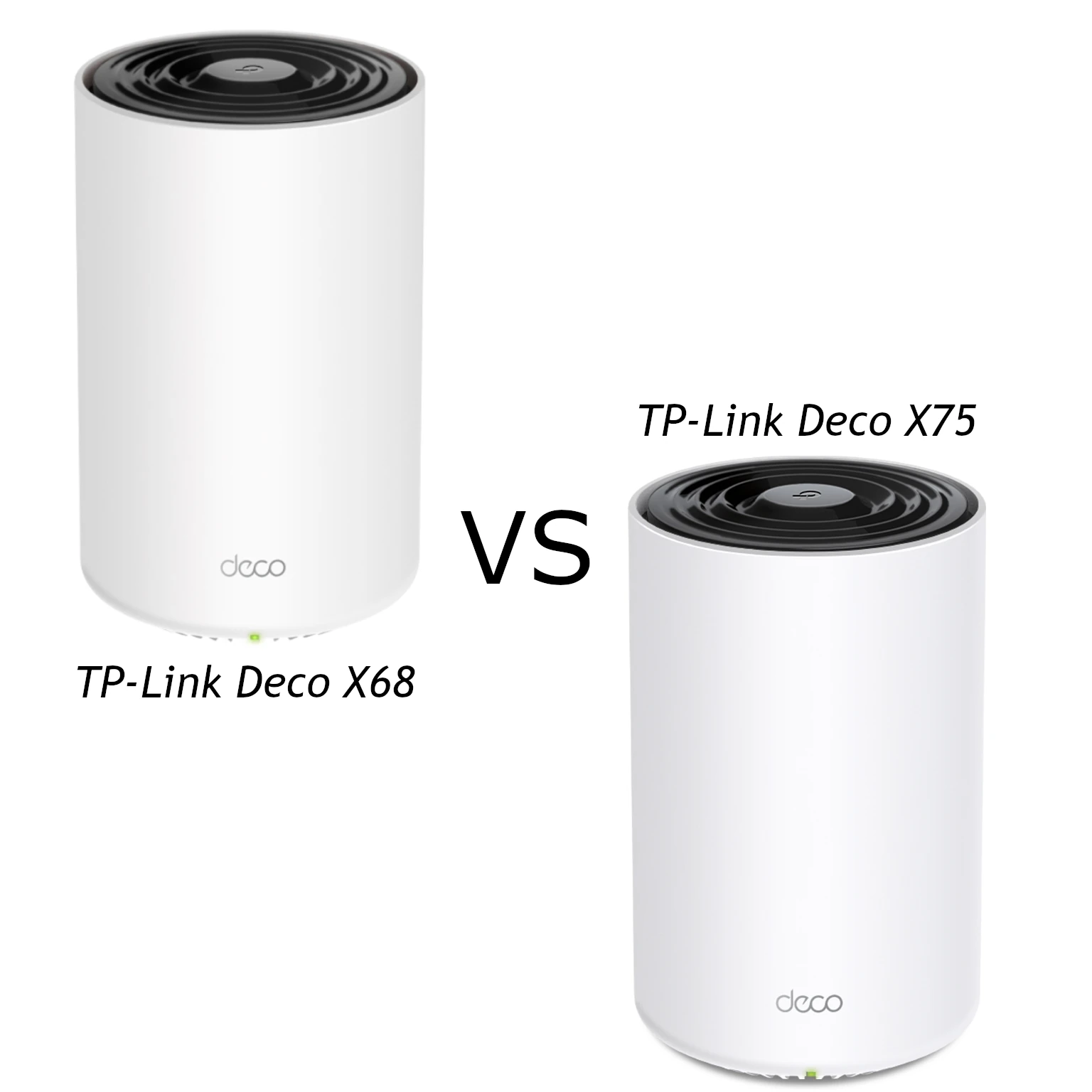
The TP-Link Deco X55 and X75 offer two approaches to Wi-Fi 6 mesh coverage: the X55 is dual-band AX3000, while the X75 is tri-band AX5400. My preference remains the X55 for a budget-conscious household with ordinary needs, and the X75 as a candidate for larger or busier homes. The useful question is whether the extra radio helps your particular layout enough to justify its local price.
Mesh nodes work together to extend coverage rather than relying on one router reaching every corner. A weak connection in a distant room can benefit from another access point, but that access point still needs a good upstream route. Plan positions and backhaul before assuming that a higher class on the box solves the problem.
X75 and XE75 Are Different Models
The Deco X75 has 2.4 GHz plus two separate 5 GHz radios. The similarly named XE75 is a Wi-Fi 6E model with a 6 GHz radio. Check the exact model name on the retailer listing and hardware label: they are not interchangeable names for this comparison. Neither the X55 nor X75 provides 6 GHz or Wi-Fi 7 MLO.
For the X55, TP-Link lists physical rates of 2,402 Mbps on 5 GHz and 574 Mbps on 2.4 GHz. For the X75, each 5 GHz radio is rated at 2,402 Mbps and the 2.4 GHz radio at 574 Mbps. The AX3000 and AX5400 classes sum those band rates. They are not download speeds for one client, and one laptop cannot simply combine all the radios into a single connection.
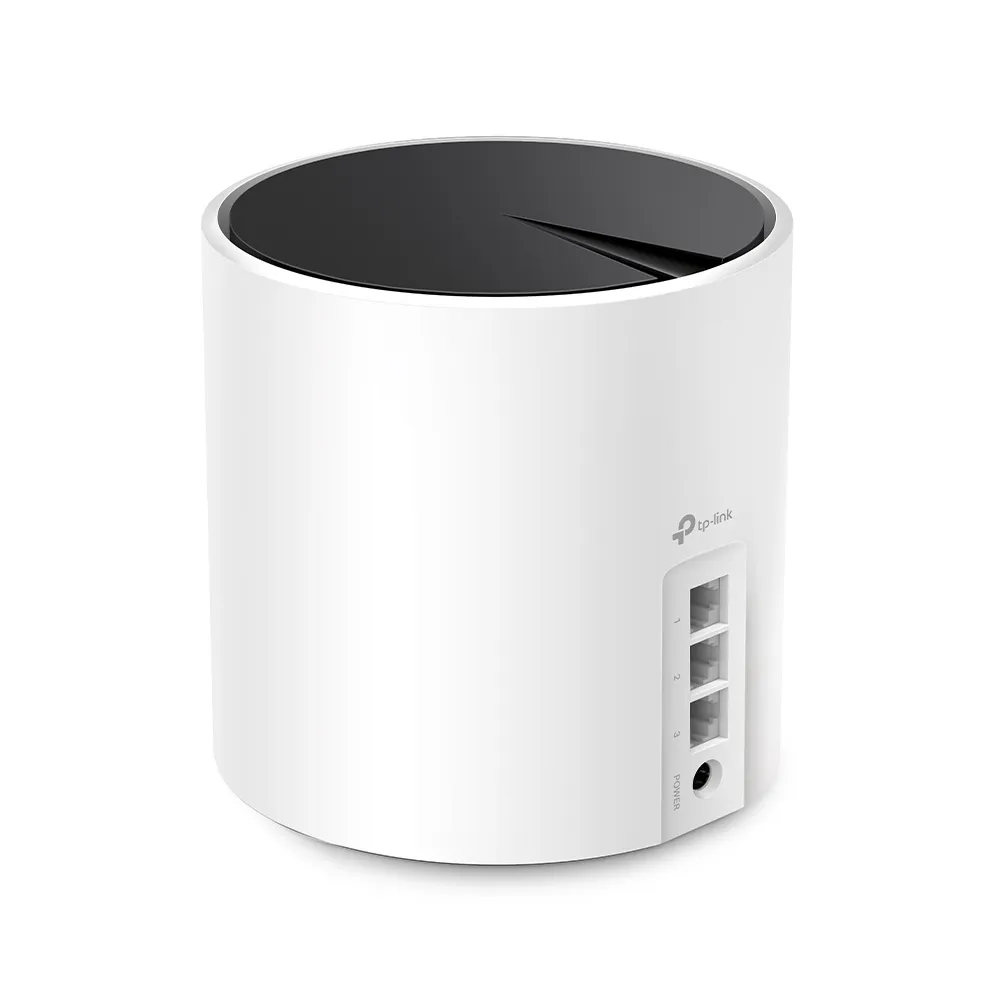
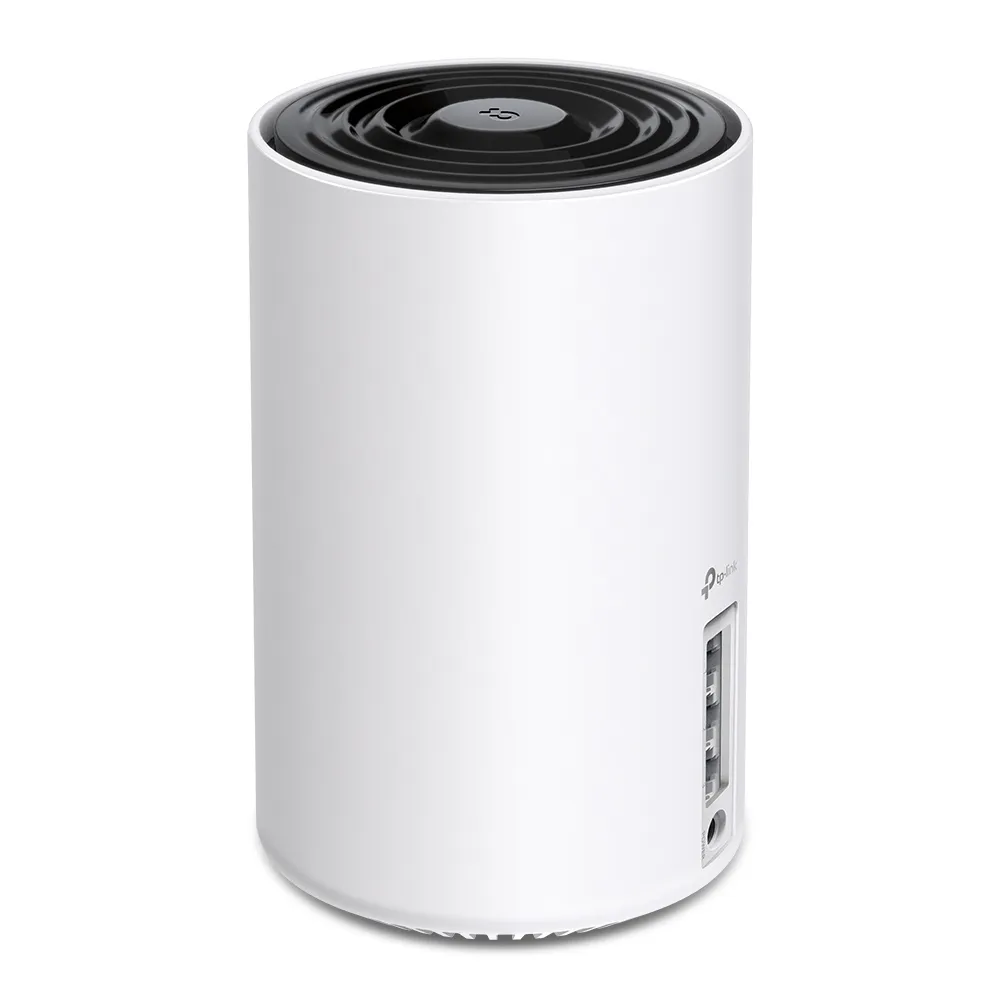
Compare Like-for-Like Specifications
| Item | Deco X55 | Deco X75 |
|---|---|---|
| Standard/class | Wi-Fi 6; AX3000 | Wi-Fi 6; AX5400 |
| Radio bands | 2.4 GHz + 5 GHz | 2.4 GHz + 5 GHz (1) + 5 GHz (2) |
| Advertised signal rates | 574 + 2,402 Mbps | 574 + 2,402 + 2,402 Mbps |
| Spatial streams | Four across the radios; 2×2 per band | Six across the radios; 2×2 per band |
| Ethernet per unit | Three Gigabit WAN/LAN ports | Three Gigabit WAN/LAN ports |
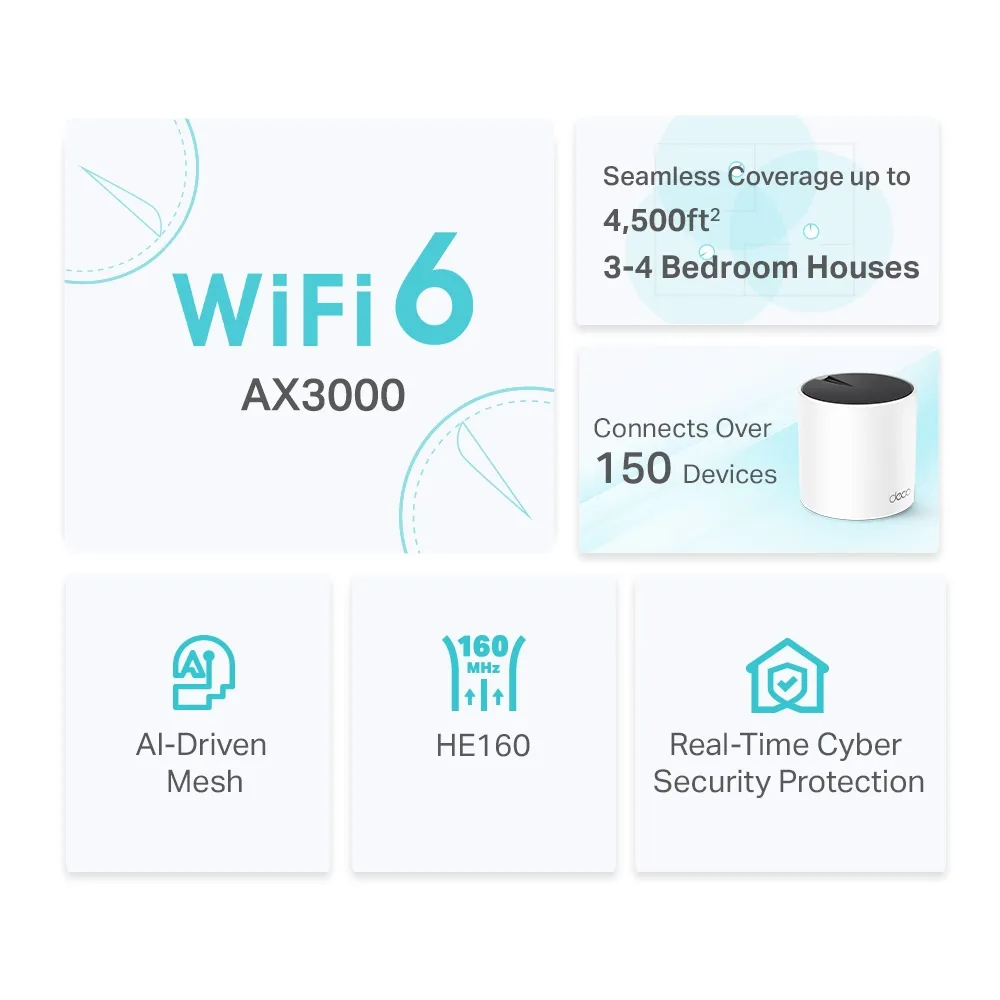
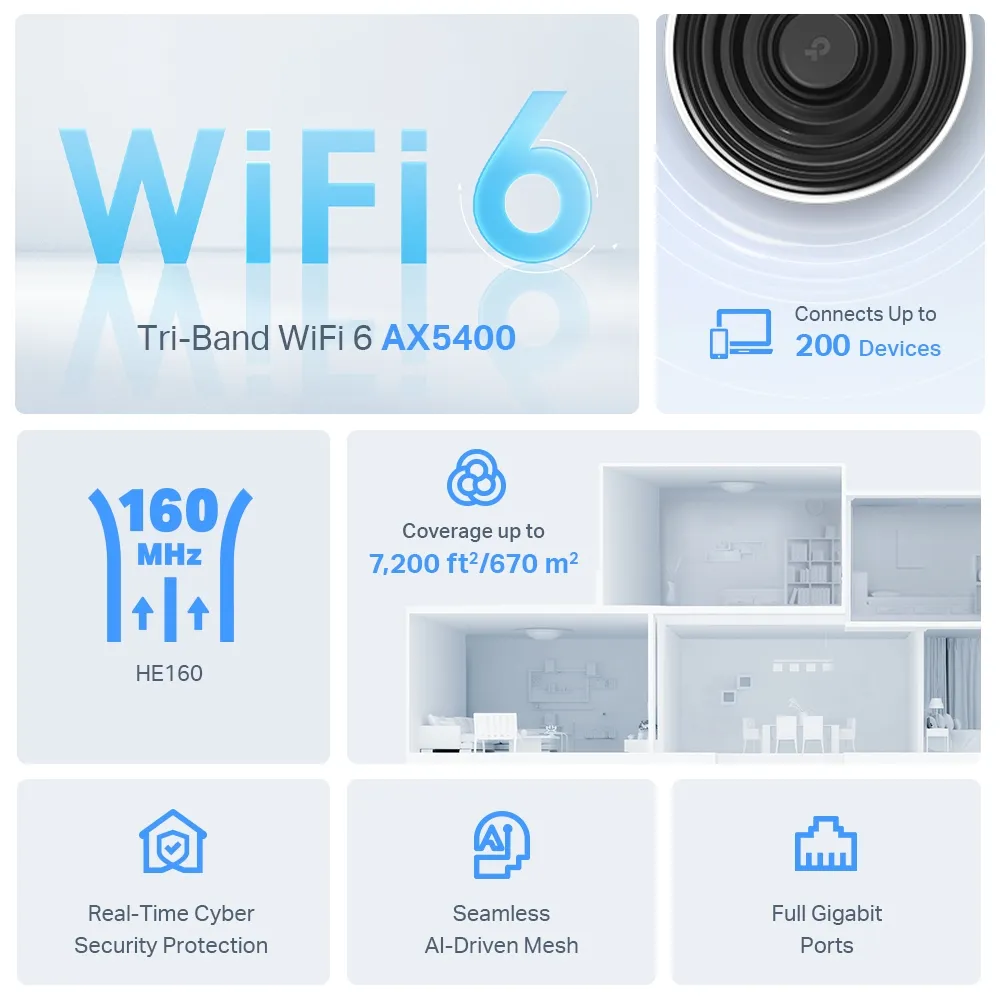
| Three-pack advertised coverage | Up to 6,500 sq ft | Up to 7,200 sq ft |
| Advertised device capacity | Over 150; conditions apply | Up to 200; conditions apply |
| Modes/security package | Router/AP; HomeShield; WPA3 support | Router/AP; HomeShield; WPA3 support |
The 5 GHz radios support 160 MHz where regulations and conditions allow it. The client must also support the relevant channel width and Wi-Fi features. An older or narrower-channel device may not reach the advertised link rate, even beside the main unit. Wider channels are not guaranteed to be the most stable choice in every crowded environment.
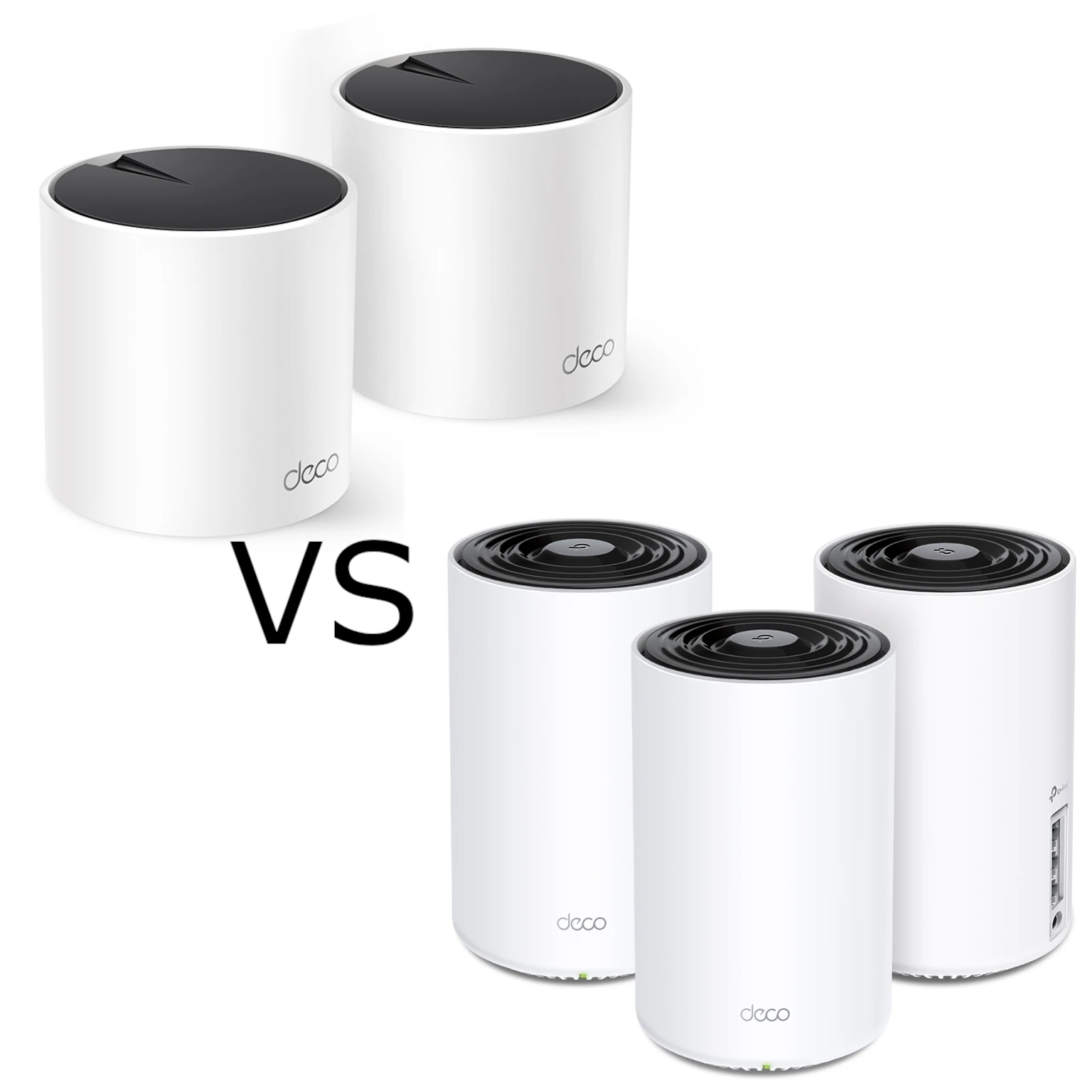
Do not compare the two-pack coverage graphic with a three-pack specification as if the node count were identical. The preserved X55 illustration refers to its two-pack estimate, while the X75 illustration shows a three-pack estimate. Coverage claims are conditional; wall construction, floors and practical node positions can matter more than the area figure.
What the Extra Radio Can Change
Backhaul is the link between mesh units. In the dual-band X55, client and inter-node traffic share its available radios. The X75 adds another 5 GHz radio, creating more resources for the system to use. This is a reason to consider it for a busy wireless mesh, especially when Ethernet cannot reach the intended nodes.
That extra radio is not proof of permanently exclusive backhaul or guaranteed separation from all client traffic. Check the behavior documented for the exact hardware and firmware. Both systems still depend on usable radio conditions, and the X75 does not gain a 6 GHz band's characteristics merely because it is tri-band.
Placement can outweigh the class difference. A satellite behind several difficult walls may have a poor upstream link while showing a strong connection to the laptop beside it. Put it where it can still communicate well with the rest of the network. Adding another hop or node is not automatically an improvement; verify the route in the app and compare useful locations.
Ethernet and Port Limits
Both models support Ethernet backhaul and have Gigabit interfaces. Wiring removes dependence on that particular wireless hop, which can make the X55 especially attractive when cables already reach the rooms you need. It does not prove identical wireless performance between the models or remove every possible bottleneck.
In router mode, the main unit uses one port for its internet connection, leaving two for local devices or backhaul. A wired satellite also spends a port on its uplink. Count the remaining connections before adding a NAS, desktop or another node. A suitable switch adds ports; it does not change either model into a multi-gigabit router.
For a wired NAS transfer, check the interfaces at both ends and every link between them. Faster storage cannot bypass a Gigabit uplink, and the combined AX class does not raise that wired rate. If a fully multi-gigabit path is essential, compare different models by their actual port arrangements rather than selecting the X75 solely for AX5400.
TP-Link advises adding all Decos to one network through the app before connecting backhaul cables. In router mode, wire satellites to the main Deco's LAN side, directly or through its LAN switch. AP mode permits wiring through the existing router's LAN. Check the app's topology after changing cables, and bypass a switch temporarily if the intended Ethernet link does not take effect.
Radio Conditions and Client Behavior
Both products operate their fast radios in 5 GHz. Depending on the region and selected channels, radar-detection rules can affect 5 GHz operation. Do not assume the X75 is immune to those rules or that any model provides uninterrupted 160 MHz operation around the clock. Use regional firmware and the documented settings for your equipment.
OFDMA and MU-MIMO can help compatible devices share resources, but older clients do not gain every Wi-Fi 6 feature. Likewise, the published client count is not a promise that hundreds of simultaneous heavy streams have no cost. Record the overlapping activities in your household rather than judging capacity from connected-device count alone.
Roaming assistance also depends on the phone or laptop. One shared network name is convenient, but does not guarantee that a client chooses the nearest node or that every call is uninterrupted. Test your normal route with the actual device. Automated mesh optimization cannot fix a failed ISP connection or every wall obstruction.
Modes, Security and Maintenance
Use router mode when Deco should manage the local network. If another gateway already handles routing, AP mode can avoid an additional routing layer. That shifts addressing and controls to the upstream router: TP-Link's mode table shows gateway features such as reservations, port forwarding, QoS and HomeShield unavailable in the Deco app in AP mode.
Both models use HomeShield with free and paid features. Check the current plan and installed firmware before assuming that every parental or security function is included. WPA3 support requires a suitable configured mode and compatible clients; our WPA2 versus WPA3 explanation covers the distinction.
Keep regional firmware current, protect the management account and verify guest or IoT isolation before putting untrusted devices beside private services. Mixing Deco models can extend coverage, but it does not upgrade an older node's radios or sockets. Read hardware-version notes when comparing used stock with a newer revision.
Which Would I Choose?
I favor the X55 when cost and straightforward coverage matter most, especially with a useful wired backhaul. I would consider the X75 for a larger or busier wireless setup where the extra radio is worth the price difference. Neither preference is a measured guarantee, and a well-placed smaller pack can be better value than unnecessary extra nodes.
Compare with the same client near the main unit and in the problem rooms. Start with a wired internet baseline, then test local transfers separately from internet downloads. Note the serving node, backhaul and room so a change is meaningful. Avoid estimating backup completion times from product classes alone: the full path, storage and workload affect them.