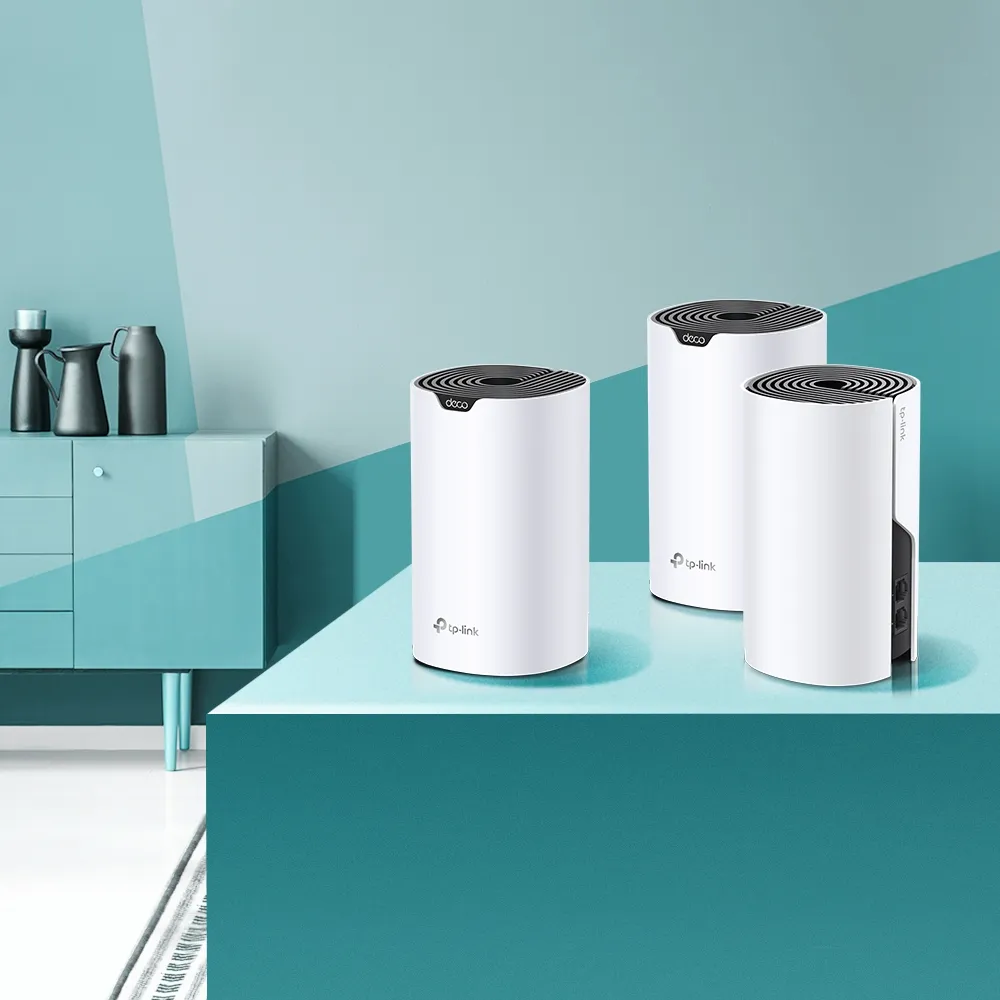
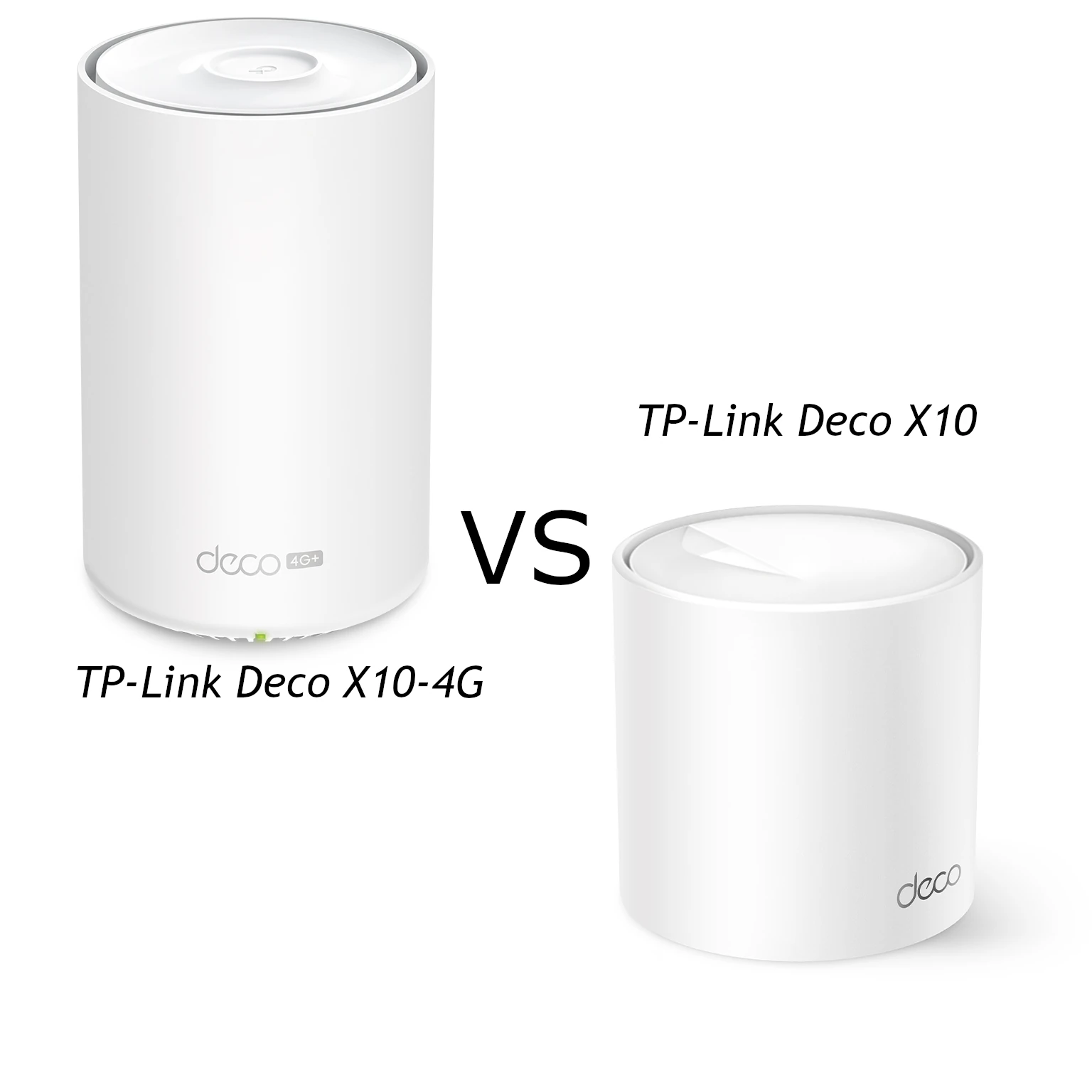
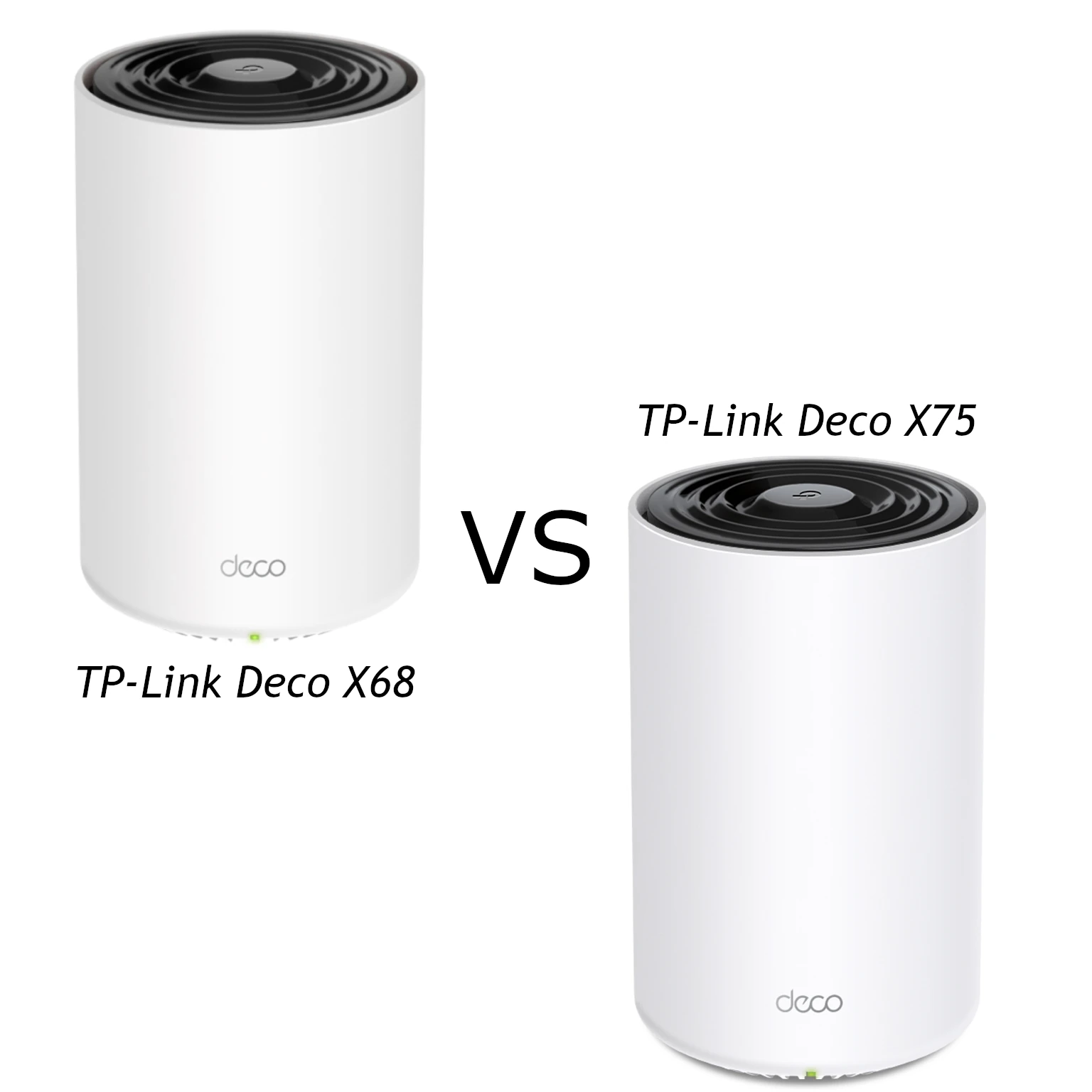
The TP-Link Deco X10 and X50 are dual-band mesh options with different wireless capabilities and port counts. I see the X10 as the budget-focused choice for ordinary household needs, while the X50 is worth comparing when compatible clients, more wired connections or heavier use justify its local price. Neither model has a third radio, 6 GHz or Wi-Fi 7 MLO.
Mesh nodes work together to extend coverage beyond a single router's useful reach. They still need a good upstream connection, so a nearby satellite's strong client signal does not prove a fast route to the internet. Plan node positions and backhaul before deciding that a higher class or more units will solve the room with poor connectivity.
The Wireless Difference
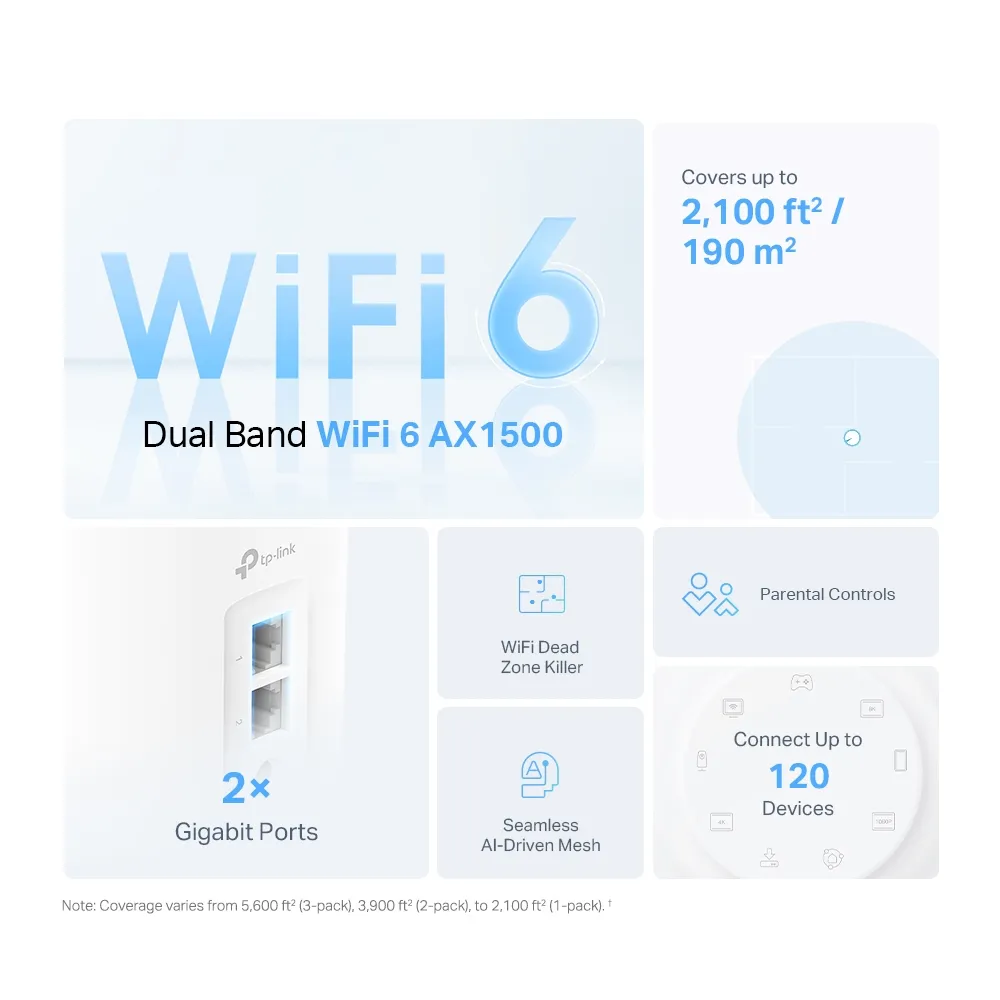
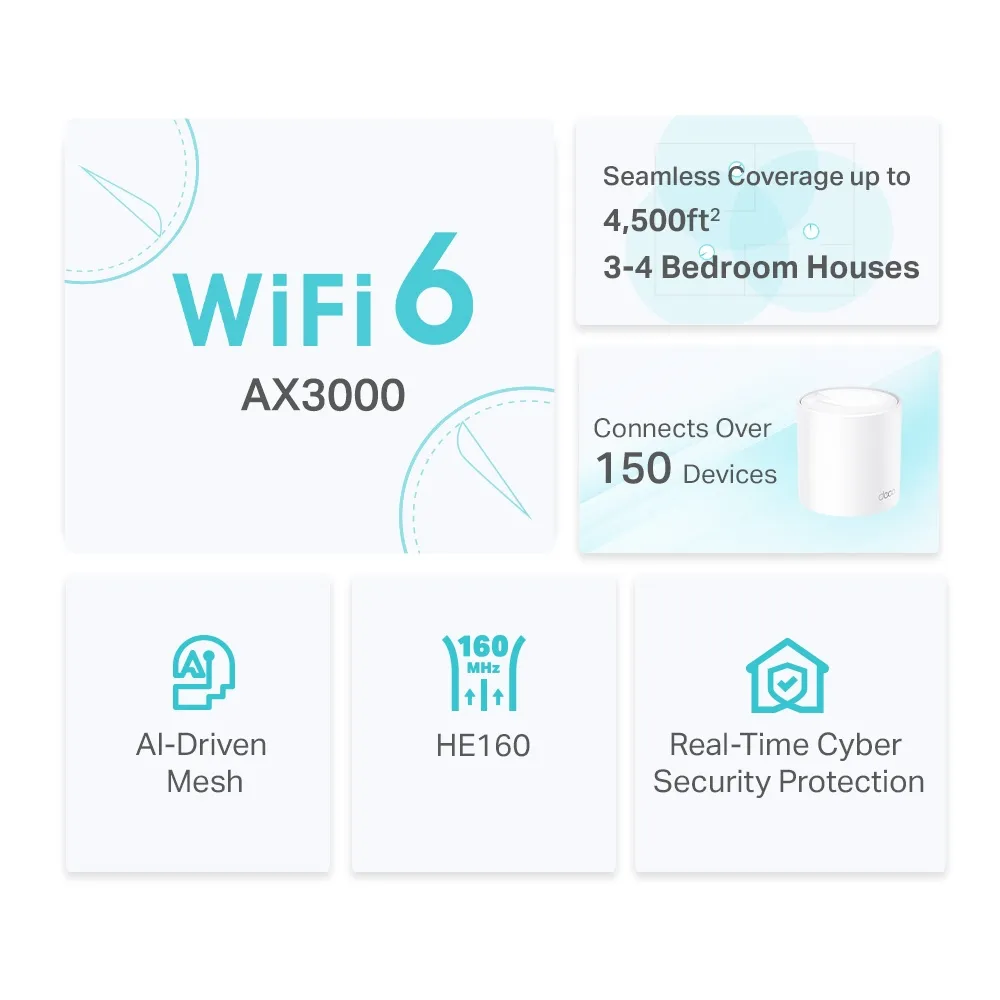
The X10 advertises 1,201 Mbps on 5 GHz using Wi-Fi 6 and 300 Mbps on 2.4 GHz using 802.11n. The X50 advertises 2,402 Mbps on 5 GHz with HE160 and 574 Mbps on 2.4 GHz with Wi-Fi 6. The AX1500 and AX3000 classes sum those physical band rates; they are not single-device download speeds.
Both model specifications describe four streams across the radios and 2×2 MU-MIMO. The X50 does not simply provide more spatial streams than the X10. Its higher link-rate ceiling comes from the supported channel/radio capabilities, with 160 MHz support on 5 GHz and Wi-Fi 6 on 2.4 GHz. A client must support the relevant features to benefit.
The X50's 2.4 GHz capabilities can be useful with compatible Wi-Fi 6 devices, but they do not turn existing older plugs or cameras into new-standard clients. OFDMA and MU-MIMO are ways to share radio resources, not a guarantee that every smart-home accessory or Zigbee bridge uses them. Check the actual Wi-Fi interface and workload rather than choosing from device count alone.
Specifications Side by Side
| Item | Deco X10 | Deco X50 |
|---|---|---|
| Class | AX1500 | AX3000 |
| Bands | 2.4 GHz and 5 GHz | 2.4 GHz and 5 GHz |
| Advertised 5 GHz rate | 1,201 Mbps | 2,402 Mbps with HE160 |
| Advertised 2.4 GHz rate | 300 Mbps; 802.11n | 574 Mbps; 802.11ax |
| Streams across radios | Four; 2×2 per band | Four; 2×2 per band |
| Ports per unit | Two Gigabit WAN/LAN ports | Three Gigabit WAN/LAN ports |
| Three-pack advertised coverage | Up to 5,600 sq ft | Up to 6,500 sq ft |
| Advertised clients | Up to 120; conditions apply | Over 150; conditions apply |
| Modes/security | Router/AP; WPA3 support; parental controls | Router/AP; WPA3 support; HomeShield |
The X50 also has revision differences worth checking. TP-Link lists two internal antennas for V1/V2 and three for V3, while retaining a 2×2 radio specification. Antenna count is not interchangeable with stream count, and it does not prove a fixed coverage improvement. Read the label and use the matching regional firmware and specification.
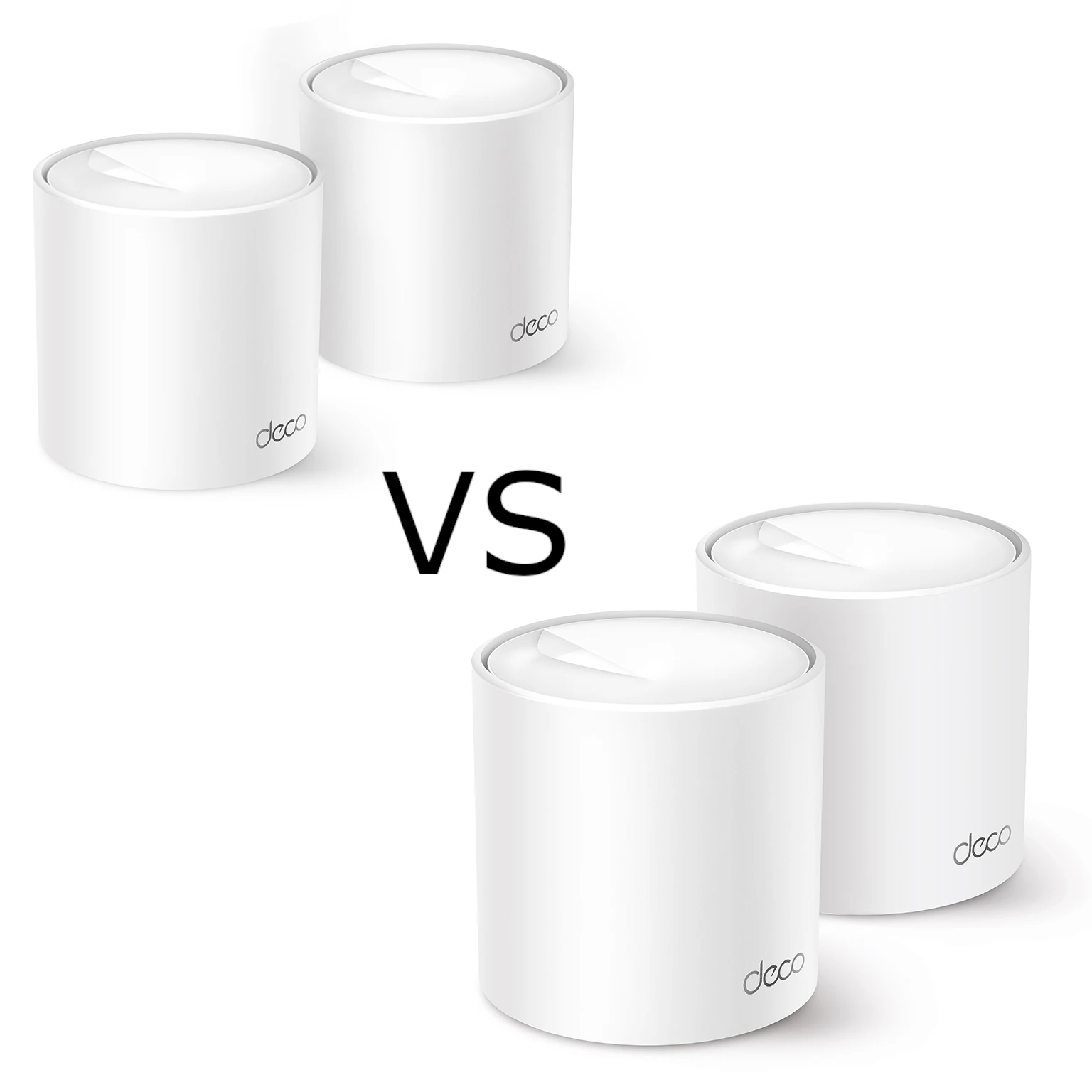
Pack size matters when interpreting illustrations. The X10 overview shown here includes a one-unit coverage estimate, while the X50 graphic shows a two-pack estimate. Compare the same number of nodes and treat all area figures as conditional. Walls, floors, interference and useful satellite locations affect coverage in your home.
Client Compatibility and Channel Width
For the X50's high 5 GHz link rate, the client needs suitable Wi-Fi 6 and 160 MHz capabilities, and that width must be available in your region and current radio conditions. Do not assume every recent phone or laptop supports it. Check the exact adapter, drivers and operating-system support before treating the higher ceiling as a benefit you will use.
A wider channel can provide more capacity under favorable conditions, but it does not guarantee lower game latency or a faster transfer through difficult walls. Congestion, weaker signal and an upstream bottleneck can dominate. A stable link at a lower rate can be more useful for calls than a high rate that is unreliable where you work.
An internet speed test includes the ISP path. A local transfer includes the server or NAS and its interfaces. Neither result should be predicted directly from AX1500 or AX3000. Compare the same client and workload in the rooms that matter, rather than expecting a fixed real-world speed range everywhere.
Port Count and Backhaul
The X10's two ports are an important budget tradeoff. In router mode, one handles the internet connection. Using the second for a wired satellite leaves no socket for another local device without a switch. The X50 provides a third port, leaving an extra connection in that same layout.
A wired satellite also uses a port for its uplink. Count the remaining sockets before planning a desktop, TV, NAS or another backhaul run. An extra port can reduce the need for a switch in a simple room, but cannot eliminate switches from every layout. Include the full connection count when comparing pack costs.
Both models have Gigabit interfaces. A higher wireless class does not make the X50 suitable for a fully multi-gigabit wired path. Check the gateway, switches and endpoint interfaces if fast local backups matter. A storage upgrade cannot bypass a slower uplink, and neither model guarantees a fixed backup completion time.
Wireless backhaul shares the available radio resources with clients. Ethernet removes that particular radio hop and can make a cheaper mesh more useful when cables already reach the intended nodes. It does not guarantee identical wireless results between the models or fully eliminate every bottleneck.
Wire and Configure the Network Deliberately
TP-Link advises adding the Decos to one network through the app before connecting backhaul cables. In router mode, satellites connect downstream of the main Deco's LAN port, directly or through its LAN switch. AP mode permits connection through the existing router's LAN. Do not bypass the main Deco with a modem-side switch in router mode.
Confirm the active route in the app after changing cables. If the intended Ethernet connection does not take effect, try another cable or port and bypass the switch temporarily. Check IPTV-assigned ports and the switch guidance before changing loop protections across an entire network.
Use router mode when Deco should manage your LAN. If another gateway already handles routing, AP mode can avoid an extra layer of NAT. Client addressing and gateway controls then belong on the upstream router. TP-Link's mode table shows functions such as reservations, port forwarding, QoS and HomeShield unavailable in the Deco app in AP mode.
Controls, Security and Maintenance
The X10 documents parental profiles and device-priority controls. The X50 lists HomeShield with free and paid features. Compare the actual required controls and current regional terms rather than assuming every security feature is identical, or that all advanced services are included without an ongoing charge.
Both models support WPA3, but the configured mode and client compatibility matter. Read why WPA3 matters. A guest network name alone also does not prove every isolation rule or arbitrary per-SSID VLAN capability. Verify behavior before connecting untrusted devices beside private services.
Roaming depends partly on clients; one network name does not guarantee that a phone always selects the nearest node or keeps every call uninterrupted. Keep matching firmware current and test your normal movement through the home. When combining Deco models, each retains its own radio and port limits, and the main model affects available features.
If energy cost matters, measure consumption at the wall for the intended pack and workload rather than using an adapter's maximum output as typical draw. Average watts multiplied by annual operating hours and divided by 1,000 gives kilowatt-hours; apply your own electricity rate. That method is more meaningful than an assumed universal annual cost.
Which Would I Choose?
I favor the X10 when a tight budget and ordinary coverage needs are the priorities. I would consider the X50 when the extra port, compatible clients and Wi-Fi 6 capability on both bands are useful enough to justify the difference. Compare actual local offers and equal pack sizes; there is no universal internet-tier or floor-area threshold that decides the choice.
Start with an Ethernet internet baseline at the main unit, then use the same Wi-Fi client nearby and in the problem rooms. Test a local transfer separately if storage access is important, and record the serving node and backhaul. That can reveal whether you need another node, a better position, a cable or different hardware.