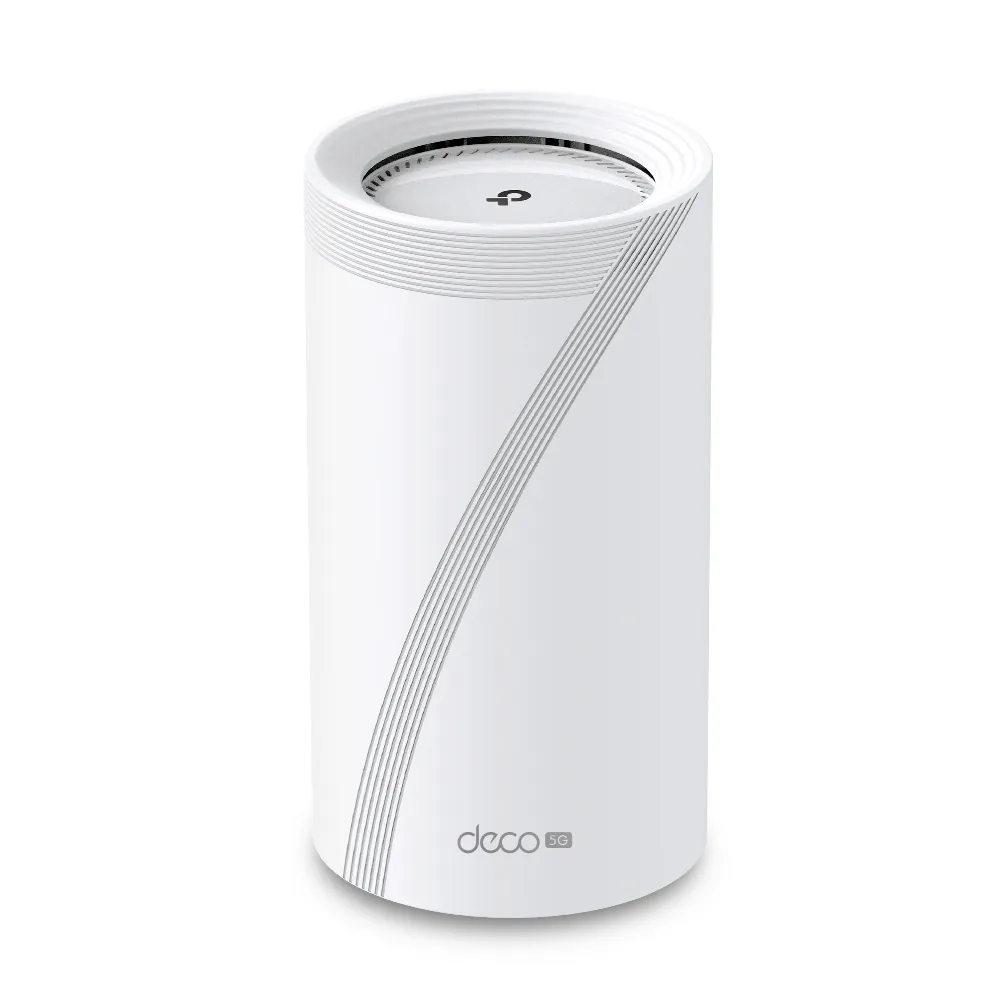
The Deco BE65 and BE65-5G are useful Wi-Fi 7 choices for different Internet connections. The ordinary BE65 connects to an existing Ethernet handoff from your broadband equipment. The BE65-5G adds a cellular modem and SIM slot, making it a candidate for primary mobile Internet or an enabled mobile backup. The important decision is whether you need that mobile connection, rather than which product name contains the larger number.
The value case remains attractive: use the ordinary BE65 where fixed broadband is reliable, and consider the 5G model for locations or temporary setups that need mobile flexibility. This is a documented comparison, not a hands-on failover or radio test. Exact region and hardware version matter because BE65 specifications vary.
Regional Wi-Fi Specifications
Both are tri-band systems with 2.4, 5 and 6 GHz radios, but their radio specifications are not universally identical. The current UK BE65 EU V2 is BE9300. South African BE65 pages also show a BE11000 version, while TP-Link's official BE65-5G announcement distinguishes EU BE9300 and BE11000 variants. Match the seller's label to the regional specification.
| Documented example | 6 GHz maximum | 5 GHz maximum | 2.4 GHz maximum |
|---|---|---|---|
| BE65 EU V2, UK | 5765 Mbps | 2882 Mbps | 688 Mbps |
| BE65 V2, South Africa BE11000 page | 5765 Mbps | 4324 Mbps | 688 Mbps |
| BE65-5G EU example | 5765 Mbps | 2882 Mbps | 574 Mbps |
| BE65-5G South Africa BE11000 page | 5765 Mbps | 4324 Mbps | 574 Mbps |
These are manufacturer link rates, not measured Internet performance. BE9300 or BE11000 adds the band ratings into a product class; a single ordinary connection does not automatically use the total. Wi-Fi 7 clients need the relevant capabilities to use MLO, higher modulation or 320 MHz channels. The wider 320 MHz option is on 6 GHz and depends on local support.
Read more about MU-MIMO, OFDMA and MLO. MLO can improve how compatible devices use links, but client modes differ. It does not establish zero jitter, a fixed ping or guaranteed packet-loss-free gaming. Older Wi-Fi 6 clients do not gain Wi-Fi 7 modulation merely by connecting to these units.
Ports and Cellular Hardware
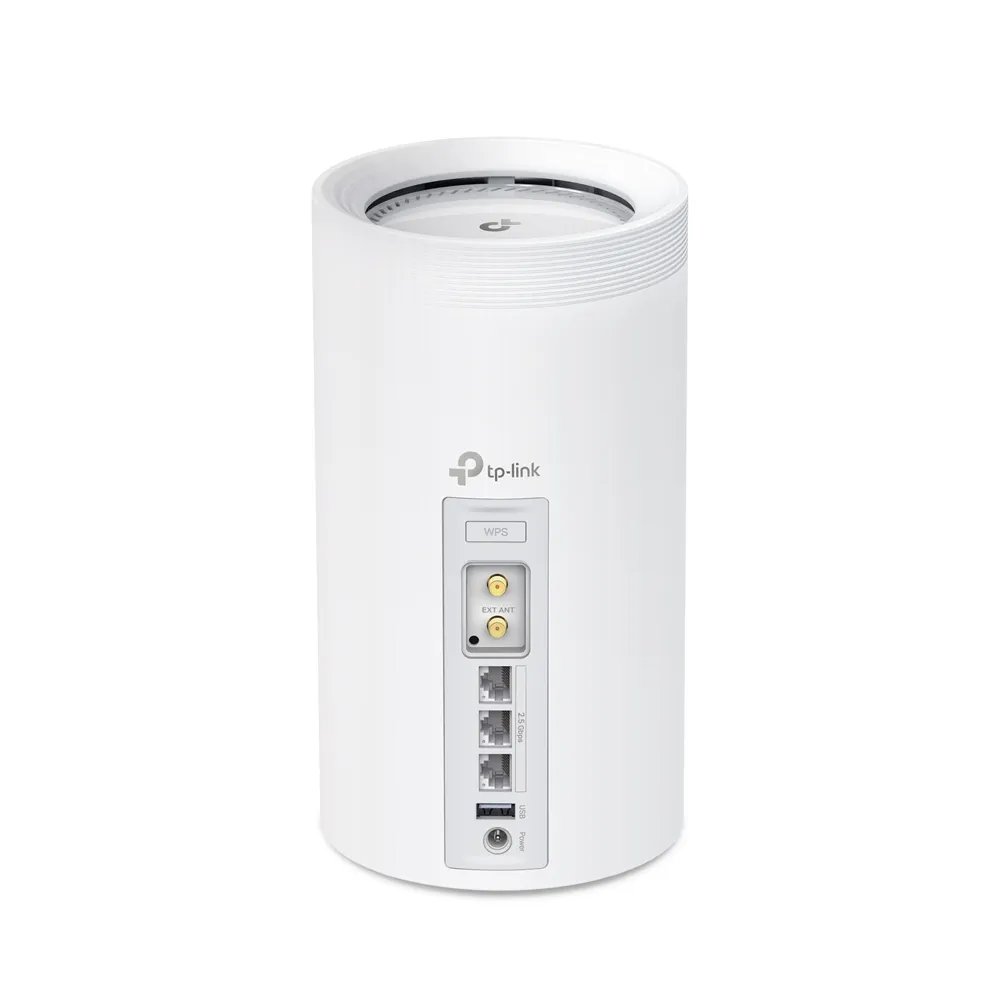
The ordinary BE65 has four 2.5 Gigabit Ethernet ports and a USB 3.0 port. The BE65-5G has three 2.5 Gigabit ports, USB, a nano-SIM slot and two external cellular antenna connectors. One Ethernet port can serve as WAN at a time; multiple WAN/LAN-labelled ports do not prove dual-Ethernet WAN failover or load balancing.
Count the connections your main node needs: broadband uplink, wired backhaul and local devices. The cellular model loses one Ethernet port relative to the ordinary BE65. A switch may be needed when several computers, a NAS and satellites share the same location. The faster ports still need matching cables and equipment along the route.
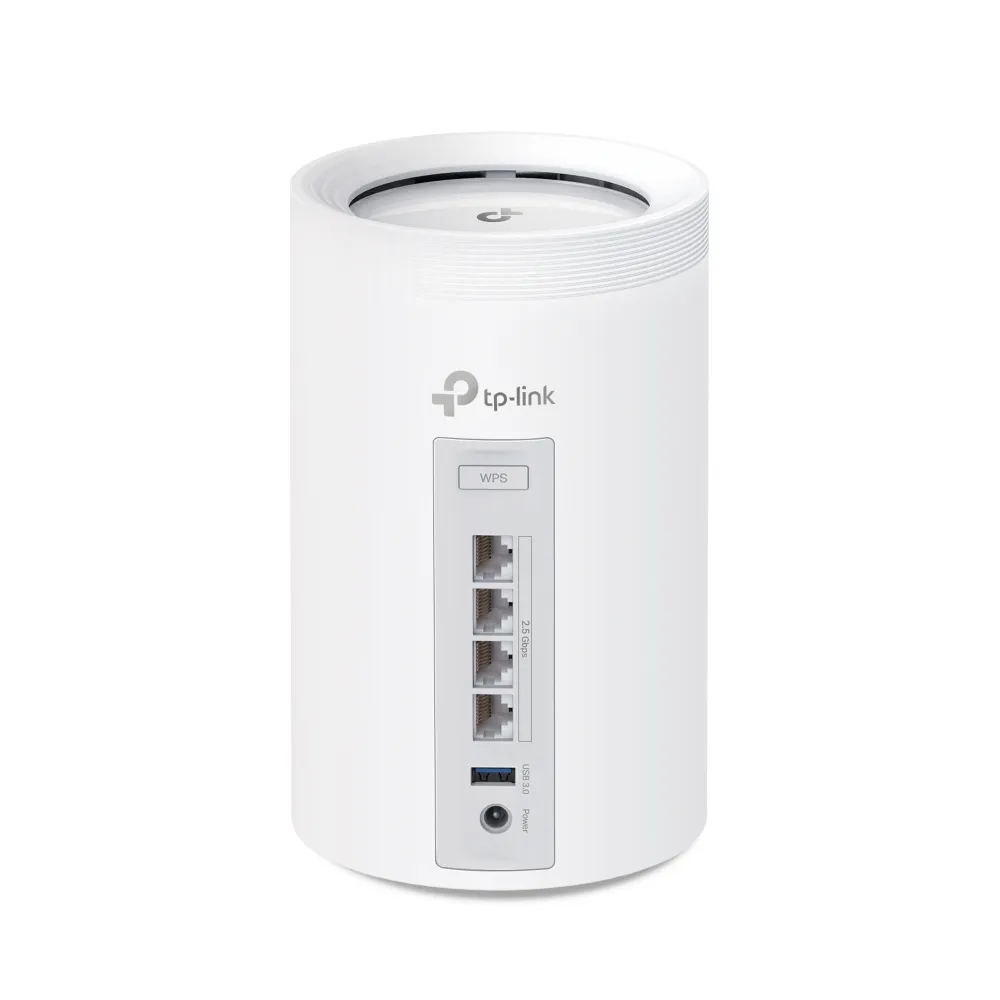
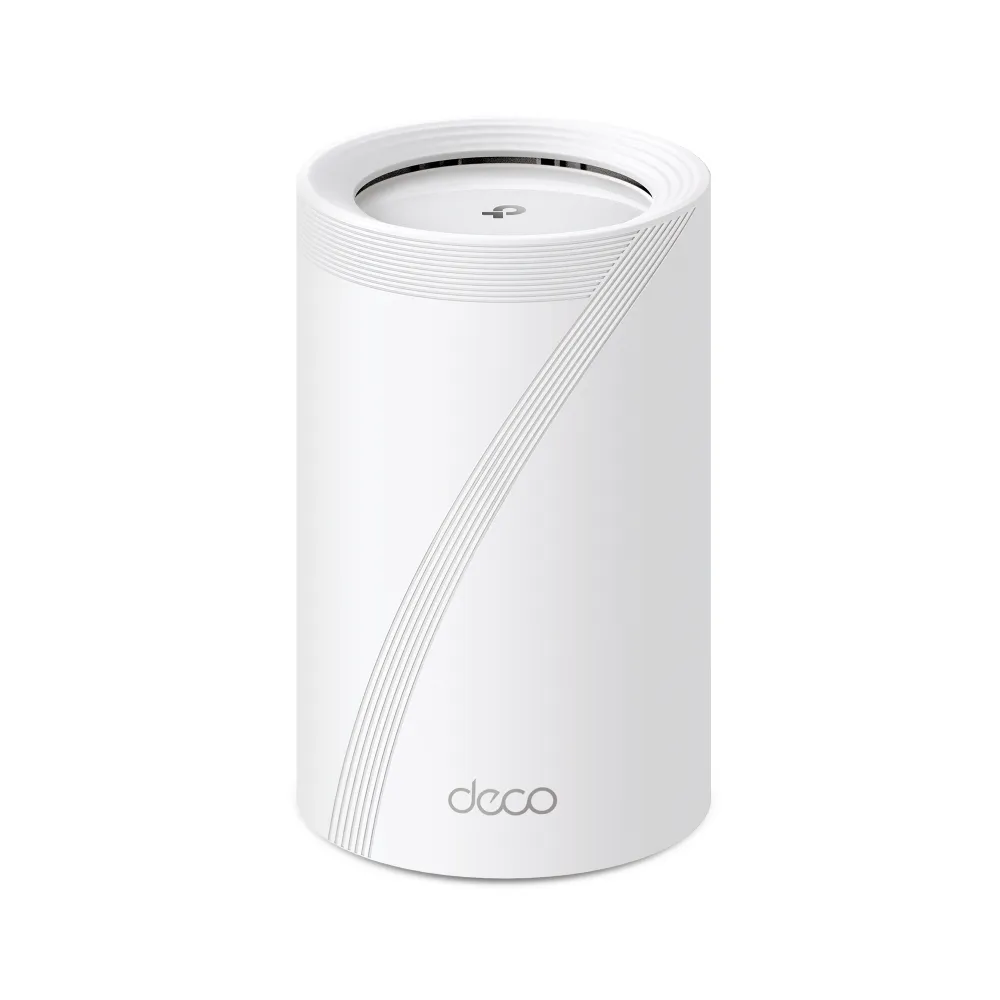
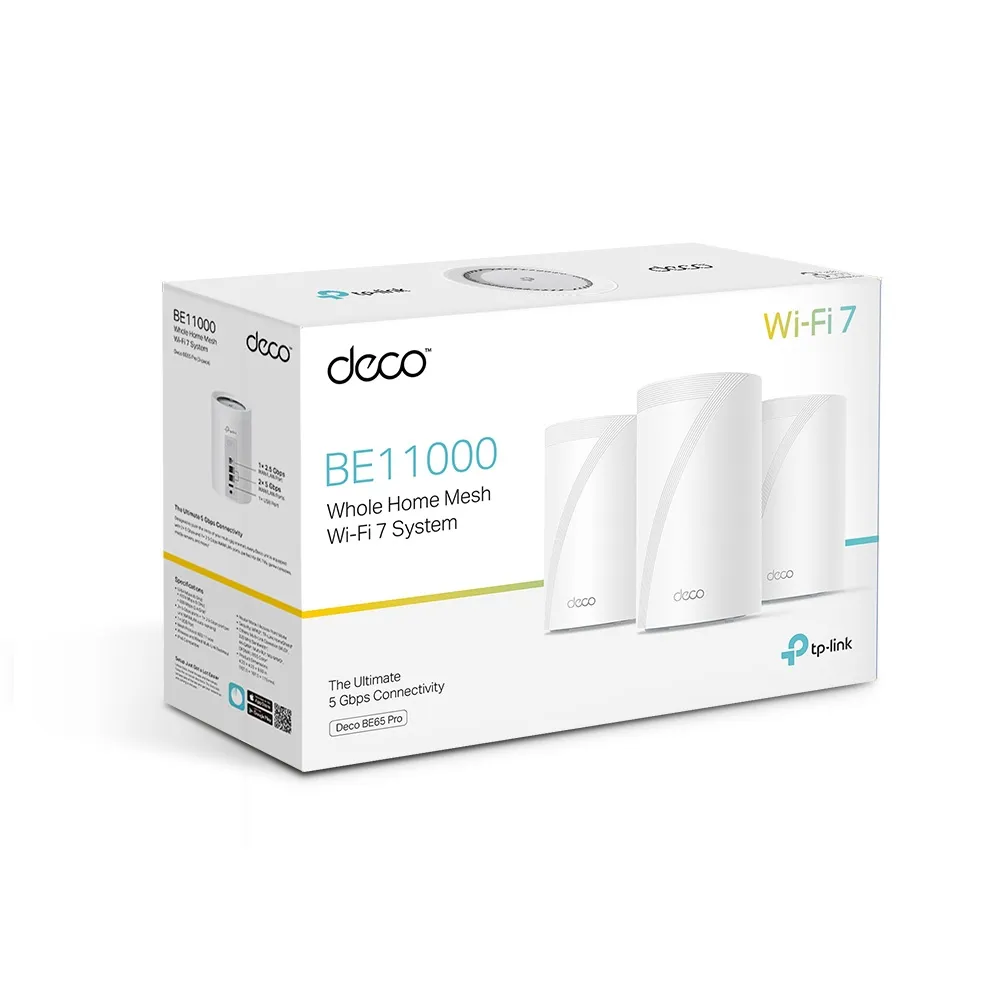
The BE65 Pro box shown above is a different model and should not be used to infer the ordinary BE65's ports. The restored ordinary BE65 rear photo shows its four 2.5 Gigabit connections. Product suffixes such as Pro and 5G should be checked explicitly before ordering.
Choosing a Mobile Service
TP-Link advertises Sub-6 GHz 5G download capability up to 3.4 Gbps for the BE65-5G. That is a theoretical cellular capability, separate from the local Wi-Fi rating. Actual service depends on supported bands, carrier coverage, network congestion, plan restrictions and the position of the router. A 5G logo is not a speed guarantee at your address.
Check the exact regional model against the mobile provider's bands and router/SIM plan terms. Do not assume universal certification with every named global carrier. The user guide instructs you to confirm or customise SIM information and contact the ISP when uncertain. A suitable mobile profile, account and available allowance are part of the installation.
Placement has two goals: a good cellular connection and useful Wi-Fi coverage. A spot near a window may improve mobile reception while being a poor centre for the house. In that case, position the cellular main node for its uplink and use appropriately placed satellites or wired backhaul to distribute access.
External Antennas and Data Controls
The manual identifies SMA-F ports for external cellular antennas. Choose antennas and cables that match the model, supported bands and connector type. Cable losses and placement affect the result, so a larger antenna is not automatically better. Use the model-specific installation guidance and check whether the external-antenna setting is required by your firmware.
TP-Link's backup FAQ describes mobile settings, monthly allowance and usage alerts, SMS and PIN management, while warning that screens and functions can vary by model. Its BE65-5G manual also documents data-limit checks and mobile-profile troubleshooting. Treat these as management aids, and check your carrier's own billing records when an allowance matters.
Do not promise that manually selecting a band prevents congestion or guarantees continuous high speed. A supported manual option still depends on the available cell, signal and network. Record a working configuration before experimenting so it can be restored if the result becomes worse.
Mobile Backup and Recovery
The official backup FAQ lists BE65-5G V1 and describes enabling mobile backup in wireless-router mode while locally managing the Deco. Offline detection can use DNS lookup or DNS lookup with ping. Verify the actual model, firmware and settings before depending on this feature; it is not a guaranteed sub-ten-second switchover.
A changed Internet path can change the public connection and interrupt active sessions. Test the applications that matter during both failover and recovery, including a call, VPN and remote work tools. Keep cellular allowance available and test whether the backup still works after a period without use. A powered router with an expired or unusable SIM is not a functioning backup.
Ask the carrier what inbound connectivity your plan provides if you host services. Port-forwarding controls alone do not establish that outside connections can reach the mobile network. Keep a supported remote-access approach and a recovery method that does not rely on the failed broadband path.
Mesh Expansion and Household Management
For a normal mobile-main-node setup, one BE65-5G can provide the cellular uplink and ordinary compatible Deco units can extend coverage. That remains a useful way to avoid paying for a cellular modem in every room. Check features and backhaul across the chosen mixed network, since an older satellite retains its own limitations.
HomeShield offers household controls with free and paid tiers. Confirm the required features and their current terms, and check how router versus access-point mode affects them. Use unique credentials, suitable wireless security and firmware for the exact hardware revision. Keep units ventilated and use the specified supplies; no measured power consumption or internal cooling construction is claimed here.
Which Model to Choose
Choose the ordinary BE65 when you already have suitable broadband equipment, want its extra wired port and do not need an integrated SIM modem. Choose the BE65-5G when tested mobile service at the location can meet your needs, or enabled backup is valuable enough to justify its price and ongoing mobile plan.
Compare the full cost, including data, antennas if needed, satellites and warranty. Do not select solely on a headline wireless class. The original BE65 product link and BE65-5G product link are retained, along with our individual BE65 guide and BE65-5G guide. Use the current regional support page to confirm the unit being sold.