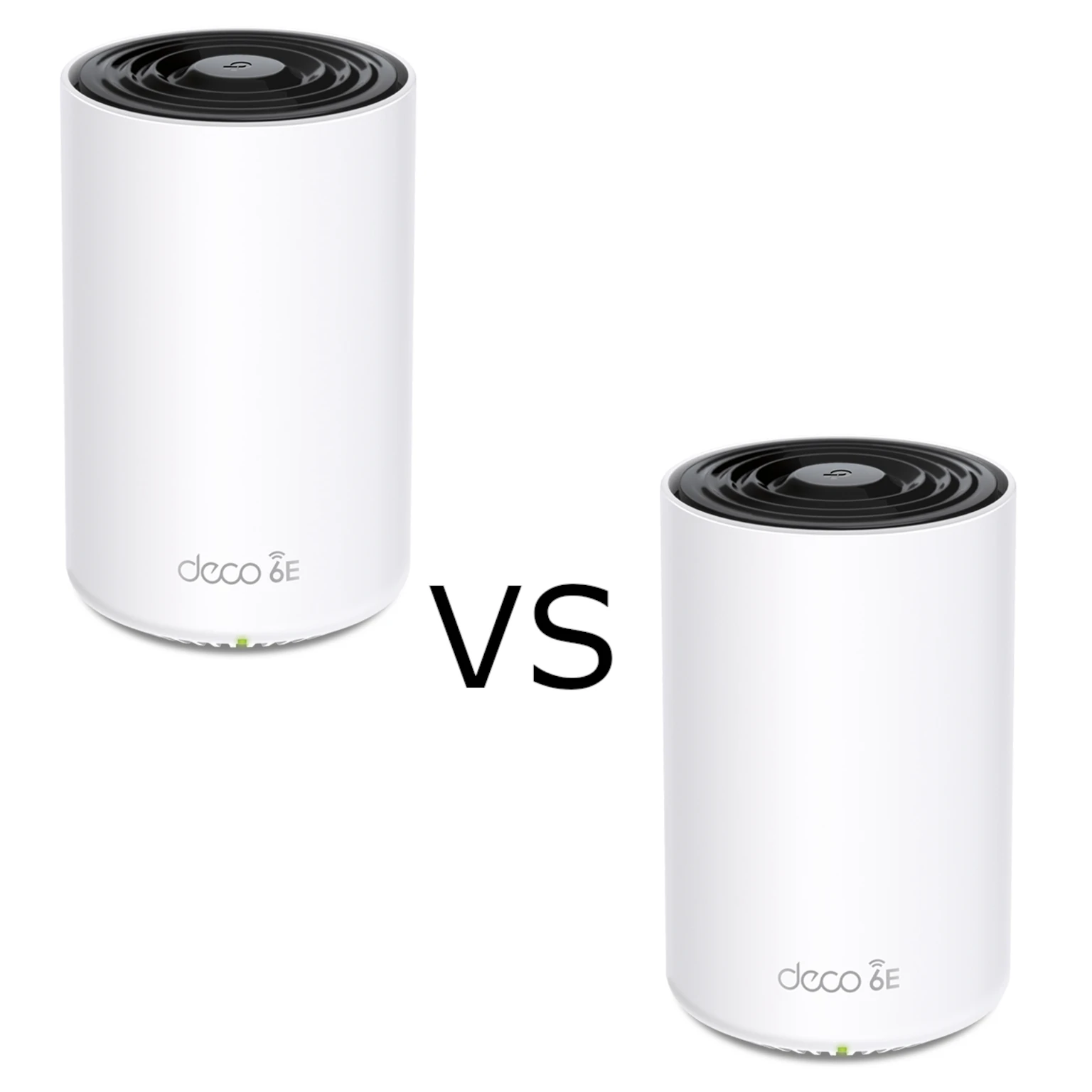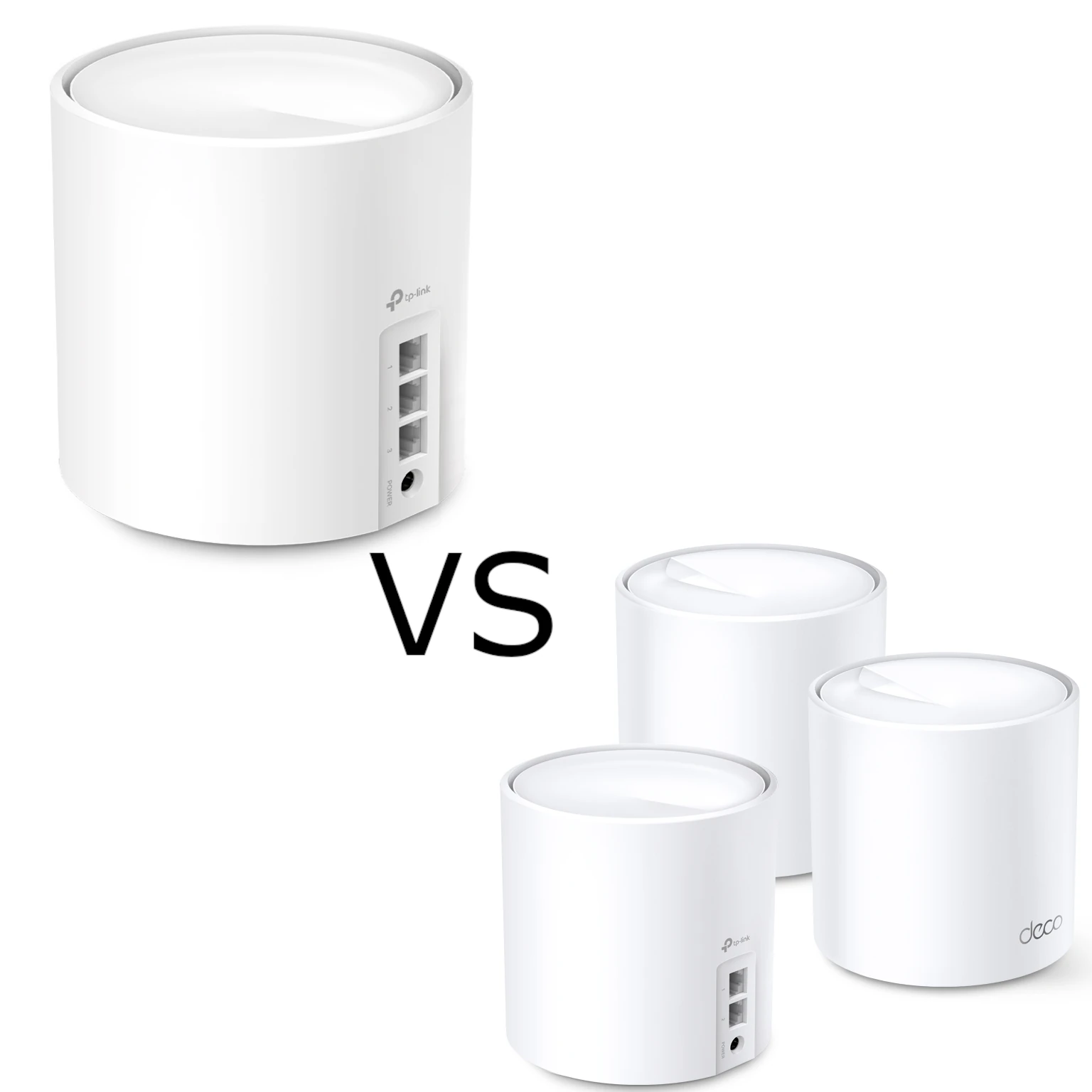
TP-Link is a familiar name in home routers, mesh networks and smart-home devices. I see its broad range and emphasis on accessible pricing as useful reasons to consider it, especially when comparing equipment for a home or a smaller business. A brand reputation is a starting point, however: the exact model, firmware, support policy and features matter more than the name printed on the case.
The range extends from straightforward consumer networking to managed business systems. That variety creates opportunities, but also some confusing similarities. Two products can share the TP-Link brand while using different management platforms or incompatible mesh systems. This guide explains those distinctions and the checks that help you choose equipment for the network you actually want.
A Brief Company History
TP-Link's history begins in 1996 with network adapters. Its historical press kit describes the first product as an ISA-bus LAN card, followed by expansion into routers, switches and other networking equipment. Those origins explain the breadth of the catalog without establishing that every current product has identical capabilities or reliability.
The company structure has also changed. In its dated October 2024 announcement, TP-Link Systems said TP-Link Global and TP-Link USA had merged into TP-Link Systems Inc., with its global headquarters in Irvine, California. Read dated company information in its proper context instead of treating an old headquarters address or subsidiary list as a description of the current organization.
For buyers, the practical questions remain local support, regional warranty and the firmware available for the exact revision. A company milestone, market-share claim or award cannot tell you whether one device will suit a particular building, workload or security requirement.
Understand the Product Families
Archer covers consumer routers, with features and management options varying by model. Deco is the home mesh family, typically set up and managed through the Deco app. Omada brings managed gateways, switches and access points together through its controller ecosystem. Tapo and Kasa address smart-home devices, while Aginet focuses on service-provider networking and VIGI on business surveillance.
Do not assume every Archer has USB storage, the same VPN protocols or multi-gigabit ports. Likewise, an inexpensive switch, a managed PoE switch and an Omada-compatible switch are different purchases. Start with a required feature list and check the exact specifications, hardware version and firmware rather than relying on the broad family name.
| Family | Typical reason to consider it | Important checks |
|---|---|---|
| Archer | A home router with model-specific wired and wireless features | Ports, management interface, mesh support and required firmware |
| Deco | Coordinated home Wi-Fi coverage across several units | Backhaul, main-unit features, operating mode and app controls |
| Omada | Managed gateway, switch and access-point deployments | Controller compatibility, VLANs, PoE budget and device feature scope |
| Tapo/Kasa | Smart plugs, lighting, cameras and other home automation | Exact integration support, account requirements and local/cloud functions |
| Aginet | Service-provider equipment and management | ISP provisioning, available settings and ownership/support arrangements |
The Brand Does Not Mean One Shared Mesh
Deco, Archer mesh systems and Omada EAP mesh are separate platforms. TP-Link documents that an Archer and Deco can be used on the same wider network but do not become one coordinated mesh with roaming between those systems. Matching the wireless name manually does not change their underlying compatibility.
Within Archer, check whether the exact model and firmware support OneMesh or EasyMesh, which roles are available and whether wired backhaul is supported. Do not interpret a planned feature as an installed capability. Within Deco, different models can work together, but the main model influences available controls and every node retains its own radio and port limits.
A mesh is also not always necessary. If one router already serves your home well, spend first on the actual bottleneck. If one room is weak, consider node placement, a cable to an access point or the satellite's upstream link. Adding more radios without diagnosing the route can create cost and interference without improving the activity you care about.
Omada: Choose a Controller Deliberately
Omada is appealing when you want coordinated management of compatible gateways, switches and access points. Its controller is the management platform; it does not replace the hardware that forwards traffic. Verify the supported-device list for the controller type and version before buying used equipment or assuming every business product can be adopted.
On-premises choices include a hardware controller such as OC200/OC300 or the software controller on a supported Windows or Linux host. A community container or virtual-machine deployment is another administrative choice, not proof of an official universal Docker or LXC installation method. Check the release's operating-system, database and runtime requirements, and plan updates and backups for the host.
Cloud management has more than one price model. Current Omada documentation distinguishes free Cloud Essentials from Cloud Standard, which uses paid per-device licensing for advanced functions. Compare the features and compatibility lists rather than assuming all cloud controllers require a subscription or all options provide identical controls.
Existing local forwarding policies can continue when a cloud-management connection is unavailable, while live monitoring and configuration changes depend on connectivity. Consider that distinction when deciding who will maintain the network. Keep a recoverable controller backup and test the documented restore procedure; there is no universal five-minute restoration guarantee.
Segmentation Requires More Than a VLAN Number
For a homelab, separating management, trusted clients and IoT devices can reduce unnecessary access. That needs a supported gateway, correctly configured switch ports and appropriate wireless VLAN mappings. Write down which services must remain reachable, such as DNS or a home-automation controller, before creating broad blocking rules.
TP-Link's unidirectional-access example uses an ER605 V2, matching switch/AP versions and an Omada Software Controller V5.9 example. It applies a stateful gateway ACL so trusted clients can initiate access to IoT while IoT cannot initiate access back. This is a version-scoped example, not evidence that every gateway, switch or access-point rule automatically handles return traffic the same way.
Check which device actually sees the traffic and which rule set applies. A switch ACL, AP ACL and gateway ACL have different enforcement points; copying a rule name between them does not establish equivalent behavior. Preserve a management route and test permitted and blocked access from each network before treating the configuration as finished.
ISP VLAN tagging on a consumer router does not prove arbitrary VLANs for each wireless name. A guest or IoT SSID also needs its actual isolation settings checked. Choose equipment around the segmentation requirement rather than expecting a consumer mesh and a managed business AP to expose identical controls.
Smart-Home Integrations Are Model-Specific
Tapo and Kasa provide a range of automation devices, but compatibility with Home Assistant, Matter, Apple Home or voice assistants depends on the exact device and firmware. Read that model's supported integrations before purchase; a logo elsewhere in the brand catalog does not establish support for every camera, bulb or switch.
Home Assistant's TP-Link integration documents supported models and hardware/firmware details. Newer Kasa and Tapo devices can require authentication, and some firmware requires enabling third-party compatibility in the vendor app. Camera live view can have separate camera-account requirements. These details matter when designing an automation around local access.
Devices on another subnet may need explicit addressing because automatic discovery does not cross it in the documented integration. Plan narrow access rules and stable addresses rather than opening an entire IoT network to solve discovery. Check which functions still need cloud access and which work locally, especially before relying on an automation during an internet outage.
Buying and Maintenance Checks
Compare the full setup cost: nodes, switches, controller, PoE power, cabling and optional subscriptions. Verify the switch's total power budget and the access point's required power standard before assuming an Ethernet socket powers it. For storage transfers, check every port and endpoint along the path; a fast wireless class does not remove a slower wired uplink.
Use current regional firmware, strong credentials and appropriate management access. Keep a record of versions and important settings, and schedule updates when interruptions are acceptable. Wireless optimization can help, but it does not guarantee a clean channel, sub-millisecond mesh latency or uninterrupted calls in every building.
I continue to regard TP-Link as a useful contender when price, variety and practical management matter. Compare exact products with alternatives rather than buying the brand alone. Start with the original official TP-Link website, then use the matching model's manual and support page to confirm the requirements that matter to you.