Thermal paste improves contact between a processor and its cooler, whether the heatsink uses a fan or a liquid-cooling loop. It is a small part of the cooling system, but poor contact can undermine an otherwise suitable cooler. Our buying advice is straightforward: ordinary users can choose an appropriate conventional compound, while specialist materials deserve more careful compatibility and handling checks.
This guide separates conventional paste, liquid metal, gap pads and thin sheets. “Normal” and “high-grade” are useful shopping descriptions, rather than standardized chemical categories. Choose around the interface and instructions, then evaluate performance under comparable conditions. Our air versus liquid CPU cooling comparison explains the wider cooler choice.
What thermal interface material does
The mating surfaces of a chip or heat spreader and cooler are not perfectly uniform. Suitable interface material helps establish the conductive path across that contact. It does not replace the cooler's heat-removal capacity, fix a stopped fan or guarantee a particular processor temperature.
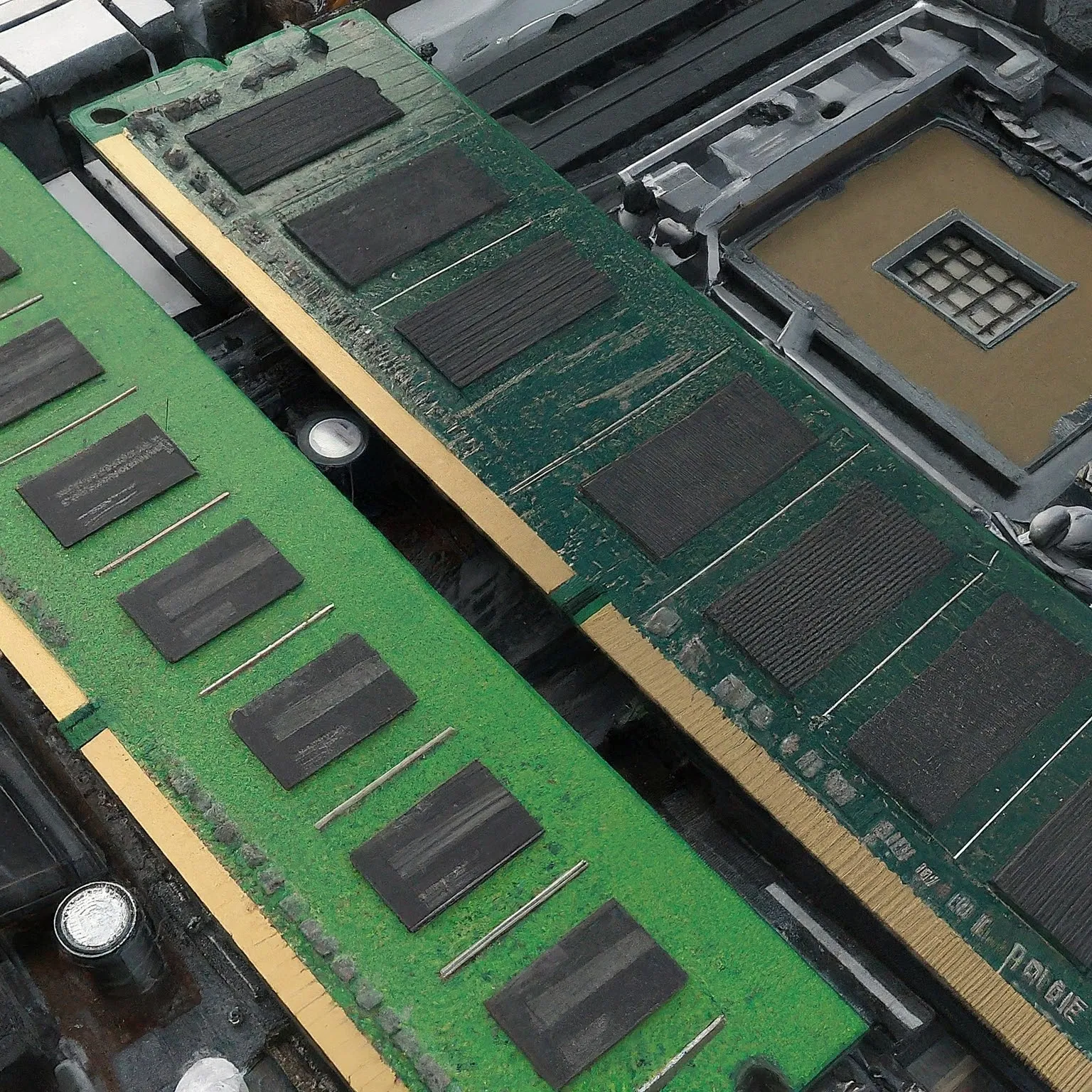
A thin paste layer at a closely clamped interface and a compressible pad bridging a larger designed gap have different jobs. The correct material depends on the clearance, surface, mounting pressure and electrical requirements. Copying a material from a memory heatsink onto a CPU is not automatically an upgrade.
Also check whether a new cooler arrives with pre-applied material. Follow its instructions rather than adding another layer merely because a tube is available. If maintenance requires removing the cooler, clean and renew the interface as the relevant product recommends, then remount it correctly.
Conventional paste and liquid metal
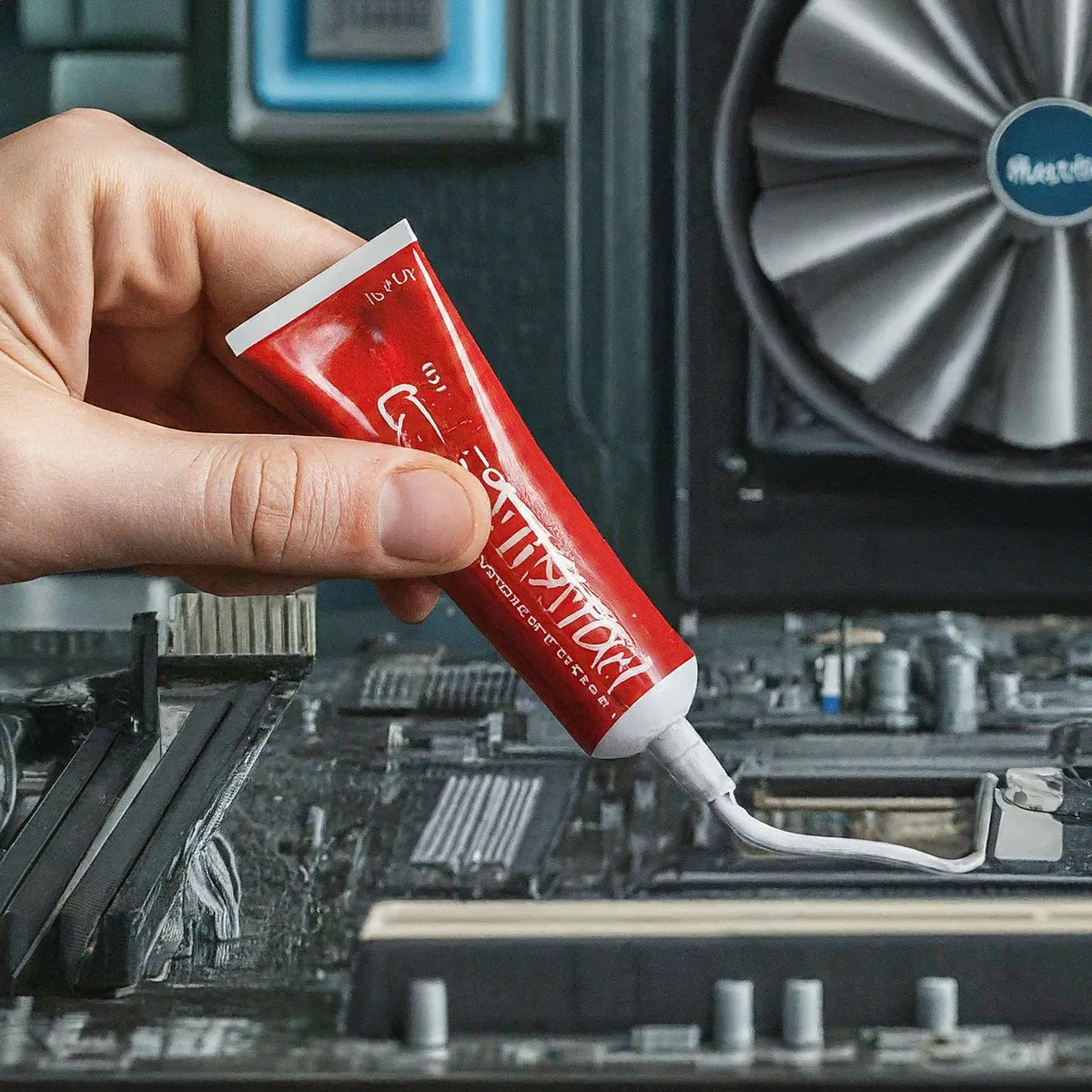
Conventional pastes use thermally conductive particles in a carrier, but their exact formulations differ. Examples such as Aeronaut, Hydronaut, NT-H2 and Arctic Silver 5 should not all be described as the same silicone chemistry. Thermal Grizzly documents Hydronaut as silicone-free, and Arctic Silver states that Silver 5 contains no silicone.
Aeronaut is marketed as an entry-level conventional compound with no electrical conductivity. Hydronaut is another conventional option, designed particularly for larger cooling interfaces. Noctua describes NT-H2 as a hybrid compound using metal-oxide micro-particles and documents compatibility with copper, aluminium and nickel-plated cooler bases. These are manufacturer descriptions, not results from a TechDecode comparison.
Read electrical properties for each product. Arctic Silver describes Silver 5 as not electrically conductive, but slightly capacitive and unsuitable for bridging electrical traces or pins. A metallic ingredient name alone therefore does not determine the complete compound's behavior, and “non-conductive” does not make careless application good practice.
Liquid metal is a different category. Thermal Grizzly's Conductonaut is an electrically conductive alloy containing gallium, indium and tin. Its instructions prohibit aluminium coolers and recommend nickel-plated copper for long-term performance. It can leave residues or affect markings and warranty. Check the precise contact materials and manufacturer procedure before considering it.
It remains a specialist choice for experienced users, as our buying advice suggests. However, neither an air cooler nor a liquid loop alone establishes compatibility, and liquid metal is not restricted universally to delidded custom-loop systems. The supported interface and handling matter more than that cooling label. No fixed temperature improvement can be promised from the material name.
Gap pads, phase change and graphene
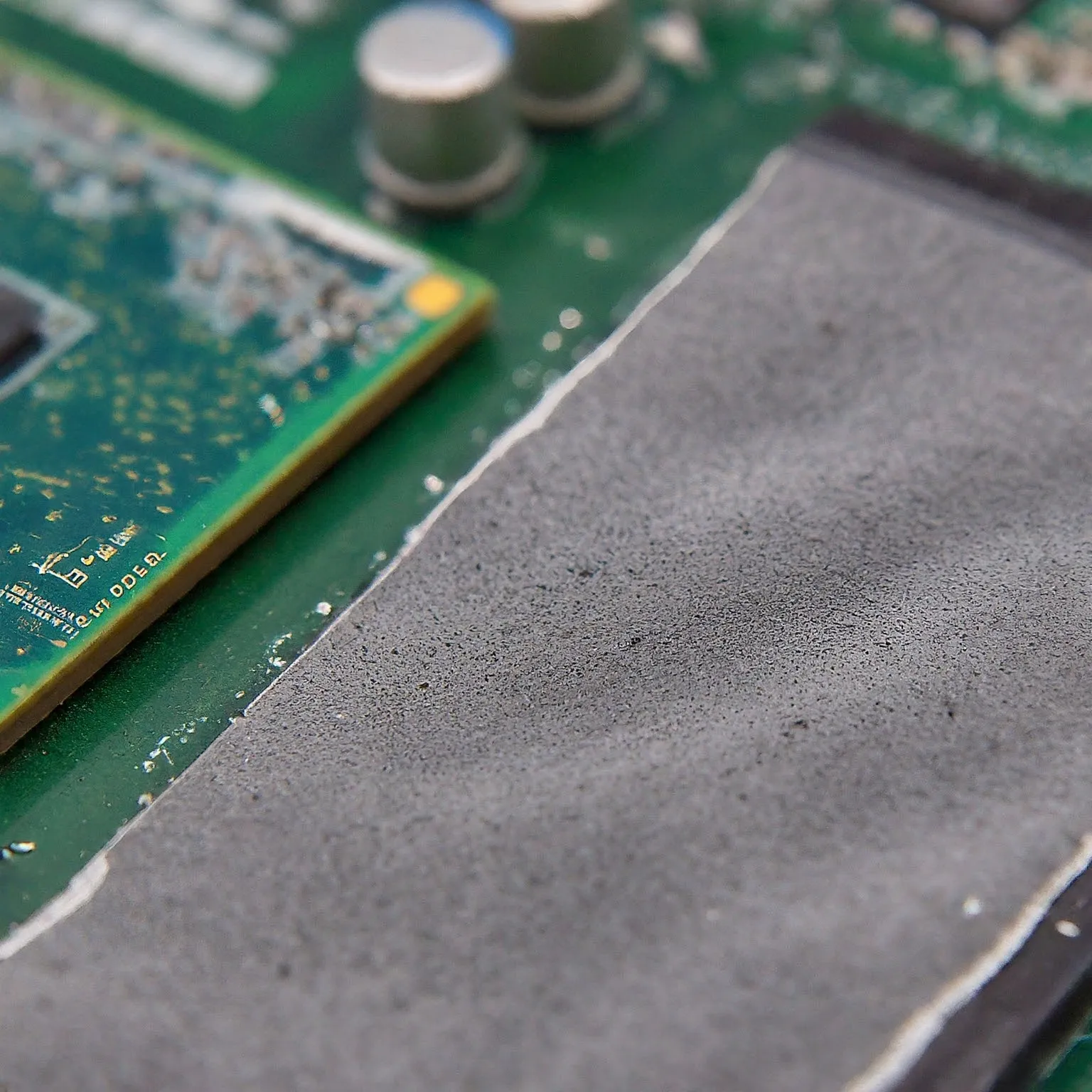
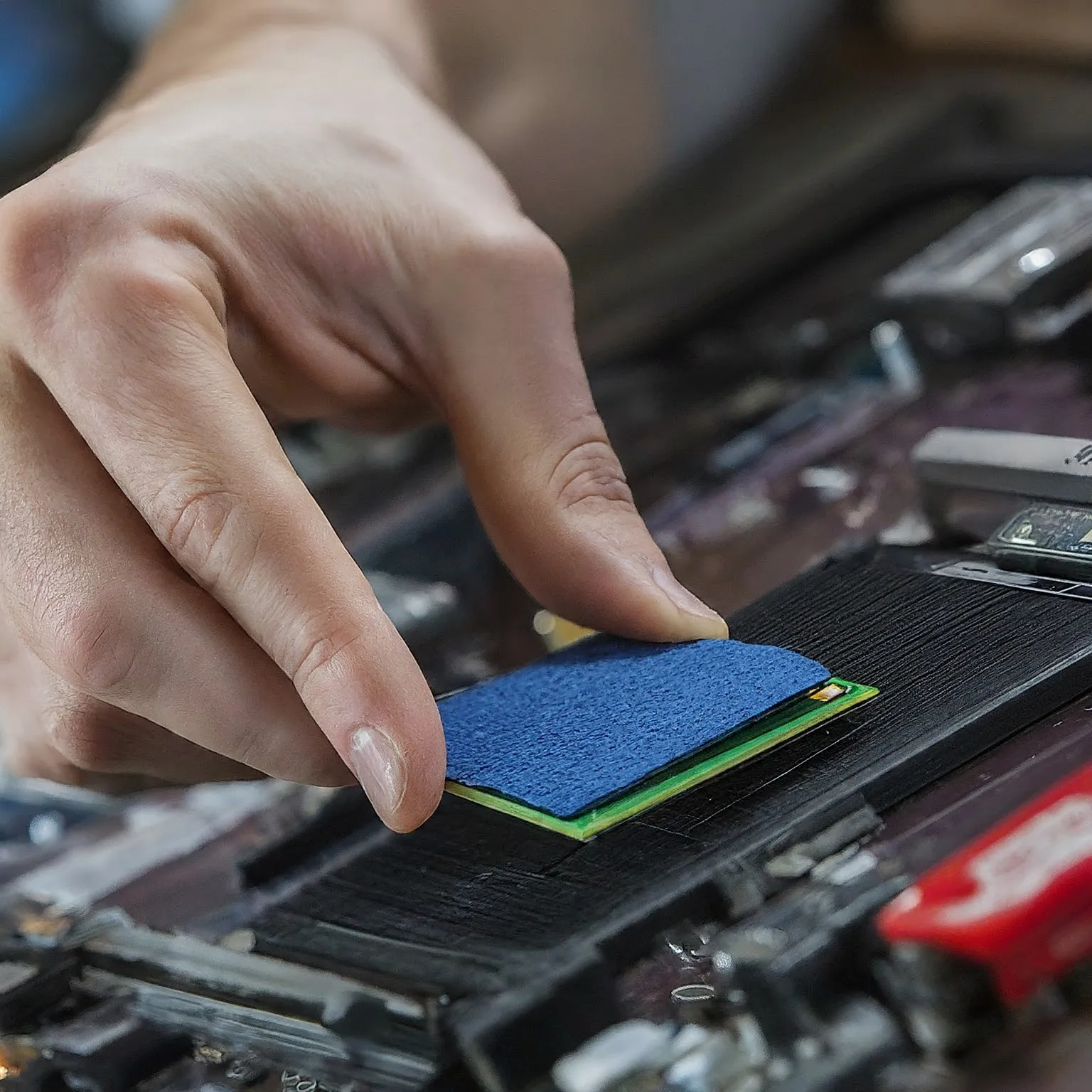
Conventional pads commonly bridge designed gaps beneath memory or power-component heatsinks. Match the specified location, thickness and compression; there is no universal 0.5–3 mm replacement rule for every cooler. ARCTIC's manual explains that SSD controllers and memory packages can need different pad thicknesses within one assembly.
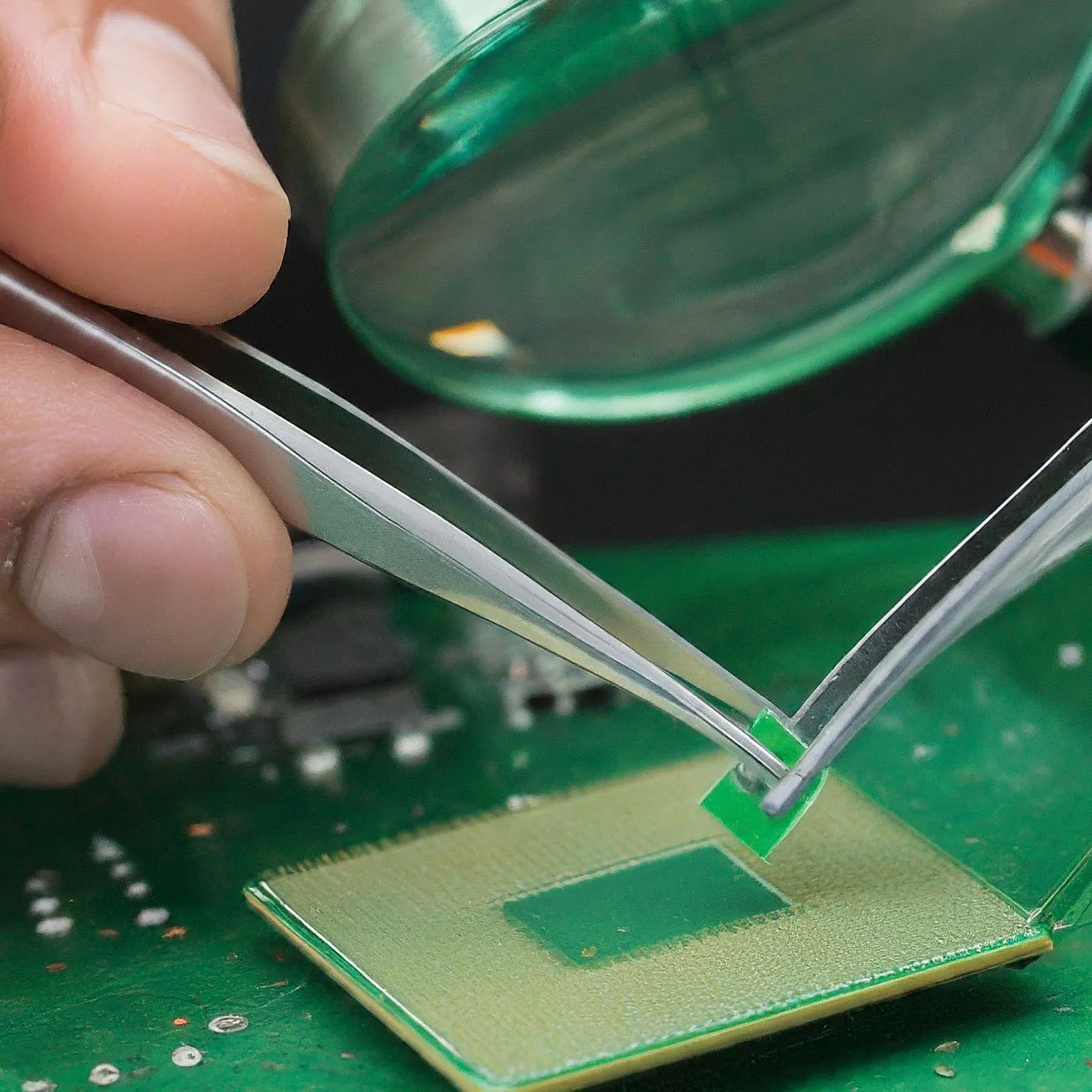
Thin phase-change material is another option in appropriately designed interfaces. Solstice's PTM7950 documentation separates supplied thickness from pressure-dependent bond-line behavior. Thermal Grizzly's PhaseSheet PTM is solid at room temperature and begins liquefying above 45°C. Its own datasheet also describes conditioning and mounting-pressure requirements; those should not be treated as instructions for all competing products.
PhaseSheet is electrically non-conductive and its manufacturer describes pump-out as very slight, not absolutely impossible. Pump-out concerns material moving away from the useful contact during thermal cycling. A phase-change product may address that issue, but it does not guarantee liquid-metal-equivalent performance or zero maintenance in every laptop or GPU.
Graphene sheets require a separate check. Thermal Grizzly's KryoSheet conducts electricity, despite being a dry sheet supplied as a paste alternative. Follow its sizing, handling and isolation instructions. The word pad does not establish that a product is insulating or interchangeable with an ordinary memory gap pad.
Compare useful properties, not invented conductivity tiers
| Material | Documented example | Check before use |
|---|---|---|
| Conventional paste | NT-H2 or Hydronaut | Exact application, electrical properties and cooler compatibility |
| Silver-filled compound | Arctic Silver 5 | Keep away from electrical paths; its manufacturer notes capacitance |
| Liquid metal | Conductonaut | Electrically conductive; no aluminium; exact surface compatibility |
| Gap pad | ARCTIC TP-2 | Device-specific gap and compression |
| Phase-change sheet | PhaseSheet PTM or PTM7950 | Each product's temperature, pressure and interface requirements |
| Graphene sheet | KryoSheet | Electrical conductivity and correct supported size |
Conductivity in W/m·K is a material property, not a CPU-temperature score. Noctua explains that contact quality, layer thickness, mounting pressure and spreading affect actual performance, and it declines to publish NT-H1/H2 conductivity figures. ARCTIC likewise does not publish current conductivity values for its pastes and pads. Do not fill those blanks with an unsupported numerical range.
Where a value is published, retain the product and test-method context. Solstice specifies PTM7950 at 8.5 W/m·K using ASTM D5470, alongside distinct impedance data. That does not establish a universal phase-change rating or allow a direct temperature comparison with an unrelated paste tested differently. A reputable comparison should describe its hardware and method.
Application and maintenance
Turn off and disconnect the equipment, then follow its service and cooler instructions. Keep track of the mounting hardware and protect the socket and nearby components. Use an approved cleaning method, let surfaces dry and check that the cooler is ready to seat correctly. A universal solvent concentration is less useful than guidance for the materials actually being cleaned.
Noctua recommends cleaning the CPU and cooler base before reapplying its pastes after cooler removal. Its FAQ allows a dry lint-free tissue or appropriate cleaning options; it does not require 99% isopropyl alcohol for every installation. Different compounds or surfaces can require another method, especially when removing liquid metal.
Use the amount and pattern specified for the paste and processor interface. One generic pea-sized or five-dot instruction should not cover every CPU shape and bare-die application. Follow the cooler's fastening sequence and limits instead of adding arbitrary pressure. If seating is poor, correct the cause rather than compensating with more compound.
There is also no universal repaste calendar. Noctua specifies up to five years of on-CPU use for NT-H1/H2 and recommends watching for a clear increase in the CPU-to-ambient temperature difference under comparable full load. That is product-specific guidance, not a requirement to disturb every homelab machine every three years. Investigate dust, fans, software and power settings as well as the interface.
Choosing for your needs
For a normal supported CPU cooler interface, we continue to recommend suitable conventional paste as a sensible starting point. An enthusiast compound can be worth considering when relevant tests, handling and price justify it. There is no evidenced rule that exactly 95% of builders need a particular category or that spending more always produces a large improvement.
Choose liquid metal only when the exact hardware, contact materials and procedure support it and you are comfortable with the consequences of a spill. Use a gap pad where the assembly needs a gap pad. For phase-change or graphene alternatives, confirm their own mechanical and electrical requirements rather than treating them as safer versions of every other material.
Evaluate your own cooling setup
A useful comparison holds the CPU settings, cooler, fan policy, room conditions and workload as consistent as possible. Record the relevant CPU or GPU temperatures, clocks and power information using suitable monitoring tools. Repeat the normal workload and an appropriate sustained load without exceeding the equipment's supported operating limits.
Room temperature matters. Comparing the component's temperature above ambient can be more useful than two absolute values recorded on different days. Mounting variation can also obscure a small compound difference; Noctua's own comparison guidance stresses controlling those variables. A single remount is not proof that one formulation is universally better.
If performance deteriorates sharply after maintenance, stop and check seating, coverage, fan operation and any displaced pads. Do not assume every material needs an unspecified burn-in or that a synthetic test represents all applications. This article explains an evaluation method; it contains no claimed TechDecode CPU-temperature benchmark.
Storage is separate from installed lifetime
Keep the exact packaging, seal and storage instructions. Noctua's current FAQ says NT-H1/H2 can be used for up to two years once opened, with the cap closed and protection from extreme temperatures and direct sunlight. That differs from their installed-use guidance. It should not be replaced with a universal five-to-eight-year unopened or opened shelf-life promise.
Solstice lists a 12-month shelf life for PTM7950. Pads and pastes therefore do not share one storage calendar simply because they are thermal materials. Retain protective packaging, keep contamination out and inspect the material according to its manufacturer before use. Correct selection and mounting, followed by useful checks, are more dependable than a conductivity label alone.