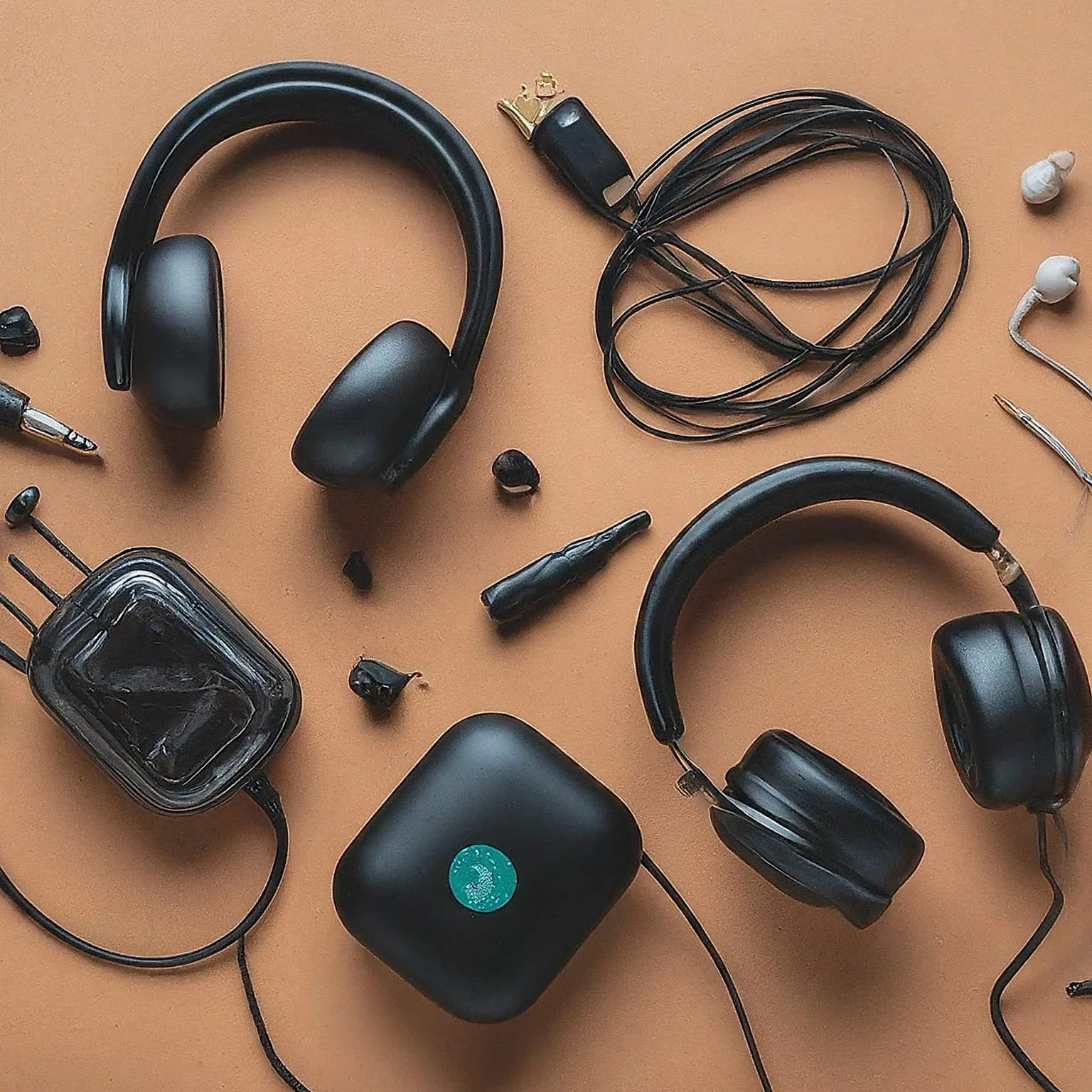
A good pair of computer headphones should suit both the sound you enjoy and the work you do. Gaming, meetings, music and editing can ask different things of the same device. Driver type, enclosure, sensitivity and connections are useful clues, but they cannot replace checking comfort and the actual computer you will use.
Our preference remains to choose by your needs and budget rather than a single impressive specification. Wired headphones can be attractive when a simple connection and no charging are priorities; wireless models offer freedom of movement. Either approach can be worthwhile when its limitations fit your routine.
Drivers: How Sound Is Produced
The driver converts an electrical signal into movement that produces sound. In a dynamic design, a voice coil attached to the diaphragm moves in a magnetic field. Planar magnetic designs use conductors on a thin diaphragm driven by a magnetic field. Electrostatic designs use electrostatic force on a charged diaphragm, with a different amplification arrangement.
These are mechanisms, not an automatic quality ranking. A driver diameter does not establish deeper bass, clearer speech or more accurate positioning by itself. The diaphragm, enclosure, tuning and fit all contribute. Manufacturer descriptions of their own technology should not be read as proof that every dynamic model is inferior to every planar model.
Dynamic headphones remain a sensible starting point for a broad choice of prices and everyday use. Planar magnetic or electrostatic options may be worth comparing if their sound and total cost appeal to you. Some electrostatic headphones need specialist equipment: Audeze's CRBN FAQ explicitly requires a designed-for-electrostatics amplifier. It is not a device to plug into an ordinary PC jack through any adapter that happens to fit.
Frequency Response: Range Versus Tuning
A specification such as 20 Hz–20 kHz lists a frequency range, but it does not describe how evenly the headphones reproduce that range. Without measurement conditions and tolerances, two endpoints tell you little about bass emphasis, speech clarity or a treble peak. A wider advertised range is not automatically more detailed or balanced.
A frequency-response graph gives more information, provided you know how it was measured. Audeze's explanation shows that the same headphones can produce different graphs on different measurement systems. Compare evidence made with a consistent setup rather than treating every line on the internet as directly interchangeable.
Terms such as neutral, bass-heavy or V-shaped describe listening preferences and tuning, not universal scores. There is no single curve that guarantees comfort or the best sound for everyone. Try familiar music, speech and the application you actually use at a modest, comparable level. More volume can make a quick comparison misleading and is not a sensible way to seek extra detail.
Open-Back and Closed-Back Choices
Open-back headphones allow sound through openings in the earcups and can offer an appealing sense of openness in a quiet room. They also let more room sound reach you and can leak audio to people nearby. Closed-back designs reduce that exchange through a more enclosed cup and suitable seal. Their actual isolation varies with the model and fit.
Sennheiser's support guidance treats both designs as capable choices, with the listening situation and personal preference deciding between them. An open enclosure does not eliminate every internal reflection or guarantee perfect gaming footsteps. Closed headphones are not necessarily limited to an inaccurate, narrow soundstage.
For shared offices, recording near an open microphone or travelling, consider whether leakage and background sound will be a problem. For quiet home listening, compare open designs if you enjoy them. Passive isolation and active noise cancellation are separate features; check the actual product rather than assuming one label includes the other.
Impedance and Sensitivity Belong Together
Impedance, measured in ohms (Ω), describes the electrical load and can vary with frequency. Sensitivity describes the sound pressure produced for a stated electrical input. The amplifier's available voltage and current matter alongside both specifications. High impedance is not evidence of higher sound quality, and low impedance does not prove that every computer output can drive a headphone cleanly.
Read the sensitivity reference carefully. FiiO lists its FT1 Pro at 112 dB/Vrms at 1 kHz, or 95 dB/mW at 1 kHz. Those are different reference inputs describing the same model; comparing 112 with another product's dB/mW figure would be misleading. The values are manufacturer specifications, not listening levels or measurements performed here.
A useful amplifier provides appropriate output for the headphones without clipping under the intended signal. Audeze's amplifier explanation emphasizes the relationship between sensitivity, impedance and dynamic headroom. More amplifier power is not an instruction to listen louder. Avoid rigid rules that every 32-ohm model is easy or every 300-ohm model must have an external DAC.
DACs, Amplifiers and Connector Fit
A digital-to-analogue converter, or DAC, converts digital audio to the analogue signal used for sound reproduction. An amplifier drives the headphones. A computer's headphone output already includes that path, and USB or wireless headphones supply their own required electronics. Buying an external box is useful when it addresses an actual connection, noise, control or output-capacity problem.
Check whether a proposed device has a headphone output rather than only line outputs. Also check the supported operating system, microphone requirements and output settings. An external DAC cannot improve every recording or repair a poor headset seal. Try the existing connection first at a sensible volume and listen for the problem you want to solve.
Headphone plugs and microphone plugs deserve separate attention. A combined headset socket and separate PC headphone/mic sockets may need an appropriate splitter, and a headphone-only cable does not add a microphone. For detachable cables, match wiring and connectors to the model, including any balanced-output arrangement. A shared plug diameter alone is not a compatibility guarantee or proof of improved sound.
Wired, USB Dongles and Bluetooth
An analogue cable avoids a wireless radio link and charging for a passive headphone, but the complete PC audio path still has latency. Microsoft's Windows audio documentation identifies application buffers, processing, drivers and hardware in that path. “Zero latency” is therefore an inaccurate description of the whole listening or monitoring system.
A proprietary wireless dongle can be useful for gaming, but 2.4 GHz alone does not establish a particular delay. Bluetooth also depends on the implemented audio system, source, receiver and application. Do not assume every SBC/AAC connection has the same delay or that one codec name guarantees perfect lip sync or better sound.
Check the device's supported functions in the mode you need. FiiO's FW3 documentation, for example, describes a game mode with lower Bluetooth latency and increased power consumption. That illustrates a product-specific trade-off, not a fixed timing for all wireless headphones. Battery life likewise depends on settings, use and condition.
For meetings, test the microphone and playback together in the actual calling app, then check switching between a phone and computer if that matters. For music or games, try pause/resume, wireless reception and audio/video synchronization. Our wired-versus-wireless comparison offers more background: Read our full comparison on Wired vs Wireless Headphones..
Comfort, Maintenance and Listening Levels
Wear the headphones long enough to notice pressure, heat and contact with glasses. Ear-pad size, headband adjustment and weight distribution matter as much as total weight. A material label cannot guarantee comfort for every listener. Keep a practical return option when trying an unfamiliar fit.
Check whether replacement pads, headbands and cables are available for the exact model. Follow the maker's cleaning guidance; a pad replacement can change fit and the acoustic seal. A removable cable is convenient, but its connectors and wiring still need matching. For wireless models, include battery condition, charging and the support route in the long-term cost.
Keep volume modest and take breaks from sustained listening. The World Health Organization advises reducing loud-sound exposure, using well-fitting or suitable noise-cancelling headphones to avoid turning up over background noise, and using supported exposure-monitoring features. A volume-slider percentage is not a universal decibel measurement, and room-noise readings do not establish the level inside every headphone.
Choose for Your Daily Use
Audio-Technica, Sennheiser, Beyerdynamic, Bose and Sony remain brands worth comparing. Judge the individual model's fit, connections and support rather than assuming a logo guarantees a particular sound or build quality. Include any required microphone, adapter or amplifier in the total budget.
Our recommendation is still to choose the headphones that sound good to you and stay comfortable in the situation where you will use them. List the tasks first, verify the full connection, then compare familiar audio and actual calls or games. That is more useful than buying the largest driver, highest impedance or longest frequency range.