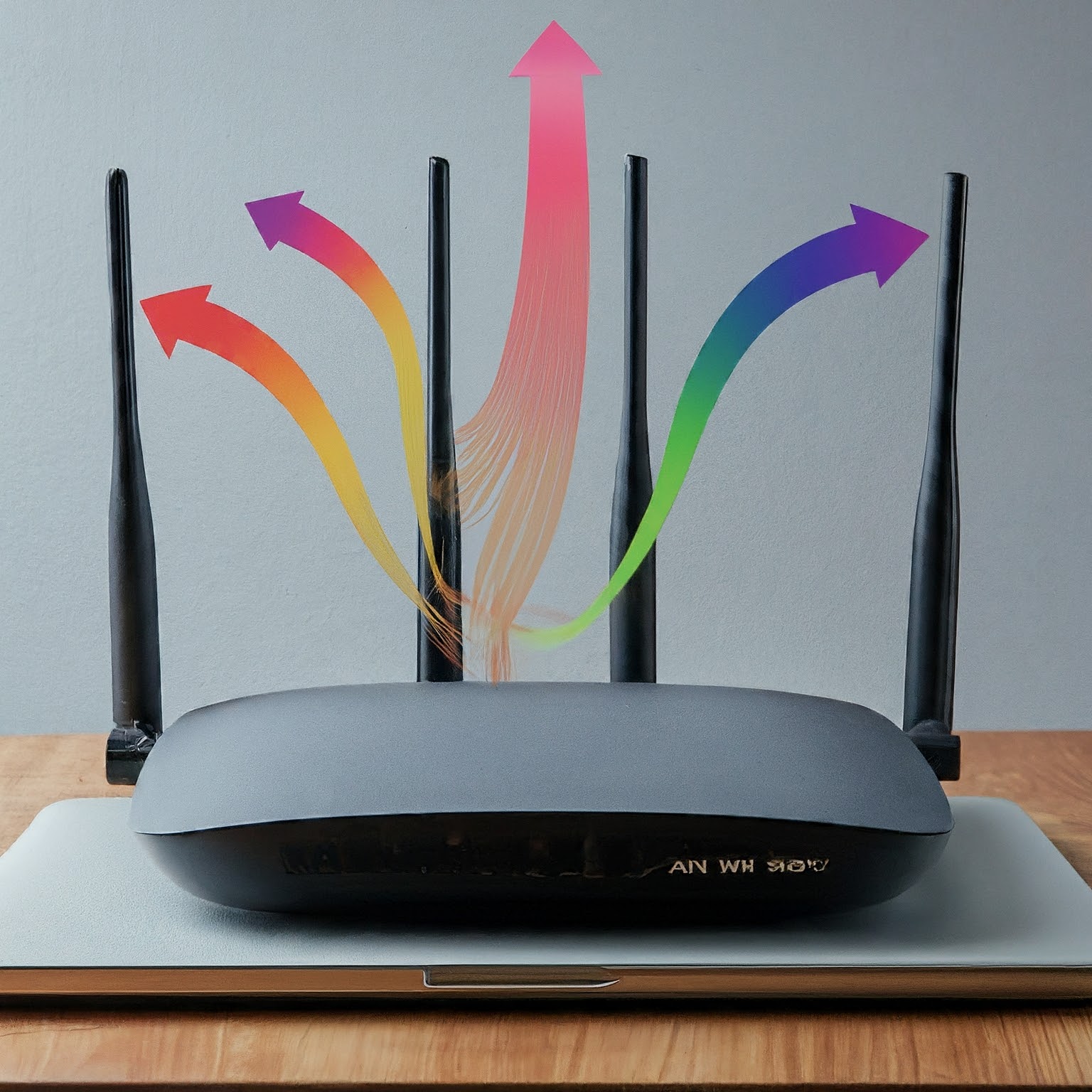
MIMO stands for multiple-input, multiple-output. It uses multiple transmitting and receiving radio paths to improve wireless communication. One important application is carrying several spatial data streams on the same channel, allowing a compatible connection to move more information than a single-stream link.
The extra-lanes analogy is useful, provided you do not treat each antenna as a separate internet connection. The signals overlap in space and frequency. The receiver uses its observations and knowledge of the channel to separate the transmitted information. Radio reflections can help create distinguishable paths; poor signal conditions or highly similar paths can still limit the result.
Where is MIMO used?
Wi-Fi introduced MIMO with 802.11n, commonly called Wi-Fi 4, and later generations build on it. It also appears in cellular systems, where the capabilities of both the network and the handset determine the available modes. A wireless feature can improve the radio link without making a slow internet subscription, congested server or overloaded application faster.
There is an important correction for Bluetooth: multiple antennas do not automatically mean Wi-Fi-style spatial multiplexing for audio. Bluetooth Direction Finding uses antenna arrays to estimate direction. The Bluetooth SIG describes Angle of Arrival as a single-antenna transmitter observed by a receiving array; Angle of Departure reverses that arrangement. These positioning features are not a promise of additional headphone audio streams or dropout-free playback.
Reading 2x2, 4x4 and spatial-stream notation
Specifications often use Tx x Rx : S. Tx and Rx describe transmit and receive chains for the specified radio, while S identifies the supported spatial-stream count. A specification that lists only 4x4 is less explicit than one that also states the number of streams.
| Notation | What it describes | What it does not promise |
|---|---|---|
| 2x2:2 | Two transmit chains, two receive chains and support for two spatial streams | A fixed download speed under all conditions |
| 4x4:4 | Four transmit chains, four receive chains and support for four spatial streams | Four streams to a client that supports only two |
| 4x4:3 | Four transmit/receive chains but three supported spatial streams | One data stream for every visible antenna |
Cisco's RF documentation explicitly gives the 4x4:3 example. Antenna appearance is therefore an unreliable shortcut. An antenna arrangement can serve more than one band, and a router may have different capabilities on its 2.4 GHz, 5 GHz and 6 GHz radios. Internal antennas can support MIMO just as external ones can.
Check the per-band specification and client documentation. A photograph of four antenna stalks does not establish a four-stream connection on every band. Nor does a router's aggregate AX or BE marketing number tell you how many streams one device will use.
Both ends of a connection matter
A client with a two-stream limit cannot receive four spatial streams on one ordinary Wi-Fi link simply because the access point supports four. Both ends must support the selected mode, and radio conditions must sustain it. Stream count is one constraint among channel width, modulation, signal quality and available airtime.
Intel's AX210 is a concrete example: its specification lists 2x2 transmit/receive streams, 160 MHz support and a maximum rate of 2.4 Gbps. That maximum is a wireless link capability, rather than a guaranteed file-copy result. It depends on a compatible access point, settings, permitted band/channel operation and sufficiently good conditions.
The ASUS PCE-AXE59BT also needs accurate product identification. ASUS lists two external antennas and up to 2,402 Mbps on its Wi-Fi 6/6E 5 GHz and 6 GHz modes. It should not be used as the example of a four-stream, 4,804 Mbps client in a generic MIMO table. A product's exact specification is more reliable than grouping all PCIe cards together.
Single-user MIMO versus MU-MIMO
Single-user MIMO can send several spatial streams to one compatible device. It is therefore useful even when only one laptop is active. The suggestion that MIMO has little benefit in a single-user scenario confuses multiple streams with multiple users.
Multi-user MIMO, or MU-MIMO, allows compatible transmissions involving multiple clients within a shared transmission opportunity. Support differs by Wi-Fi generation and whether the traffic is downlink or uplink. The access point must schedule suitable clients, and their supported modes and channel conditions affect what it can achieve.
A four-stream access point may be able to allocate streams to multiple clients, but this is not a guarantee that two two-stream laptops each receive their maximum standalone speed simultaneously. Signalling overhead, scheduling, interference and other devices using the channel remain relevant. A busy network can benefit without the throughput doubling exactly.
Streams, diversity and beamforming
Multiple radio observations can also help reception. Diversity and combining techniques use the received signals to improve decoding, while beamforming adjusts transmissions to improve delivery towards a compatible receiver. These are related benefits of antenna processing, with different purposes from simply sending additional independent streams.
More capable radios can improve a connection, but there is no universal extra range or fixed sensitivity gain that follows from the 4x4 label. Antenna design, placement, building materials, interference and the client's return path all matter. A phone still has to send traffic back to the access point.
Start with placement and a clear path to the rooms you use. A router hidden behind a television or placed next to substantial metal obstructions may perform poorly despite impressive specifications. Additional antennas cannot remove every coverage obstacle or compensate for an unsuitable node location.
What about mesh backhaul?
Two compatible four-stream mesh radios can use their shared capabilities for a wireless link between nodes. The actual backhaul rate still depends on the selected band, channel width, interference and signal. When client and backhaul traffic share airtime, the usable end-to-end capacity also reflects that arrangement.
Wired backhaul can remove the wireless hop's competition for airtime, but check the Ethernet ports and complete path. A Gigabit connection to a NAS remains a ceiling for that transfer even when the client shows a multi-gigabit Wi-Fi link rate. None of these numbers guarantees that storage can supply data at the same speed.
Evaluating an upgrade
- Identify your active client's wireless adapter and supported streams, bands and widths.
- Check those same details for the access point's relevant radio, including its Ethernet uplink.
- Test the current network close to the access point and in the room where performance matters.
- Separate an internet speed test from a local transfer so you can identify the limiting path.
- Repeat with realistic simultaneous users rather than relying only on an idle-network peak.
Record dropouts, usable transfer speed and application responsiveness along with the reported link rate. This helps distinguish a coverage problem from a capacity problem. MIMO is a valuable part of wireless design, but the best upgrade addresses the bottleneck you can actually identify.