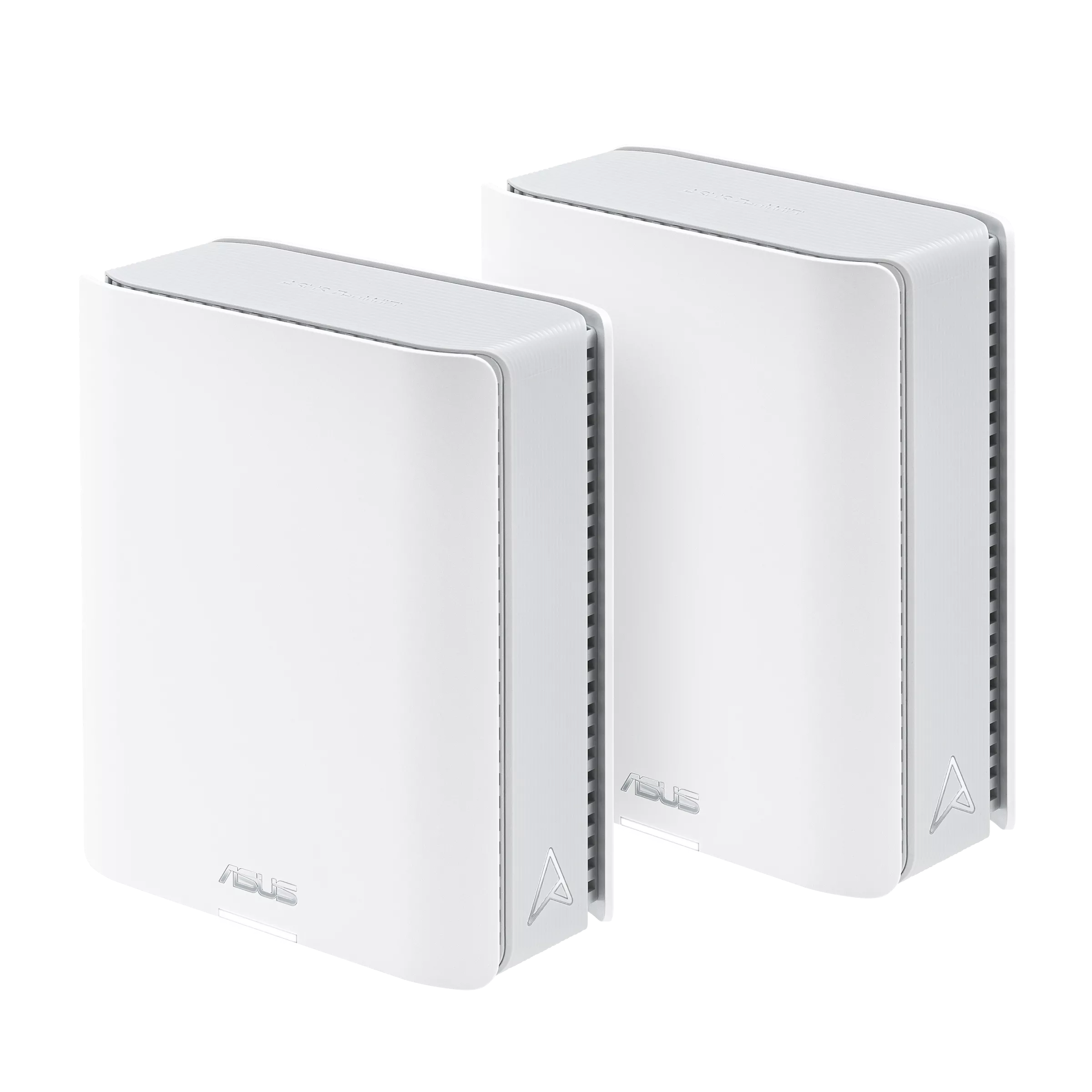
The ASUS ZenWiFi BT8 is a premium tri-band Wi-Fi 7 mesh system with two 2.5Gbps Ethernet ports and configurable ASUSWRT management. I consider it a strong option for larger homes, demanding connected households and users whose newer clients can use its capabilities. Its cost should still be justified by your actual needs: a less demanding household may obtain better value from Wi-Fi 6 or 6E equipment.
Mesh uses several access points to distribute coverage, rather than expecting one router to reach every room. Think of a group of lighthouses covering different areas: their positions matter. A wireless mesh node also needs a useful connection back to the main router, called backhaul. A nearby node's strong signal does not establish the speed of that complete path through your home.
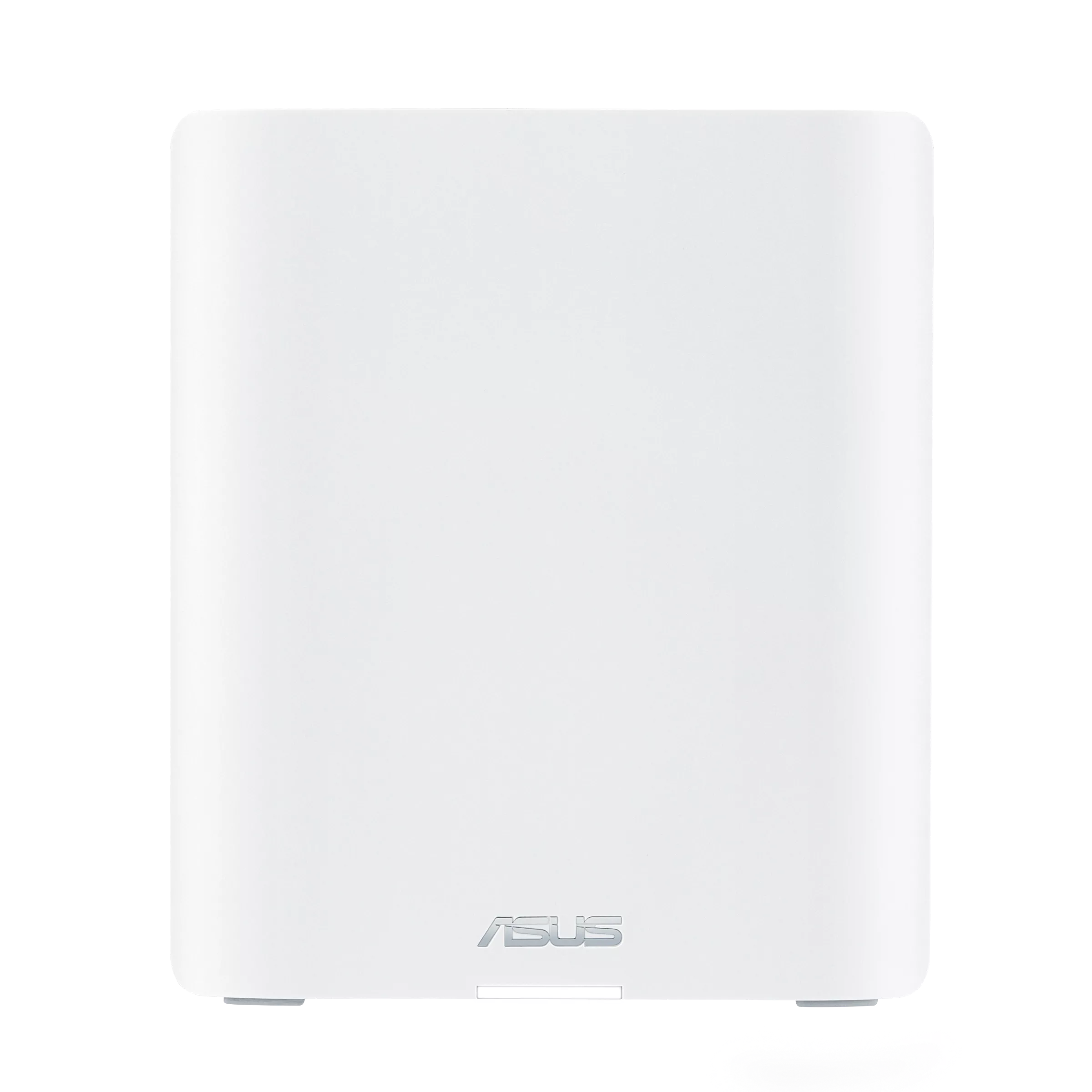
BE14000 and the Actual Radios
The BT8's published Wi-Fi 7 physical rates are up to 688Mbps at 2.4GHz, 4,323Mbps at 5GHz and 8,643Mbps at 6GHz. BE14000 rounds their combined total into a product class. A single client's download does not equal that sum. Its antennas, channel support, signal conditions and traffic determine the connection it can actually use.
ASUS lists 2x2 transmit/receive at 2.4GHz and 3x3 at both 5GHz and 6GHz, with seven internal antennas. A common two-stream client does not use a three-stream link merely because the router can provide one. Older Wi-Fi 6/6E equipment also does not gain Wi-Fi 7's 4096-QAM or MLO features by associating with this router.
320MHz channels are a 6GHz Wi-Fi 7 capability, subject to compatible equipment and regional availability. Wide channels and high-order modulation need suitable conditions; they are not guarantees of range or deterministic latency. The additional spectrum can be useful, but 6GHz is not pristine or immune to interference, and thick walls may make node placement or cabling more important.
MLO for Clients and Mesh
Multi-Link Operation lets compatible equipment combine or switch between supported links. The exact bands and simultaneous or alternating behavior depend on the client and firmware. It can improve flexibility, without eliminating every buffer spike or guaranteeing a sub-3ms response. Evaluate responsiveness while the connection is busy as well as its peak rate.
BT8's Smart AiMesh documentation describes backhaul that can aggregate or switch between bands. Do not assume a permanently dedicated, interference-free 6GHz radio for every mesh layout. Client traffic, backhaul settings and the selected topology interact. Confirm which links are active before trying to tune a specific problem.
ASUS's current MLO support FAQ documents limits: MLO backhaul supports the same model and only the first Wi-Fi 7 node in its described system. It also warns that a non-MLO Wi-Fi 6E node may stop broadcasting 6GHz when the main router has MLO enabled. Check that guidance against your exact model/firmware before expanding a mixed AiMesh network. General AiMesh compatibility does not mean every combination preserves every Wi-Fi 7 feature.
Ethernet Ports and Complete Paths
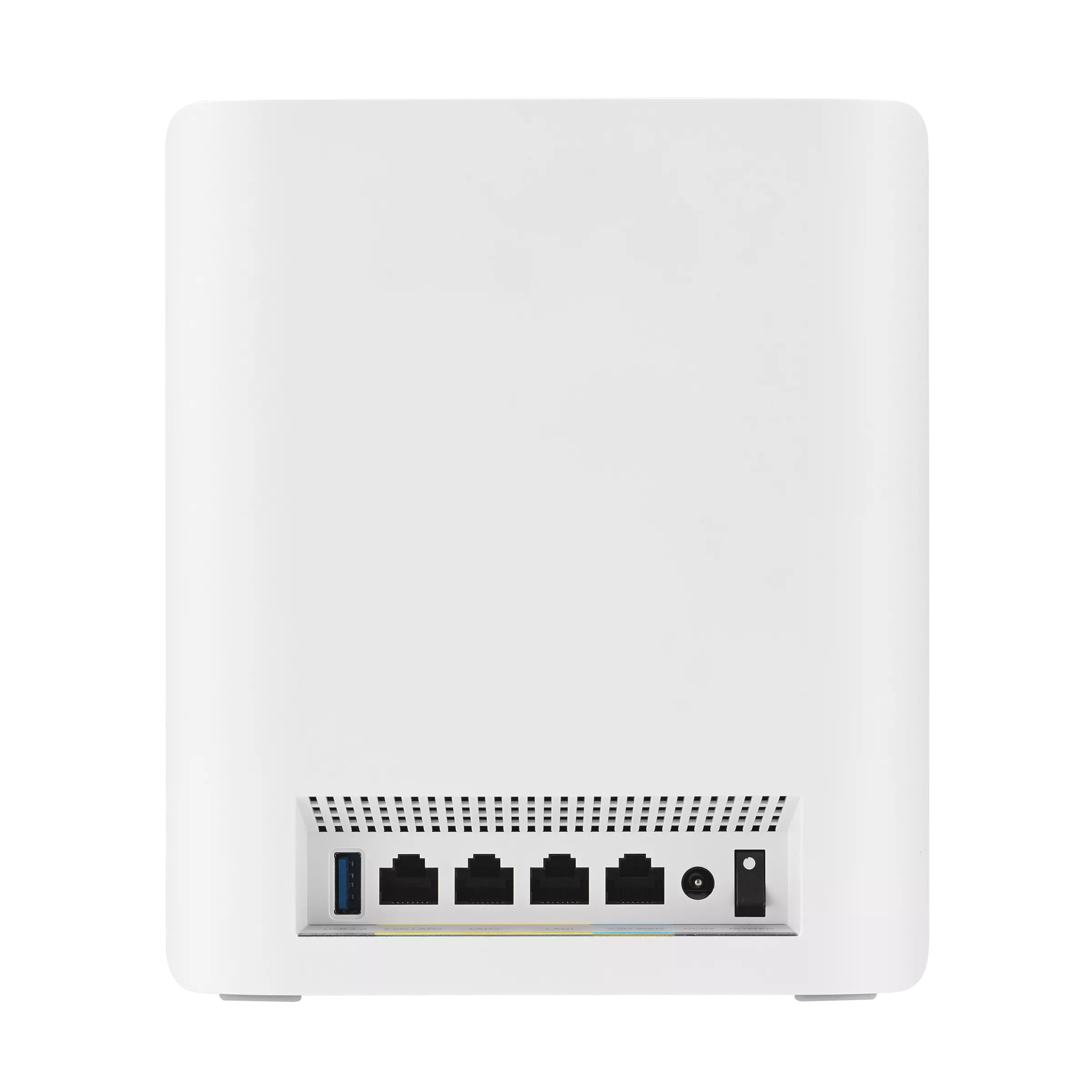
Each unit has one 2.5G WAN port, one 2.5G LAN port, two Gigabit LAN ports and one USB 3.0 port. In the main router layout, separate 2.5G WAN and LAN interfaces allow a compatible internet handoff and downstream connection without both competing for the same physical socket. Your modem/ONT, switch and client still need matching capabilities.
For a NAS, trace the actual route. A computer on a Gigabit LAN port has a Gigabit ceiling even if the NAS uses 2.5G. A satellite connected through a Gigabit switch also has that slower uplink in its path. A faster radio does not overcome a slower cable connection, and a port rating is not a guaranteed application-transfer result.
ASUS supports 2.5G wired backhaul between BT8 units. That uses an uplink port on the node; plan remaining ports and any switches around the clients you need. Cabling can remove a difficult radio hop and make placement more flexible. It still requires a suitable cable, switch, port and configured topology, rather than automatically providing one universal wireless speed.
Model Specification Summary
| Item | ZenWiFi BT8 |
|---|---|
| Wireless bands | 2.4GHz, 5GHz and 6GHz |
| Maximum physical rates | 688 + 4,323 + 8,643Mbps respectively |
| Transmit/receive | 2x2, 3x3 and 3x3 respectively |
| Memory | 1GB RAM and 128MB flash |
| Ethernet per unit | One 2.5G WAN, one 2.5G LAN and two Gigabit LAN ports |
| USB | One USB 3.0 port |
| Dimensions | 159 × 72 × 186mm |
| US advertised coverage | Up to 5,900 square feet for a two-pack; conditions apply |
Coverage is a manufacturer estimate rather than a guarantee for your floor plan. A large open house and a smaller masonry house can need different placement. Choose pack size around usable links and required rooms, then verify the result. Check the exact local package rather than assuming every regional offer has identical bundled terms.
ASUSWRT and Smart Home Master
BT8 offers both a web interface and the ASUS Router app. Smart Home Master provides separate network profiles for IoT devices, children's devices and VPN use. ASUS lists BT8 in its support guide and requires firmware 3.0.0.6.102_34946 or later for that feature. Names, available controls and node synchronization can vary with firmware and operating mode.
Before using a profile to separate untrusted devices from private servers, check subnet, local-access and node behavior in the actual configuration. A separate SSID is not sufficient evidence of your intended firewall policy. Do not apply a Guest Network Pro/VLAN recipe from an unrelated ASUS model without checking BT8's supported interface. DNS-based content filtering also has a different scope from application inspection or a comprehensive business firewall.
The WPA3 setting must suit compatible clients, and older devices may need an appropriate IoT profile. AiProtection Pro includes additional network protection without the recurring subscription described for some competing services. That benefit does not imply complete protection, perpetual support or that every third-party VPN service is free. Keep firmware and client devices updated.
VPN and USB Planning
The BT8 specification lists WireGuard and OpenVPN client/server options and VPN Fusion, with IPsec listed as a server option. Do not assume every listed protocol supports every direction or simultaneous combination. ASUS's product page advertises up to 300Mbps WireGuard and 150Mbps OpenVPN over Ethernet; those are publisher claims under its conditions, not personal benchmarks or minimum speeds for your internet route.
Remote access also depends on the WAN connection. The product page says Instant Guard needs a public IPv4 WAN address. Check upstream routing and carrier-grade NAT before relying on it. A VPN creates an encrypted path, but cannot automatically bypass every ISP restriction or make an exposed service trustworthy.
The USB port supports documented sharing and mobile-tethering applications. Decide which role you need, since one physical port is not several independent ports. For phone tethering, verify device support, permissions, power requirements and the mobile plan. For storage, check filesystem support, access permissions and device power. Router USB sharing should not be assumed to replace a dedicated NAS or an independent backup.
Aggregation and Backup Connections
LAN link aggregation is listed, but two 2.5G sockets labeled WAN and LAN do not prove a 5Gbps bonded NAS connection. Check the designated supported LAN pair and exact firmware, and configure a compatible NAS accordingly. ASUS's general LACP guide describes a selected pair and notes that the feature is on the AiMesh router rather than automatically available on nodes. Link aggregation also does not make every single transfer equal the sum of member links.
Dual WAN and USB WAN options provide backup possibilities. Check supported primary/secondary combinations and the health-detection settings before relying on them. A change of public address can break an existing session, and cellular backup can incur data costs. Treat fallback as a feature to verify with your actual upstream connections rather than an uninterrupted-service guarantee.
Wired Priority versus Ethernet-Only Mode
ASUS distinguishes a node's Ethernet-first priority from system-wide Ethernet Backhaul Mode. Ethernet-first can fall back to wireless when the cable path disappears. Ethernet Backhaul Mode expects the relevant nodes to be wired; turning it on without those connections can leave a node without an uplink. Choose the setting that matches the physical layout.
For a mixed system, inspect each node's priority and connection status. Aggressive roaming thresholds are also not a guaranteed fix for sticky clients: disconnecting a weak device does not ensure it selects the node you expect. First improve placement and measure the normal route before applying advanced settings from another router's guide.
Evaluate and Maintain the Installation
Use the same client near the main router and in the room served by a node. Record its band, negotiated connection and backhaul. Compare wired internet performance with a local transfer when possible, so you can distinguish ISP limitations from Wi-Fi or LAN constraints. Then check a call or stream during ordinary concurrent activity.
Retain a configuration backup, record model/firmware versions and schedule updates when reconnection is acceptable. Leave ventilation around each node. Assess whether the problem follows a location, a device or an uplink before spending on another unit. These observations provide a clearer basis for an upgrade than the aggregate BE rating alone.
Final Recommendation
I retain the BT8's appeal as a premium choice for larger homes with compatible clients and useful multi-gigabit connections. Its configurable management and MU-MIMO support are part of that comparison, but a simpler system can be more economical when needs are modest. Check local prices, the exact firmware and the complete path to your important devices before buying.
The original official BT8 link remains available alongside current specification and support pages. Choose for capabilities you can use, with placement and compatibility as part of the budget.