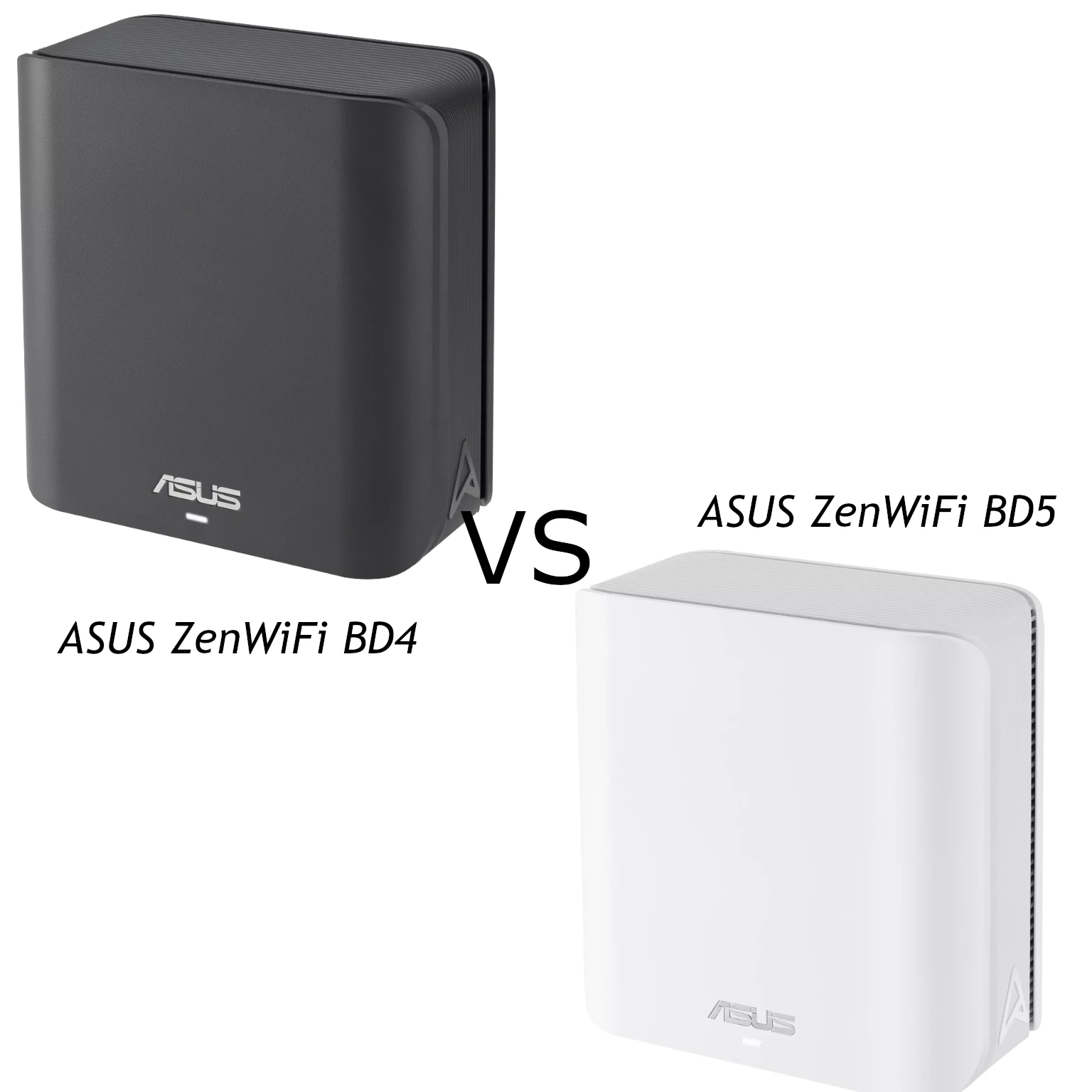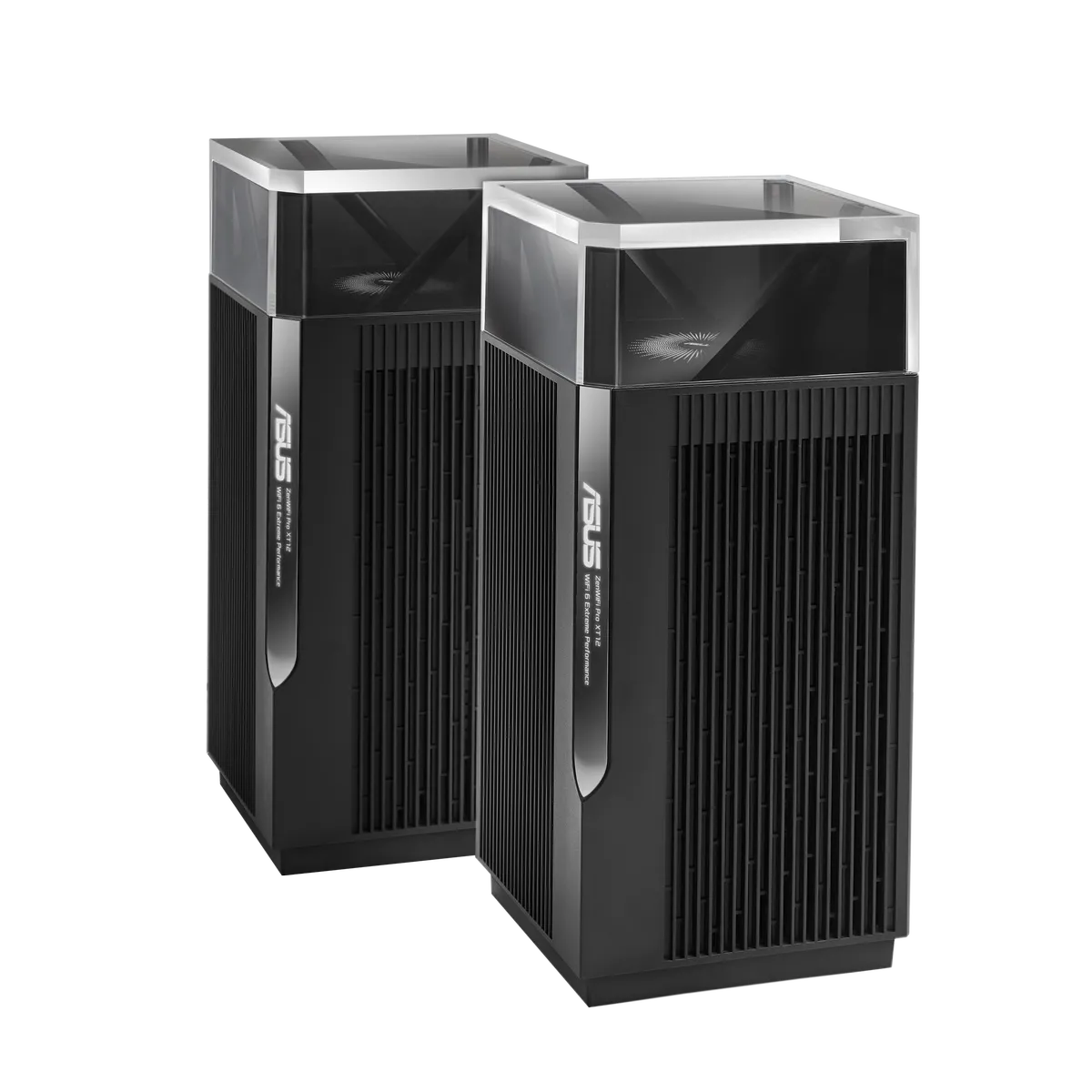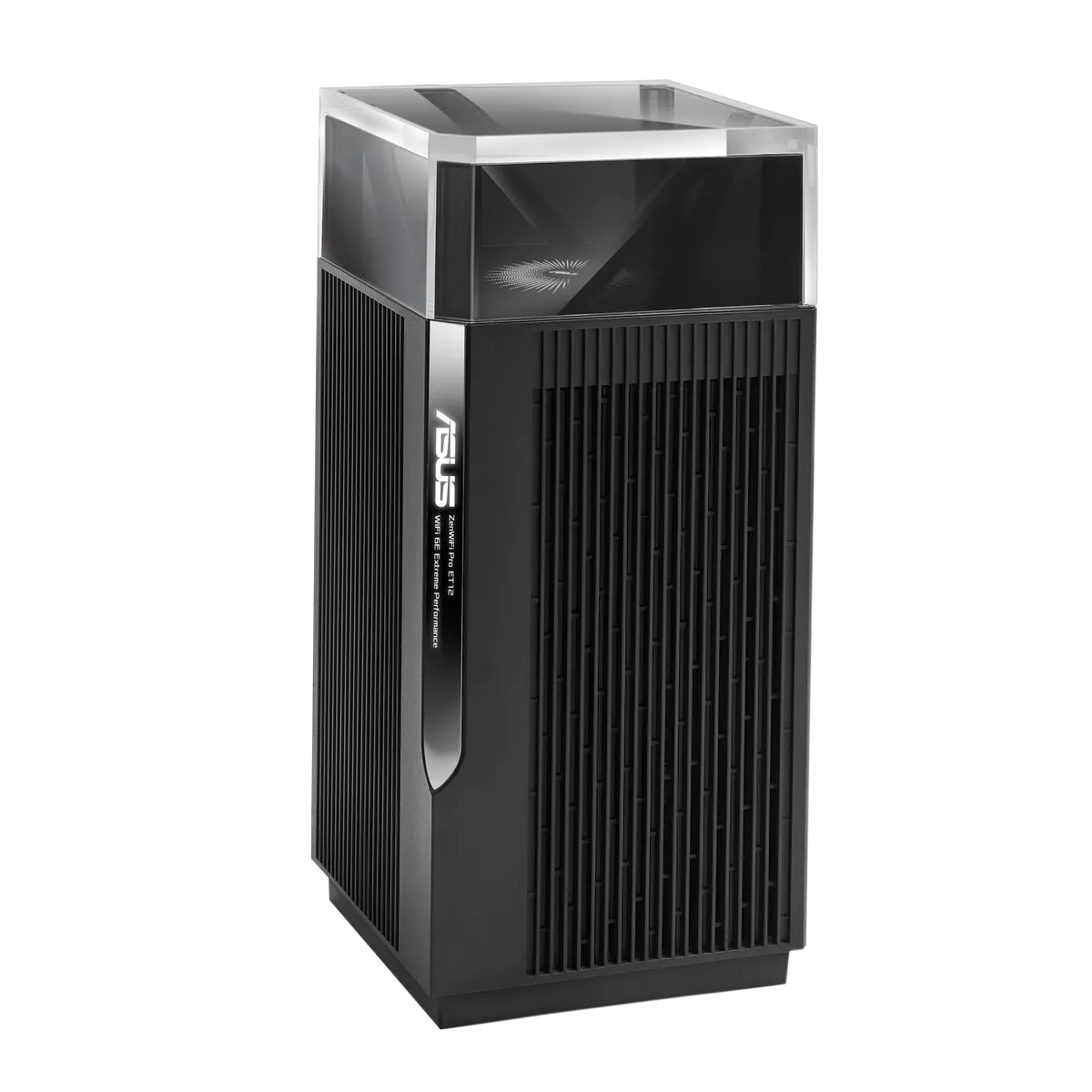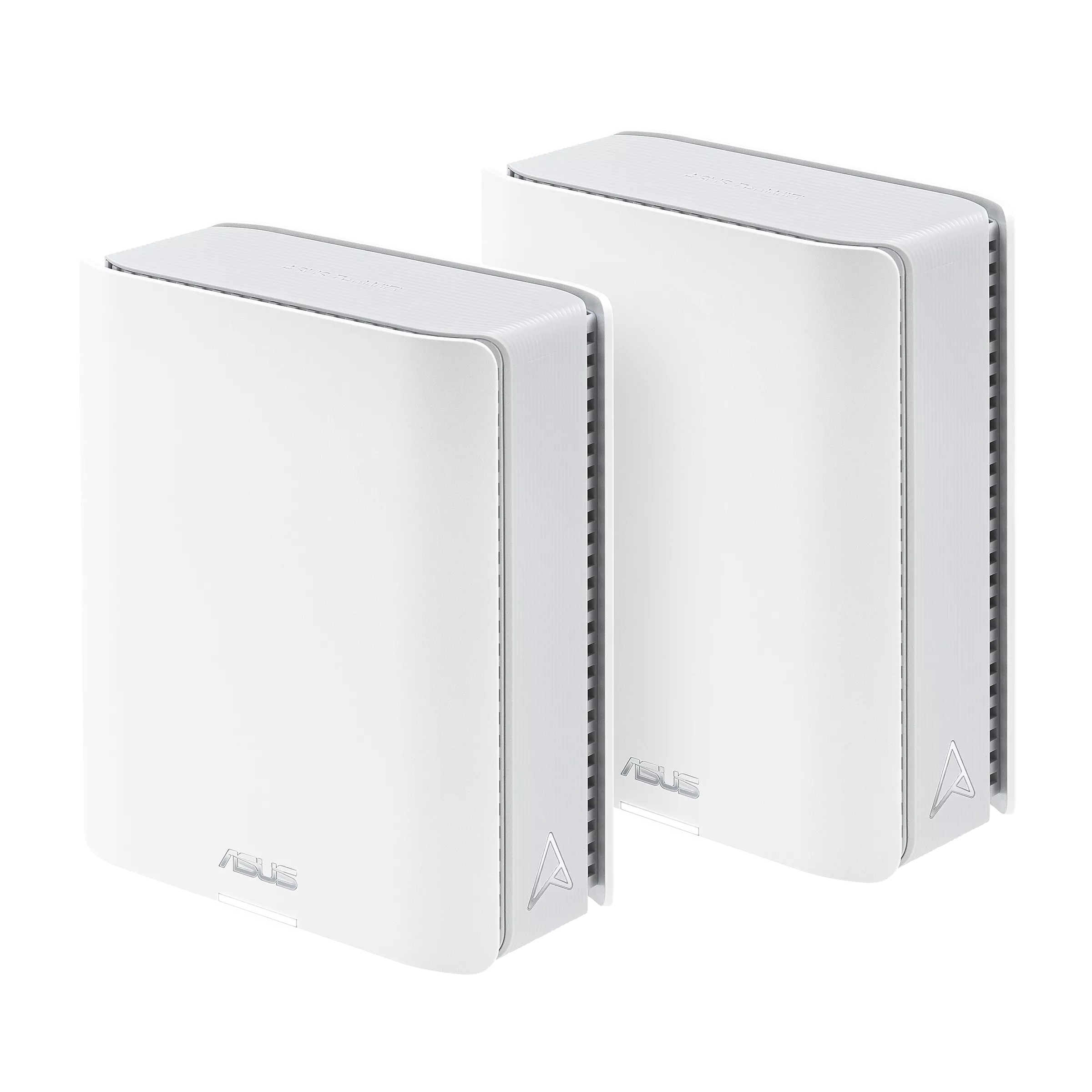
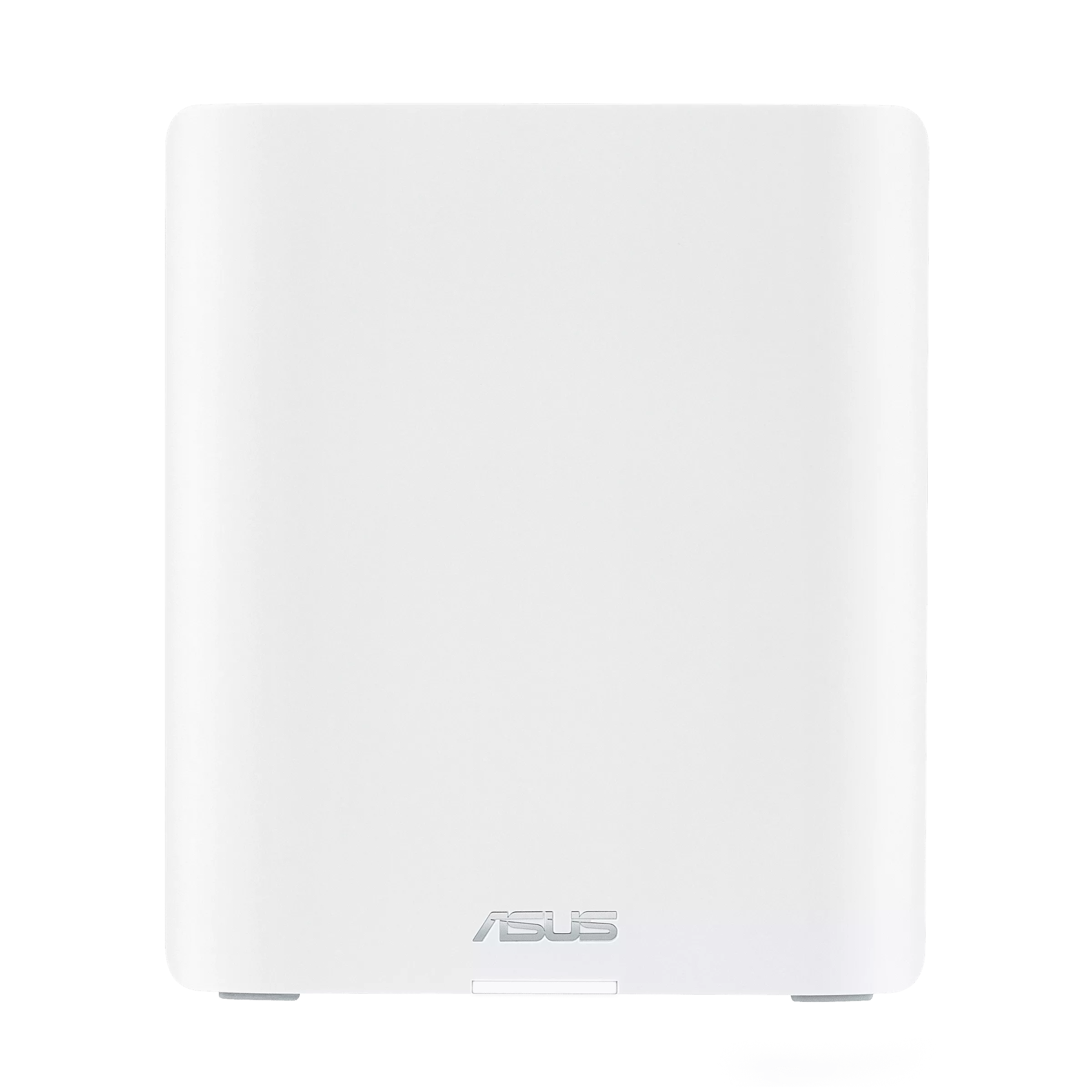
The ASUS ZenWiFi BT6 is a promising option for households that want to move to Wi-Fi 7 without choosing the largest flagship mesh system. We like the combination of coordinated coverage, ASUS's management tools and newer client features. Its suitability still depends on your home, internet connection and devices; a specification cannot promise an uninterrupted signal in every room.
The BT6 is tri-band, with 2.4 GHz, 5 GHz and 6 GHz radios. ASUS rates it as BE9400. This guide explains that published specification and the practical questions behind it. It does not present a hands-on installation or benchmark.
How Mesh Wi-Fi Helps
Think of a mesh system as several access points working together under one network name. A primary router connects to your internet equipment, and additional nodes bring the network closer to distant rooms. The garden analogy is useful: more well-placed watering points can reach areas one hose cannot. Each point still needs a dependable supply, just as each mesh node needs a good backhaul connection.
A satellite should sit where it can communicate well with the main network, not merely where a phone currently loses its signal. Walls, floors, cabinets and neighbouring networks change the outcome. A common SSID simplifies movement, but the client participates in deciding when to roam; it is sensible to check a call or stream along the routes you actually walk.
BT6 Published Specifications
The ASUS USA specification lists the following. Check the package and local model listing before purchase, particularly for 6 GHz availability.
| Item | ZenWiFi BT6 |
|---|---|
| Wi-Fi class | Tri-band BE9400 |
| 2.4 / 5 / 6 GHz rates | 688 / 2882 / 5762 Mbps |
| Streams | 2×2 on each band |
| Channel width | Up to 320 MHz, on 6 GHz |
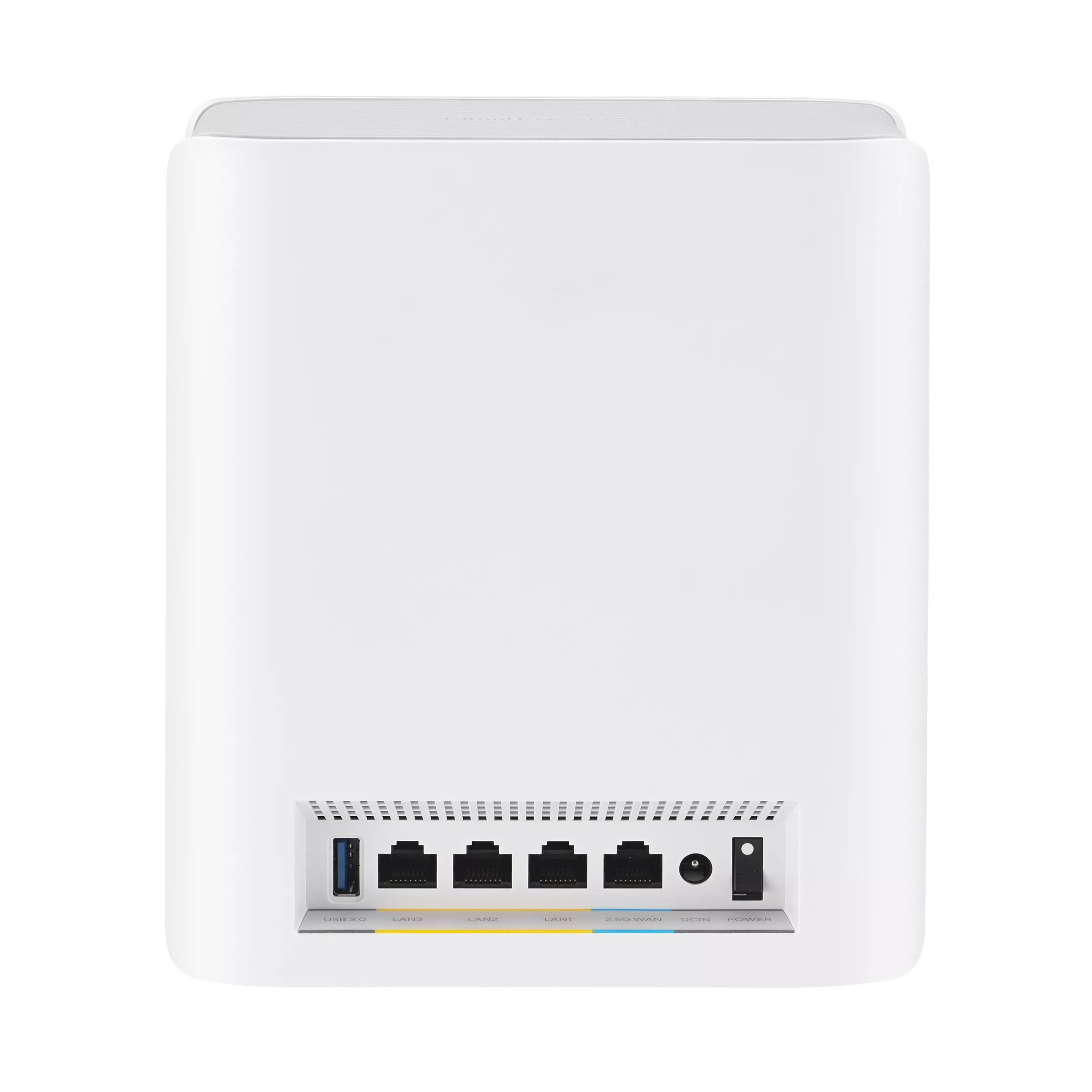
| Ethernet | One 2.5GbE WAN, three Gigabit LAN sockets |
| USB | One USB 3.0 port |
| Memory | 1 GB RAM, 128 MB flash |
The wireless class adds the radio rates; it is not one client's internet speed. A particular device is limited by its supported bands, streams, channel width and signal conditions. An older Wi-Fi 5 device remains an older Wi-Fi 5 device after you change the router. Even a fast Wi-Fi link cannot make a slow broadband subscription faster.
Wi-Fi 7, MLO and Client Compatibility
Wi-Fi 7 adds capabilities such as 320 MHz channels, 4K-QAM and Multi-Link Operation. Wider channels provide more potential capacity, but need usable spectrum and compatible clients. High-order modulation is most useful with a sufficiently clean signal. These features should be understood as capabilities to take advantage of, rather than guaranteed speed improvements in every room.
MLO can combine or switch between links, according to the modes implemented by the router and client. ASUS's MLO support guide distinguishes simultaneous operation from enhanced single-radio operation. A Wi-Fi 7 label on a phone does not tell you it will use every band simultaneously. Check the phone or adapter's supported modes, driver and security requirements before planning around a particular combination.
The BT6 also supports MU-MIMO. Scheduling features can improve use of shared airtime when the devices and workload suit them; they do not give every active user the full aggregate rate. Consider how many devices are moving large files or streaming at once, rather than simply counting every idle smart plug.
Wired Backhaul and the Port Budget
The port arrangement is a useful buying consideration. When the main BT6's 2.5GbE socket carries the internet connection, its ordinary LAN sockets are Gigabit. A direct Ethernet path from one of those LAN sockets to a satellite is therefore limited by that Gigabit segment, even if the satellite end uses its faster socket. A desktop or NAS on a Gigabit LAN connection also has that segment to contend with.
ASUS advertises flexible wired connectivity, but draw your actual topology instead of assuming there are two multi-gigabit ports per node. If you want a different arrangement using access-point mode, switches or another ASUS router, confirm that each link and operating mode fits the design. Wireless links and local device traffic have different bottlenecks from the WAN.
The Ethernet-backhaul guide describes connecting the main router's LAN to the node's WAN, checking the node configuration and optionally preferring WAN backhaul. AiMesh can choose a wired or wireless path. Plugging in a cable is not proof that a particular global backhaul setting has been enabled; check the status after changing the network.
Ethernet can free airtime previously used for the inter-node hop. It does not reserve 100% of a radio exclusively for one client or guarantee line-rate wireless performance. Interference, client contention and protocol overhead still exist.
AiMesh Expansion and MLO Limits
AiMesh makes expansion attractive if you already own compatible ASUS equipment, but compatibility does not mean every mixed setup has identical capabilities. Match expectations to the weakest relevant node and link. Updating supported firmware before pairing also gives you a clearer starting point for troubleshooting.
ASUS's MLO FAQ says MLO backhaul supports the same model and, in a system with multiple Wi-Fi 7 nodes, only the first node can use that MLO backhaul function. It also warns that a non-MLO Wi-Fi 6E node may stop broadcasting 6 GHz when the primary's MLO is enabled. These are important checks before buying an extra node because it happens to carry an AiMesh logo. Follow the current firmware guidance, and expect backhaul-band changes to restart the mesh.
Security, VPNs and USB Features
ASUS includes AiProtection Pro in the BT6's advertised offering. The specification lists functions including malicious-site blocking, intrusion prevention and infected-device blocking. Those are useful network controls, not a replacement for endpoint updates, secure accounts or backups. Review WPA2 and WPA3 compatibility when selecting your wireless settings.
VPN Fusion, WireGuard client/server functions and Instant Guard are listed capabilities. They serve different purposes: routing a selected device through a provider is different from connecting back to your home network while travelling. Provider requirements, upload bandwidth and the route to your home still matter. A tunnel adds processing and a different path; it should not be described as having zero latency overhead.
The USB port supports listed storage/server applications and compatible mobile tethering. It is not a built-in cellular modem: a tethered device and data plan are separate considerations. Verify the exact device and firmware support before relying on tethering as a backup, and test recovery when the main connection returns.
Coverage and Buying Checks
The USA overview advertises up to 5,800 square feet for a two-pack. Treat that as a manufacturer coverage reference, not a guarantee of high-speed service across that much floor area. Pack size, construction and placement affect the result. A floor plan showing where you need good service is more helpful than assuming a two-pack can solve every multi-storey layout.
Before purchase, list the rooms that struggle, the clients that matter and any available Ethernet runs. Compare the BT6's total local price with alternatives that solve those needs. A fast client near the main node and a much older phone beyond two walls can have very different experiences on the same system.
If you evaluate it at home, keep the client, endpoint and location consistent. First check the wired internet connection, then compare the main node and satellite in the rooms you use. Test both an ordinary download and a call while other household traffic is active. Separate local file-copy speed from internet speed. These checks help identify a weak backhaul or slow endpoint without assuming an advertised rate is a test result.
Final Verdict: ASUS ZenWiFi BT6
We see the BT6 as an appealing Wi-Fi 7 investment for a household that needs mesh coverage and wants ASUS's configuration tools. That positive view is strongest when the clients can use its newer features and the port layout fits the intended network. A smaller home with adequate existing coverage or modest needs may get less benefit from the upgrade.
Buy for the coverage and workflow you need, with a realistic plan for backhaul and client compatibility. The ASUS ZenWiFi BT6 product page is a useful place to compare the current regional offering, pack options and support resources before deciding.