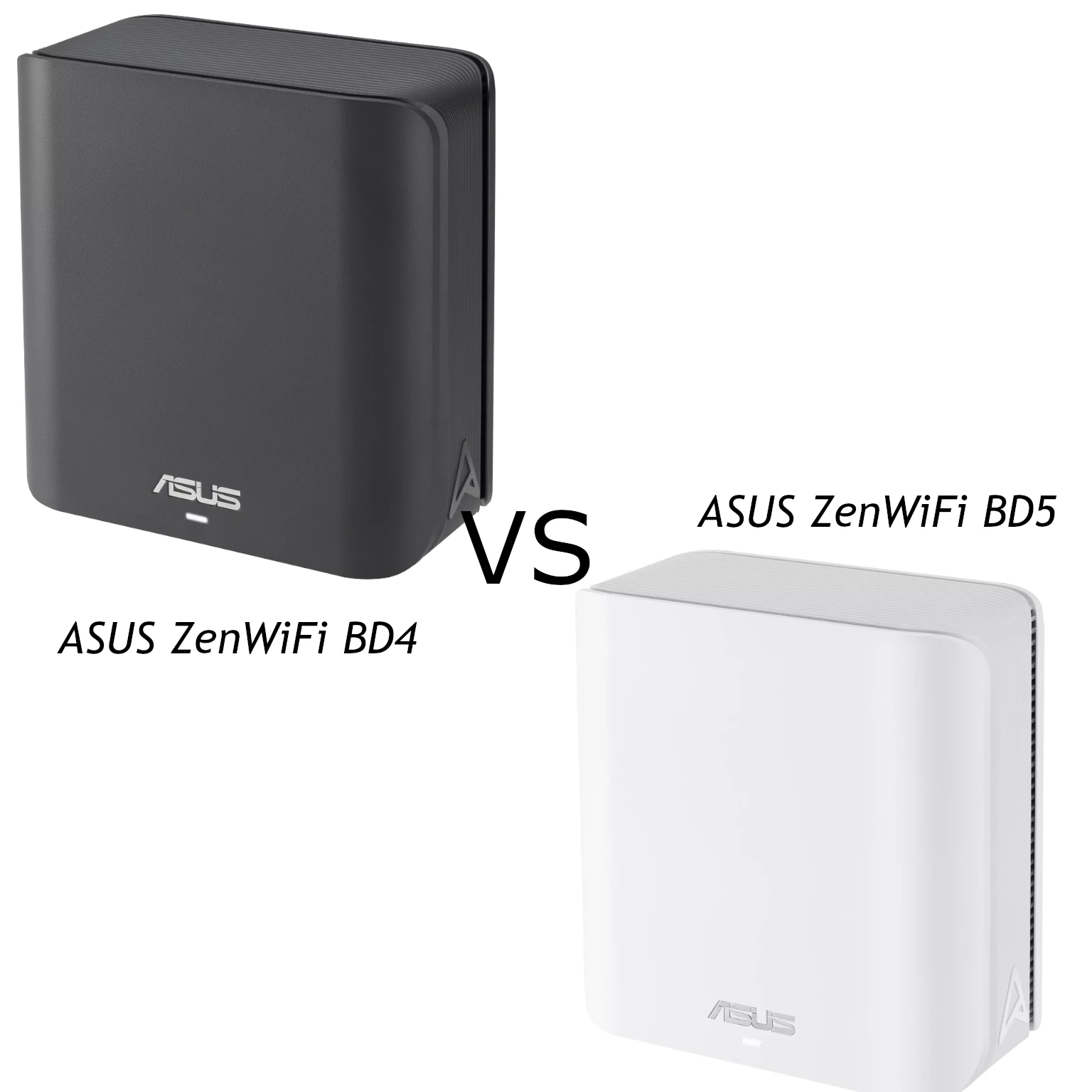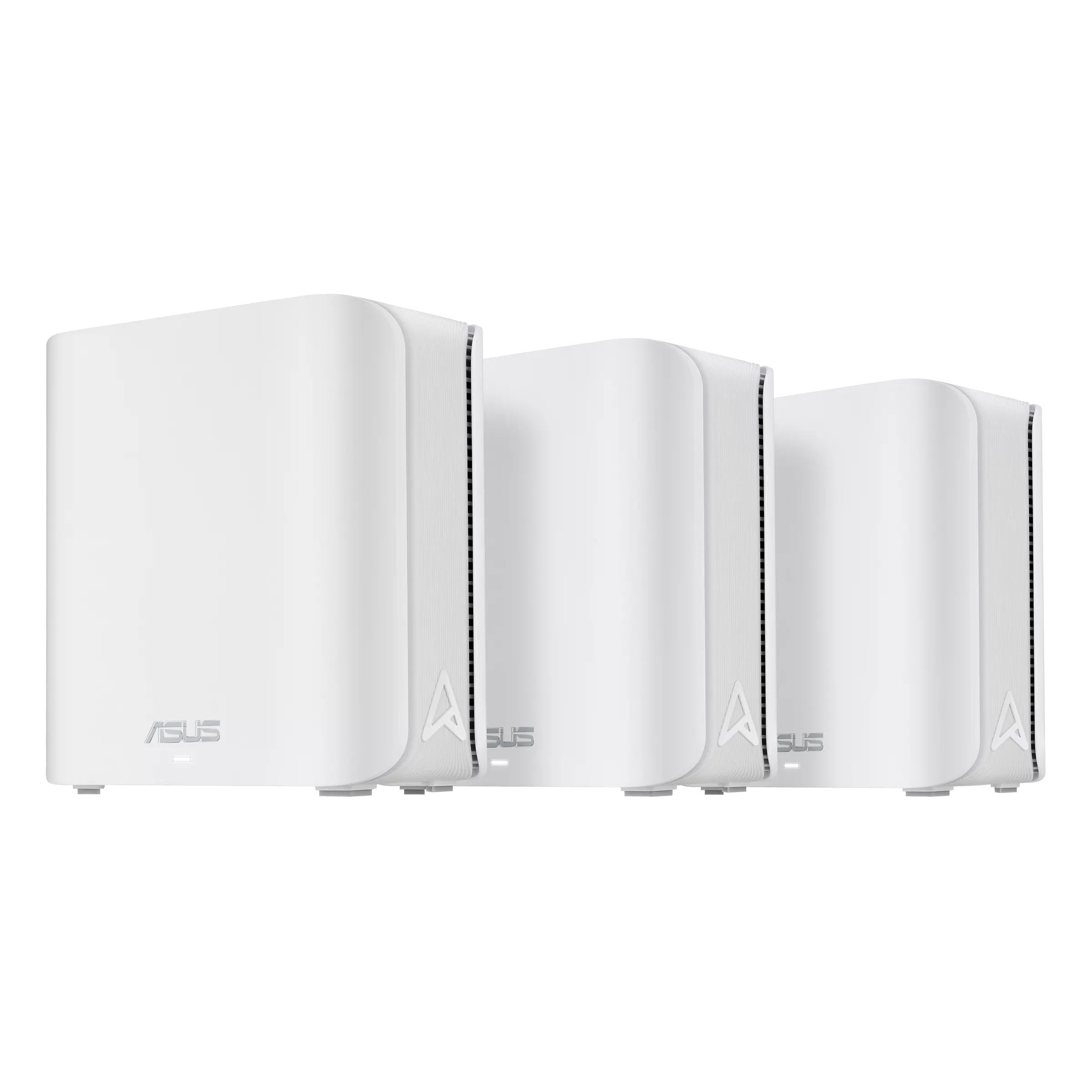
The ASUS ZenWiFi BD5 is an interesting Wi-Fi 7 mesh option for a home that needs several access points but does not require a 6 GHz radio. Its compact design, dual 2.5 Gigabit ports and AiMesh support make it a useful candidate for compatible devices and suitable wired connections. The benefit depends on the network you already have, rather than the BE5000 label alone.
The BD5 remains a positive upgrade choice when its features fit your needs. If your devices are older or the Internet plan is modest, the immediate gain may be coverage and administration rather than a dramatic speed increase. This guide discusses documented capabilities and practical decisions, without claiming measurements from a tested installation.
Understanding the BE5000 Rating
ASUS's global specification lists up to 4323 Mbps on 5 GHz and 688 Mbps on 2.4 GHz, combined into the rounded BE5000 class. It lists two transmit/receive streams per band. These numbers describe radio capabilities under suitable conditions; an ordinary client does not automatically download at the combined rate.
The channel-width detail deserves attention. The specification lists up to 240 MHz with country-dependent availability, while the product overview highlights 160 MHz operation. Confirm the exact regional model, firmware and client support before relying on the higher advertised rate. A client supporting only a narrower channel remains limited by that capability.
Wider channels also consume more spectrum. In a busy neighbourhood, a narrower channel can be a sensible compromise for stable operation. Start with supported defaults, observe the actual connection and change one setting at a time. A higher theoretical rate is only helpful if the connection can sustain useful traffic.
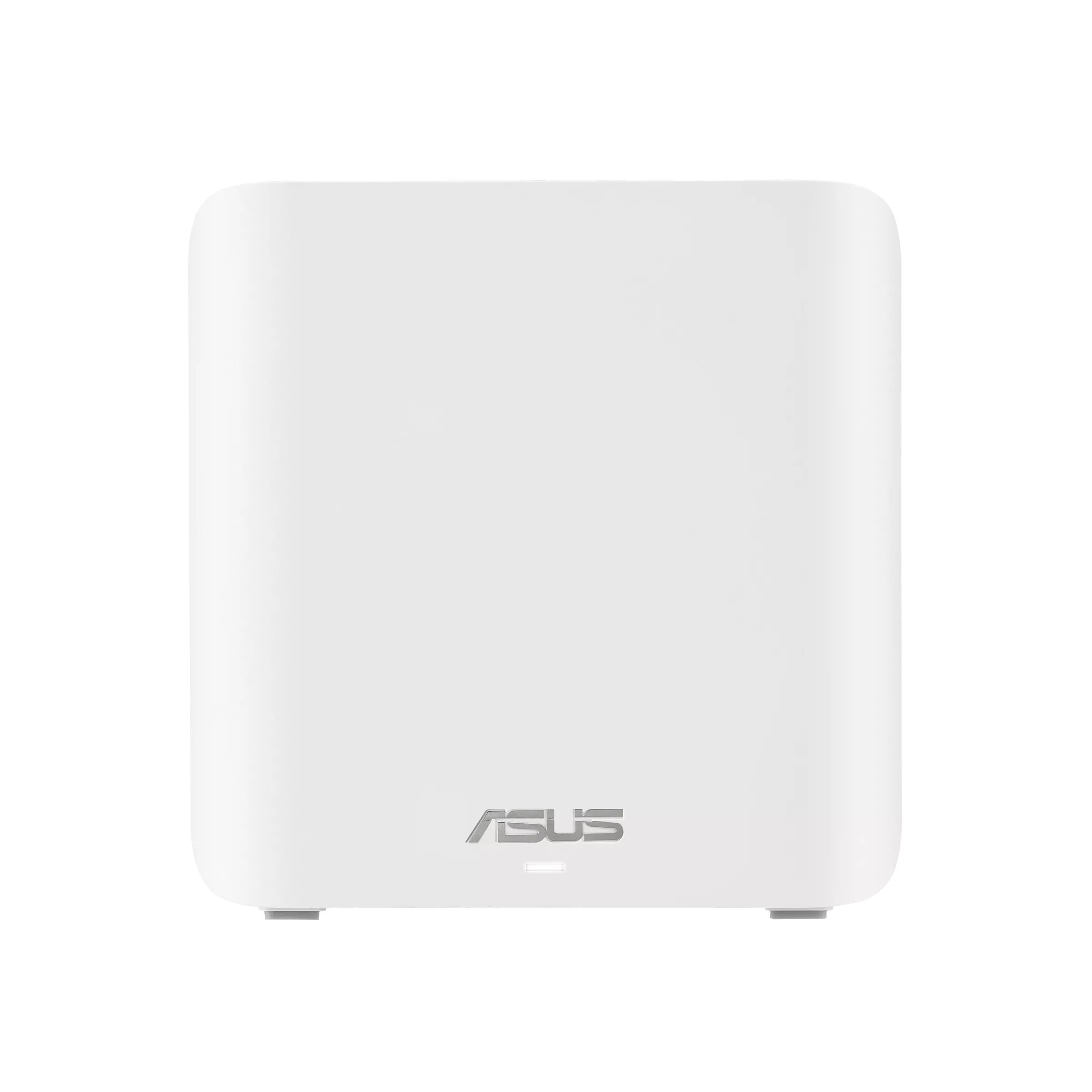
Dual-Band Wi-Fi 7 and MLO
The BD5 uses 2.4 GHz and 5 GHz, with no 6 GHz radio. That does not prevent it from being a Wi-Fi 7 product, but it means no 6 GHz access or 320 MHz channels. Buyers wanting the additional 6 GHz spectrum should compare products that explicitly include it, using devices and regional support that can take advantage of the band.
The dual-band approach remains reasonable when your priorities are coverage, compatible devices and a suitable price. It avoids paying for a band you may not use. It also means wireless client traffic and mesh communication share the available radio resources. Do not treat a newer standard as a replacement for good node placement or backhaul.
ASUS describes MLO combining and switching between links, with modes depending on the client. Read our MLO explanation for the background. Both ends need appropriate support, and not every implementation transfers over both bands simultaneously. MLO does not establish zero loss or remove a slow ISP connection.
4096-QAM encodes twelve bits per symbol rather than ten for 1024-QAM, a 20% increase under otherwise equivalent conditions. Signal quality determines whether the higher modulation is usable. An older Wi-Fi 6 device or a weak connection across several walls should not be expected to reproduce the highest Wi-Fi 7 rating.
Ports and Hardware Specifications
| Item | ASUS global specification |
|---|---|
| Bands | 2.4 GHz and 5 GHz |
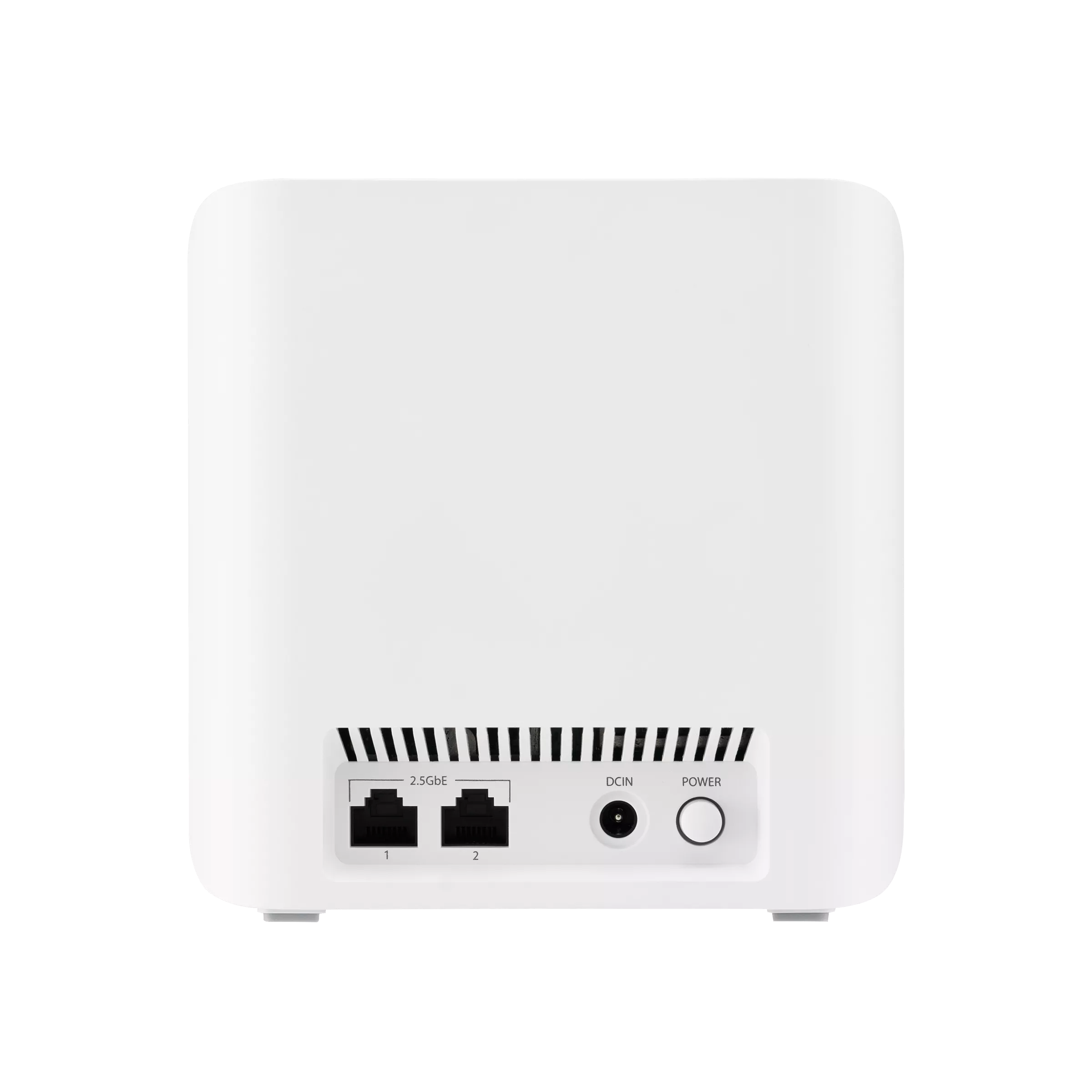
| Ethernet per node | Two 2.5 Gigabit WAN/LAN auto-detect ports |
| Processor | 1.5 GHz quad-core |
| Memory | 512 MB RAM; 128 MB flash |
| Dimensions | 140 × 70 × 140 mm |
| Modes | Router, access point, AiMesh node |
| Security suite | AiProtection Pro |
The inspected rear photo labels both connections 2.5GbE. This matters if you want an Internet uplink and wired backhaul above Gigabit. There are still only two ports: using both leaves no spare wired connection at that node. Count your desktop, television and other wired devices before deciding whether an additional switch is needed.
For a fast local storage network, check the entire route through switches, other nodes and the client. A single faster port cannot make a Gigabit segment faster. The storage drive and application also affect file-copy performance. Port speed is a link capability, not a guaranteed transfer benchmark.
Coverage and Backhaul Planning
ASUS advertises up to 5000 square feet for a two-pack and 6800 for a three-pack. Those are manufacturer coverage figures, not measured results for every house. Floors, walls, neighbours and placement can change usable coverage, so choose around the layout and the rooms that matter.
Use wired backhaul where suitable cabling and ports are available. For wireless backhaul, a satellite needs a healthy link upstream as well as coverage for nearby devices. Place it between the main node and the weak area, then check the target room. If an intermediate node is lost, another route is only useful when there is an alternative path; mesh cannot guarantee uninterrupted coverage after every failure.
The BD5 is an indoor mesh product, distinct from the BD5 Outdoor. Check that suffix before buying for a garden or exposed location. Keep the indoor units accessible and ventilated, with their specified supplies. No measured idle power, full-load consumption or internal temperature is reported here.
AiMesh and Household Management
AiMesh works with compatible ASUS routers, allowing supported equipment to be added to the network. Check compatibility and firmware before reusing an older unit. Its slower ports or radios remain part of the path, and features can differ across models. A common brand does not guarantee identical capability.
ASUS documents Smart Home Master networks for IoT, children and VPN use. Decide which devices need to communicate before setting up a separate SSID. A smart speaker may need discovery and application access to a phone, while a guest should have different permissions. Verify the actual restrictions rather than assuming a profile name provides every isolation policy.
The specification lists WireGuard and OpenVPN client/server options, VPN Fusion and DNS over TLS. These can be useful, but encrypted traffic still has processing and endpoint limits. Confirm the functions available in the chosen router or access-point mode before designing the network around them.
Security and Practical Checks
AiProtection Pro and parental controls offer additional household safeguards. They do not replace device updates, strong credentials or backups. Review the service and privacy settings you enable, and use firmware for the correct regional model. Test older smart-home devices after changing wireless encryption.
The BD5 lists WPA3; our WPA2 versus WPA3 guide explains the security difference. Our MU-MIMO guide covers another radio feature. Compatible-client support matters for both. Retain a secure record of administrator credentials and a recovery plan before making several changes.
To assess performance, use the same client at the same locations and note its node, band and backhaul. Separate local transfer results from Internet speed tests. Check normal calls or games during other household uploads and downloads, rather than relying only on a brief peak rate. Move one node or change one setting at a time so the result can be interpreted.
Buying Perspective
The BD5 remains a solid candidate for a household that can use its documented Wi-Fi 7 features and dual 2.5 Gigabit connections. It is less compelling as an upgrade solely for a larger number on the box when your devices or Internet connection cannot use the extra capability. Compare equivalent pack prices, support, warranty and return options.
For 6 GHz access, more wired ports per node or an outdoor installation, select hardware that supplies those specific features. For ordinary coverage improvement, layout and backhaul may decide more than the wireless class. Consult the original official BD5 product link and current regional specifications before ordering.