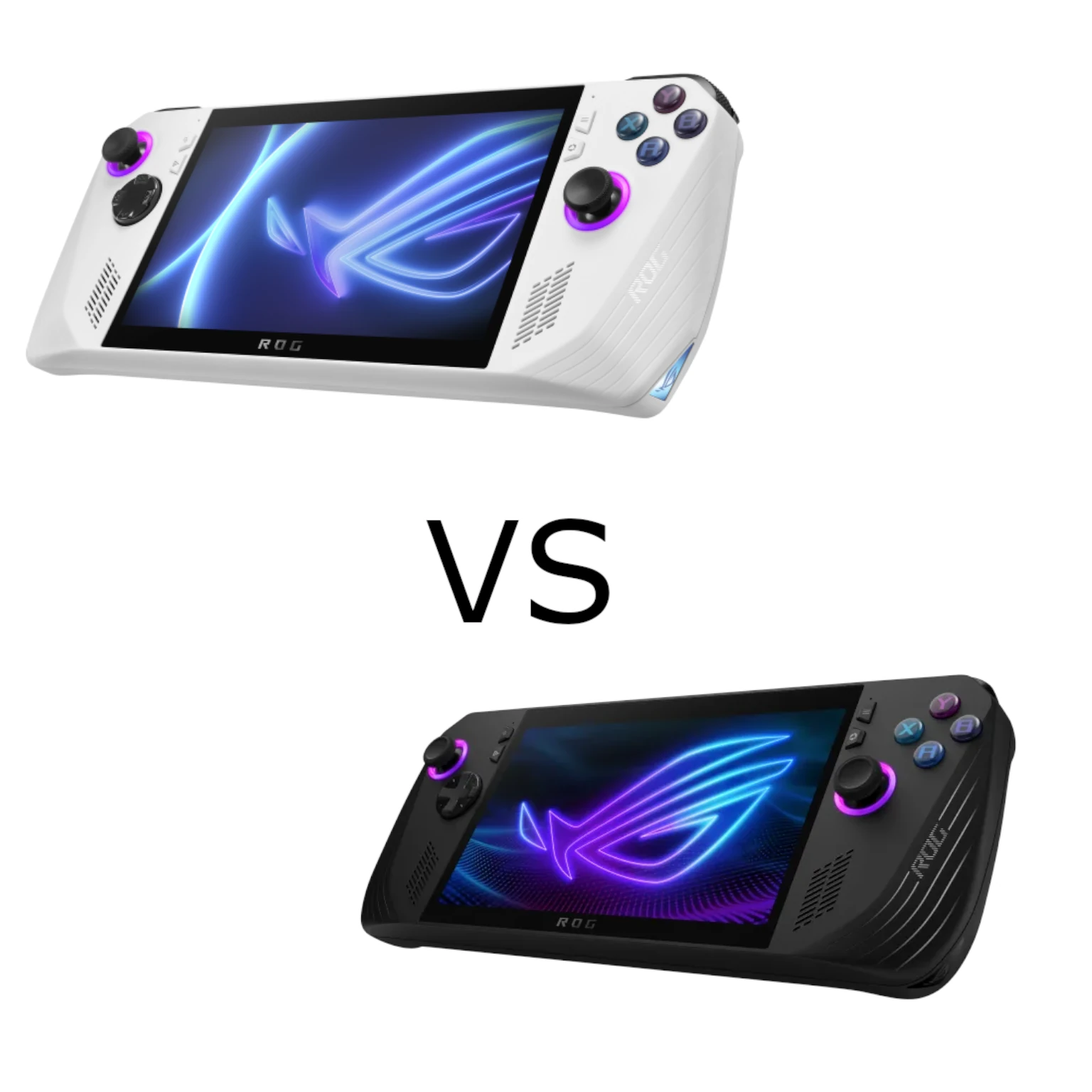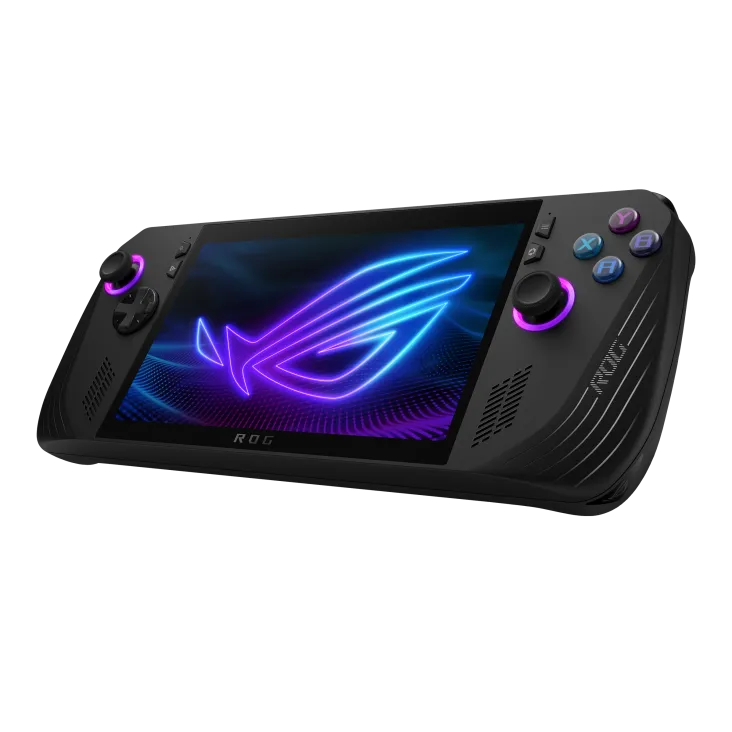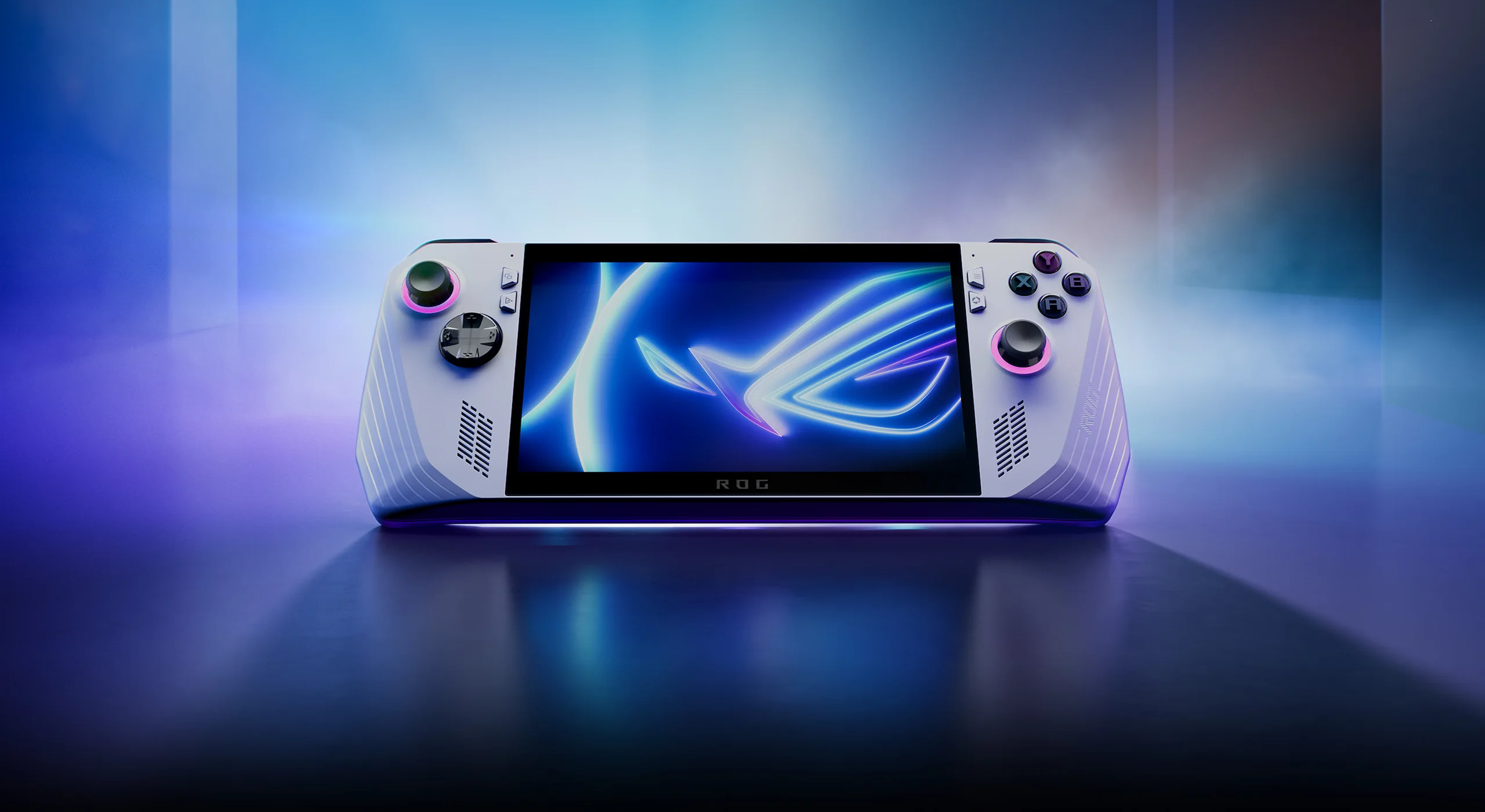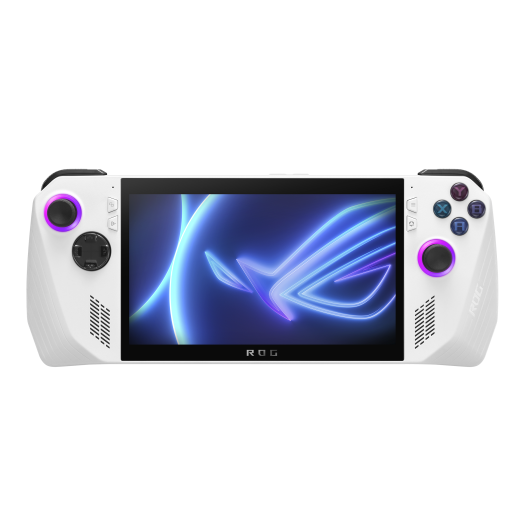
Calling all mobile gamers! Are you tired of sacrificing performance for portability? Enter the ASUS ROG Ally, a handheld gaming powerhouse that shatters expectations. This isn't your average retro throwback; the ROG Ally boasts cutting-edge specs designed to deliver desktop-caliber gaming in the palm of your hands.
This overview concerns the original 2023 ROG Ally RC71L with Ryzen Z1 Extreme, not the later Ally X or Xbox Ally models. The positive verdict expresses the article's assessment of the design; it is not a claim that every game matches a desktop PC at the same settings.
Unleash the Beast Within: AMD Ryzen Z1 Extreme & RDNA 3
The ROG Ally isn't just another handheld console. It's a portable PC disguised as a gamer's dream. At its core lies the mighty AMD Ryzen Z1 Extreme processor, wielding the power of the "Zen 4" architecture and a 4nm manufacturing process. This translates to smooth gameplay, exceptional frame rates, and the ability to run even the most demanding titles.
Backing up this processing muscle is the integrated AMD Radeon RDNA 3 graphics, boasting 12 compute units and clocking speeds of up to 2.7 GHz. This translates to stunning visuals and silky smooth performance, ensuring your in-game worlds come alive.
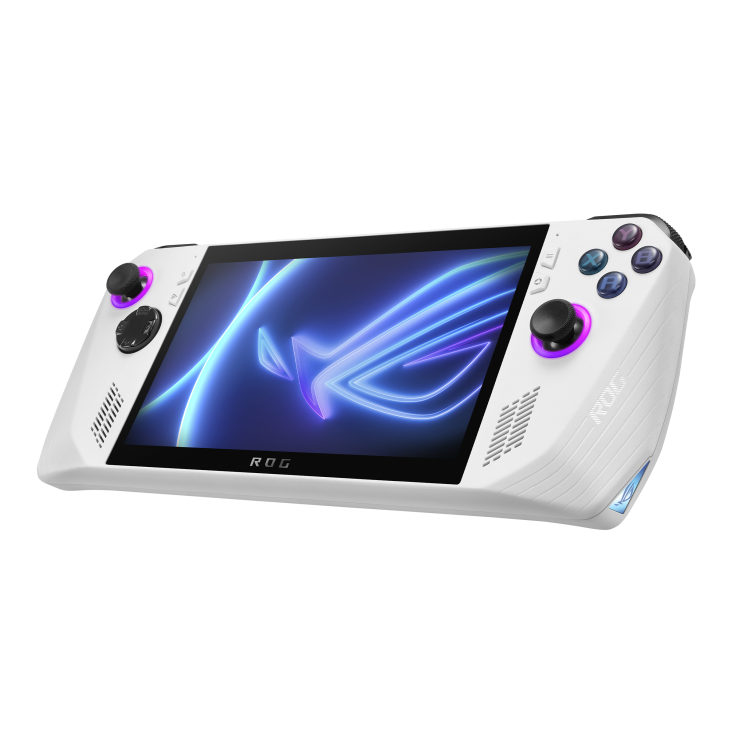
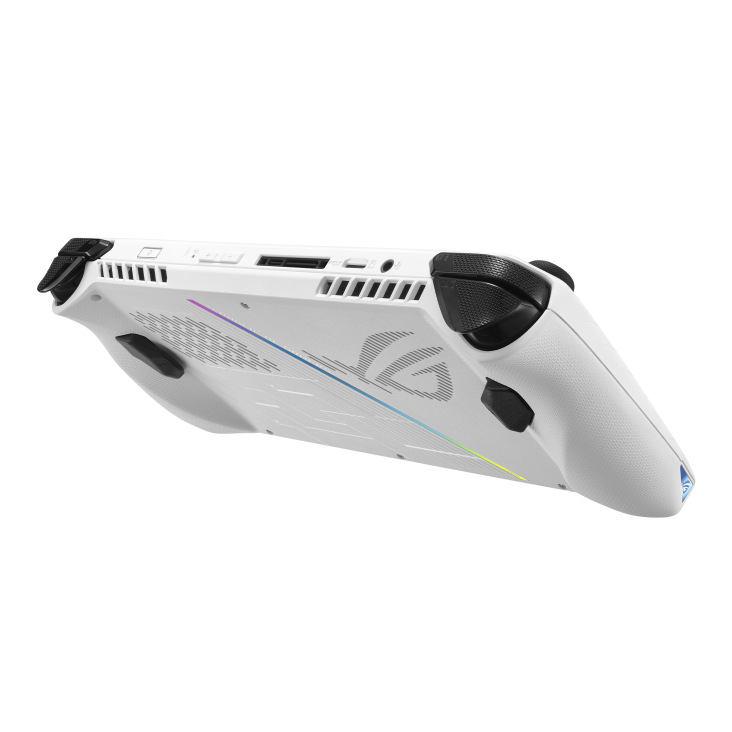
Keeping It Cool Under Pressure: The Zero Gravity Thermal System
Power without thermal control leads to clock-speed throttling and uncomfortable surface temperatures, especially in a 608-gram handheld chassis. To solve this, the ROG Ally introduces ASUS's Zero Gravity Thermal System, which combines dual Fluid Dynamic Bearing (FDB) fans, thin heatsink fins, and specialized anti-gravity capillary mesh heatpipes.
ASUS explains that a specially constructed wick and additional powdered copper help fluid circulate in the heatpipe when the device is held in different orientations. Two fans move air through the heatsinks; the heatpipe and fans perform complementary parts of cooling. This design addresses handheld use, but sustained temperatures and fan noise still depend on load, mode and ambient conditions. Keep the intake and exhaust clear during use.
Built to Conquer Every Challenge
The ROG Ally doesn't just boast raw power; it's a customizable beast. With 16GB of onboard LPDDR5 memory rated at 6400 MT/s, the Ally supplies shared memory for the CPU and integrated GPU. Memory speed alone does not establish game-loading time or eliminate multitasking limits. Storage options include a generous 512GB PCIe Gen 4 SSD for your game library, with the added flexibility of a UHS-II microSD card slot for further expansion.
ASUS ROG Ally Complete Technical Specifications
| Feature | Specification |
|---|---|
| Processor | AMD Ryzen Z1 Extreme Processor |
| Graphics | AMD Radeon RDNA 3 Graphics (12 CUs) |
| Memory | 16GB onboard LPDDR5, 6400 MT/s |
| Storage | 512GB PCIe Gen 4 SSD (expandable via UHS-II microSD) |
| Display | FHD (1920 x 1080) 16:9 with AMD FreeSync |
Beyond Just Gaming: Full Windows 11 Versatility
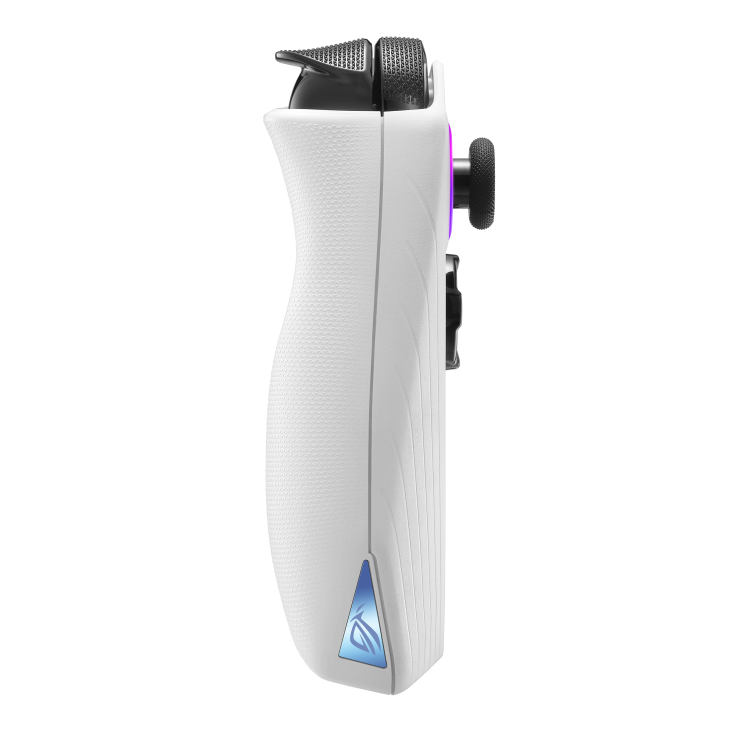
The ROG Ally's versatility extends far beyond the realm of gaming. With Windows 11 Home pre-installed, you can leverage it for productivity tasks, creative work, or simply browsing the web. The ergonomic design ensures comfortable use for extended periods, making it a true all-in-one portable powerhouse.
Who Is the ROG Ally For?
The ROG Ally is perfect for:
- Hardcore Gamers: Experience AAA titles at their finest with desktop-grade performance.
- Frequent Travelers: Take your gaming library with you, conquer boredom wherever you roam.
- Content Creators: Edit photos, stream gameplay, or unleash your creative vision on the go.
- Students: Juggle studies and entertainment with ease thanks to the Ally's versatility.
The Verdict: Unmatched Power, Unbound Freedom
The ASUS ROG Ally isn't just a handheld console; it's a revolution. Experience desktop-caliber gaming in the palm of your hands, conquer any challenge with its customizable power, and enjoy unmatched versatility for work and play. If you crave uncompromised performance and the freedom to game anywhere, the ROG Ally is your ultimate companion. Visit the ASUS ROG website or your nearest authorized retailer to claim yours today!
What the display can and cannot do
The official specification lists a 7-inch 1920×1080 IPS-level touchscreen, 120 Hz refresh rate, 500-nit brightness and FreeSync Premium. Variable refresh helps align screen updates with rendered frames within the supported operating range. It does not make the GPU render at 120 FPS, guarantee a particular game's frame rate or remove every source of stutter.
Resolution and image-quality settings remain important. Compare the same scene before and after reducing rendering resolution or enabling a supported upscaler. Look at text, fine detail and movement on the actual small screen, not just a frame counter. A setting that suits a fast action game may not suit a strategy game with small interface elements.
Operating modes and battery planning
The original Ally has a 40 Wh battery. ASUS's setup and optimisation guide describes the standard power modes below. These are processor operating profiles rather than the complete handheld's battery draw:
| Mode | Documented original Ally setting | What to evaluate |
|---|---|---|
| Silent | 10 W | Whether your lighter game meets its desired frame rate |
| Performance | 15 W | Balance of responsiveness, heat and unplugged runtime |
| Turbo on battery | 25 W | Benefit in your particular game versus battery drain |
| Turbo on suitable external power | 30 W | Actual charger/dock negotiation and sustained behaviour |
| Manual | Custom supported settings | Changes from a known baseline, with documented limits |
There is no universal 18 W sweet spot that delivers 90% of Turbo performance or saves exactly 25% battery. A processor limit is not total system consumption: the display, memory, storage and other components also draw power. Measure elapsed runtime with the intended game, screen brightness and wireless use. Do not calculate a reliable travel duration by dividing 40 Wh by the selected processor setting alone.
Start with the supplied profiles before adjusting manual power and fan controls. Change one setting at a time and record what improves and what becomes worse. Keep the same scene, graphics preset and software versions for comparisons. A higher average frame rate may still come with noticeable pauses, noise or reduced battery endurance.
Storage expansion and the original card reader
The RC71L specification lists a 512GB PCIe 4.0 NVMe M.2 2230 SSD and UHS-II microSD reader. The onboard RAM is not a user-swappable memory module, and the internal SSD form factor matters when planning an upgrade. Use the model's service documentation rather than a procedure for a later Ally.
ASUS published a 2024 notice about some RC71L SD card readers not performing as expected, with a US-specific warranty response and instructions for owners elsewhere to contact local support. That historical notice is not a promise of current coverage for every purchase. Check the exact unit, region and current service terms. Reducing a power limit is not an established repair for a faulty reader.
For an existing device, test the reader with non-essential data and keep important files backed up elsewhere. Check enough free SSD space for updates as well as the installed game itself. A large card expands capacity, but it does not guarantee identical loading behaviour for every game or replace a backup.
Make Windows portability work for you
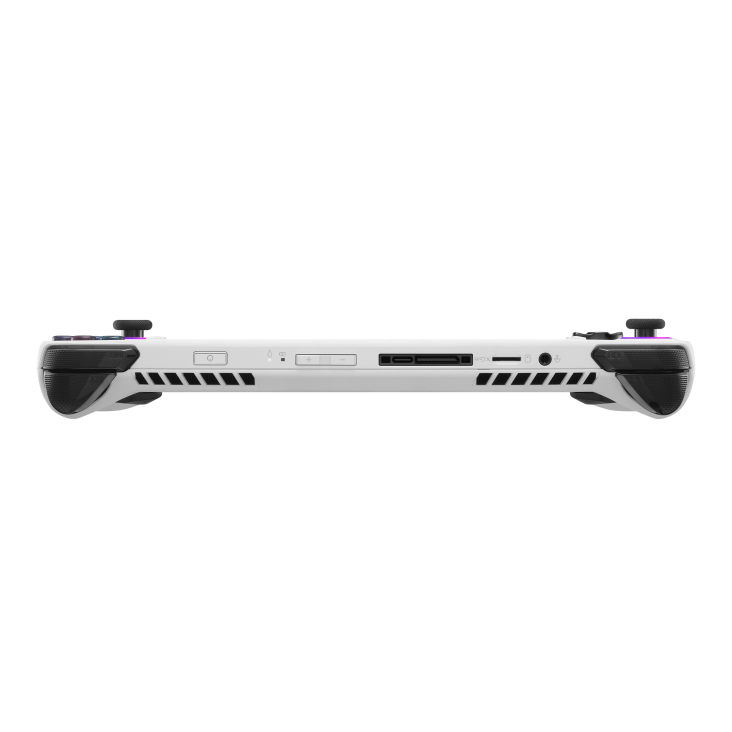
The original Ally offers Wi-Fi 6E and one USB-C/XG Mobile combination connection; it is not the same port layout as the Ally X. Check a dock's display output, charging pass-through and compatibility before assuming it will provide the desktop setup you want. A keyboard and mouse can also make initial Windows and launcher setup easier than controller input alone.
Update Windows, Armoury Crate SE, model-specific firmware and graphics software through the supported paths. Then try the games and launchers you use, including a restart, sleep/resume and any offline mode needed for travel. Complete downloads and required sign-ins before leaving home. Owning a Windows game does not guarantee its launcher permits offline play or that every dialog works comfortably with a controller.
The article's favourable view of the Ally's portability and versatility remains. Use the practical checks above to decide whether those strengths suit your own library and routine. Confirm controls, grip comfort and readable text where possible, and compare sustained behaviour rather than assuming the most demanding game will always run smoothly at its highest settings.